
Word-friendly resume templates
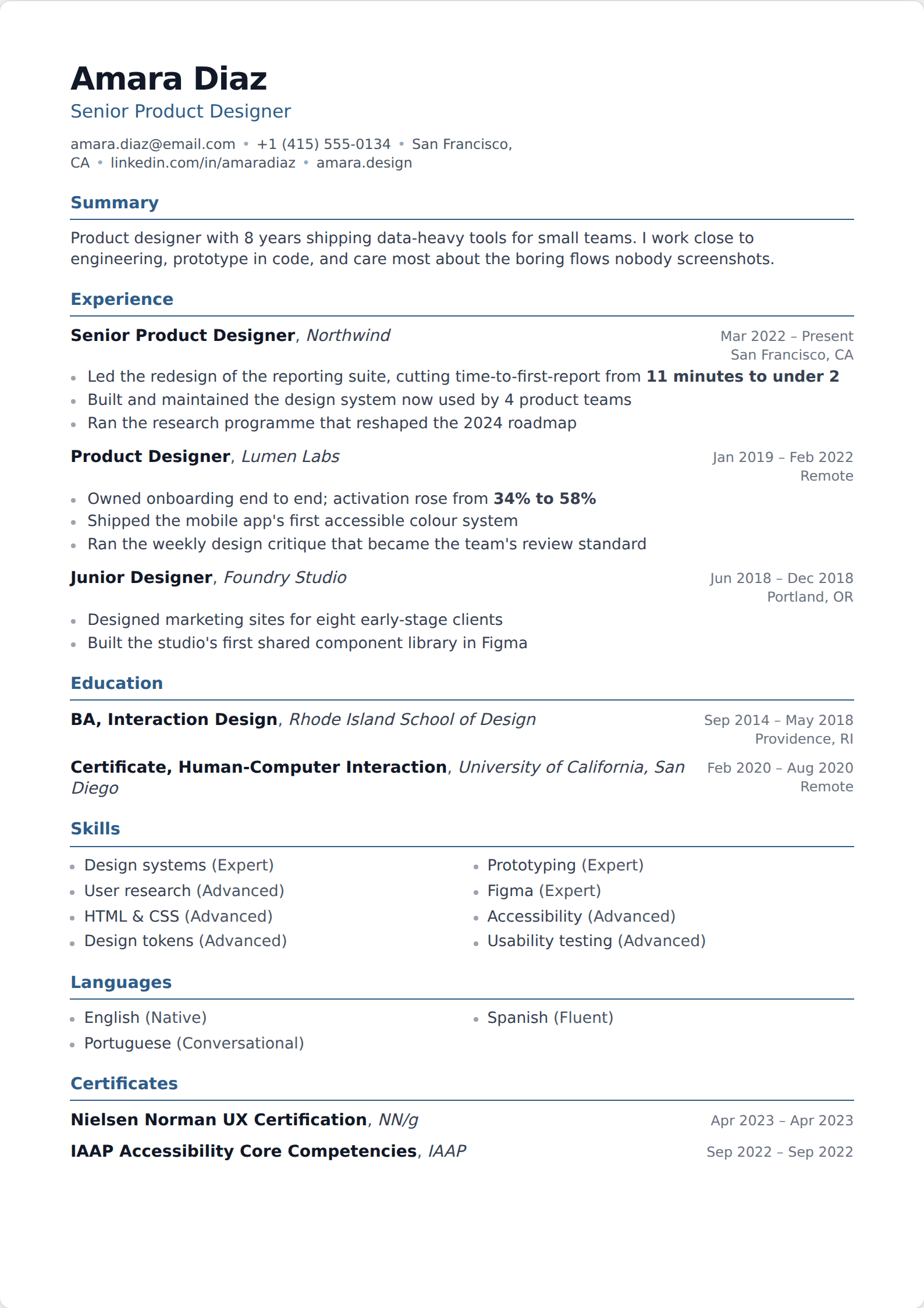
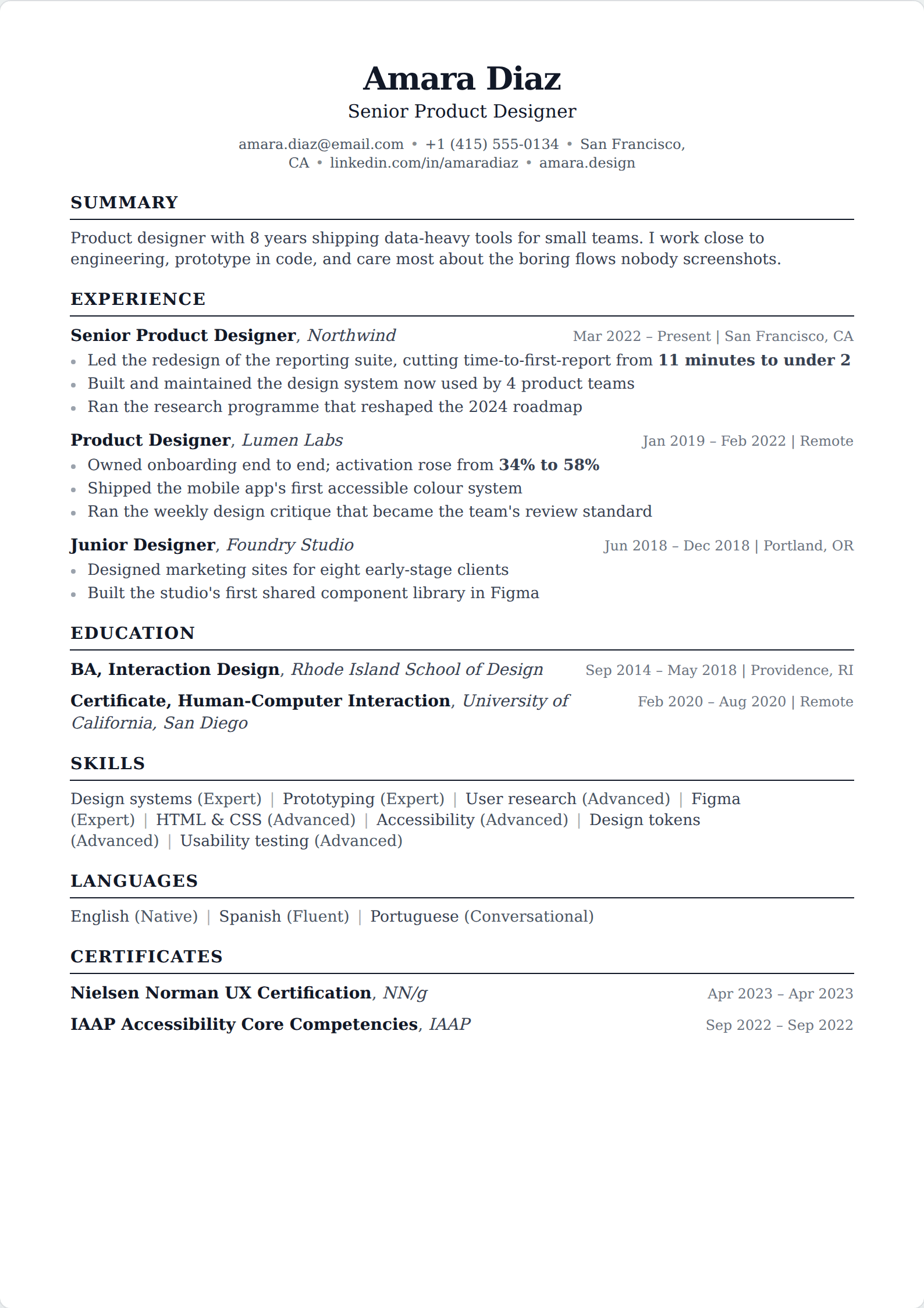
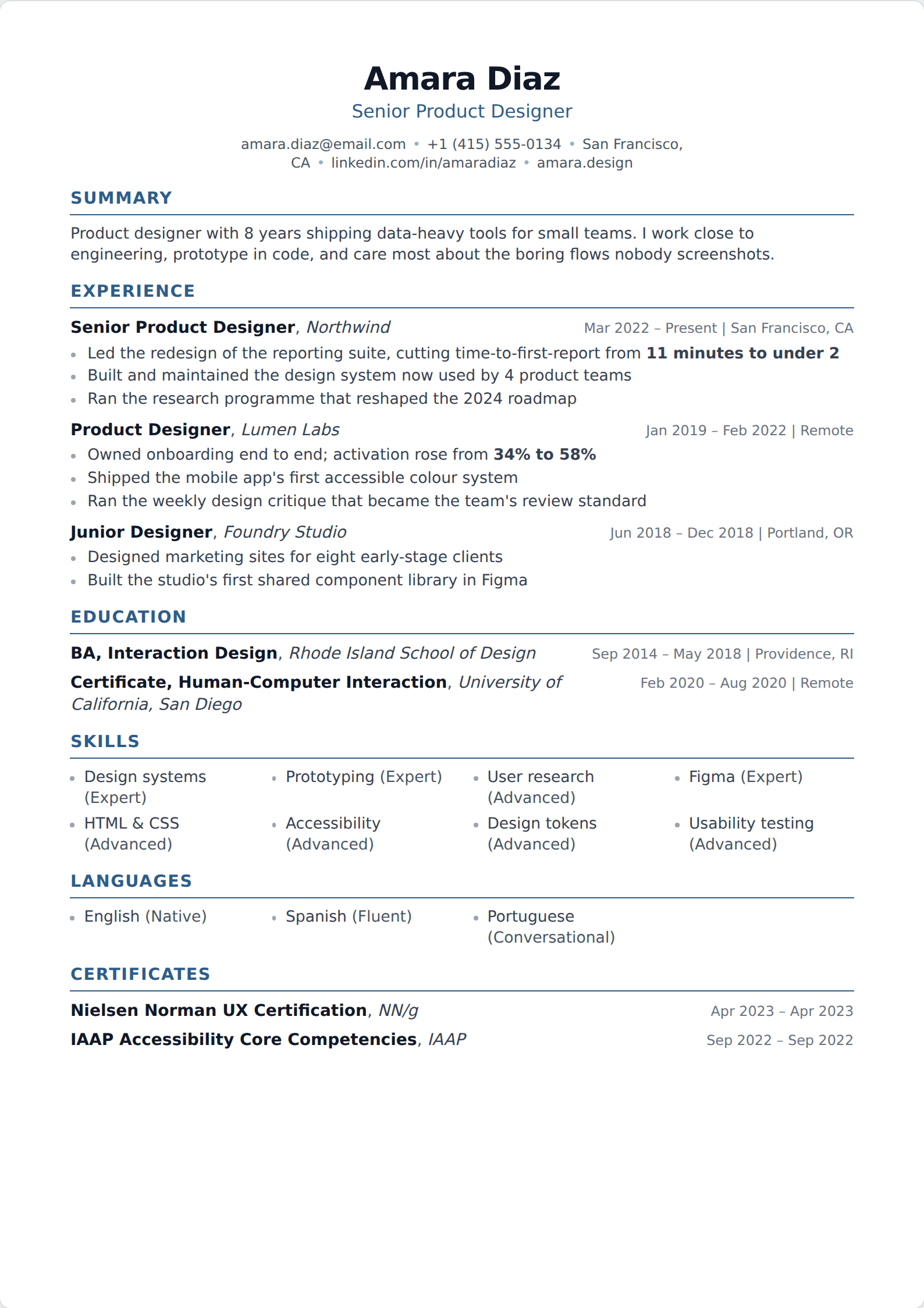
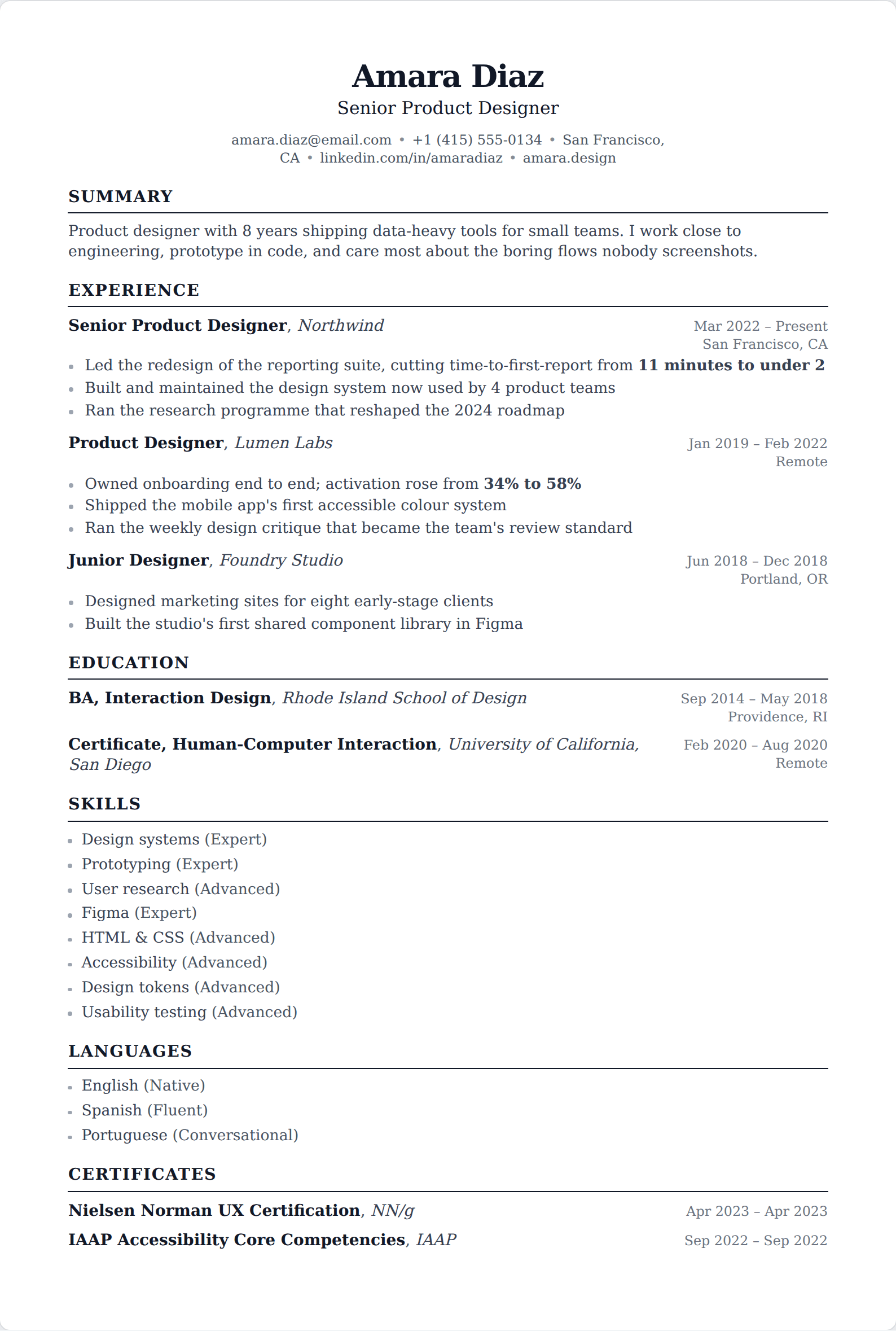
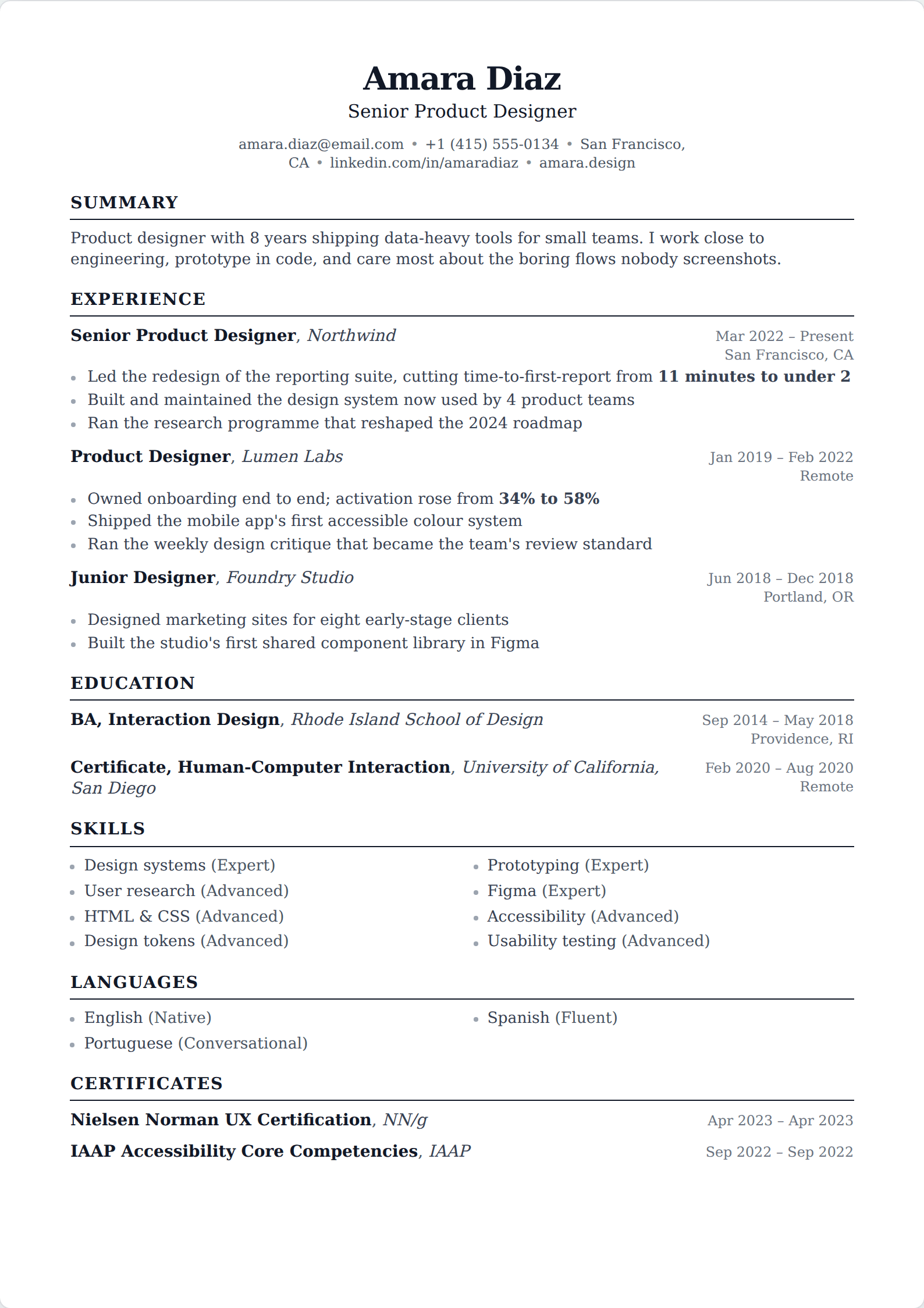
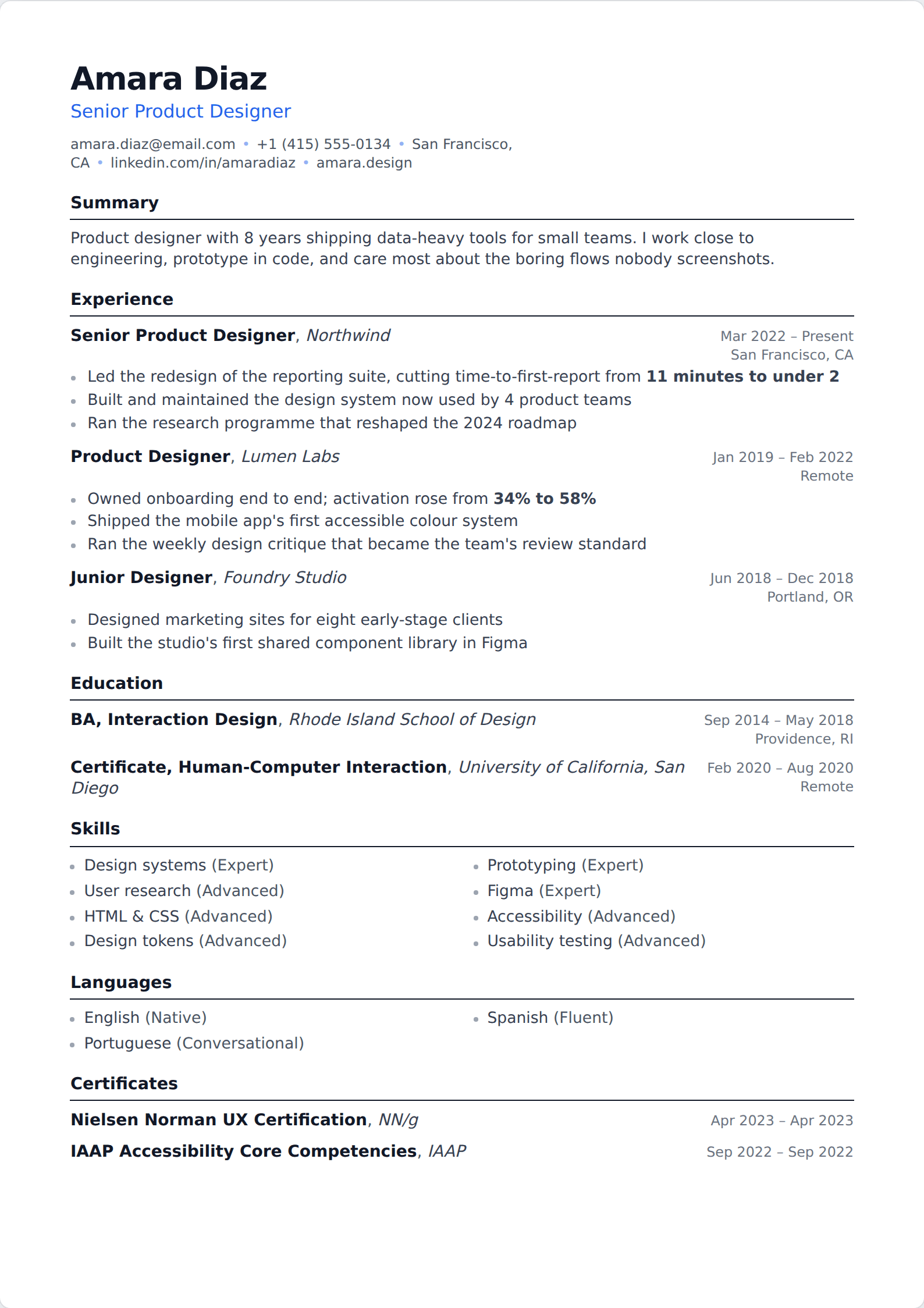
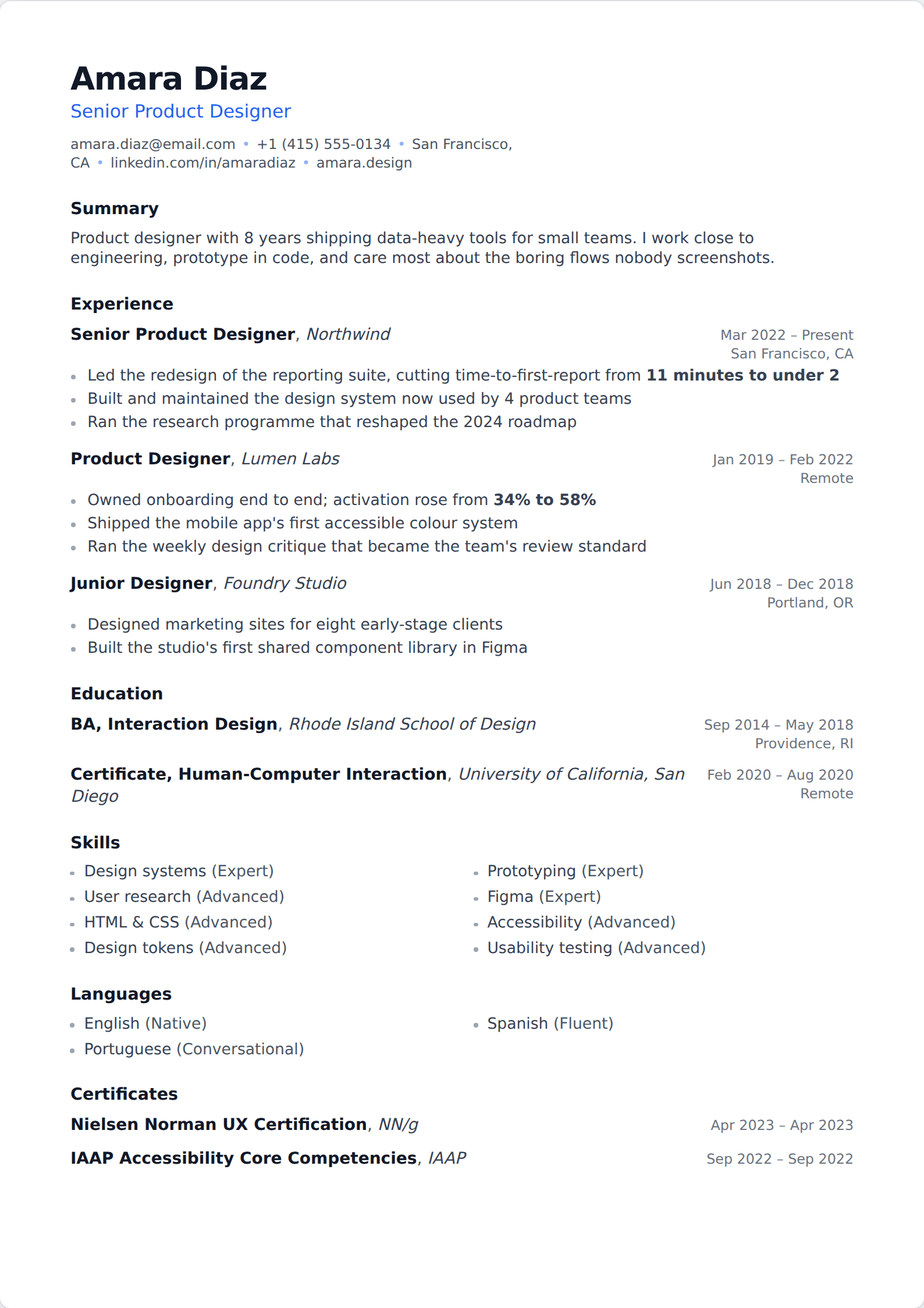
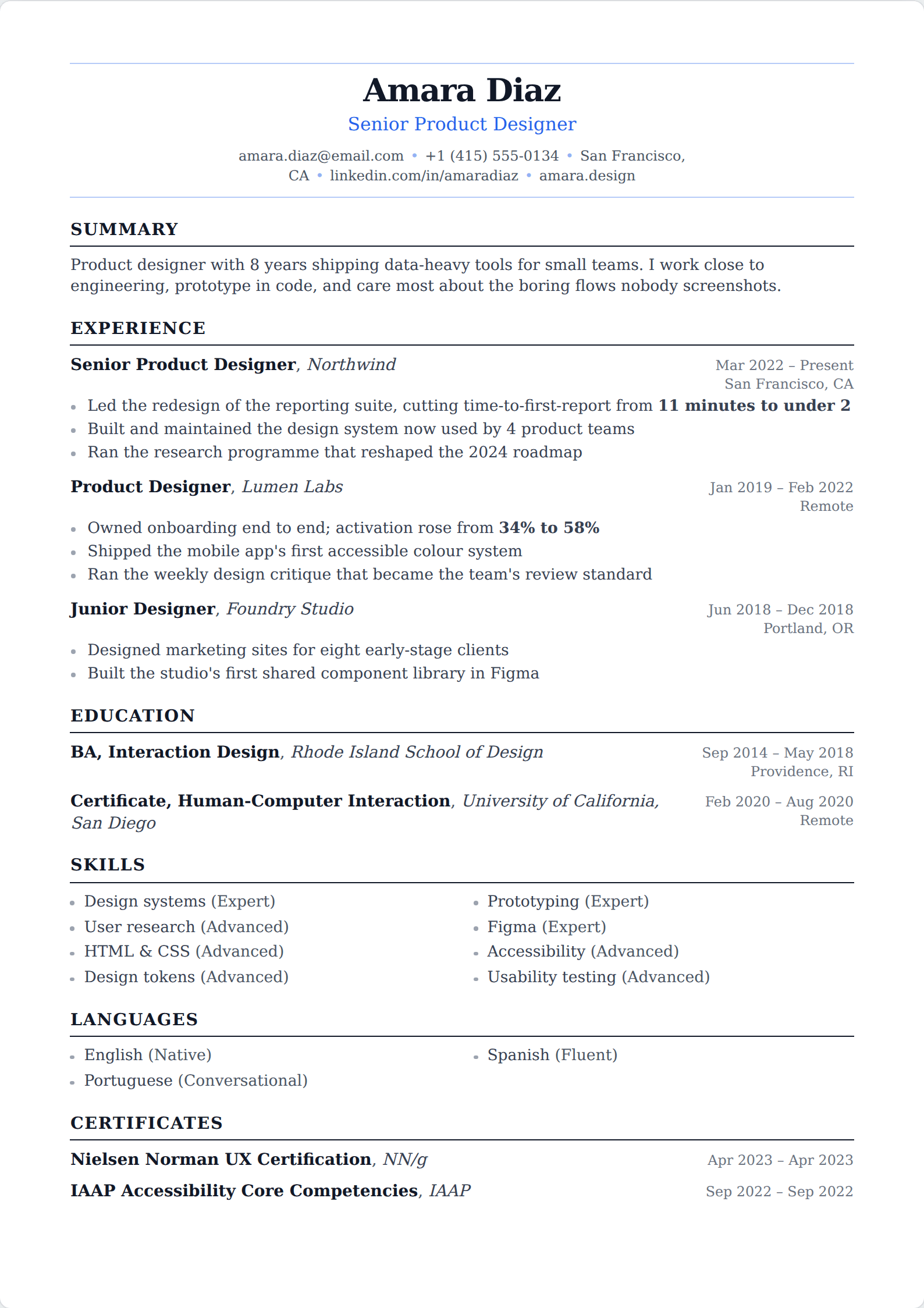
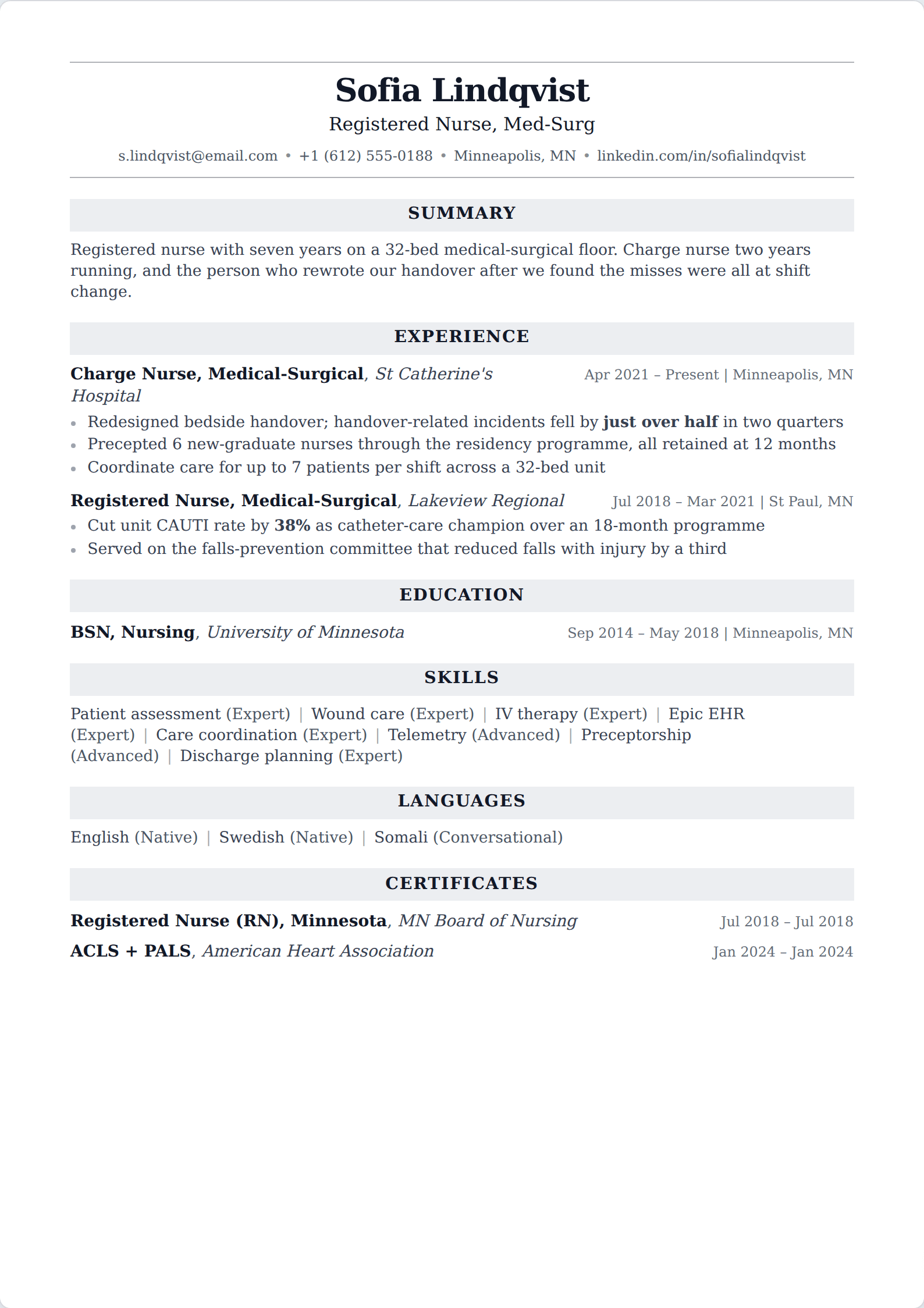
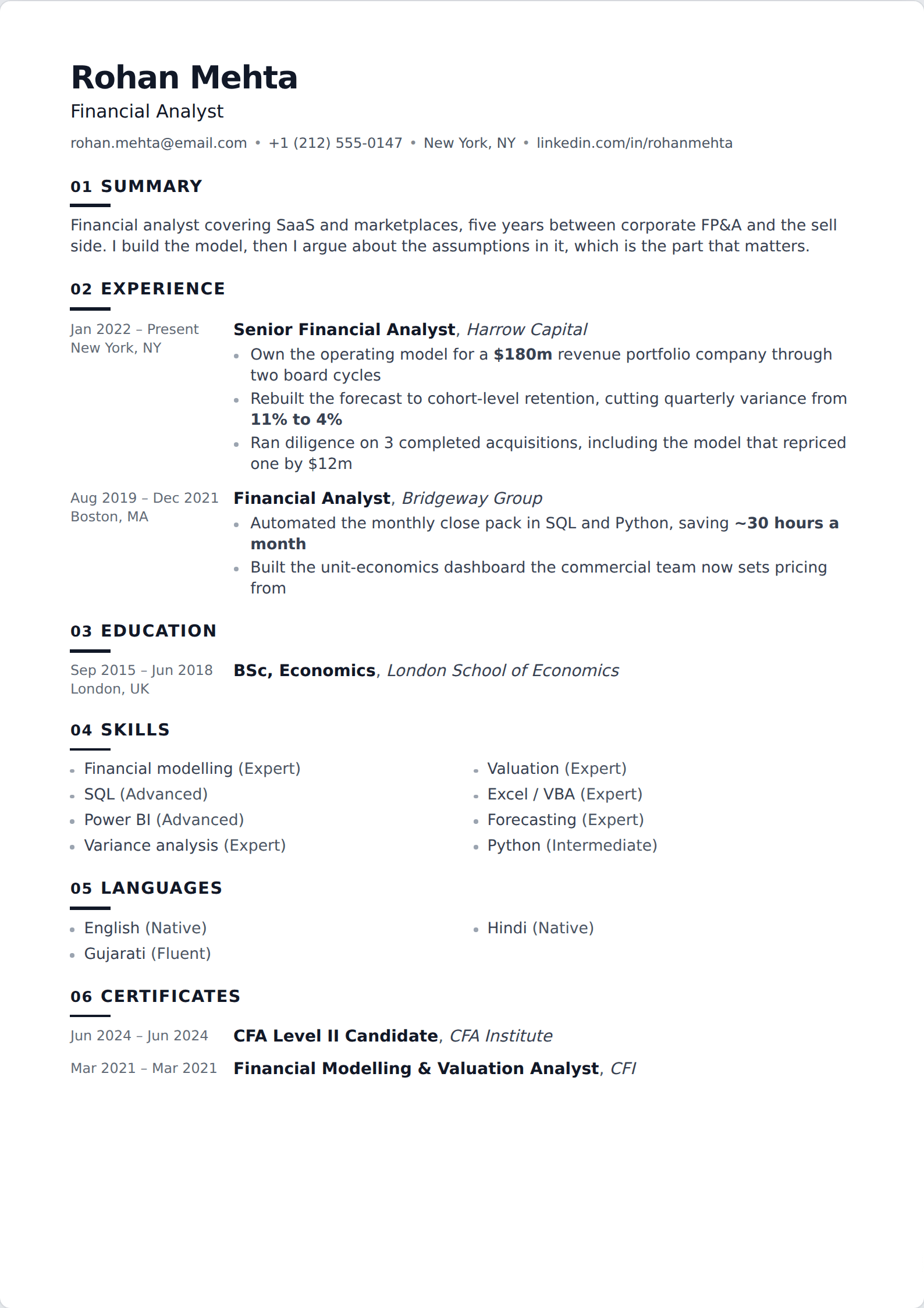
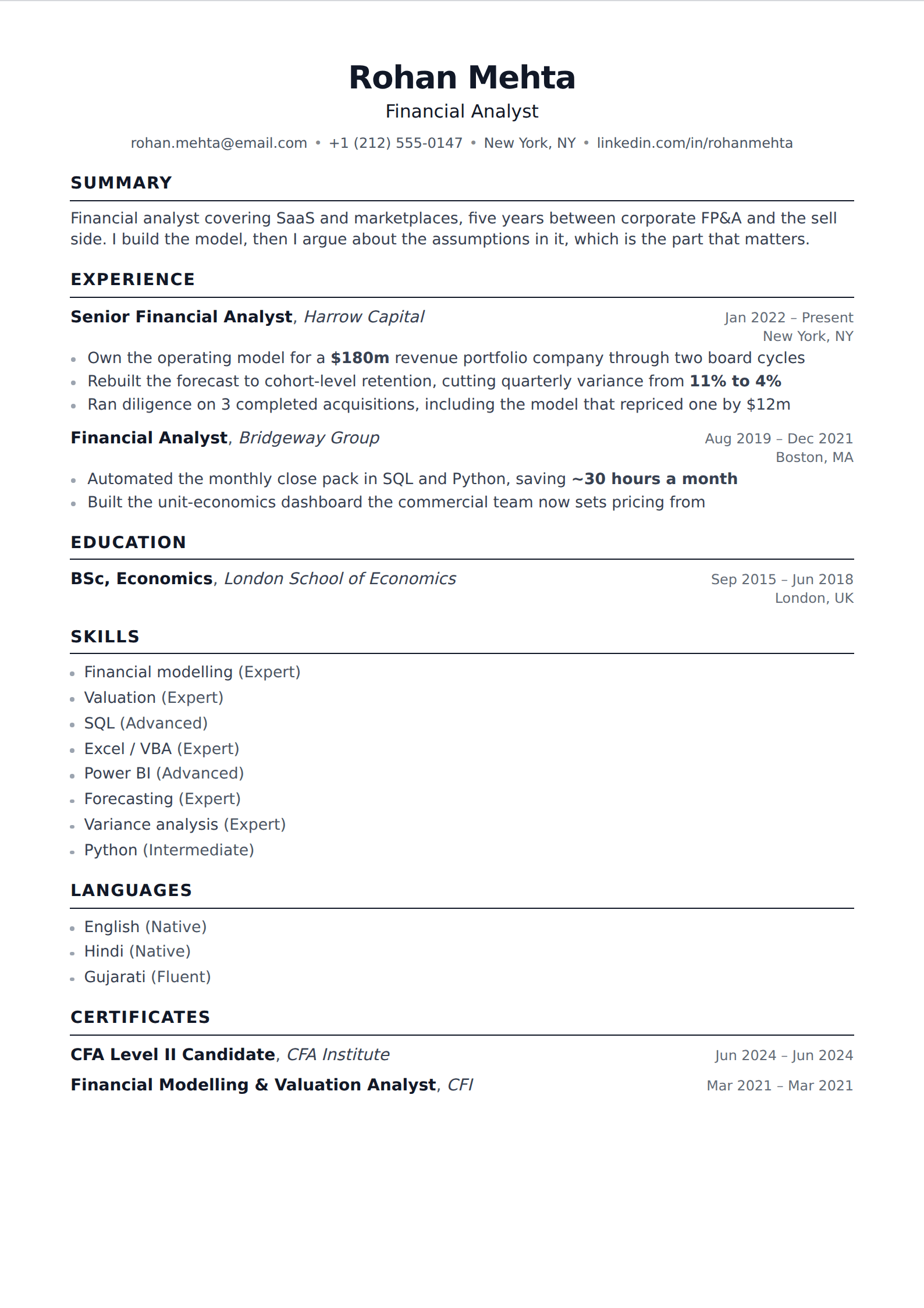
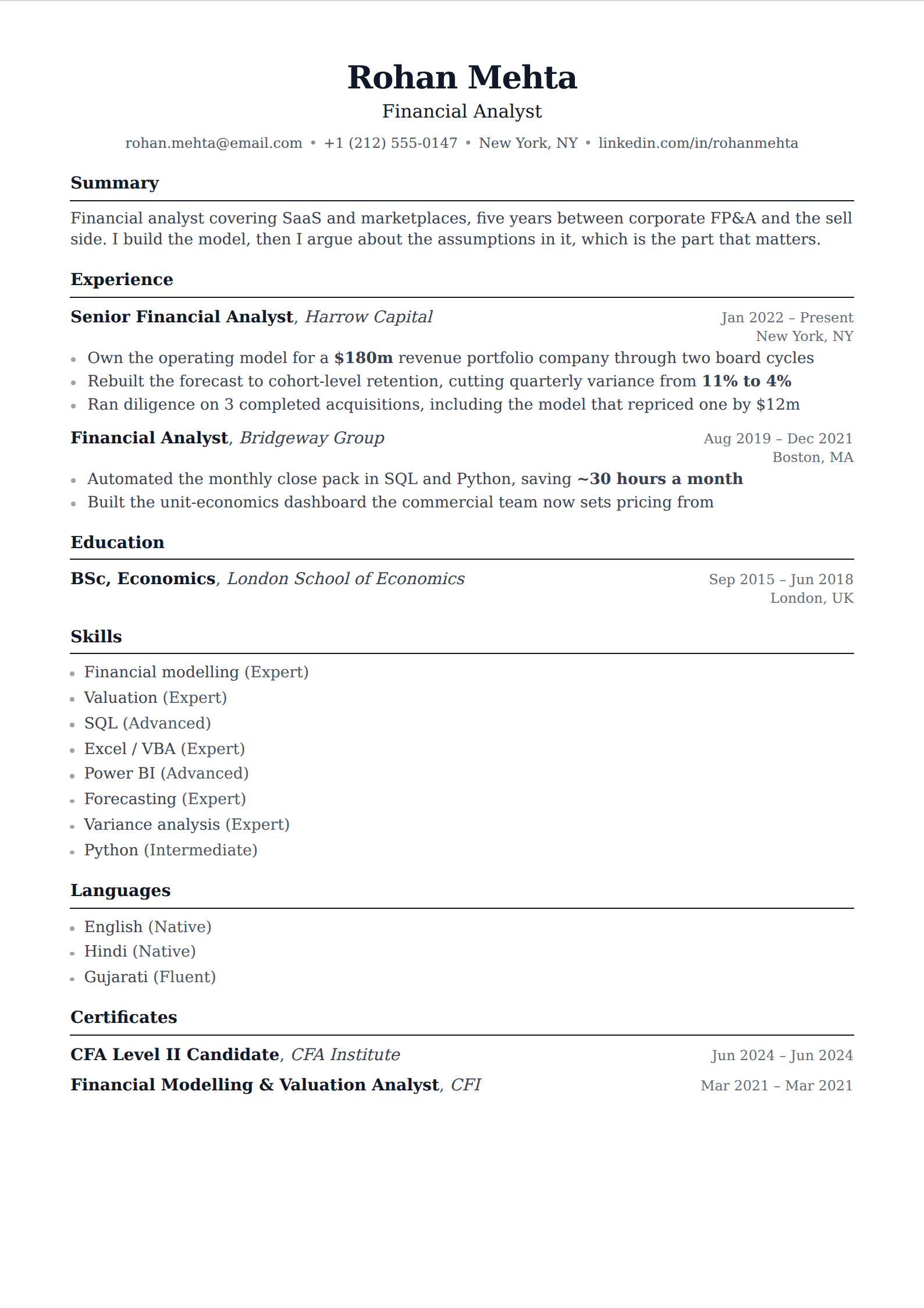
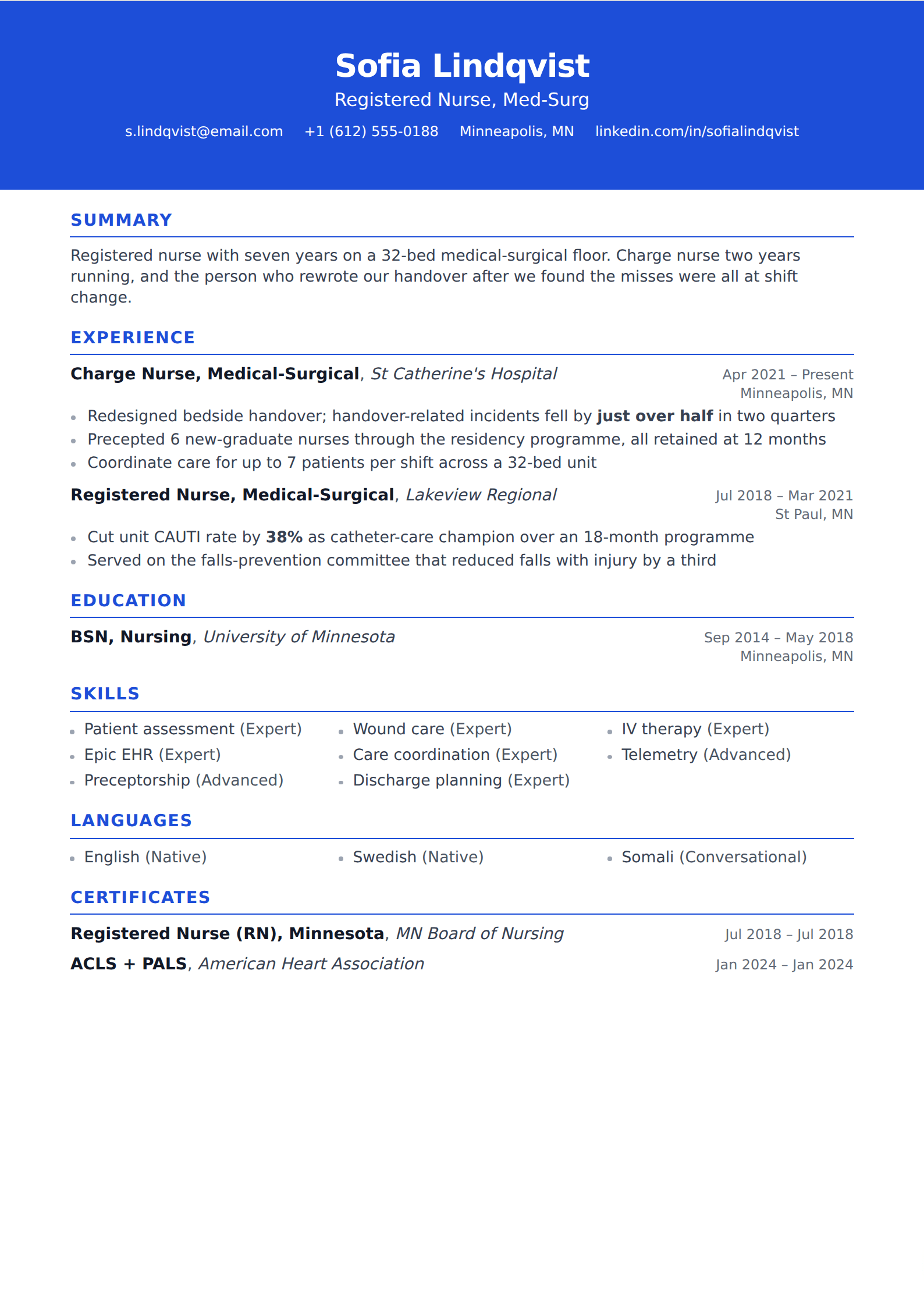
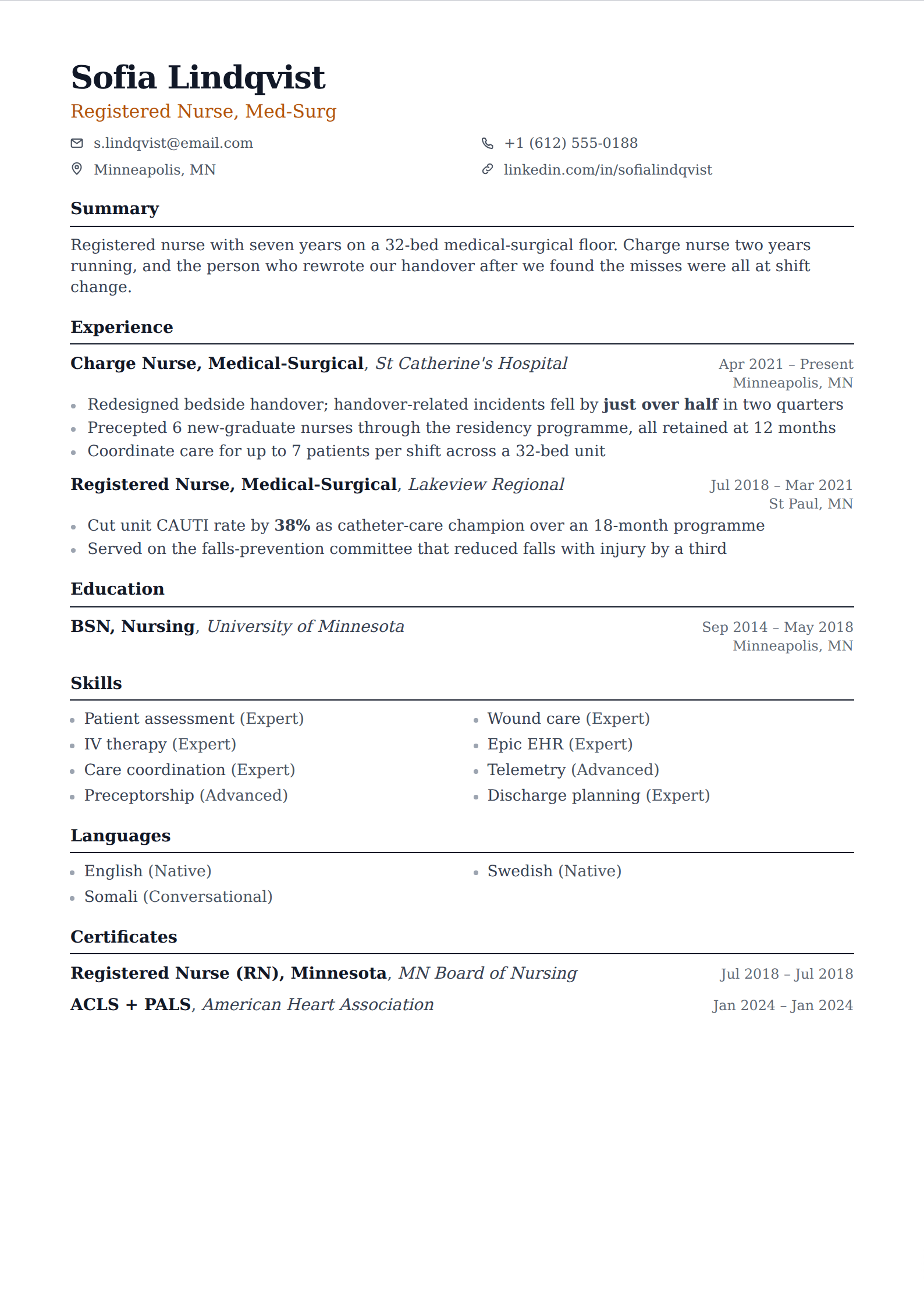
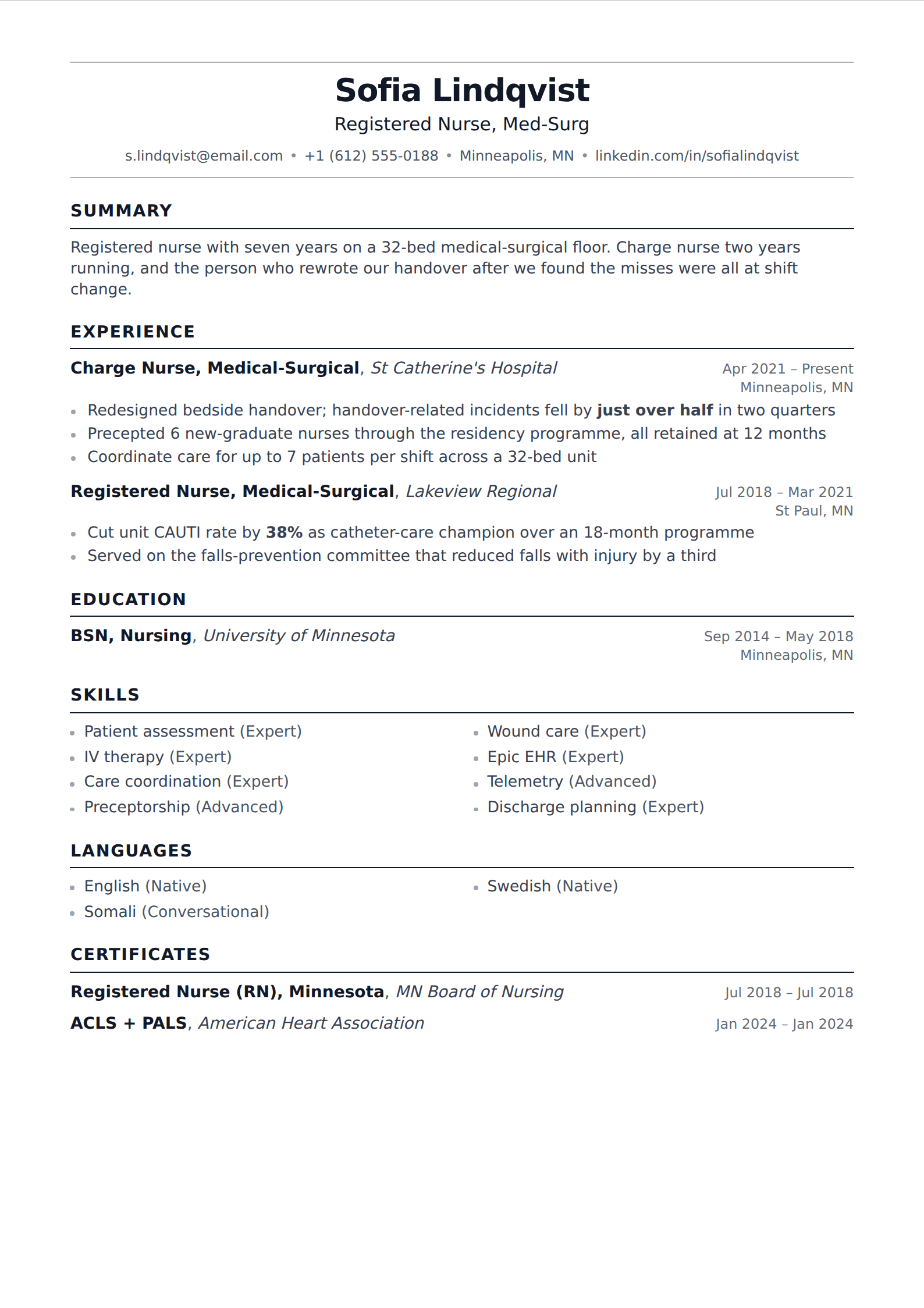
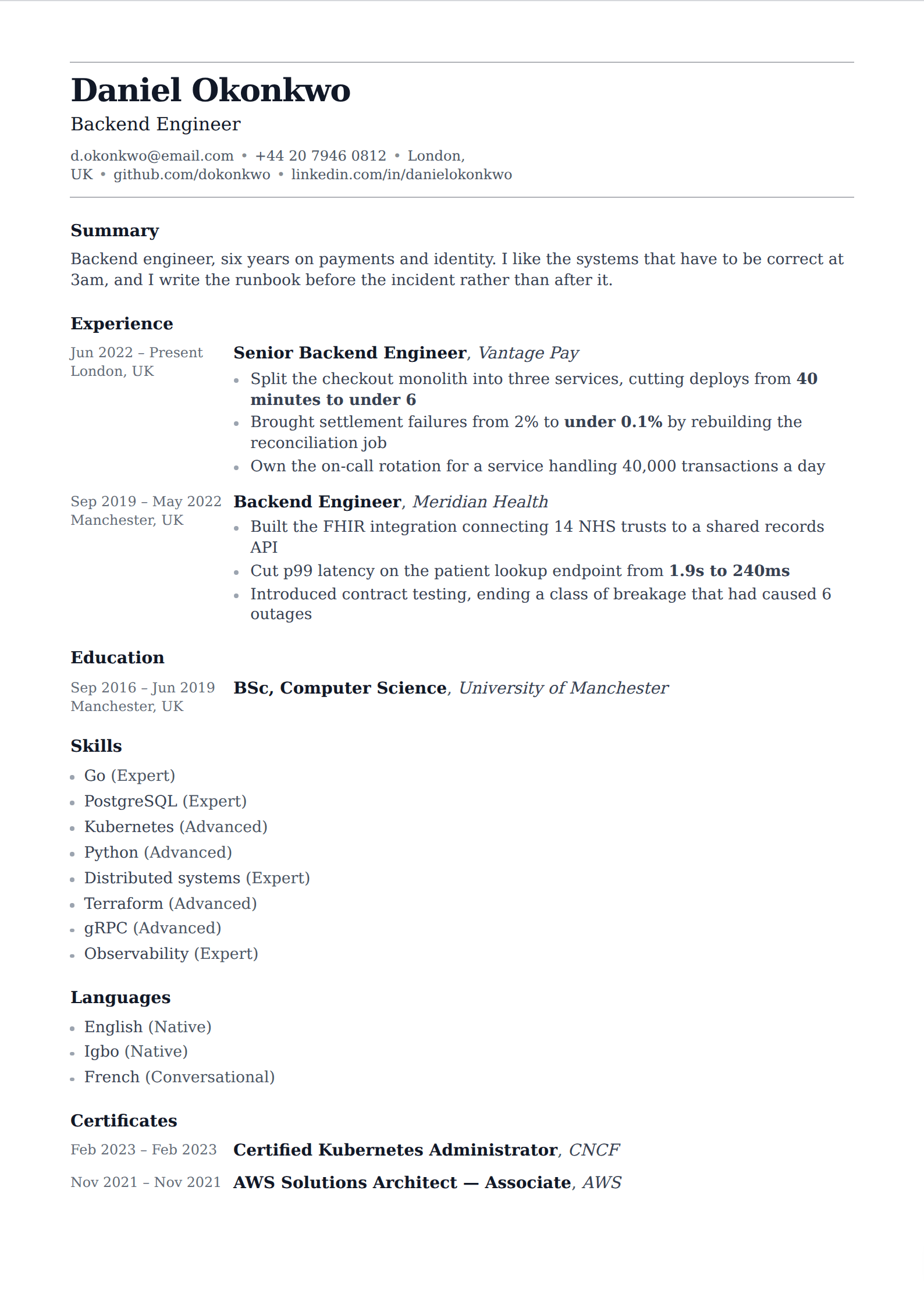
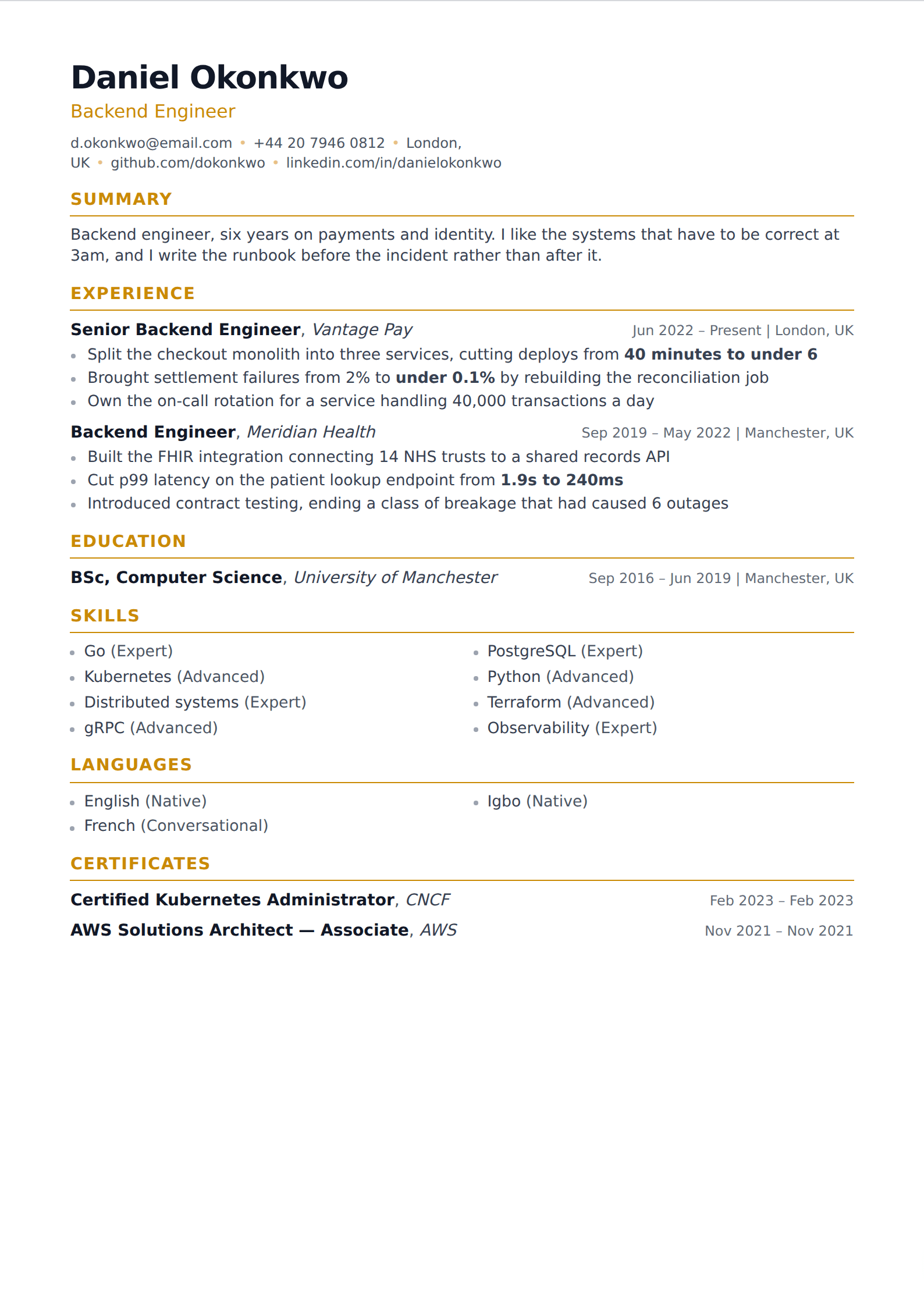
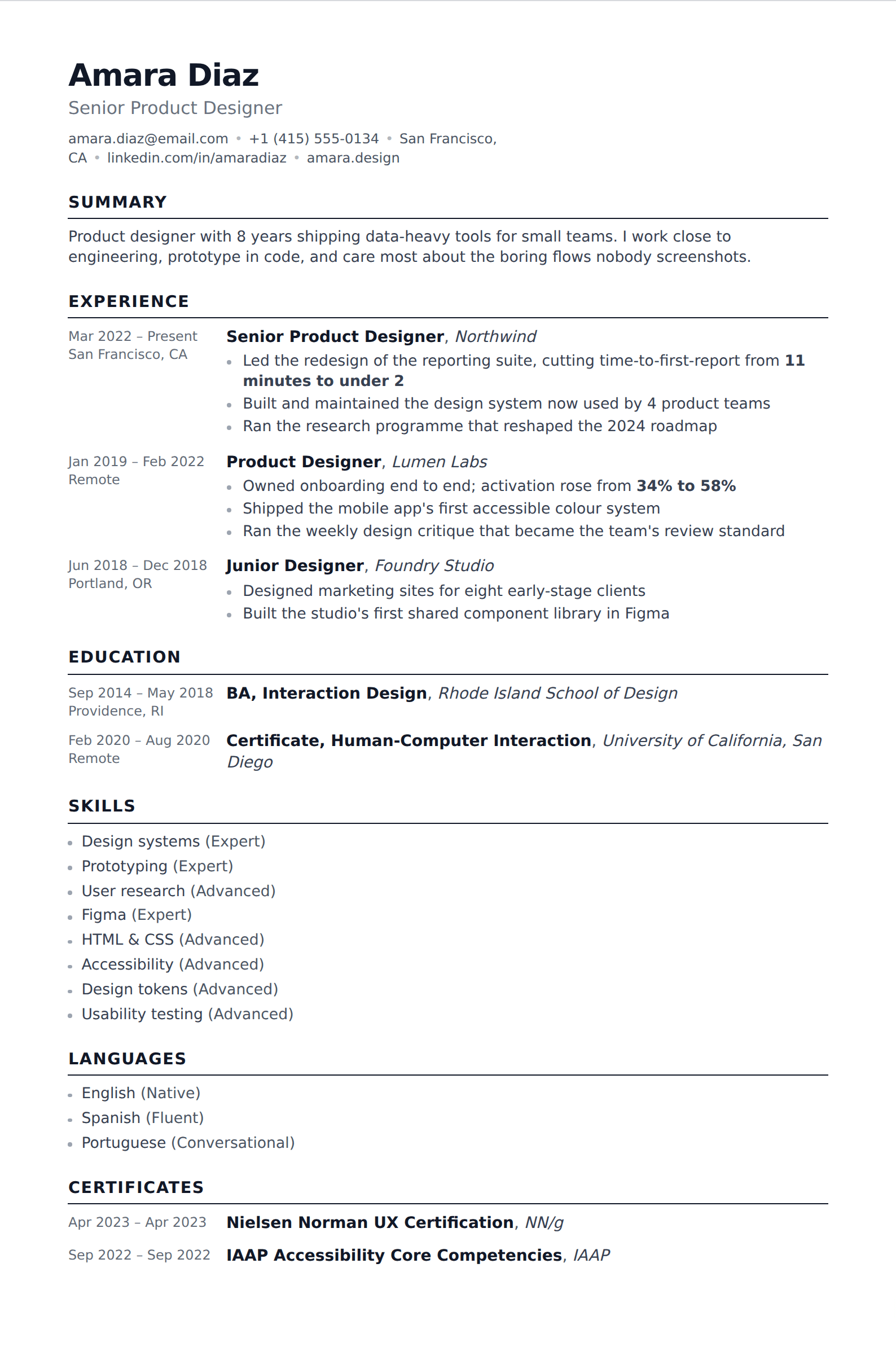
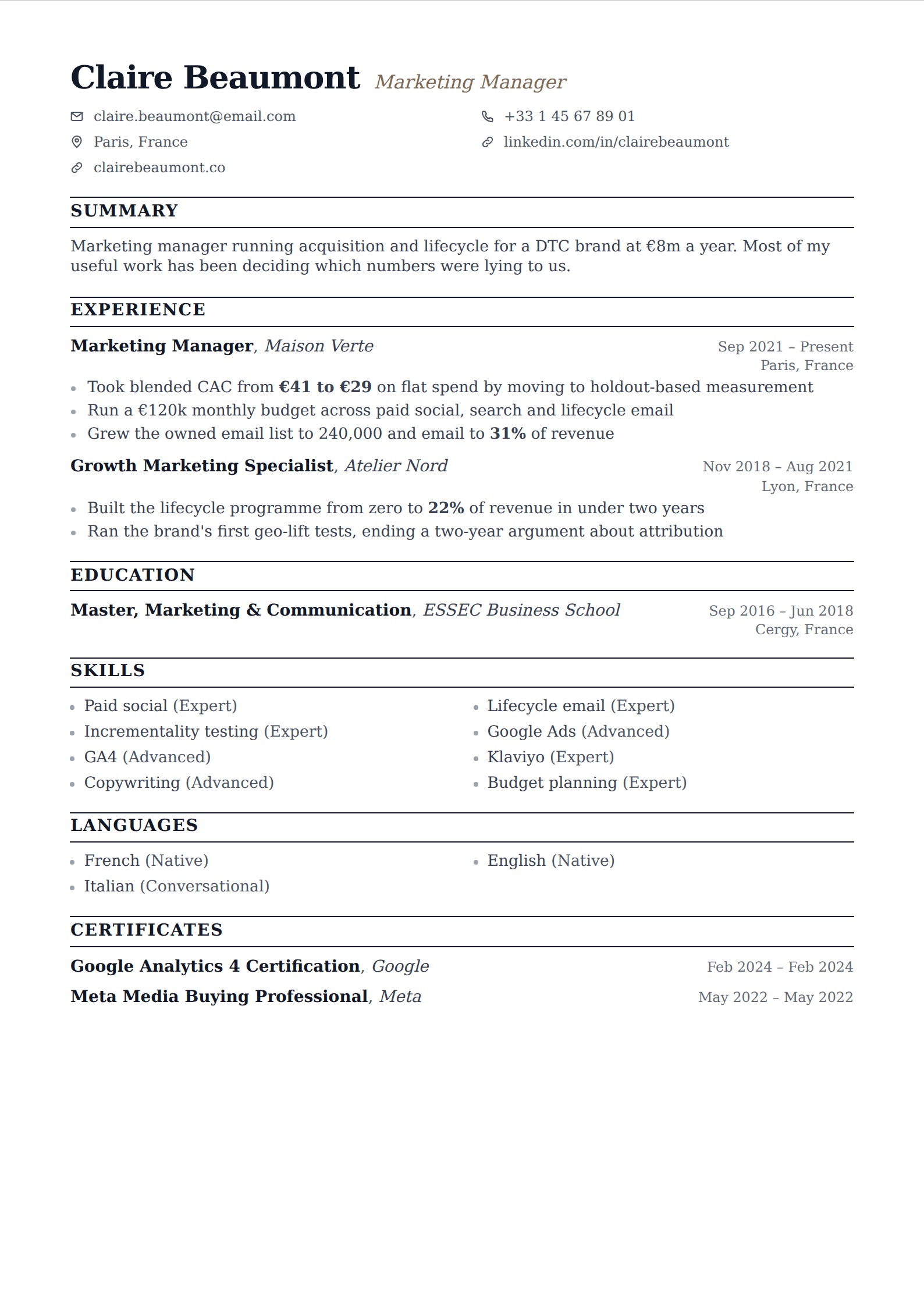
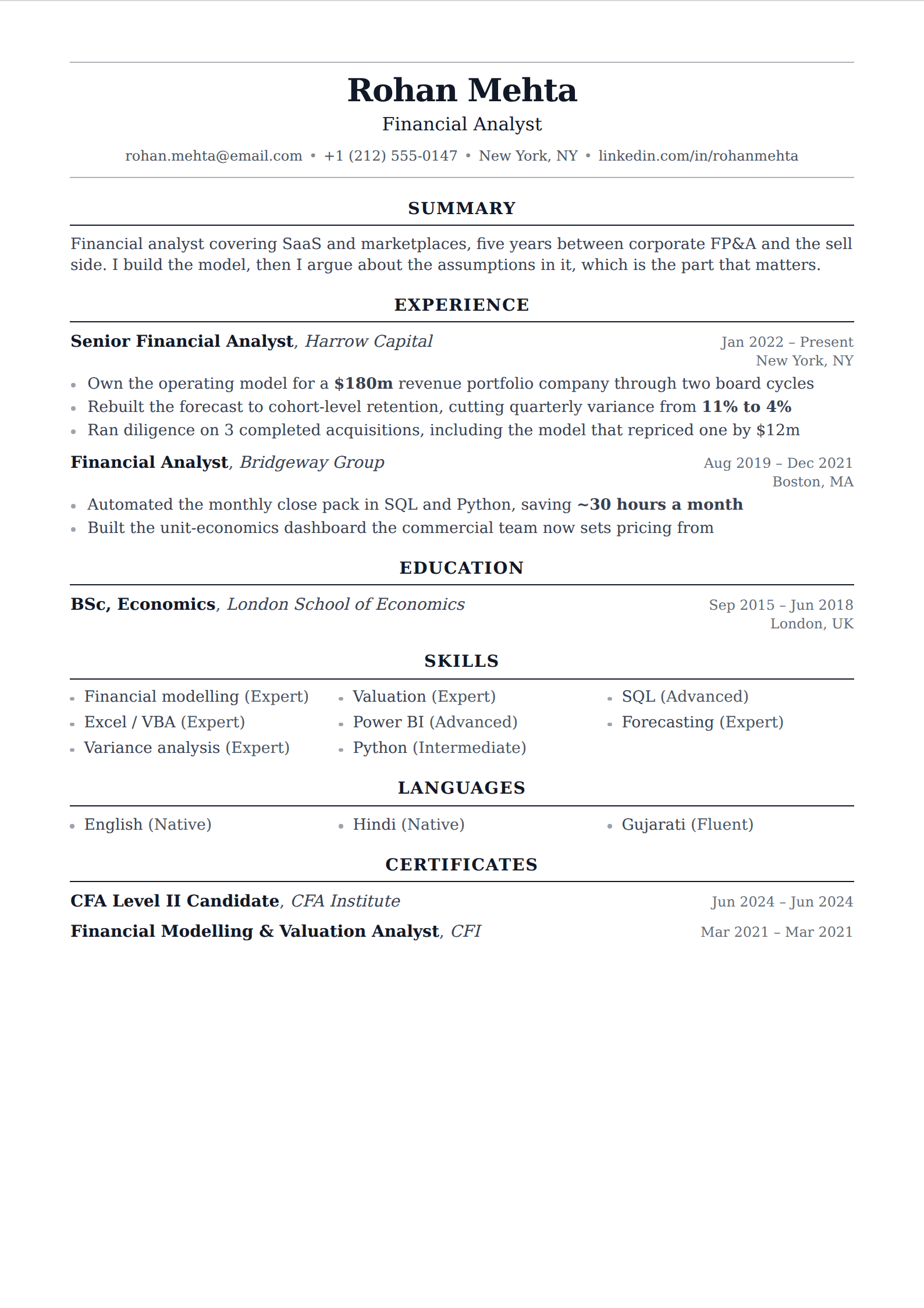
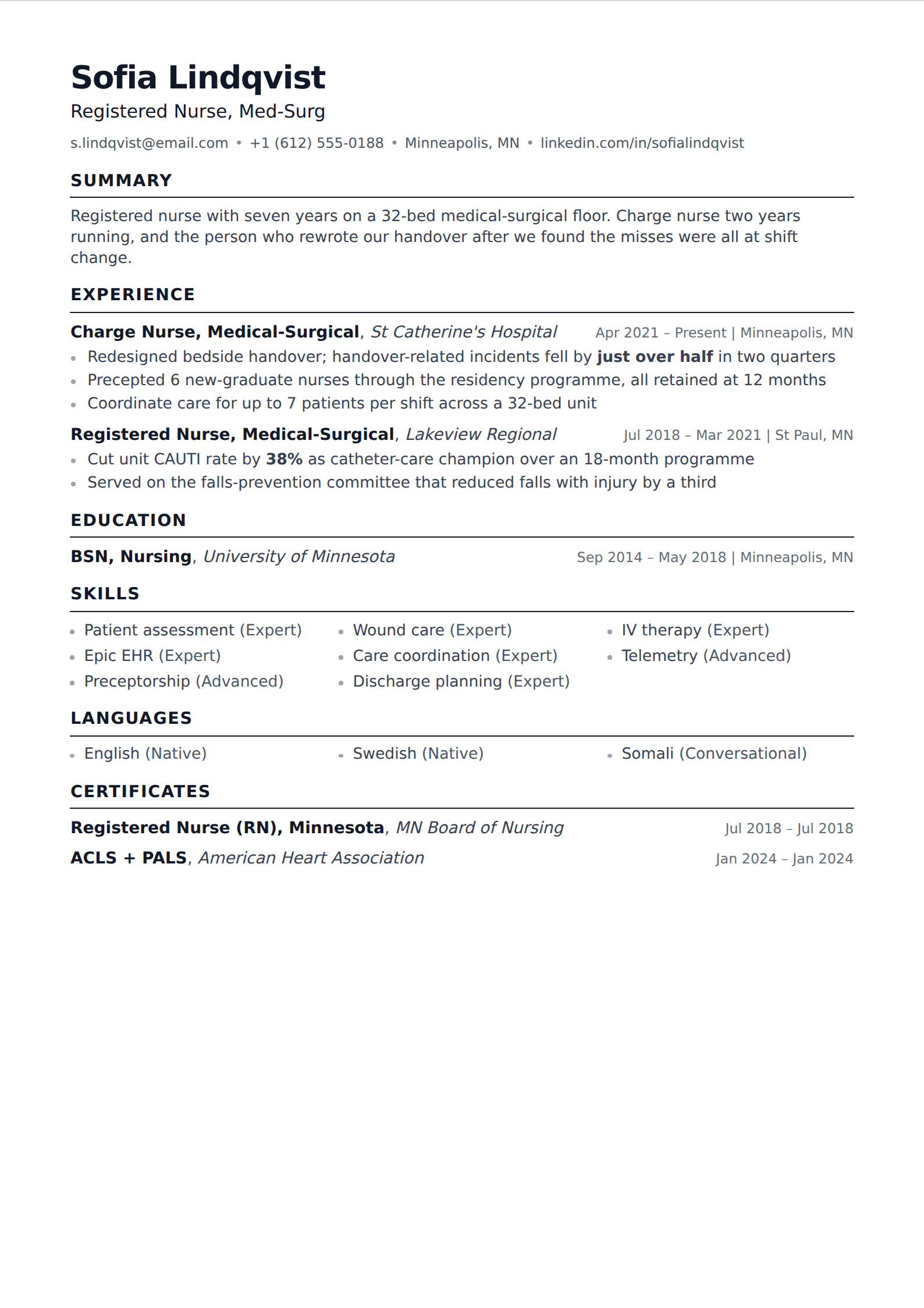
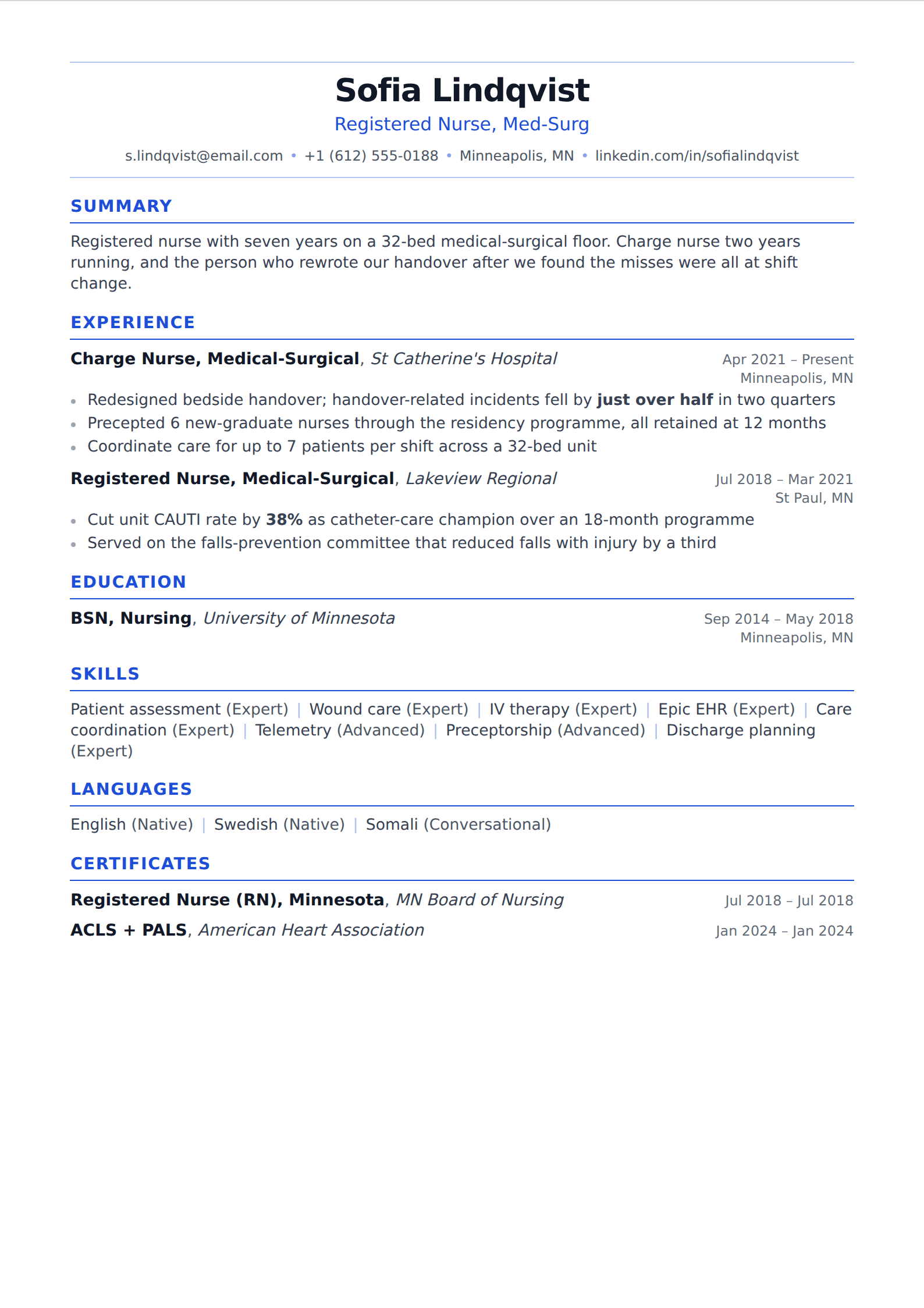
Straight about this up front: meniacv exports PDF, not .docx. What this page filters for is the layouts that survive being rebuilt in Word if you genuinely need a Word file — a single column of body text, standard headings, and nothing that would become a text box.
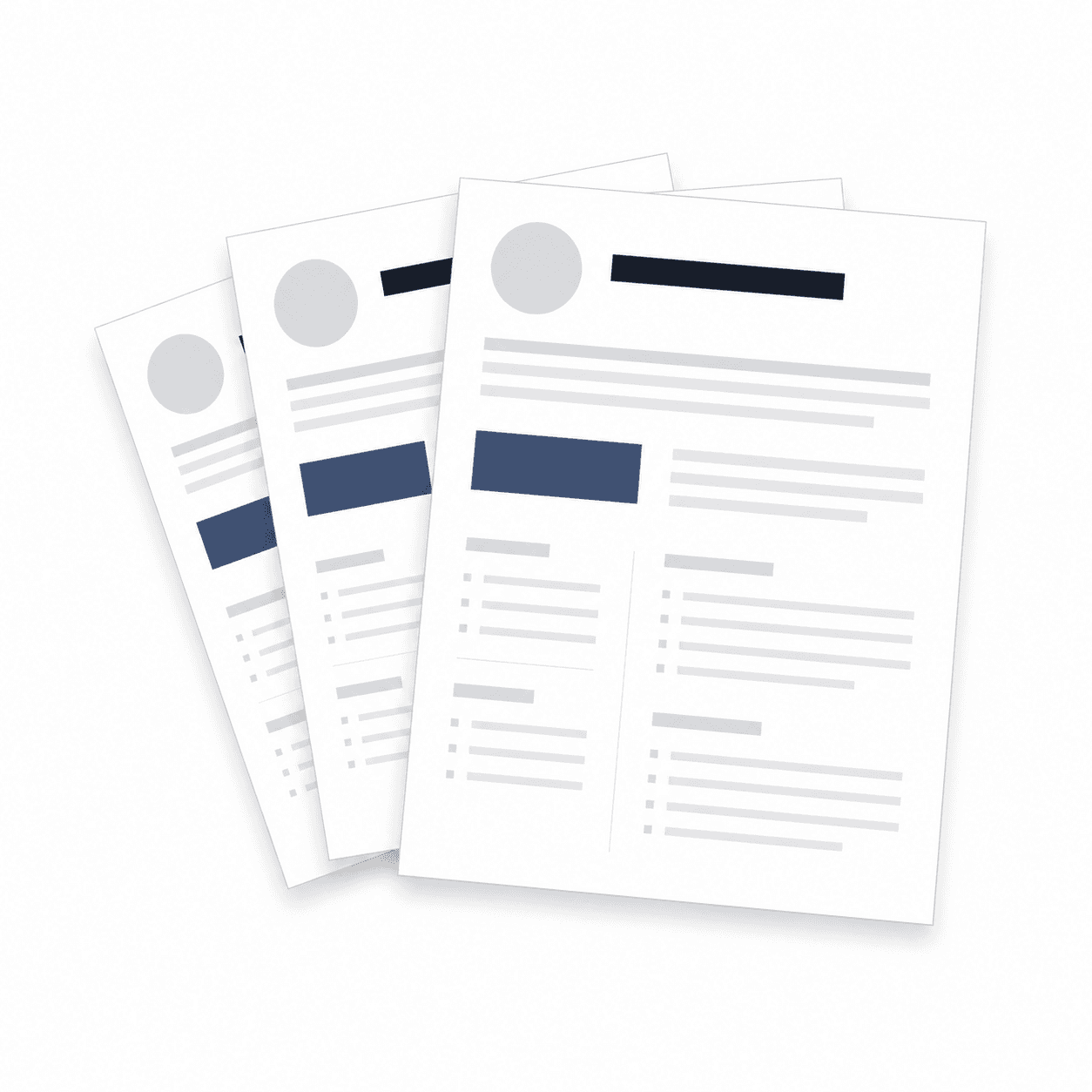
55 of our 227 templates match this filter. Every one is free to use, with unlimited watermark-free PDF downloads.
 Simple
 Word
Word Picture
 Professional
 Modern
 ATS
ATS Two column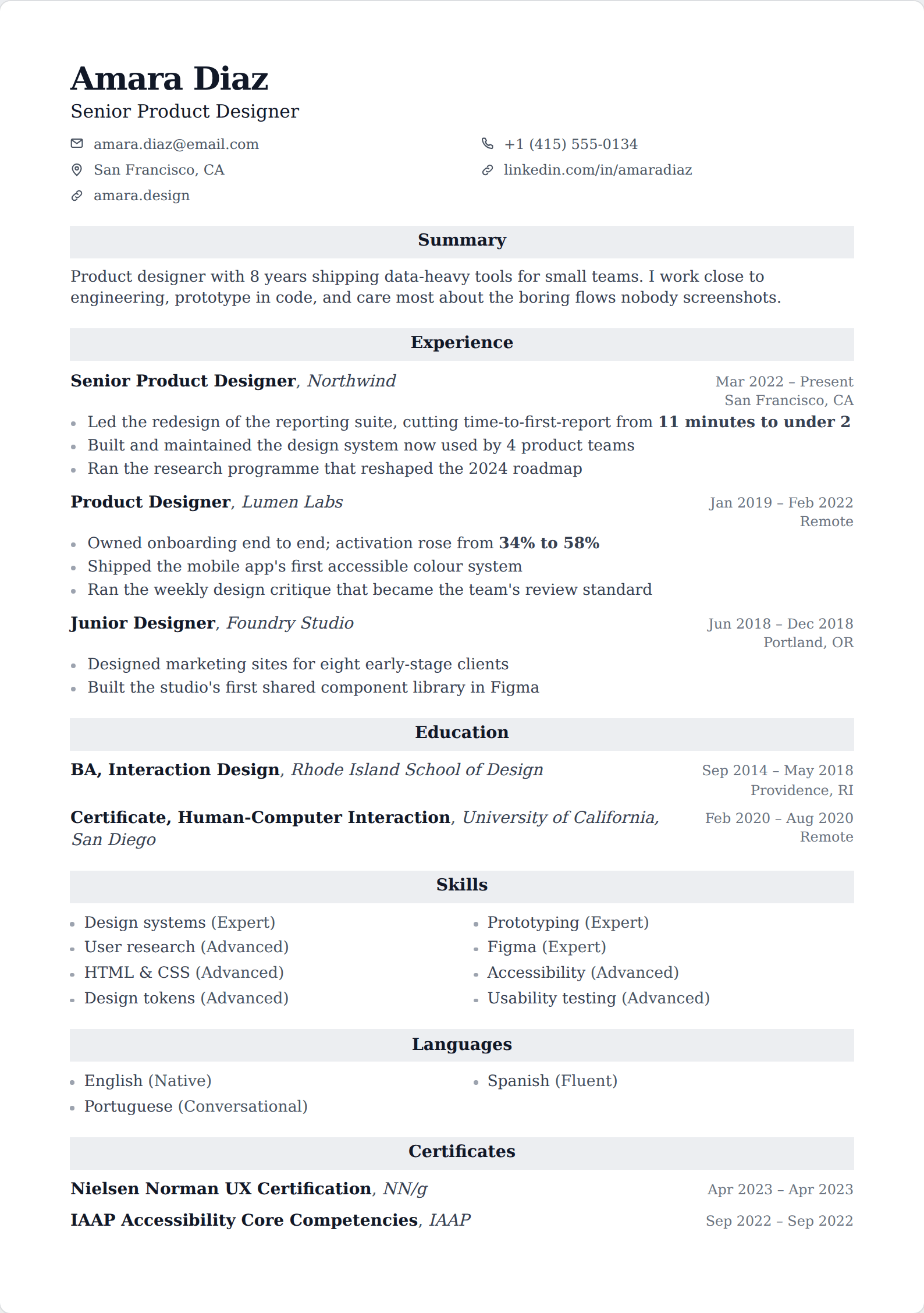
Showing 24 of 55
Browse every filter





What breaks when a layout meets Word
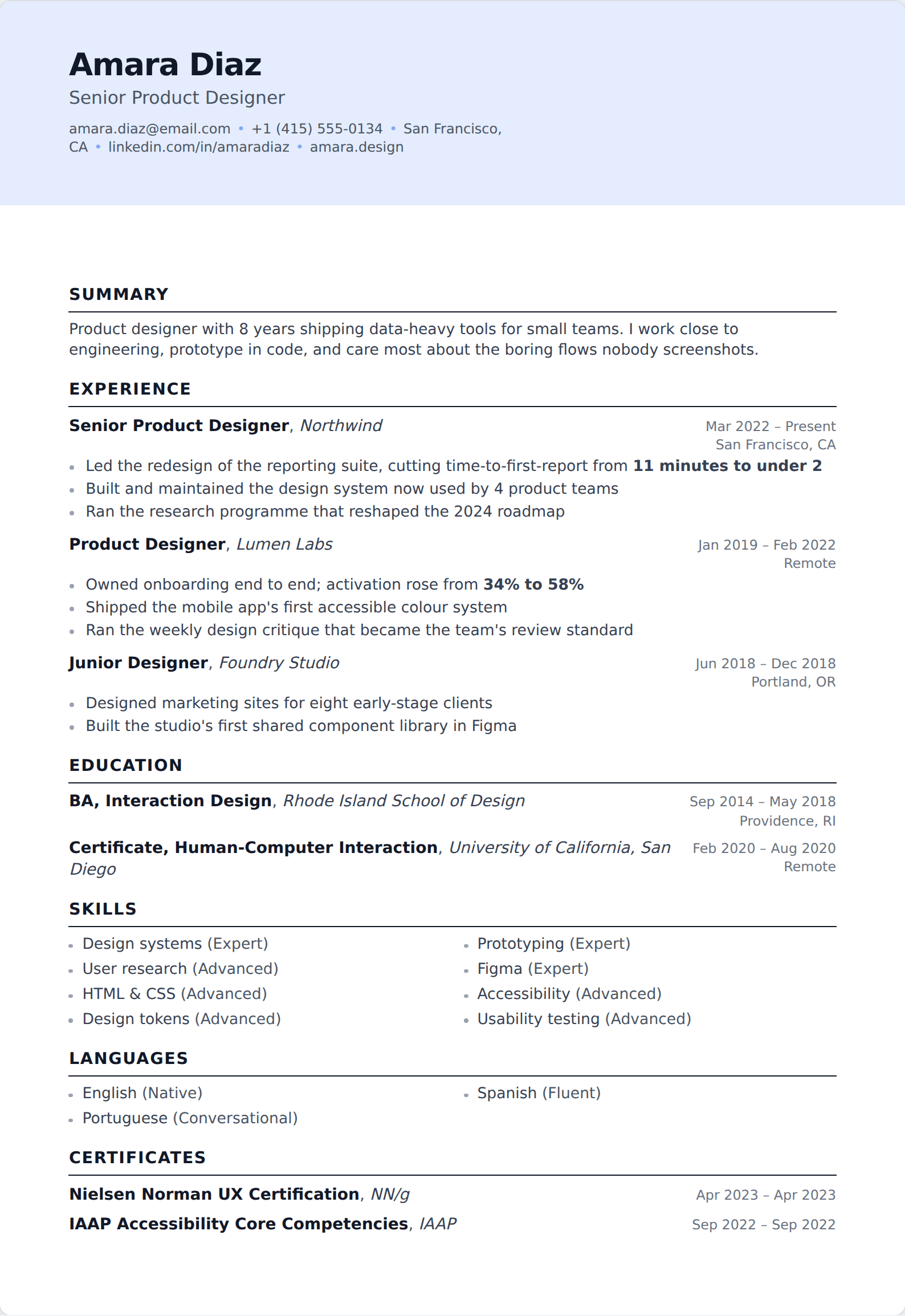
Word is fine at a column of text and poor at everything else. Sidebars become tables or floating frames that move the moment anyone edits above them, meter bars become images, reversed heading chips become shaded paragraphs that print grey on the wrong printer, and a photo bled into a header band becomes an anchor that follows the paragraph it was attached to. Every template on this page avoids all of that, which is why it is a smaller list than the full gallery.
The tempting shortcut — export a PDF here and convert it — is the one thing worth ruling out. PDF-to-Word conversion produces a document held together with text boxes and manual line breaks: it parses worse than either format alone and falls apart the moment someone types in it. If you need Word, build it in Word.
When you actually need .docx
Four situations, and they are real: the posting explicitly asks for a Word document; you are going through a recruitment agency that will reformat you into its own house template; an old internal portal rejects PDF uploads; or someone else has to edit the file for you. Send what is asked for.
For everything else — which is most applications — PDF is the better file. It renders identically everywhere, it still contains real extractable text, and it does not carry the revision history and author metadata that a .docx hands over along with your experience.
Common questions
Can I download these as a Word document?
No. Export here is PDF, and there is no .docx export we would promise you today. If you need an editable Word file, build it in Word or Google Docs directly — keep it single column with standard headings and it will parse the same as anything else.
Do employers prefer Word or PDF?
PDF, in almost every case. The advice that applicant tracking systems cannot read PDFs is about fifteen years out of date; every mainstream system reads them, and a PDF is the only way to be sure the page a recruiter sees is the page you built.
Nearby filters
Try one of them
Open the editor, write one entry, and switch between them to see the difference.
Start your resume