Canva resume templates: the honest comparison
Canva makes the best-looking resume templates available anywhere, and that is not a backhanded compliment — the design work is genuinely good. The problem is what happens between the download and the recruiter, and it is worth understanding before you spend an evening on one.
Updated
What goes wrong
Canva is a graphic design tool, and a resume made in one is built the way a poster is: as positioned elements on a canvas rather than as a document with a reading order. That distinction is invisible on screen and decisive in a parser.
- Text in boxes. Canva lays out text in independently positioned frames. Extraction order follows the file rather than the visual layout, so a sidebar can end up interleaved into a job description.
- Icons and graphics carrying meaning. A phone icon next to a number is fine; a skills chart, a proficiency ring or a timeline graphic contributes nothing at all, because there is no text in it.
- Text rendered as an image. Some elements flatten on export. Anything flattened is invisible to the system, and if your name goes that way you are unreachable.
- Custom section headings. Design templates like inventive headings — "Where I've Made an Impact" — and a parser matching on "Experience" files that content nowhere.
- Two and three column layouts, which are the norm in Canva's resume category and the single most common cause of a mangled parse.
When Canva is the right answer
There are real cases, and pretending otherwise would be the same dishonesty in the other direction. If you are applying directly to a person — a founder, a hiring manager whose email you have, a small studio with no applicant tracking system — nothing is parsing your file and a beautifully designed page is a genuine advantage.
The same applies to portfolio-adjacent fields where the document is partly a work sample: graphic design, art direction, illustration, brand. In those roles a plain page is itself a signal, and the parsing risk is worth taking.
What does not work is using a Canva template for a portal application at a large company and hoping. That is the case where the design costs you rather than helping.
The middle path
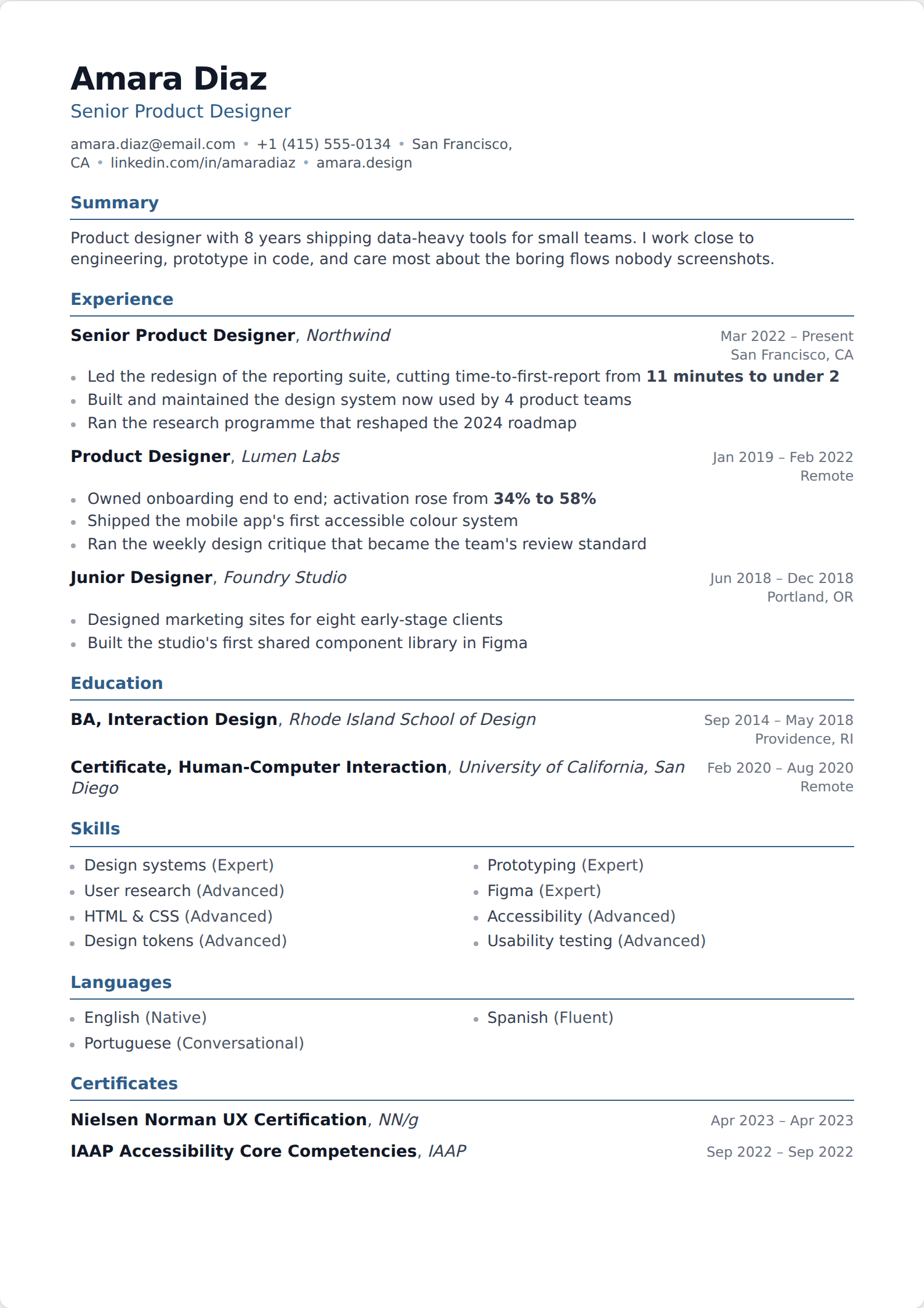
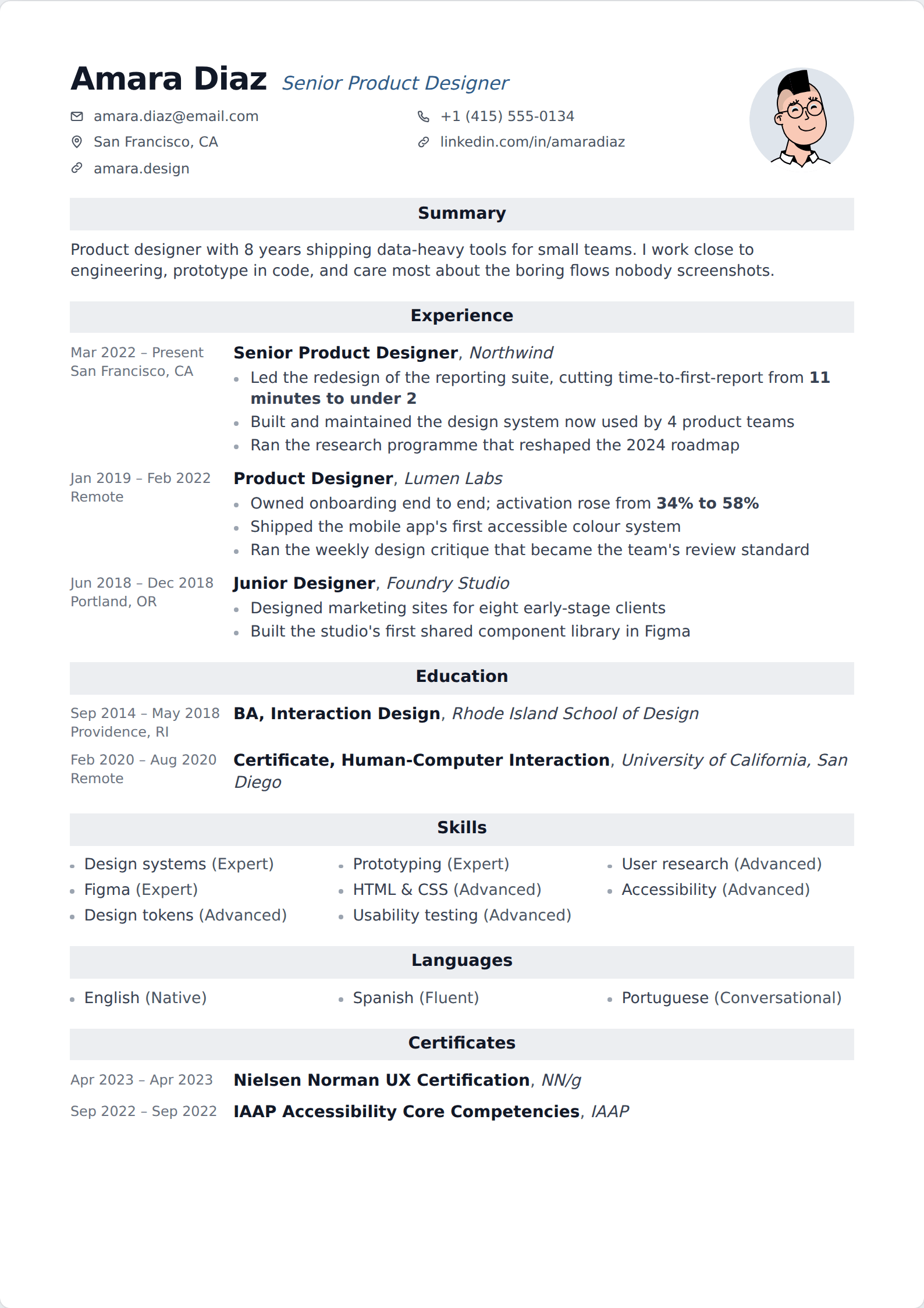
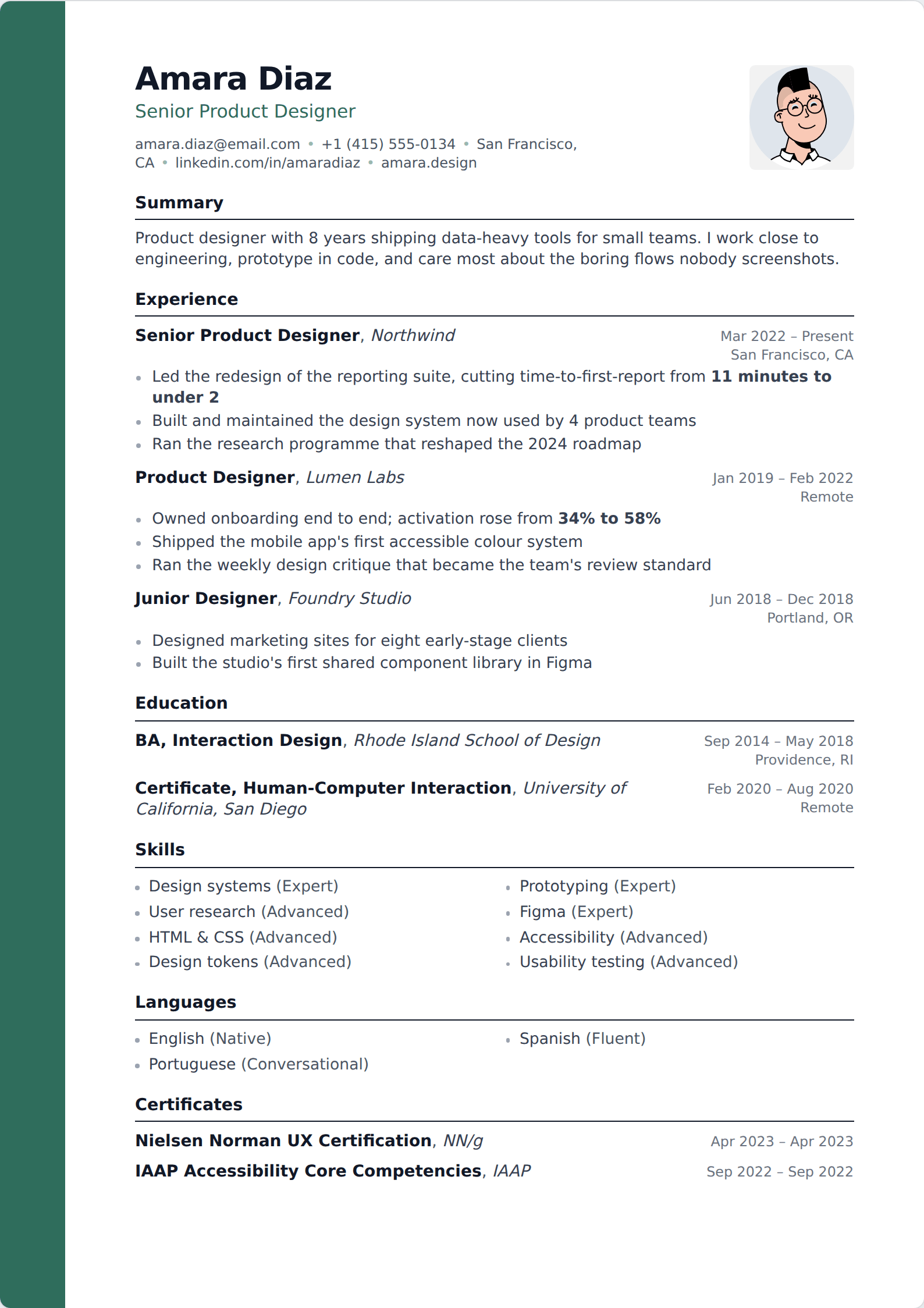
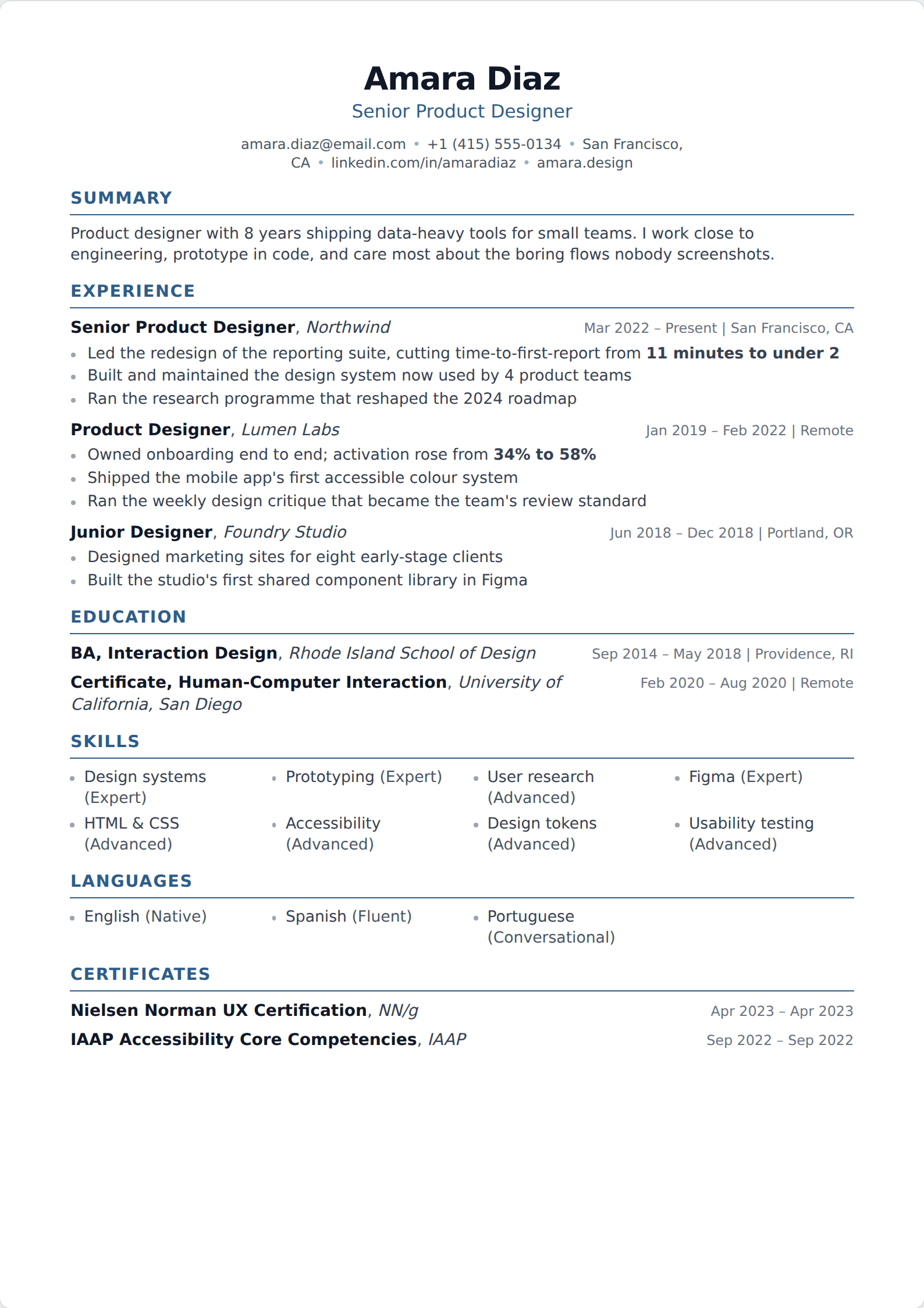
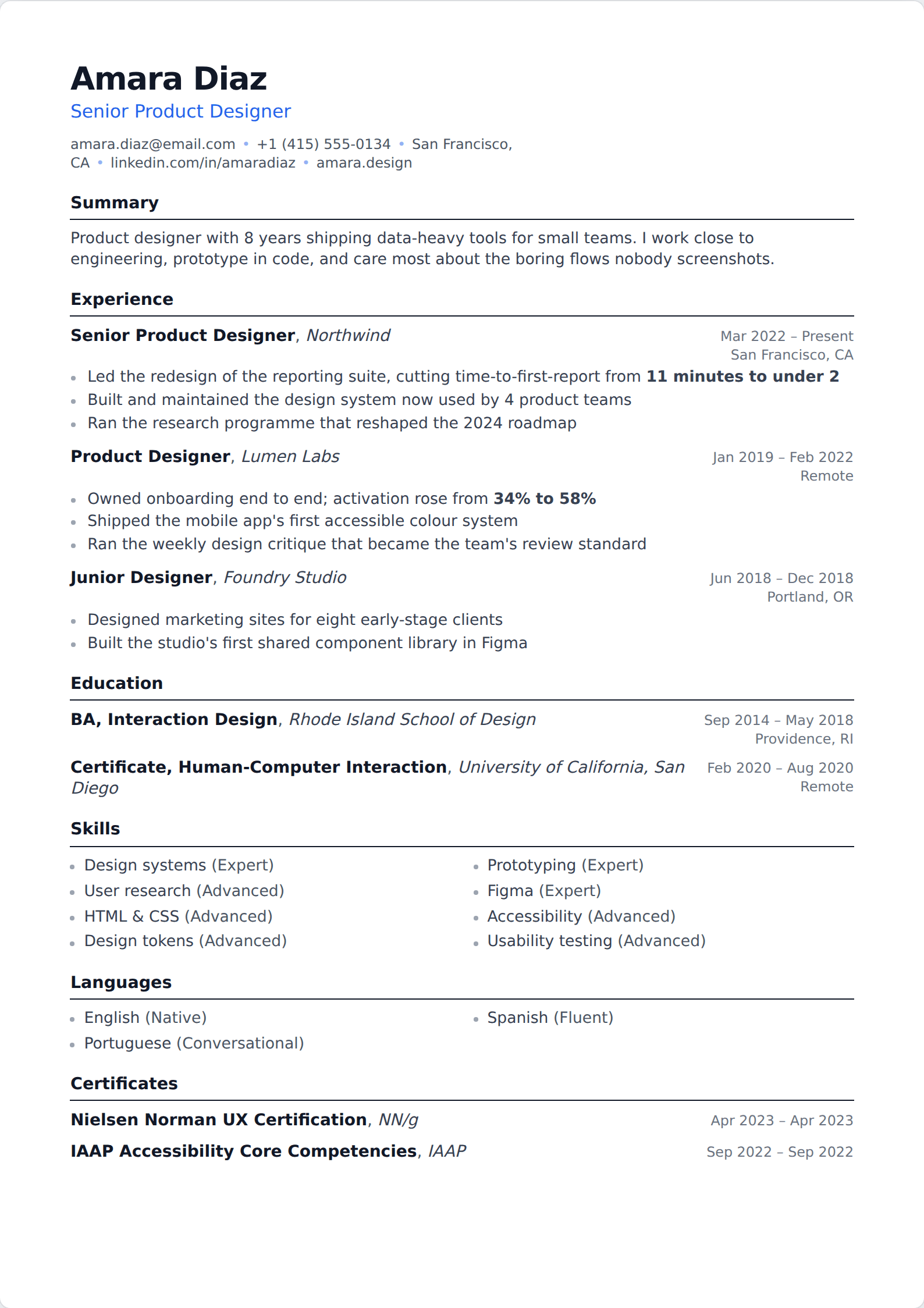
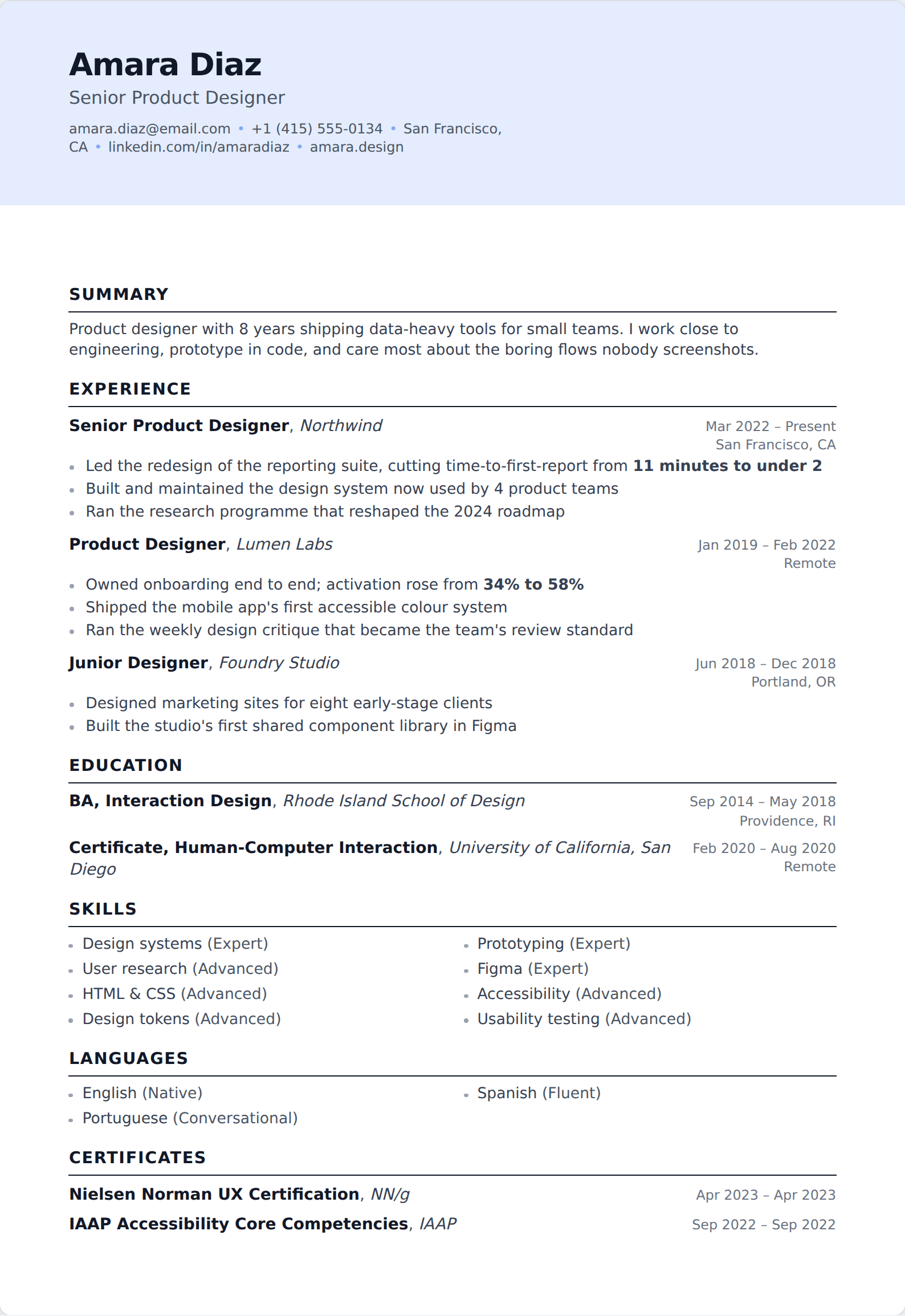
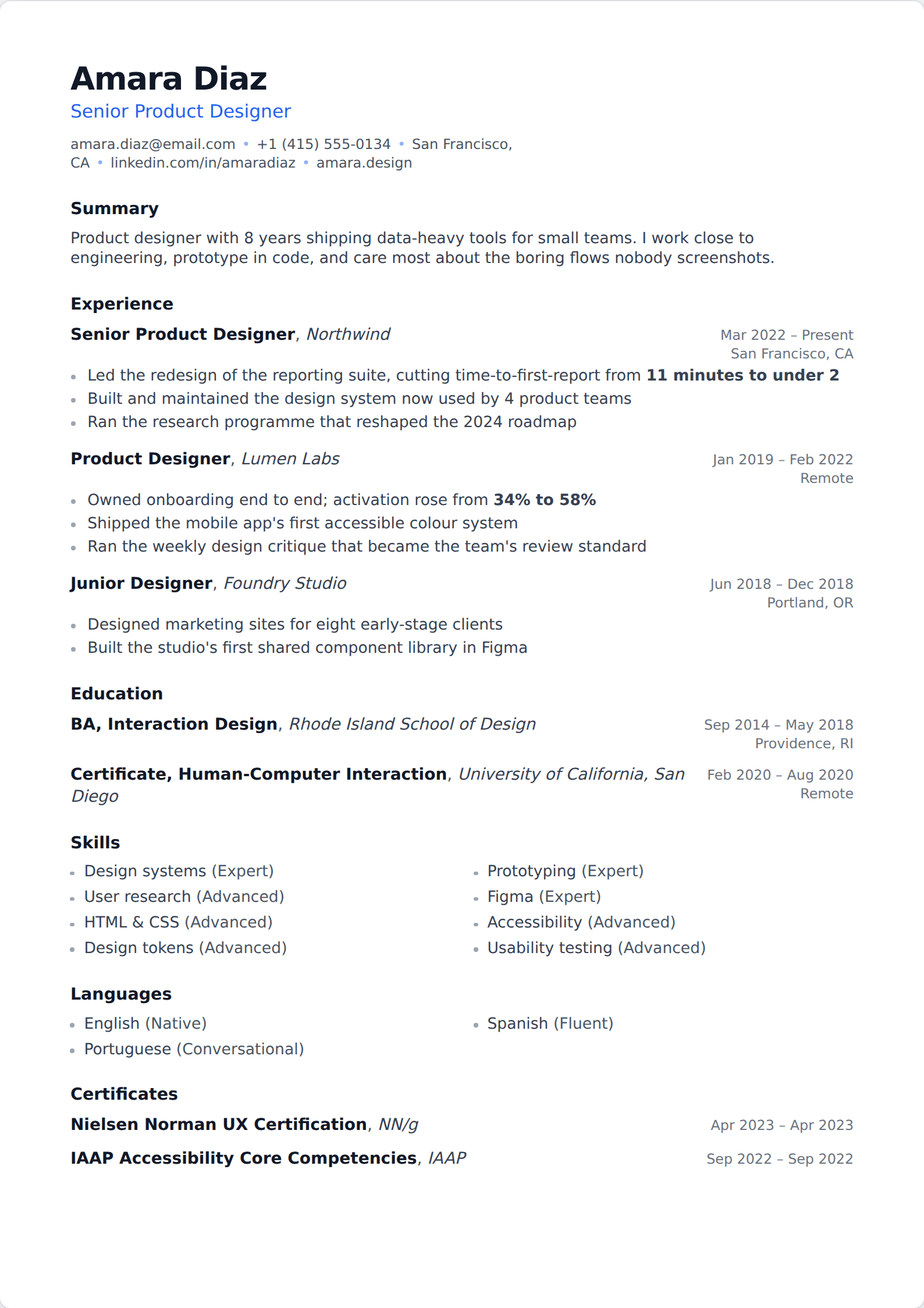
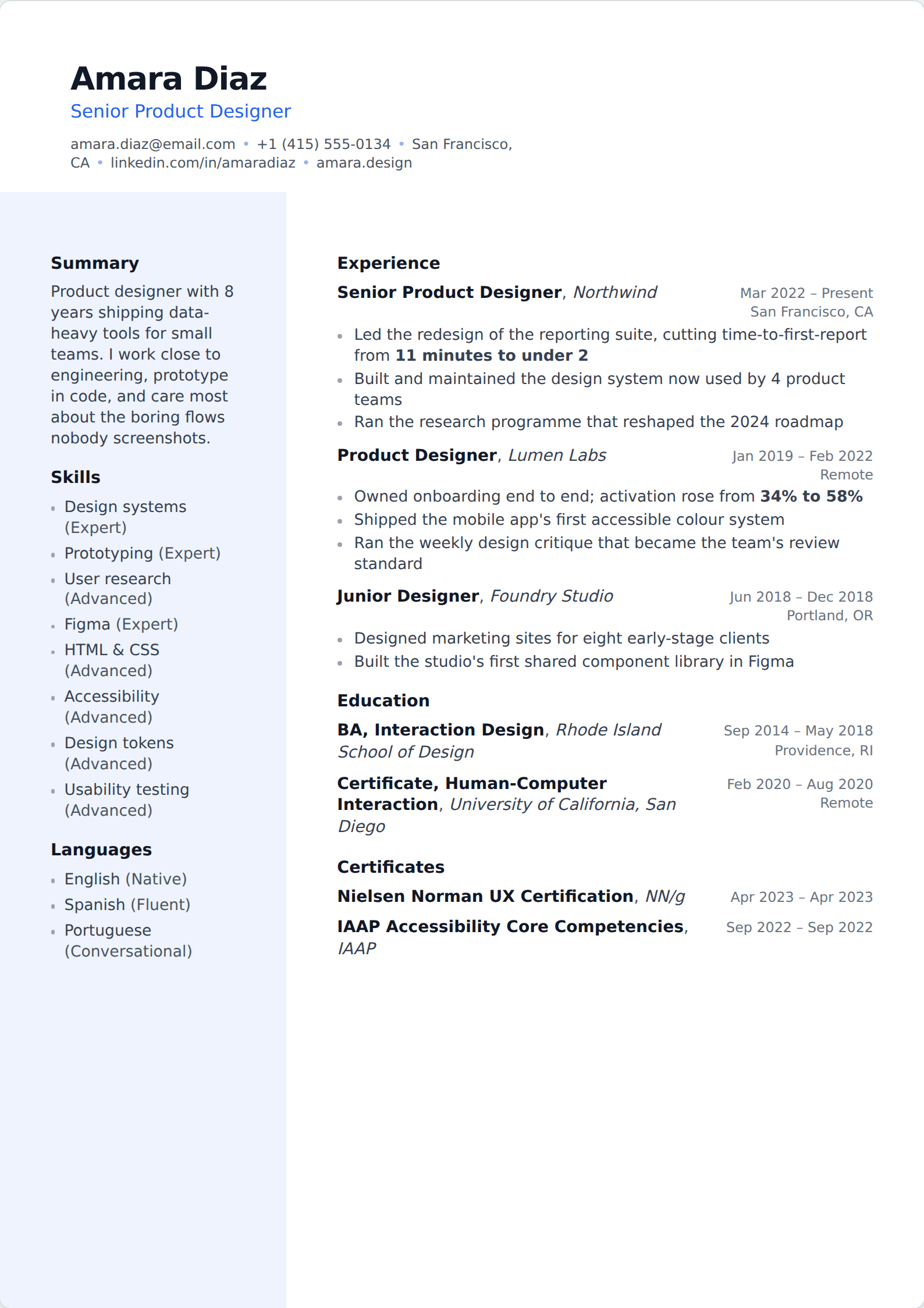
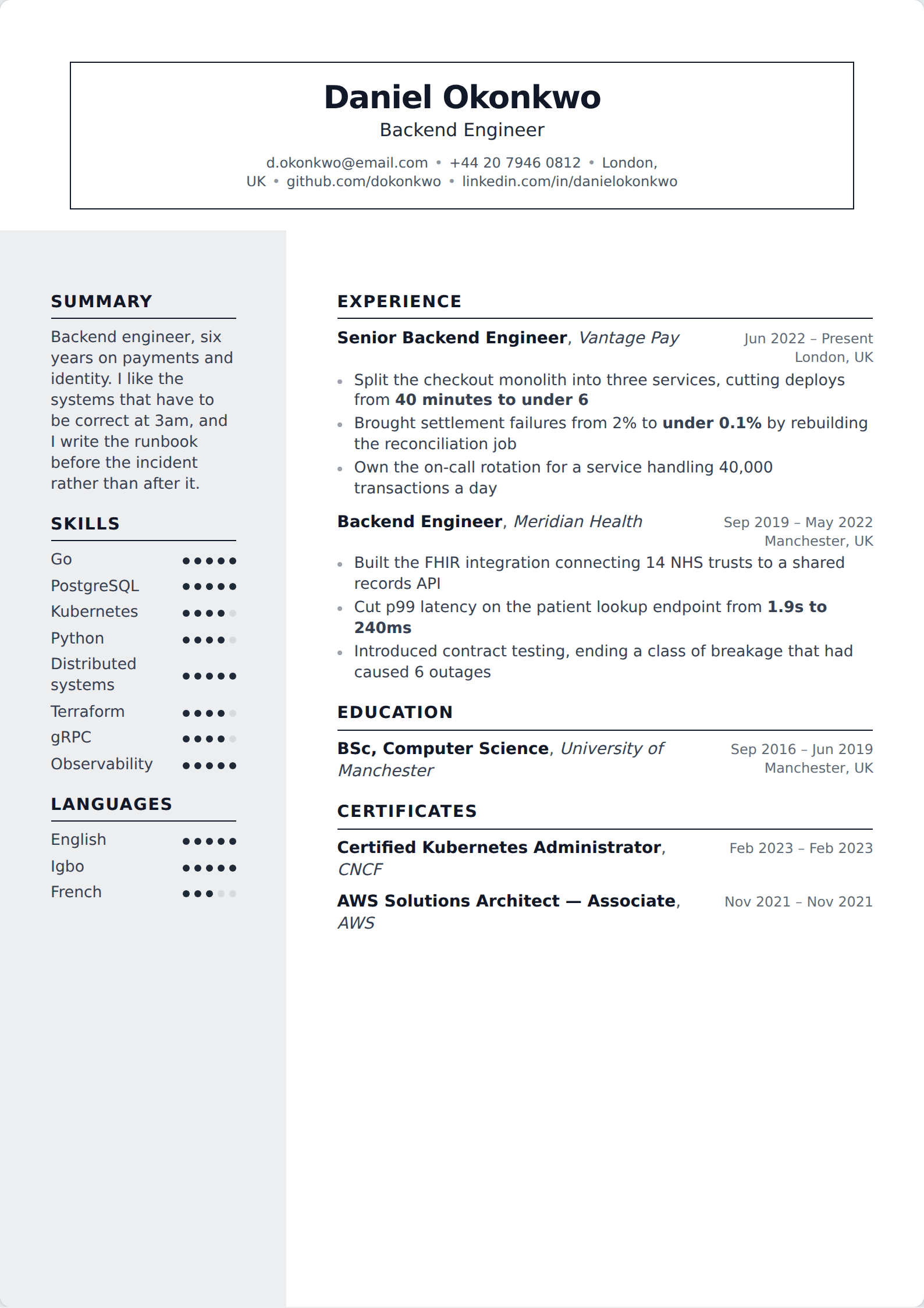
The templates here are designed rather than default — real typographic decisions, accent colours, banded and chipped headings — but they are built as documents, so the export is real text in a sensible reading order. That is the whole proposition: most of the visual benefit, none of the parsing risk.
If you have already built something in Canva that you like, the most useful thing to do is export it, copy the text out of the PDF, and read what comes back. That tells you in ten seconds whether the version a recruiter's system sees resembles the one you designed.
Related
Common questions
Are Canva resume templates ATS-friendly?
- Mostly not, and the reason is structural rather than aesthetic. Canva builds pages as positioned elements rather than as documents, so extraction order is unreliable, and its resume category leans heavily on multi-column layouts and infographic elements that carry no text. Some simple single-column Canva templates parse acceptably; the ones people choose it for generally do not.
How do I check if my Canva resume parses?
- Export the PDF, select all the text, and paste it into a plain text file. What survives is roughly what a parser sees. If your job titles and dates are intact and in order, you are fine. If the sidebar has landed in the middle of a job description, or your name is missing entirely, that is what the employer's system receives.
Is Canva or a resume builder better?
- Canva is better when a human opens your file directly and design is part of the pitch. A builder is better when the file goes into a system first, which covers most applications at companies above about fifty people. The honest split is by destination rather than by taste.
Can I import a Canva resume here?
- You can import the PDF you exported from it. The assistant reads a PDF, an image or a text file into the editor — your details, roles, bullet points, education and skills — so you are not retyping. Importing is part of the Basic plan.
Build it in the editor
Live preview, AI writing help, and an ATS-ready PDF. Free to start, and no card at any point.
Start your resume