
Two-column resume templates
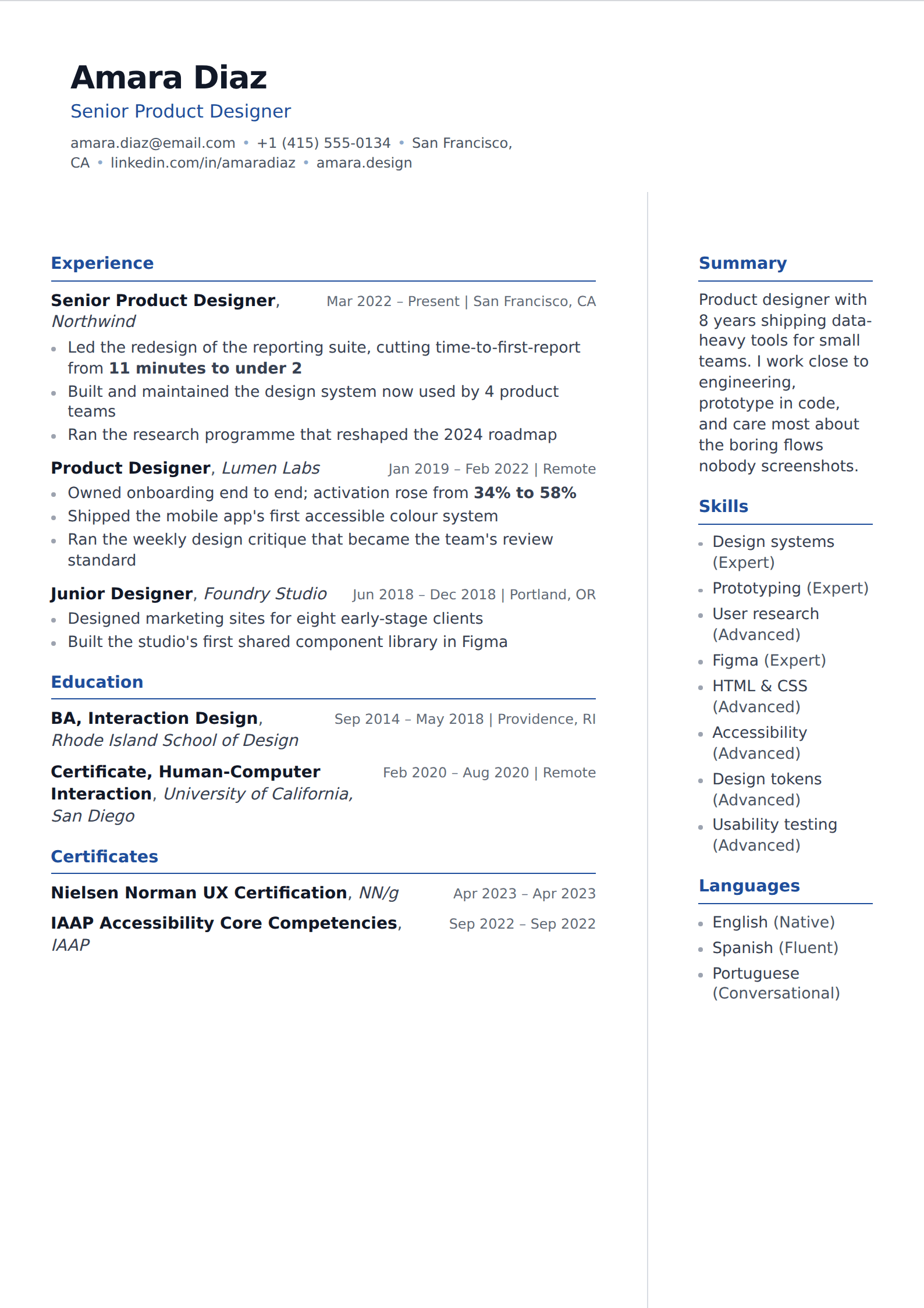
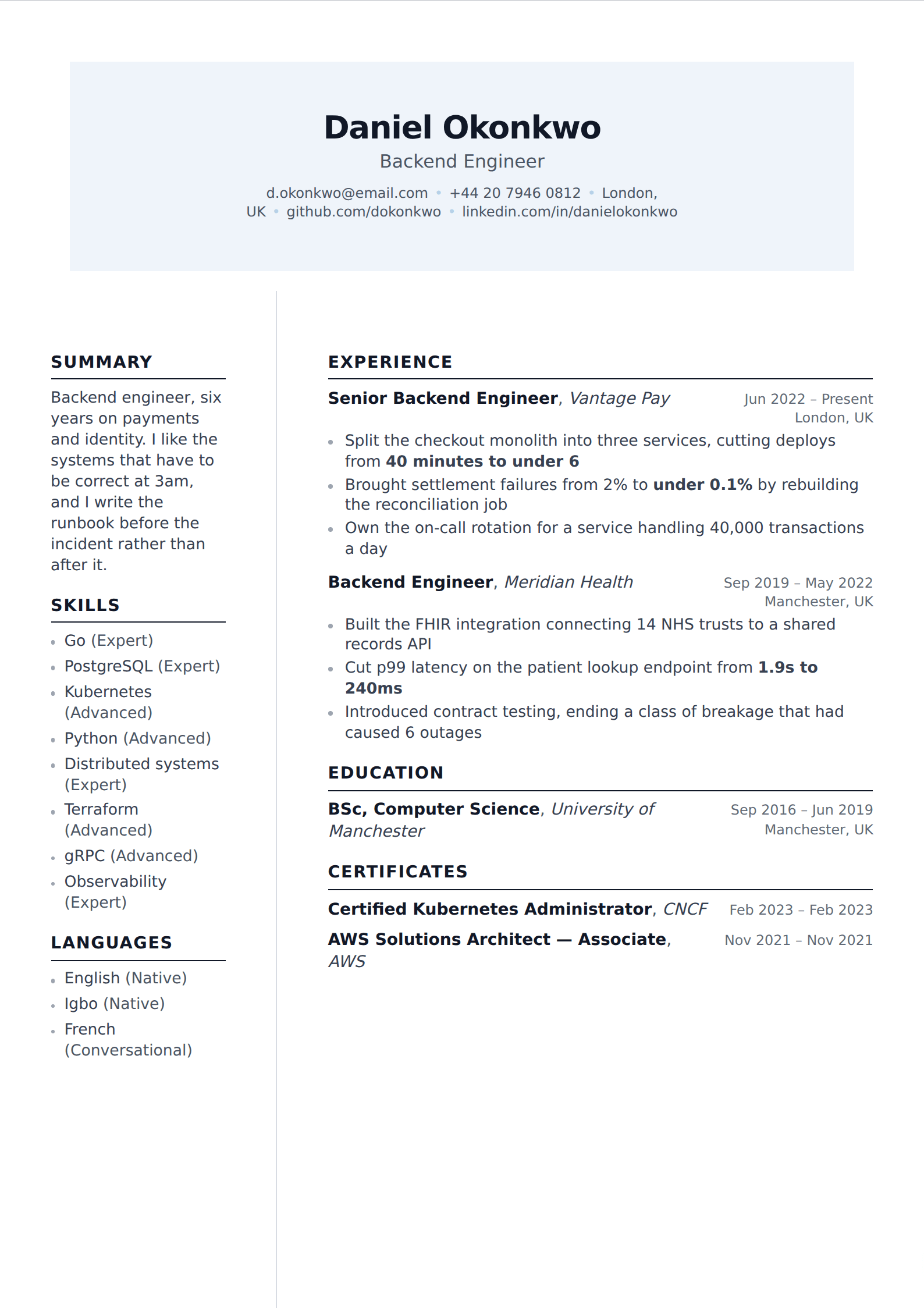
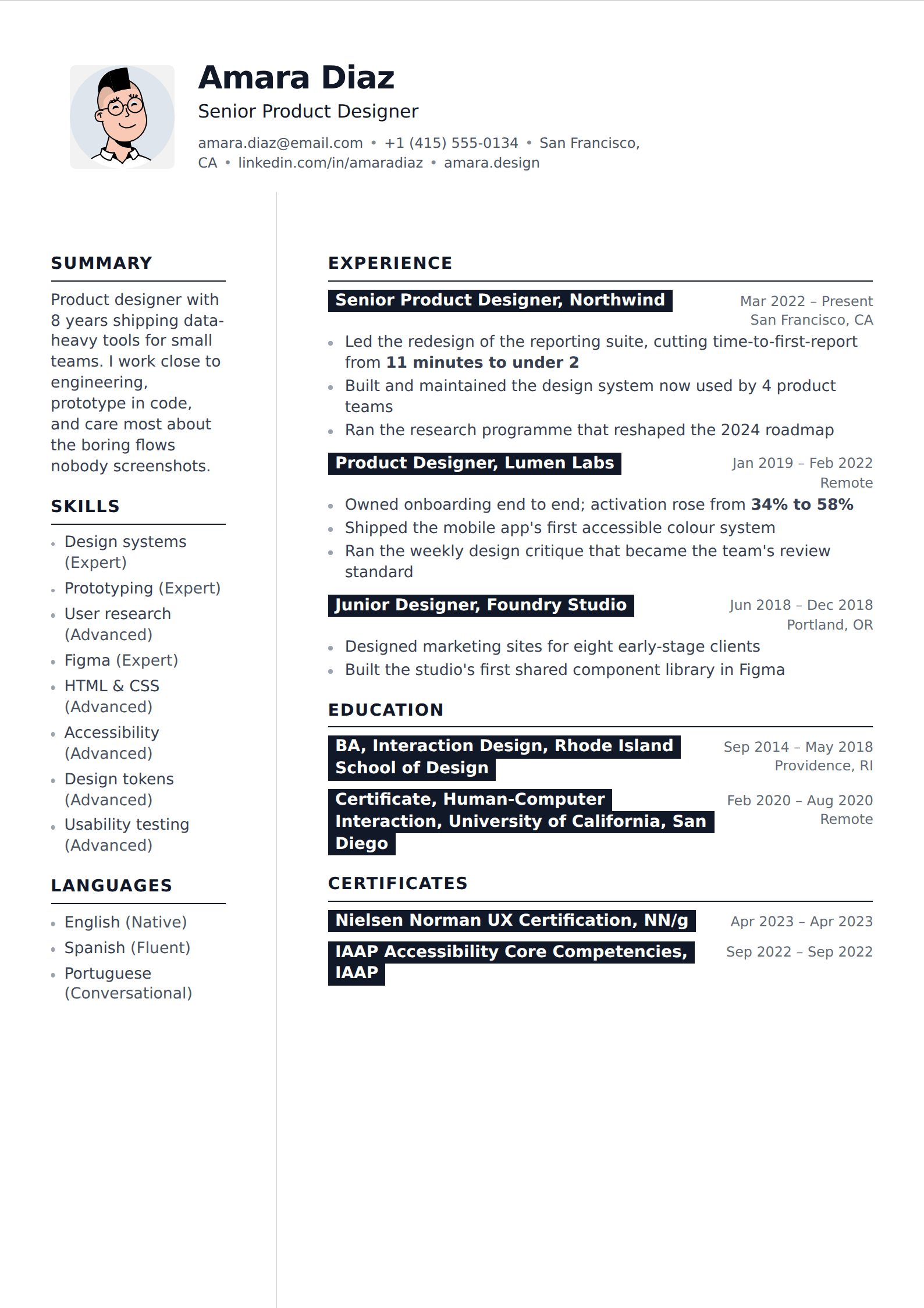
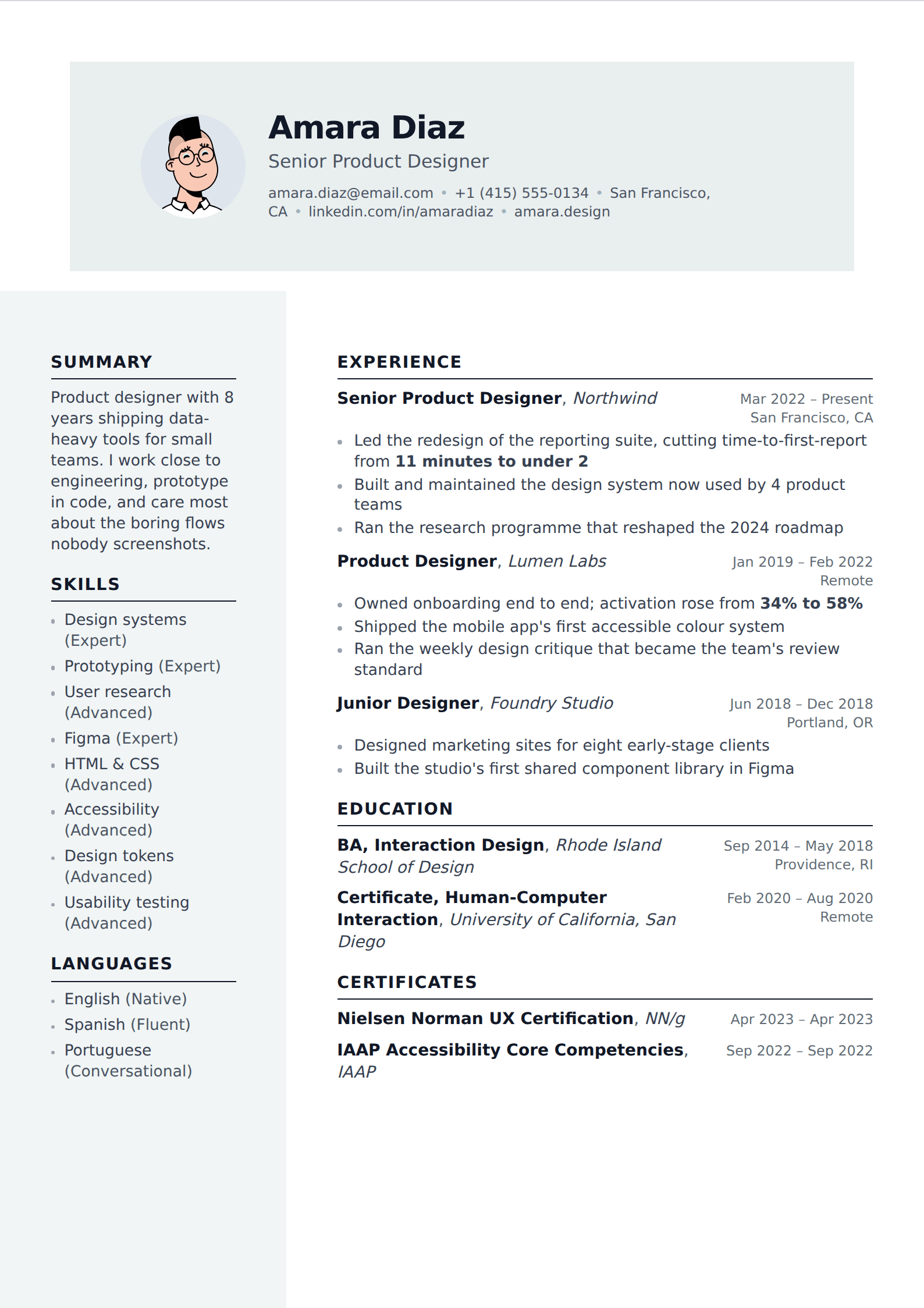
A sidebar buys you density: skills, languages, contact details and tools move out of the main flow, and the space left over goes to your experience. It also carries the one layout risk worth taking seriously. Both halves of that are below.
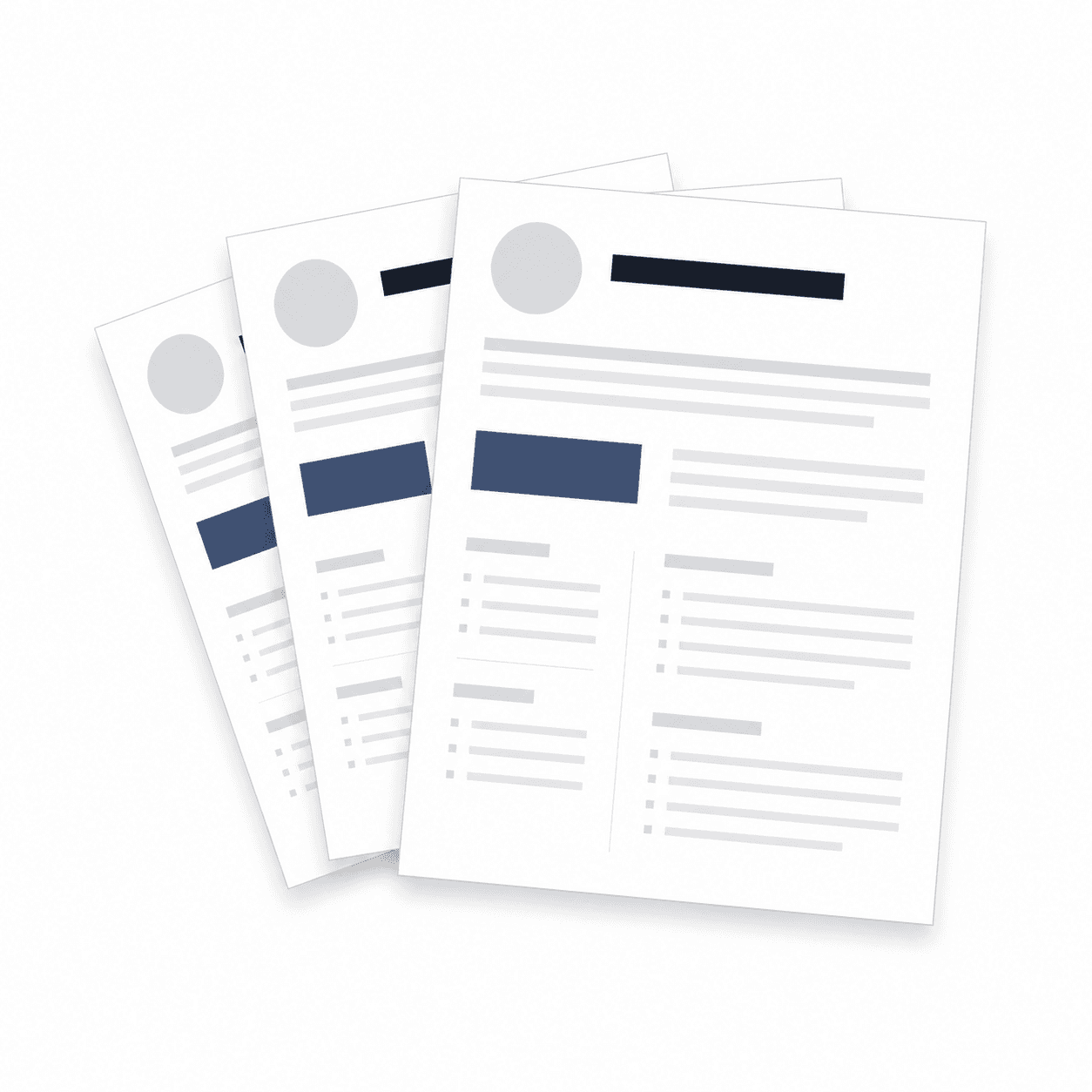
132 of our 227 templates match this filter. Every one is free to use, with unlimited watermark-free PDF downloads.
 Simple
 Picture
 Professional
 Modern
 ATS
ATS Two column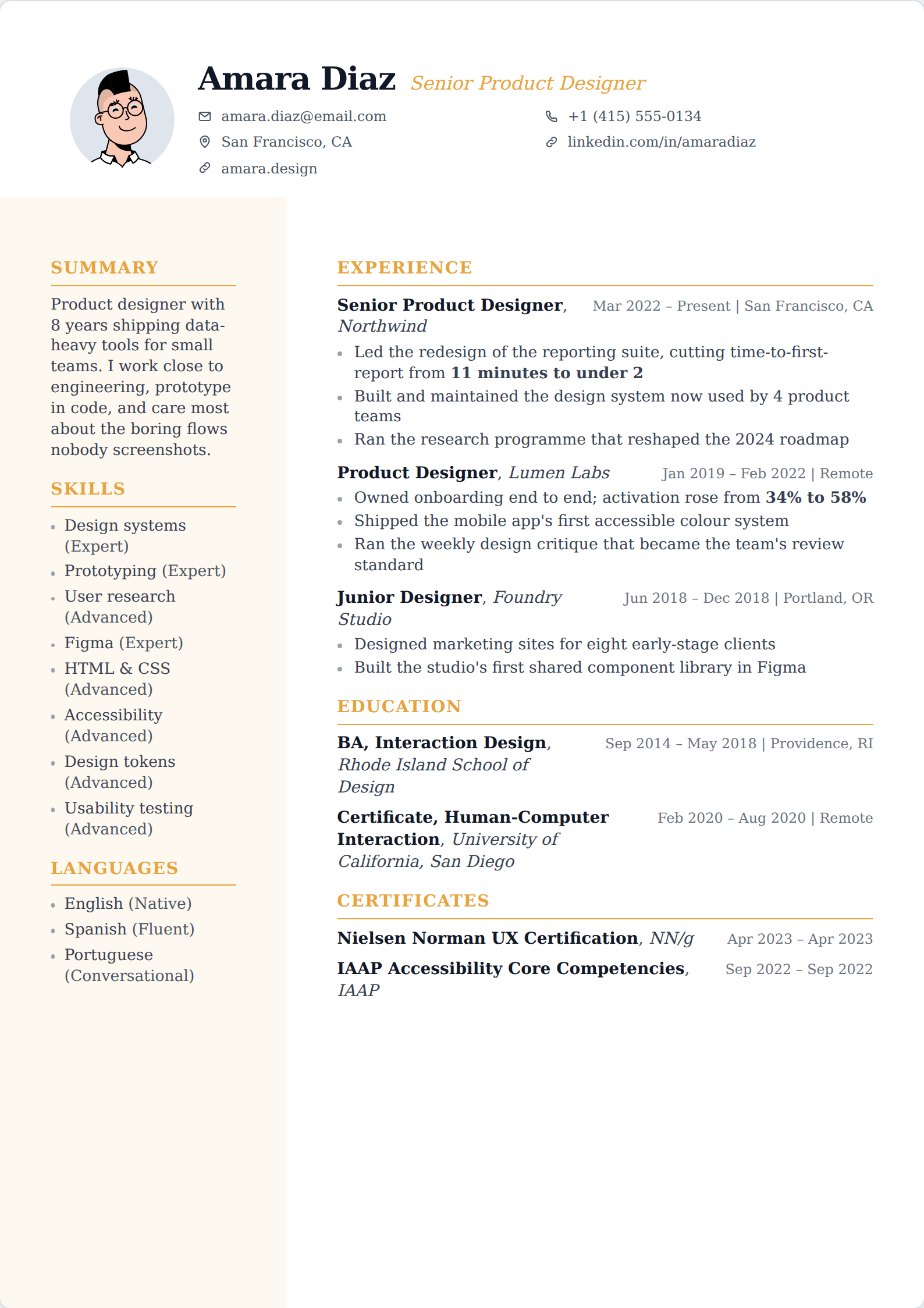
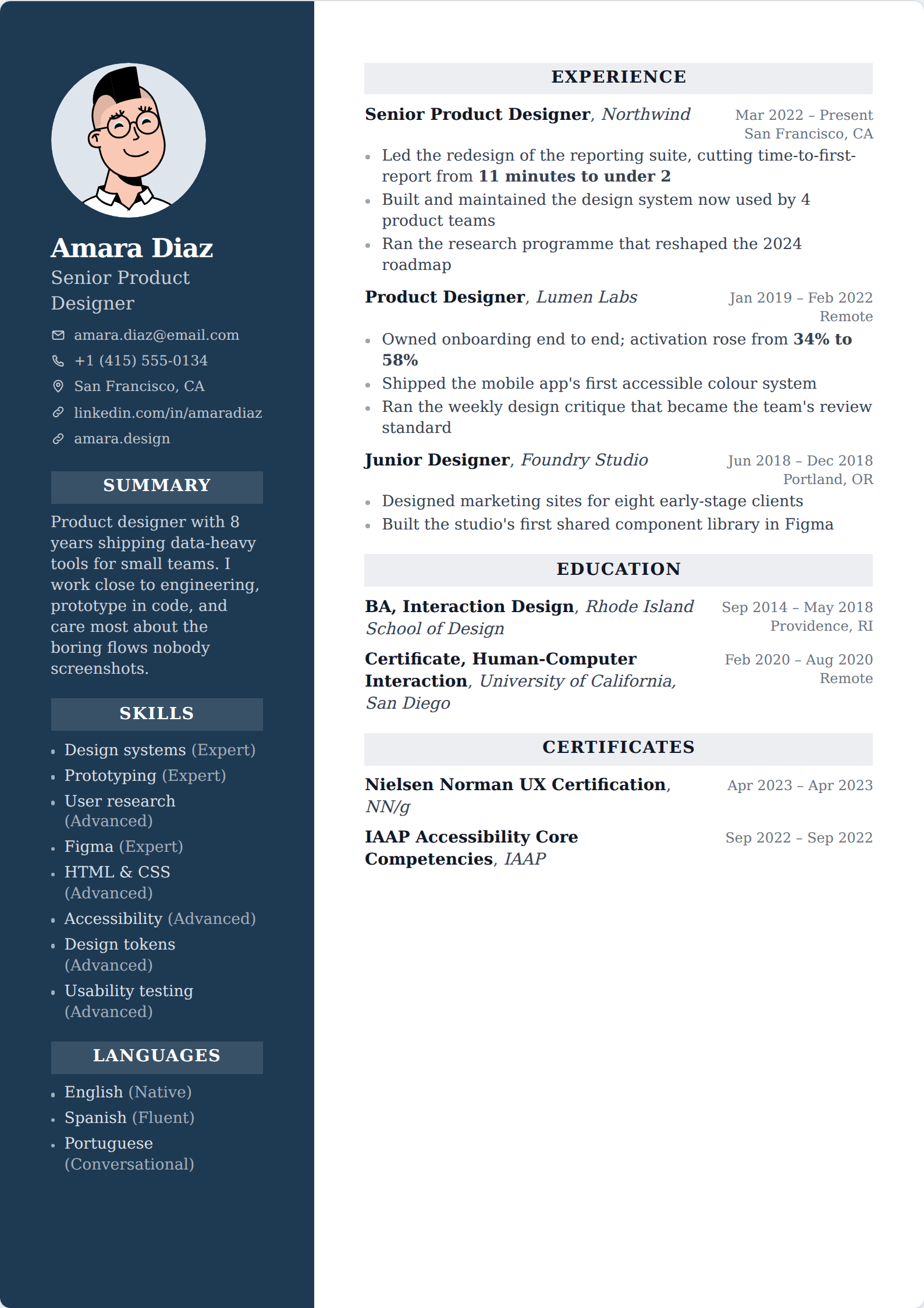
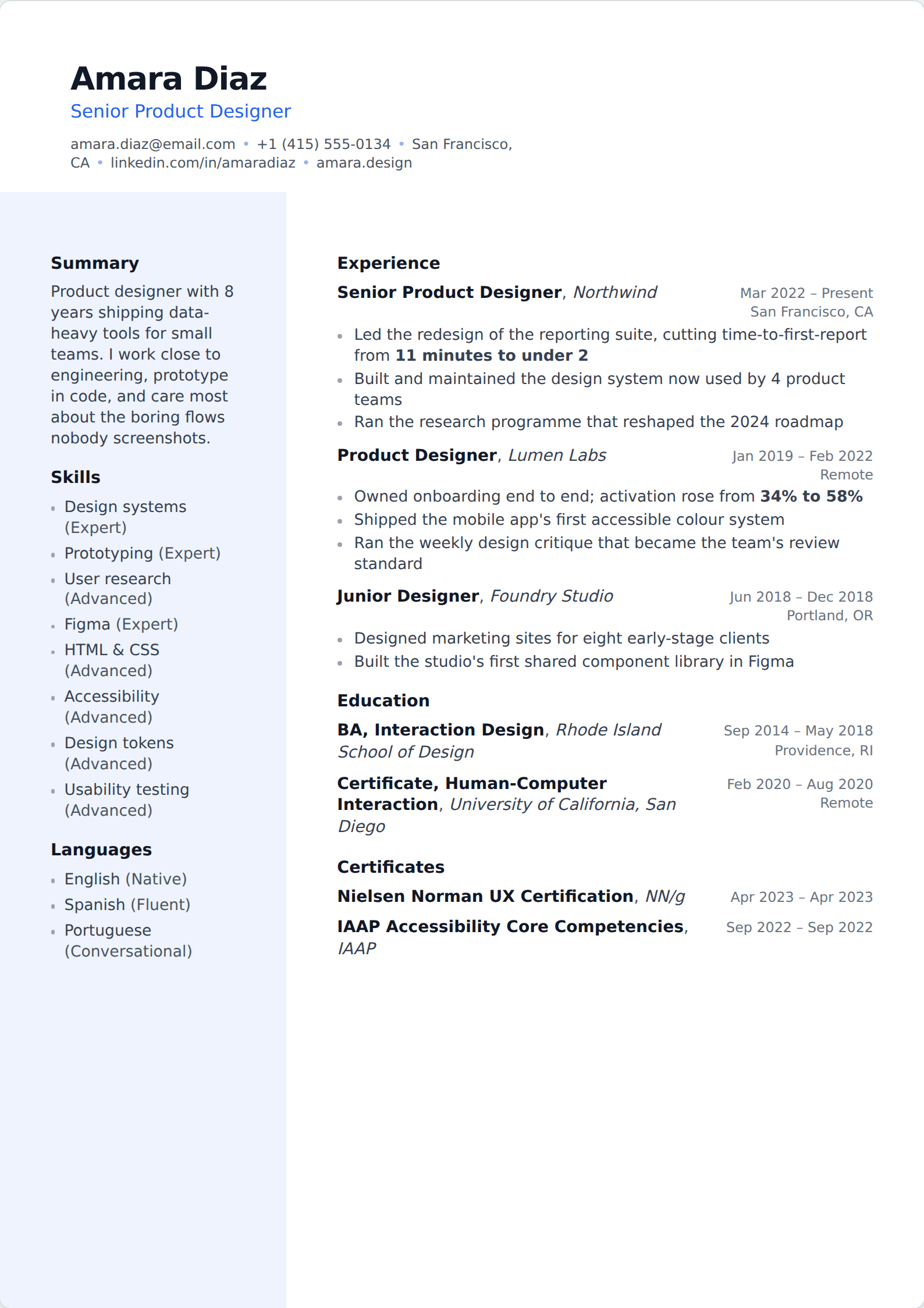
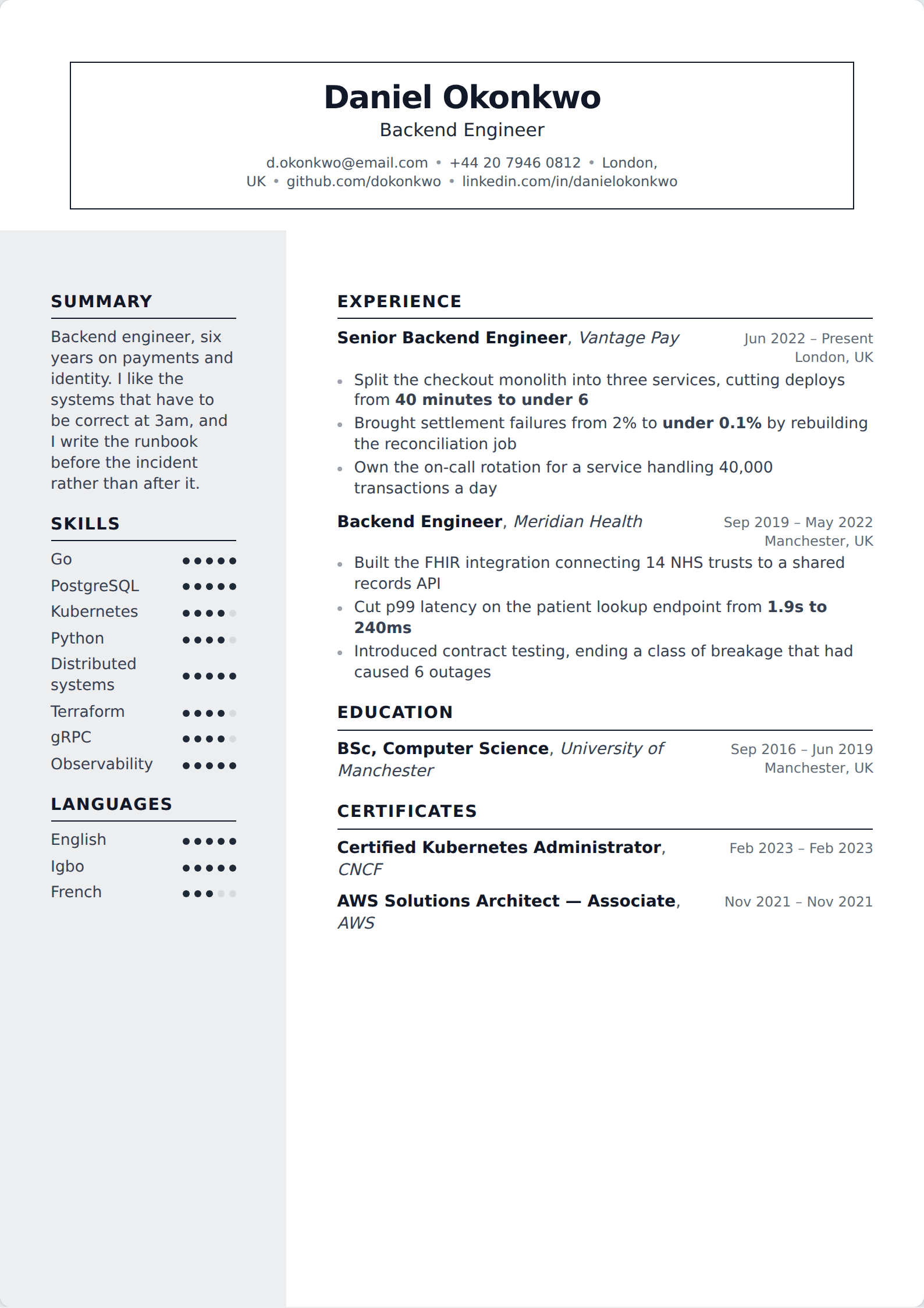
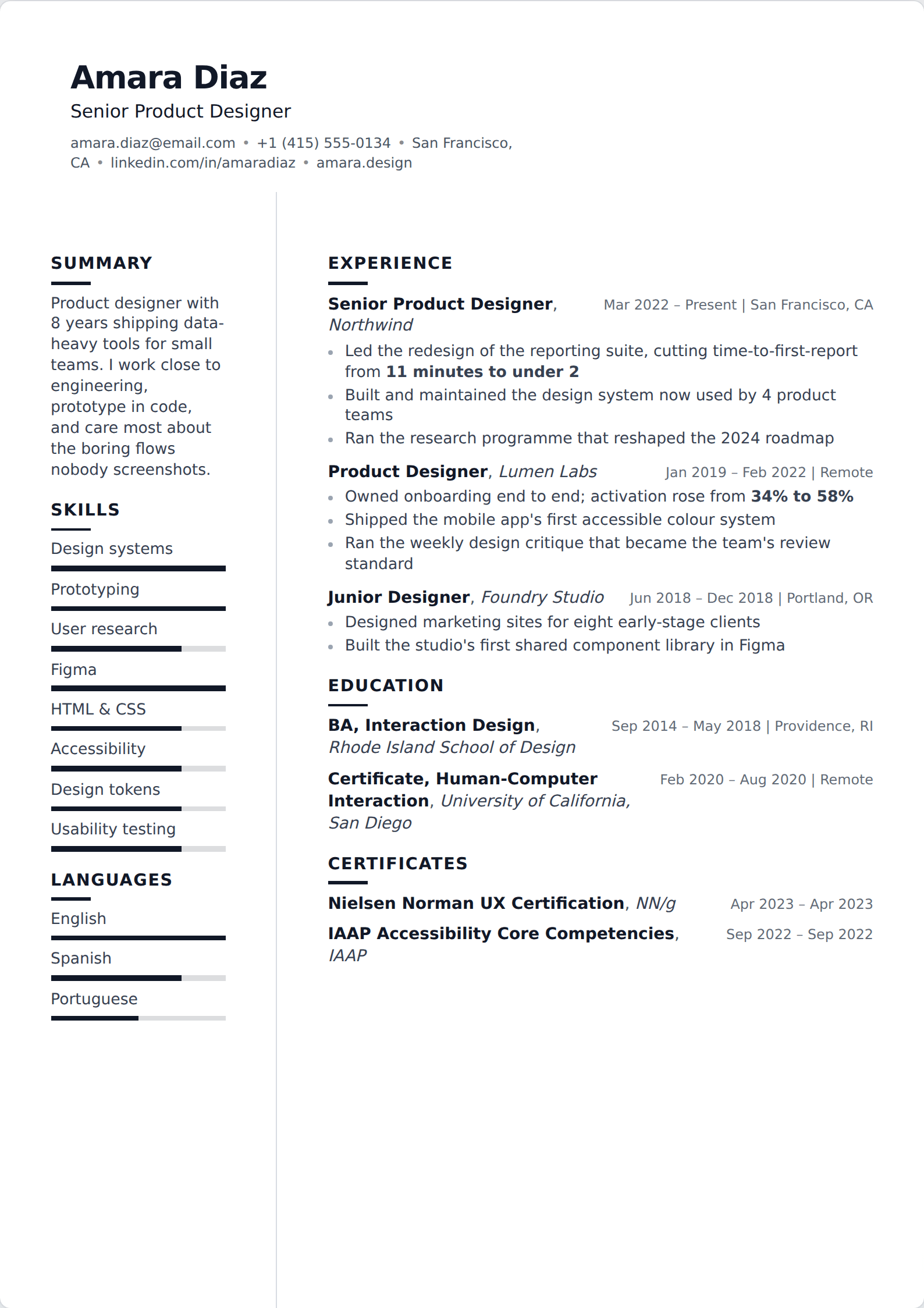
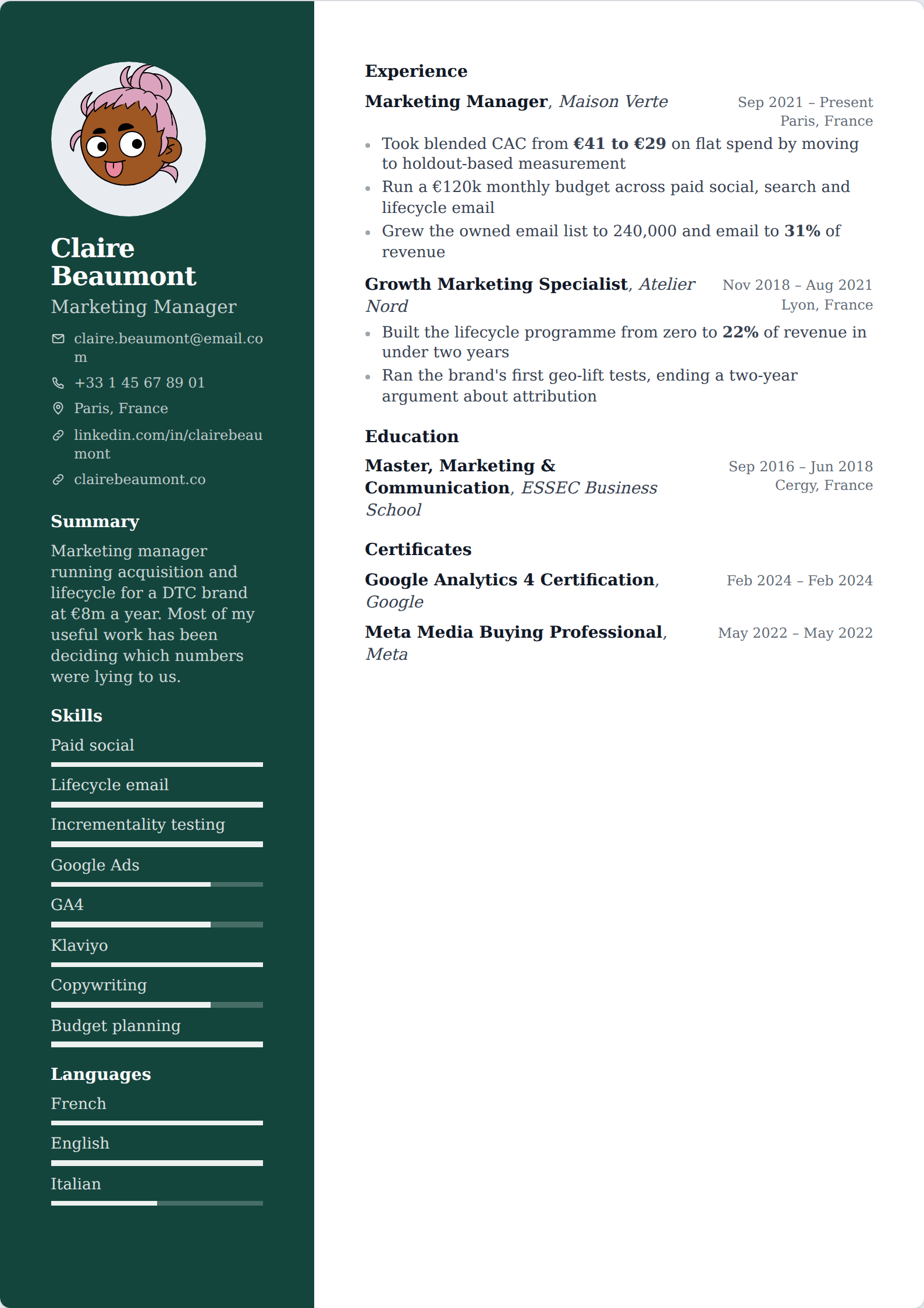
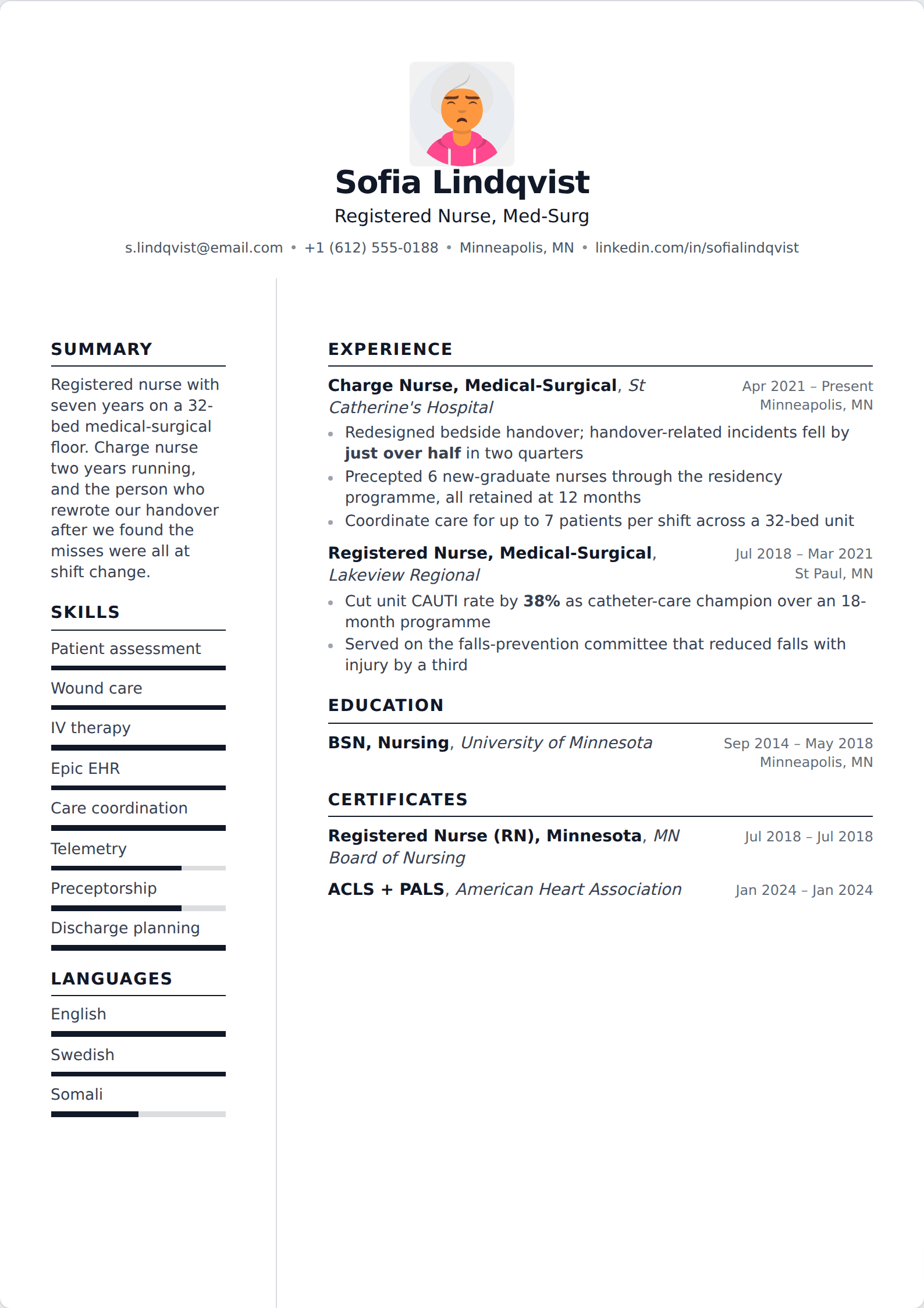
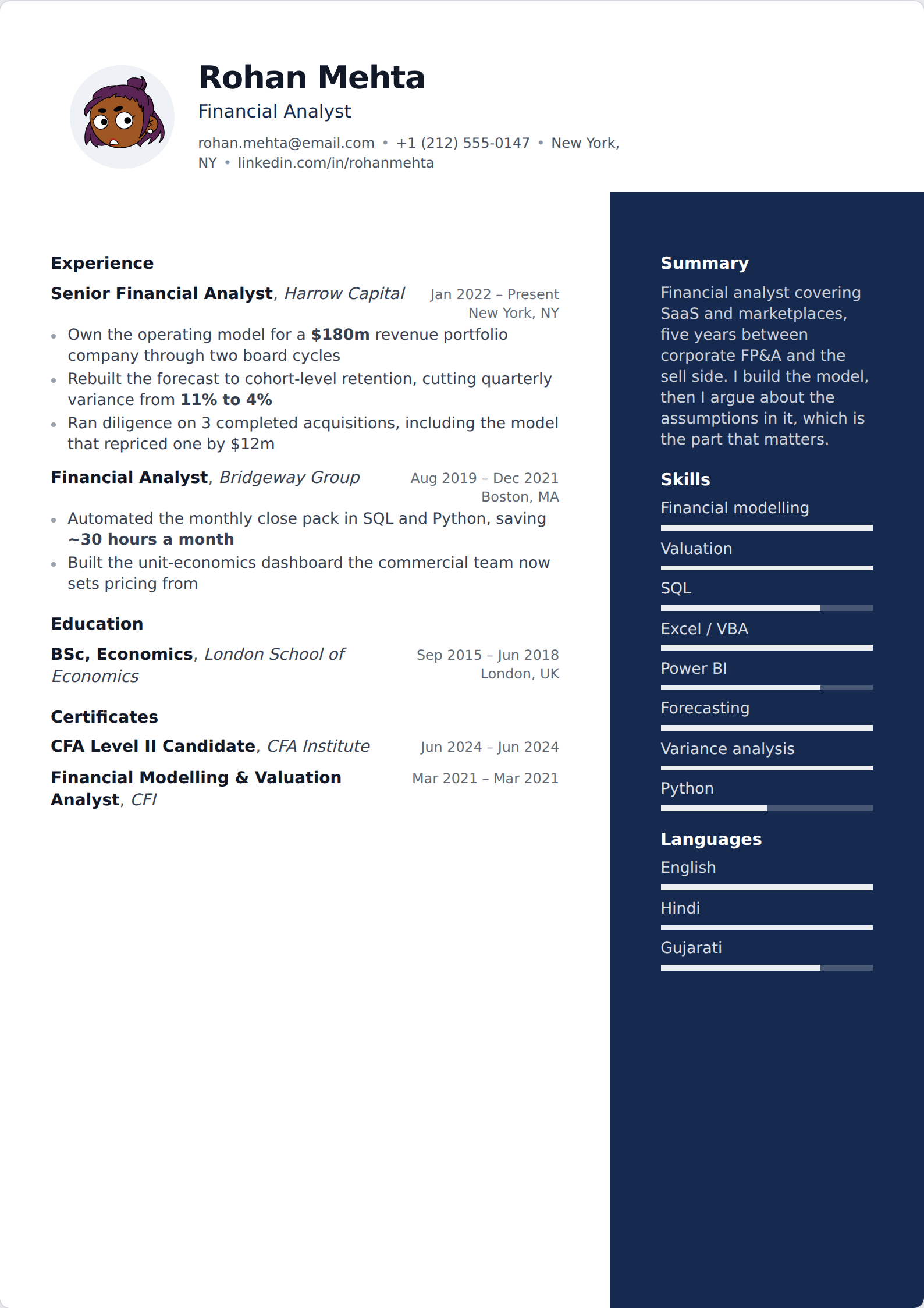
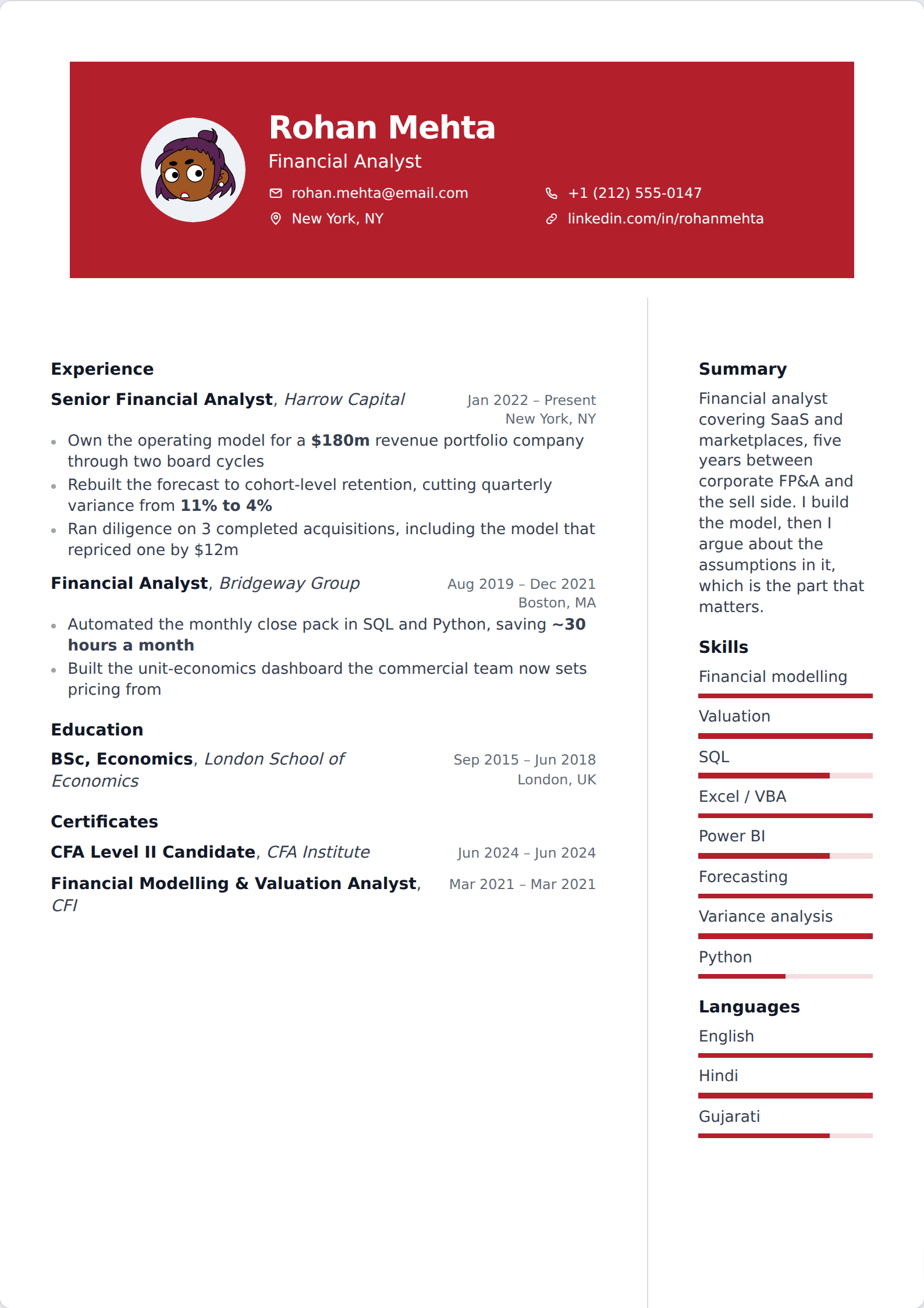
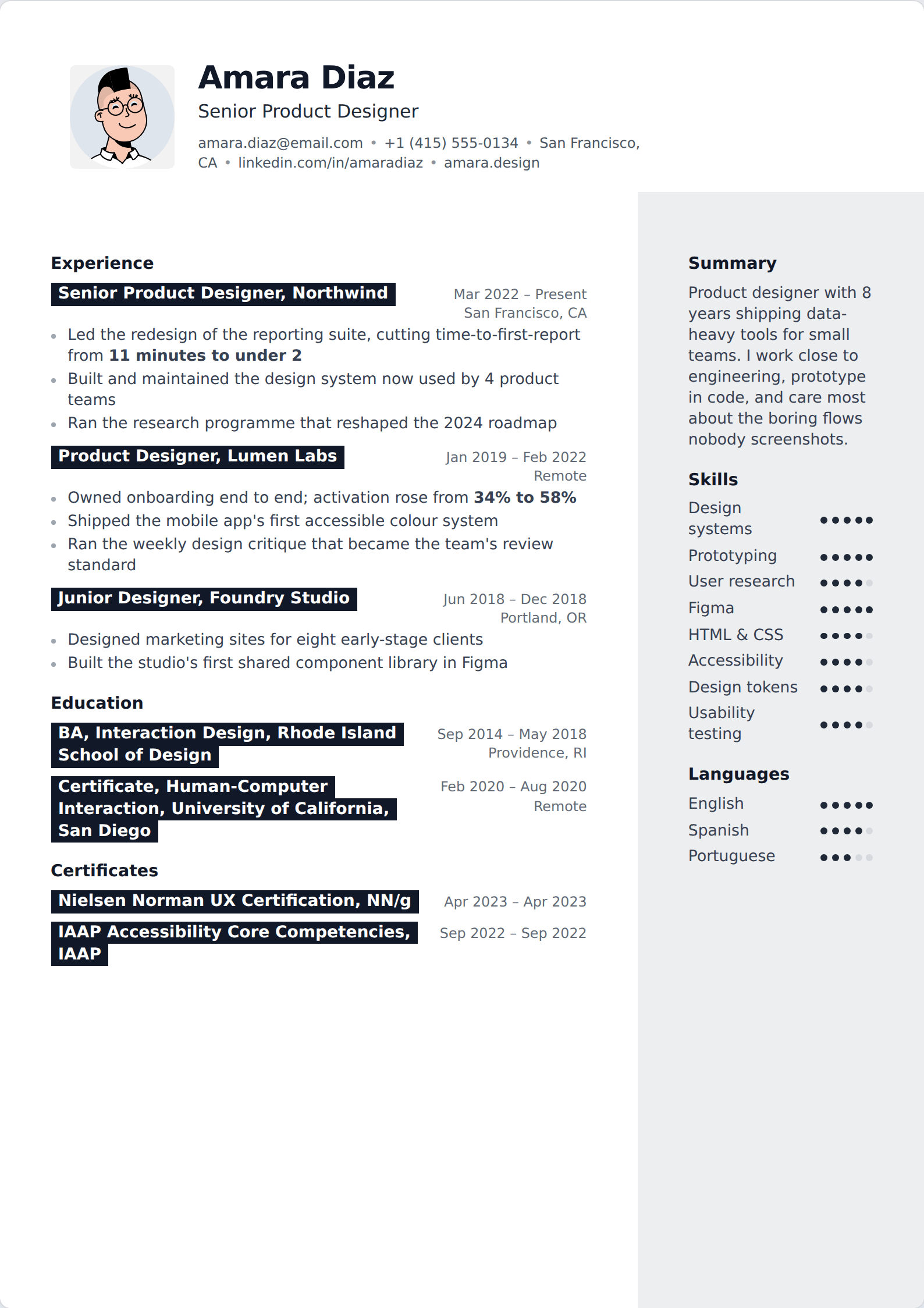
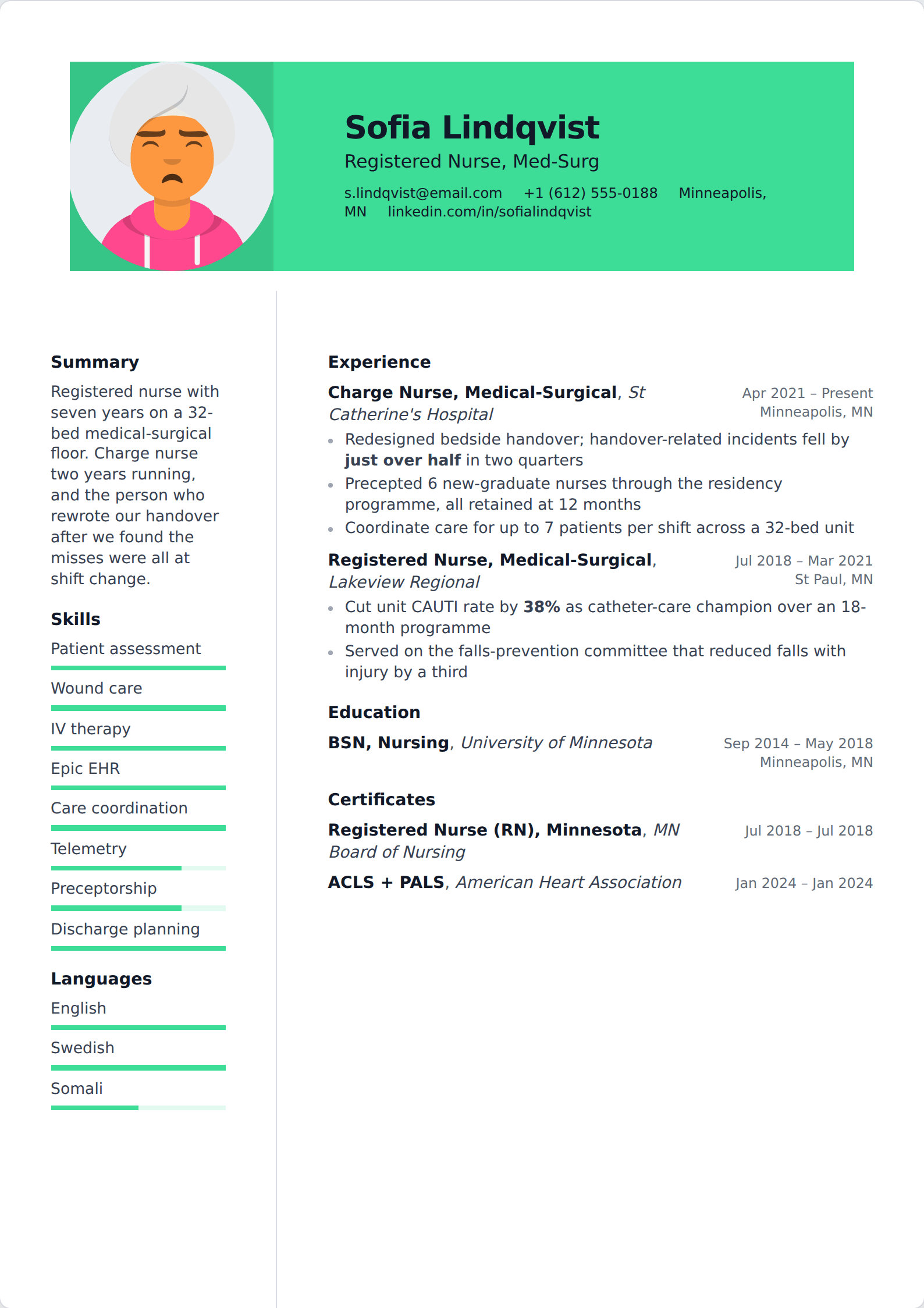
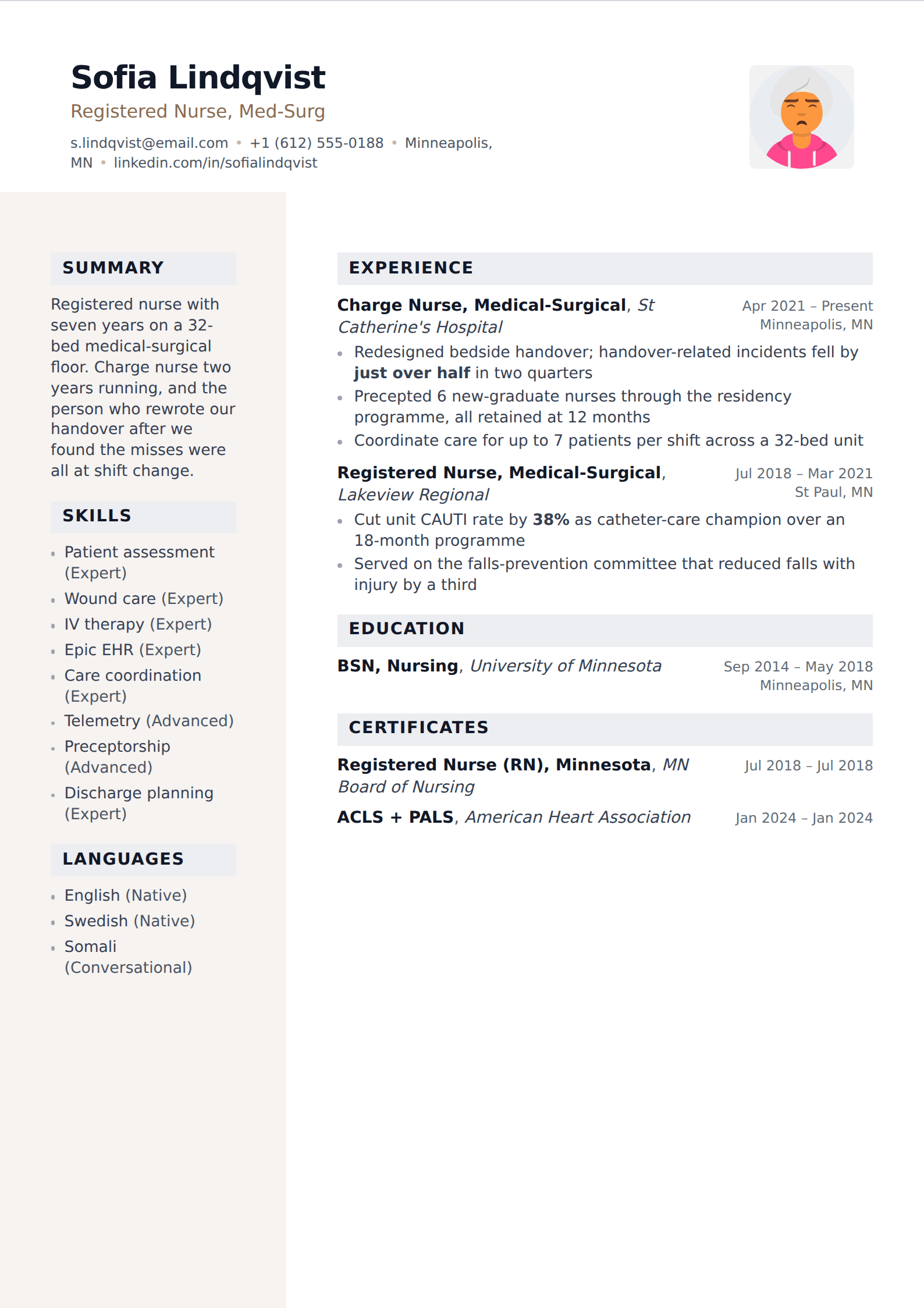
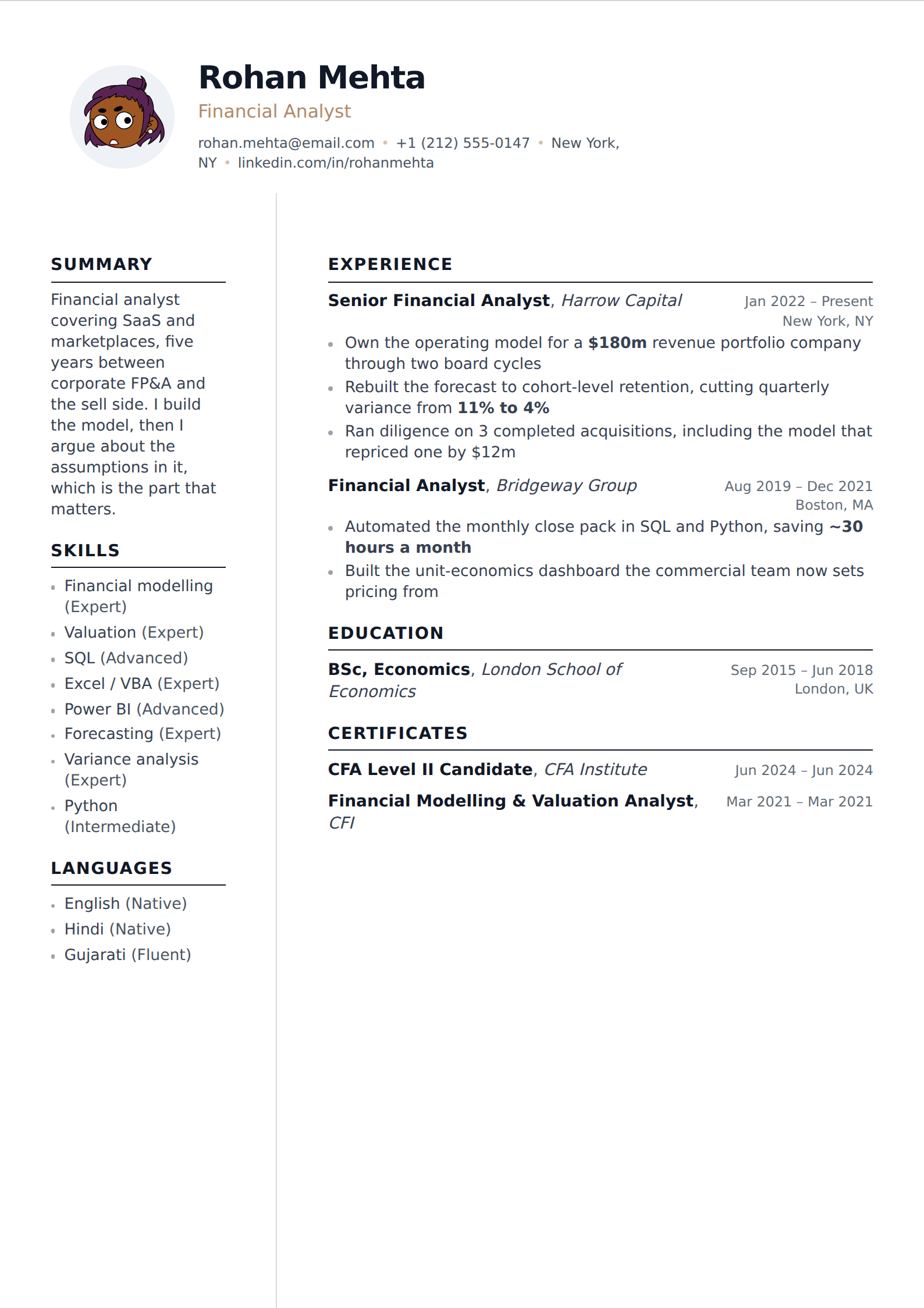
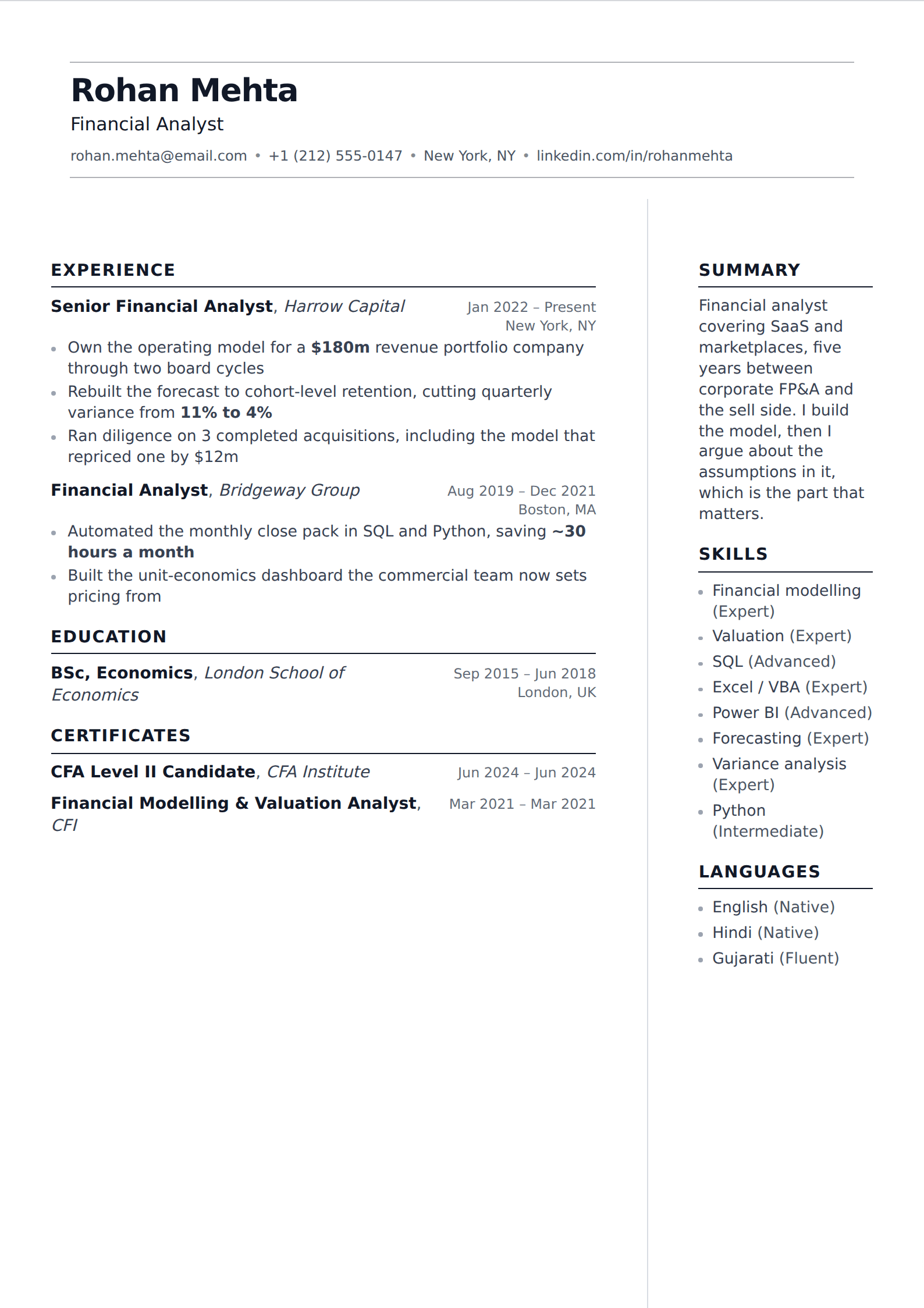
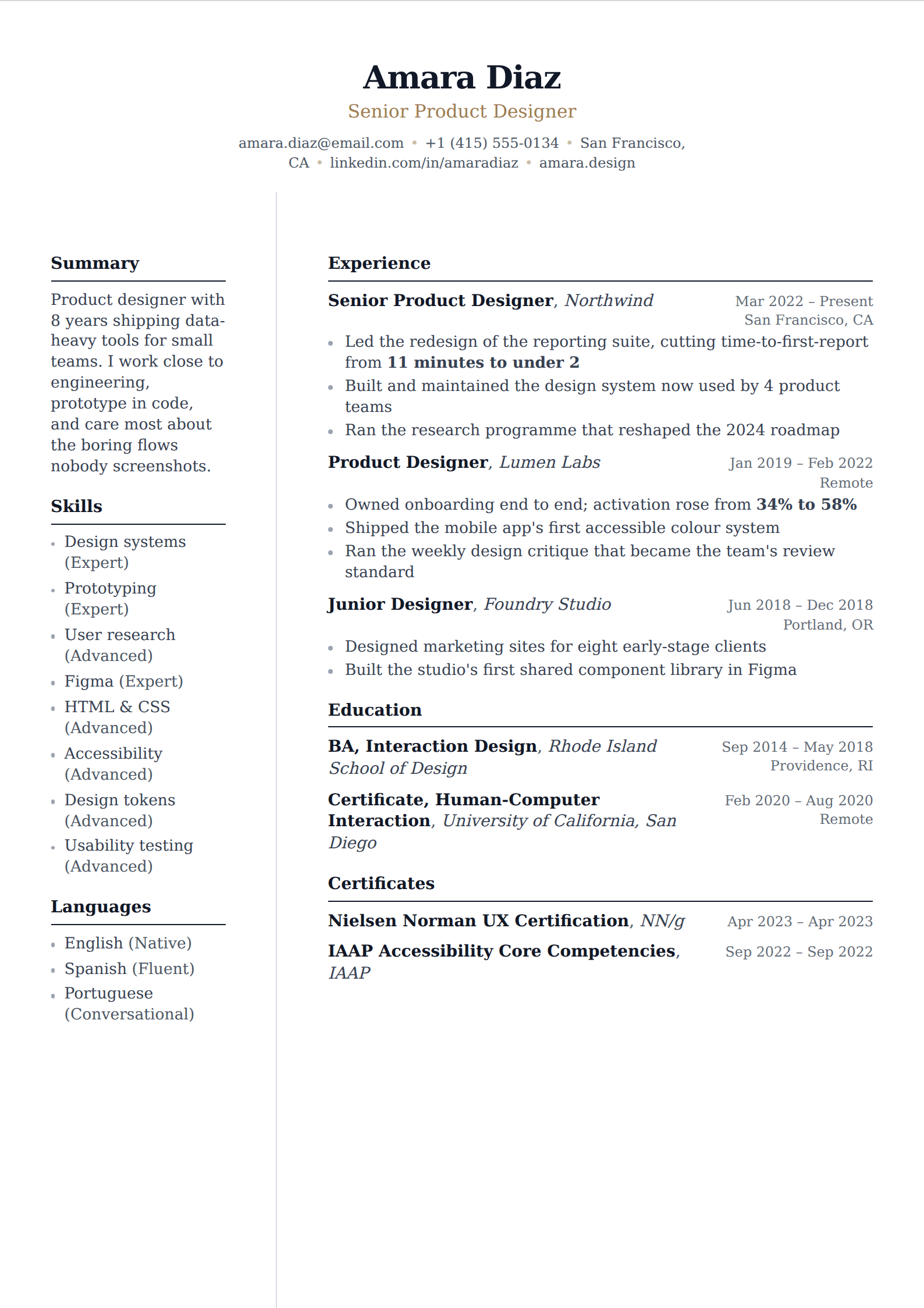
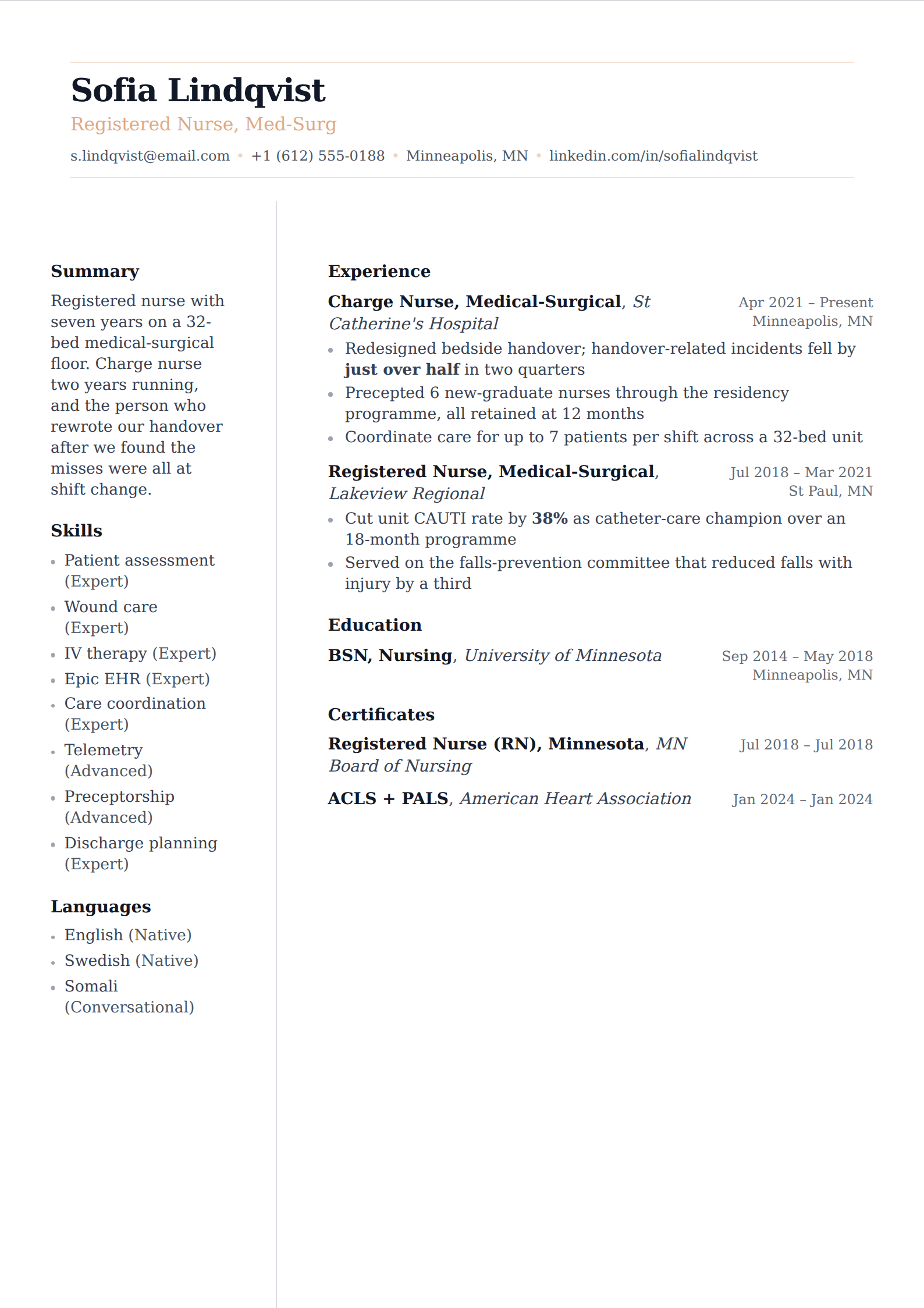
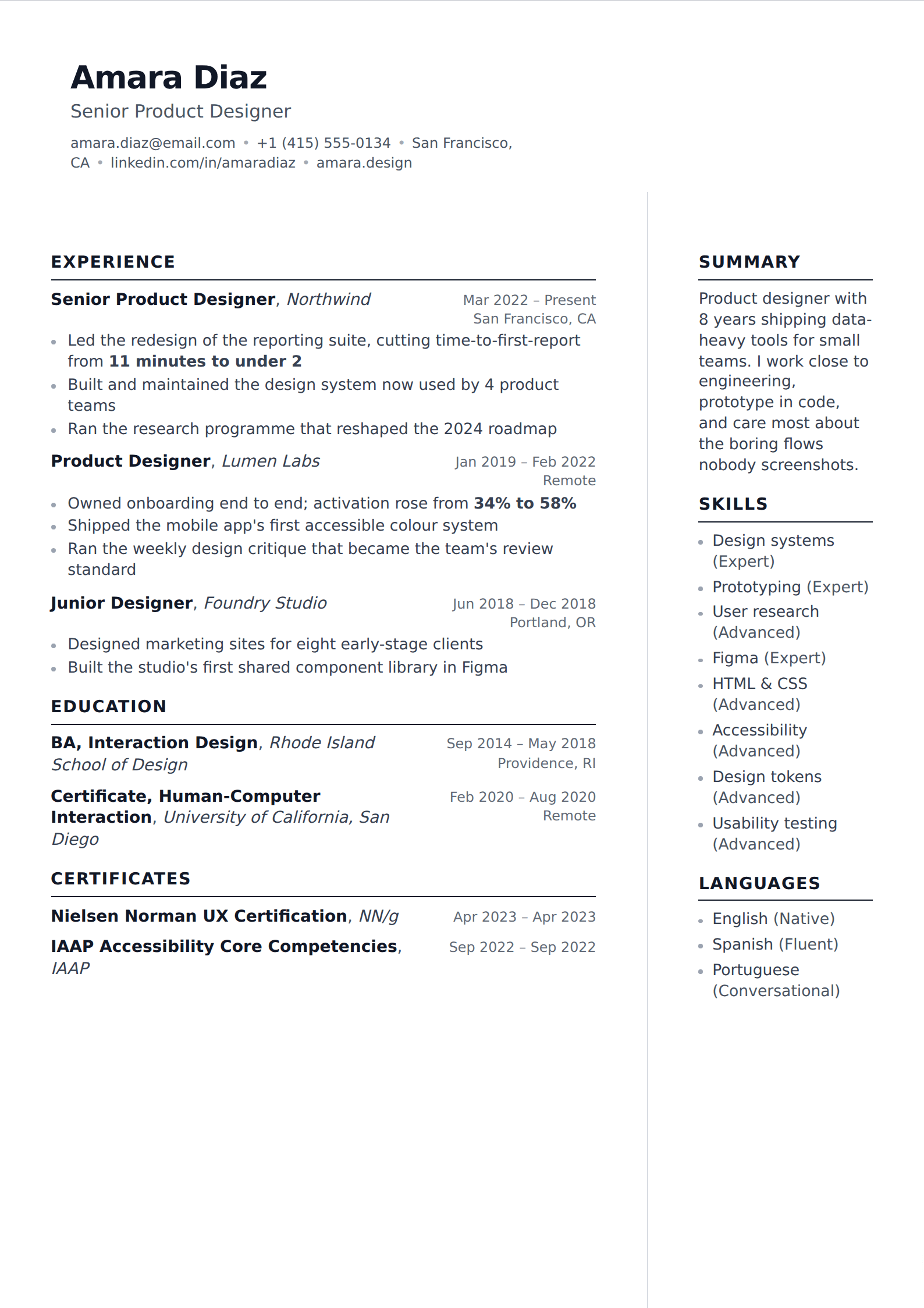
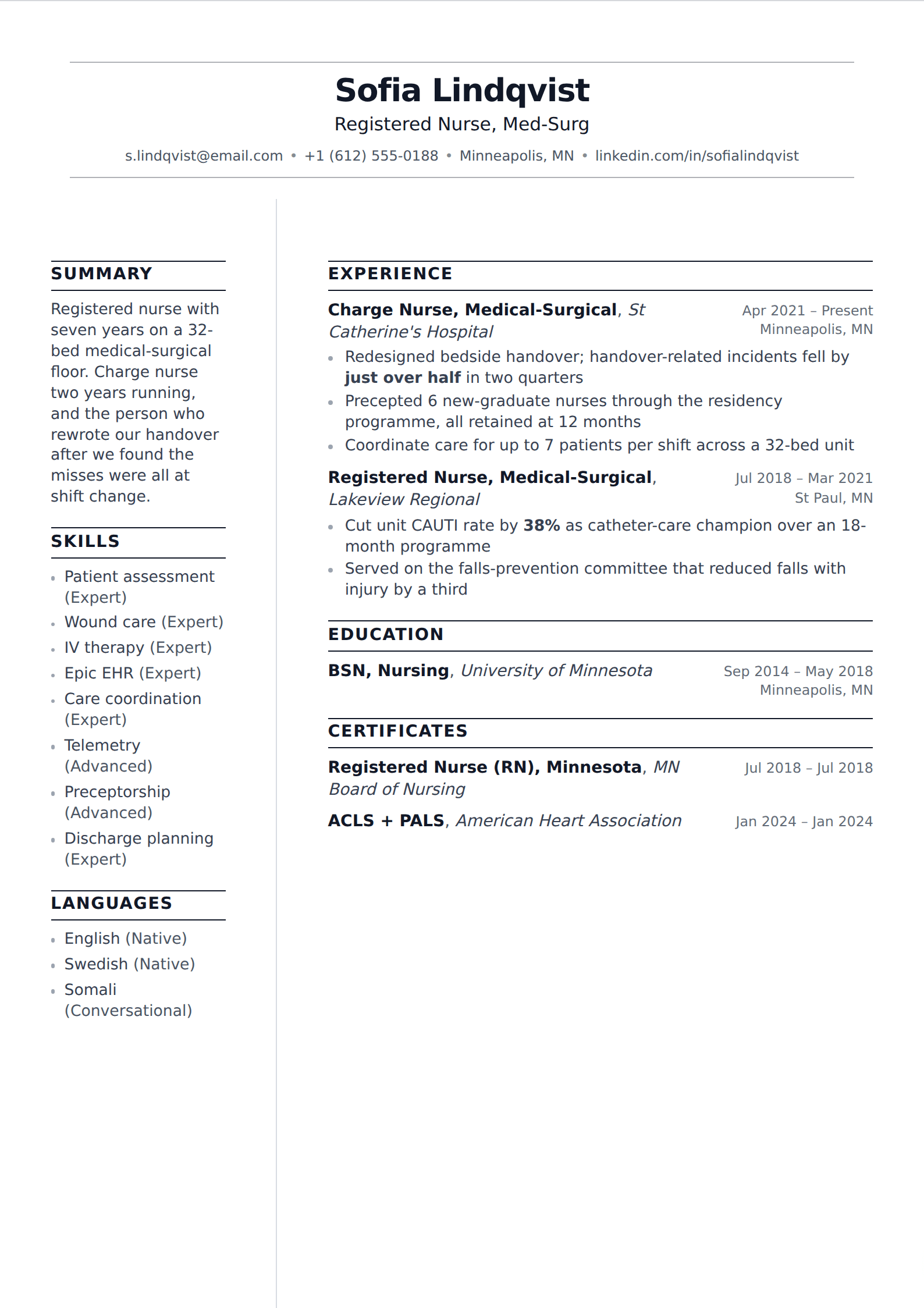
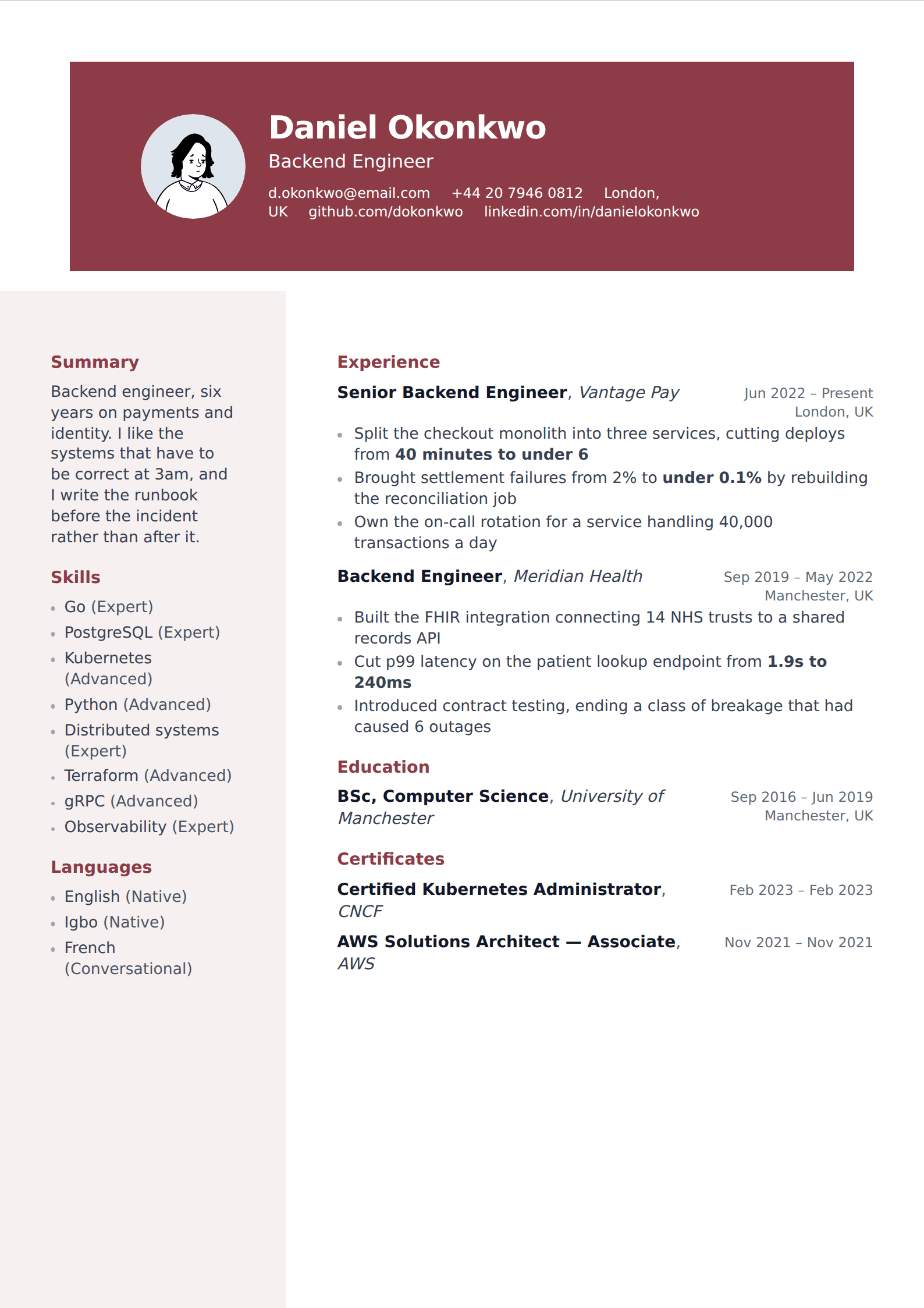
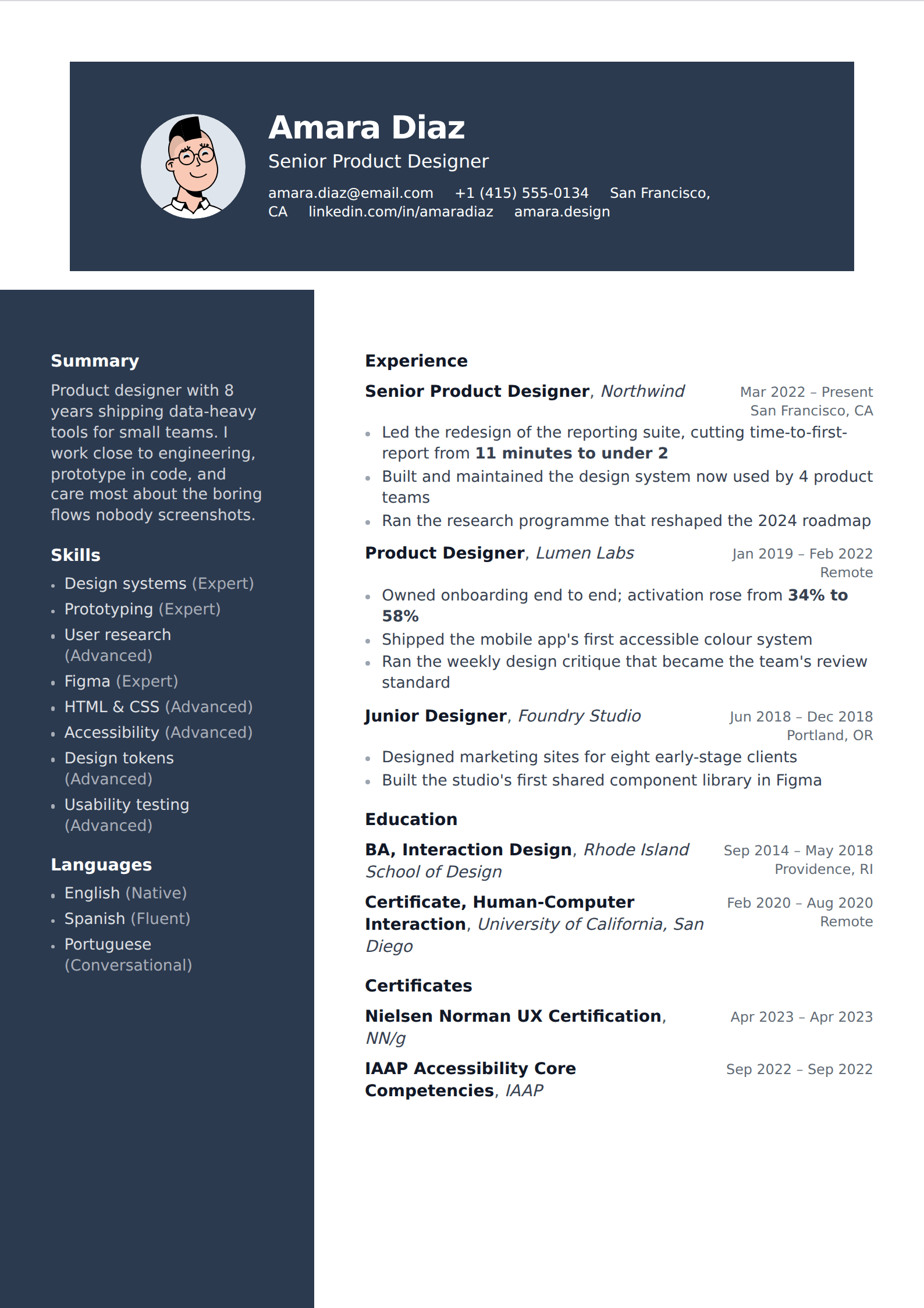
Showing 24 of 132
Browse every filter



The tradeoff, stated plainly
A two-column layout is the only common design choice that can actively break an application. When a parser extracts the text, it may read straight across the page rather than down one column and then the other — dropping your skills list into the middle of a job description and sometimes losing a role's title and dates entirely. An unrankable resume is not rejected; it simply never reaches a person.
This is not universal. Plenty of modern systems handle columns correctly and plenty of people are hired every week from two-column resumes. But you cannot tell which system is on the other end, and the failure is silent.
How to use one anyway
Check it. Export the PDF, select all the text, paste it into a plain text file, and read what comes out. If your history is intact and in order, the template parses and you can stop worrying. If it is interleaved, switch to a single-column template — your writing is untouched by the change.
A reasonable middle path: keep a two-column version for applications sent directly to a person, and a single-column version for anything going through a portal. Both render from the same content.
Common questions
What should go in the sidebar?
Lists rather than narrative: contact details, skills, tools, languages, certifications. Never your experience. If a parse does go wrong, losing a skills list is recoverable — losing your employment history is not.
Can I switch to one column later?
At any time, and it costs nothing. Templates re-render the same content, so switching is a single change and your writing is untouched. That is exactly why keeping both versions is practical.
Nearby filters
Try one of them
Open the editor, write one entry, and switch between them to see the difference.
Start your resume