
Classic resume templates
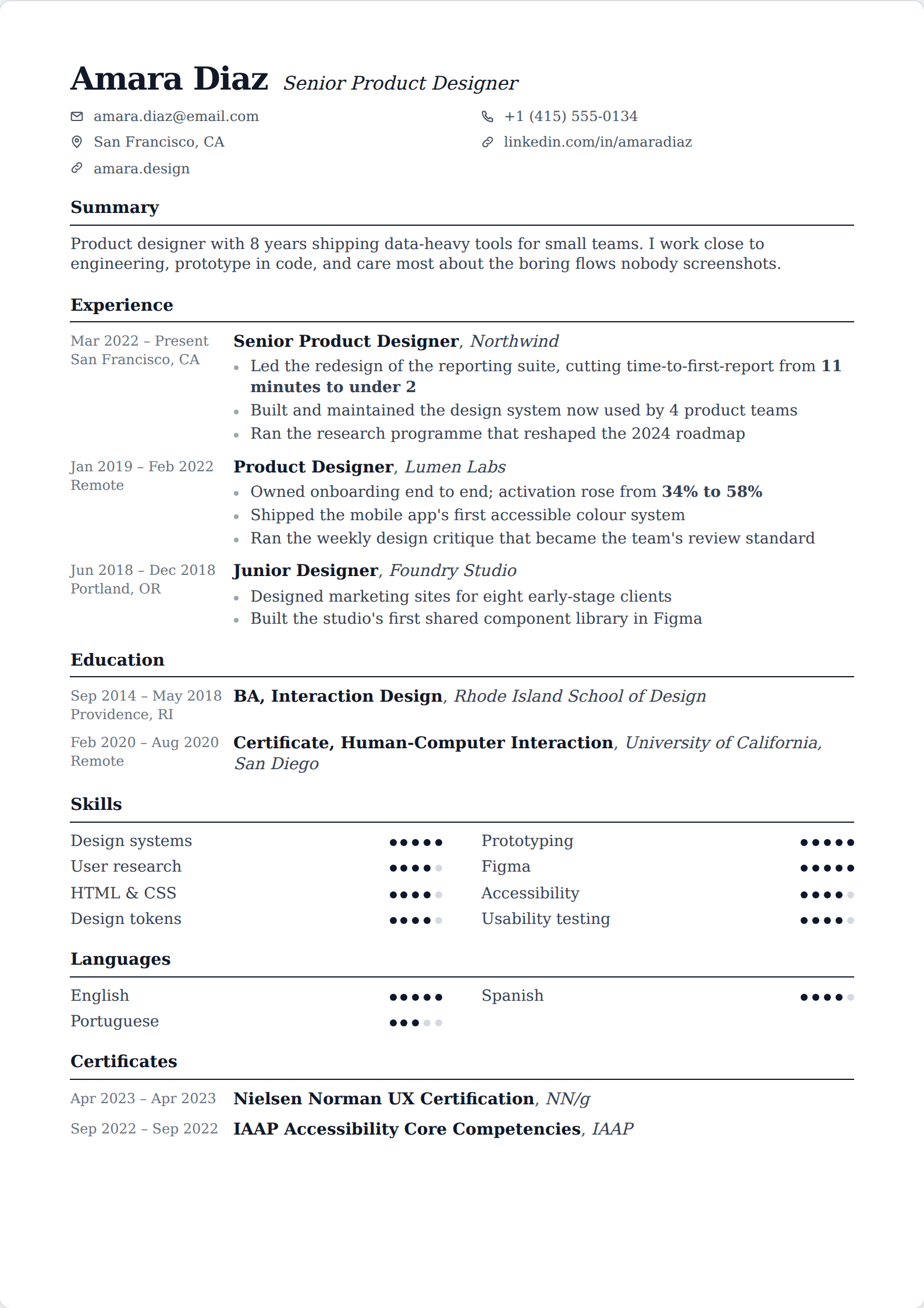
Serif typefaces and conventional structure. A classic resume is not an old one — it is a document that has stopped trying to be of its moment, which is exactly what makes it readable in five years' time.
63 of our 227 templates match this filter. Every one is free to use, with unlimited watermark-free PDF downloads.
 Simple
 Picture
 Professional
 Classic
 Modern
 ATS
ATS Two column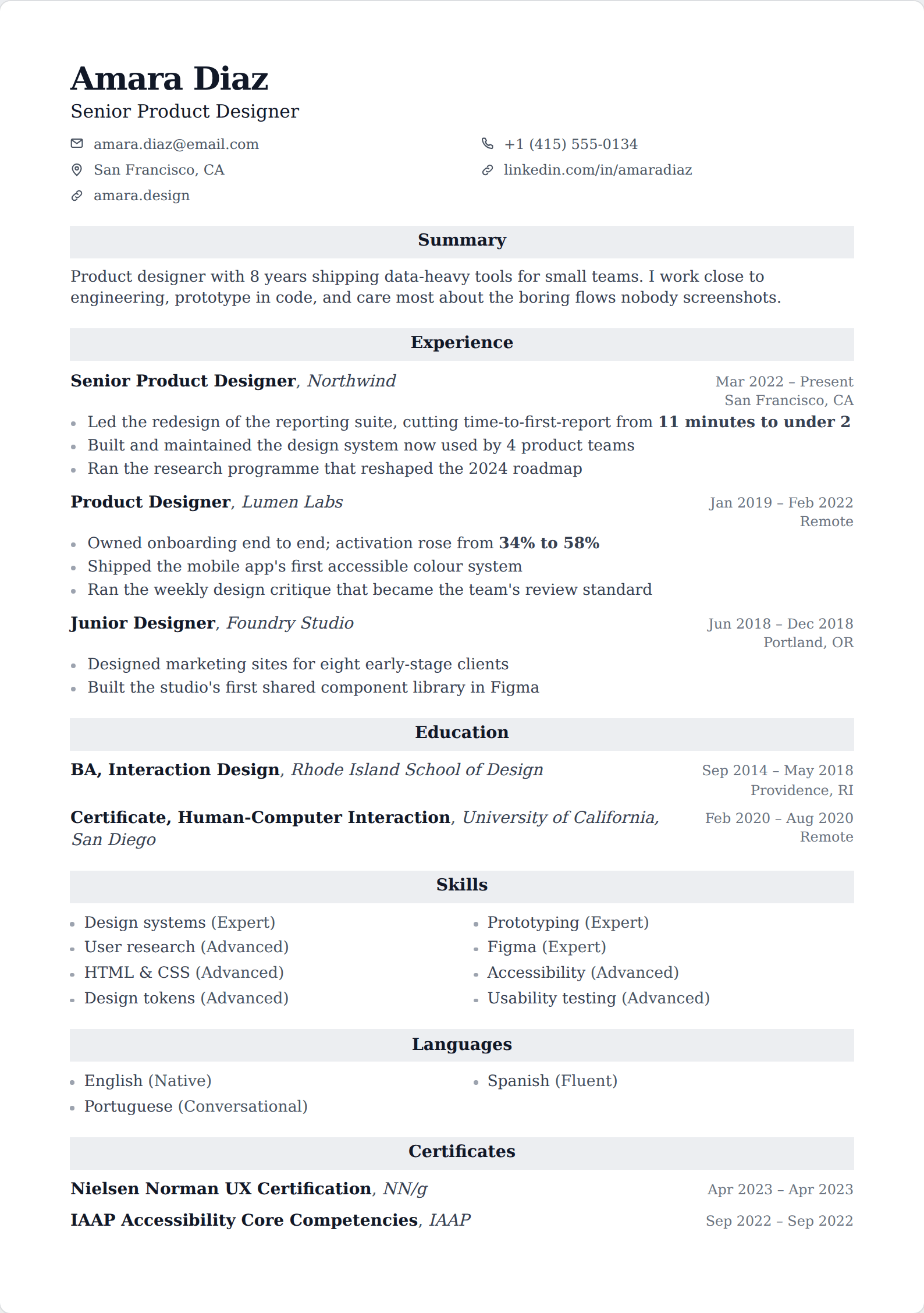
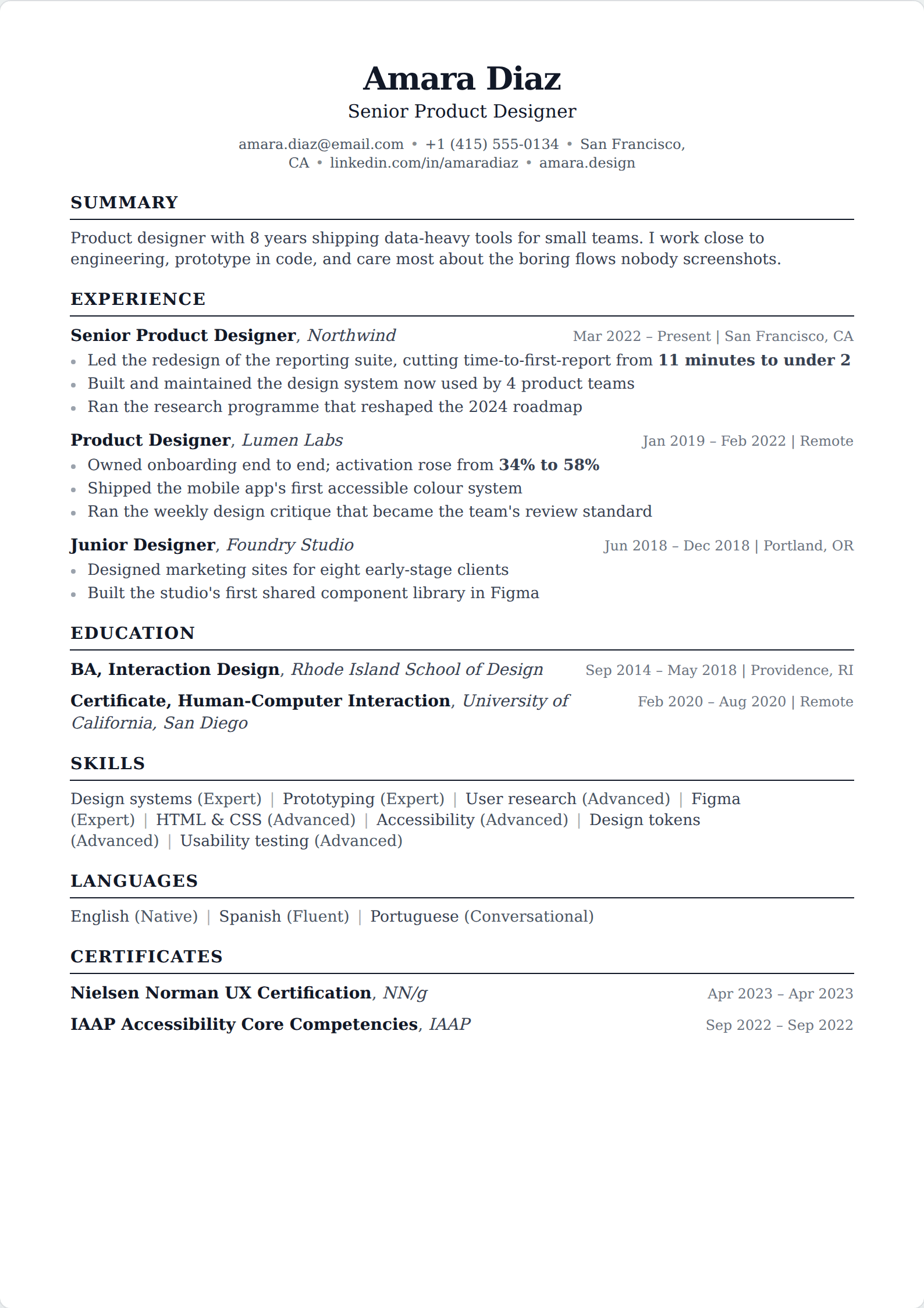
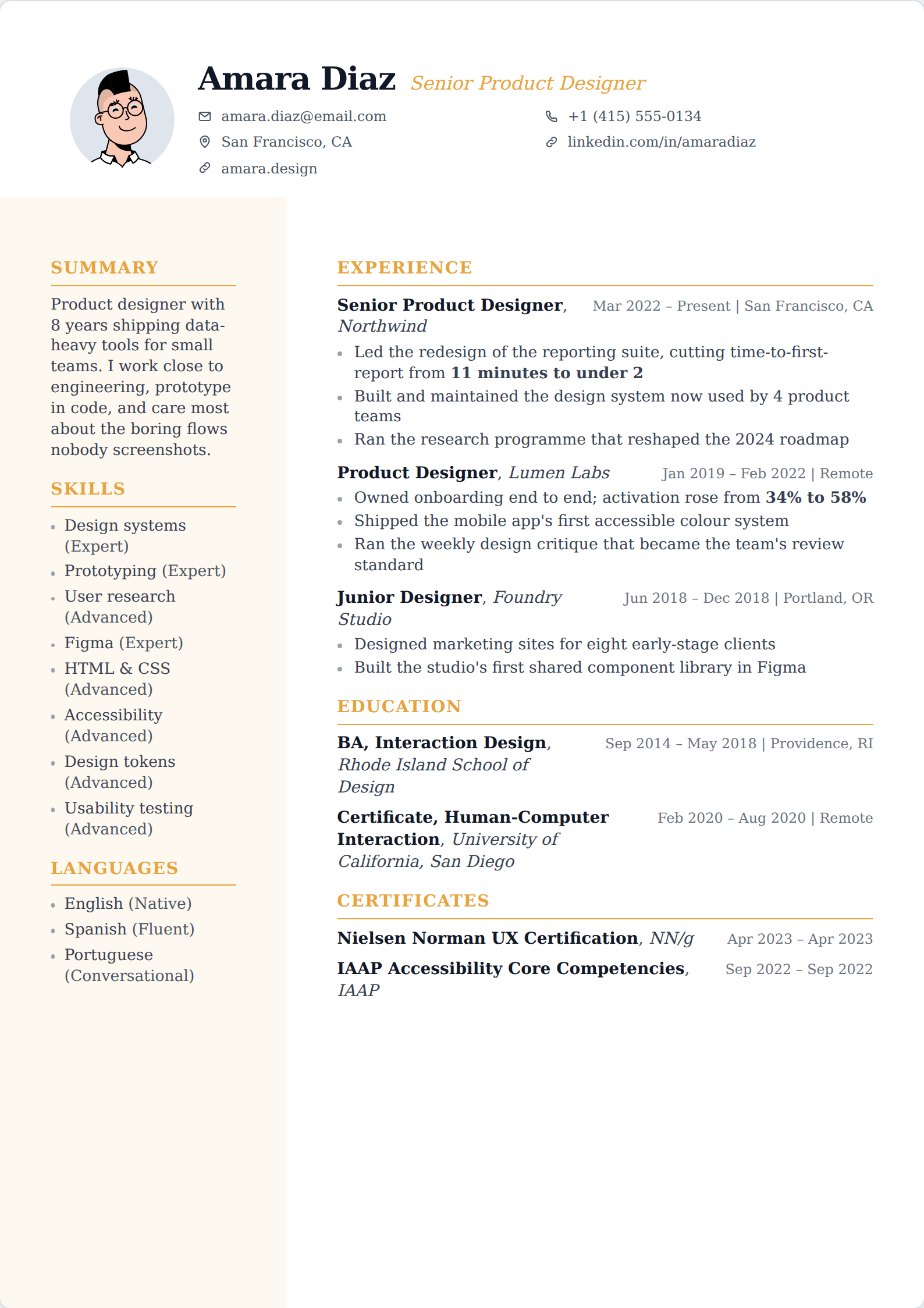
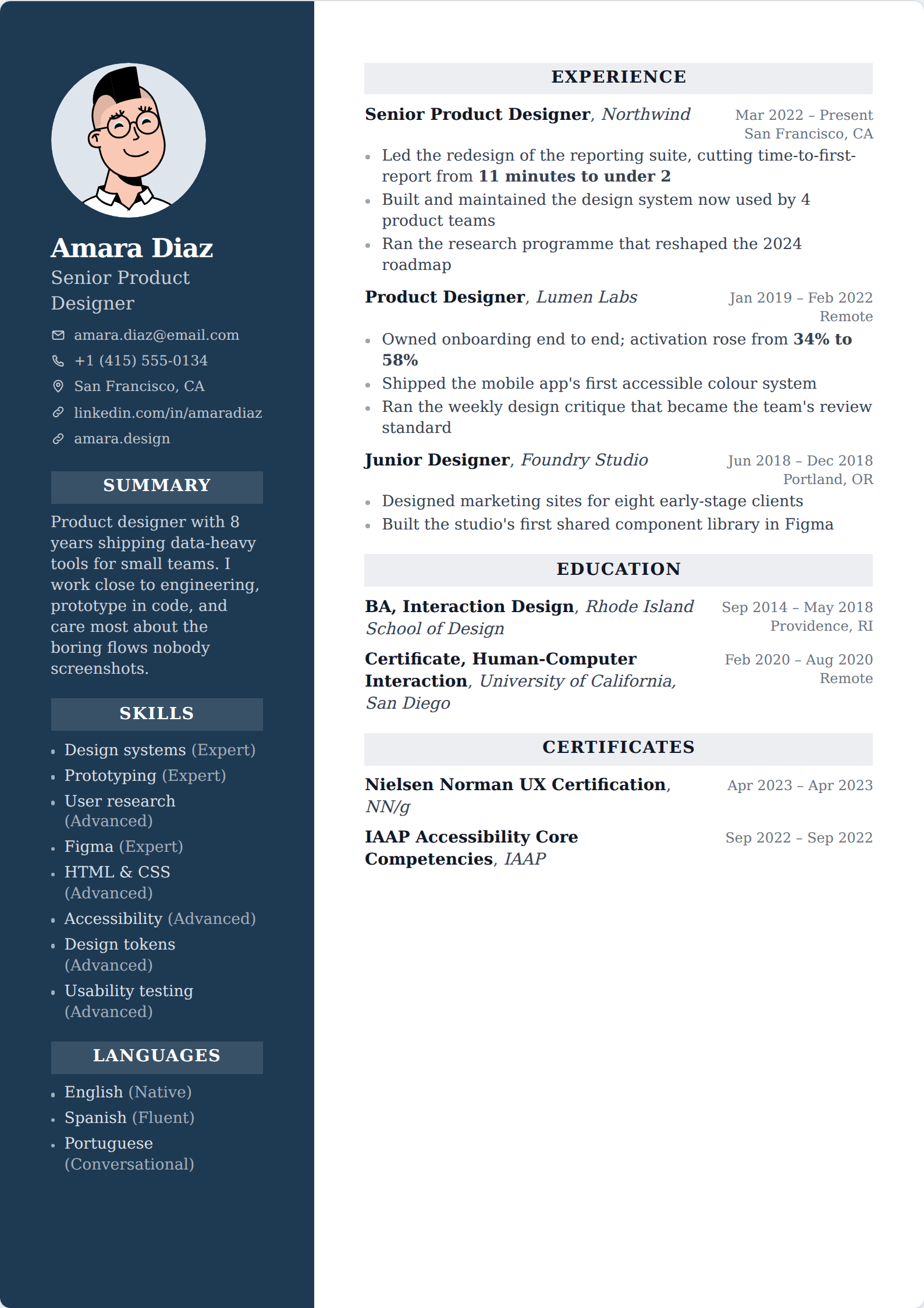
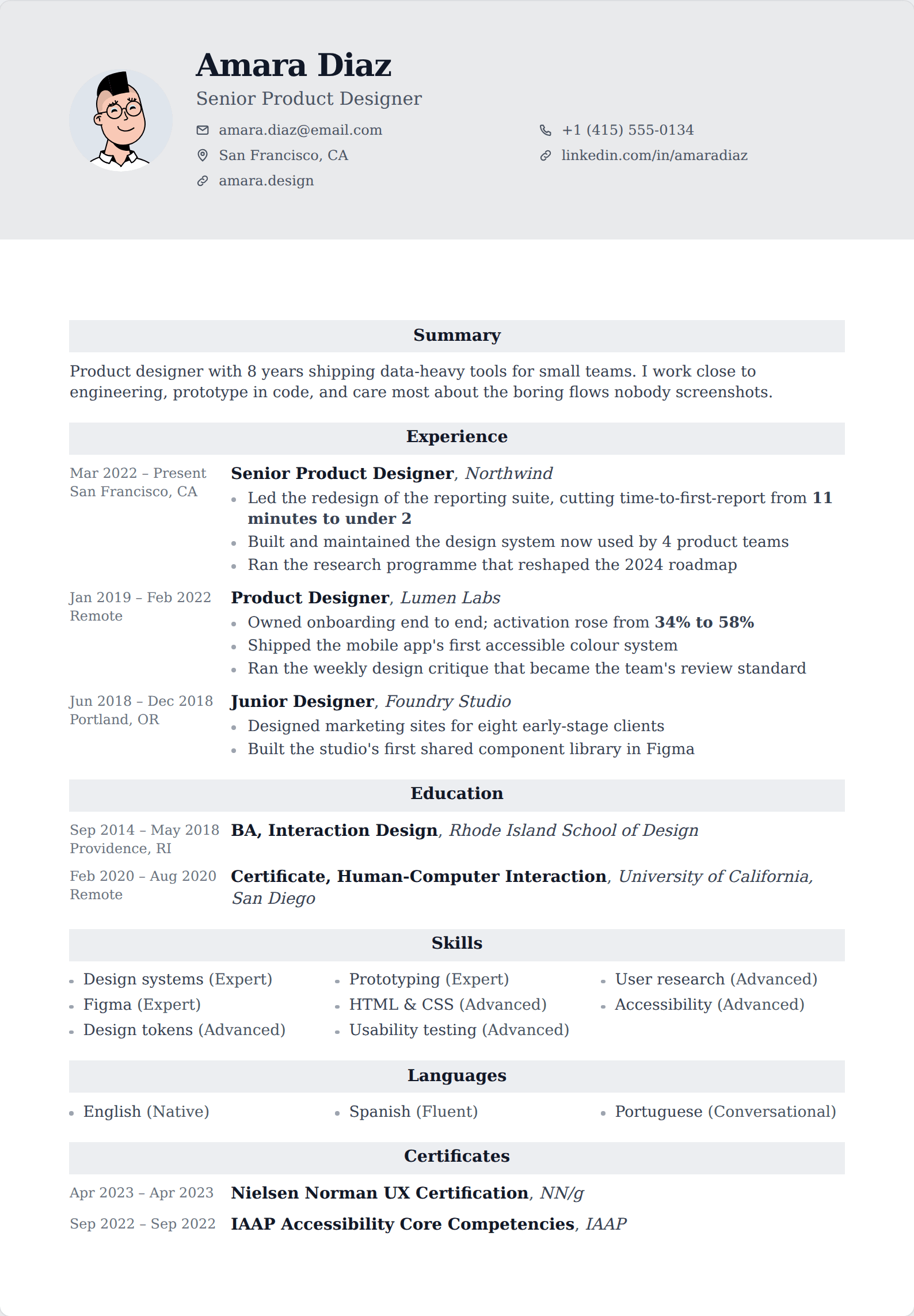
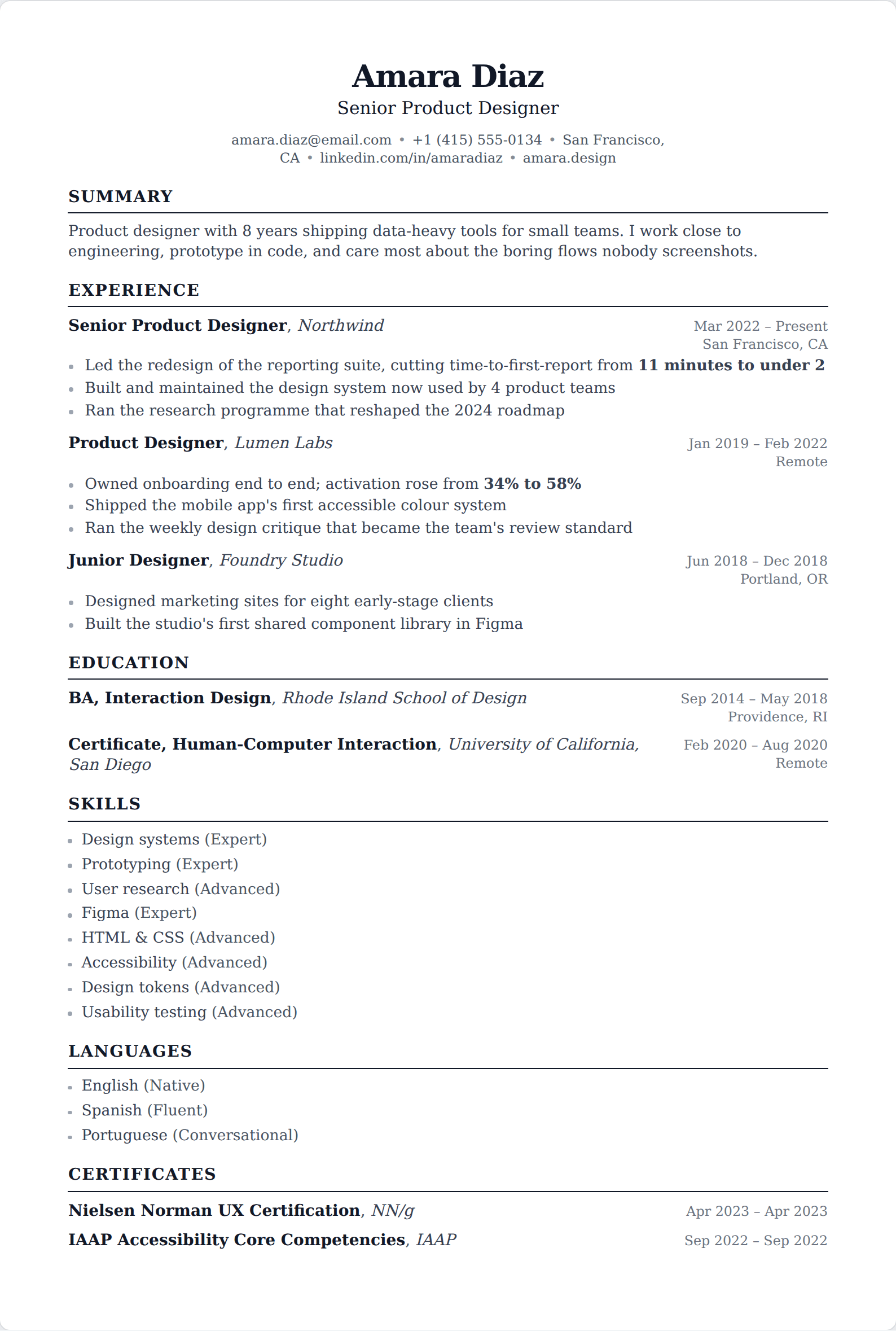
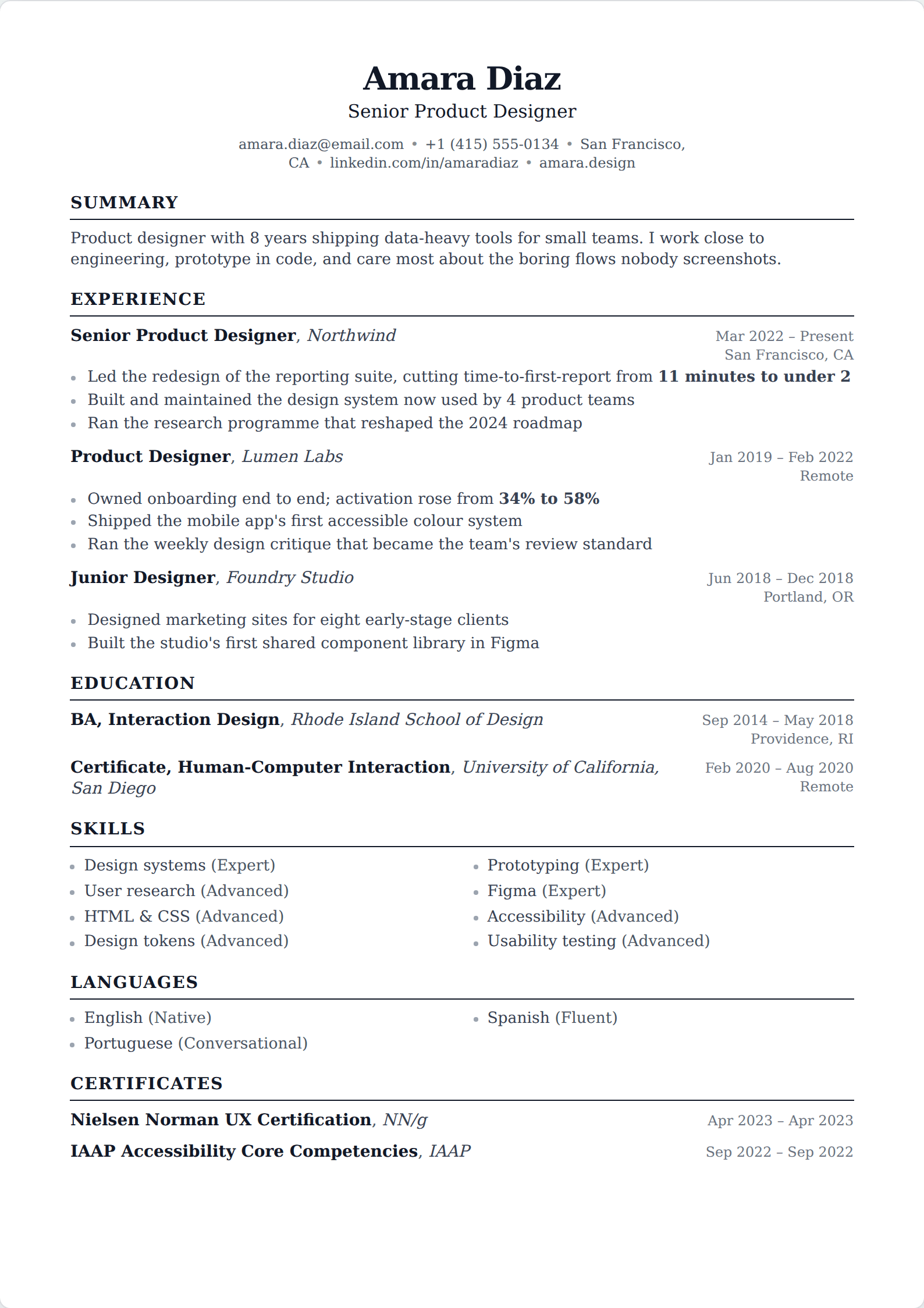
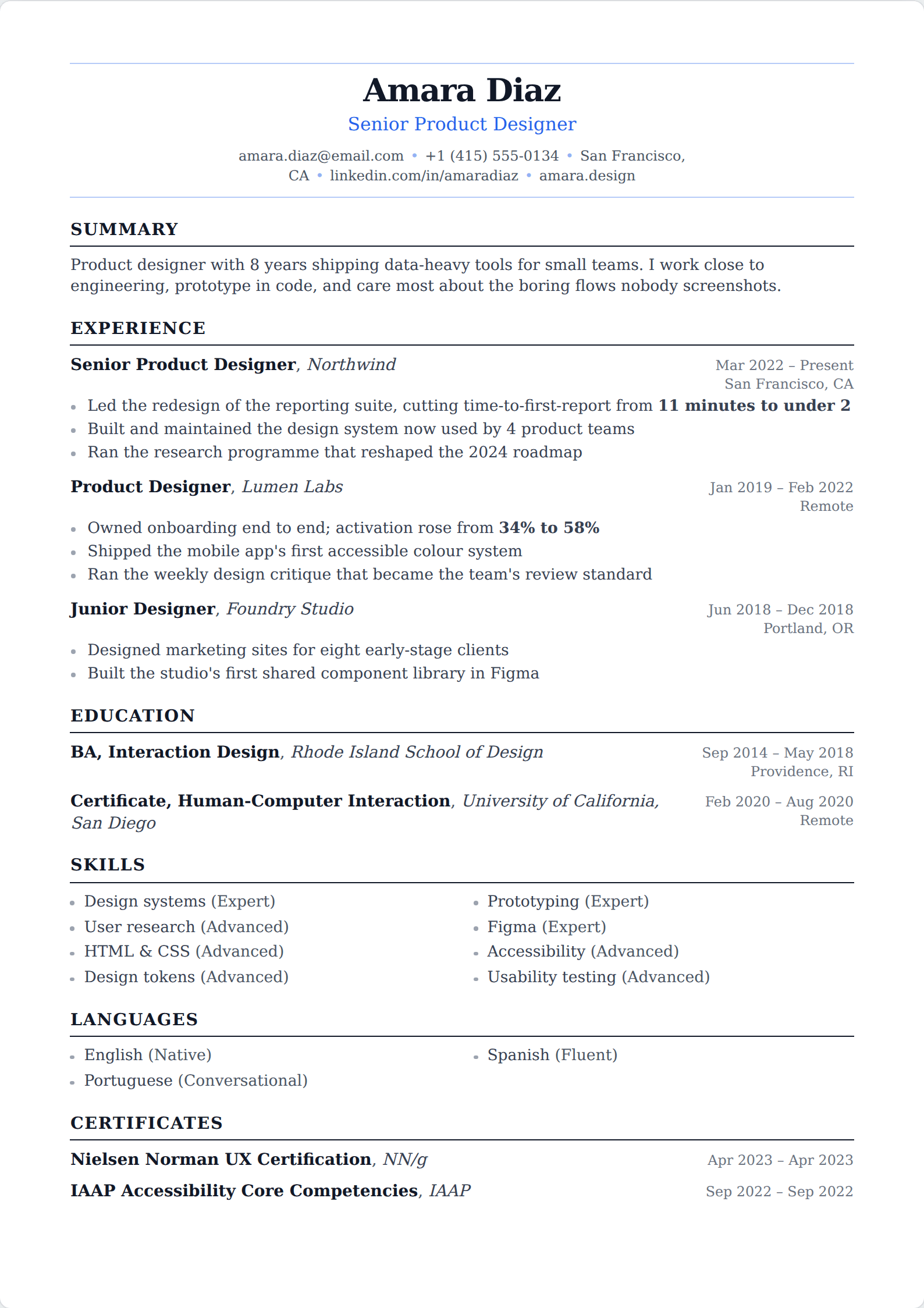
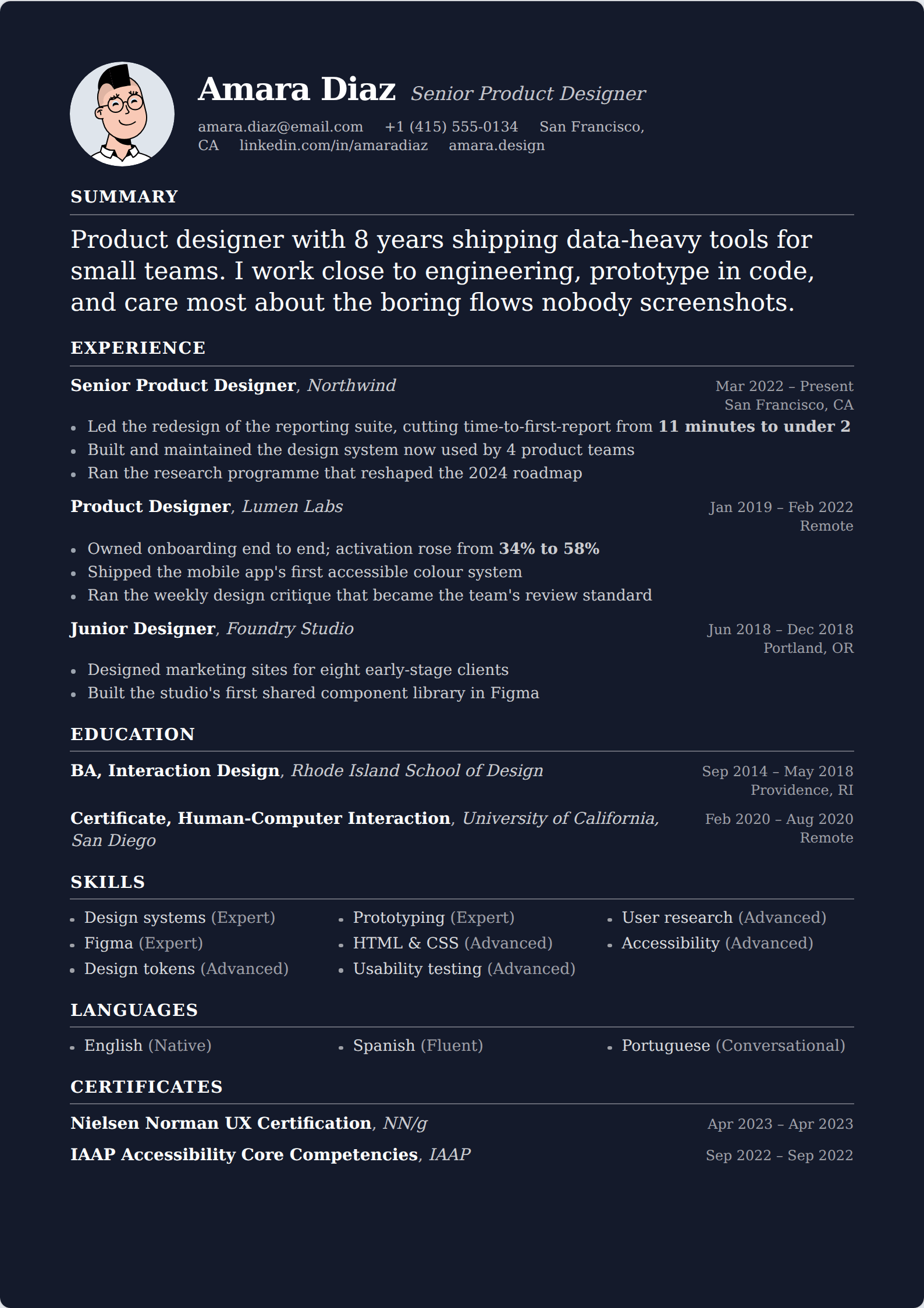
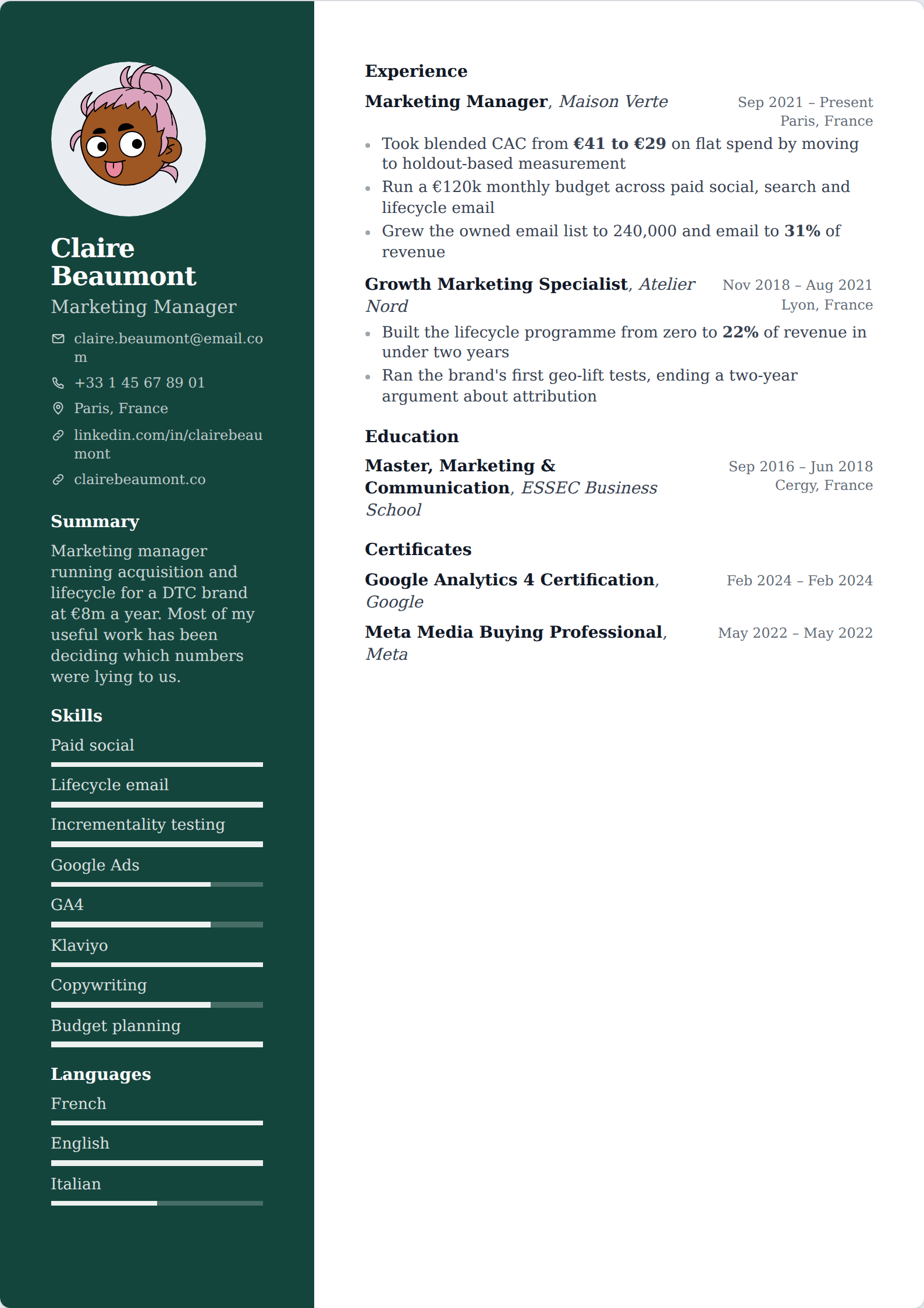
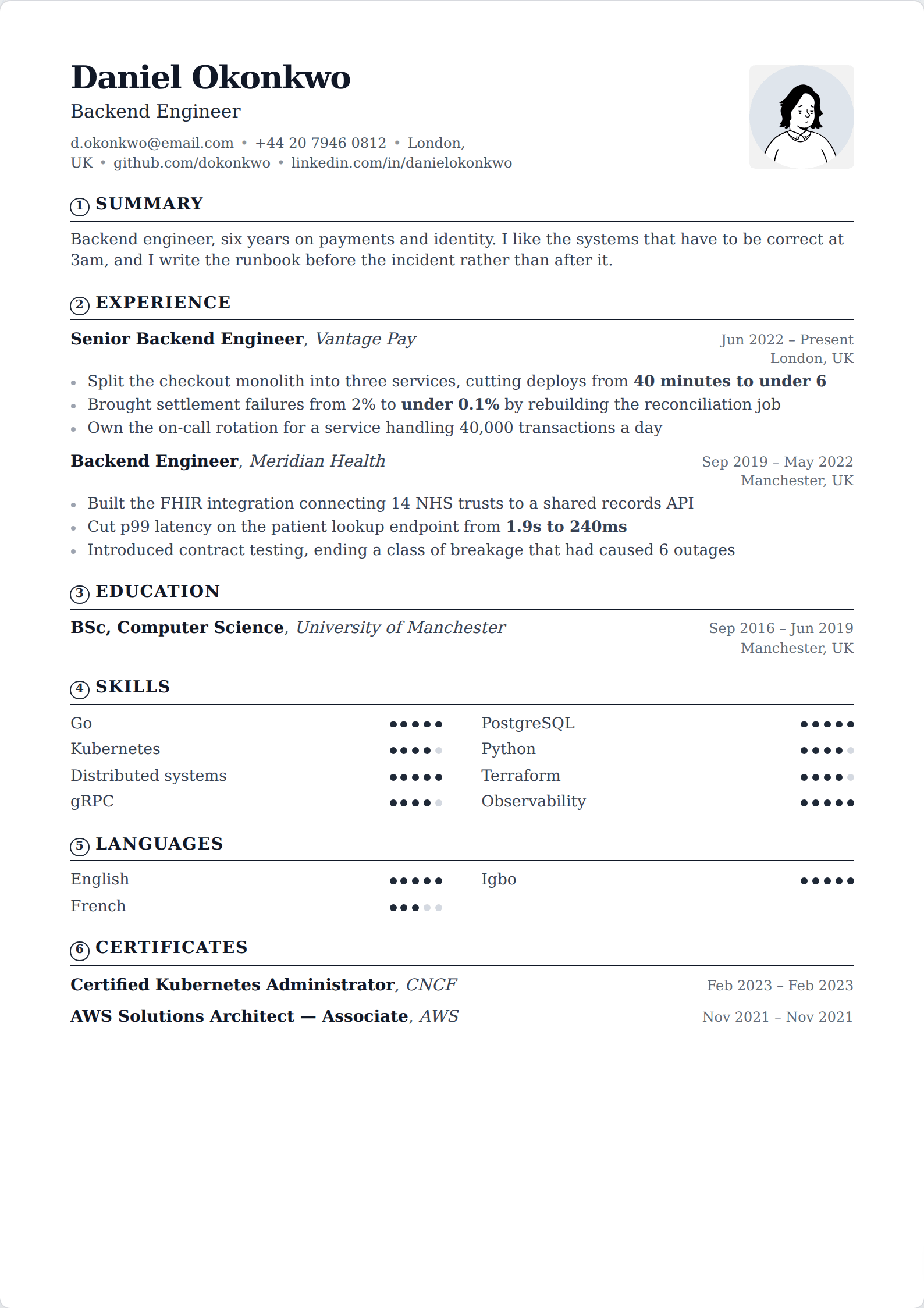
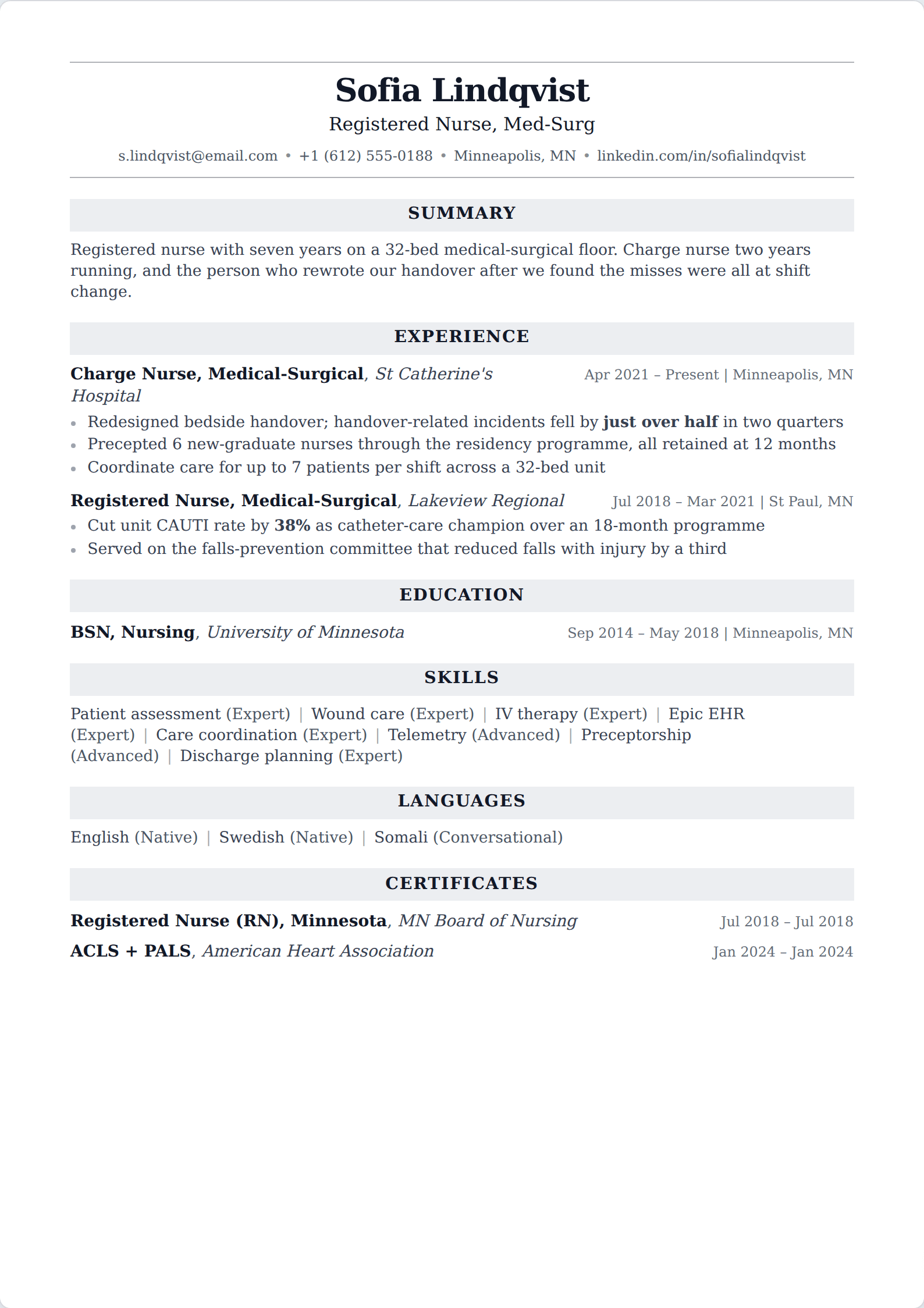
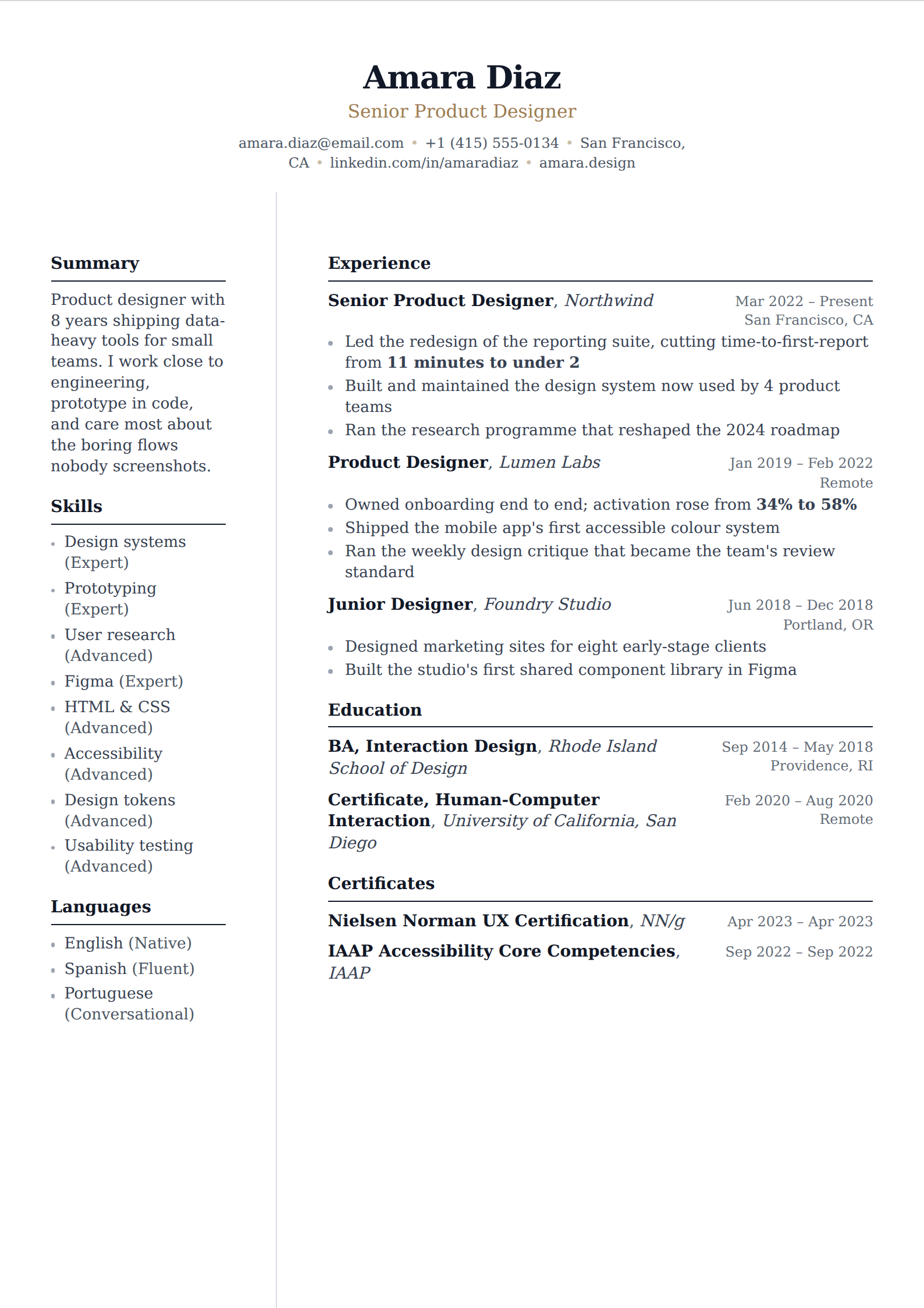
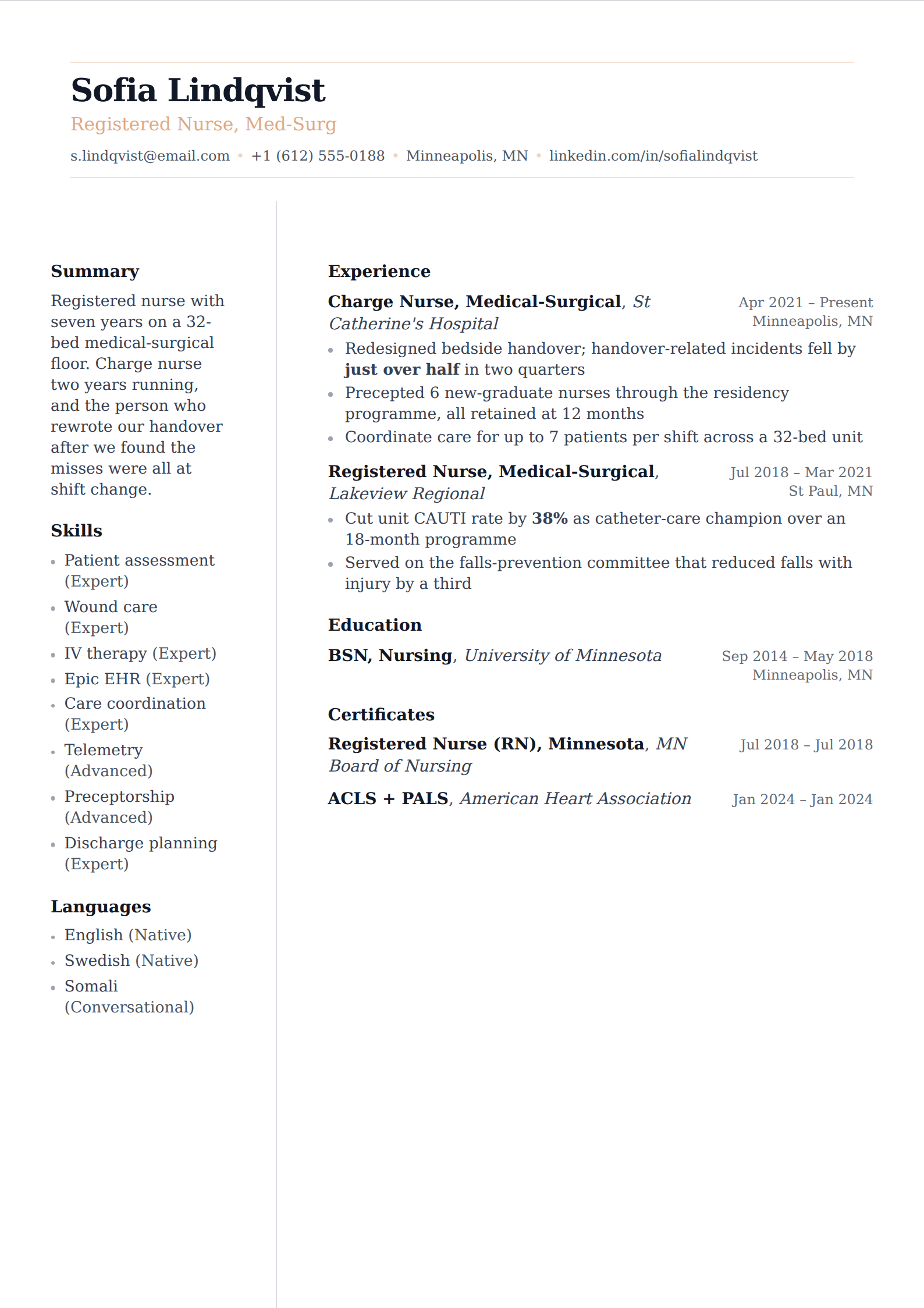
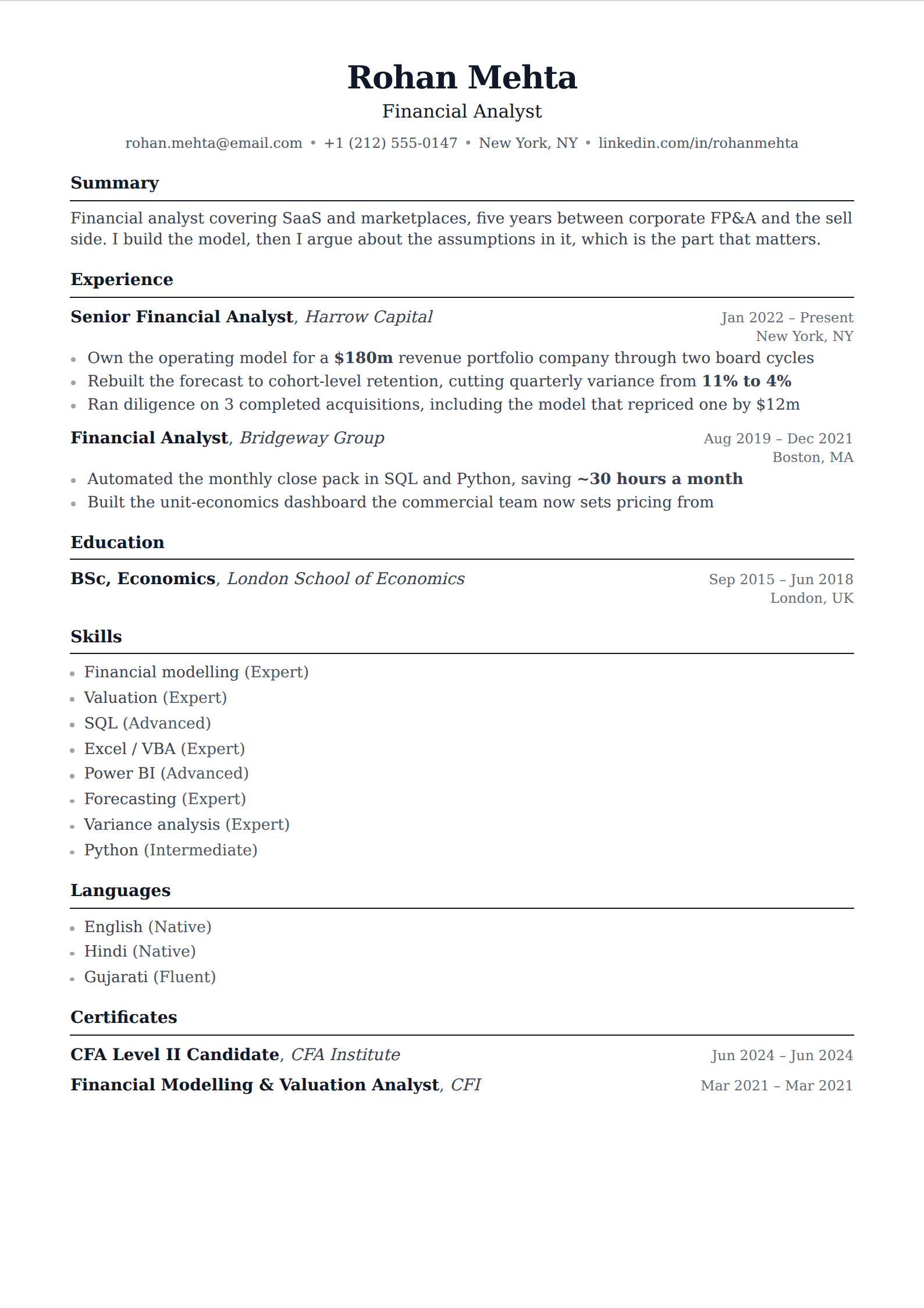
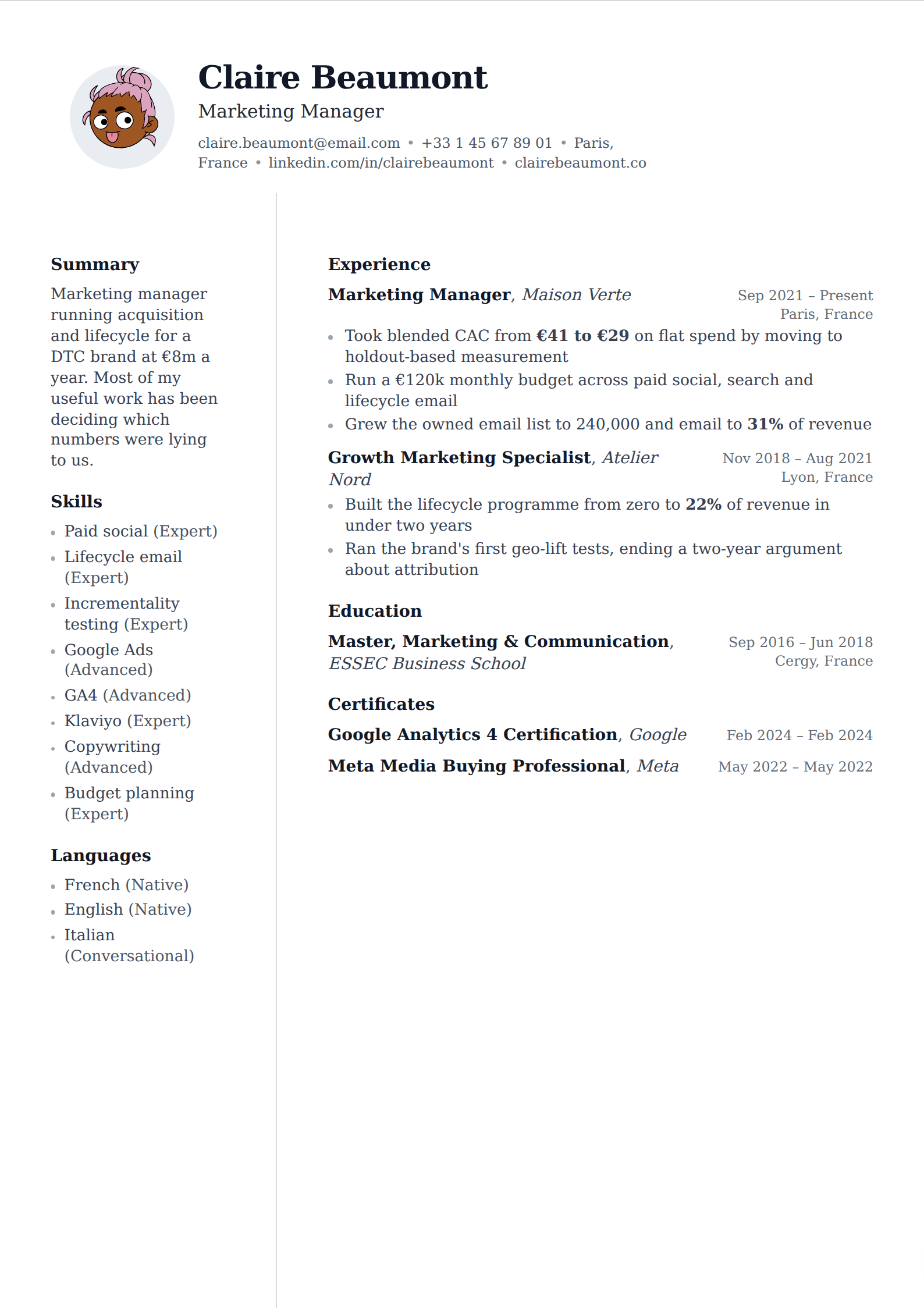
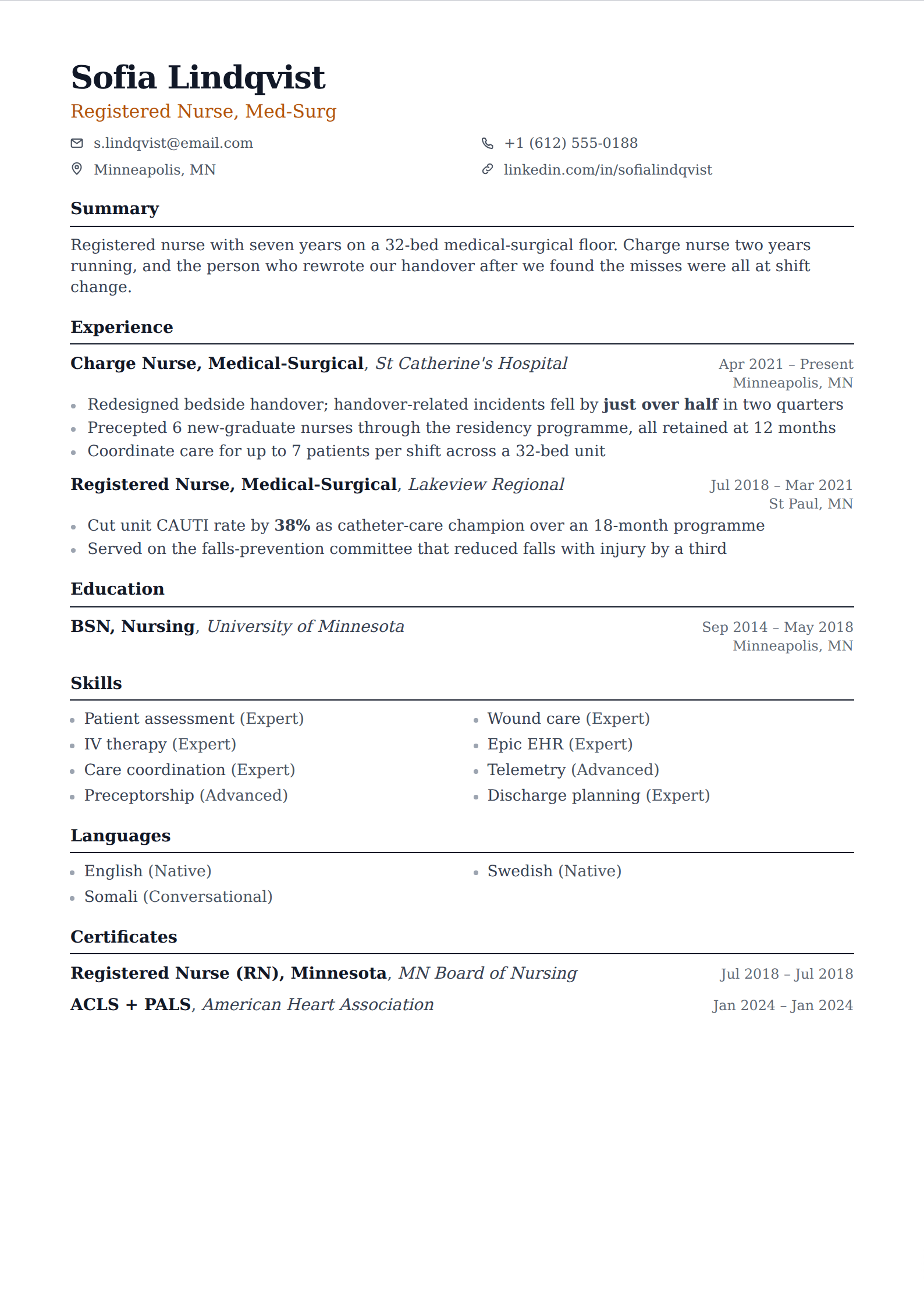
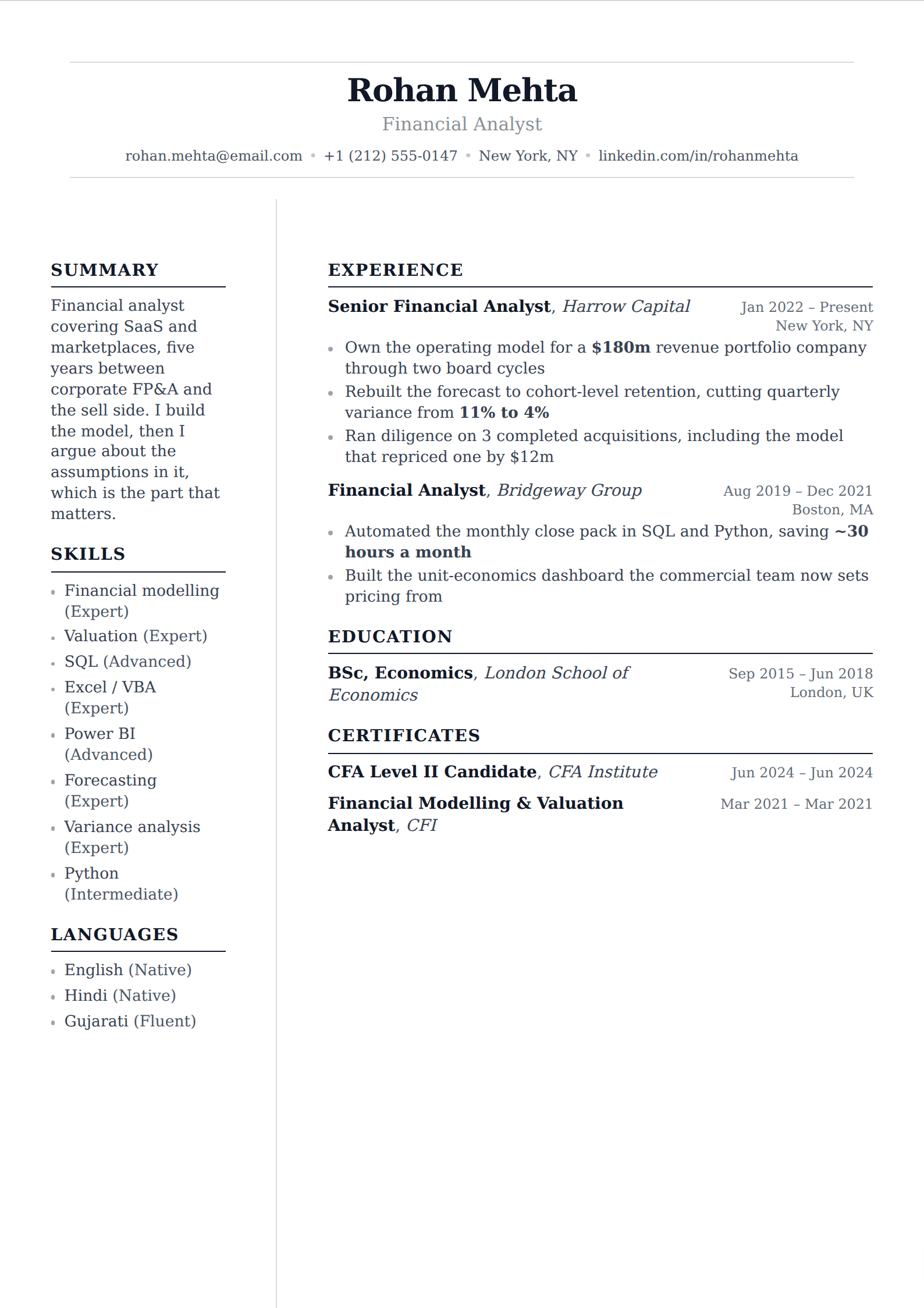
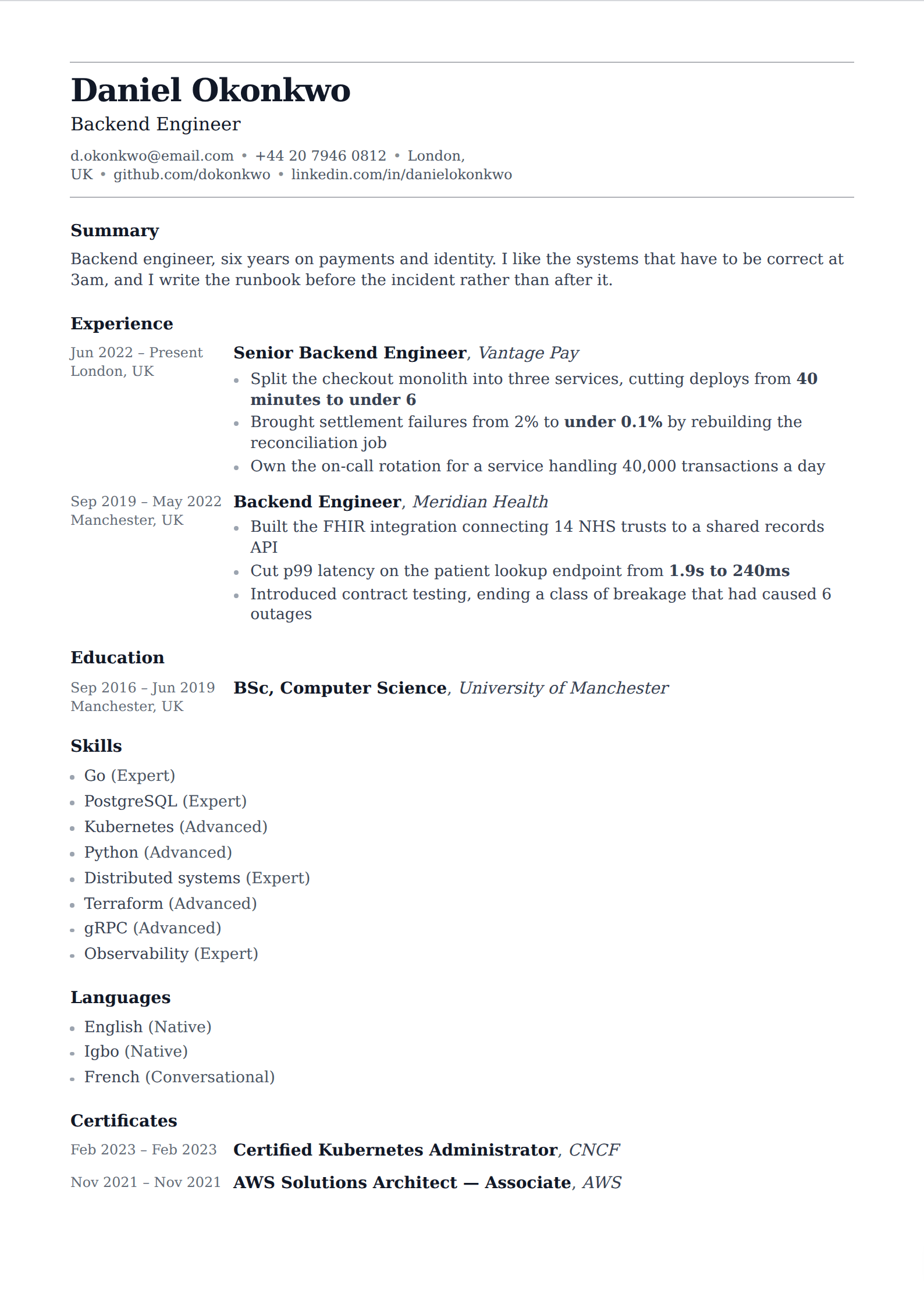
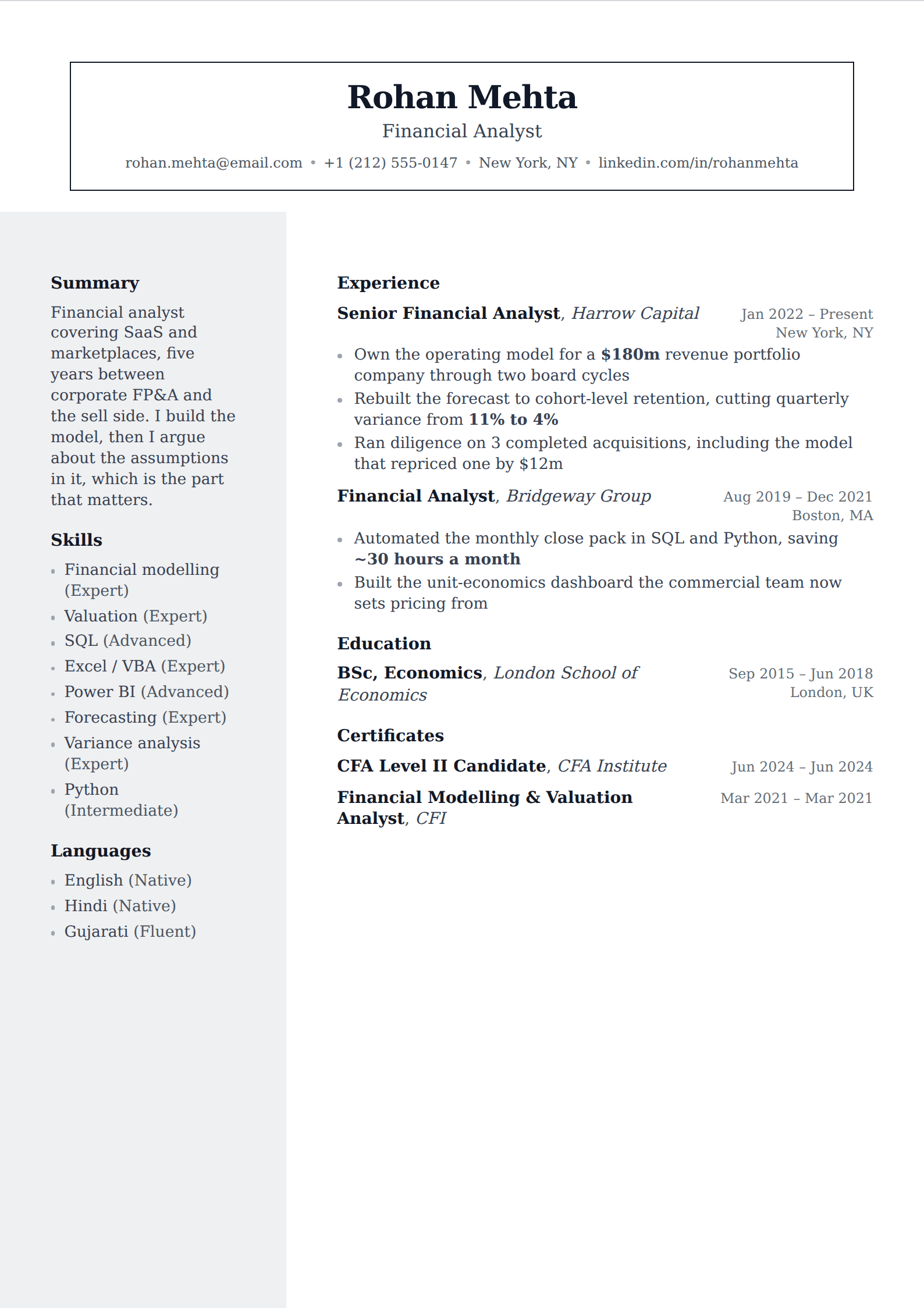
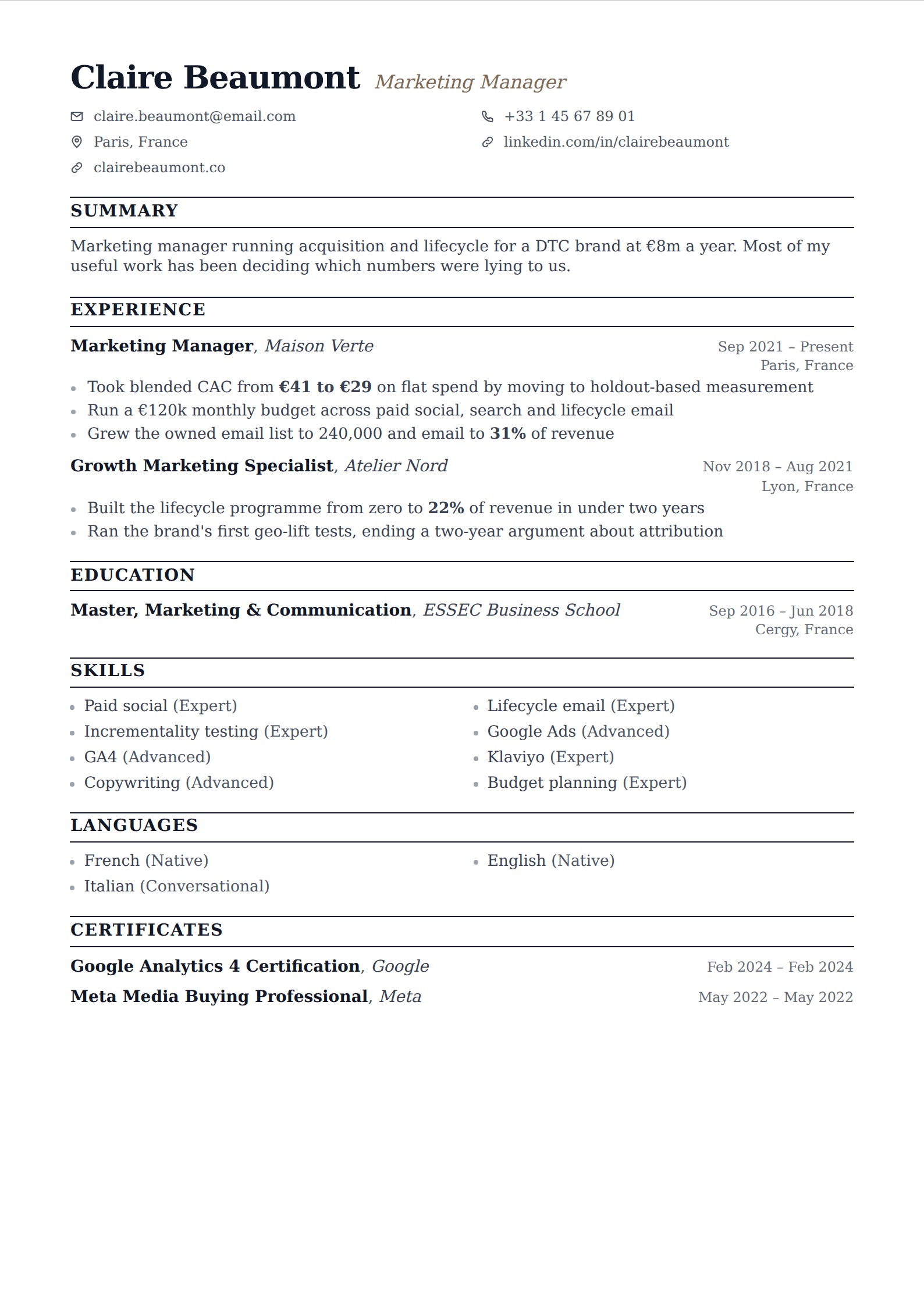
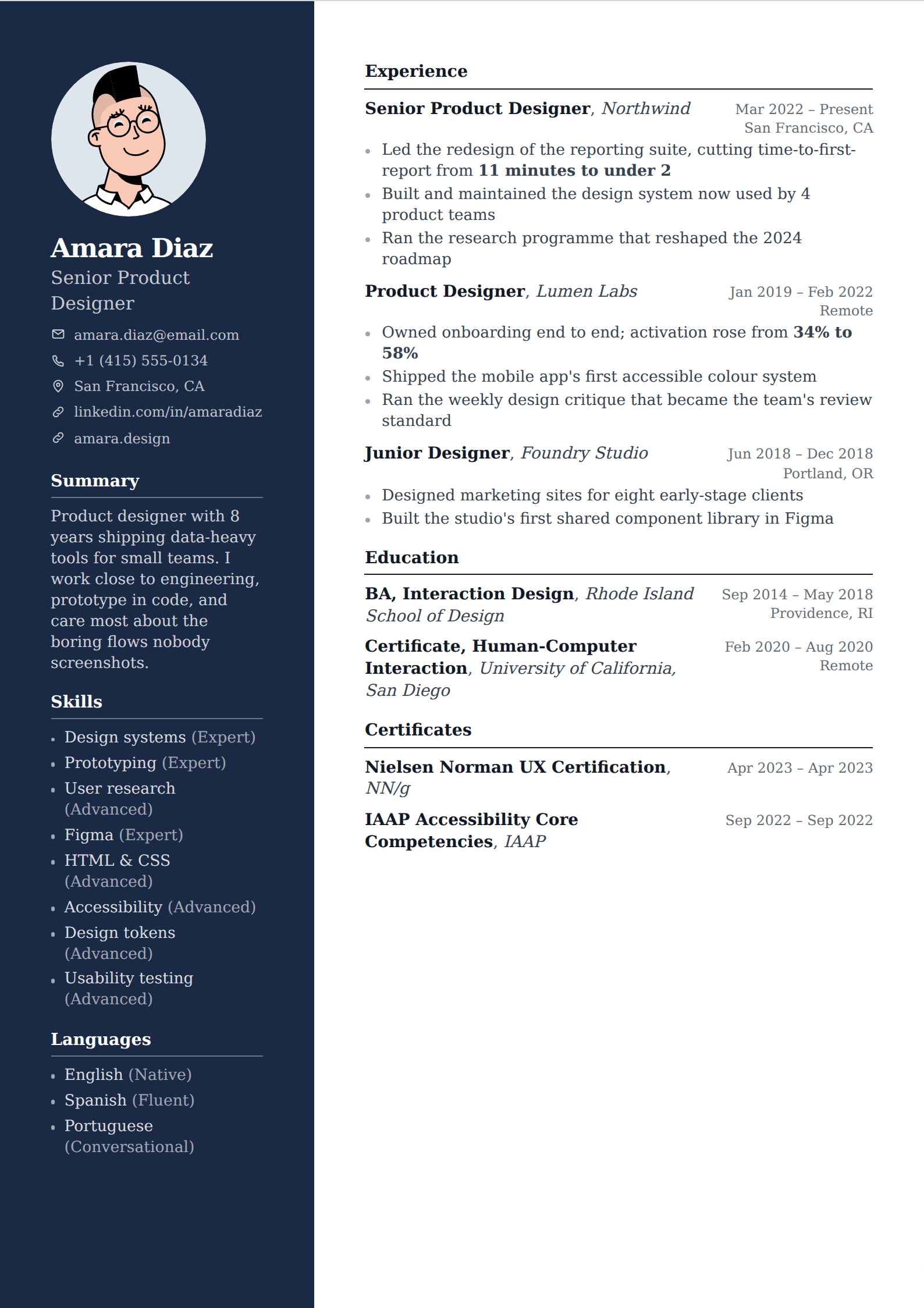
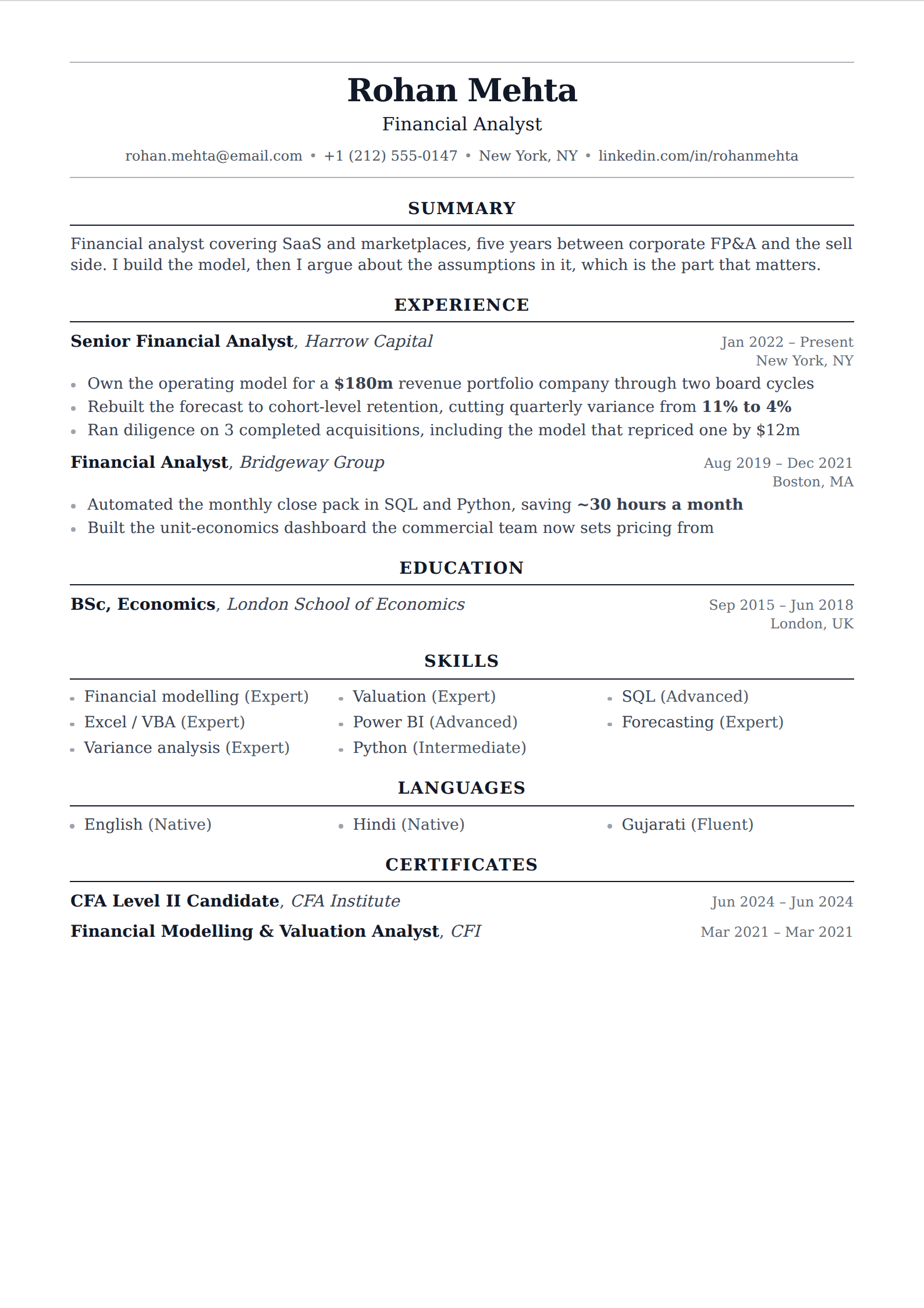
Showing 24 of 63
Browse every filter



What a serif face is actually doing
Nothing mechanical: a parser extracts serif and sans-serif identically, and no system has ever preferred one. What a serif face changes is register. It carries the conventions of printed documents — books, contracts, journals — and in fields whose working life is still made of those documents it reads as native rather than as a design decision.
It also holds up at small sizes on paper better than most sans faces, which matters if your resume is going to be printed and read across a table rather than scrolled.
Classic without looking dated
The difference between traditional and stale is spacing. A serif face set tight, with underlined headings and text running to the edge of the paper, is the look people mean when they say a resume looks old. The same face with generous line height, clear section separation and honest margins reads as considered.
That is why the templates here vary in heading treatment rather than in typeface — a rule, a band, small caps, or nothing at all. The typography is the constant; the structure is where you choose.
Common questions
Is a serif resume harder for an ATS to read?
No. Typeface is irrelevant to text extraction — what matters is that the text is real rather than an image, and that the layout does not scramble its order. A serif single-column resume is as safe as anything on this site.
What is the difference between classic and professional here?
Classic is about the typeface: every template on this page is set in a serif. Professional is about register — no photo, no meters, no chips — and includes sans-serif layouts that are just as conservative.
Nearby filters
Try one of them
Open the editor, write one entry, and switch between them to see the difference.
Start your resume