
One-column resume templates
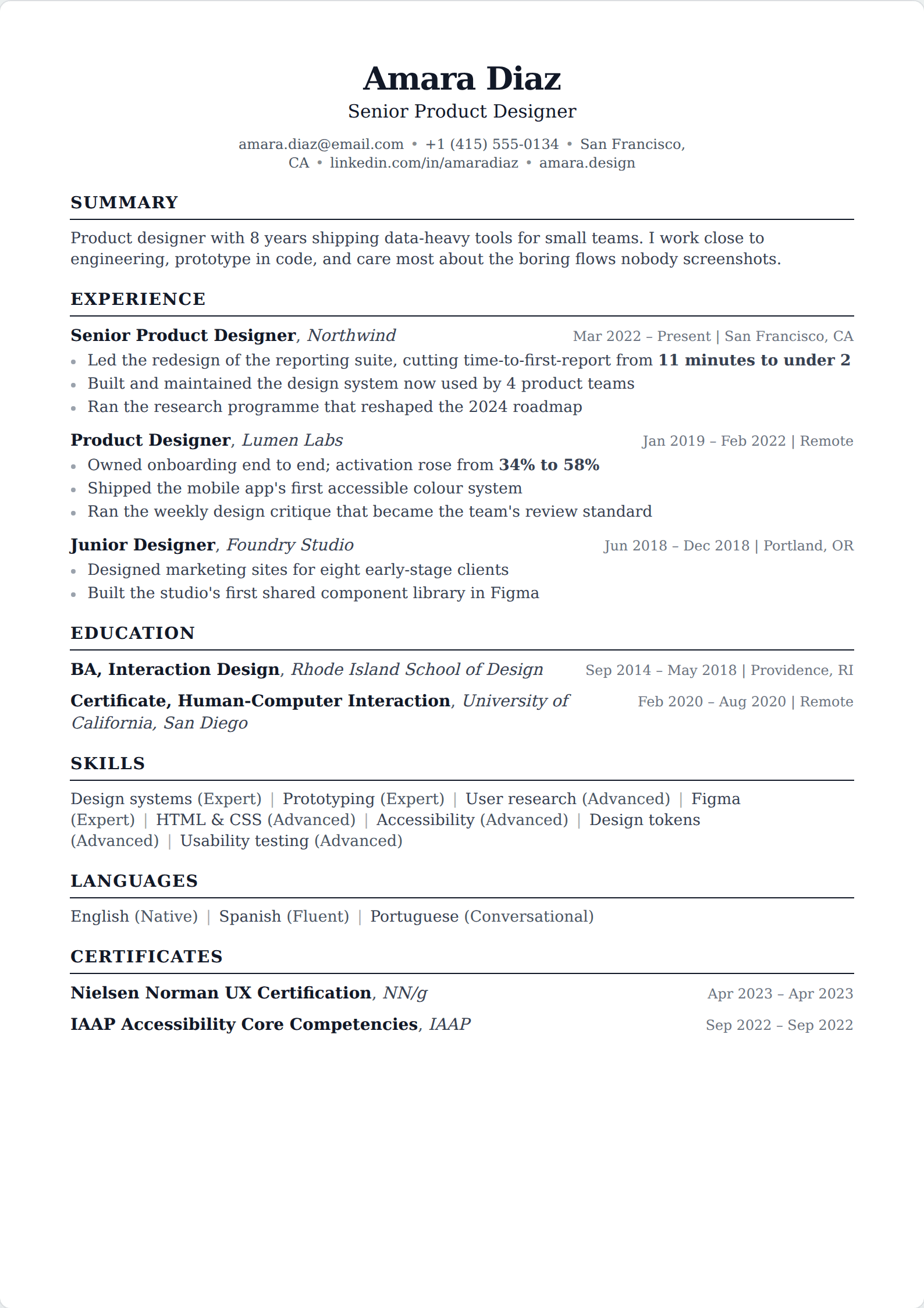
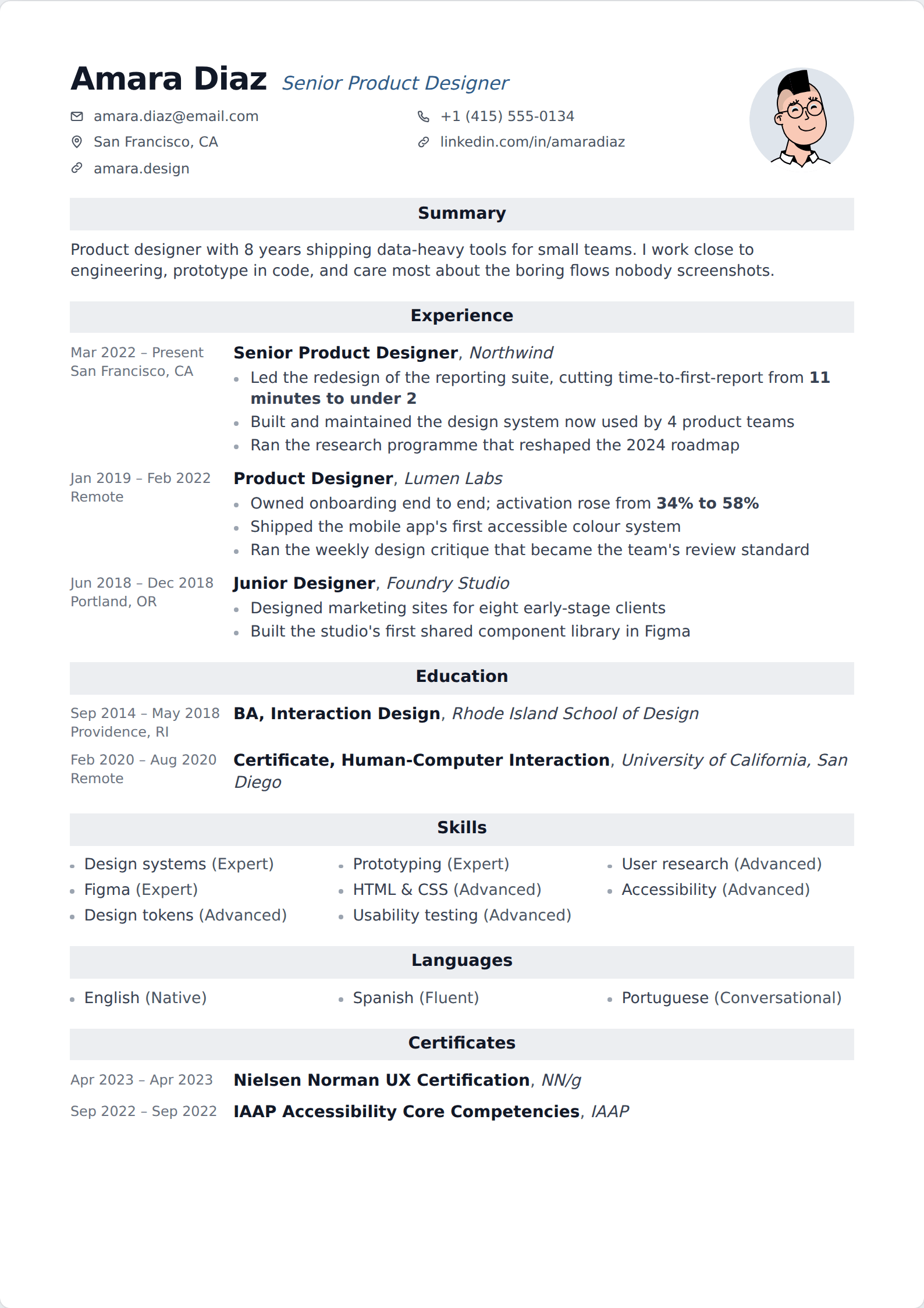
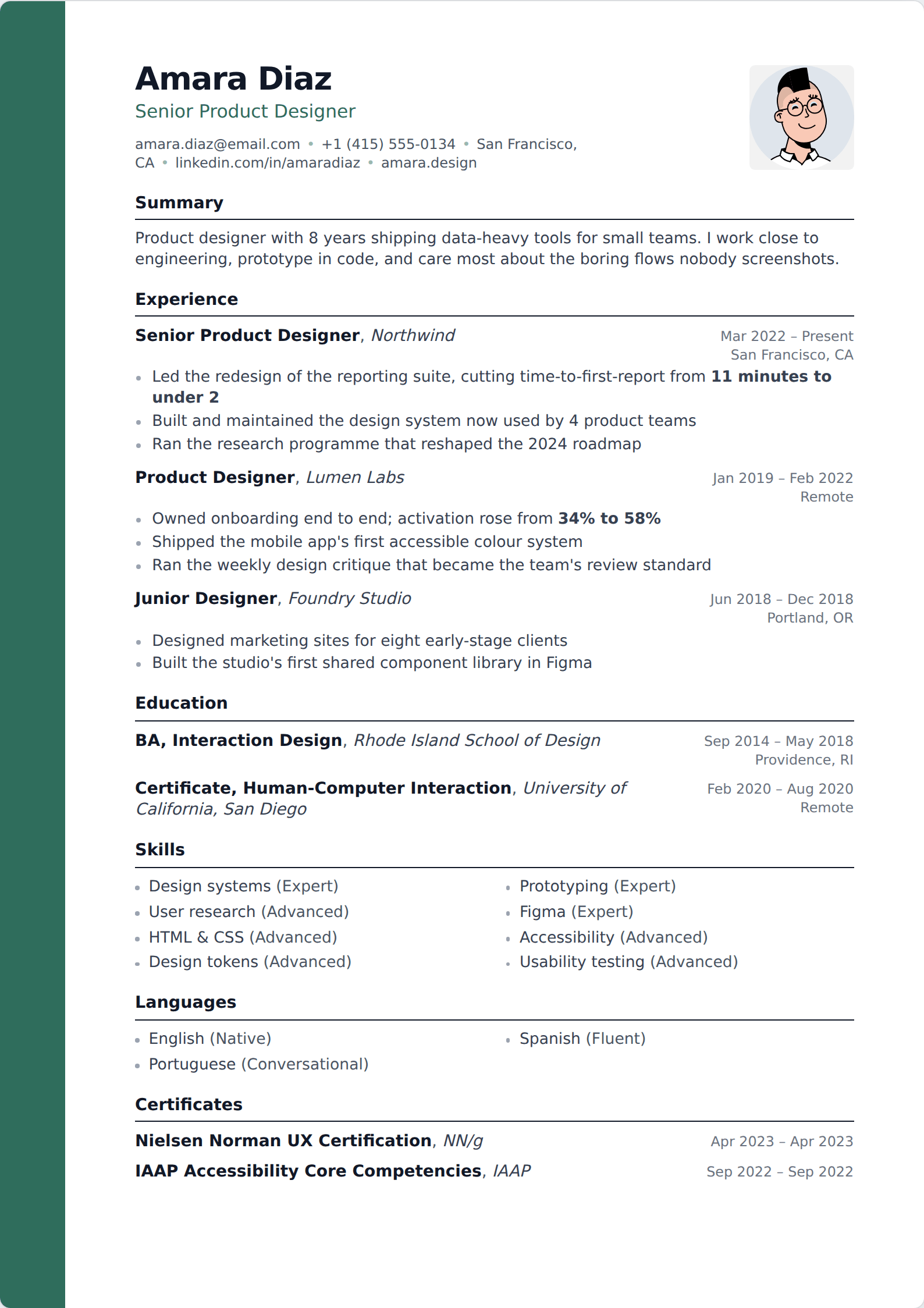
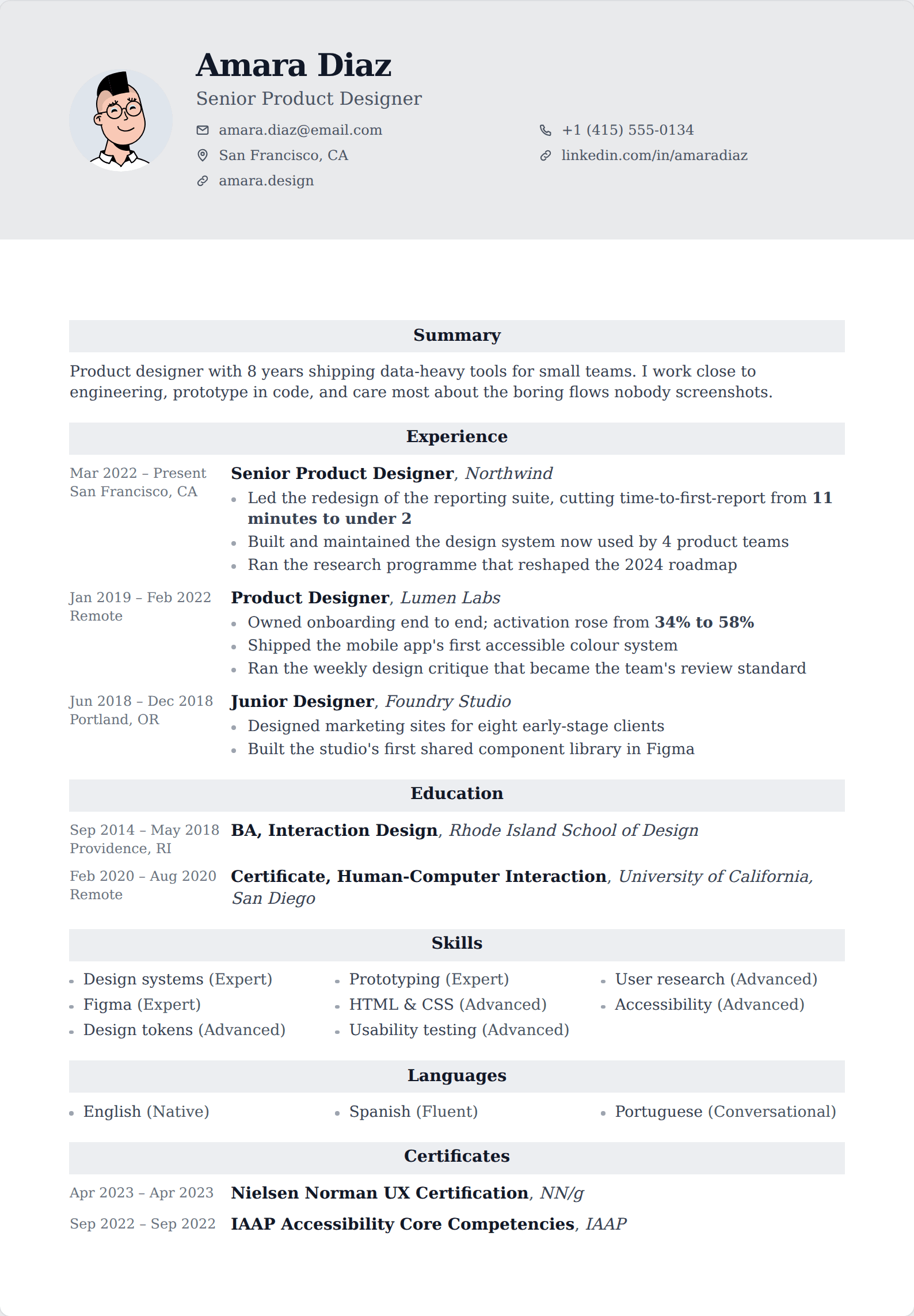
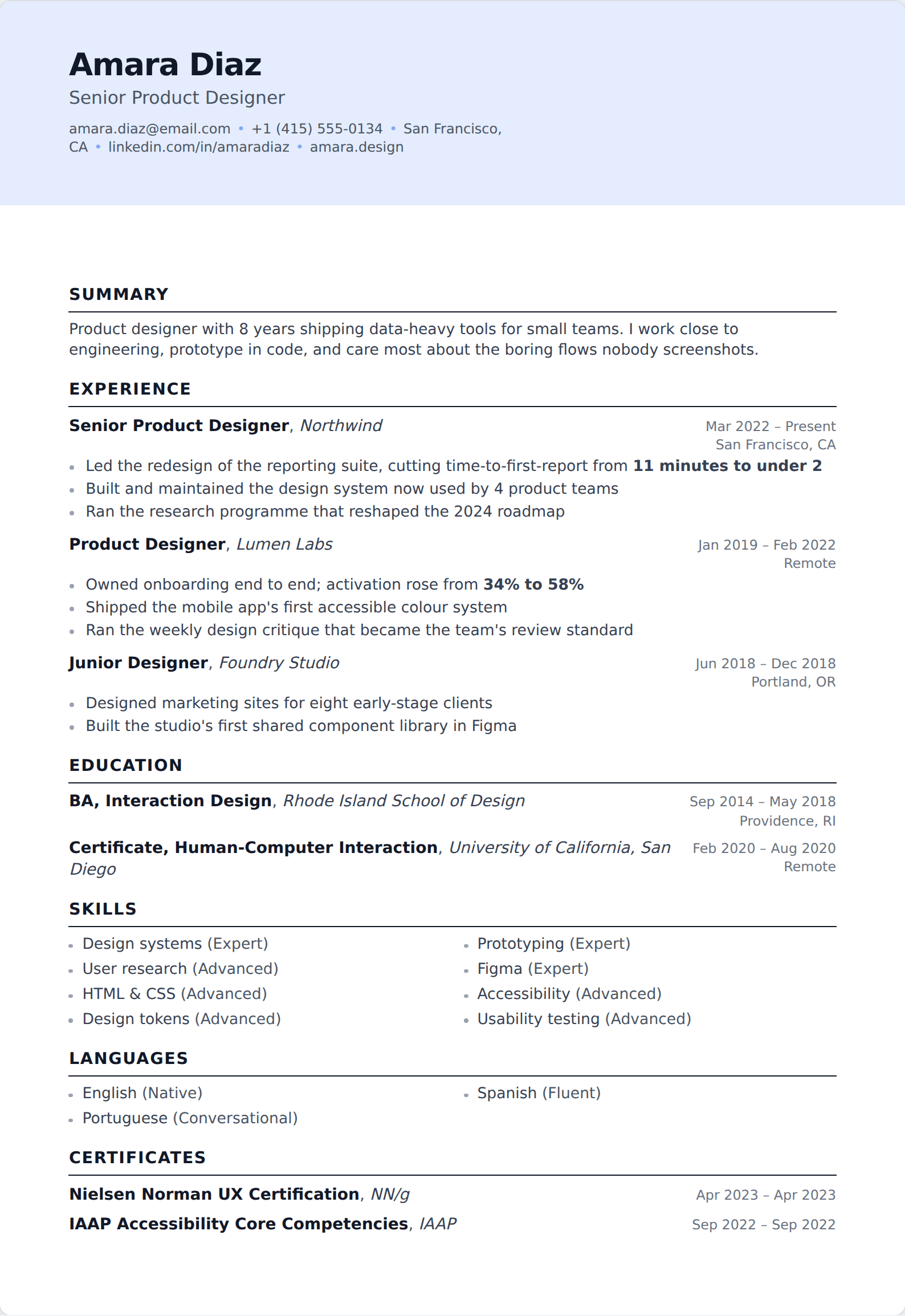
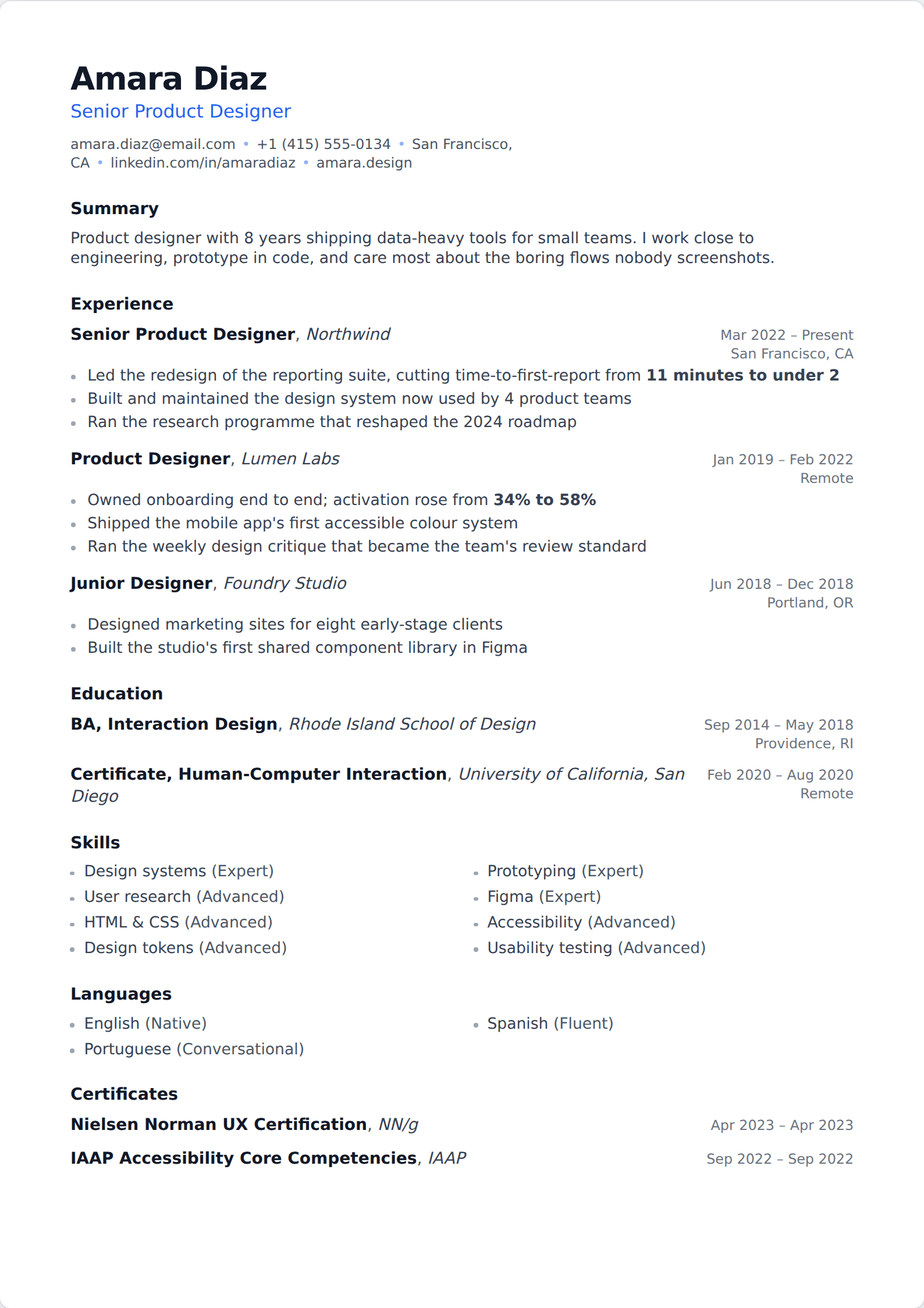
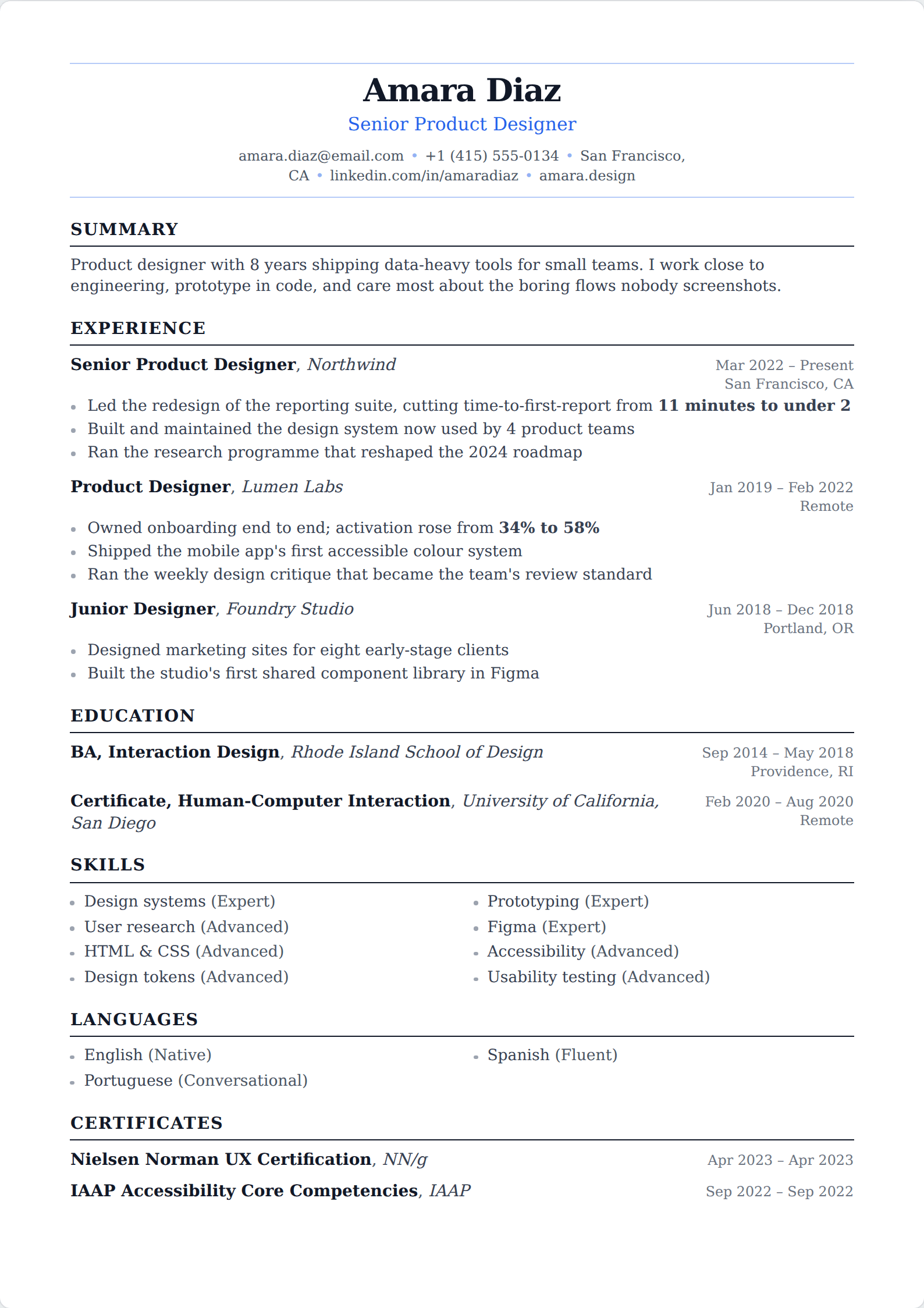
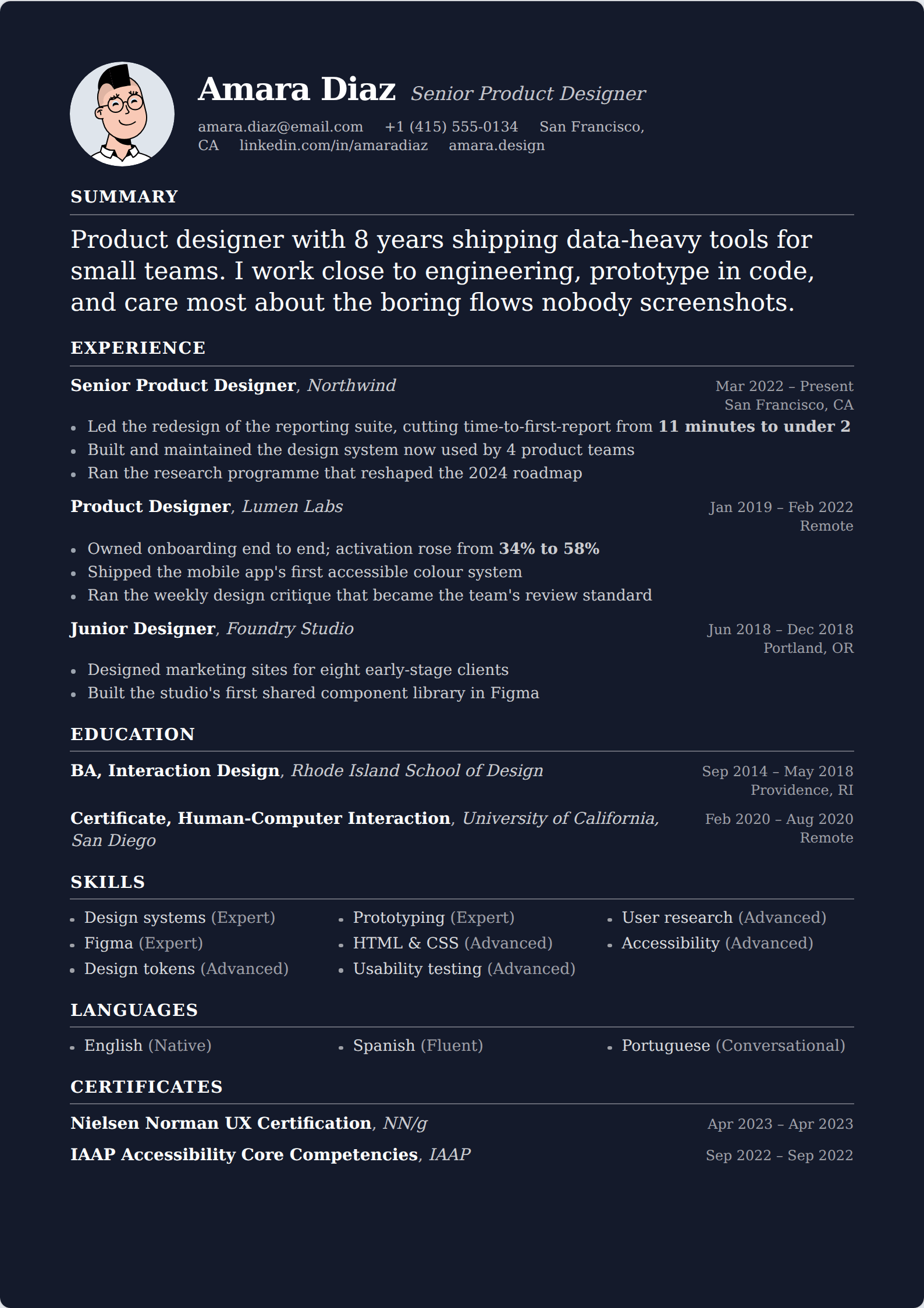
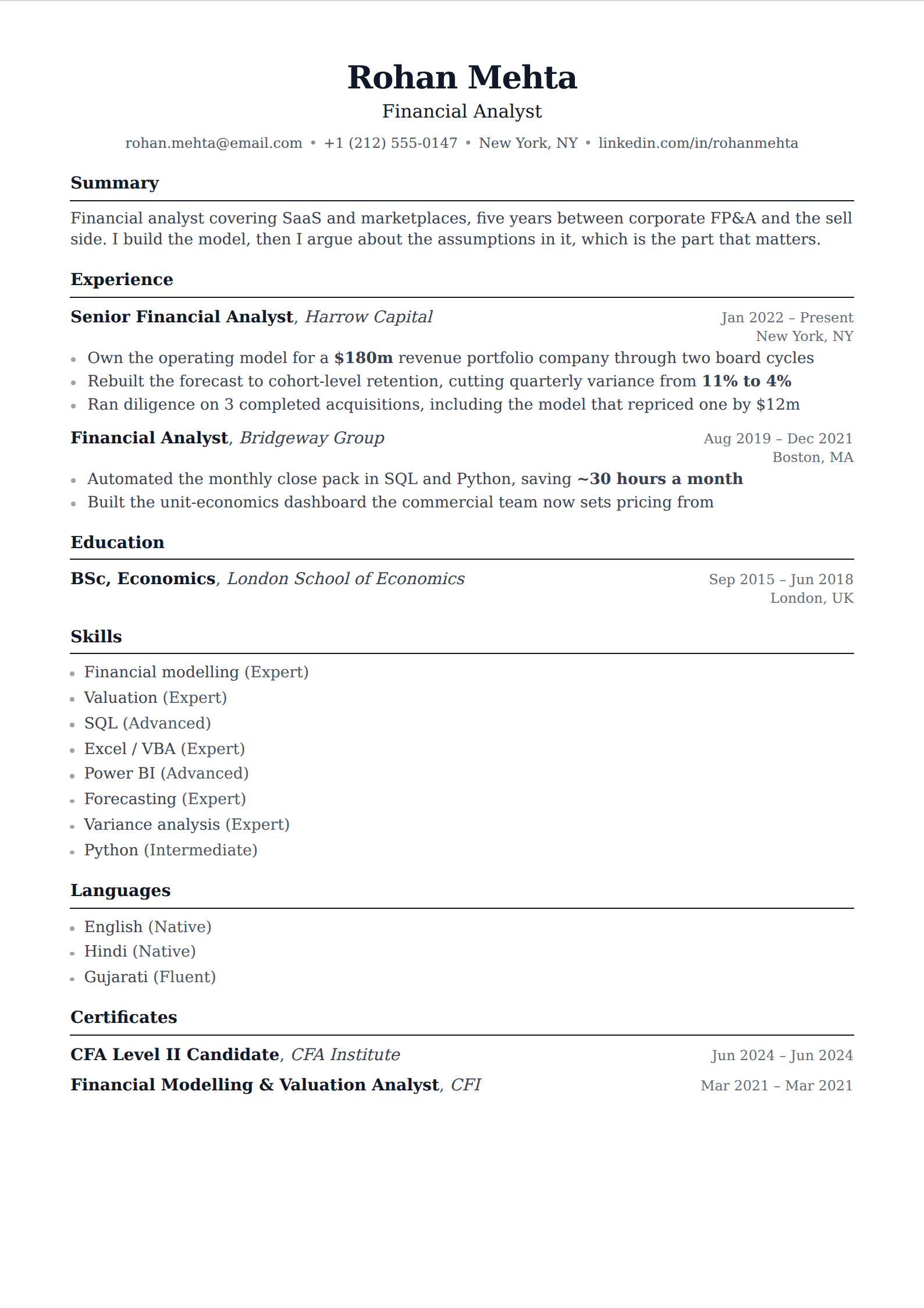
No sidebar, no rail, nothing running down the edge of the page — one column of content from the name block to the last line. This is the single layout decision with real mechanical consequences, and this is the safe side of it.
95 of our 227 templates match this filter. Every one is free to use, with unlimited watermark-free PDF downloads.
 Simple
 One column
 Picture
 Professional
 Modern
 ATS
ATS Two column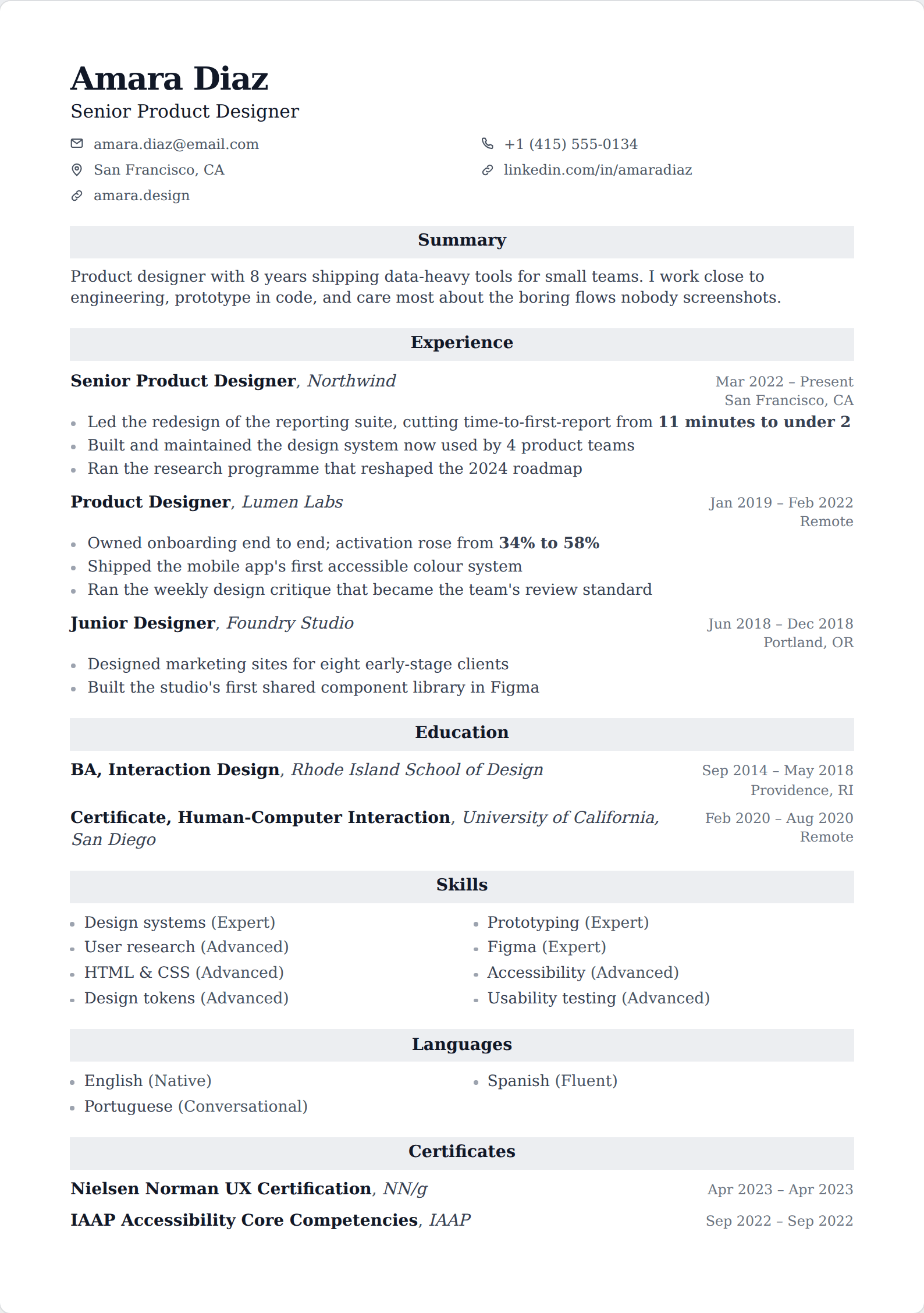
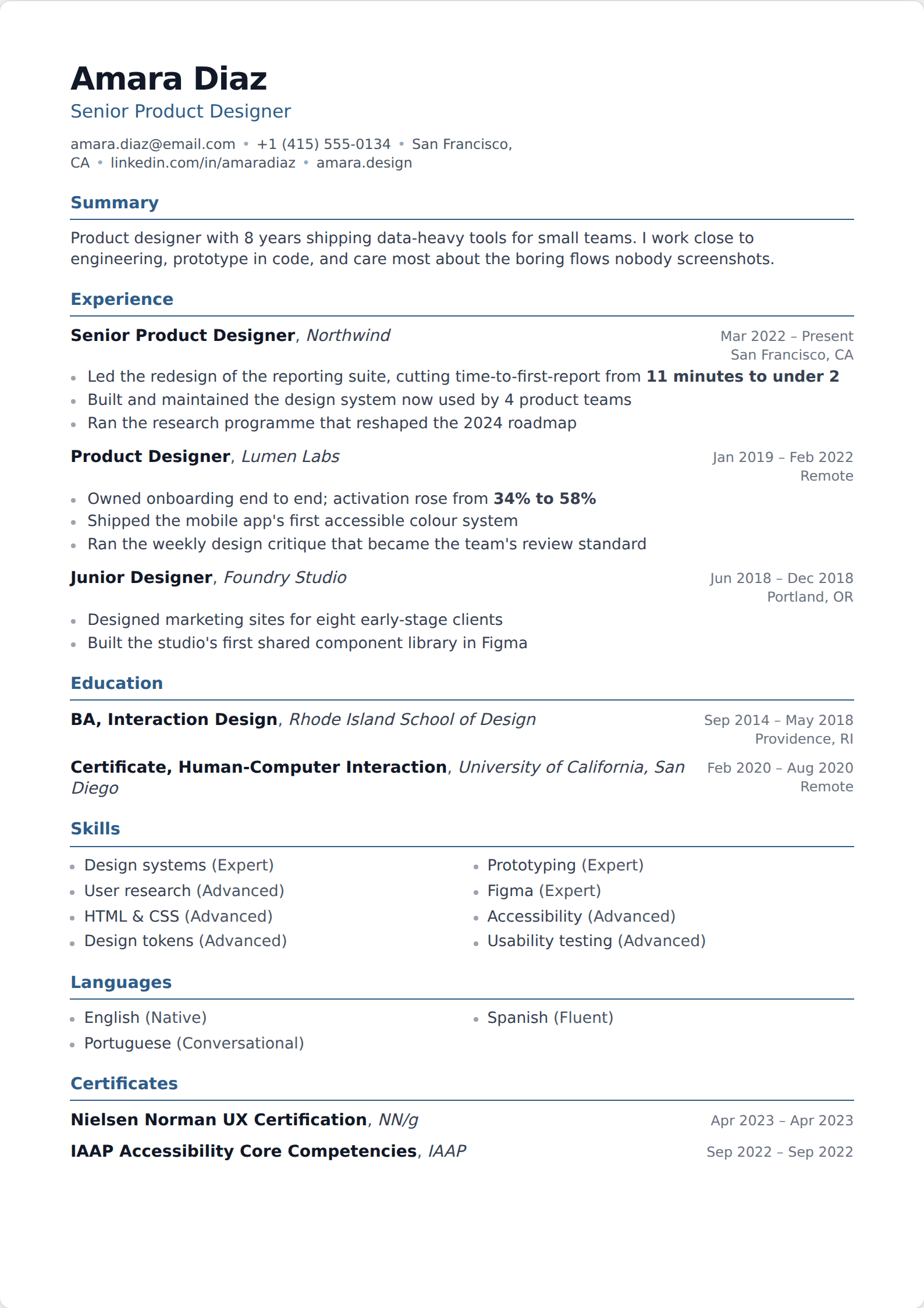
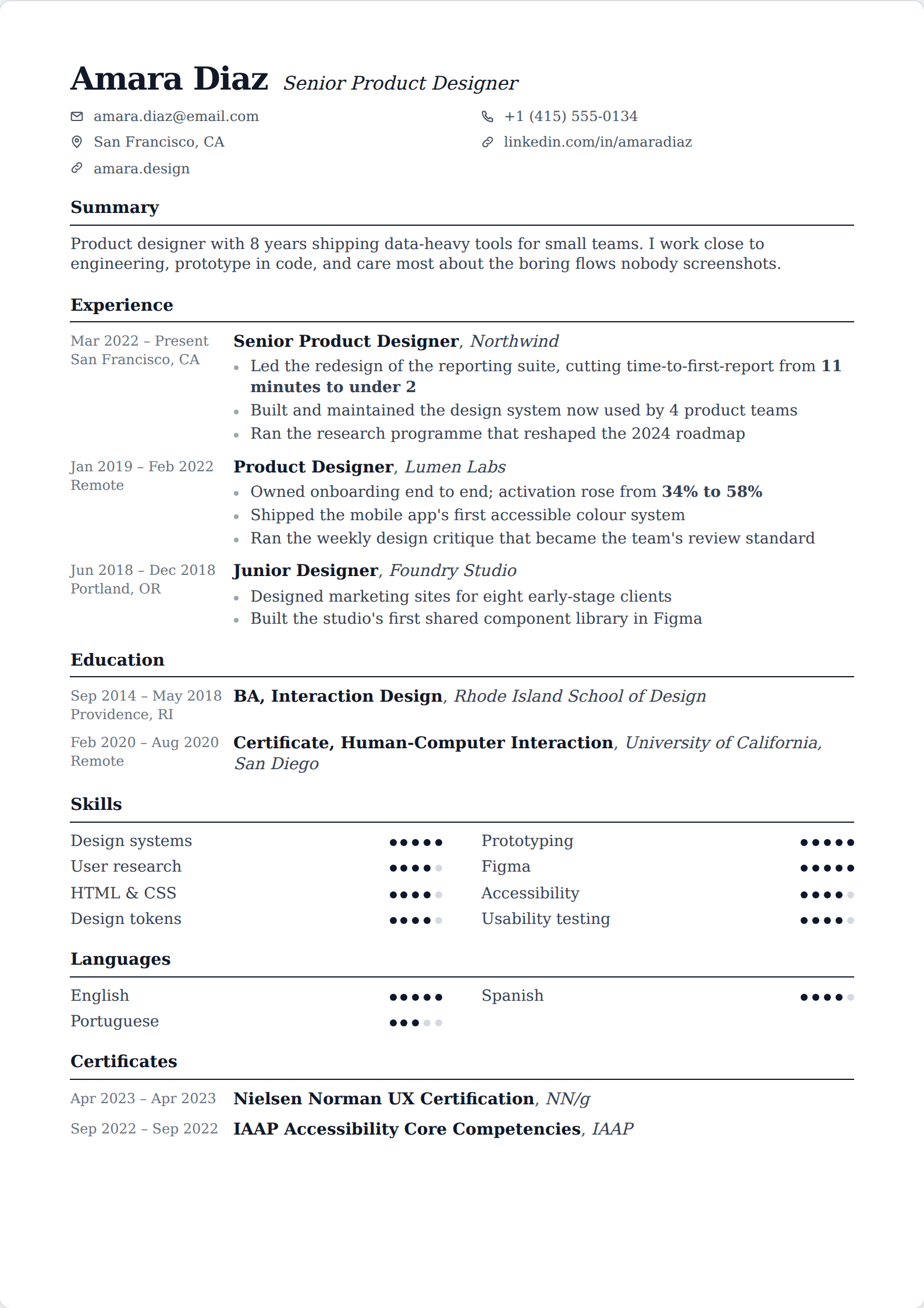
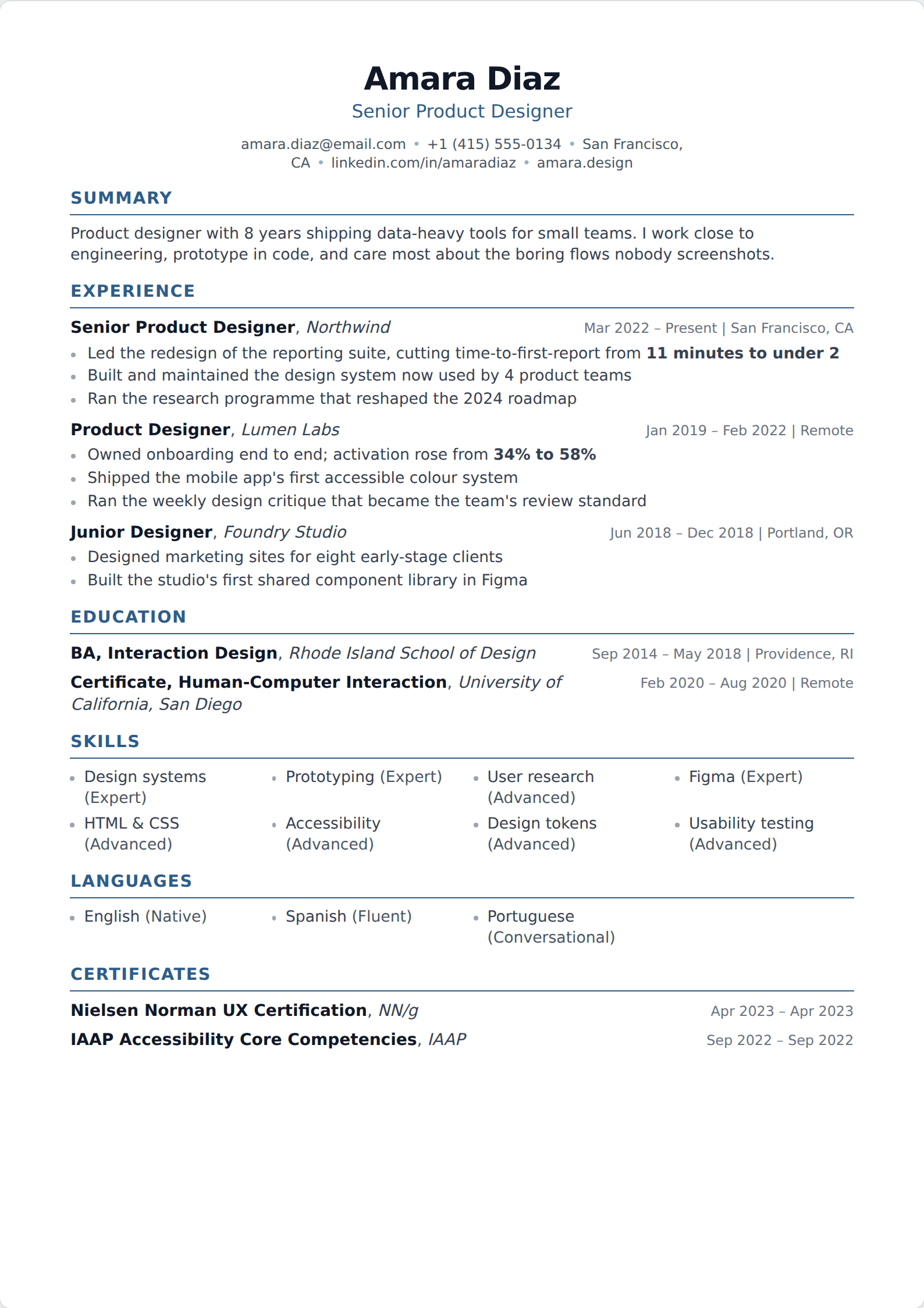
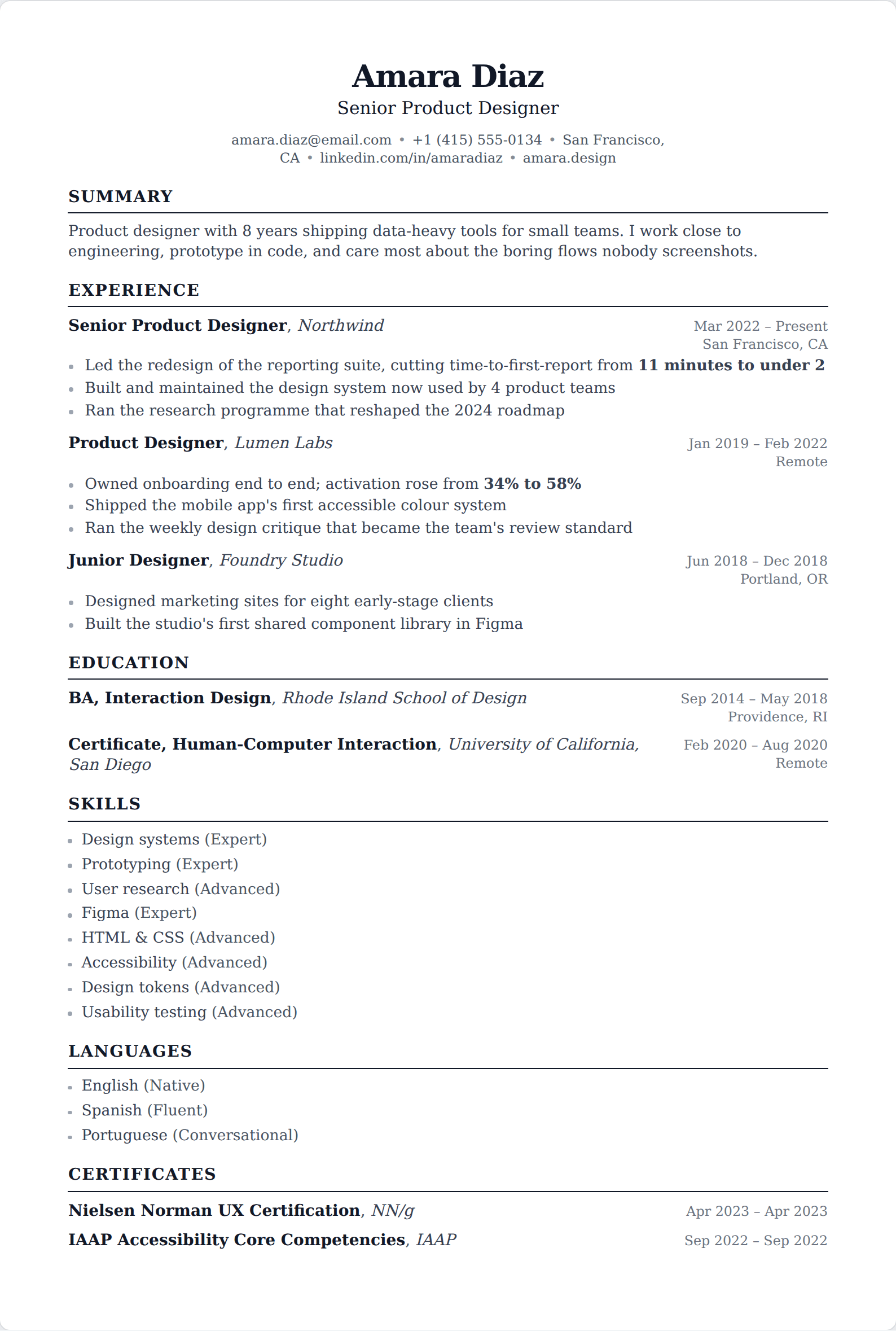
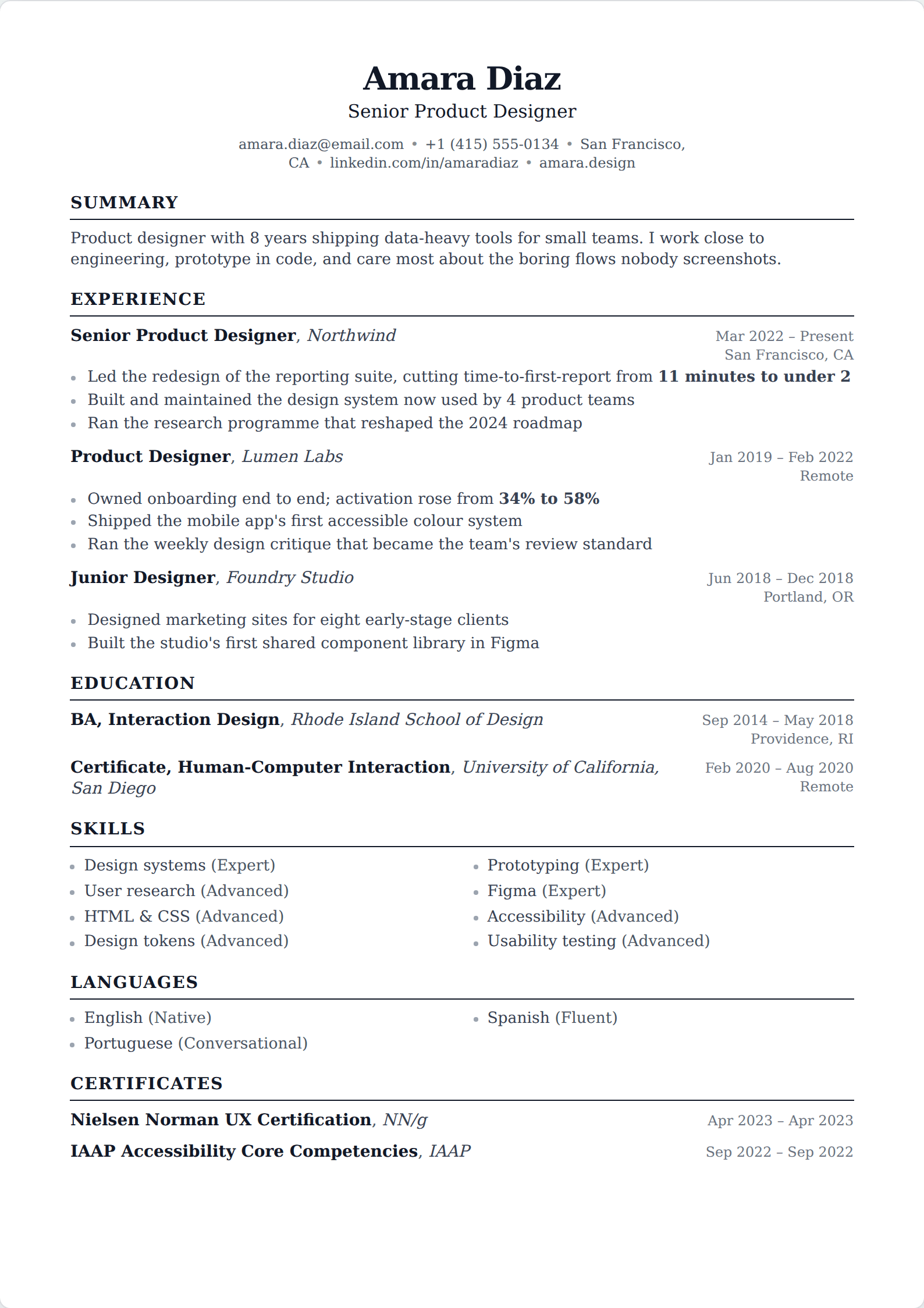
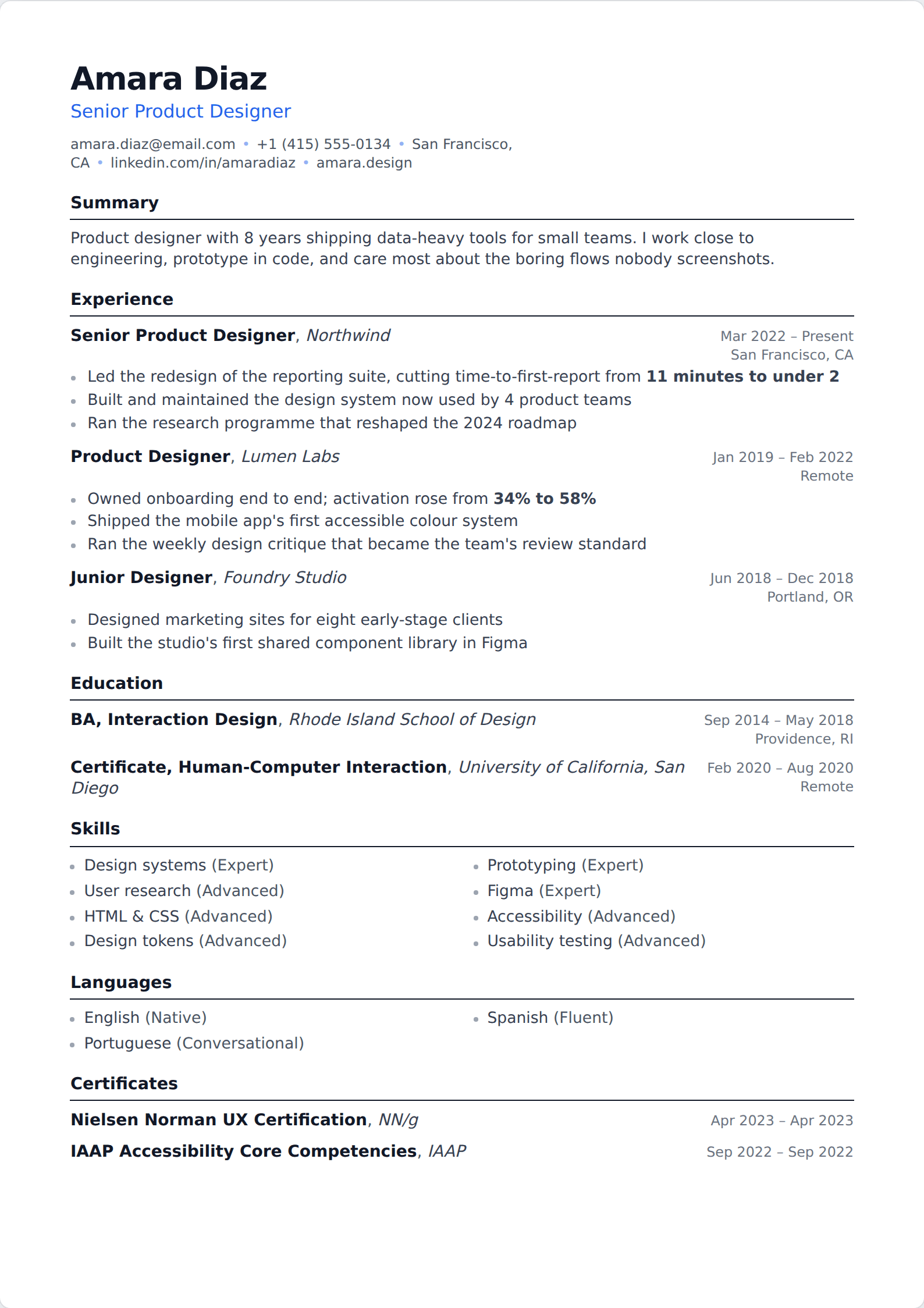
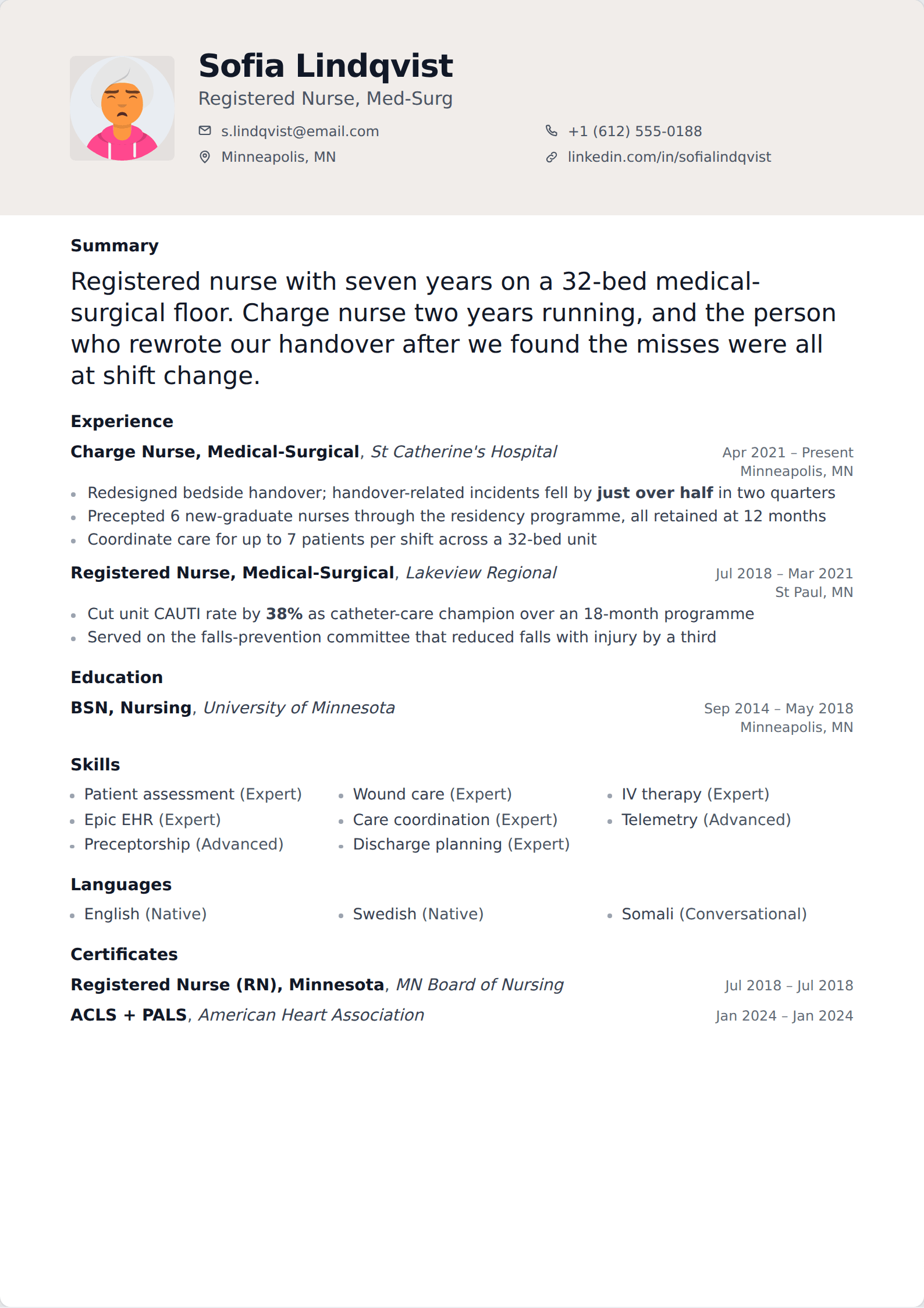
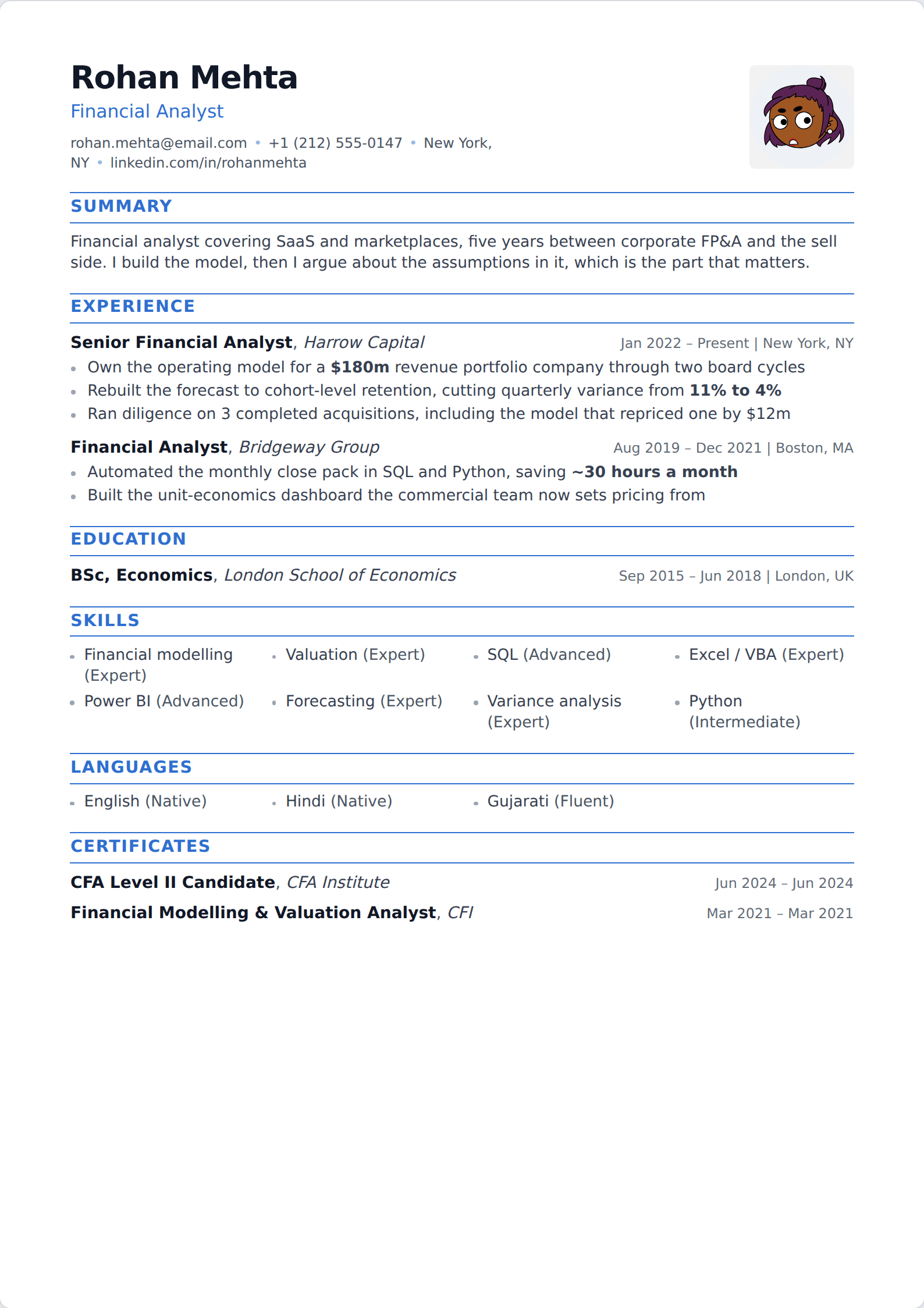
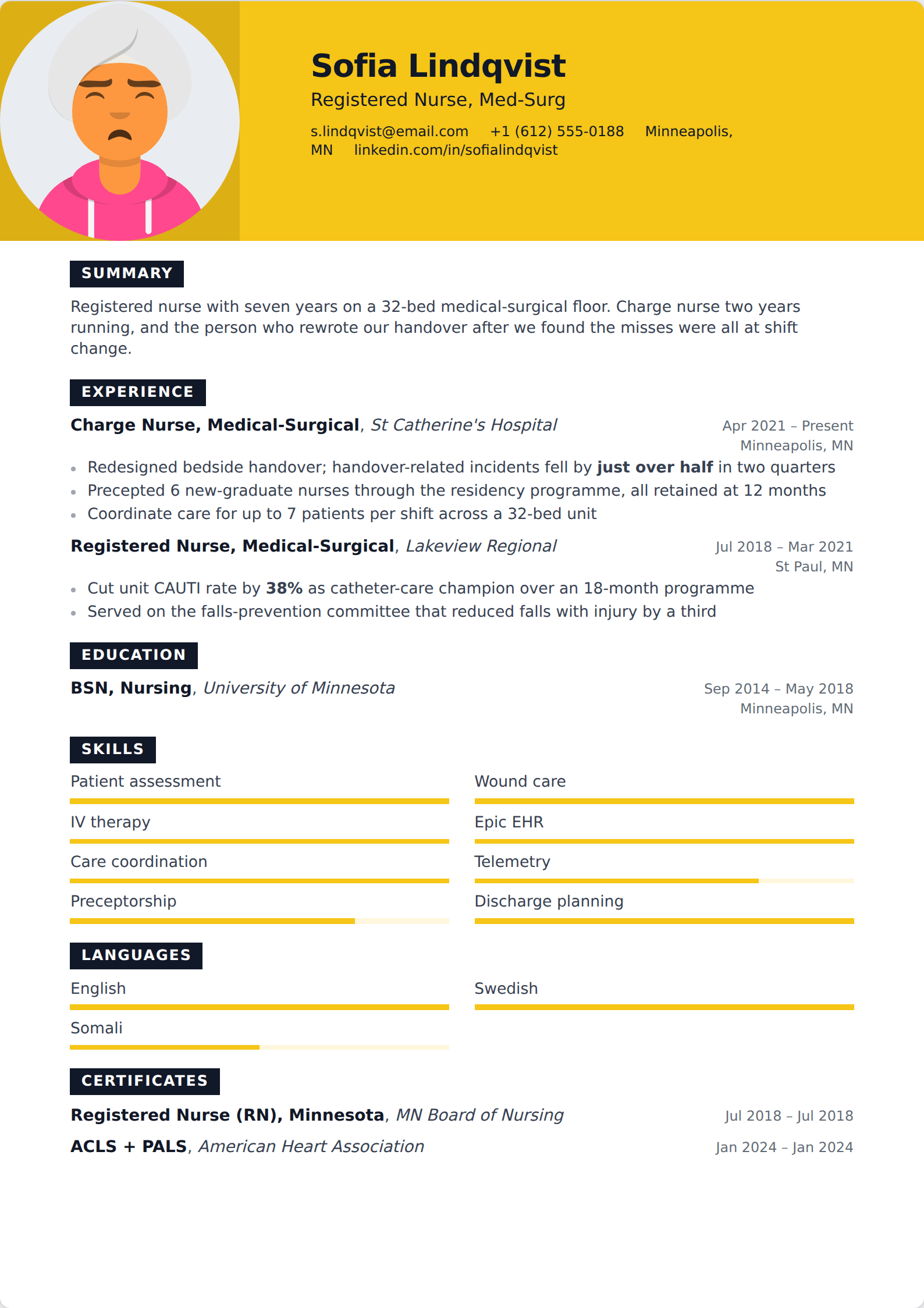
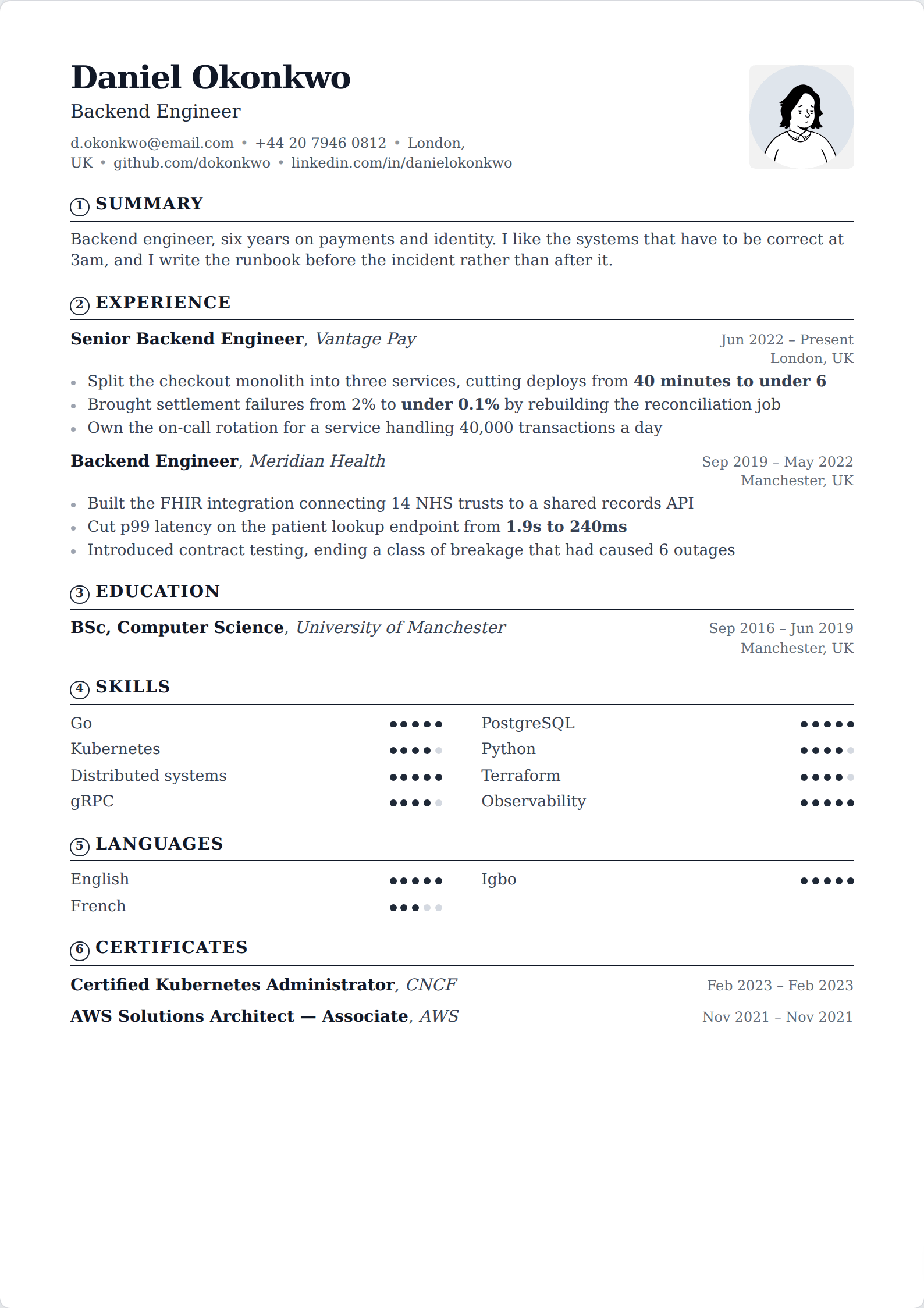
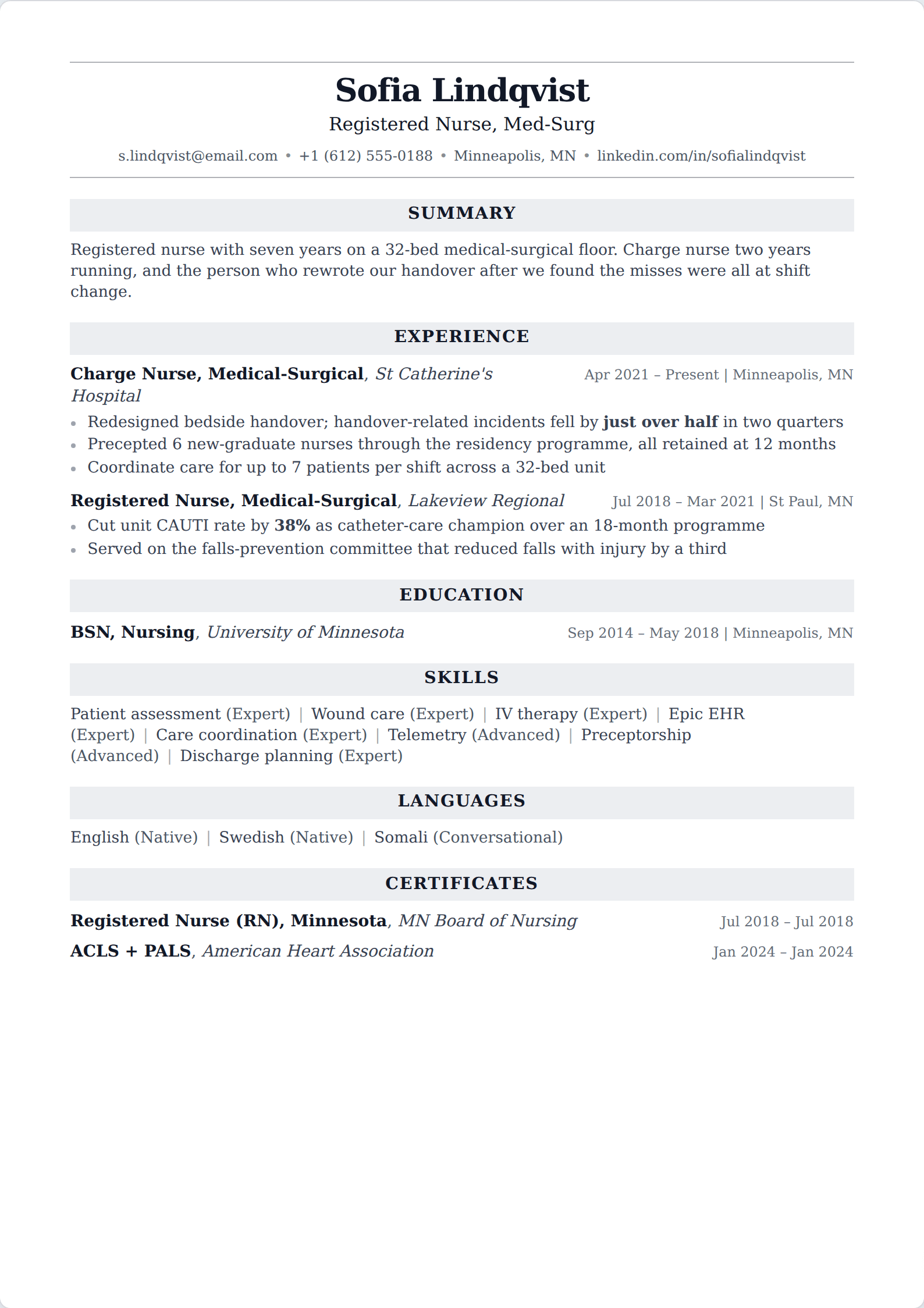
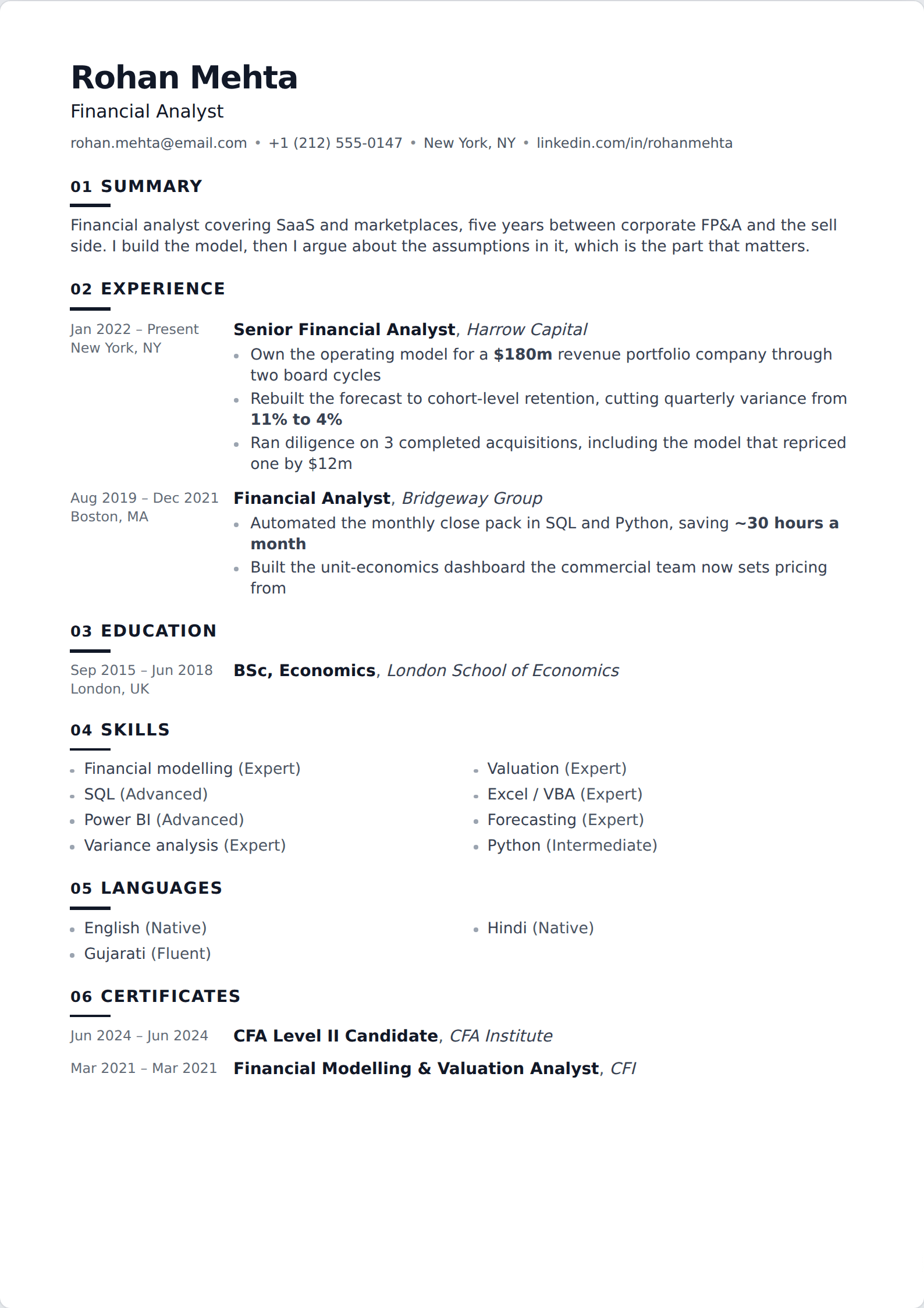
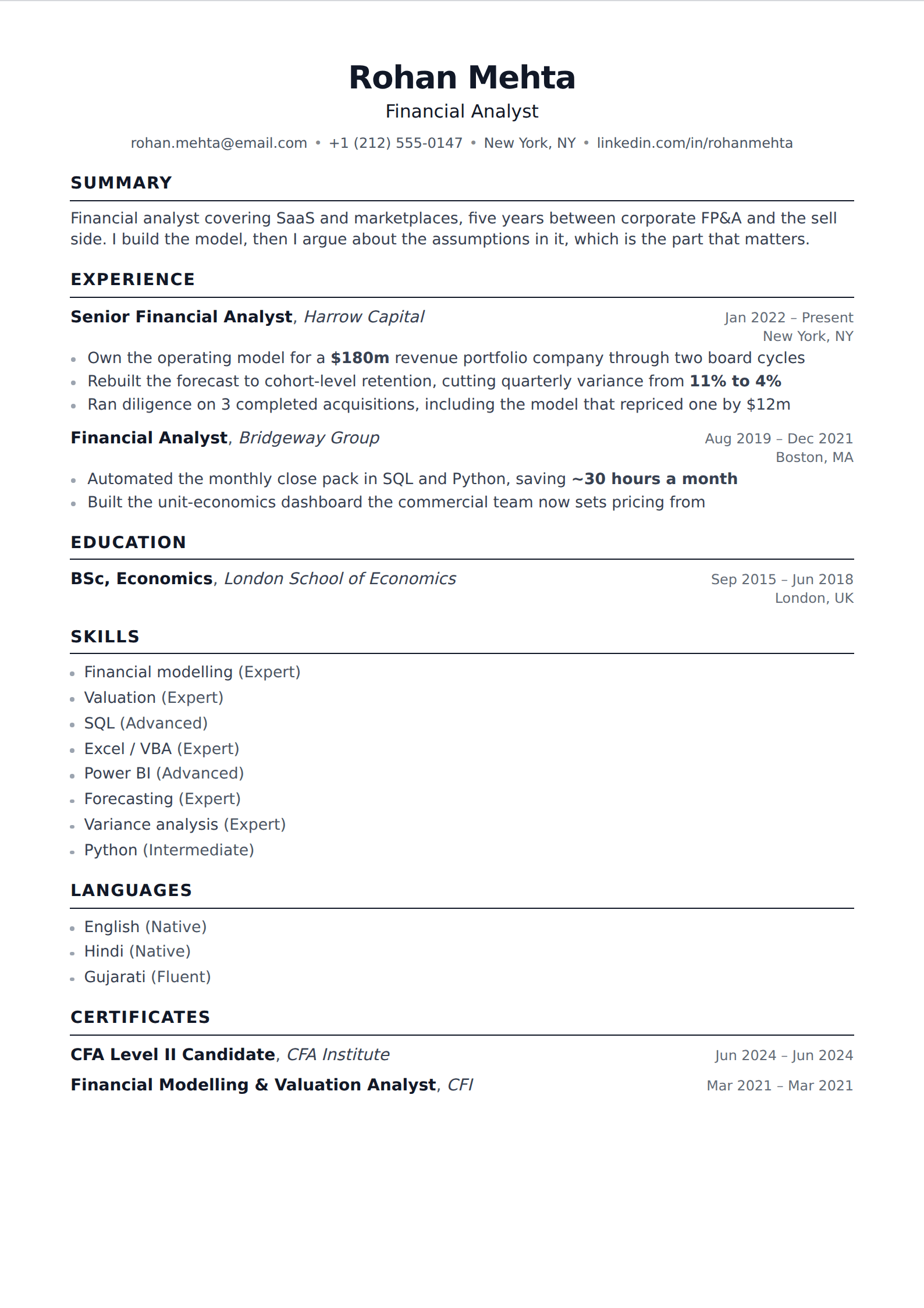
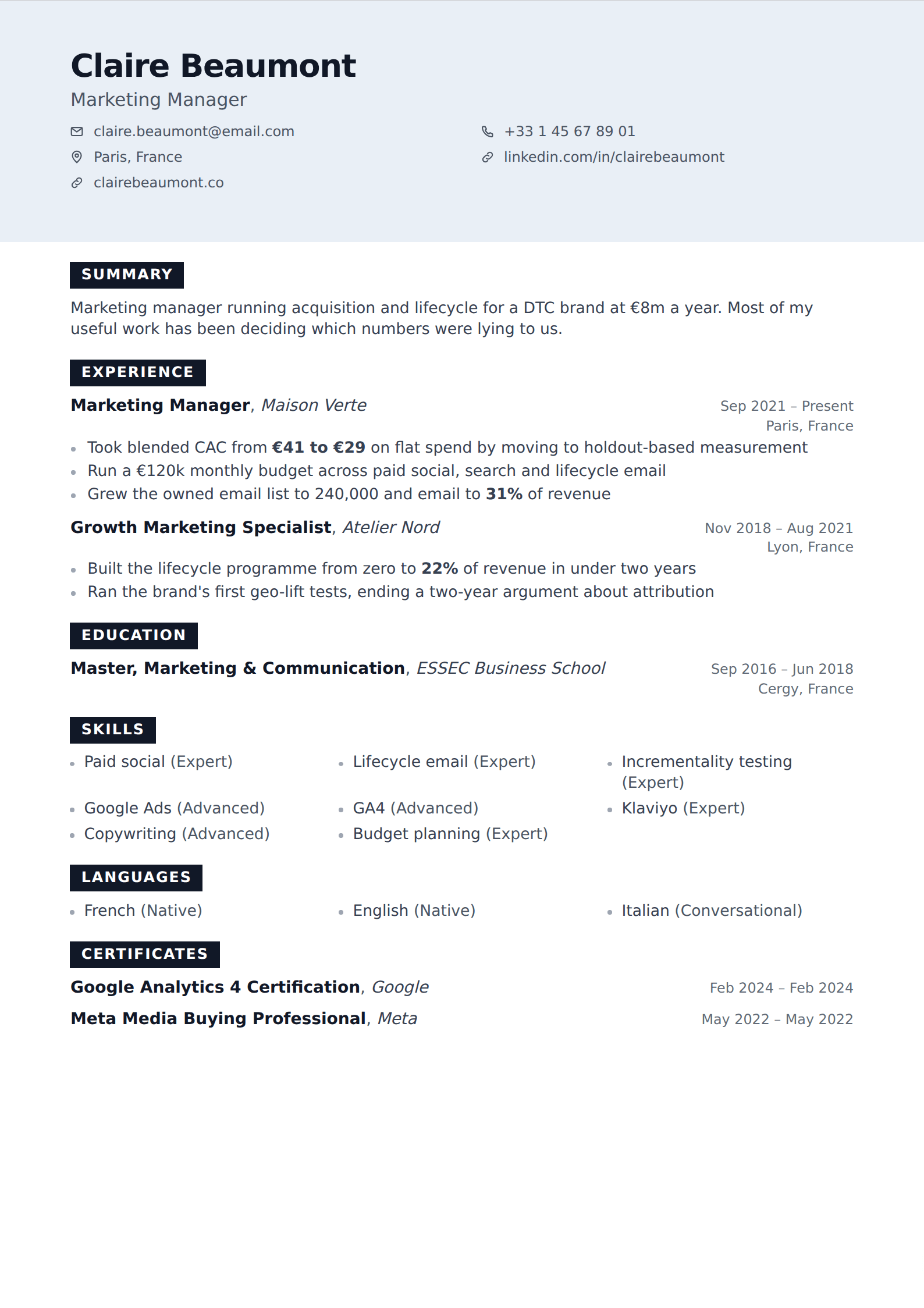
Showing 24 of 95
Browse every filter







Why the column count is the one that matters
When an applicant tracking system reads your PDF, it extracts a stream of characters and then tries to split that stream into records: title, employer, dates, description. A single column gives it exactly the order you wrote. A two-column layout can be read straight across the page instead of down each column in turn, which drops your skills list into the middle of a job description and can detach a role from its dates entirely.
Nothing gets auto-rejected for this. What happens is quieter: the parse comes out scrambled, you rank below people with worse experience and cleaner extraction, and no one ever tells you. A single column removes the failure mode rather than mitigating it.
What you give up
Density. A sidebar moves skills, tools, languages and contact details out of the main flow and hands the space back to your experience, which is genuinely useful on a crowded page. Without one, the same material has to earn its place inline — usually as a short skills line rather than a column of them.
That is a smaller loss than it sounds. Most resumes are not short of space so much as long on things that could be cut: a summary repeating the bullets below it, skills nobody screens for, a section of hobbies. One column tends to force that edit, which is not the worst thing a template can do for you.
Common questions
Is a one-column resume better than two?
Mechanically, yes — it removes the only common layout risk to a parse. Visually it is a matter of taste, and plenty of people are hired every week from two-column resumes. If the application is going through a portal rather than to a person, take the single column.
How do I check my own resume parses in order?
Export the PDF, select all the text, and paste it into a plain text file. What survives is approximately what a parser sees. If your name is missing, your dates have collapsed or your skills have landed inside a job description, you have found a real problem.
Nearby filters
Try one of them
Open the editor, write one entry, and switch between them to see the difference.
Start your resume