
Google Docs resume templates
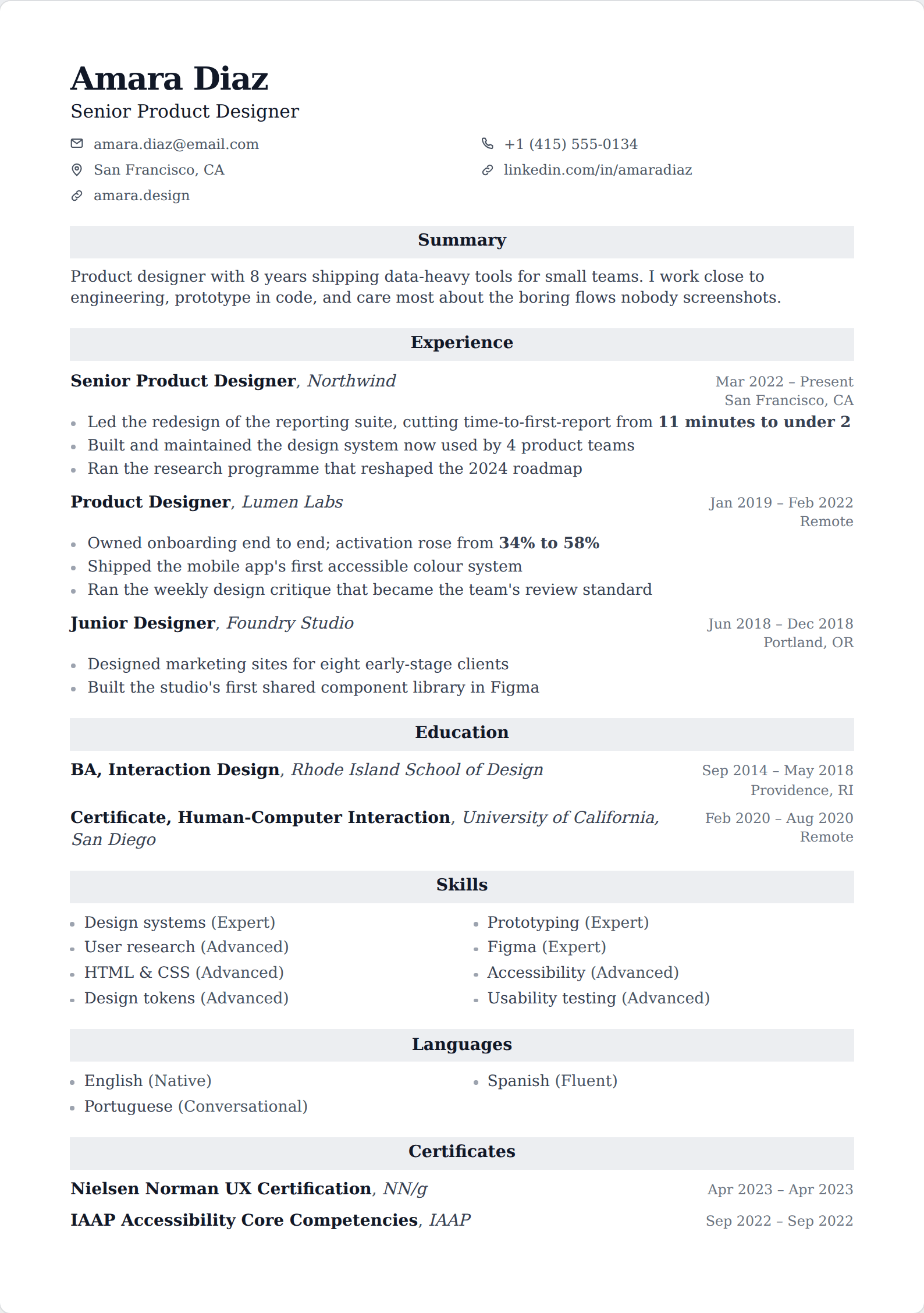
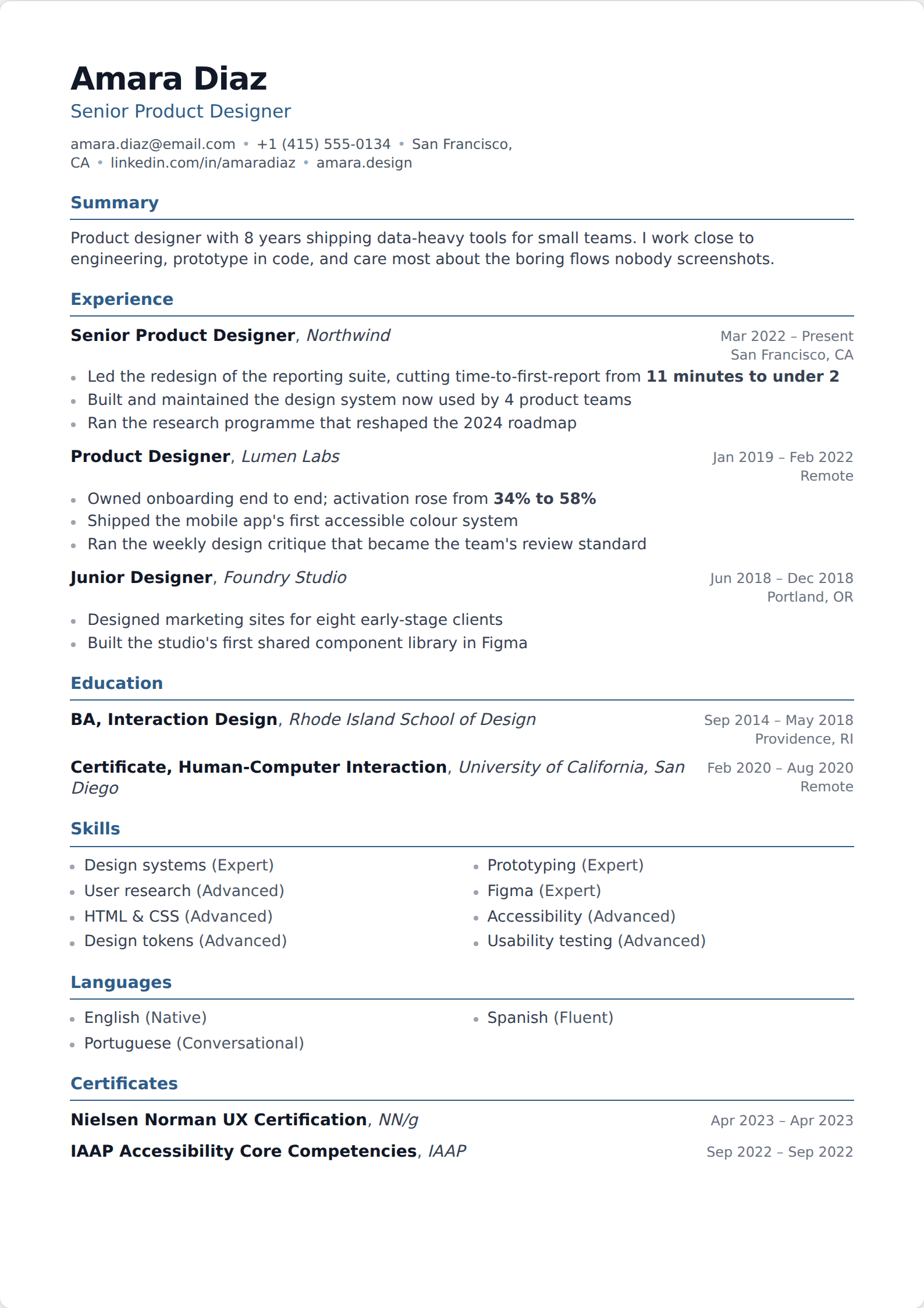
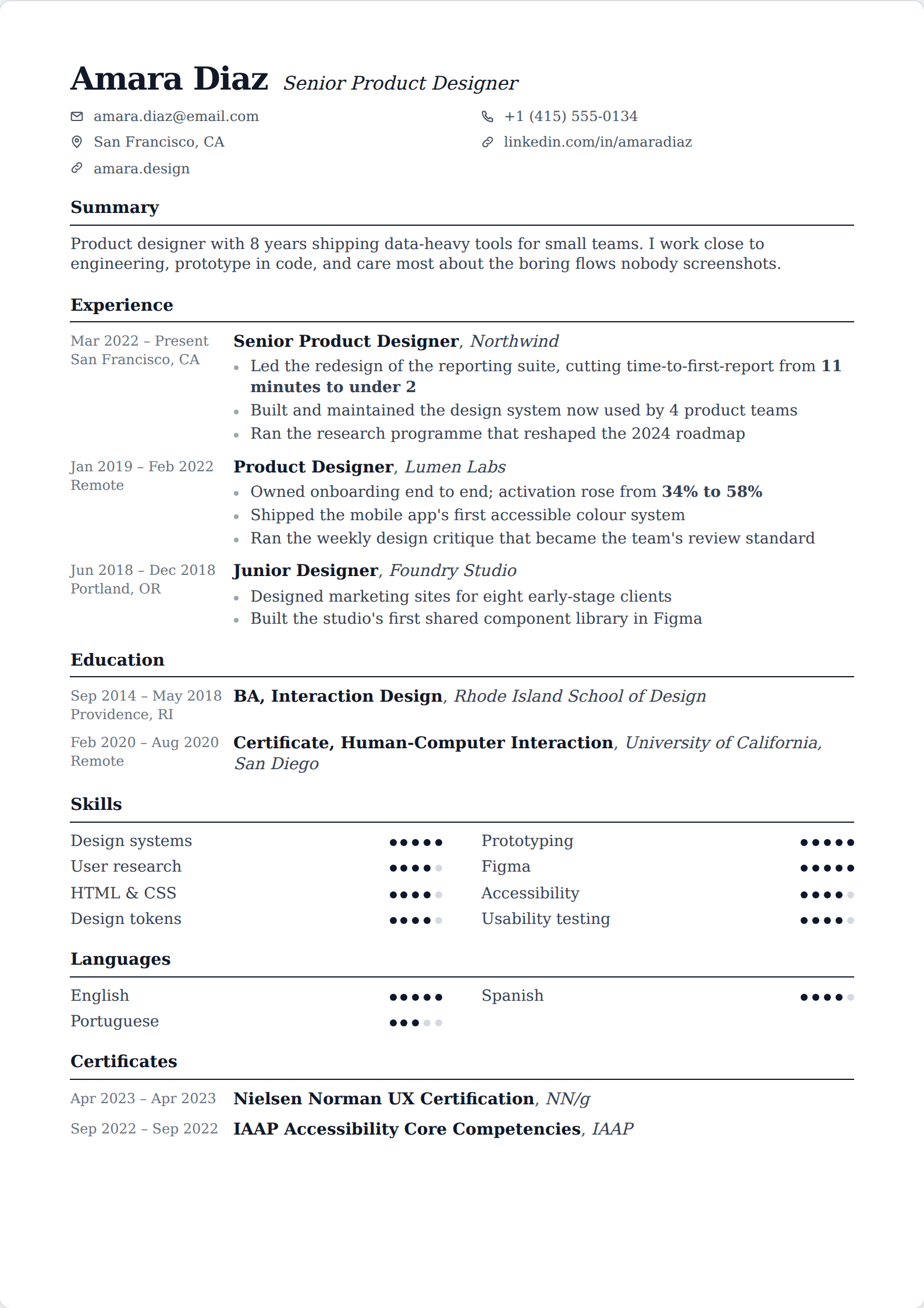
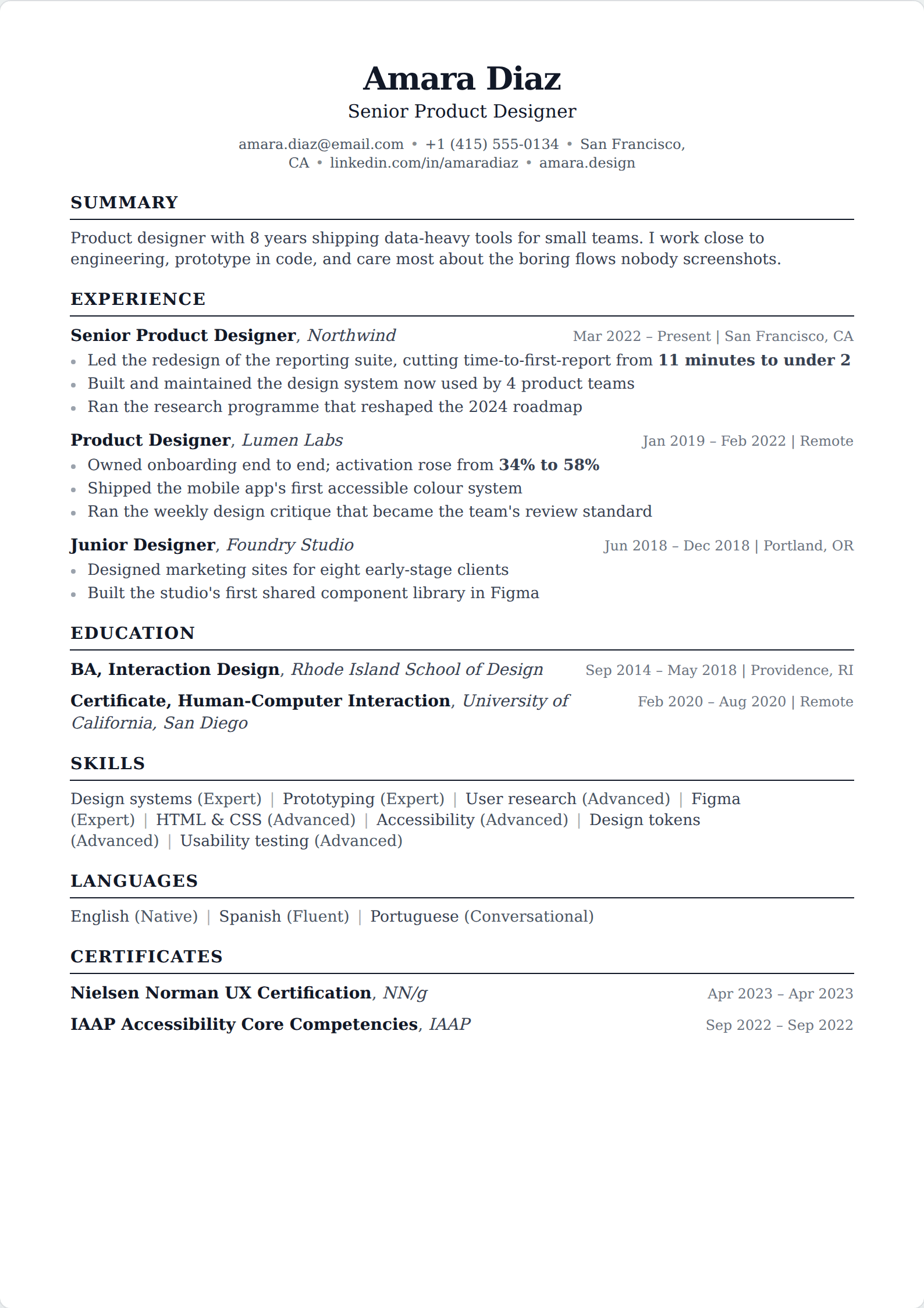
Google Docs ships five resume templates — Swiss, Serif, Coral, Spearmint and Modern Writer — and they are genuinely fine. They parse well, they cost nothing, and they are three clicks away. It is worth being clear about where they stop.
Updated
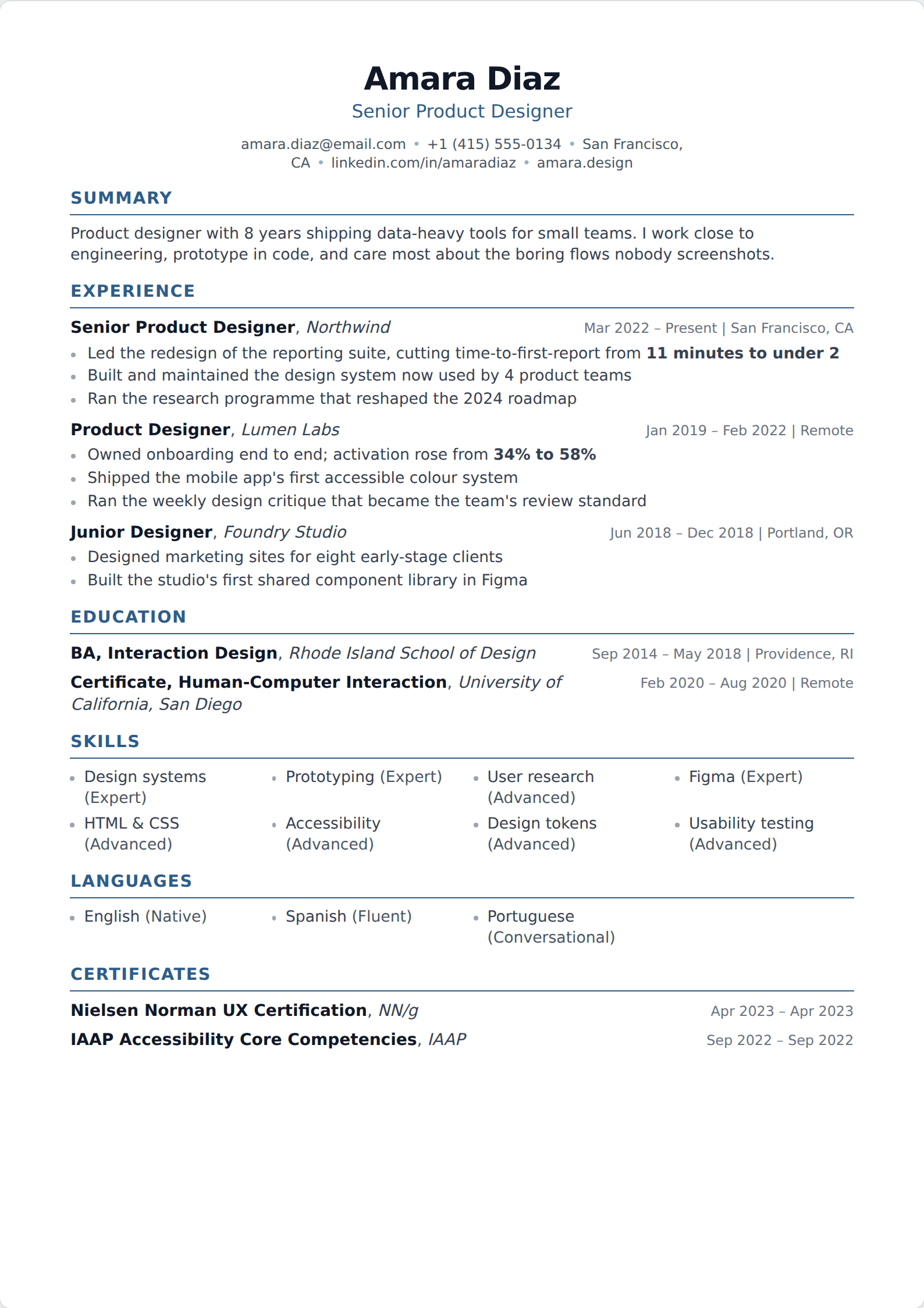
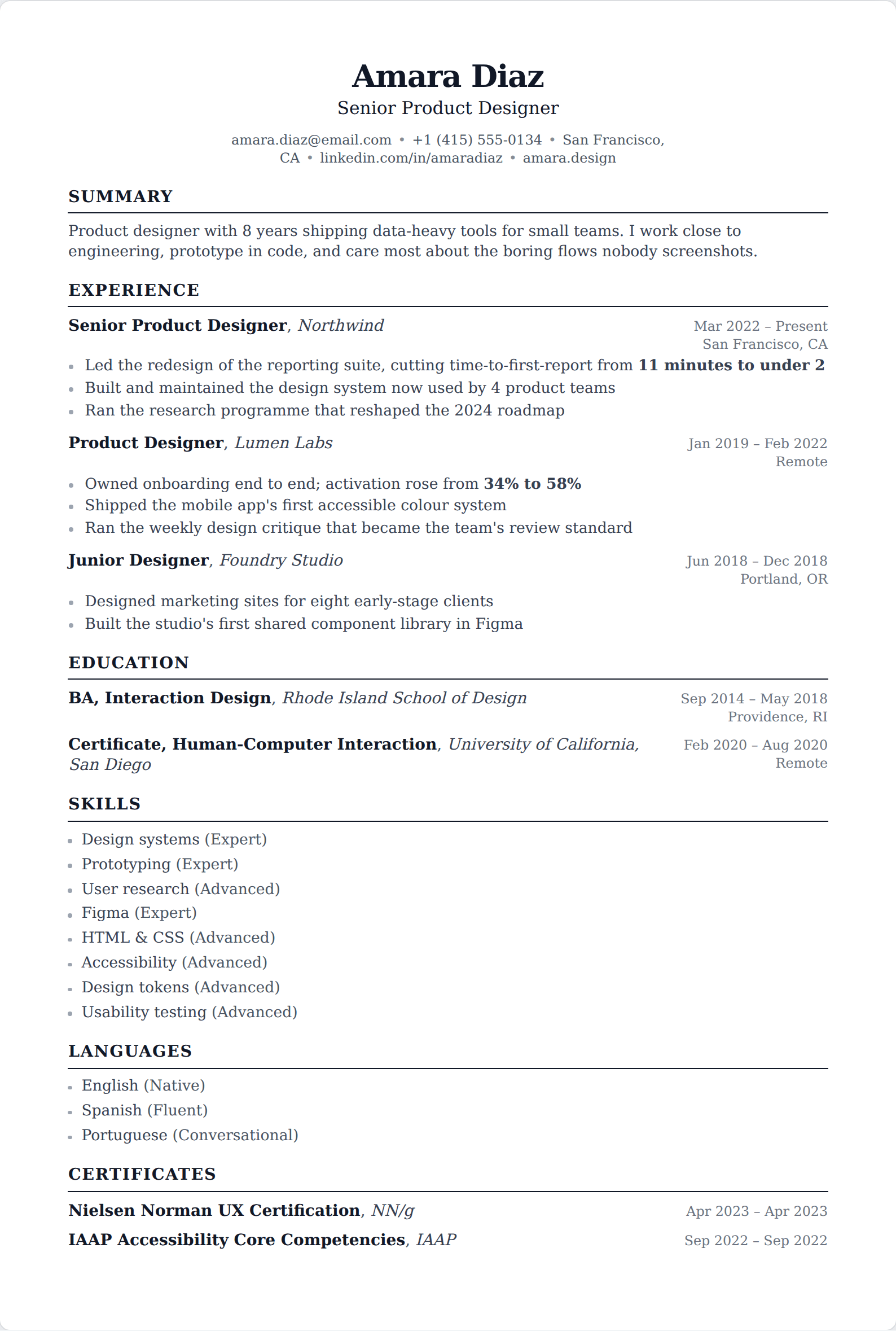
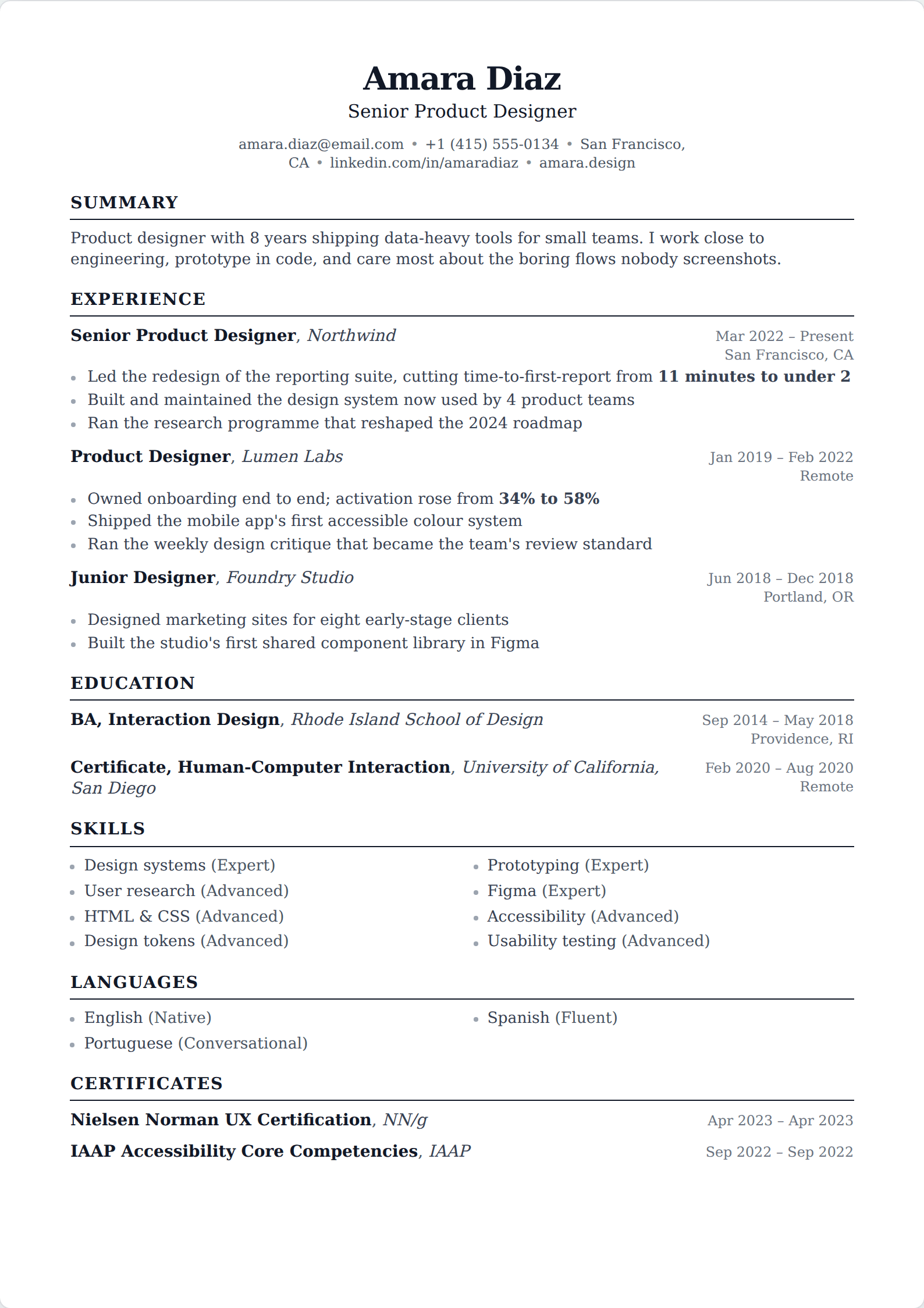
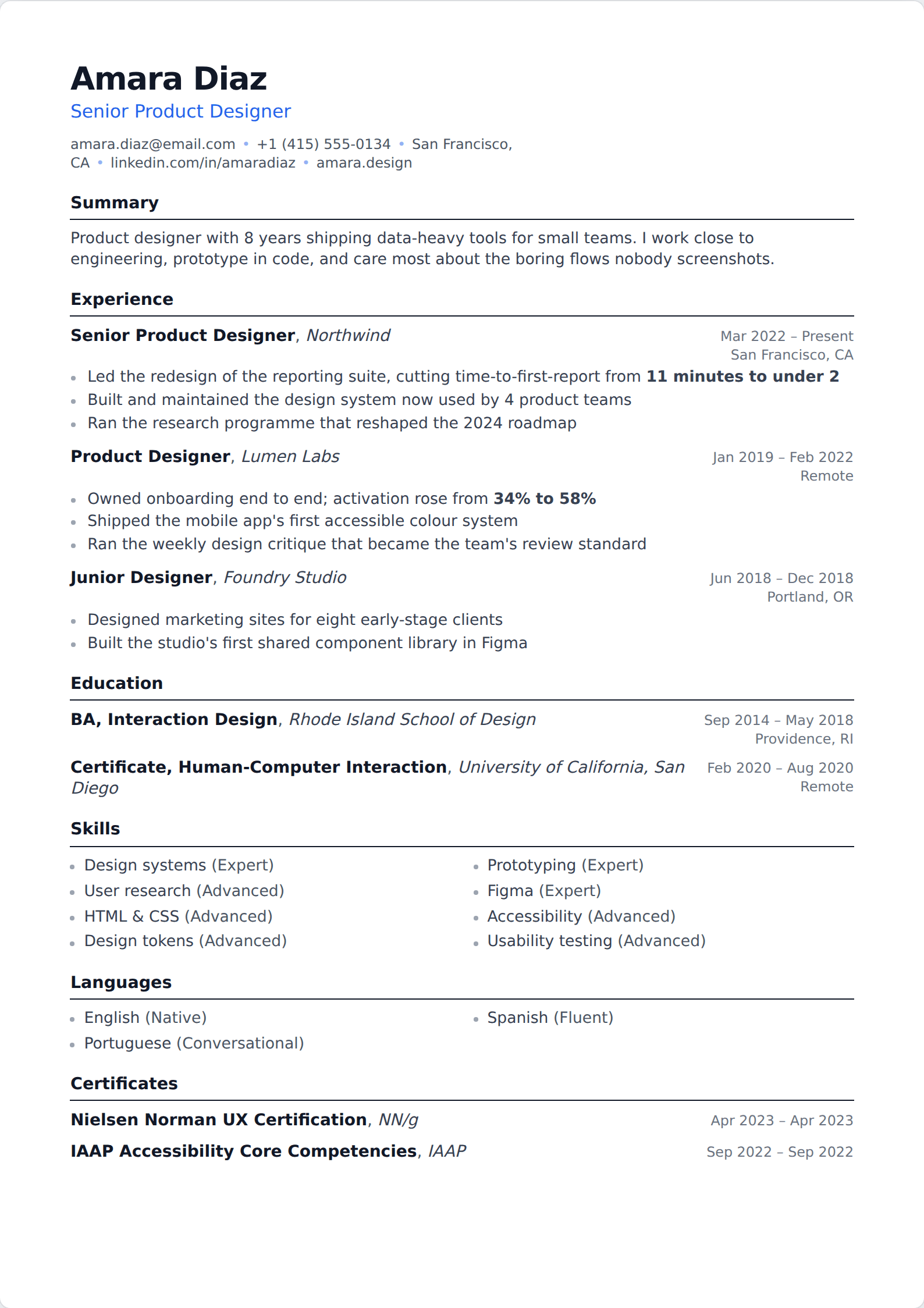
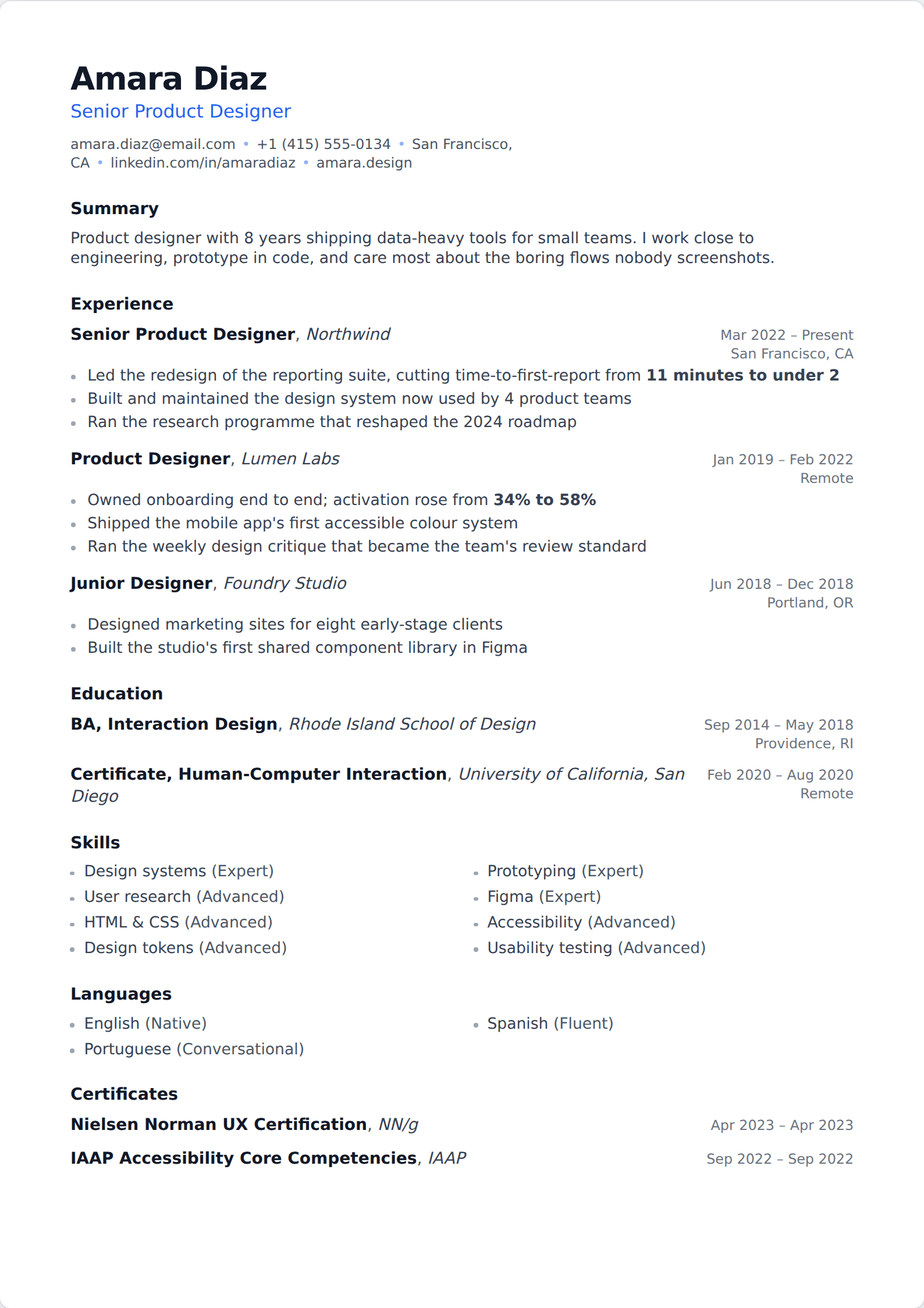
What Google Docs does well
It parses. The built-in templates are single-column, they use standard headings, and everything on the page is real text — which is most of what an applicant tracking system needs. If your only question is whether a Google Docs resume will survive a portal, the answer is yes.
It is also collaborative in a way nothing else here is. If someone is reviewing your resume for you, comment threads on the actual document beat a list of suggestions in an email, and that is a real advantage during a job search.
Where it runs out
Five templates is five templates. They are competent and they are also instantly recognisable, which matters more than it should when a recruiter is reading their fortieth application of the week.
The bigger issue is that a word processor does not know it is laying out a resume. Changing template means reformatting by hand rather than re-rendering. Keeping dates aligned across ten roles is manual work that comes undone the moment you add an eleventh. Tailoring to a posting means duplicating the file and editing both copies forever. None of these are hard individually; together they are the reason a resume stops being updated.
There is also no help with the writing, which is the part most people are actually stuck on. A blank Google Doc and a blank sheet of paper pose exactly the same problem.
Moving across
Download your Google Doc as a PDF and import it — the assistant reads it into structured fields, so your history arrives as data rather than as a block of text you have to retype. From there, switching template is one click, tailoring is a copy rather than a fork, and the alignment stays correct because it is rendered rather than typed.
If Google Docs is working for you, though, it is working. It is a legitimate answer, which is more than can be said for a lot of what gets recommended.
Related
Common questions
Are Google Docs resume templates ATS-friendly?
- Yes. All five built-ins are single-column with standard headings and real text, which is what a parser needs. They are among the safer starting points available, and considerably safer than most design-tool templates.
How many resume templates does Google Docs have?
- Five: Swiss, Serif, Coral, Spearmint and Modern Writer. There are third-party template galleries that offer more, but their quality and their parsing behaviour vary enormously and many reintroduce the multi-column problem the built-ins avoid.
Should I send my resume as a Google Doc link?
- No. Download it as a PDF and attach that. A link depends on your sharing settings being right, it can expose your edit history, and it tells the employer when you opened it. A PDF is the format that behaves predictably at the other end.
Can I import a Google Docs resume here?
- Yes, via PDF. Download from Google Docs as a PDF and the assistant reads it into the editor as structured content rather than a wall of text. Importing is part of the Basic plan.
Build it in the editor
Live preview, AI writing help, and an ATS-ready PDF. Free to start, and no card at any point.
Start your resume