
Resume & CV templates
Every one is a live render rather than a mock-up, shown with the kind of history it was designed for — a nurse's page and an engineer's page put different pressure on a layout. Pick one now and change your mind later: switching template re-renders what you've written rather than starting it over.
 Simple
 Picture
 Professional
 Modern
 ATS
ATS Two column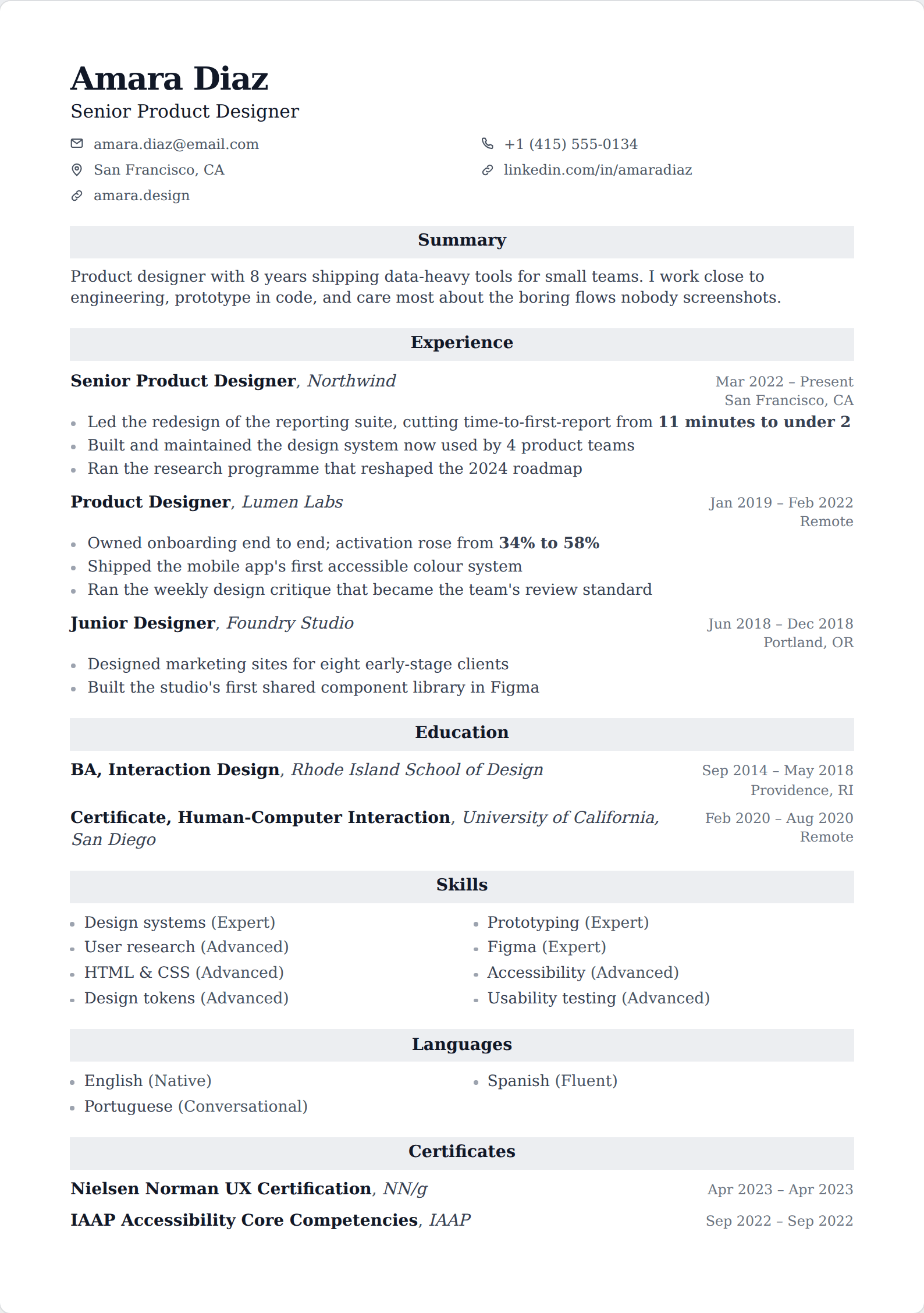
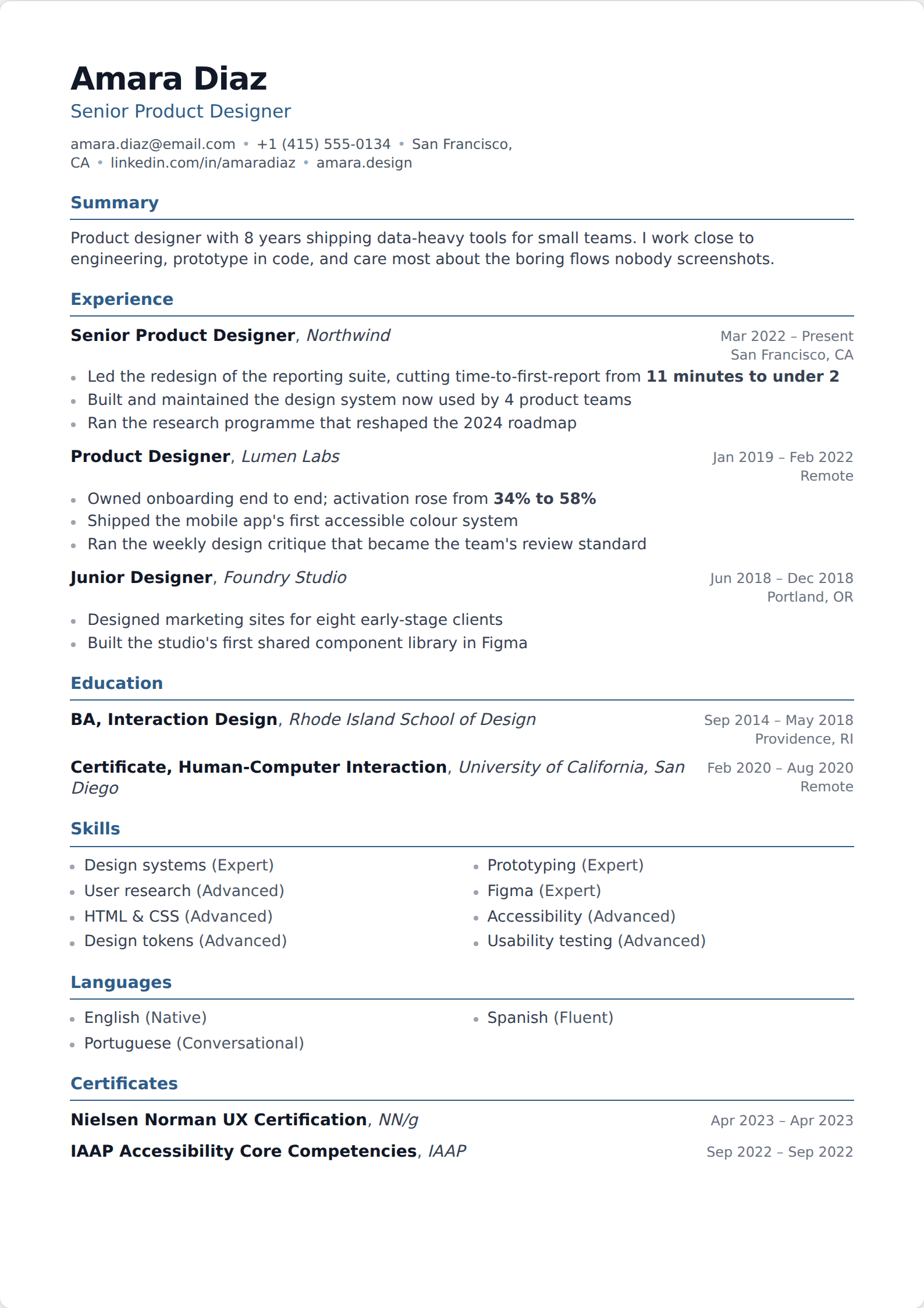
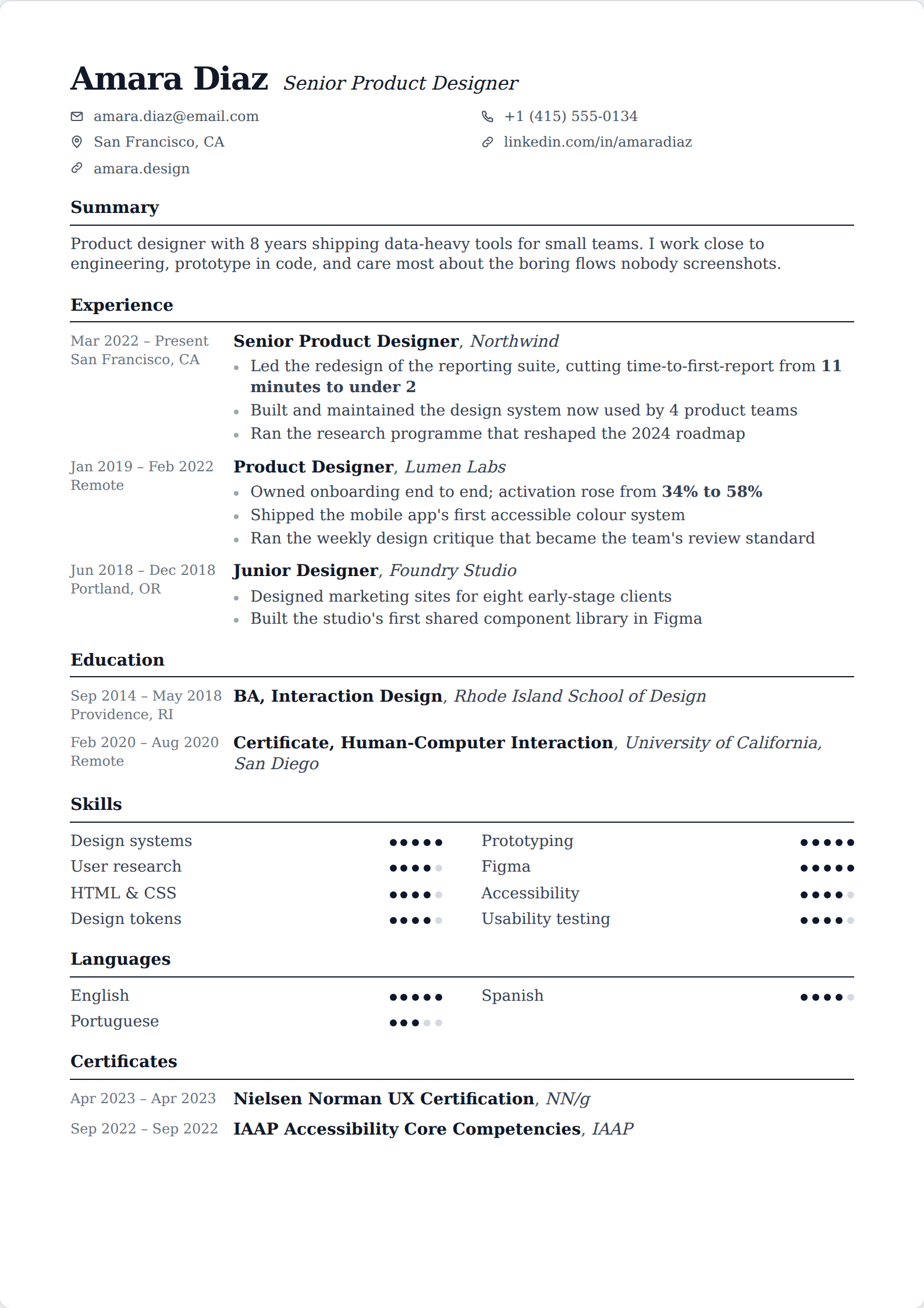
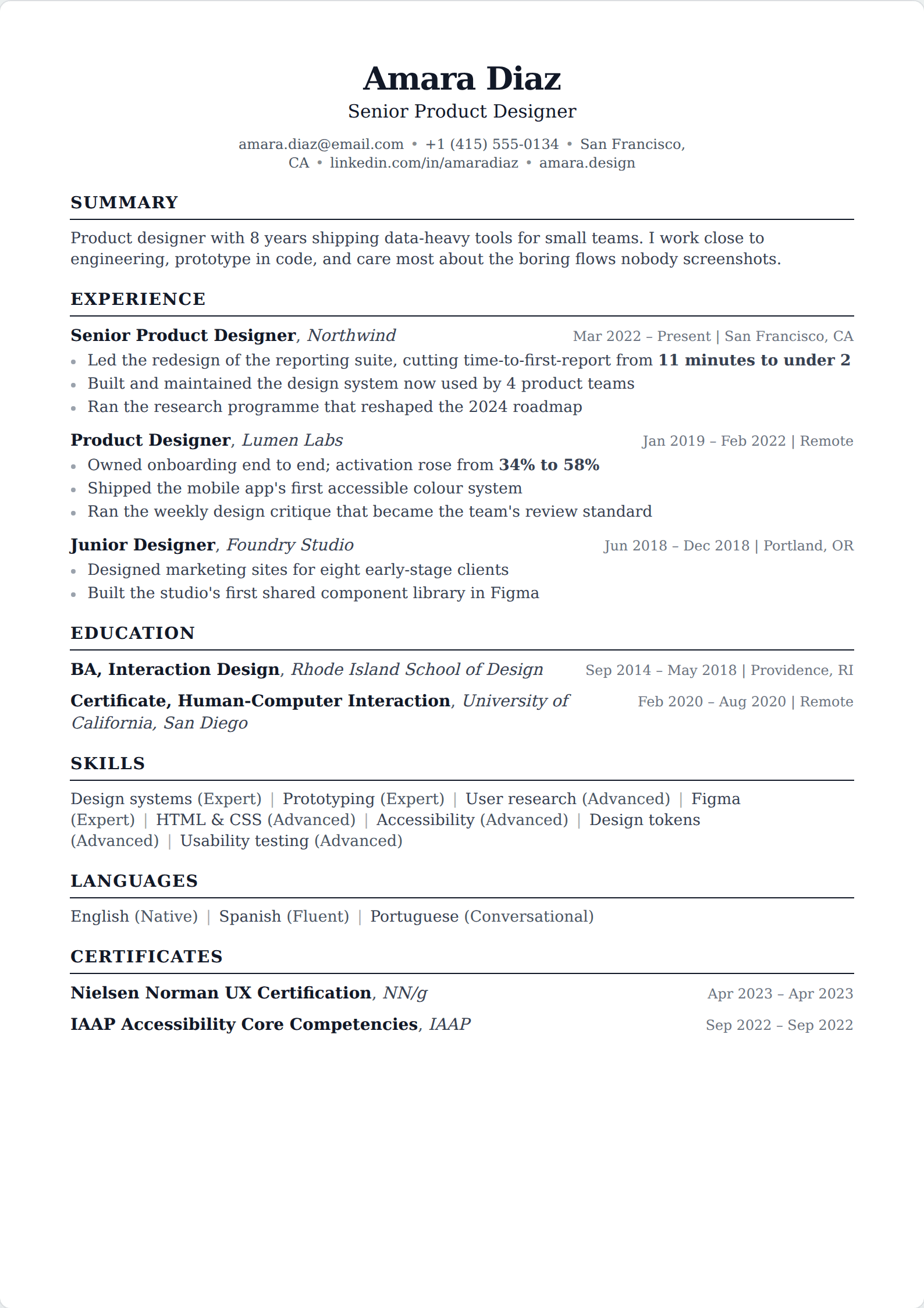
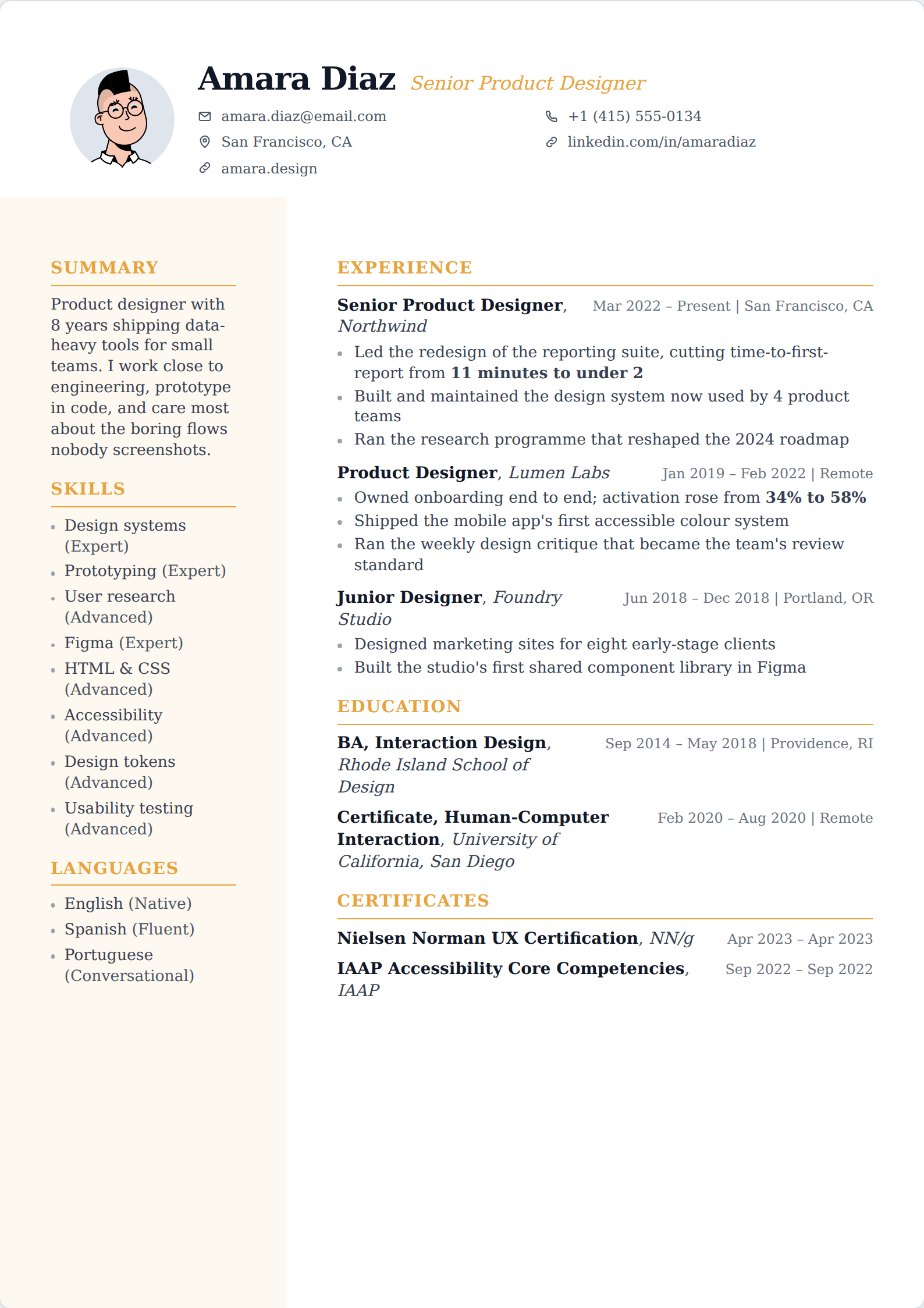
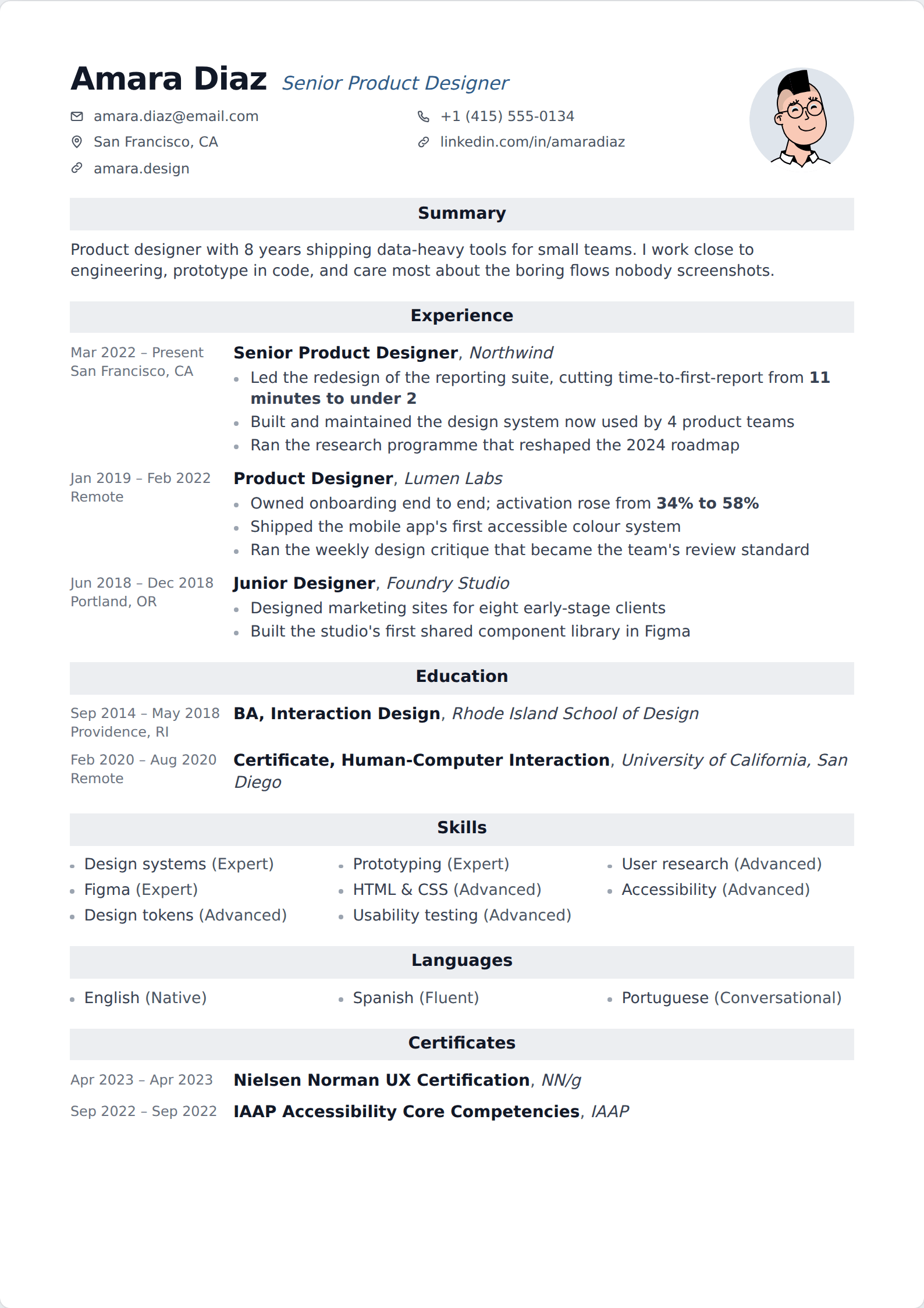
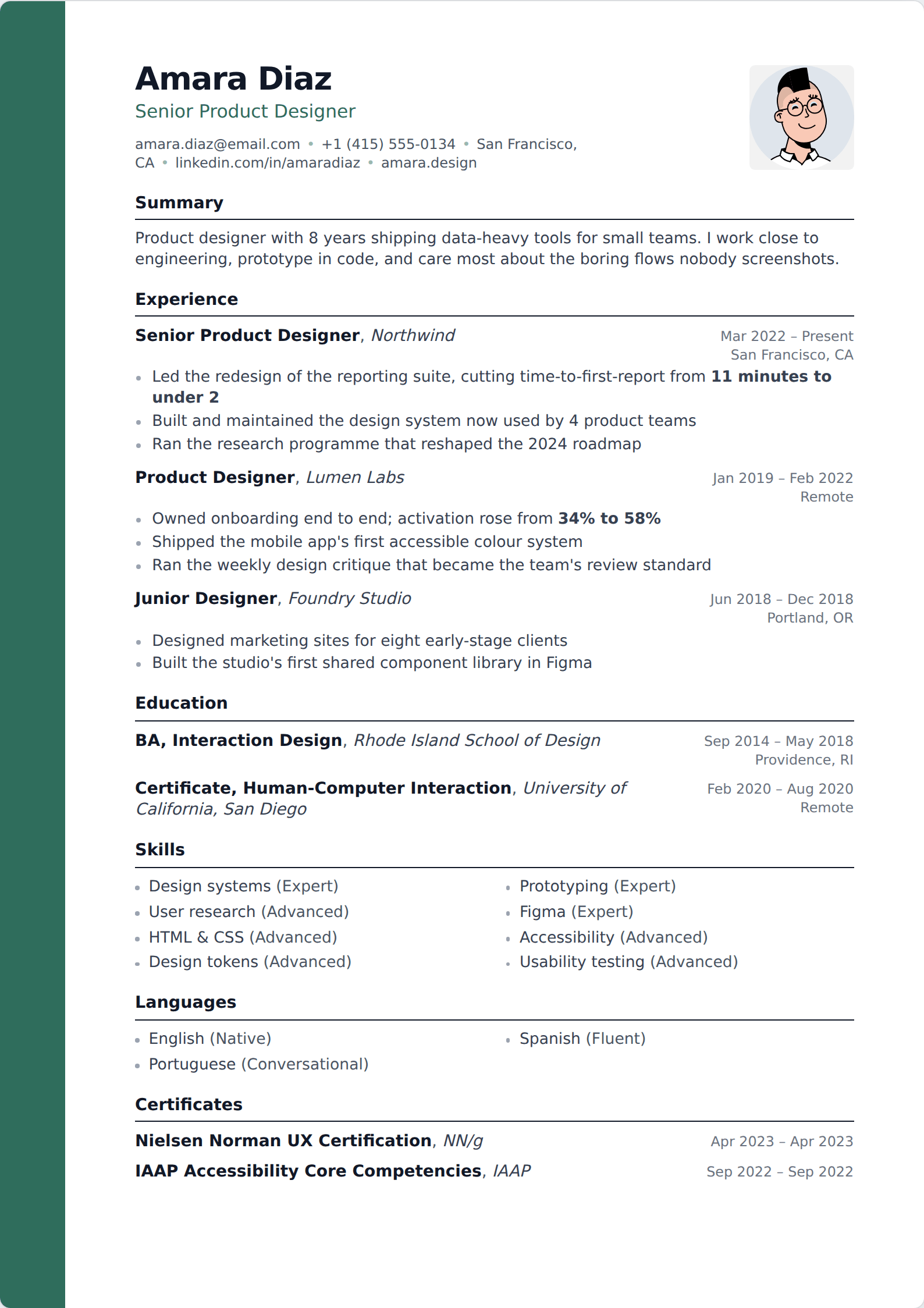
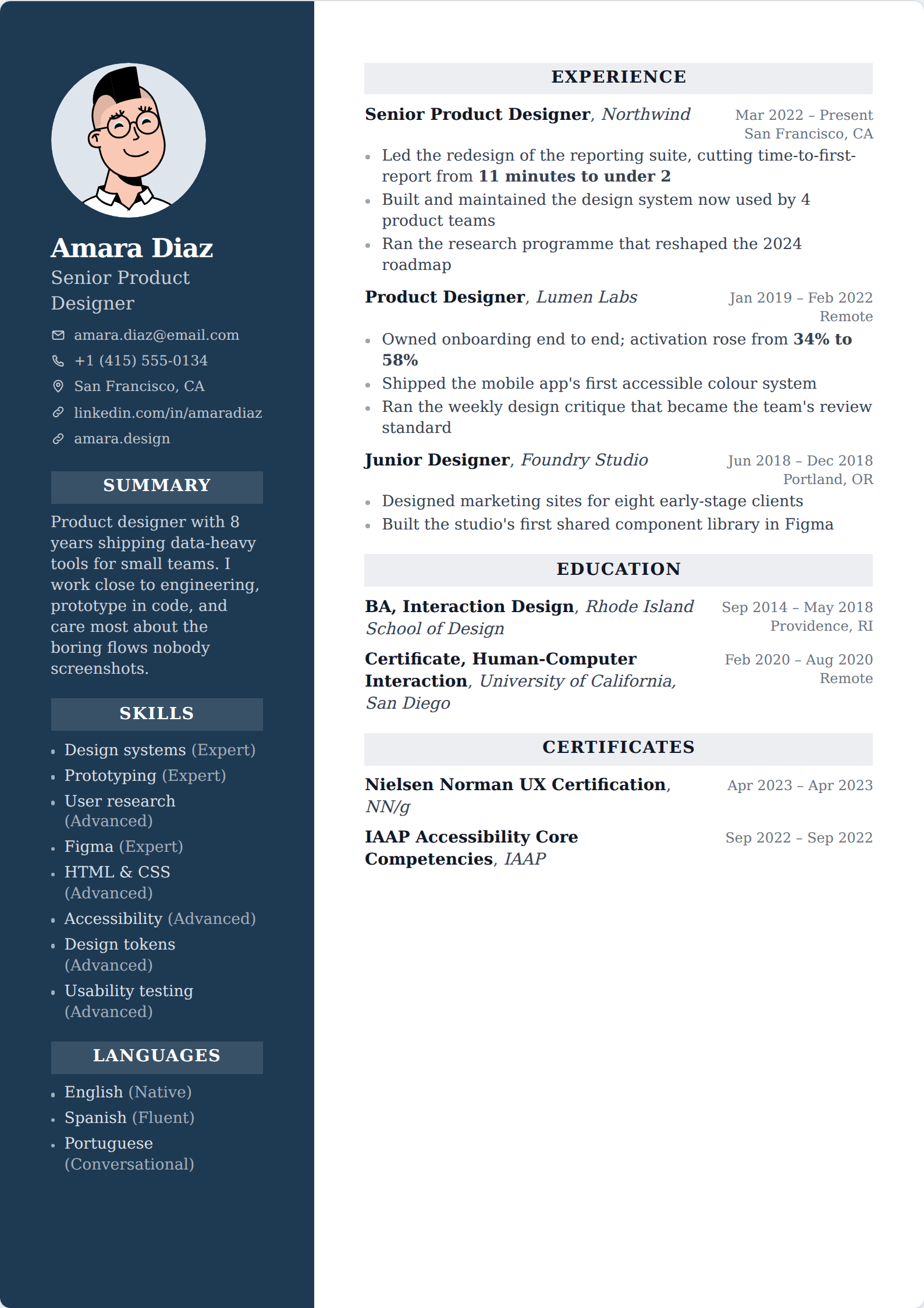
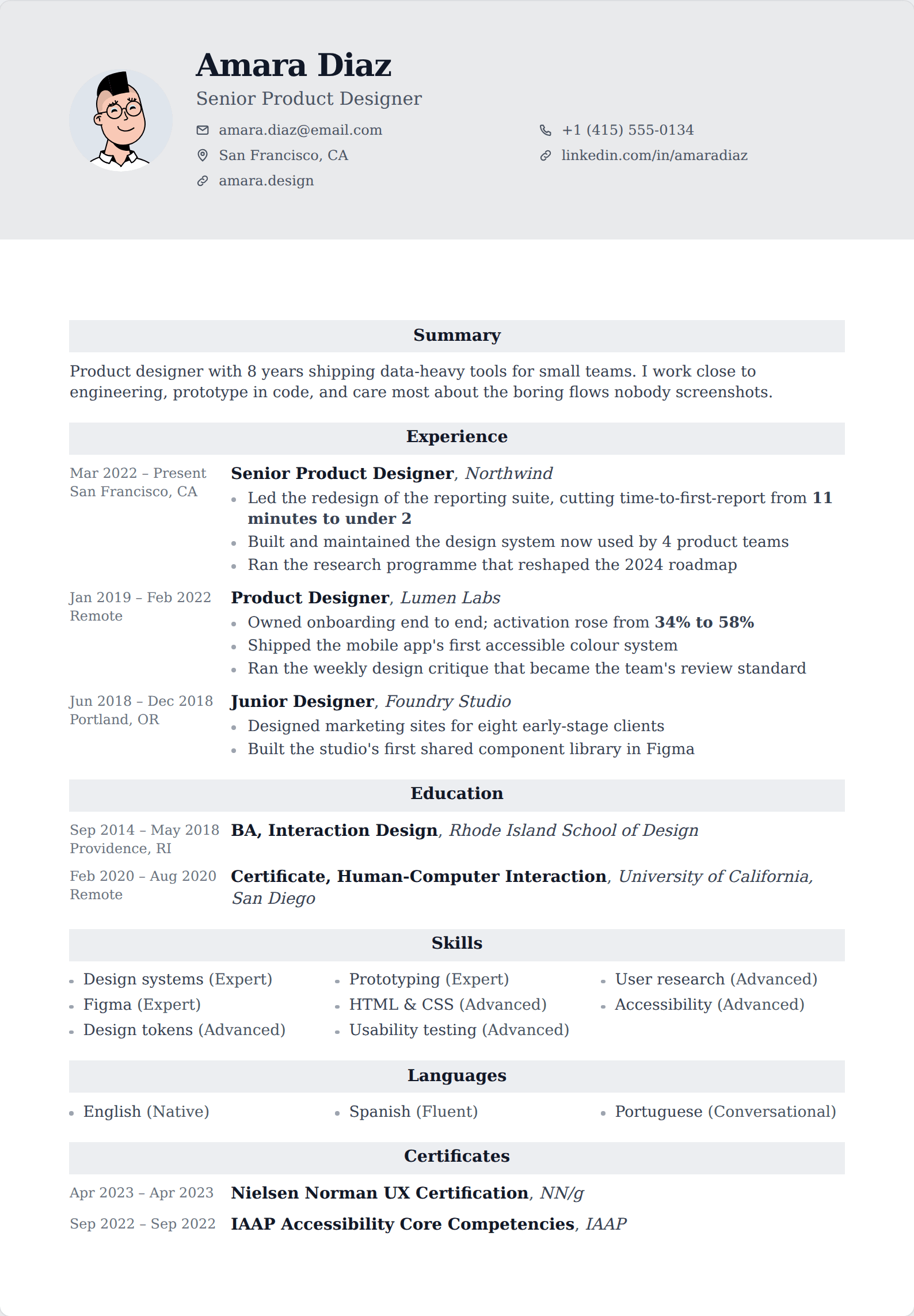
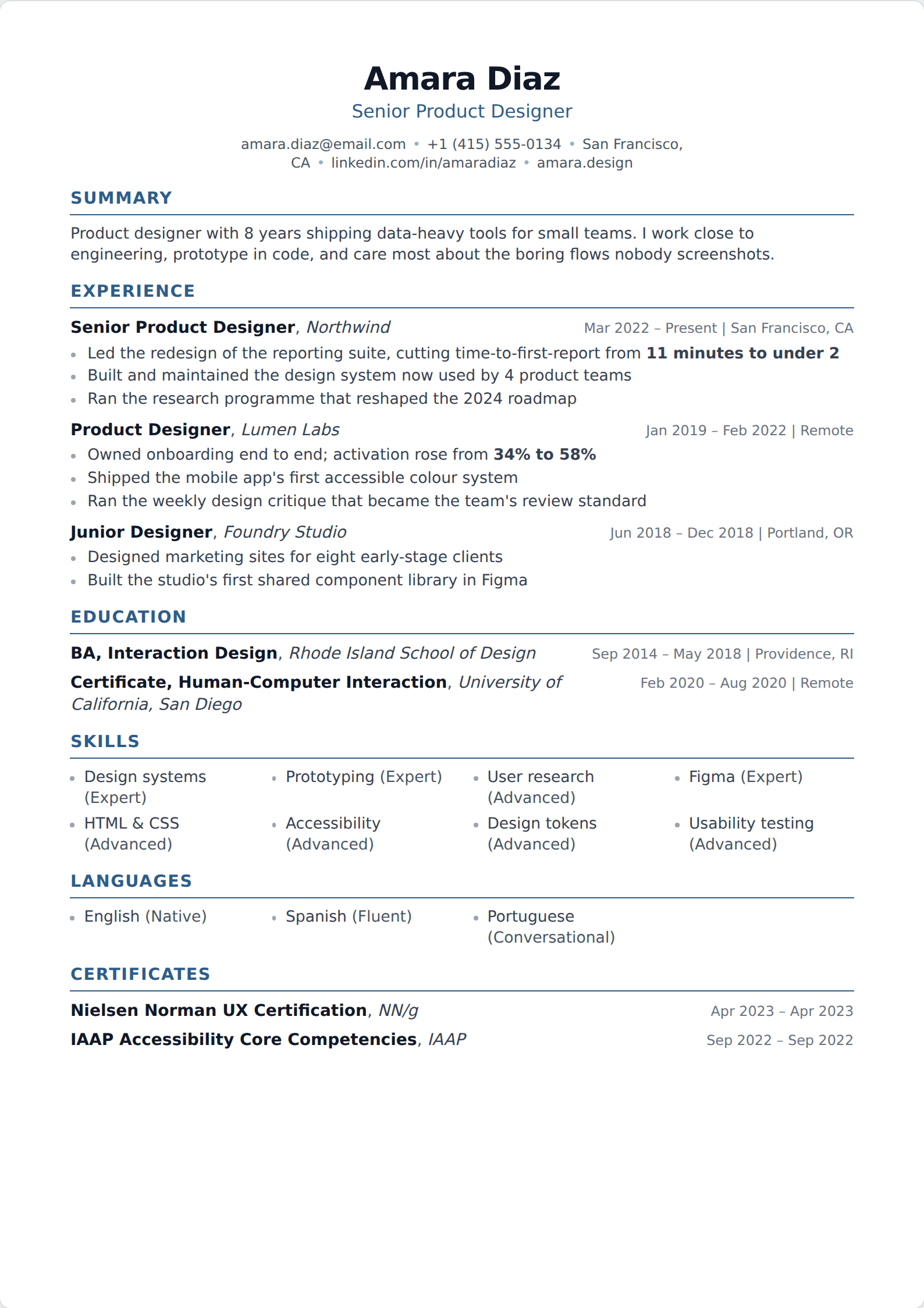
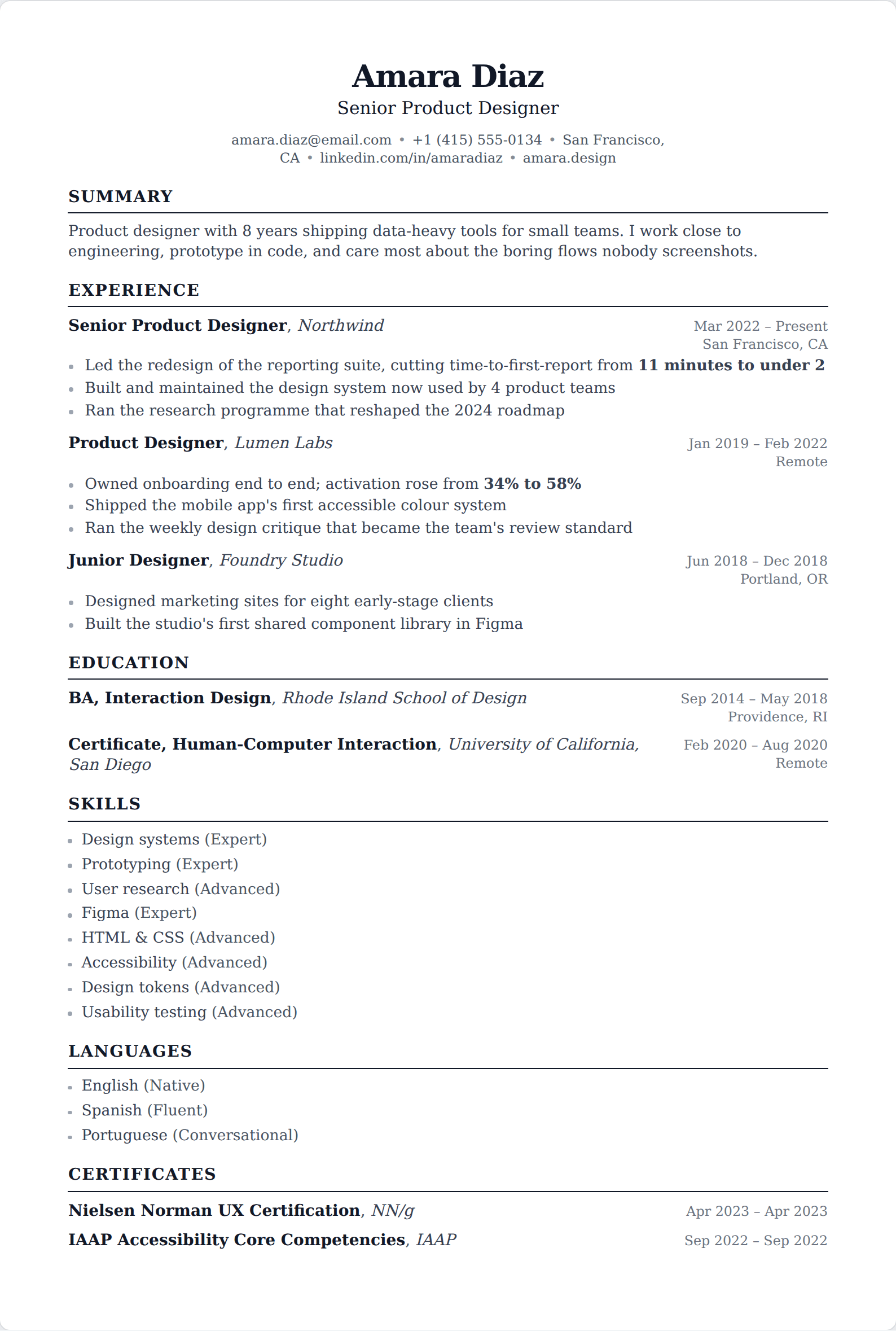
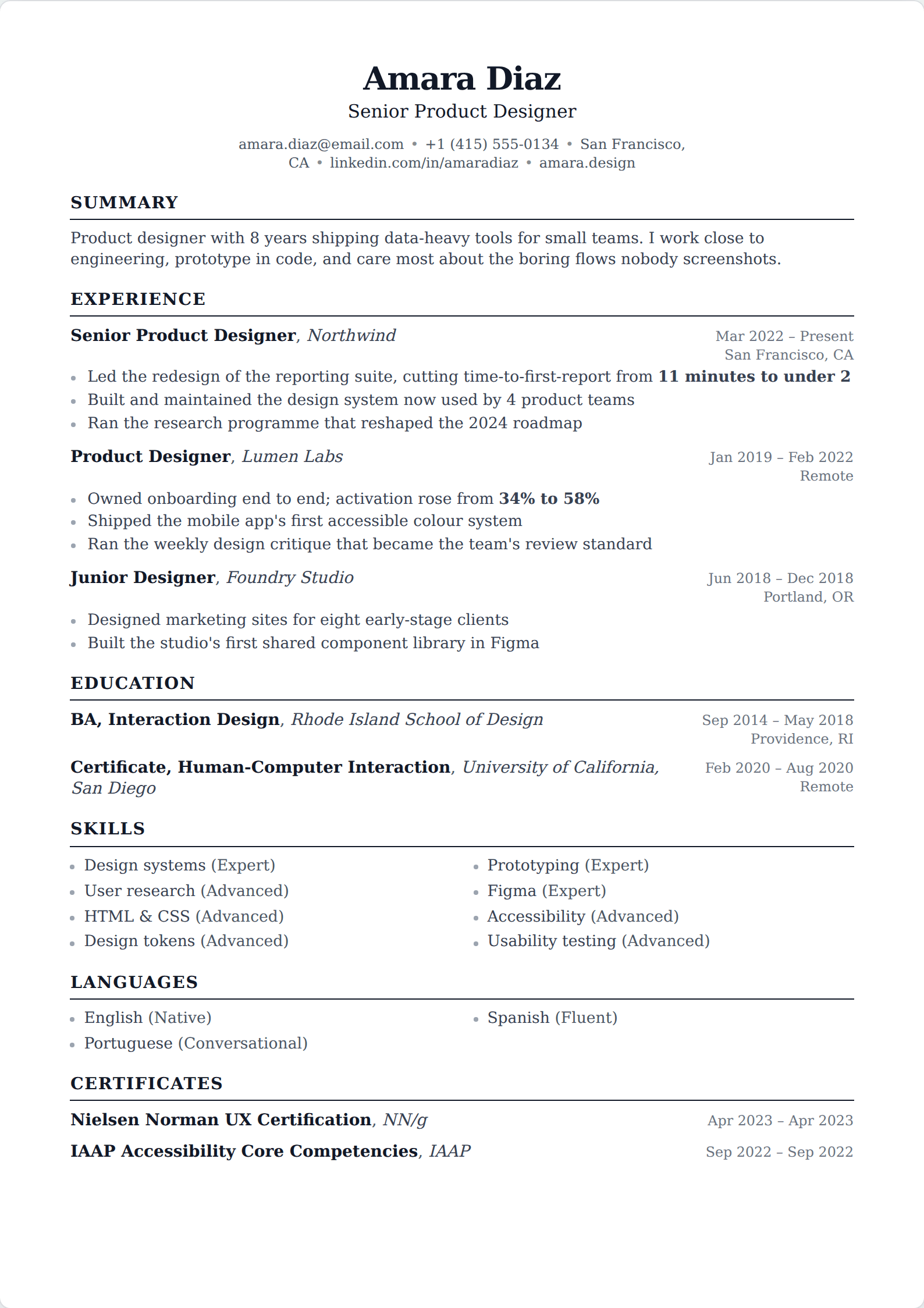
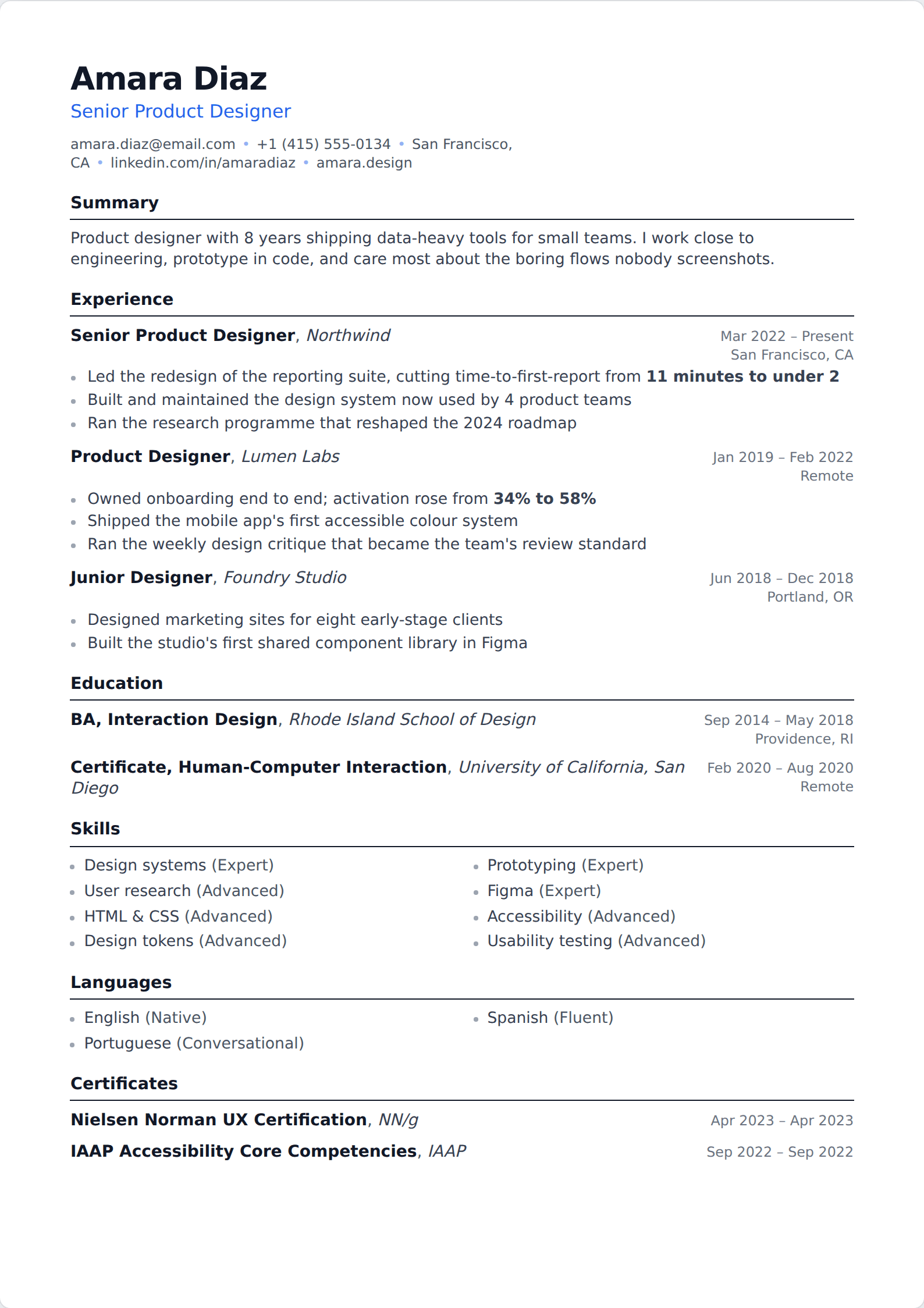
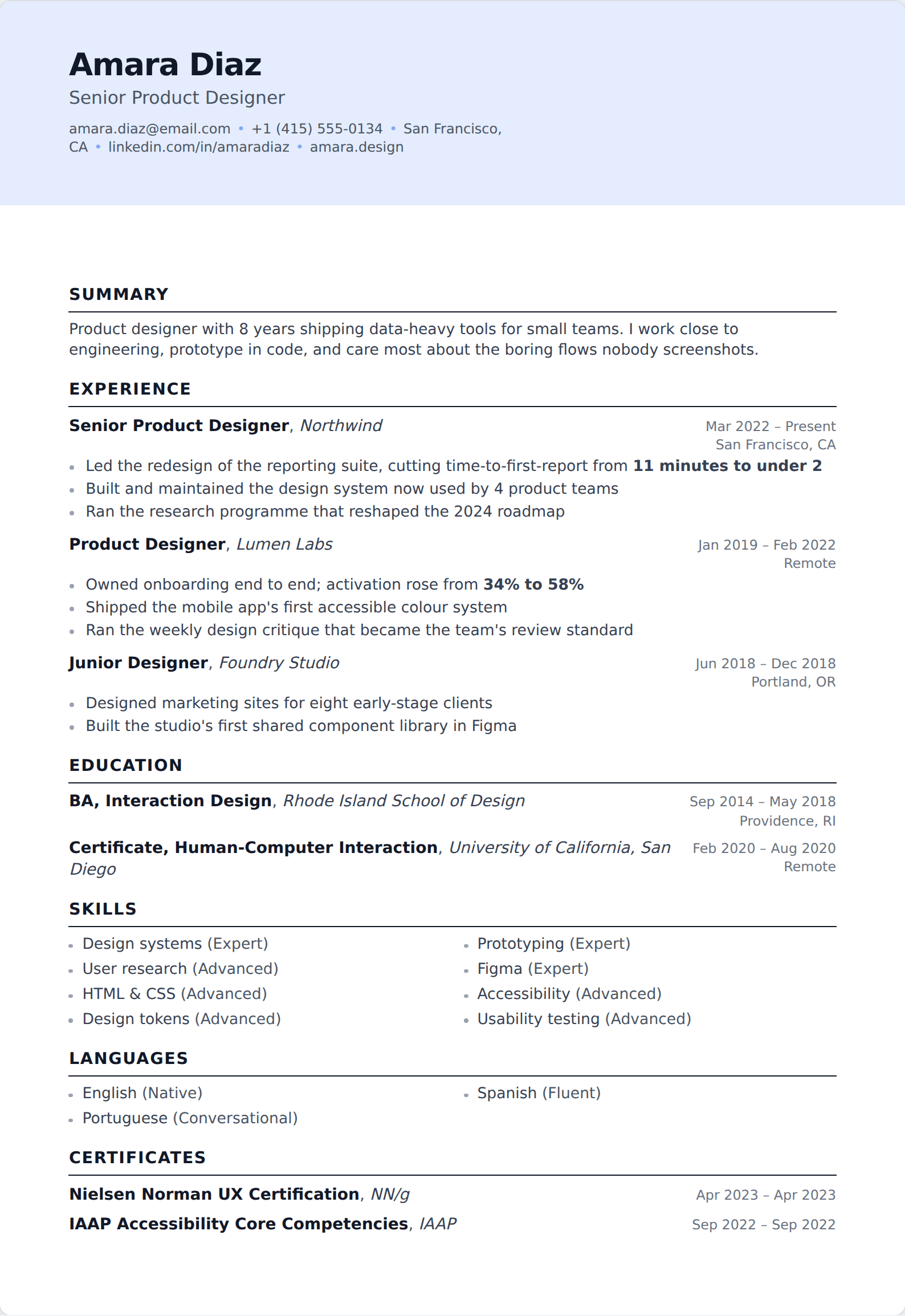
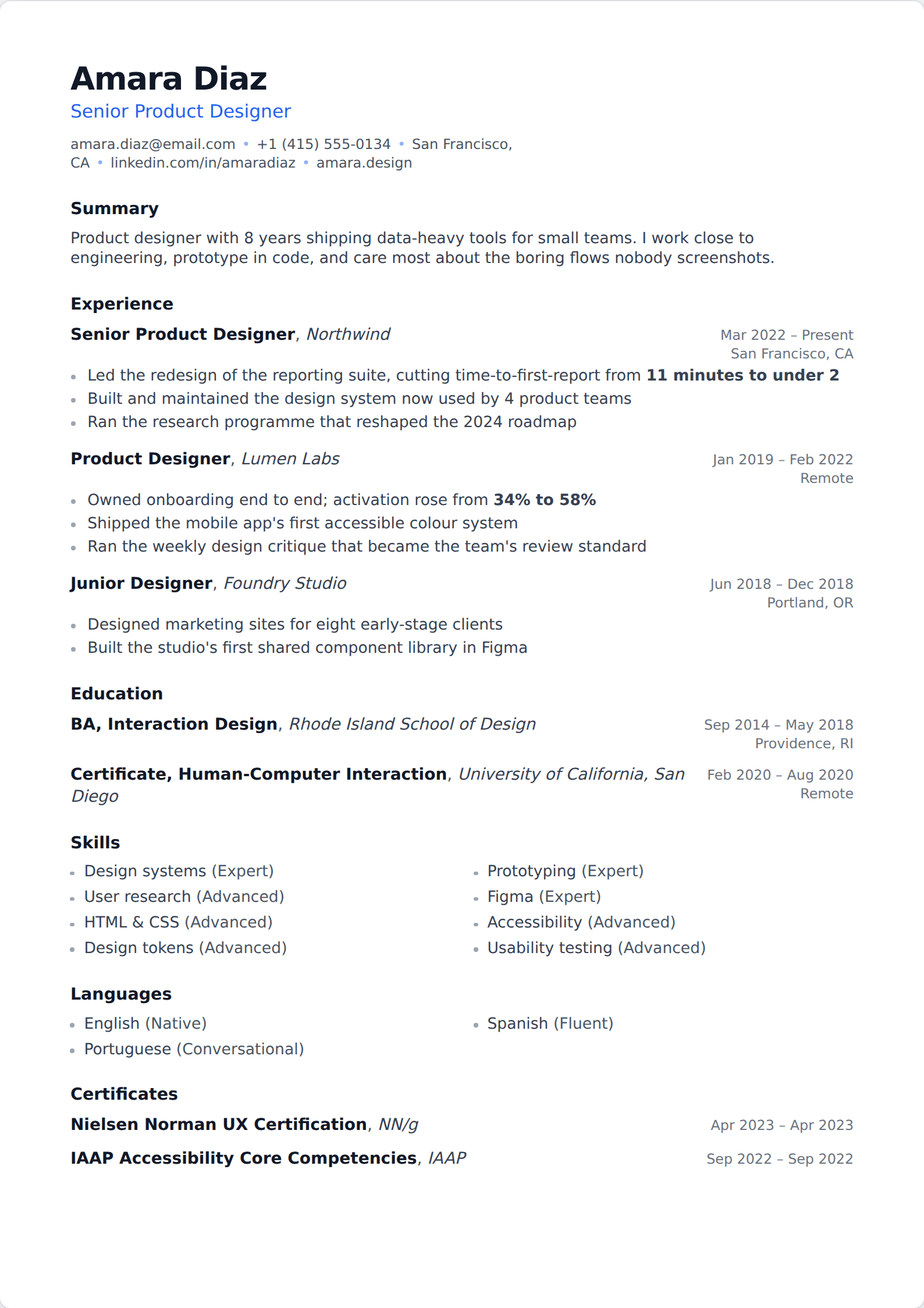
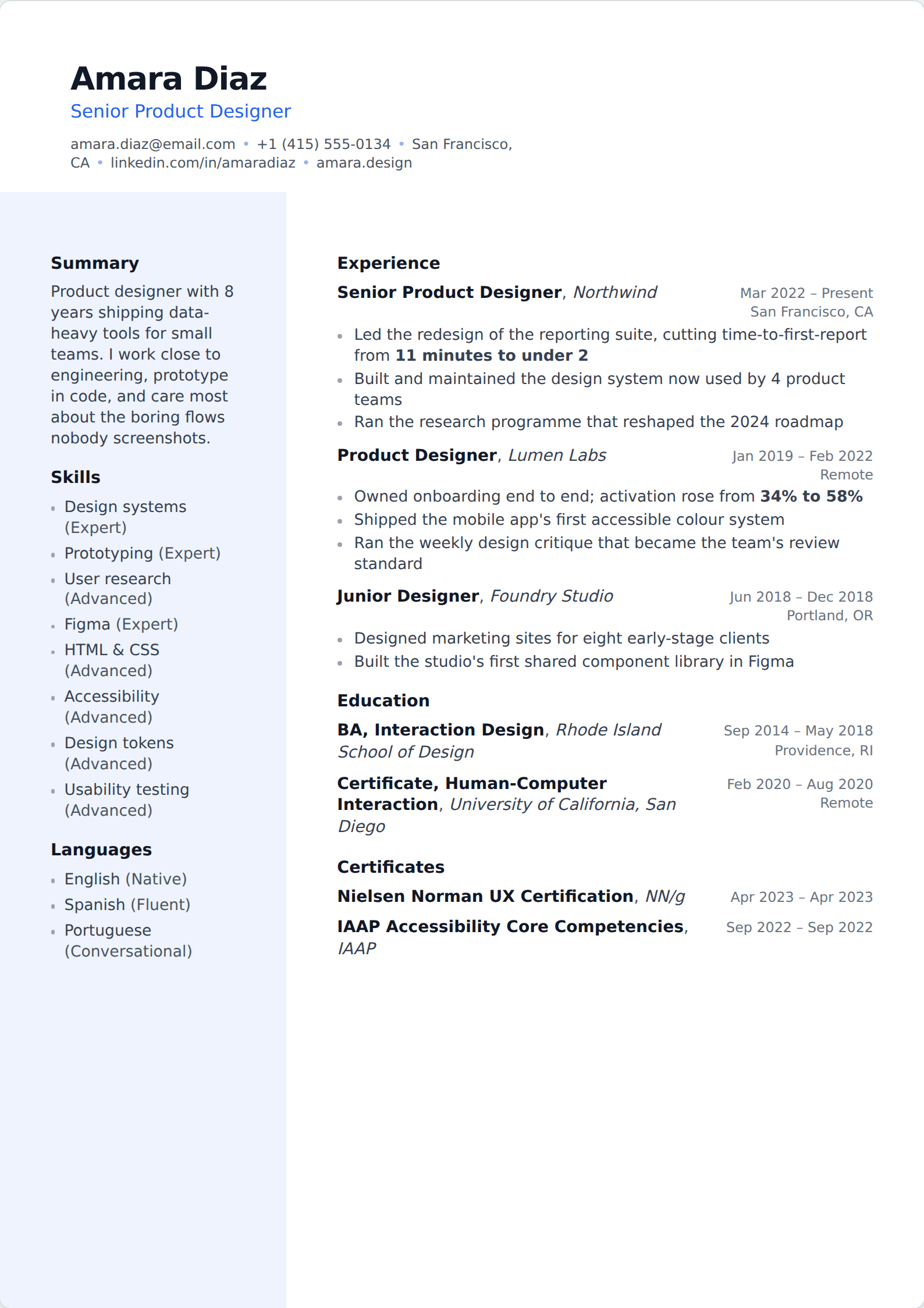
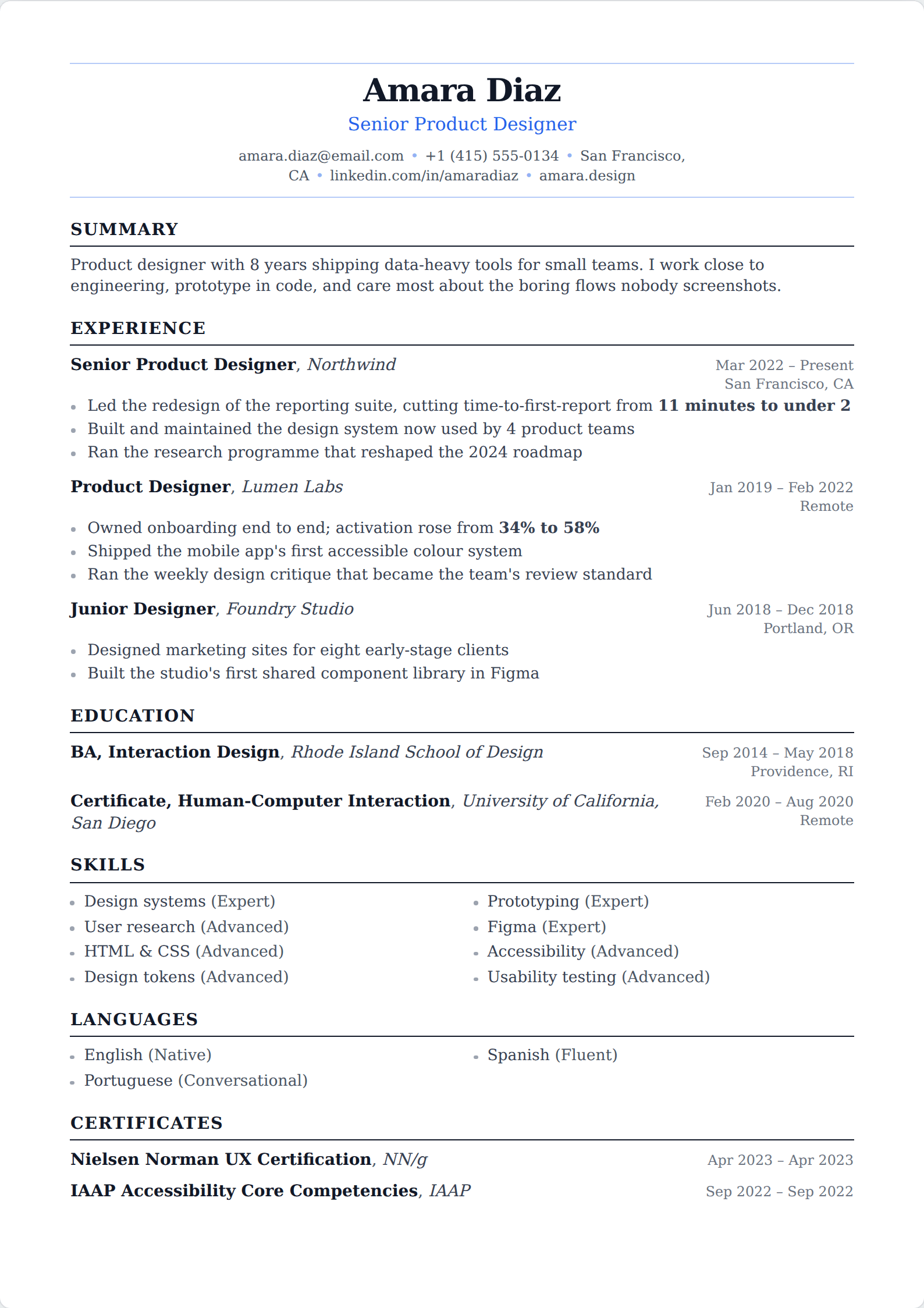
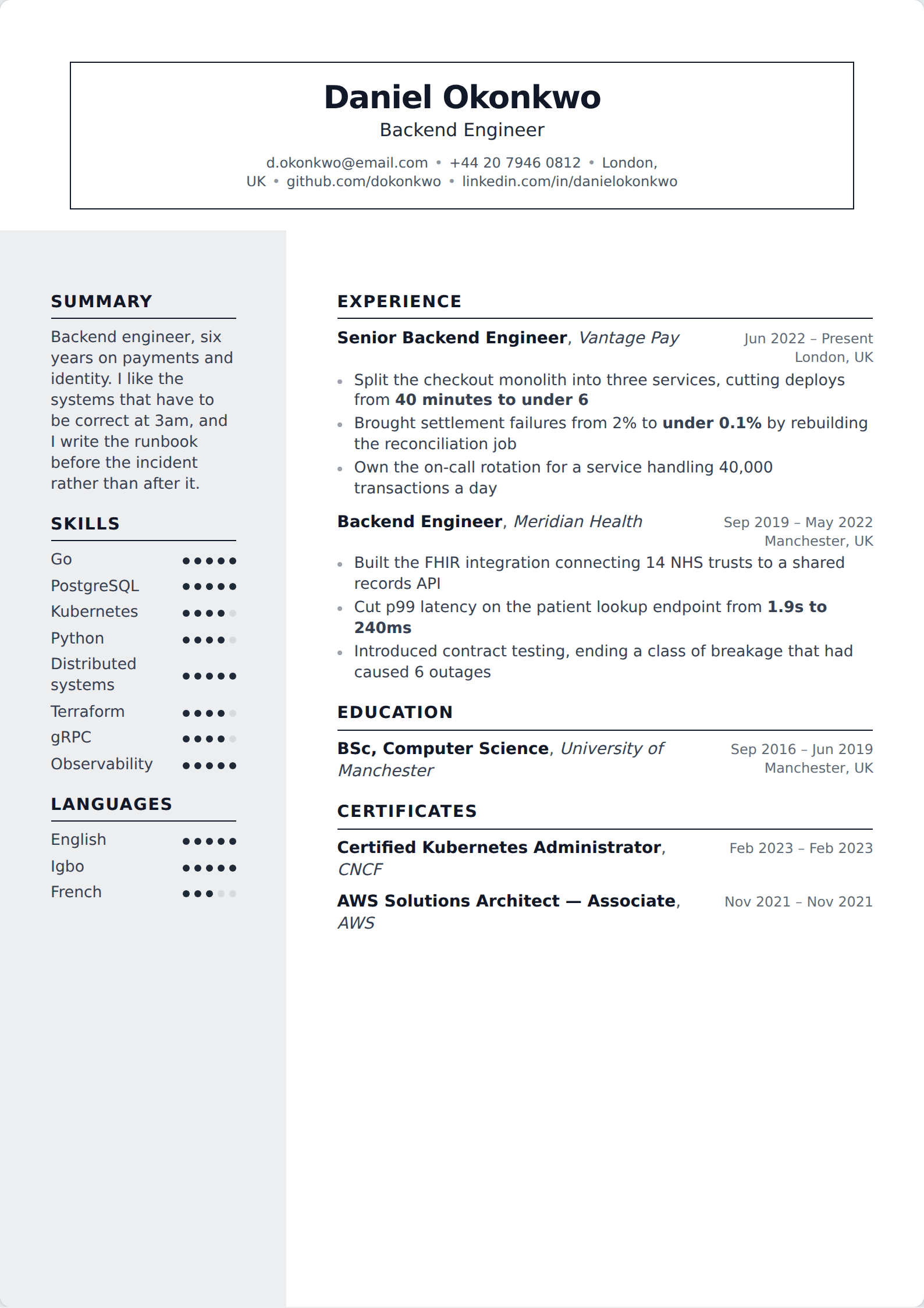
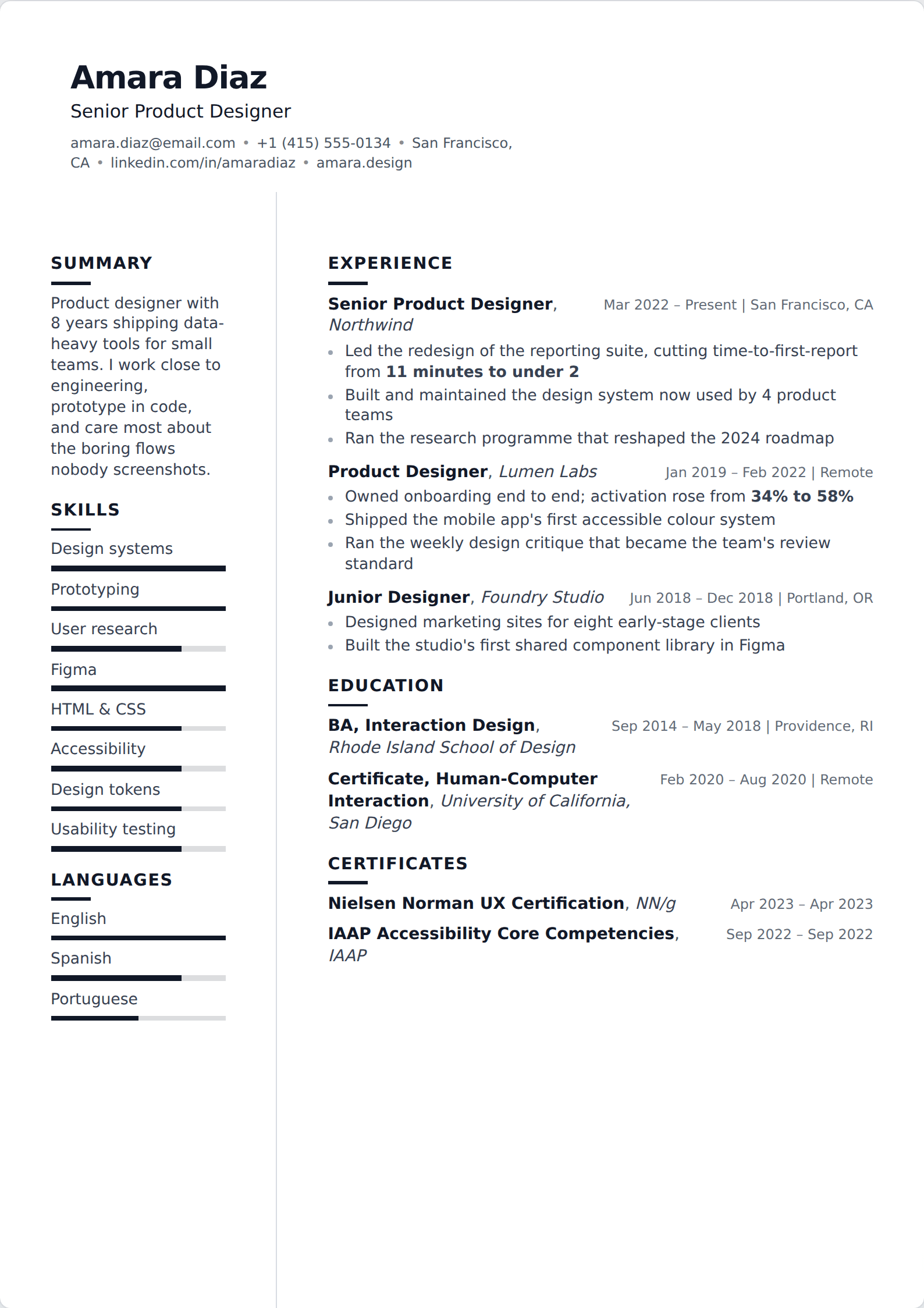
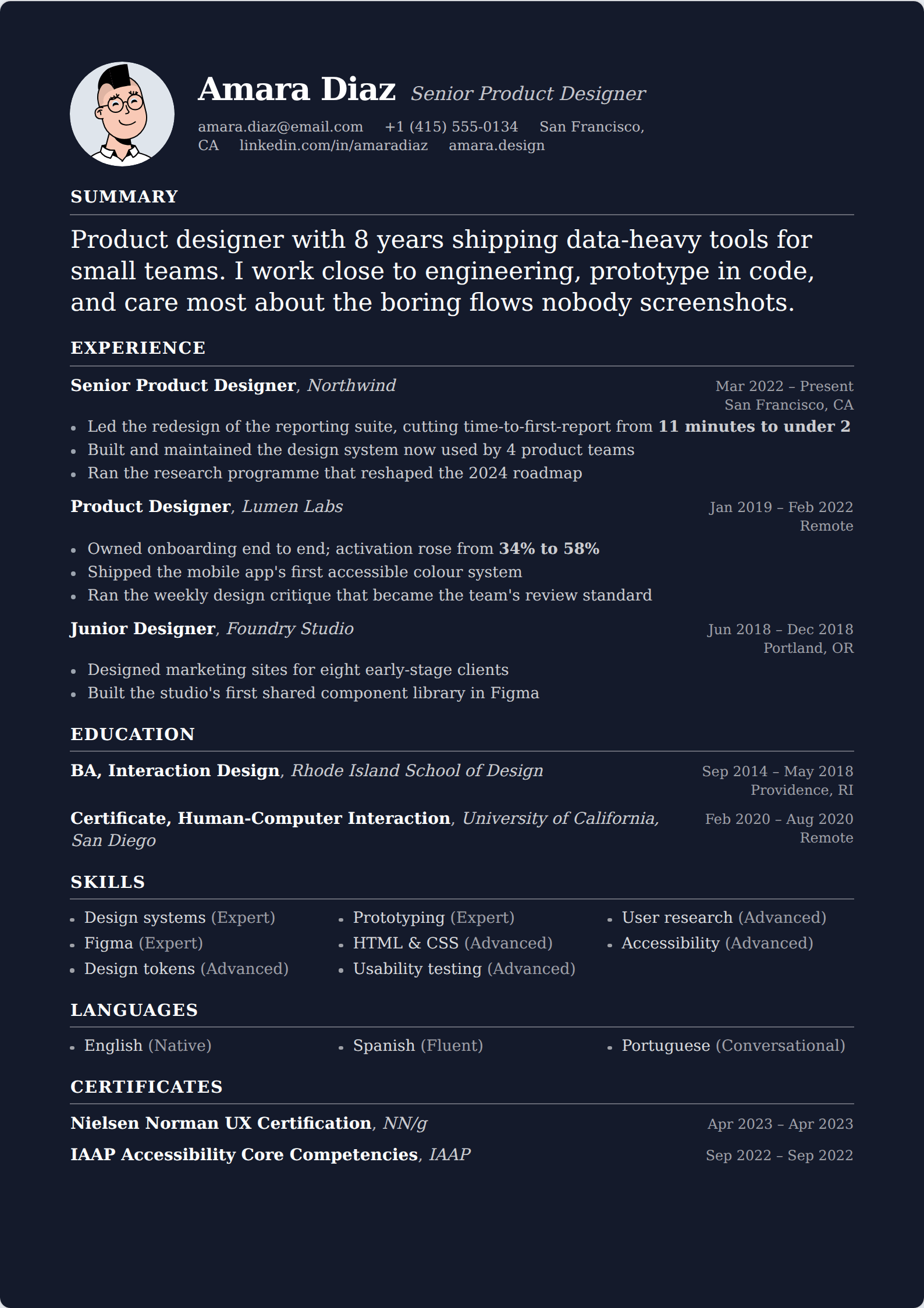
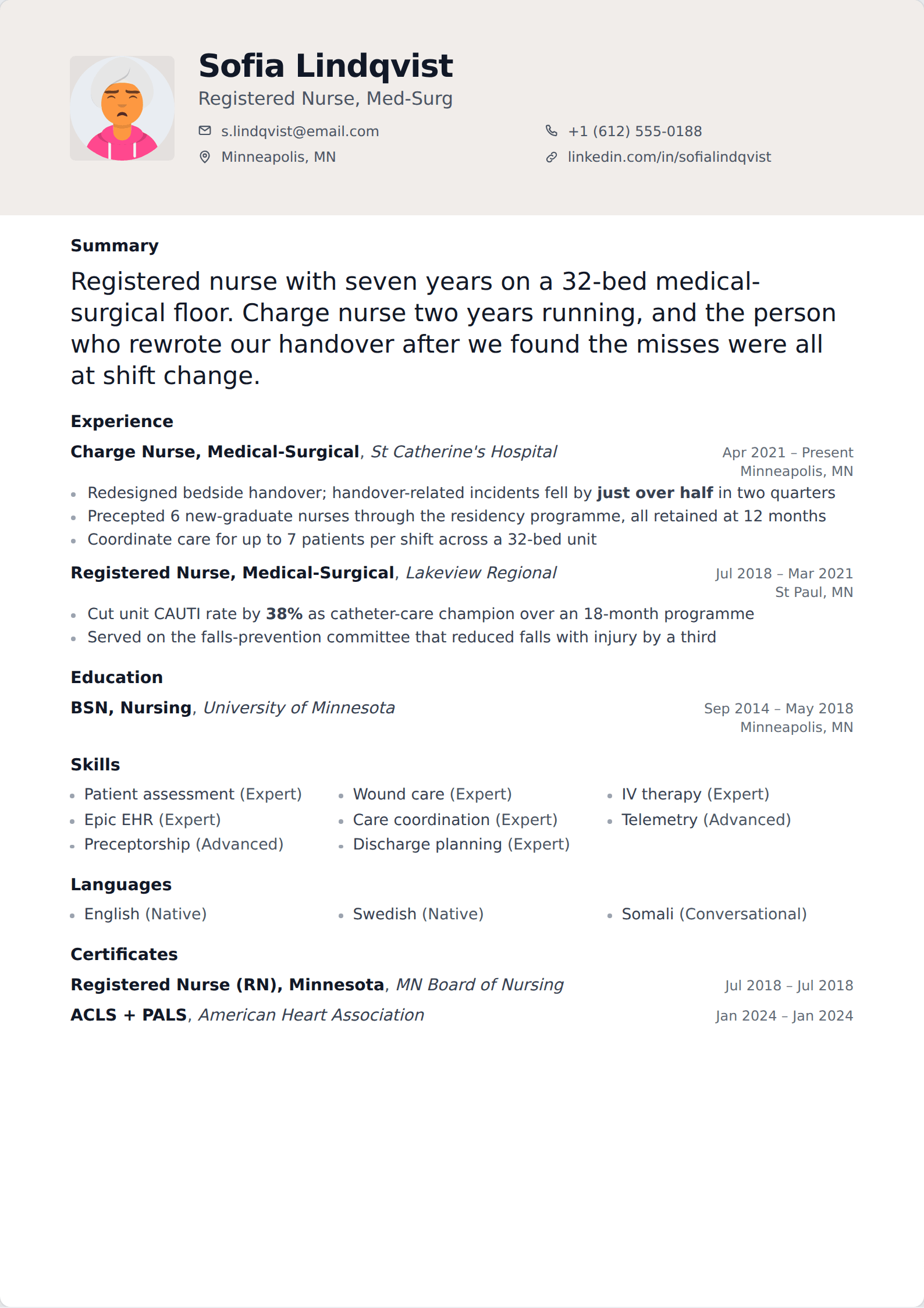
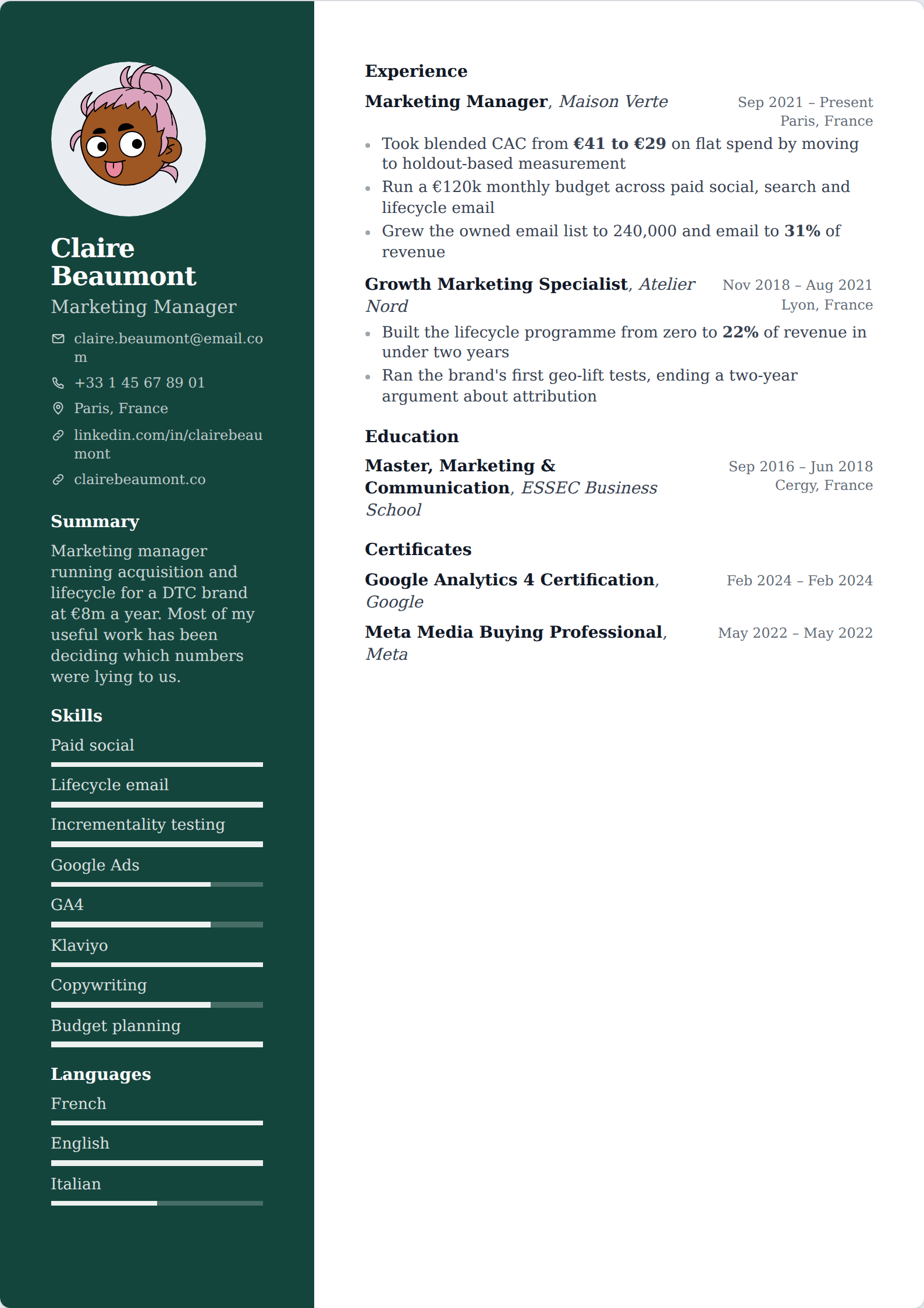
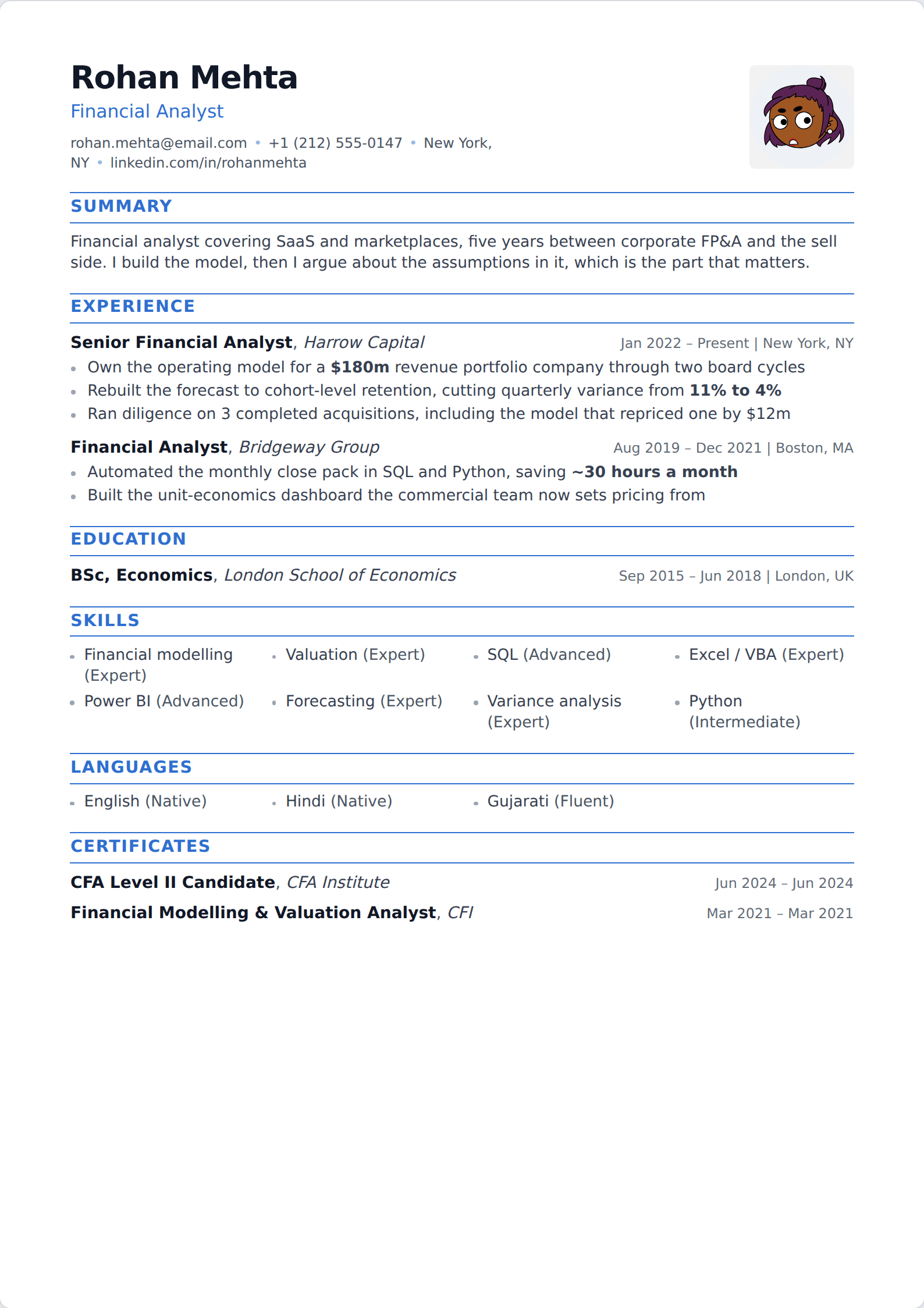
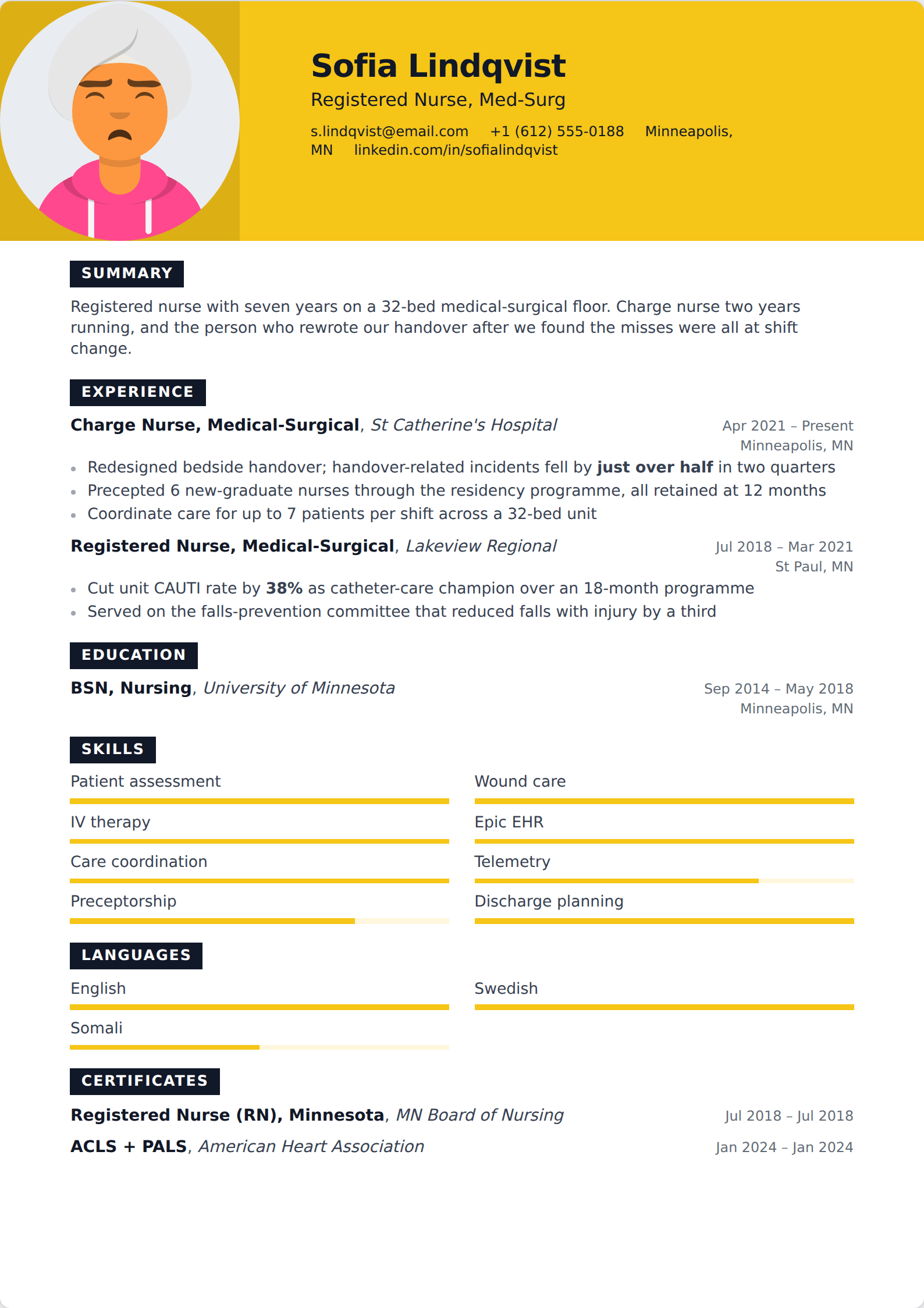
Showing 24 of 227
Browse every filter








Read about a style
Choosing between them
Template choice is the smallest decision on this page. No layout rescues weak bullet points, and no recruiter has ever hired someone for their margins. If you are undecided, take Ledger and spend the time you saved on rewriting your bullet points.
The one layout decision with real consequences is column count. A sidebar can confuse an applicant tracking system if the text extracts out of order — the ATS guide covers how to check yours in about ten seconds.
Common questions
Are these templates ATS-friendly?
Yes. Every template exports to a real-text, conventionally-headed PDF, which is what applicant tracking systems parse. The two-column layouts are the ones to check — copy the text out of the exported PDF and confirm it reads in a sensible order.
Can I change a template after I've written my resume?
At any time. The template is a rendering choice, not a container — switching it re-renders the same content, and your writing is untouched.
Can I change the fonts and colours?
Yes. Accent colour, font family, base size, line height and margins are all controls under Customize, and the live preview and the PDF follow them together.
Do the templates work in other languages?
All of them render in ten languages, including right-to-left Arabic, which flips the whole document. PDF export for non-Latin scripts needs a matching font installed on the server.
Try a template
Open the editor, write one entry, and switch between them to see the difference.
Start your resume