
Google Docs-style resume templates
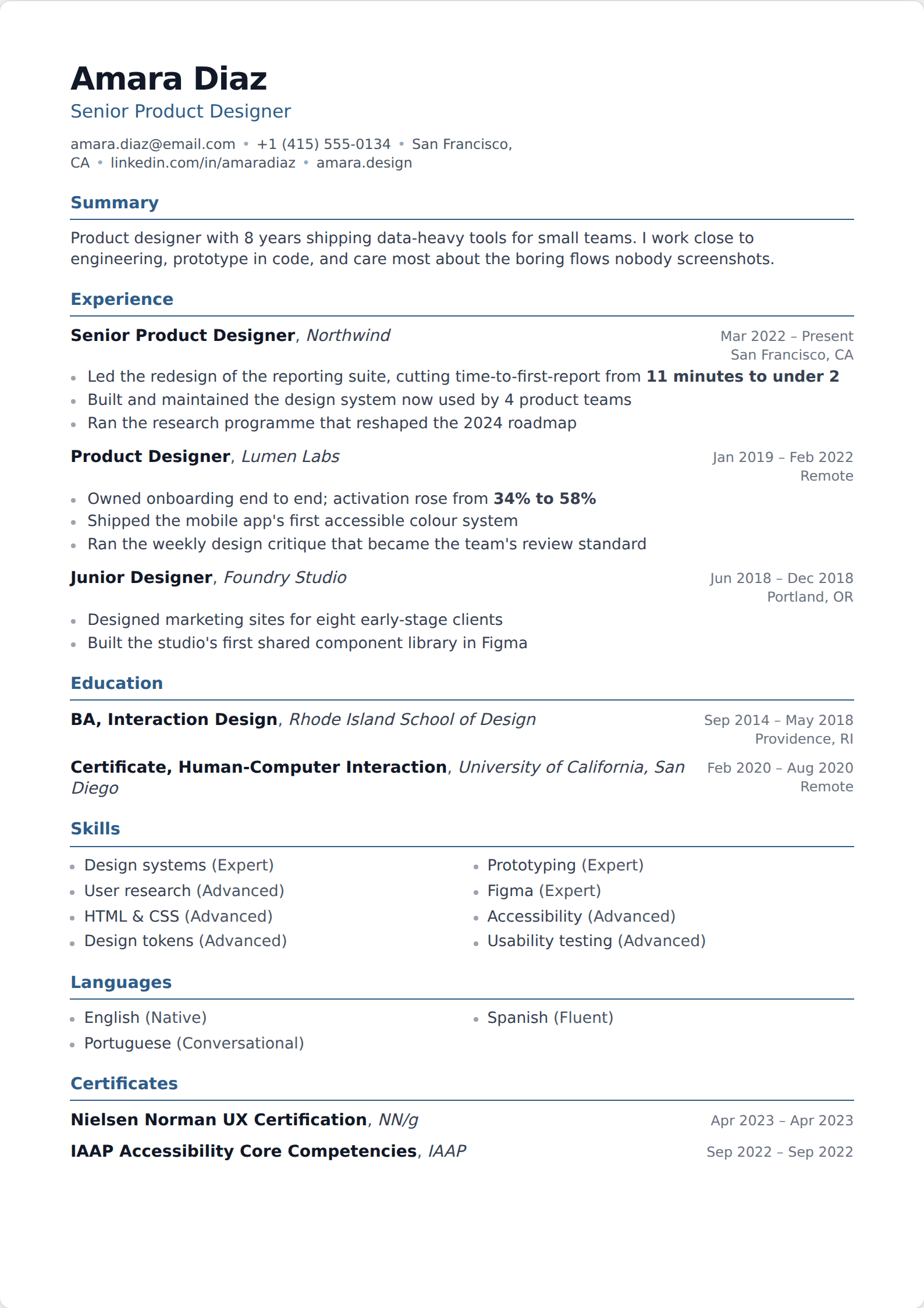
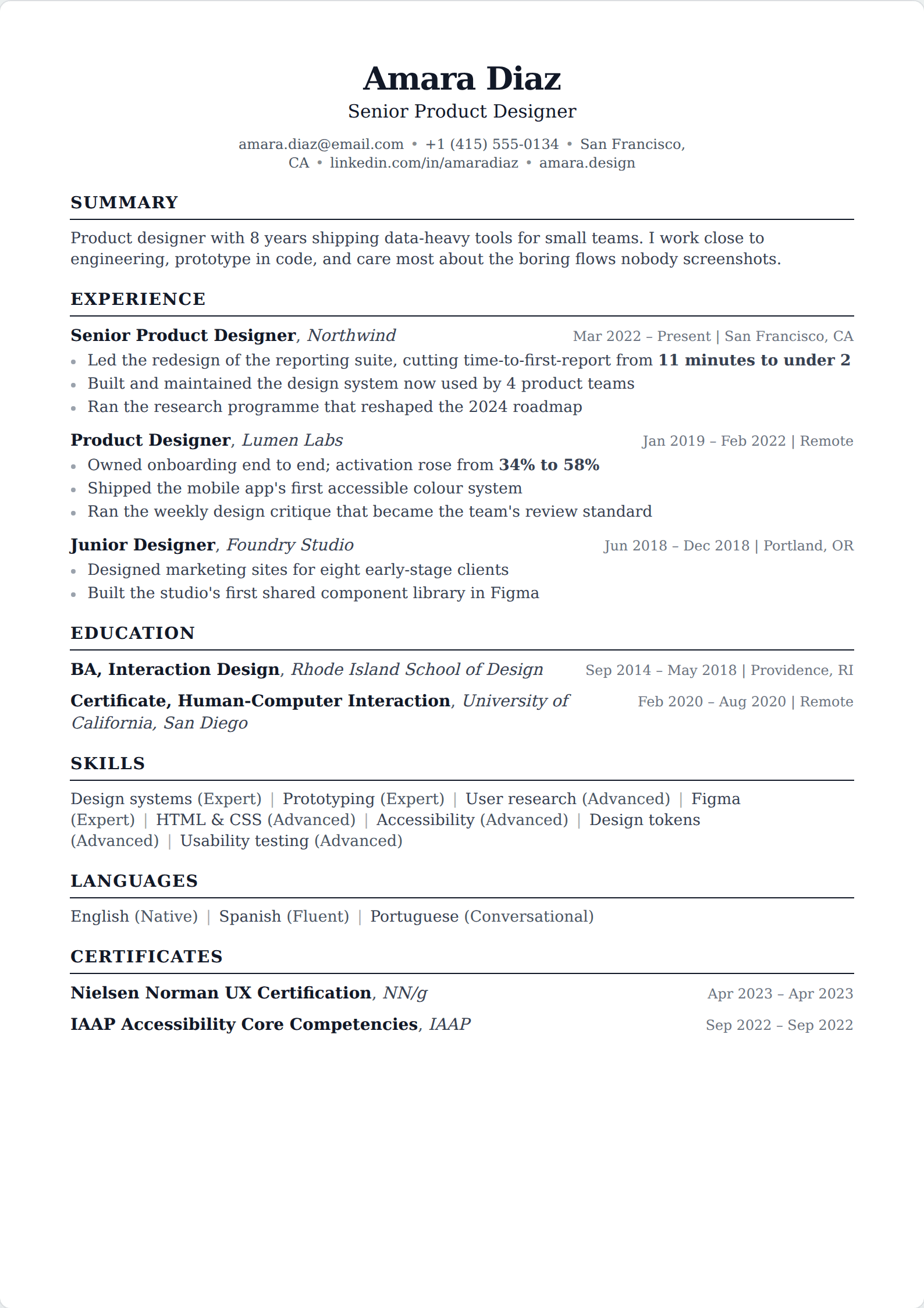
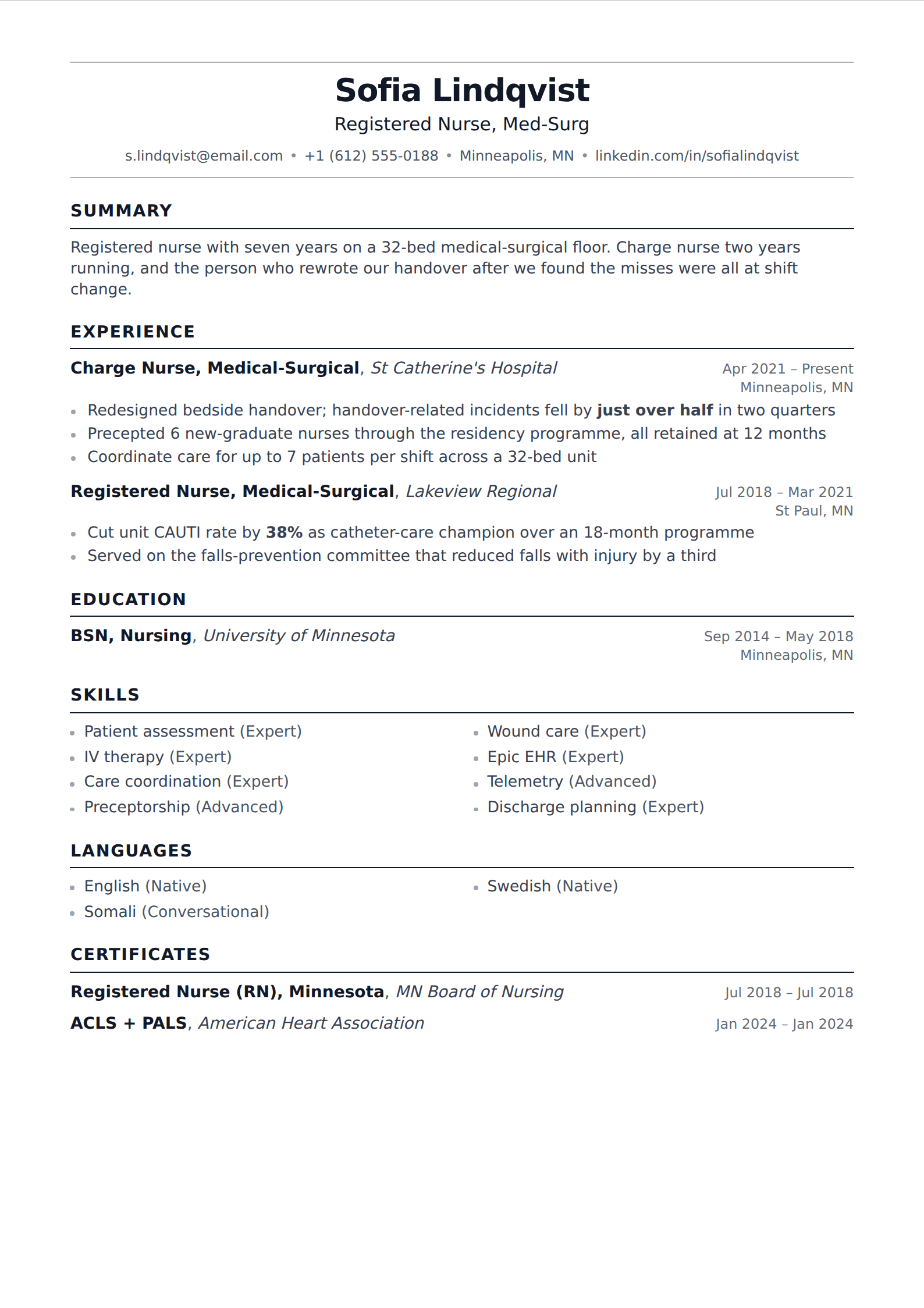
Google Docs ships five resume templates and they are genuinely fine — they parse, they cost nothing, they are three clicks away. These are the layouts here in the same register: a single column, standard headings, nothing that would need a table to build.
76 of our 227 templates match this filter. Every one is free to use, with unlimited watermark-free PDF downloads.
 Simple
 Picture
 Professional
 Modern
 ATS
ATS Two column
 Google Docs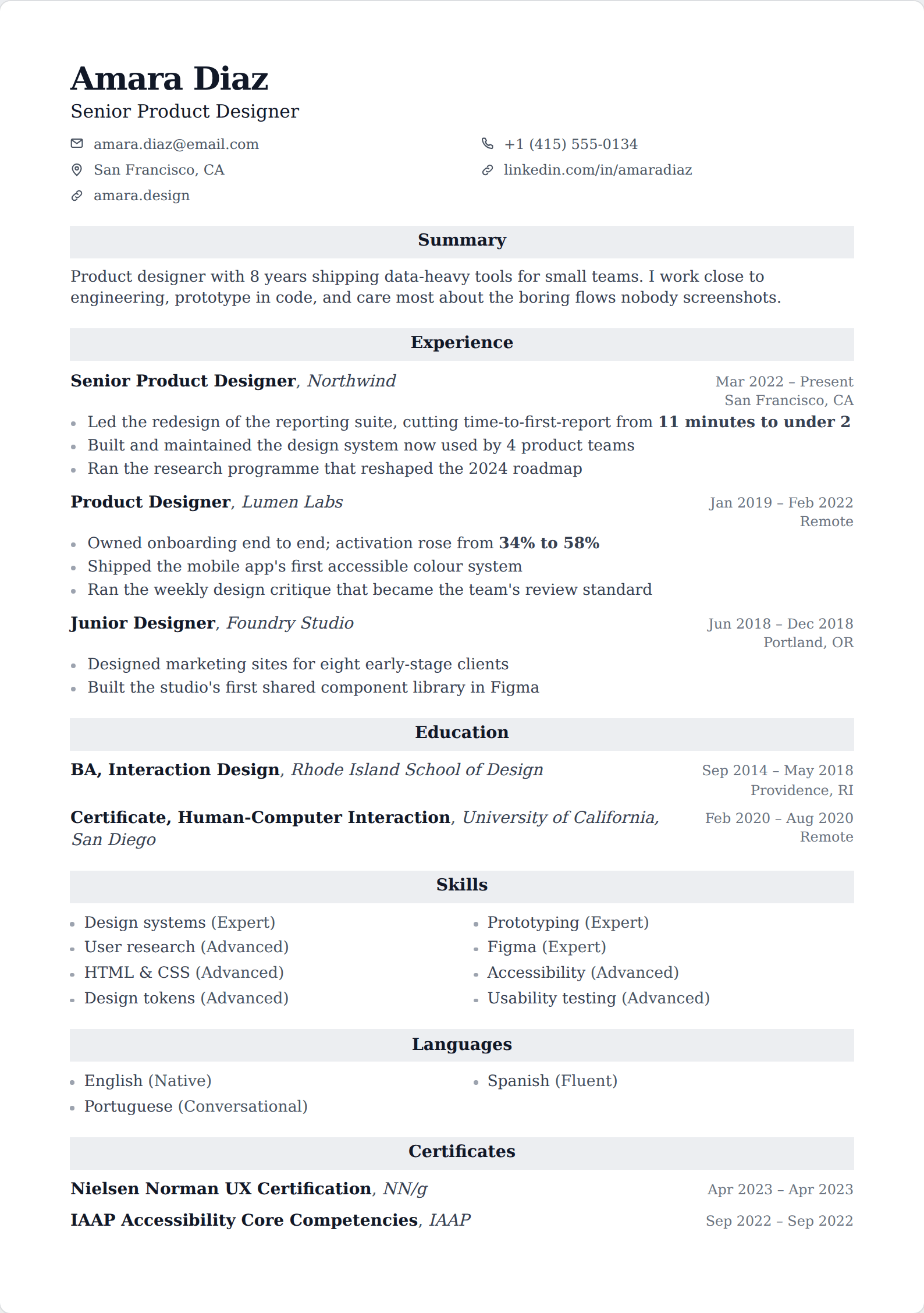
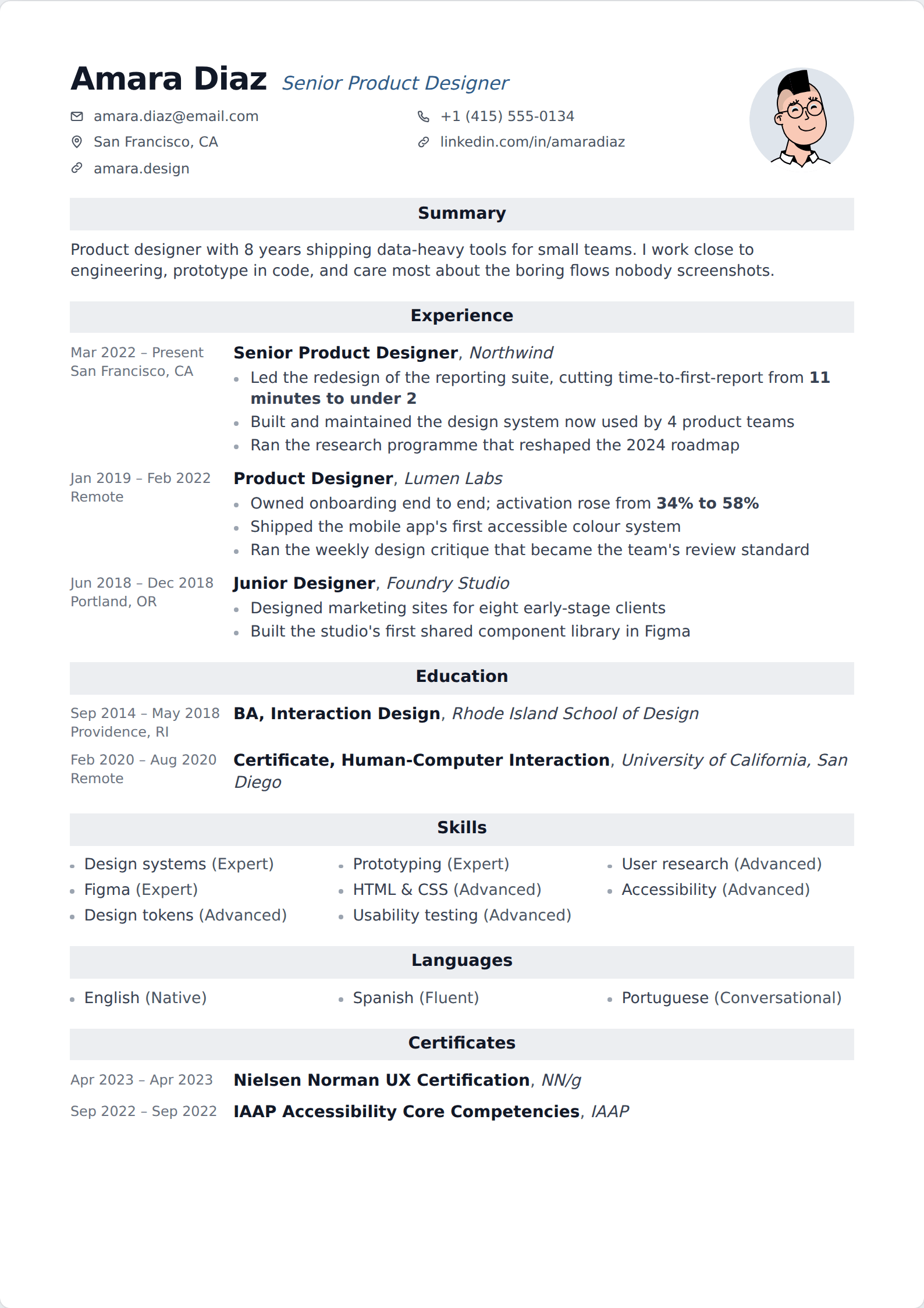
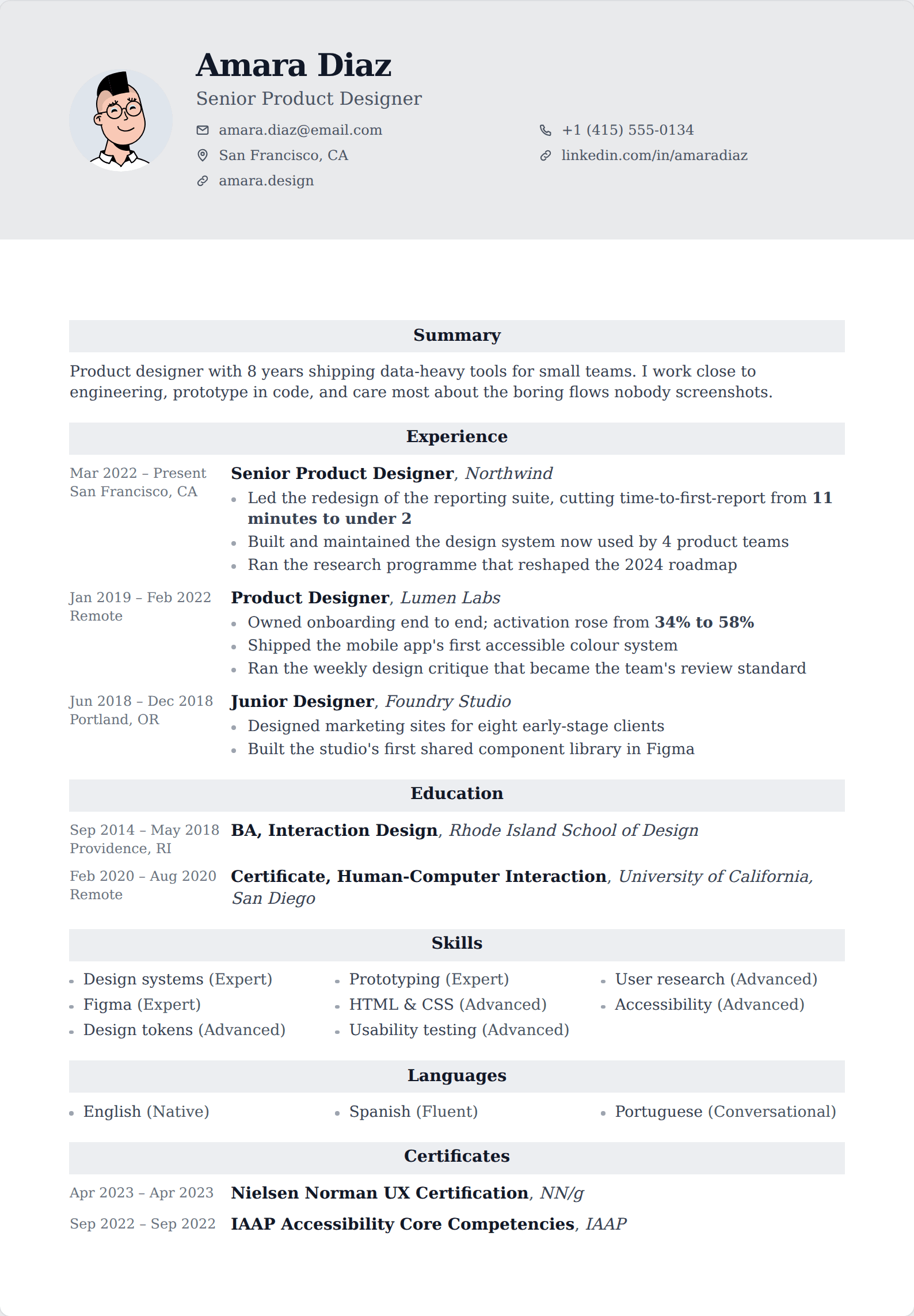
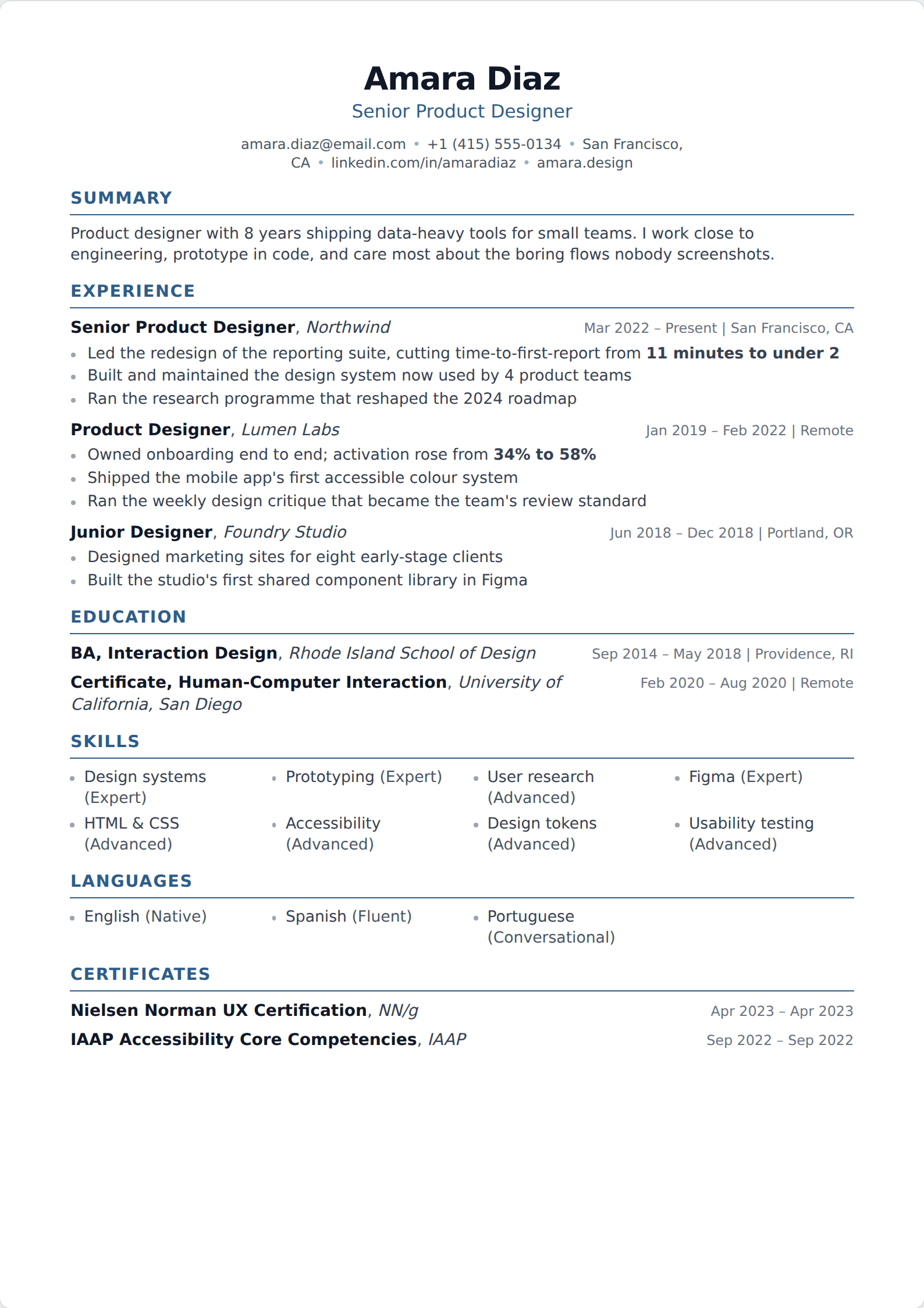
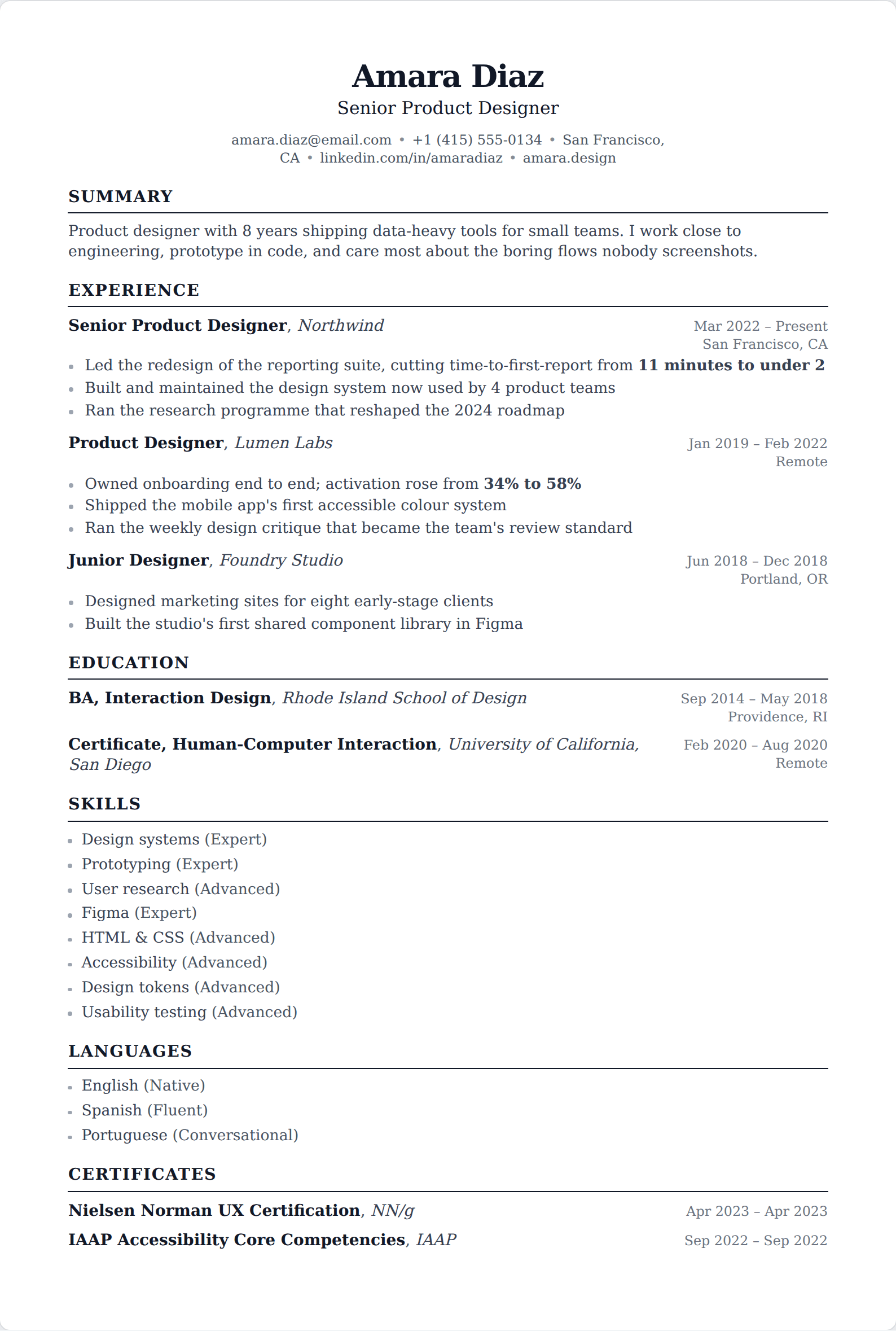
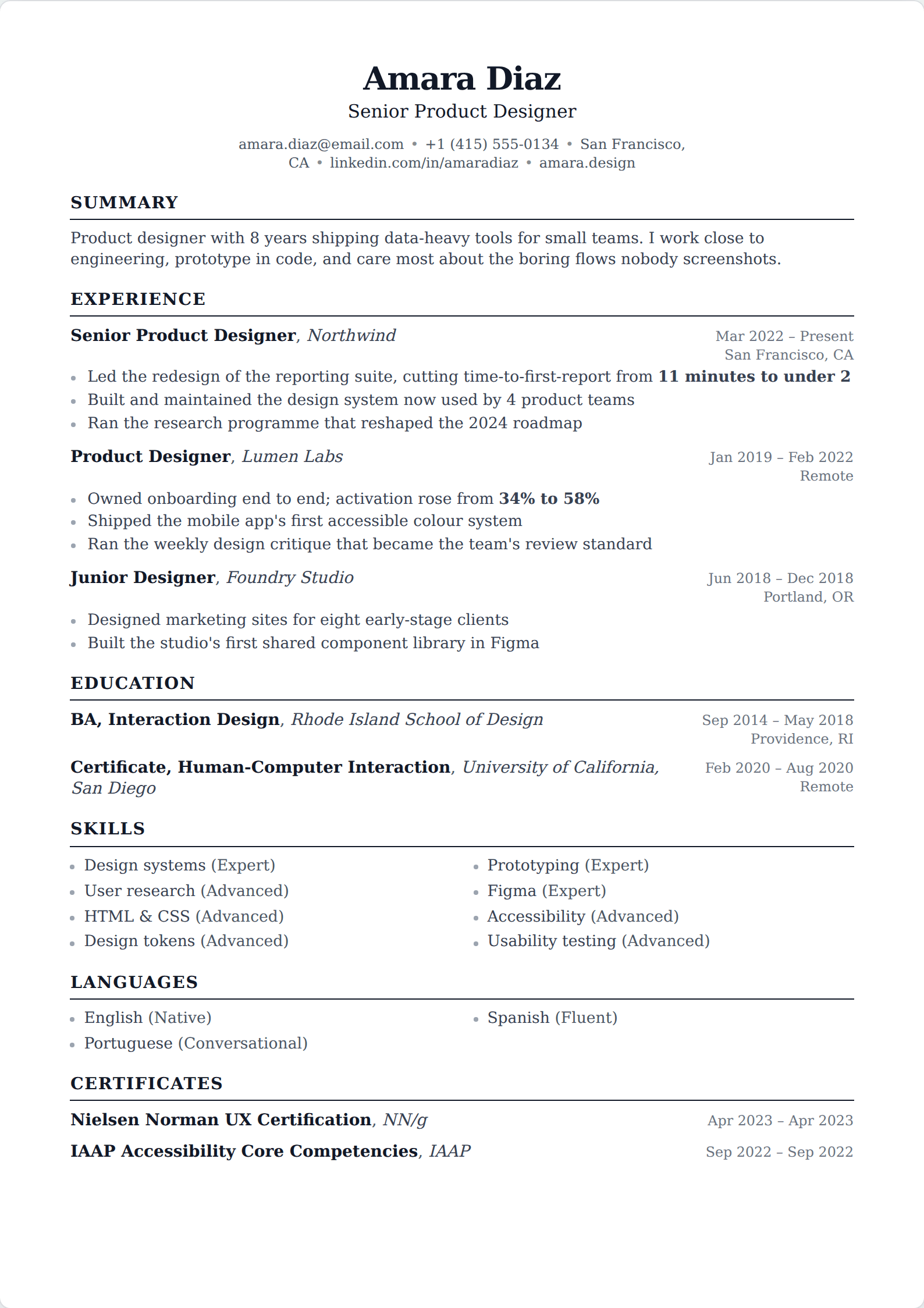
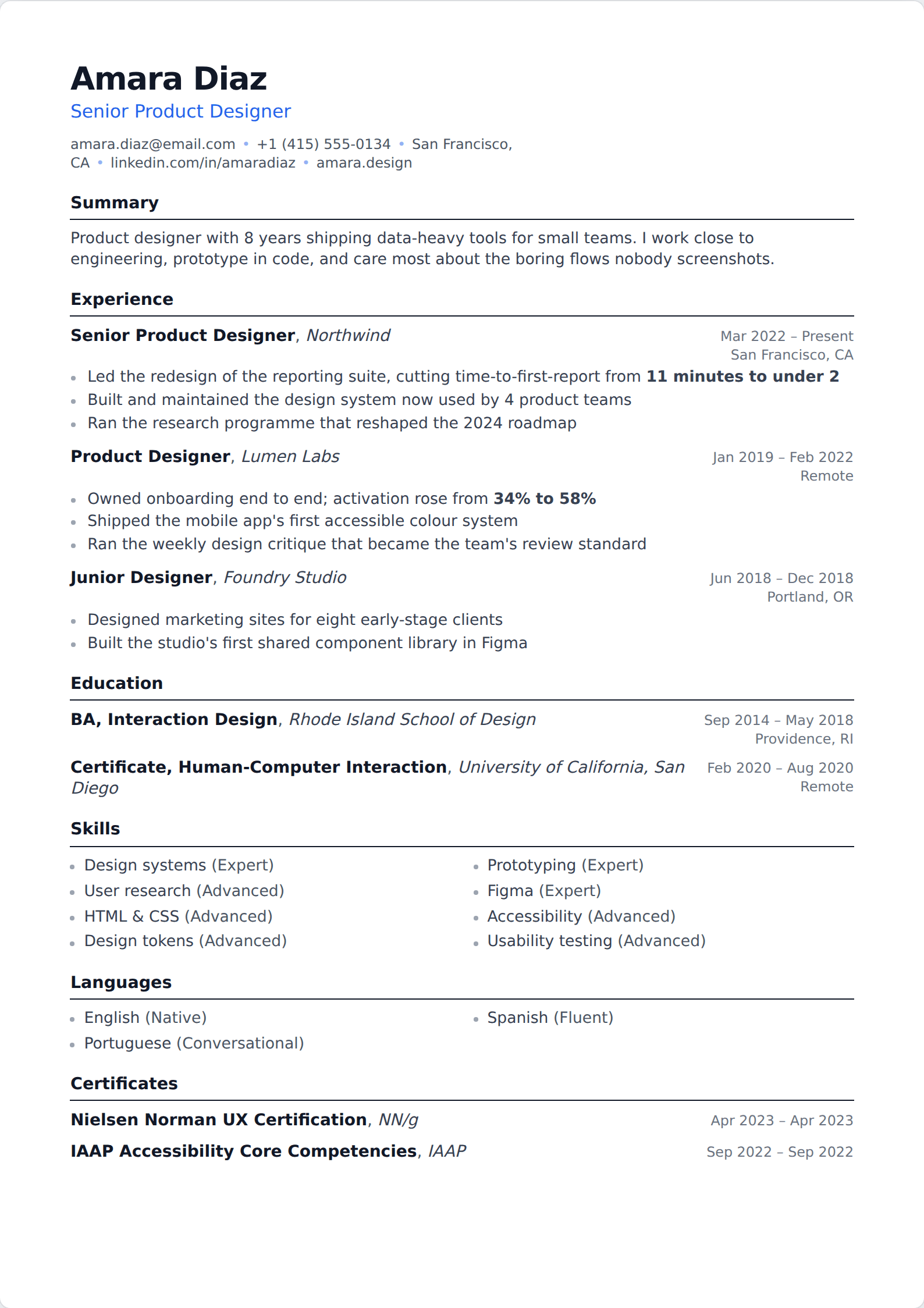
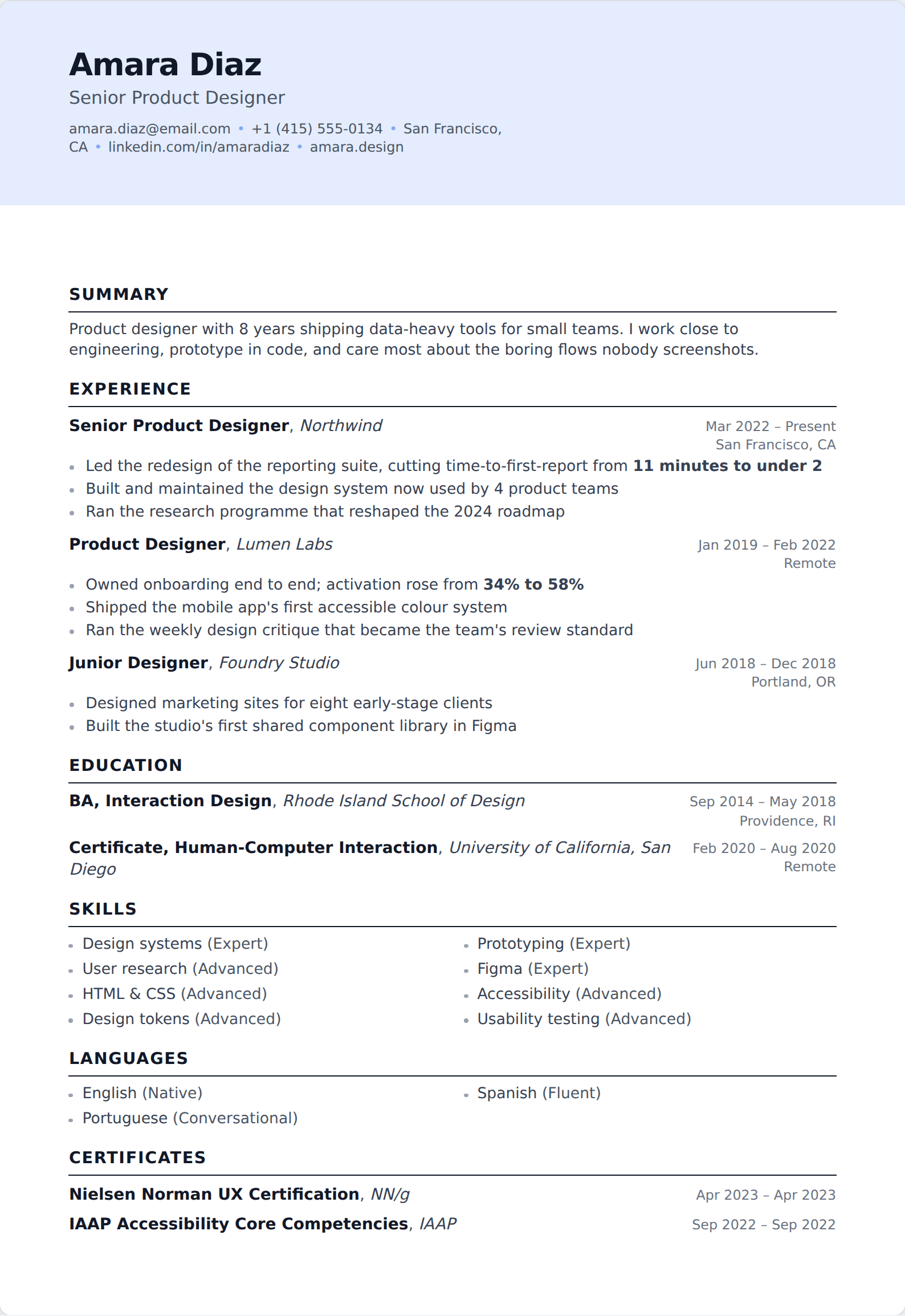
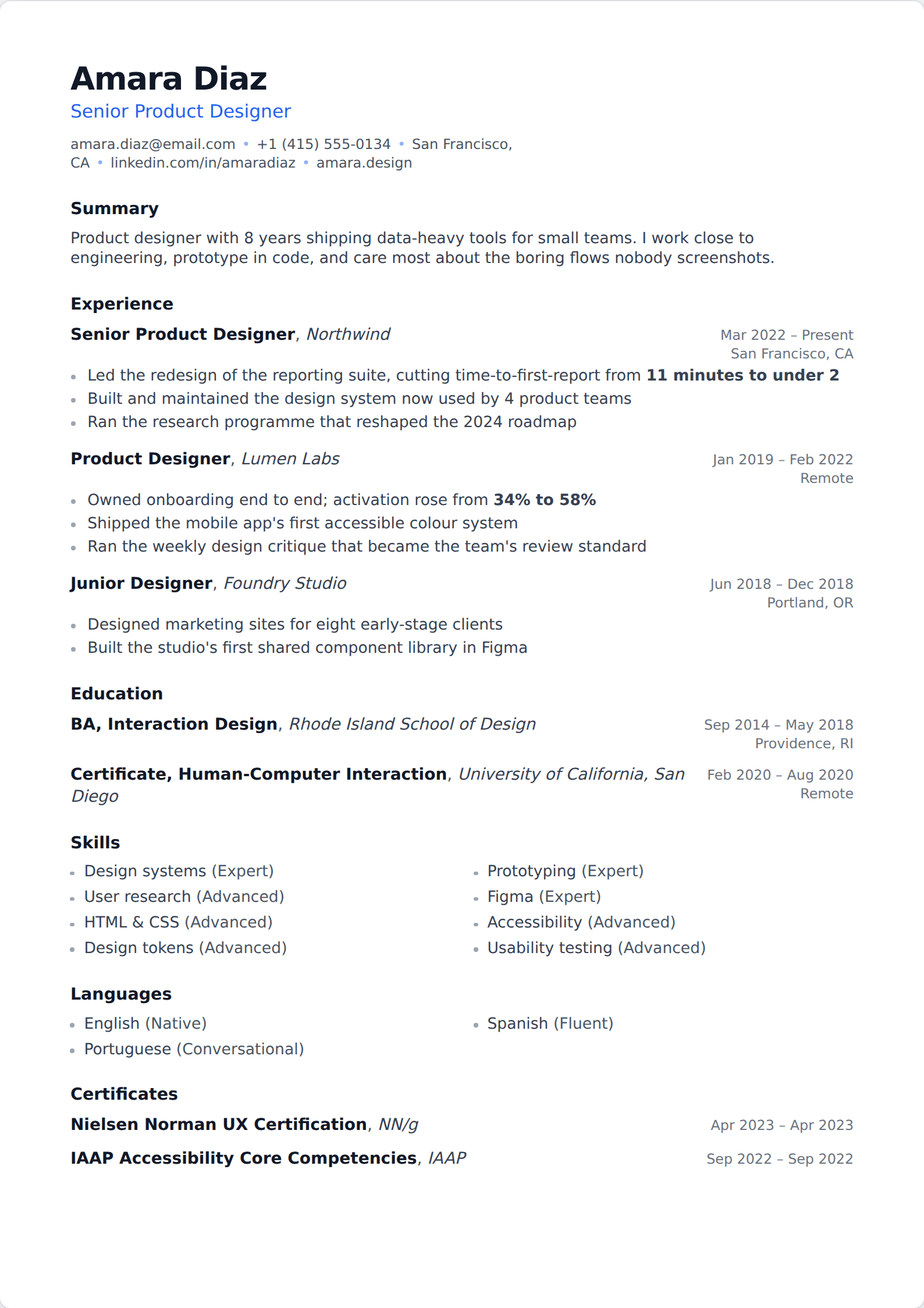
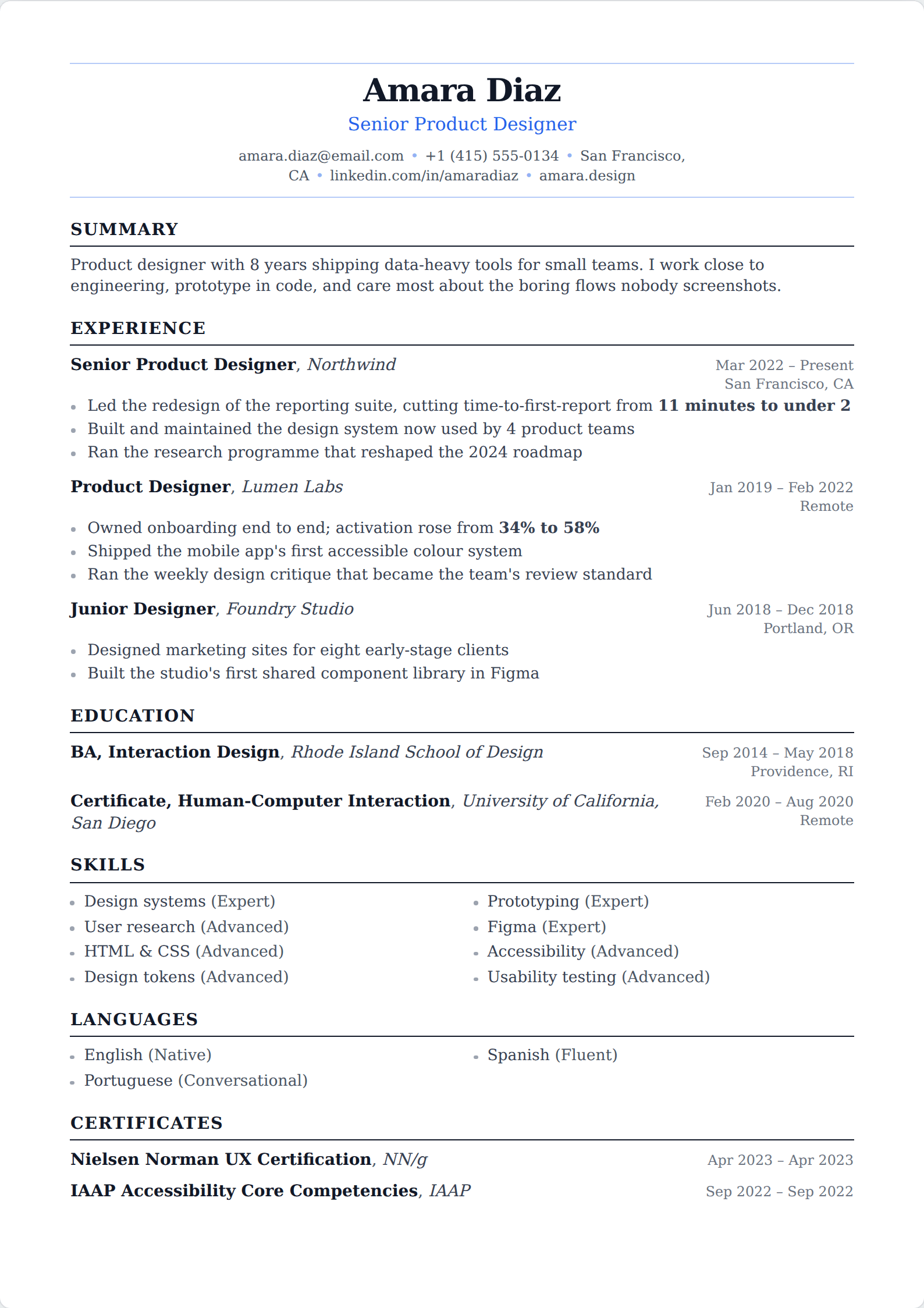
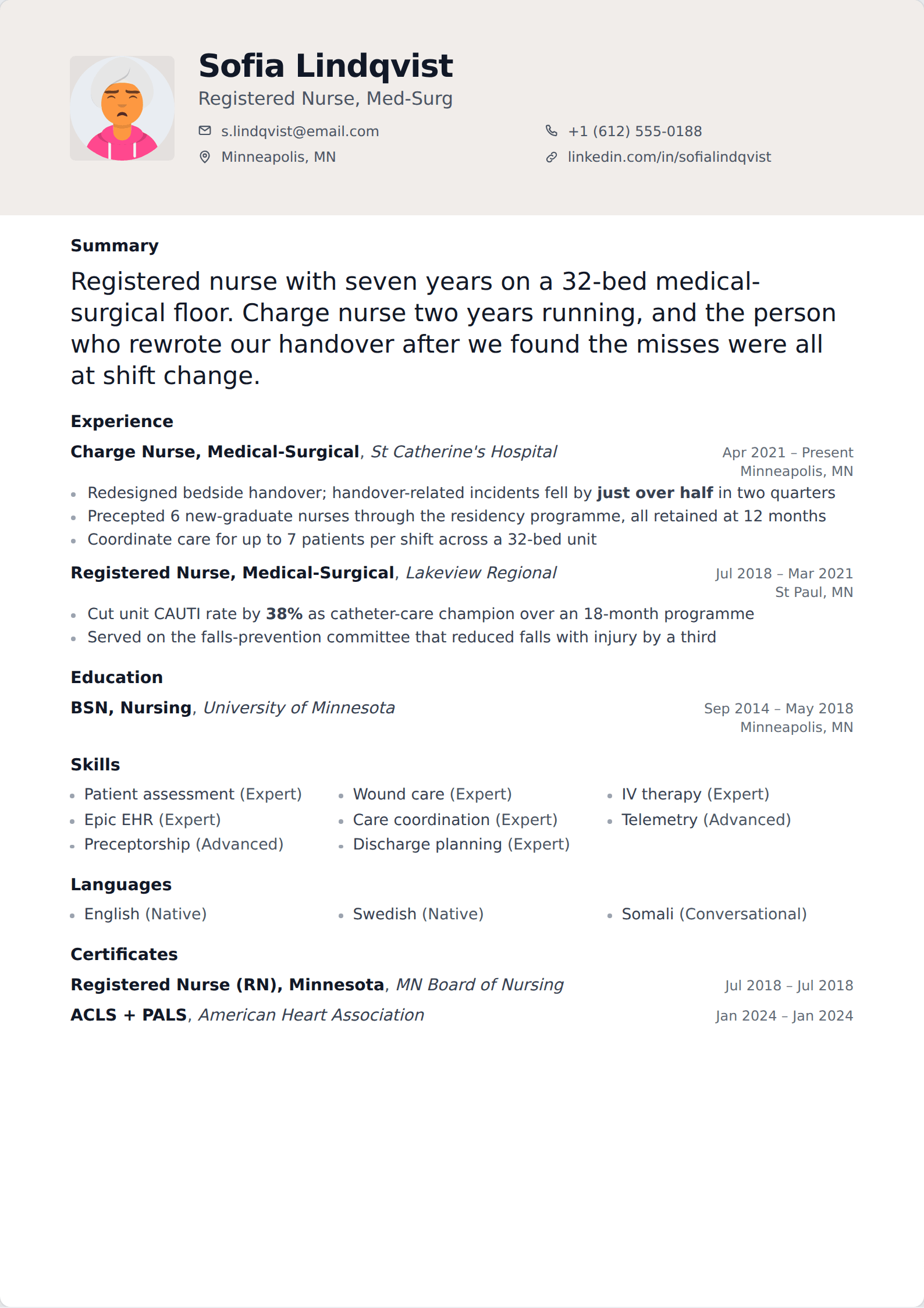
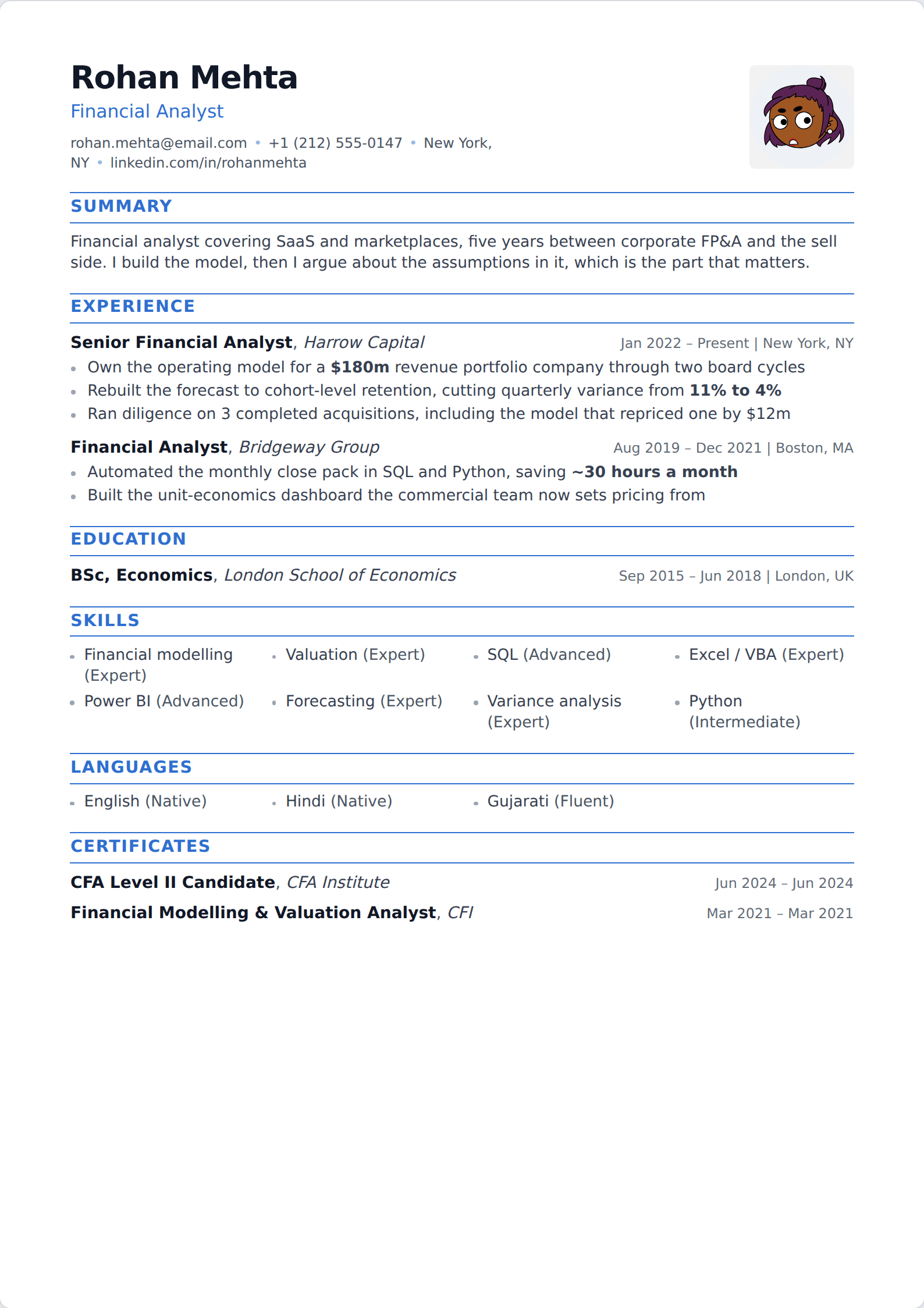
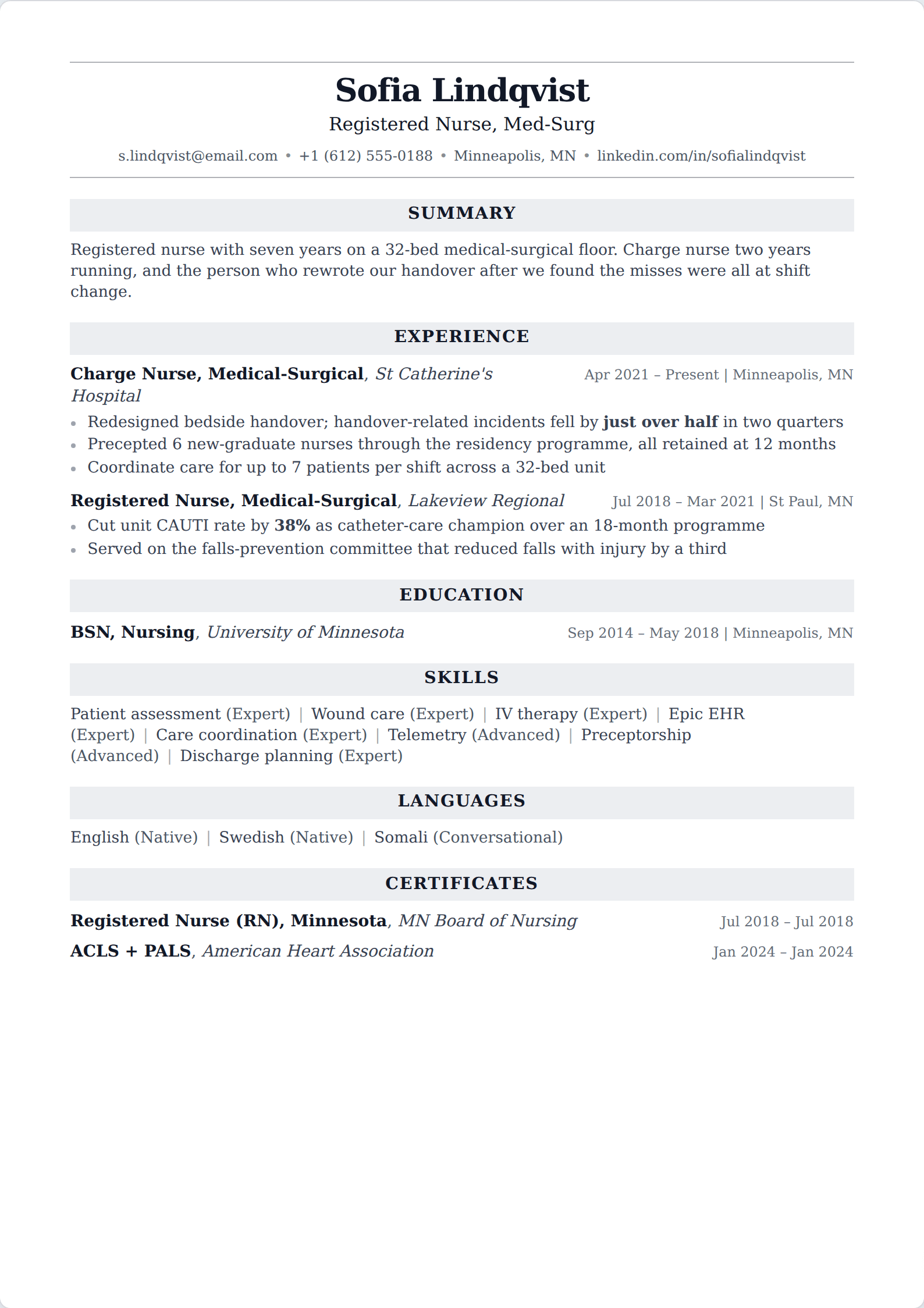
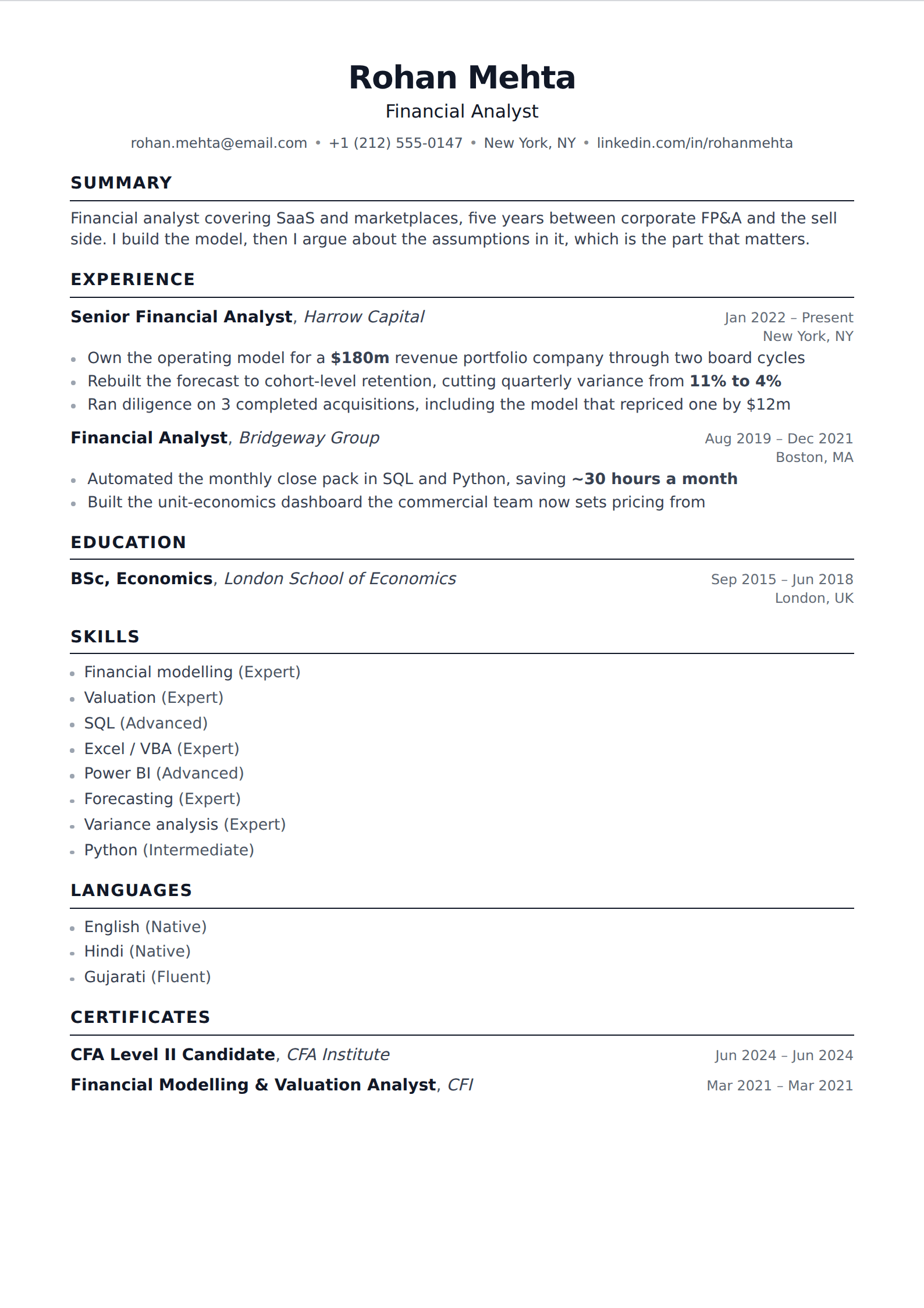
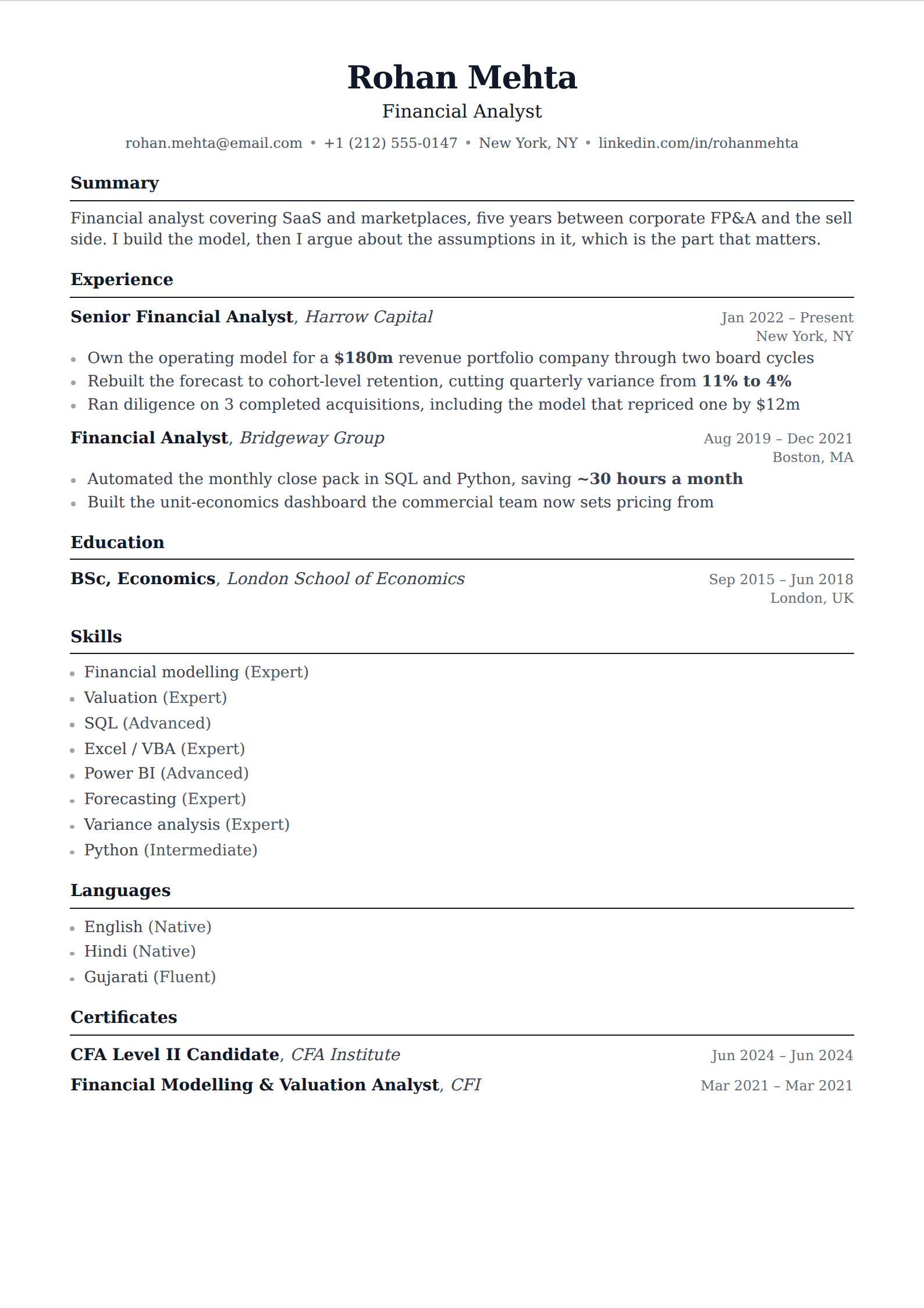
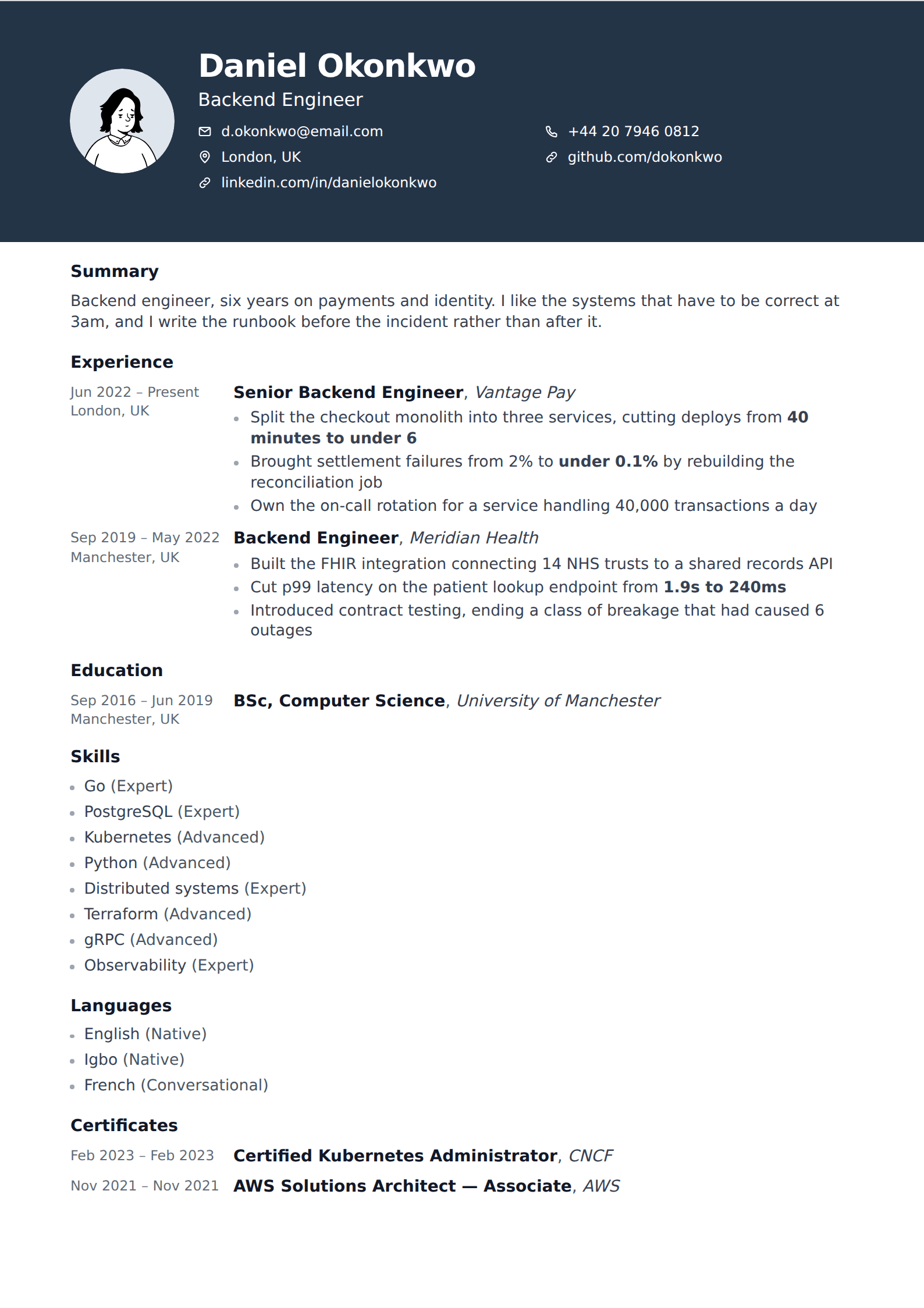
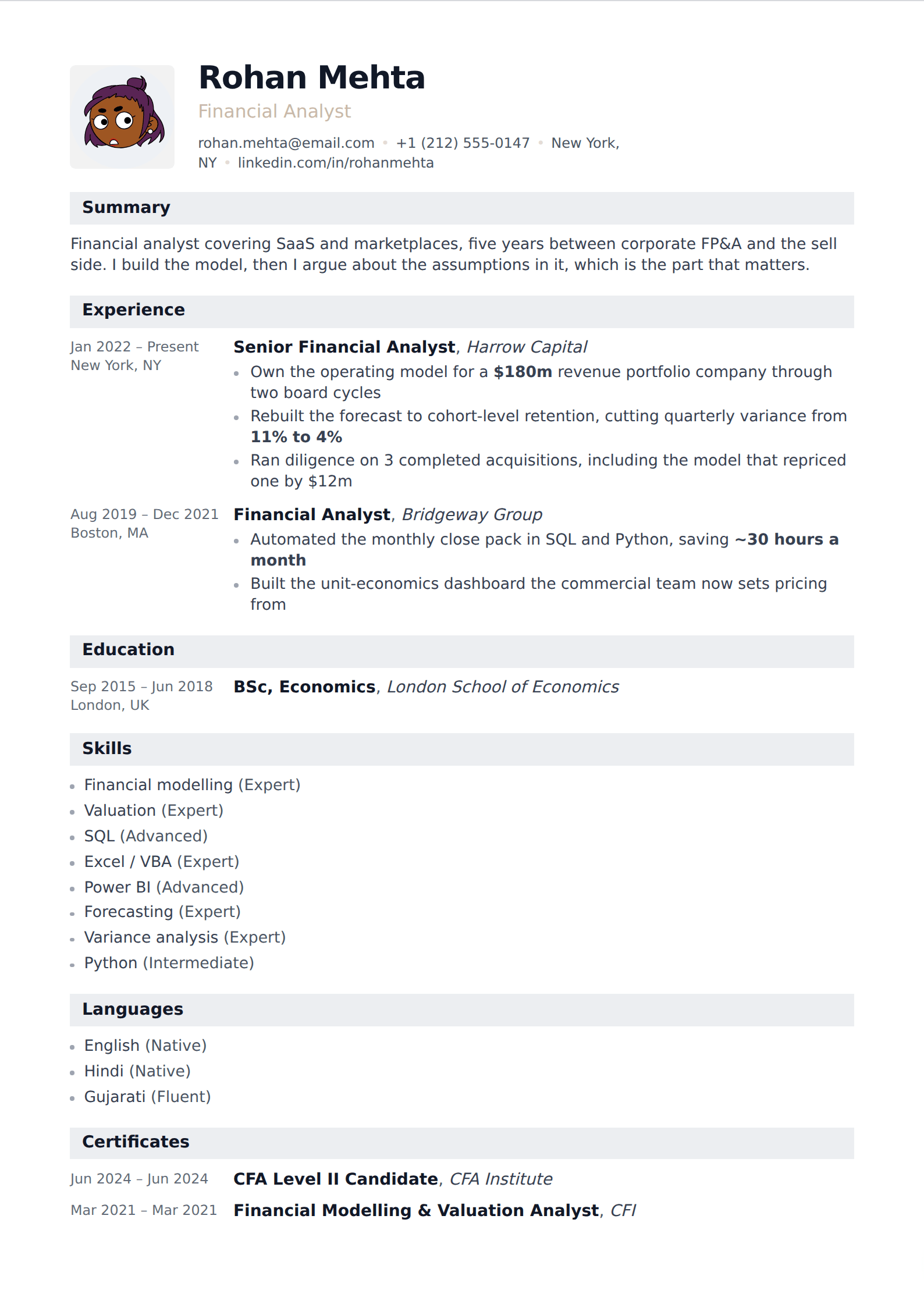
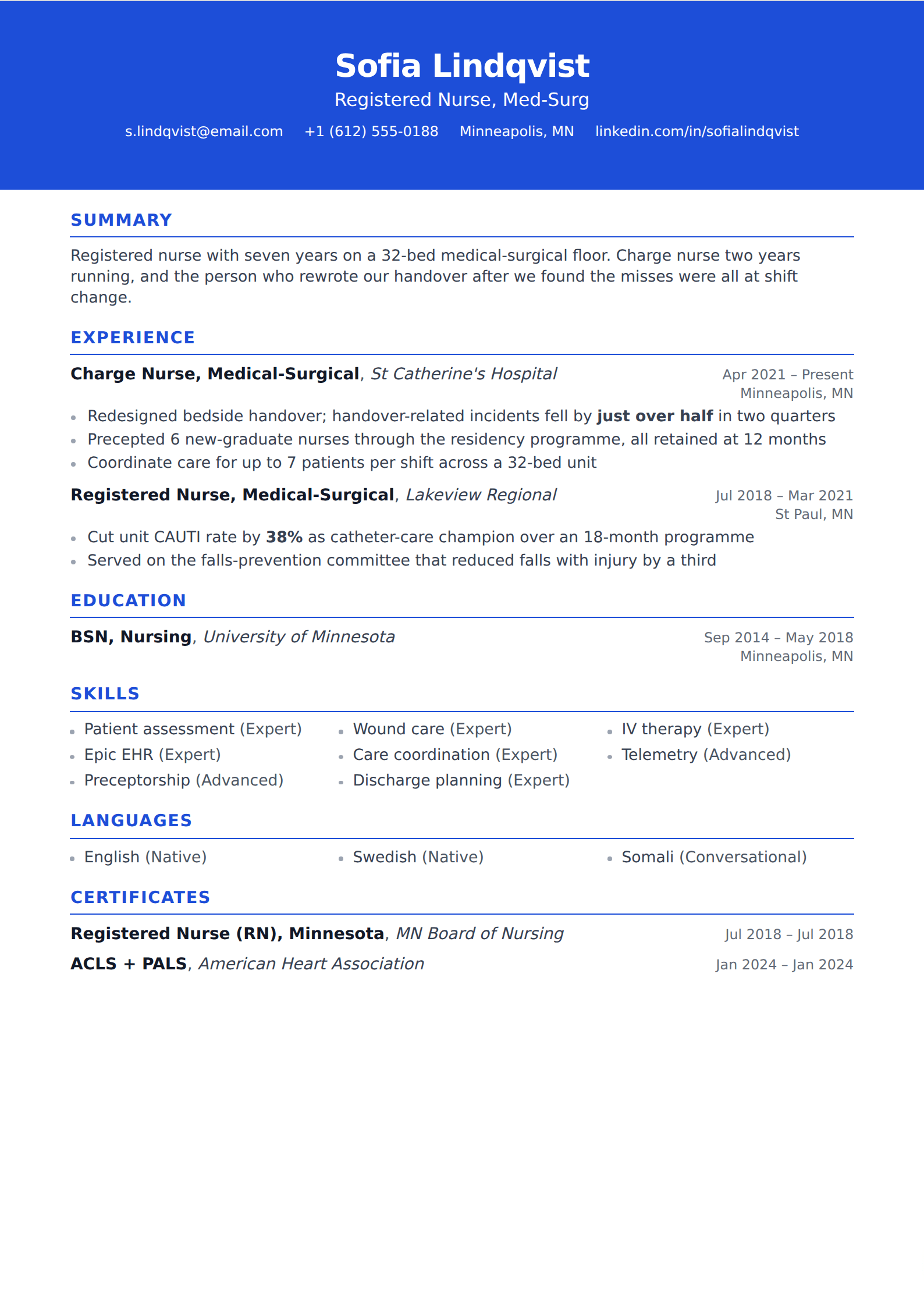
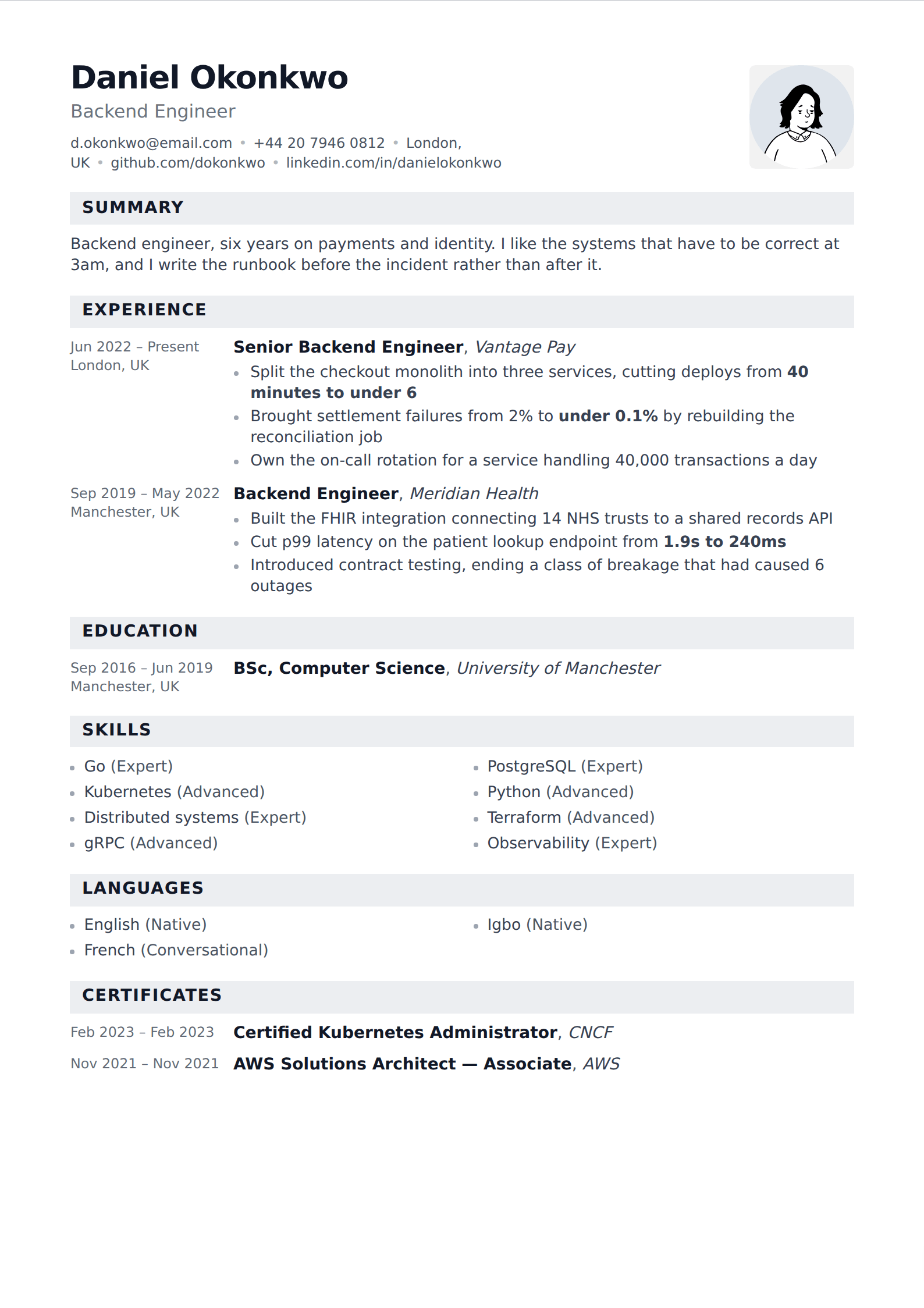
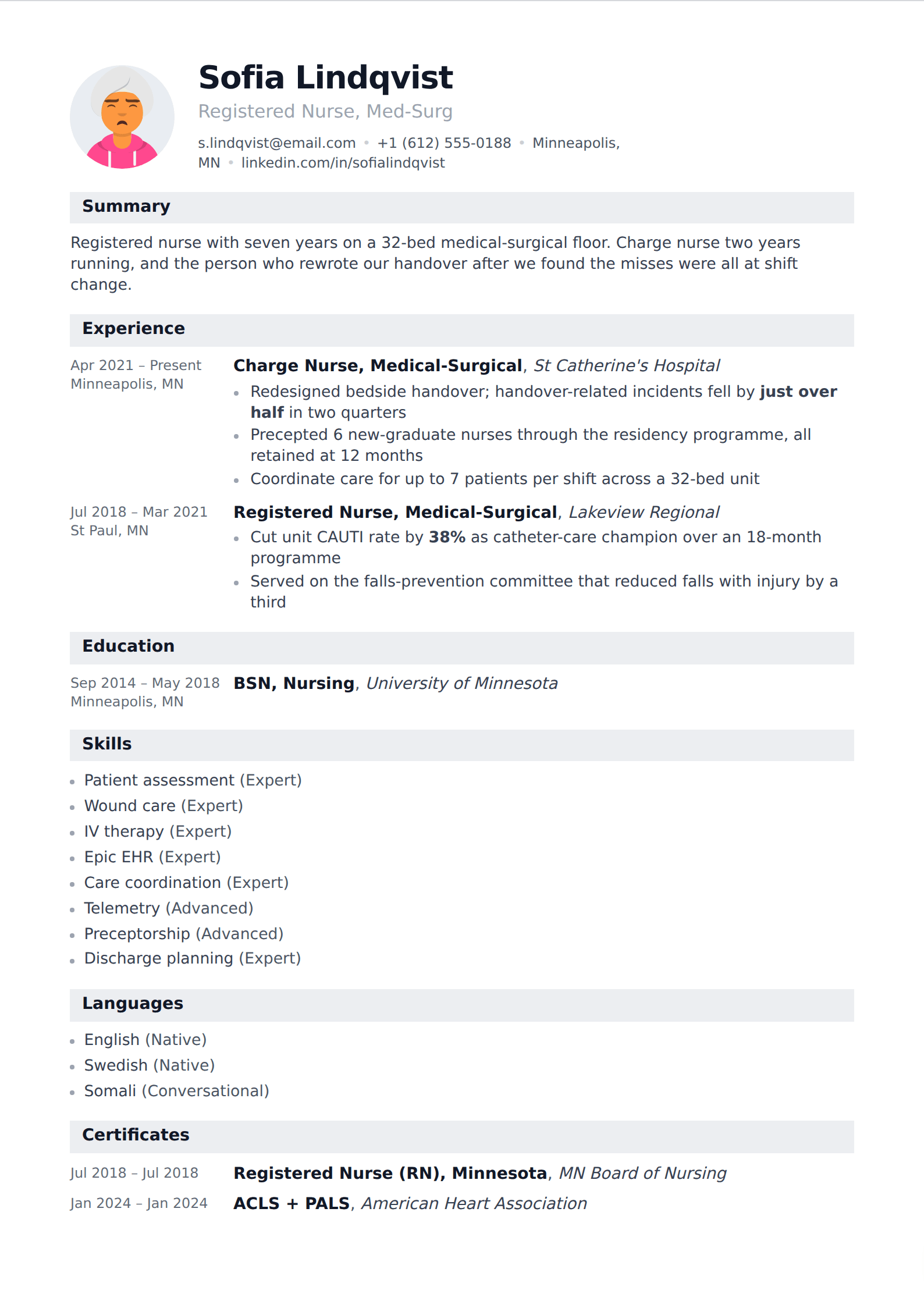
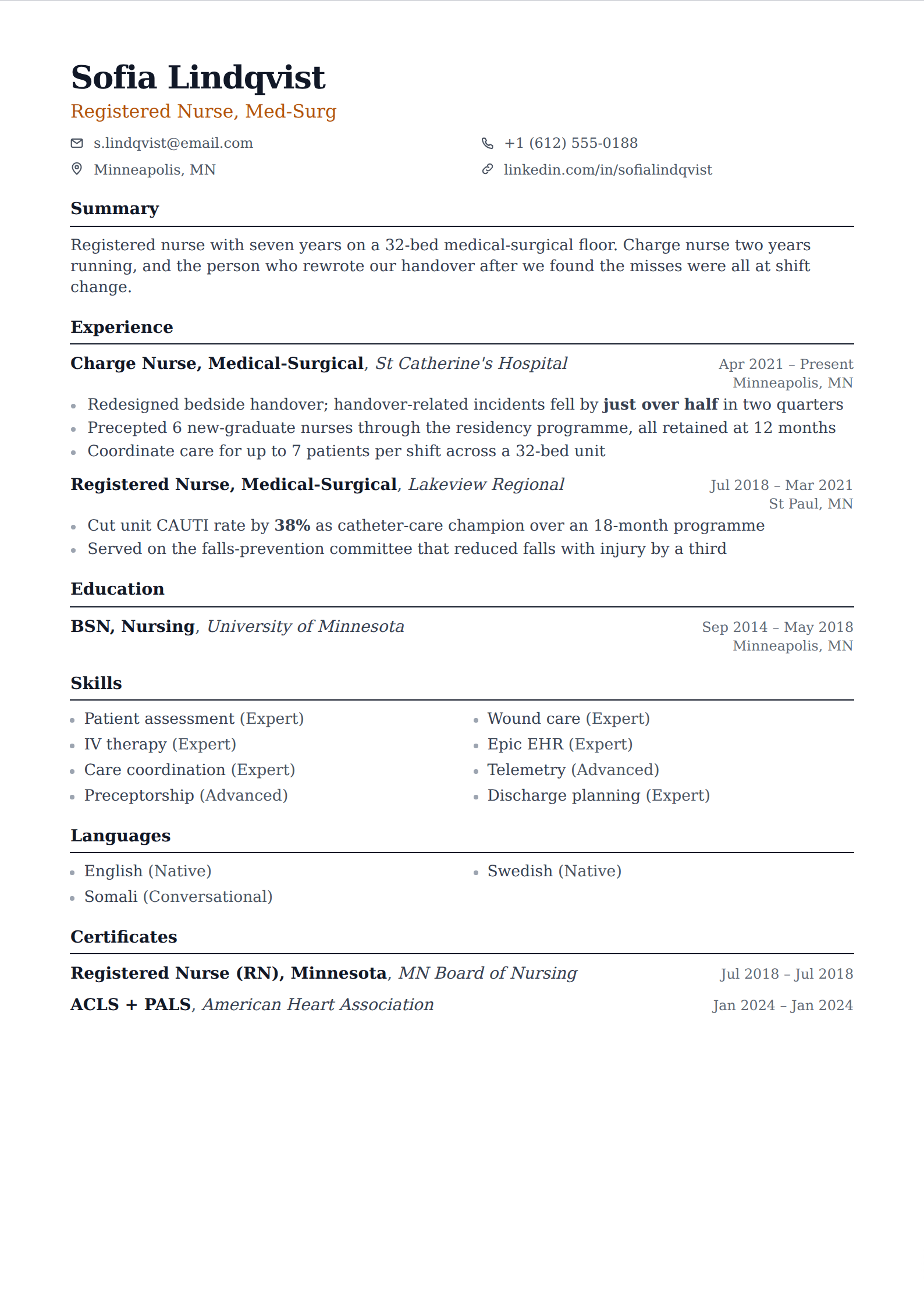
Showing 24 of 76
Browse every filter





What Docs does well, and where it stops
For a single column of text with clear headings, Docs is perfectly adequate, and the five built-in templates are used successfully by a very large number of people. Where it stops is everything structural. Two columns means a table, and a table in Docs fights you every time you edit a cell. Consistent spacing between sections means remembering to apply the same paragraph style each time. Changing the typeface across a finished document means selecting all and hoping nothing else moves.
The other limit is range: five templates is five, and enough people use them that a recruiter has seen all five this week. Nothing about that costs you an interview, but it is worth knowing what your page looks like in the pile.
If you are moving off Docs
The content transfers by rewriting rather than importing, which sounds worse than it is — a resume is a few hundred words, and retyping it is the fastest edit most people ever give it. What you get back is a layout that does not drift: section spacing, heading treatment and margins are settings rather than habits, and the exported PDF is identical every time.
If you need to hand someone an editable file at the end, keep the Docs copy for that. Export here is PDF, which is the file to send in almost every other case.
Common questions
Can I download these to Google Docs?
No — export here is PDF. These are the templates that match what Docs does well, for anyone deciding between the two. If you need an editable Docs file at the end of the process, build it there directly.
Are Google Docs resume templates ATS-friendly?
The built-in five are, and so is anything else that is a single column of real text with conventional headings. The risk in Docs comes from the workarounds — text boxes, tables used as columns, drawings — not from Docs itself.
Nearby filters
Try one of them
Open the editor, write one entry, and switch between them to see the difference.
Start your resume