
Simple resume templates
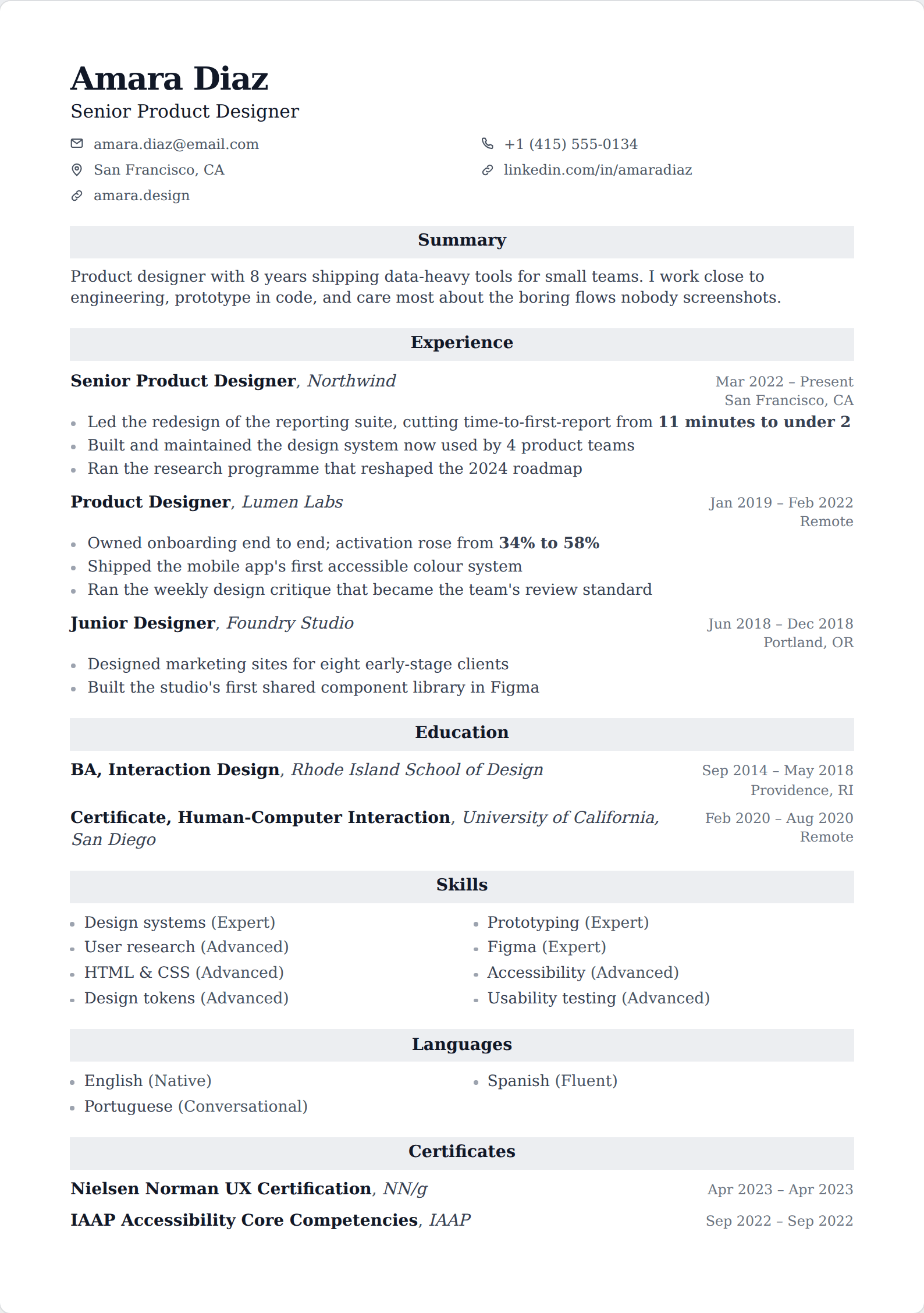
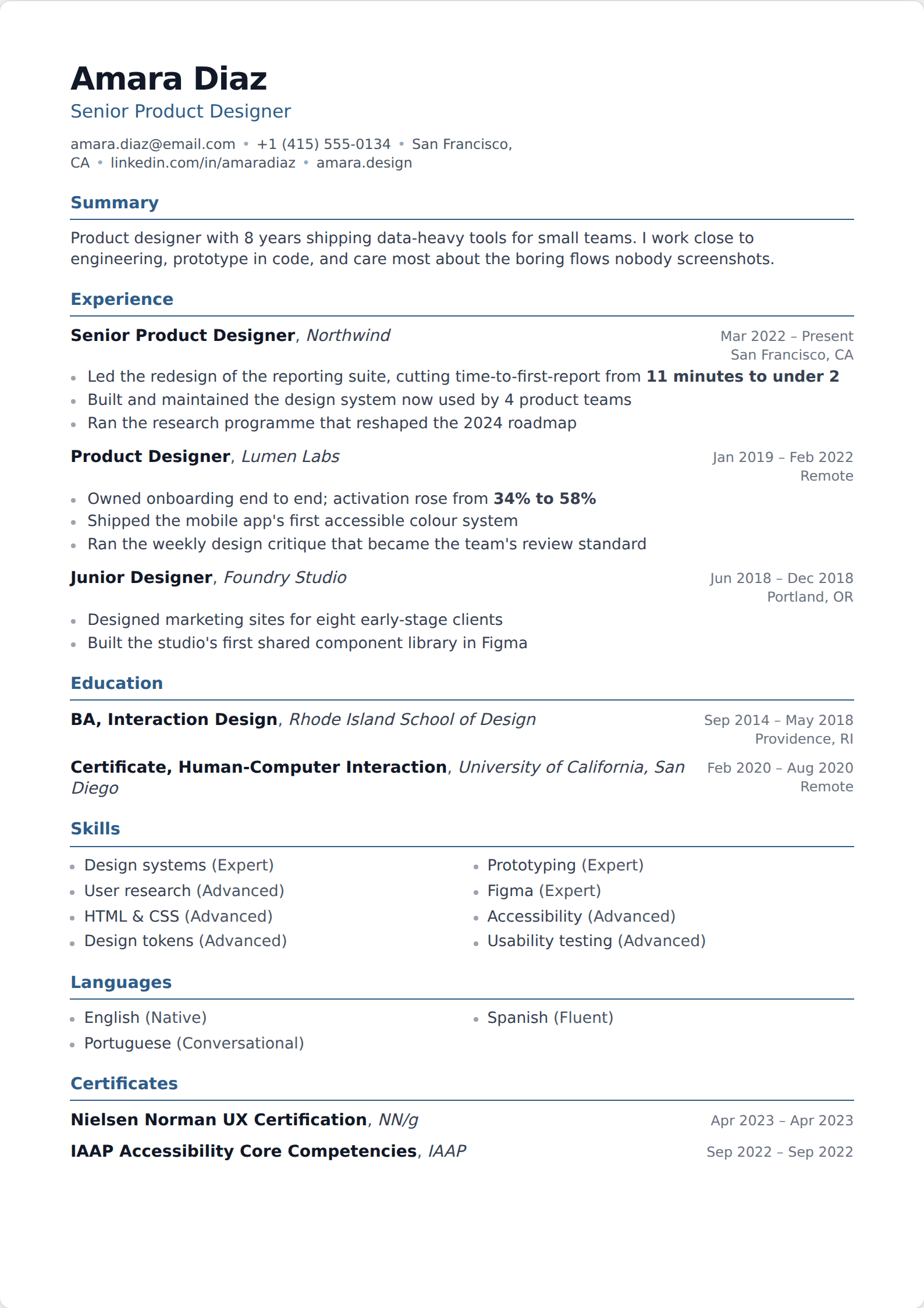
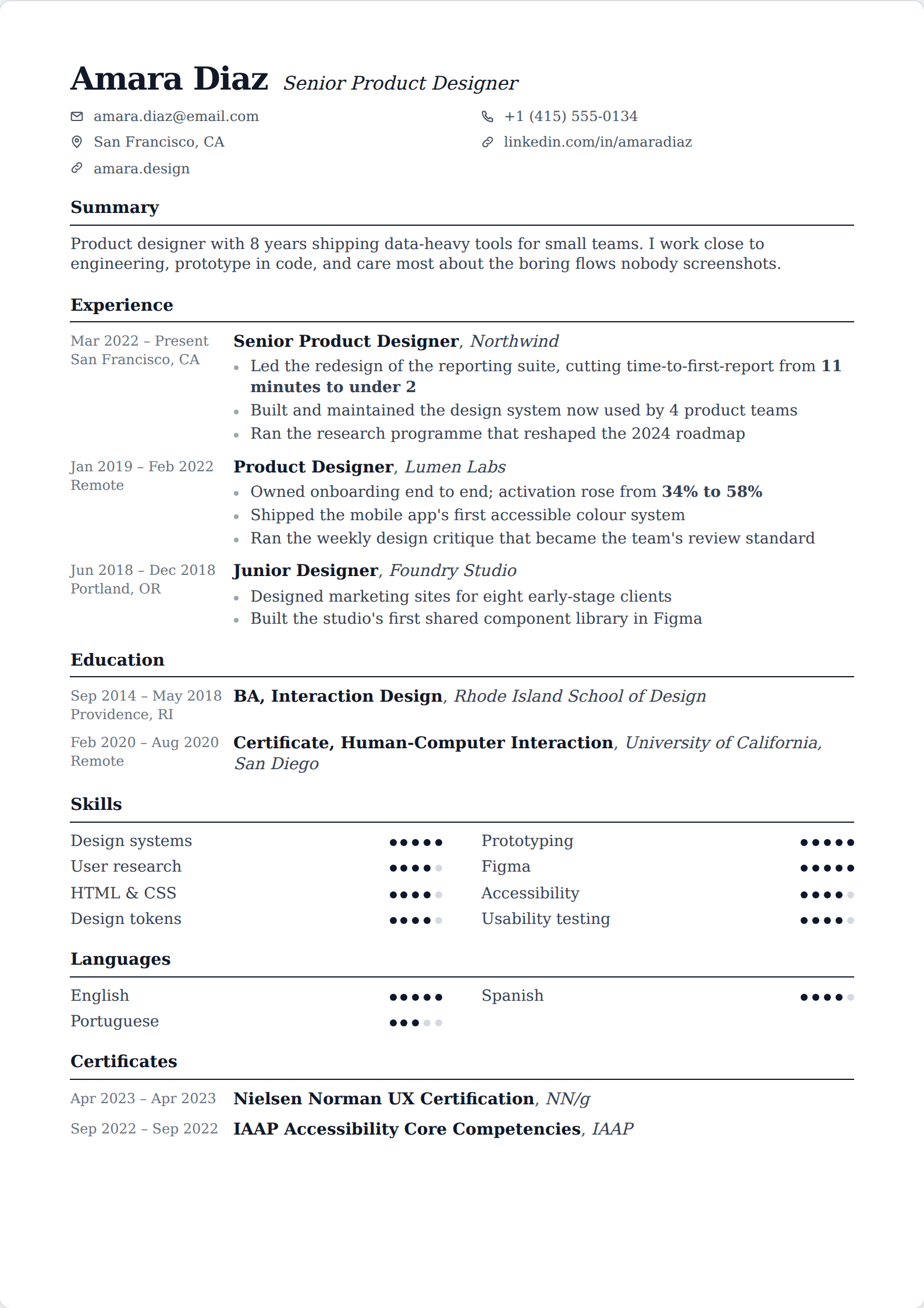
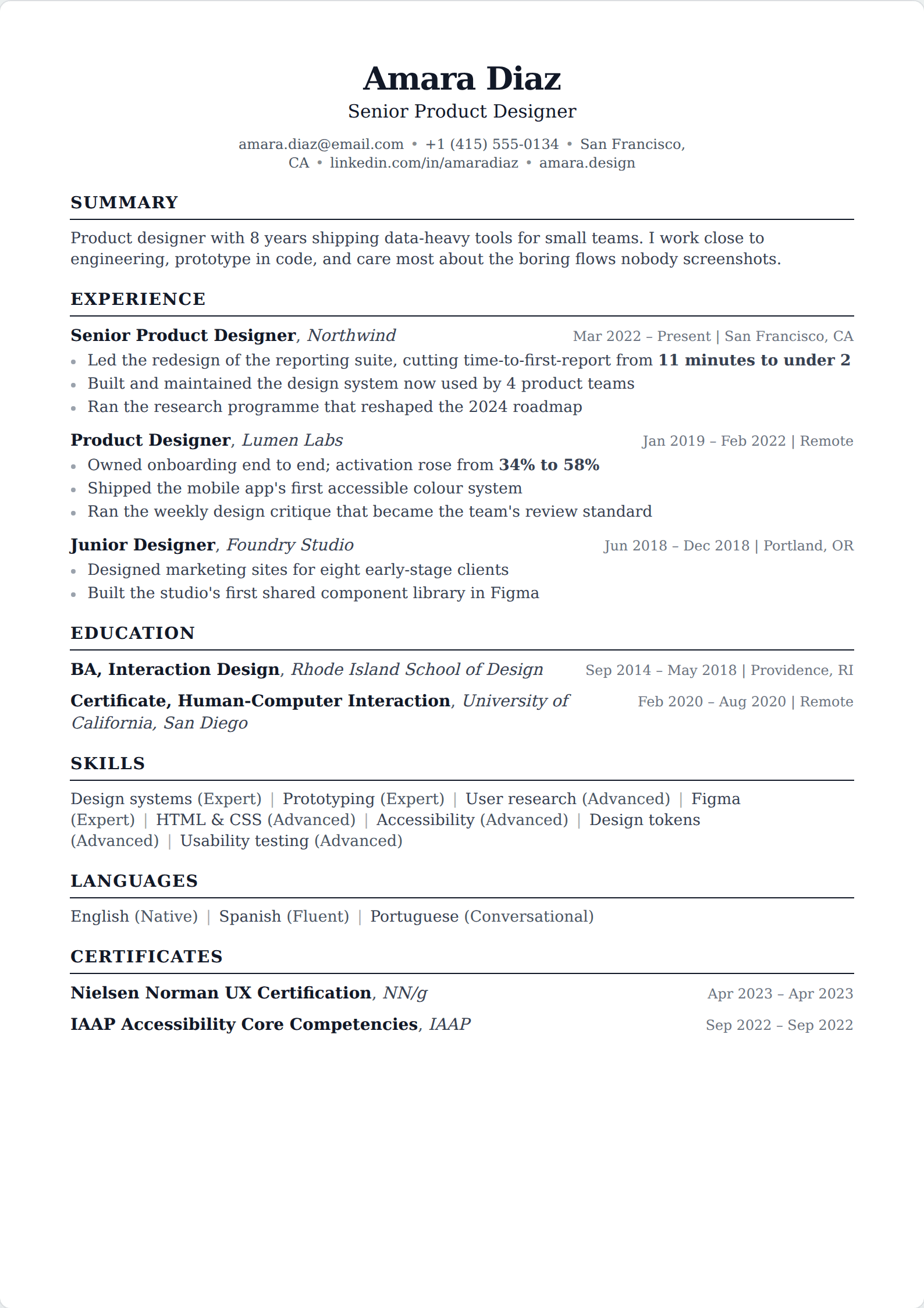
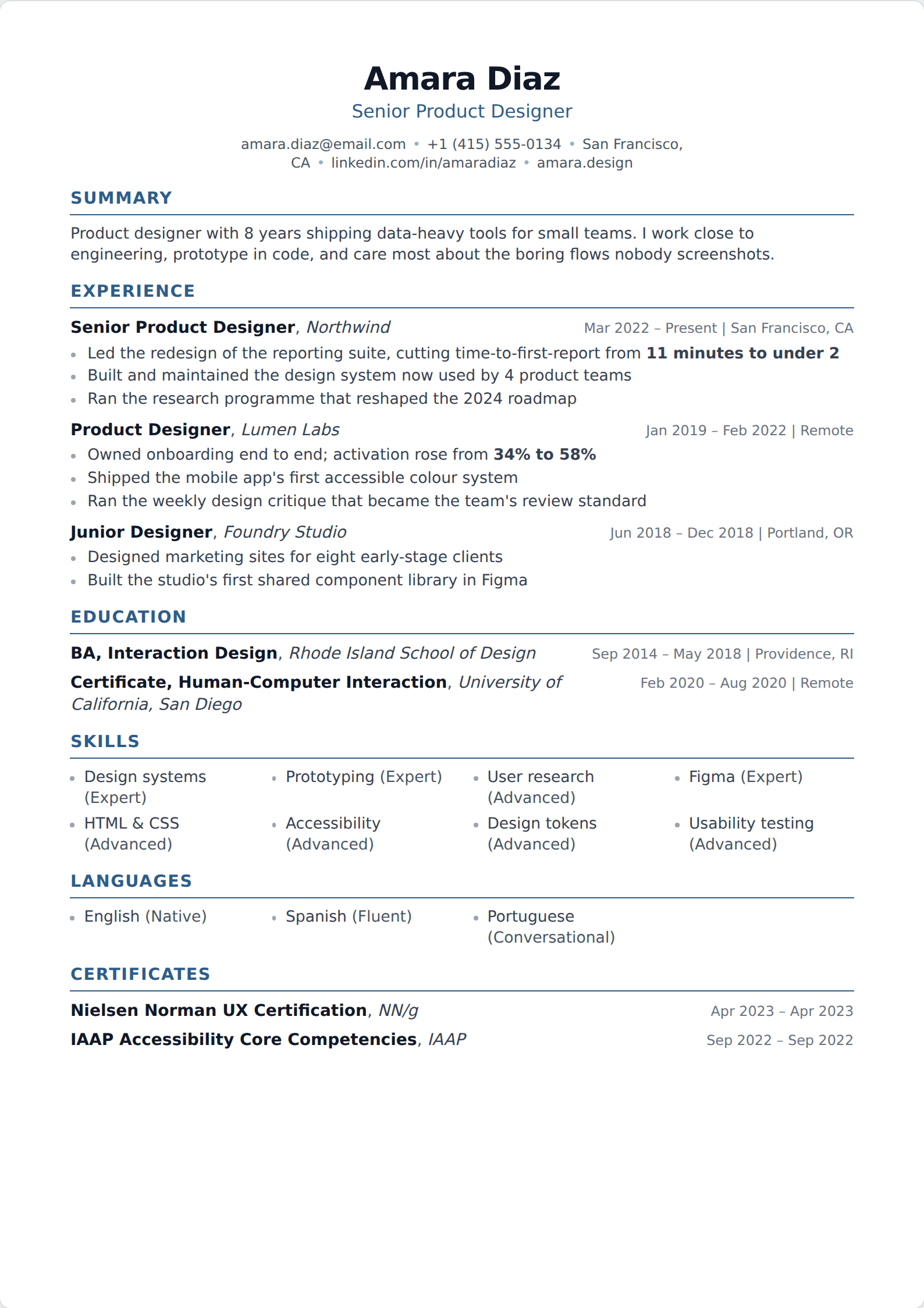
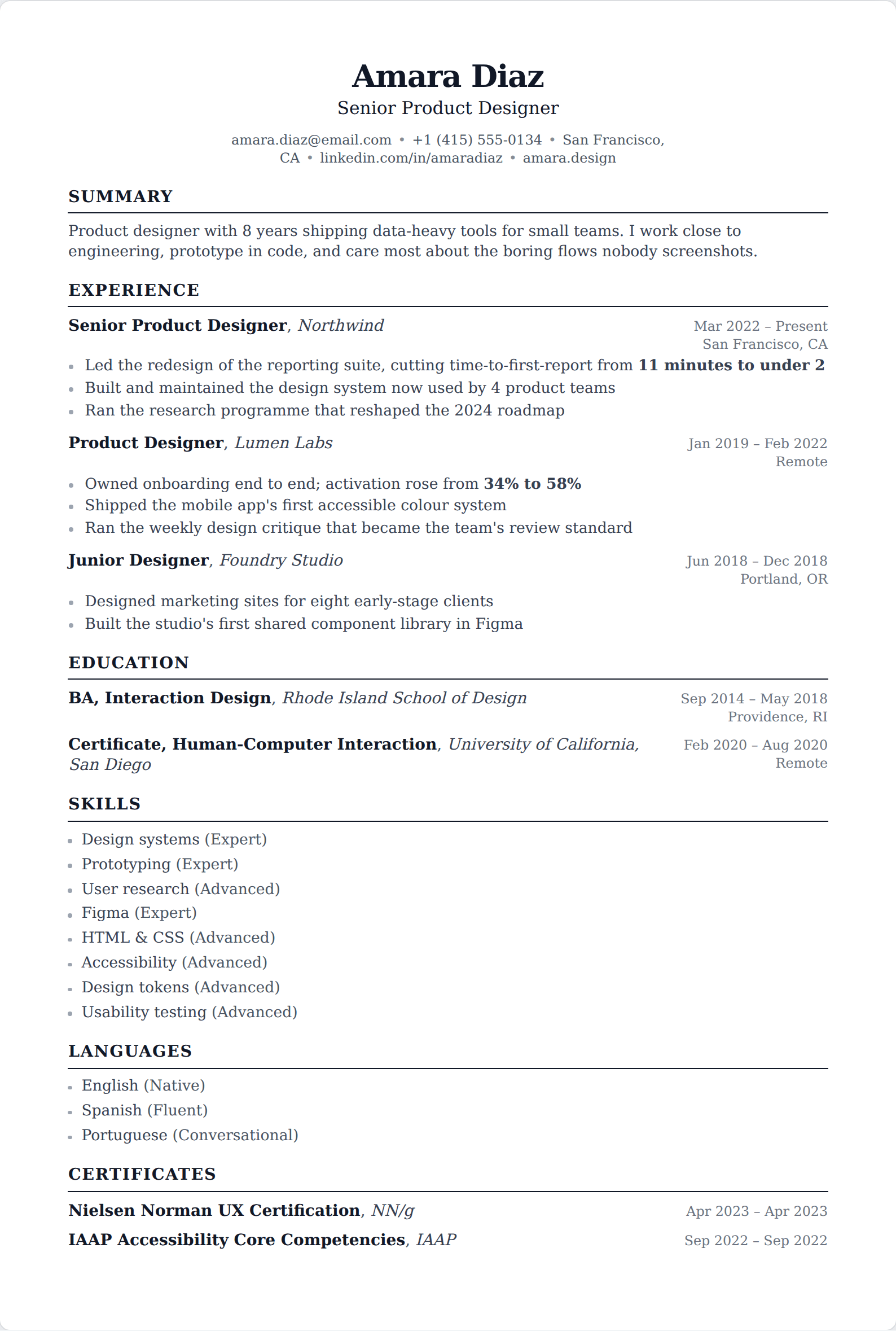
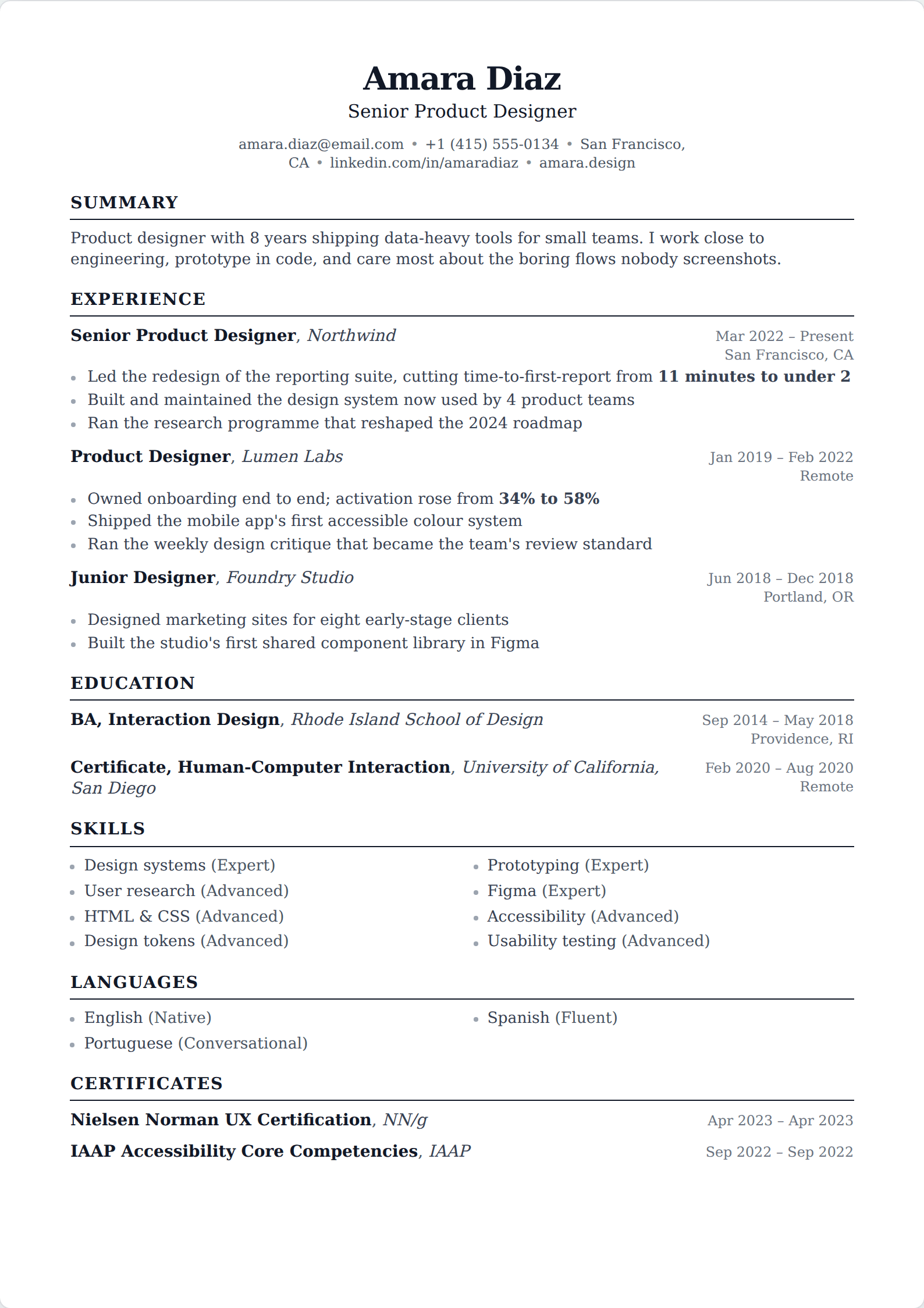
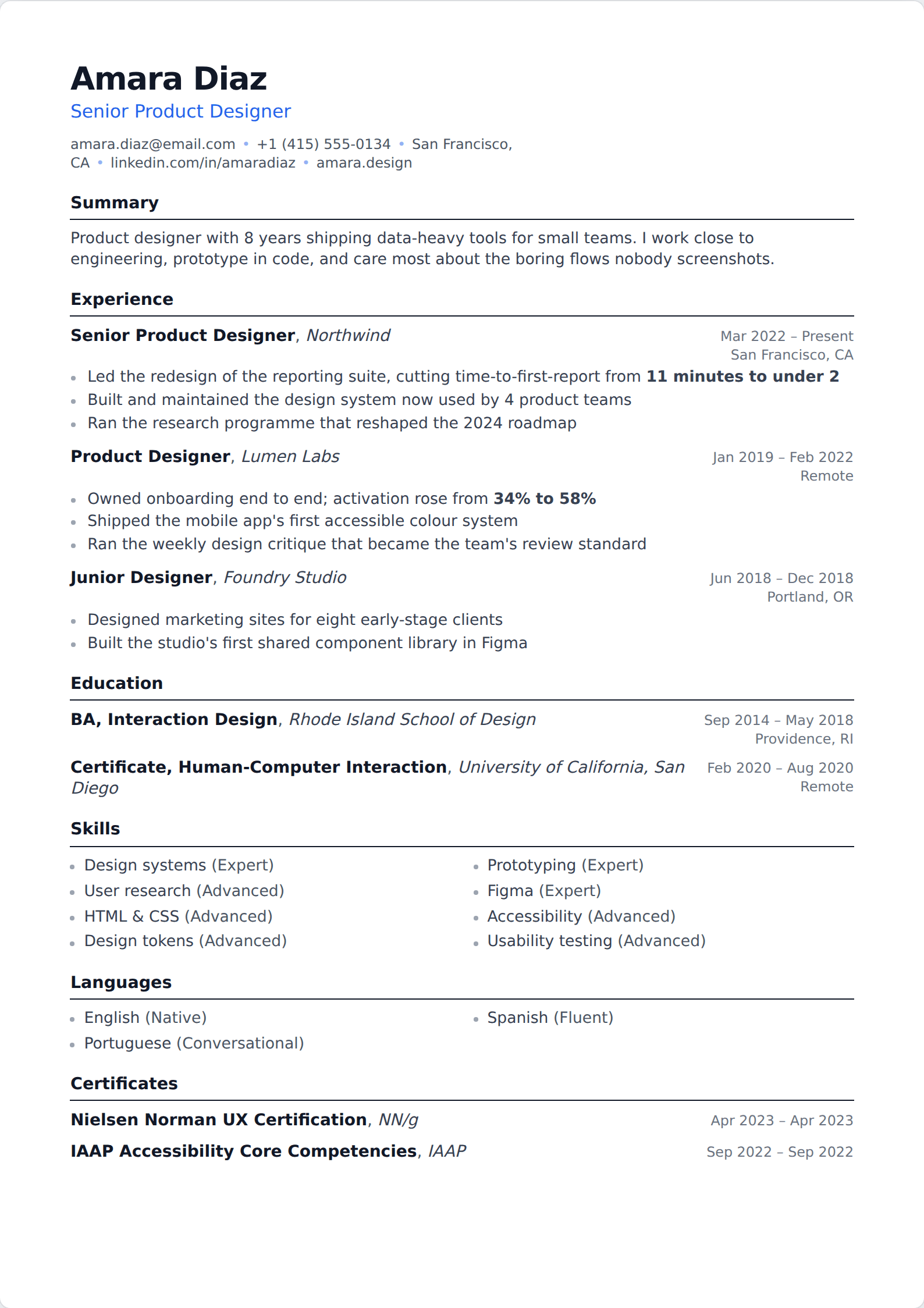
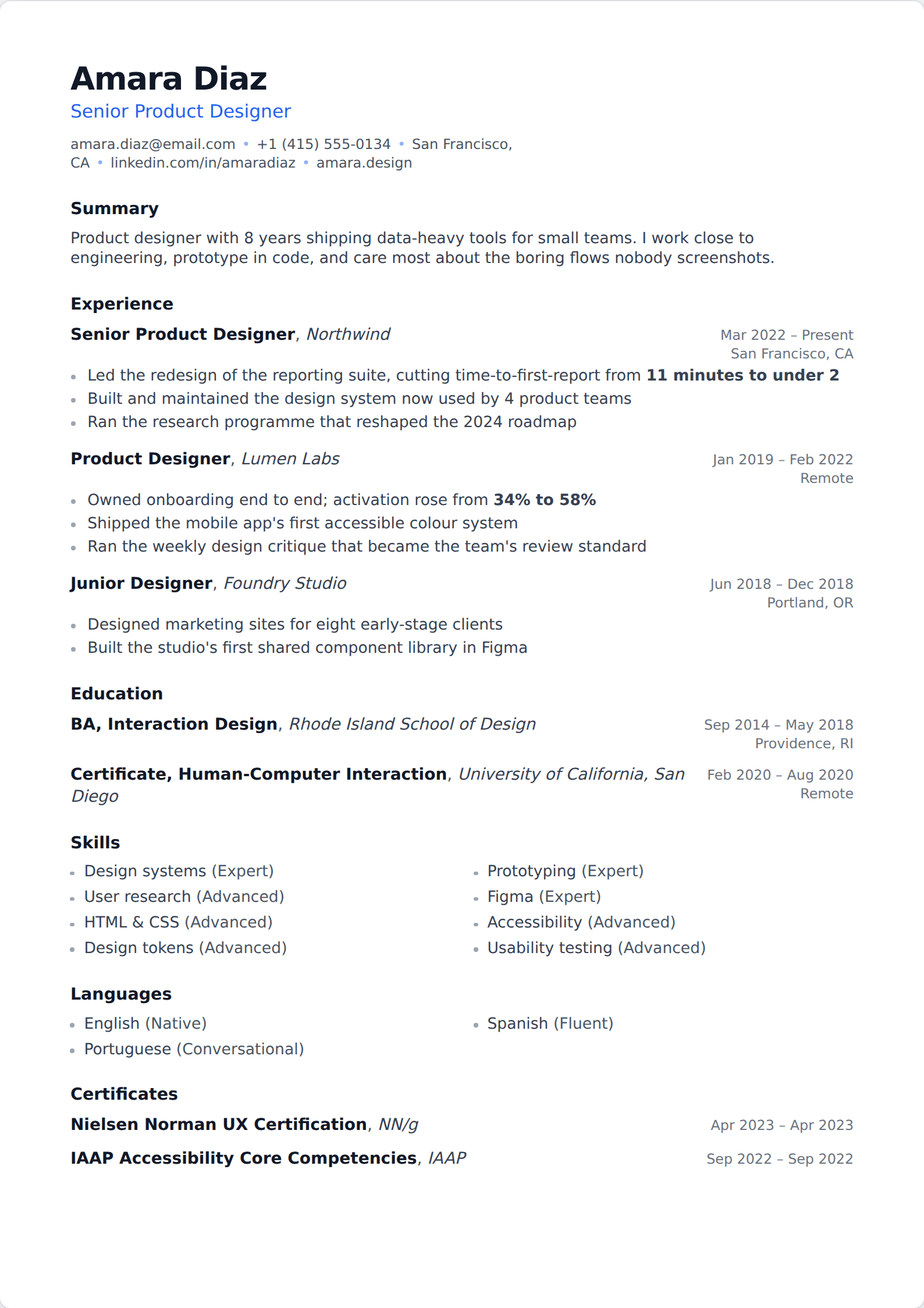
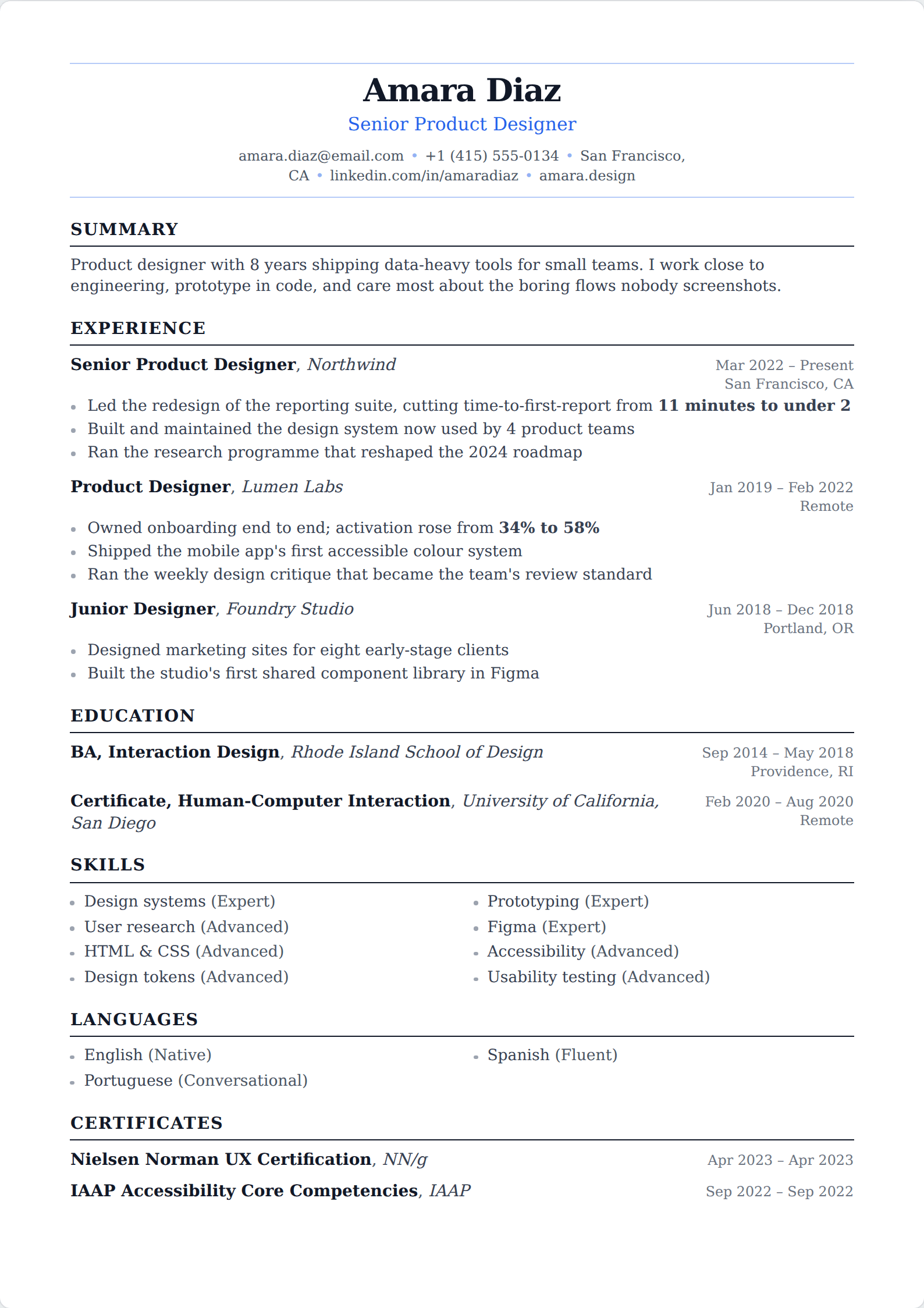
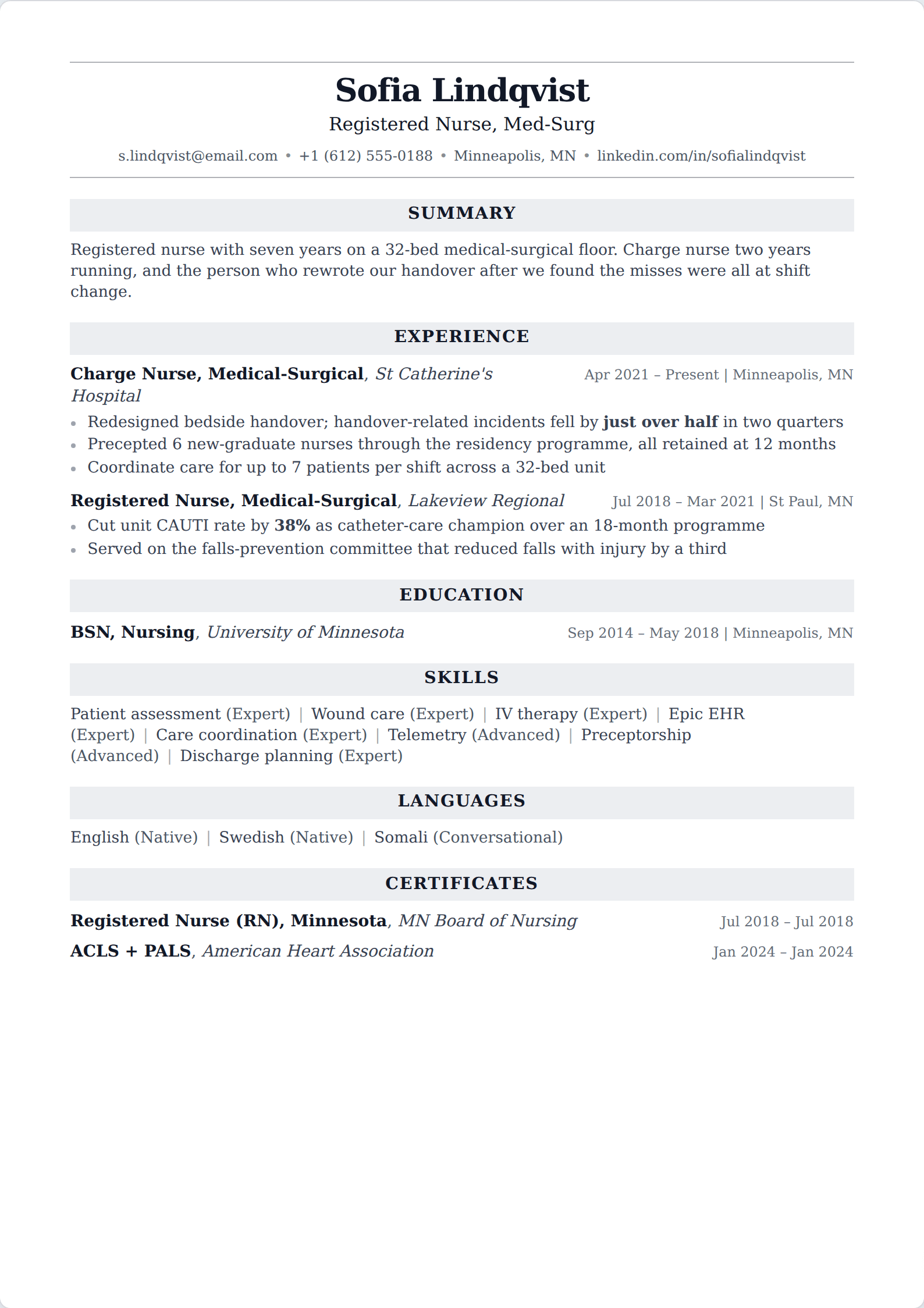
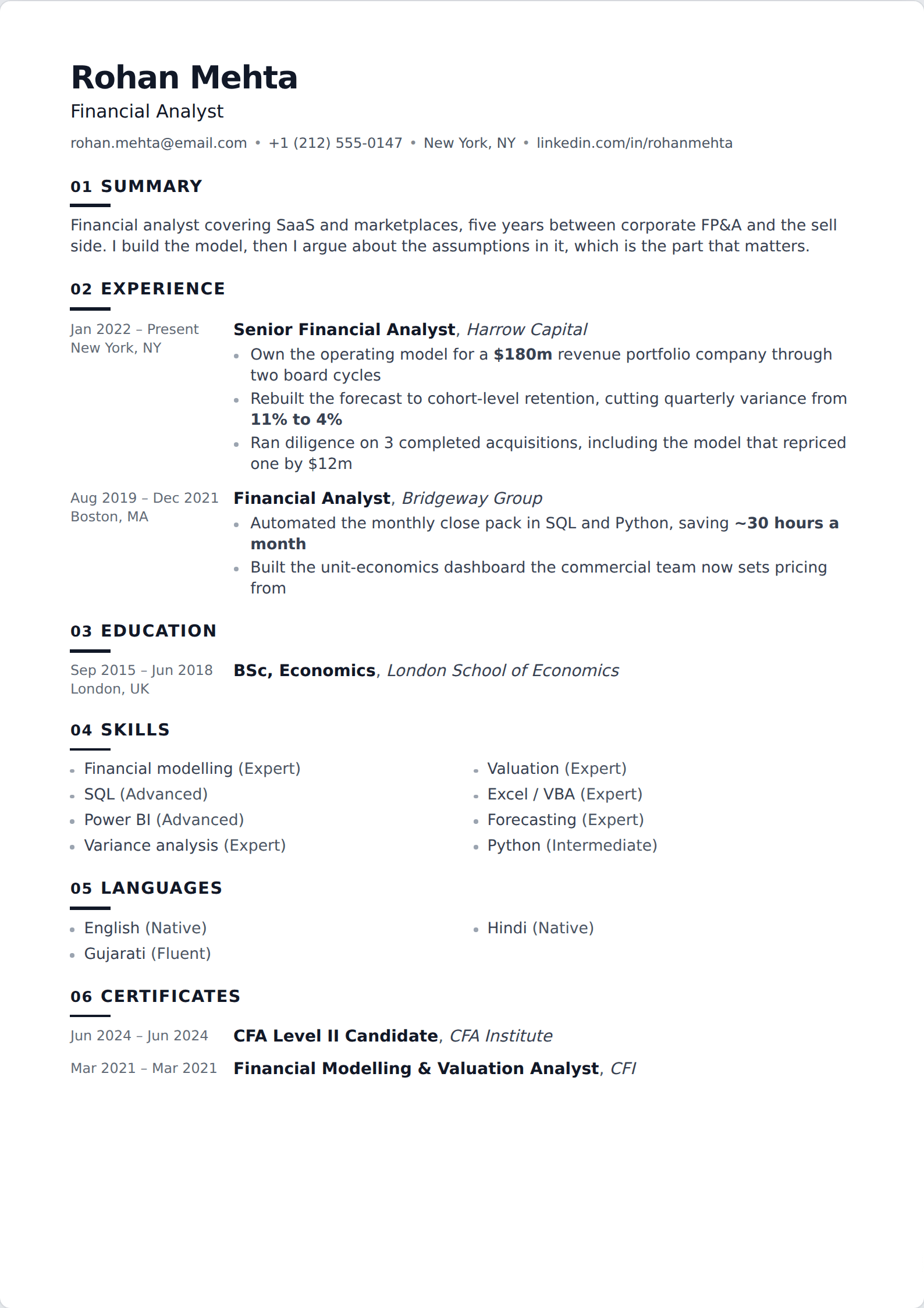
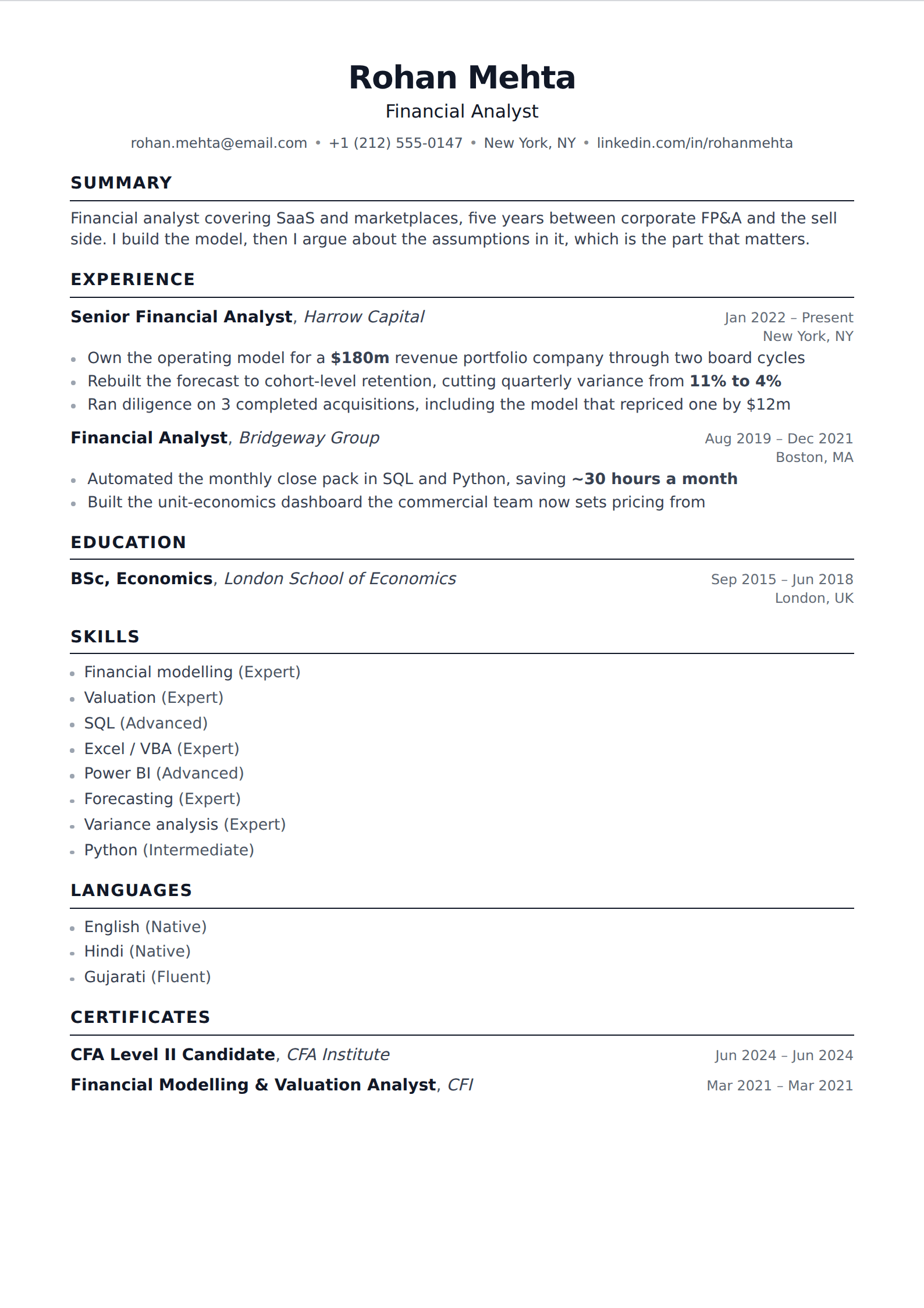
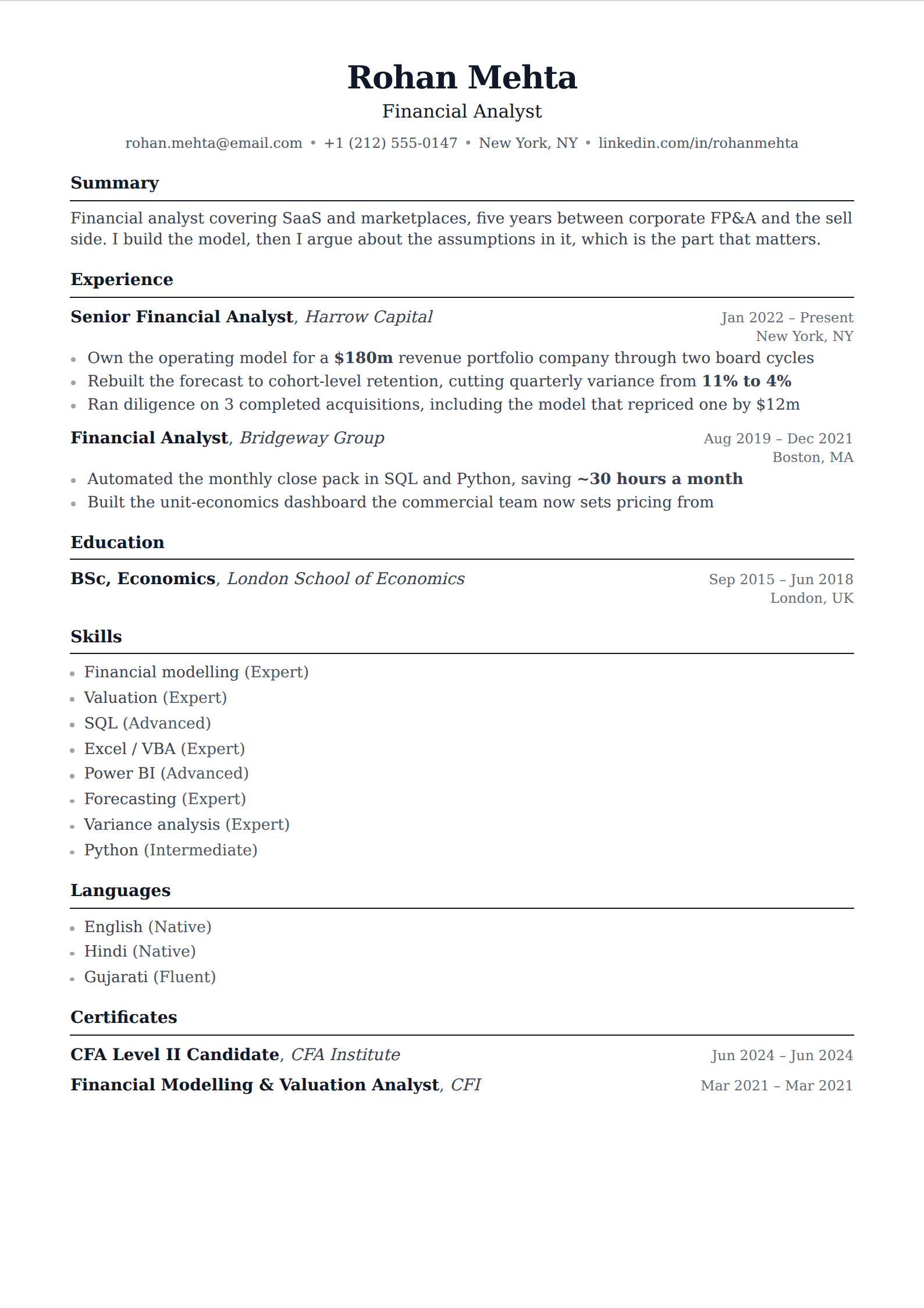
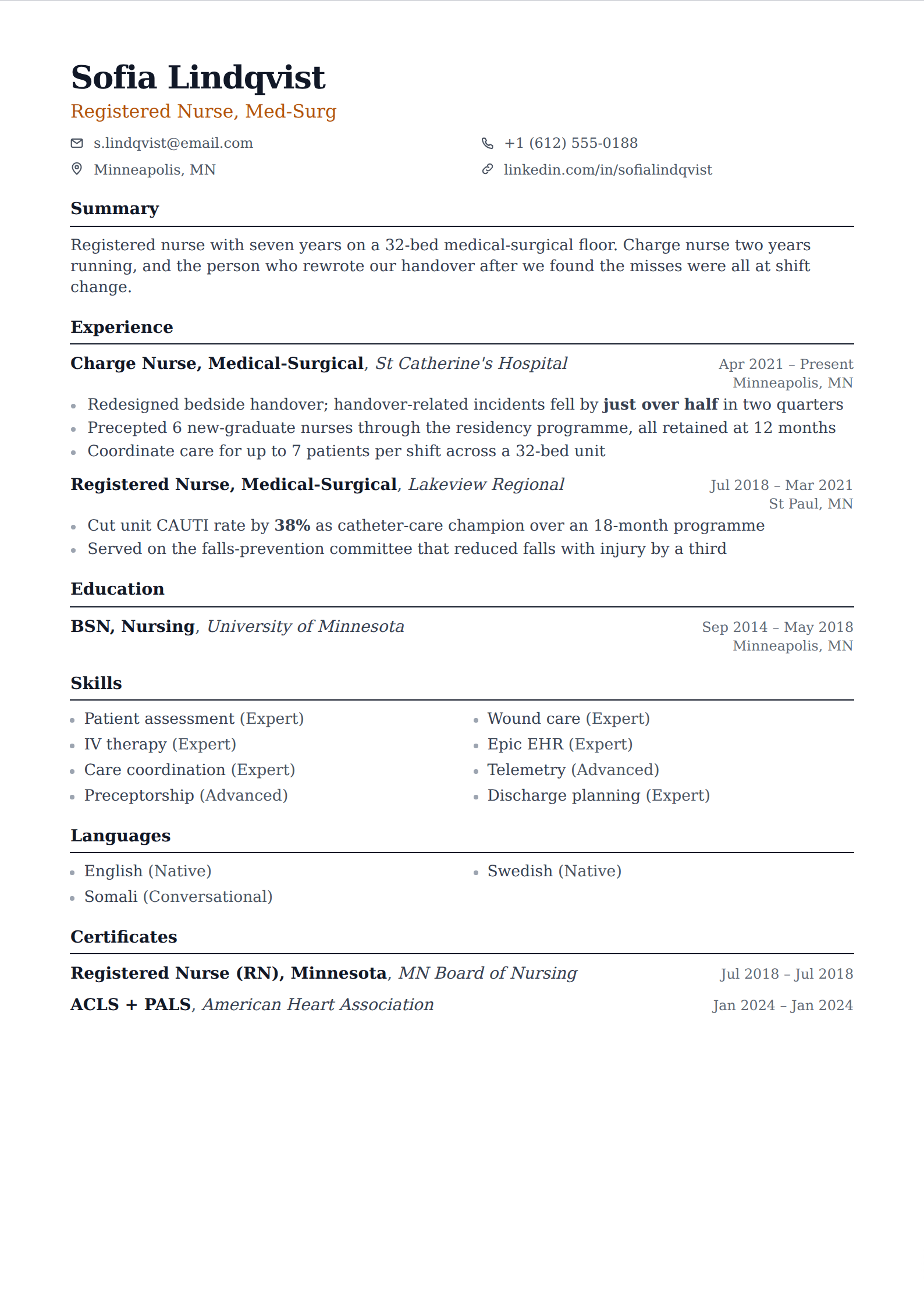
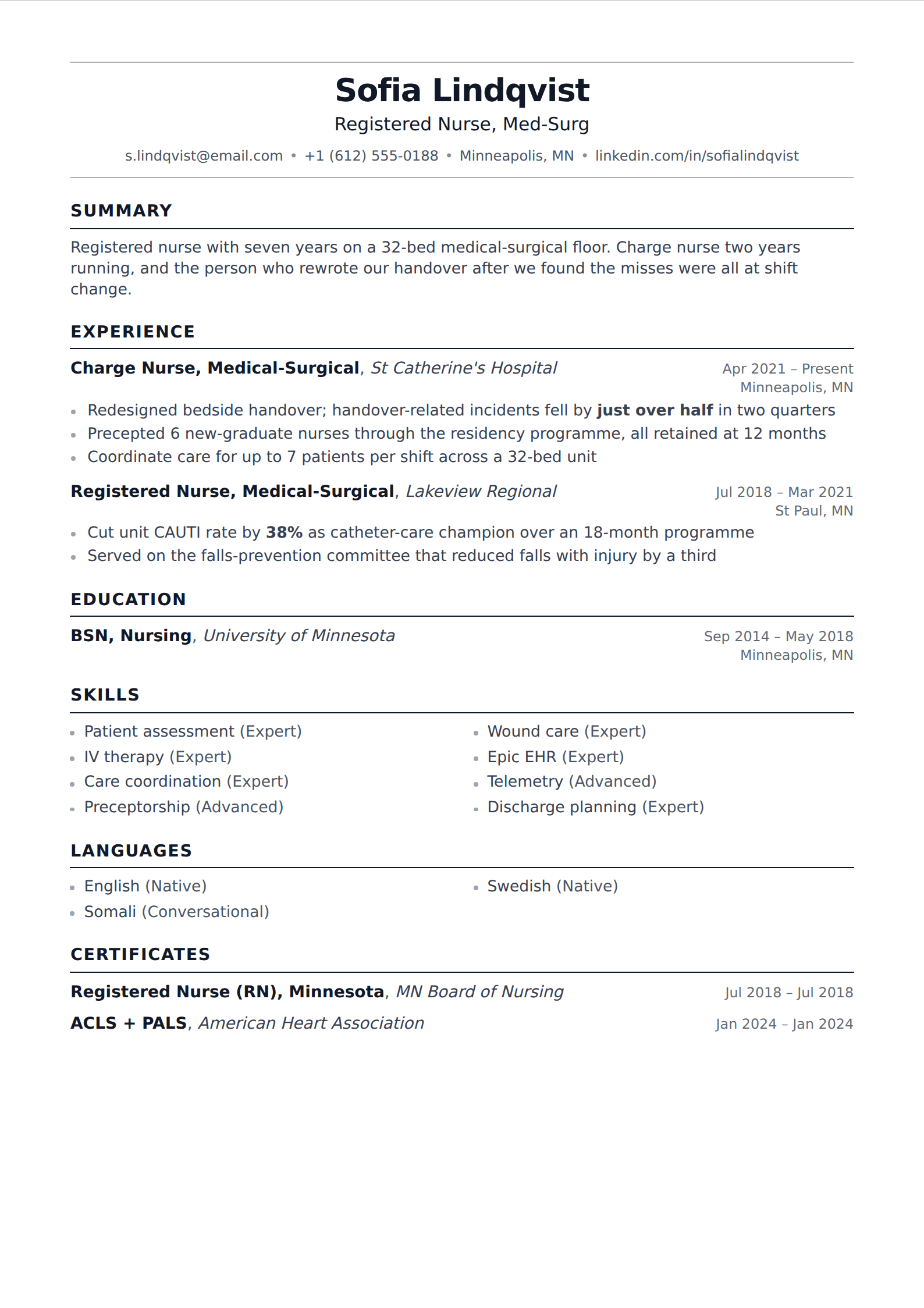
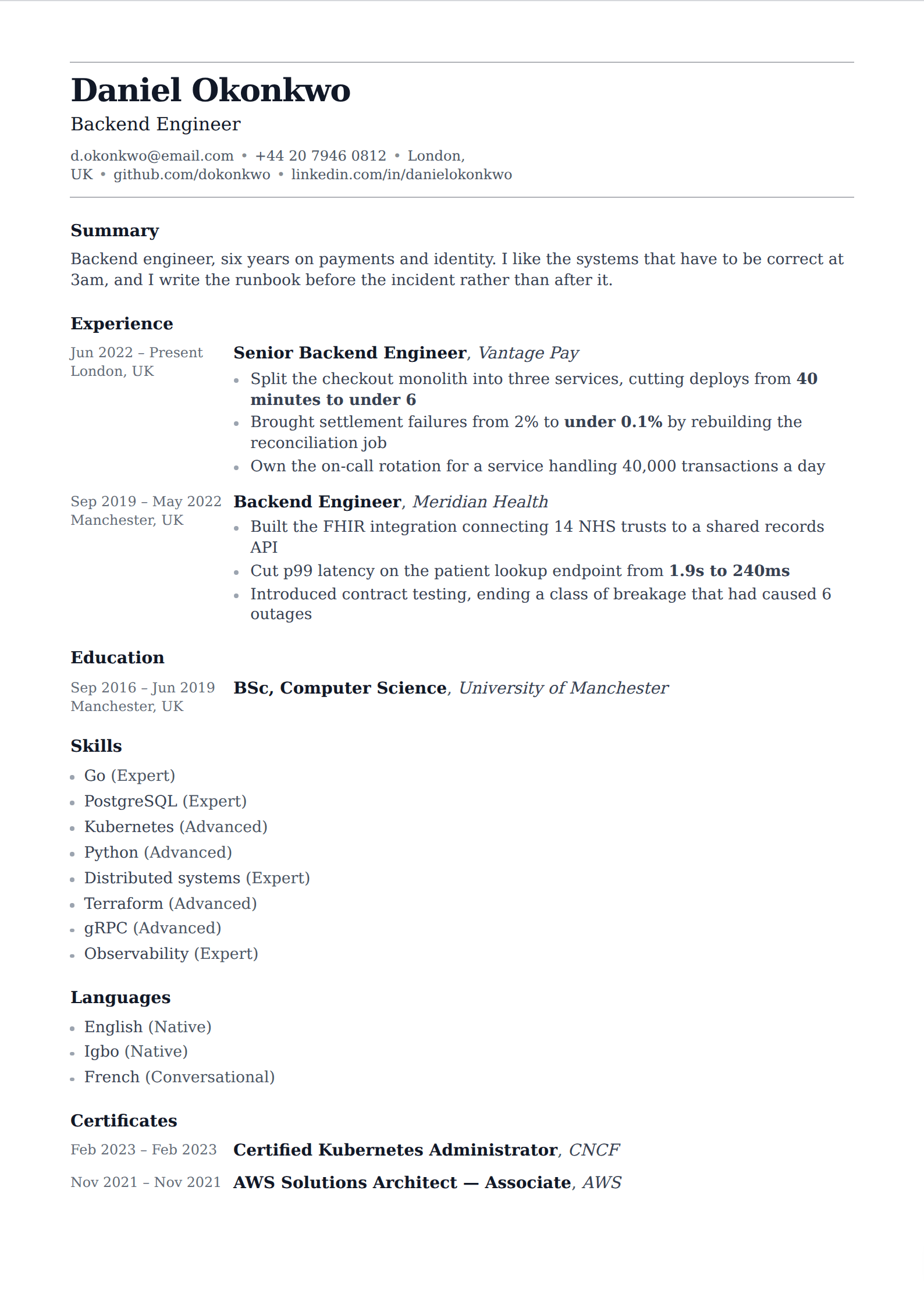
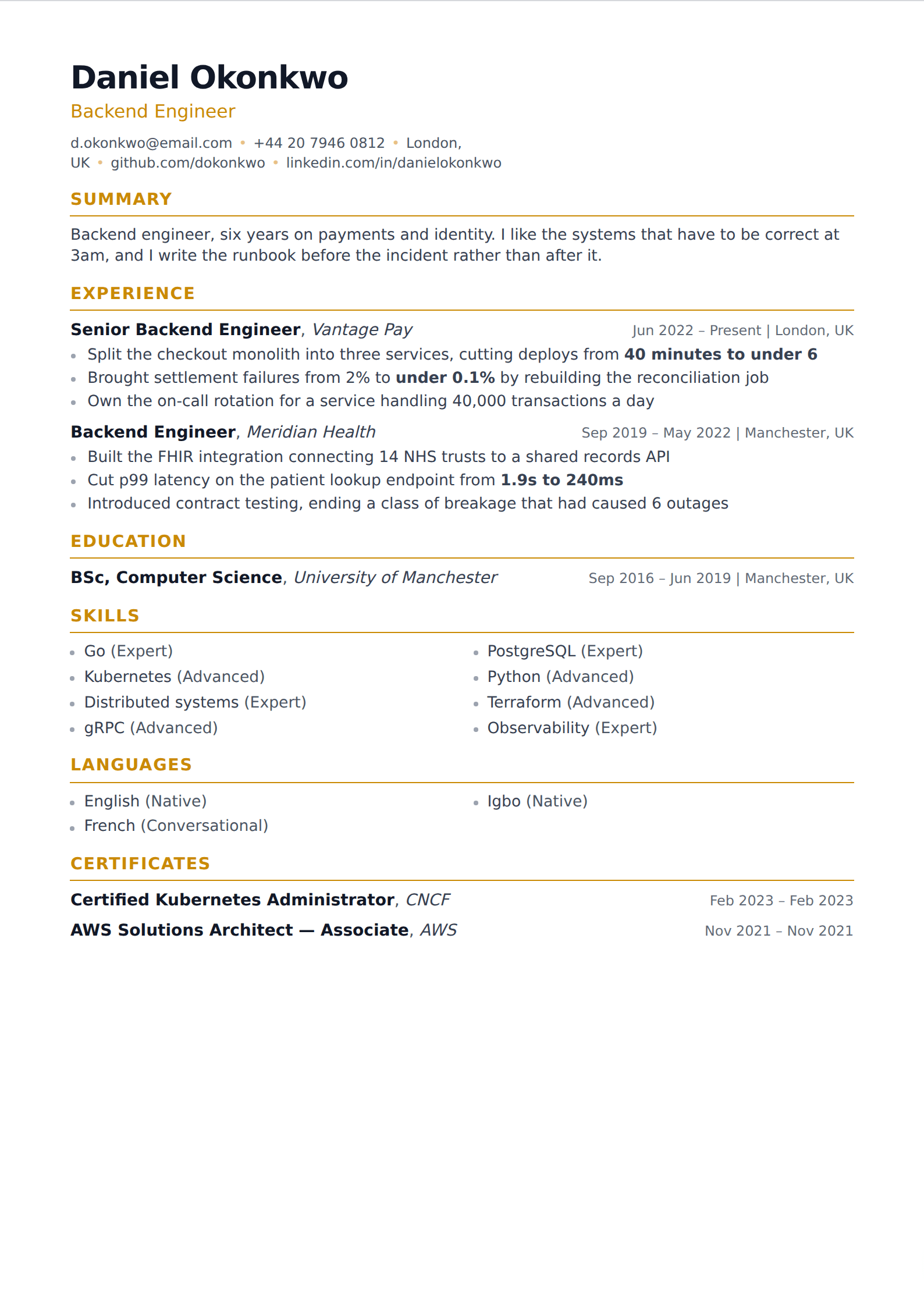
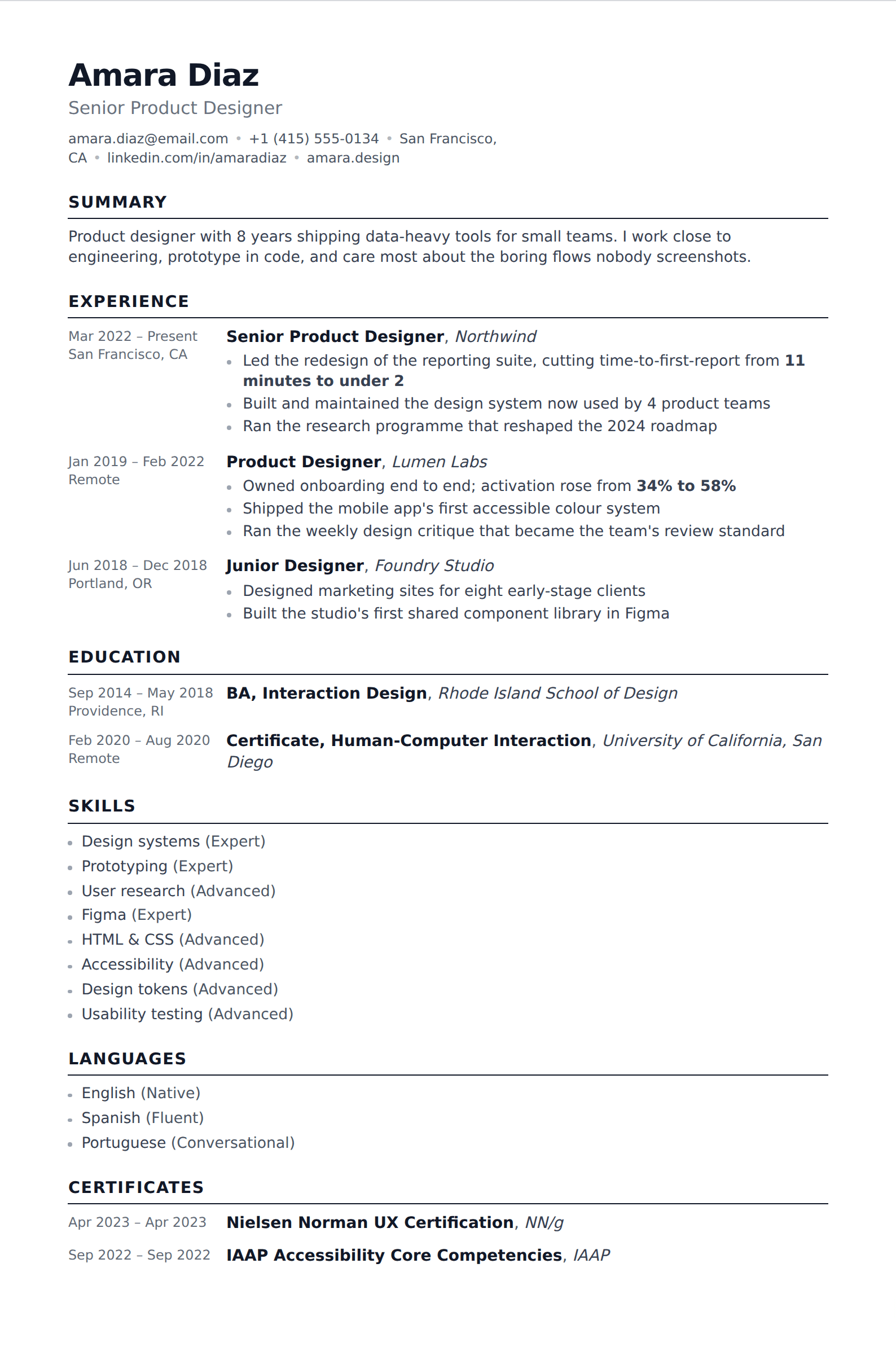
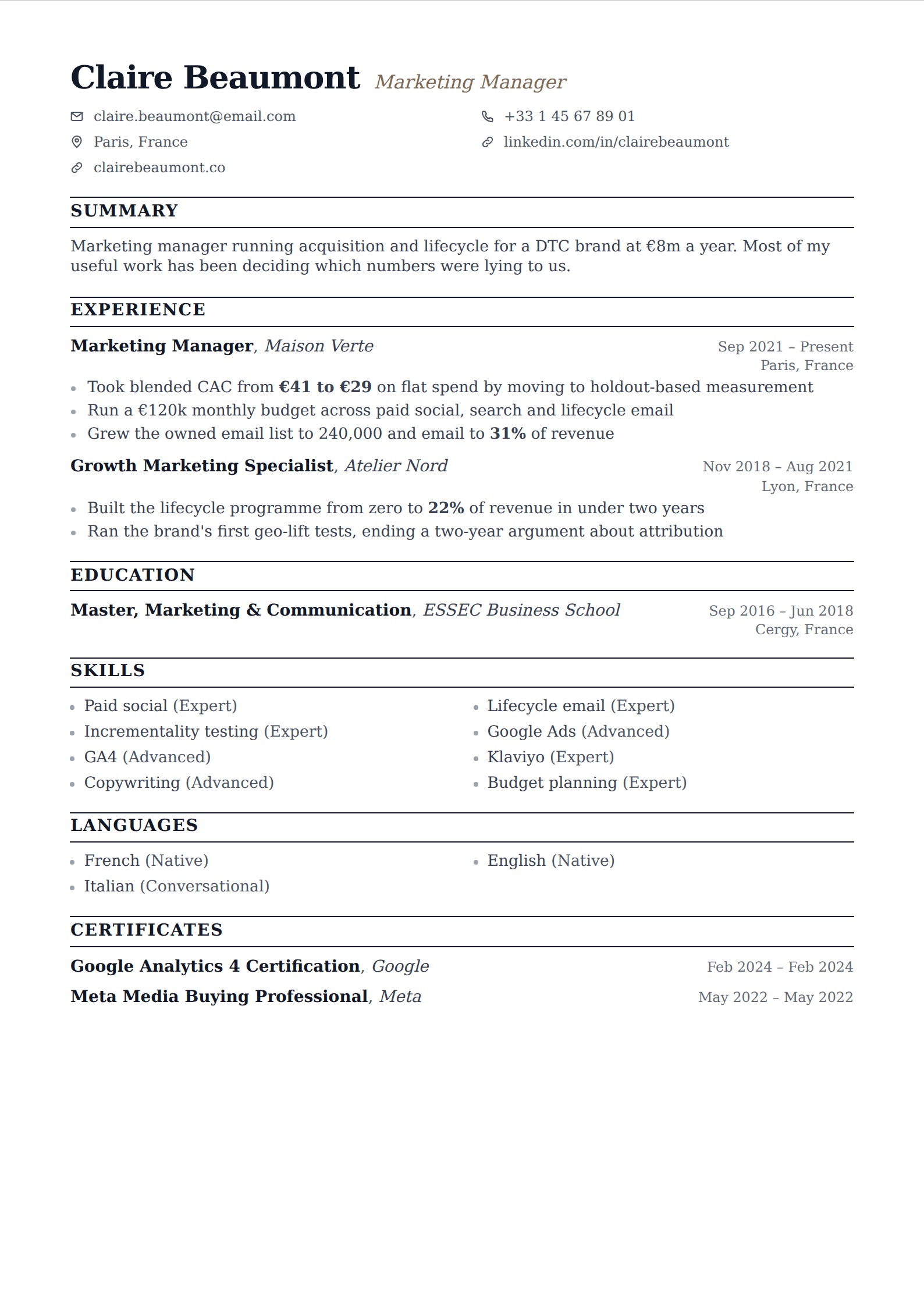
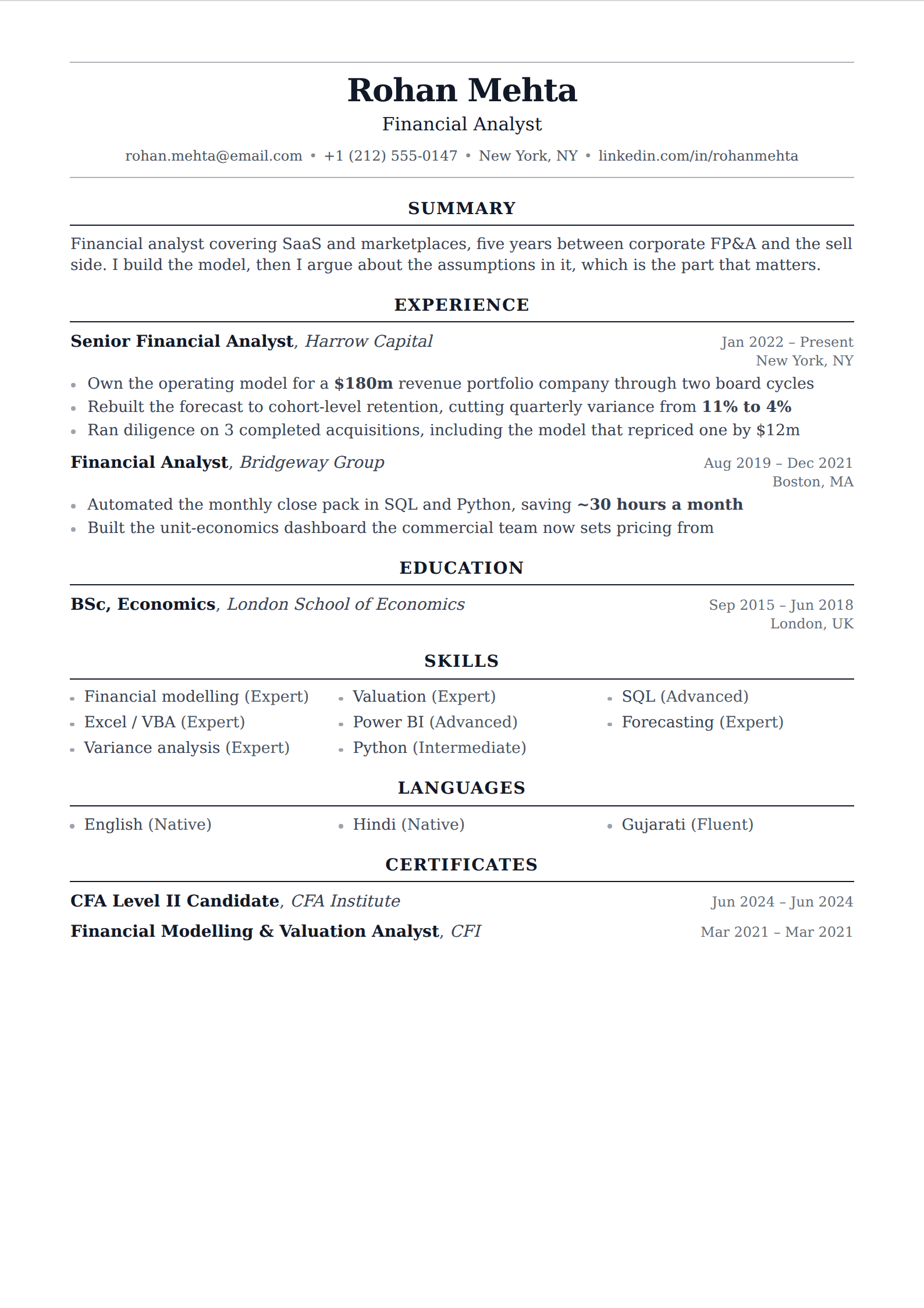
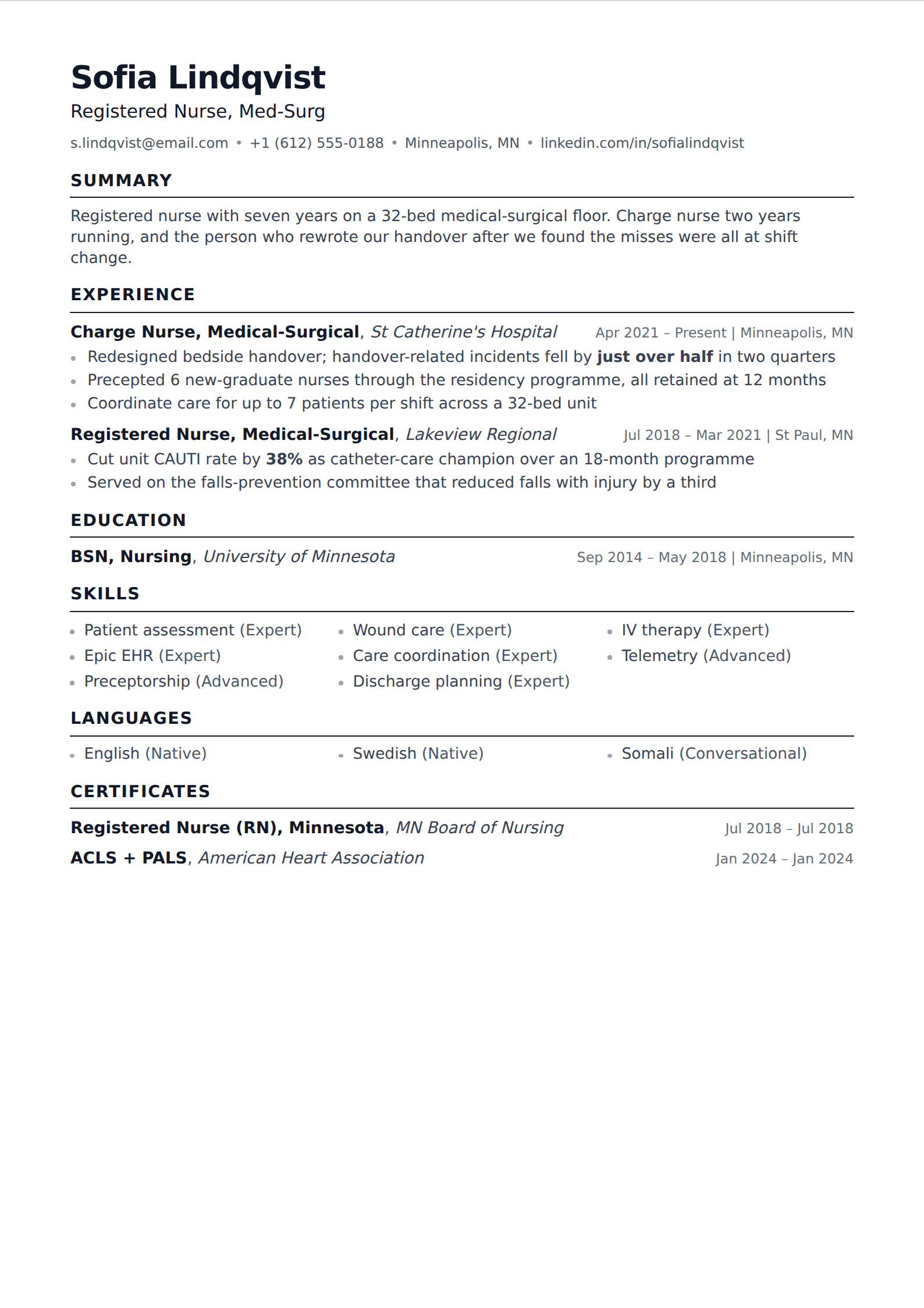
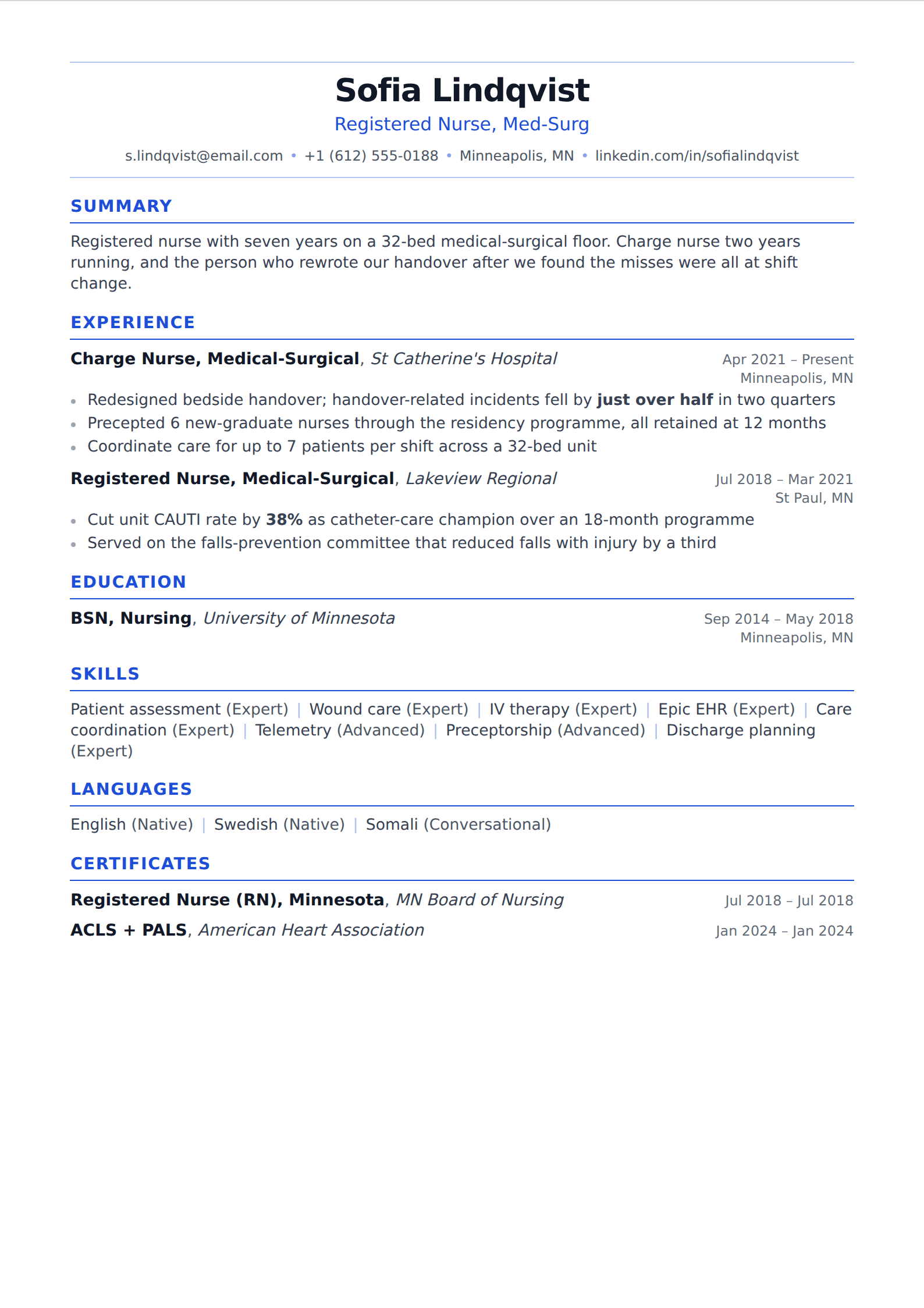
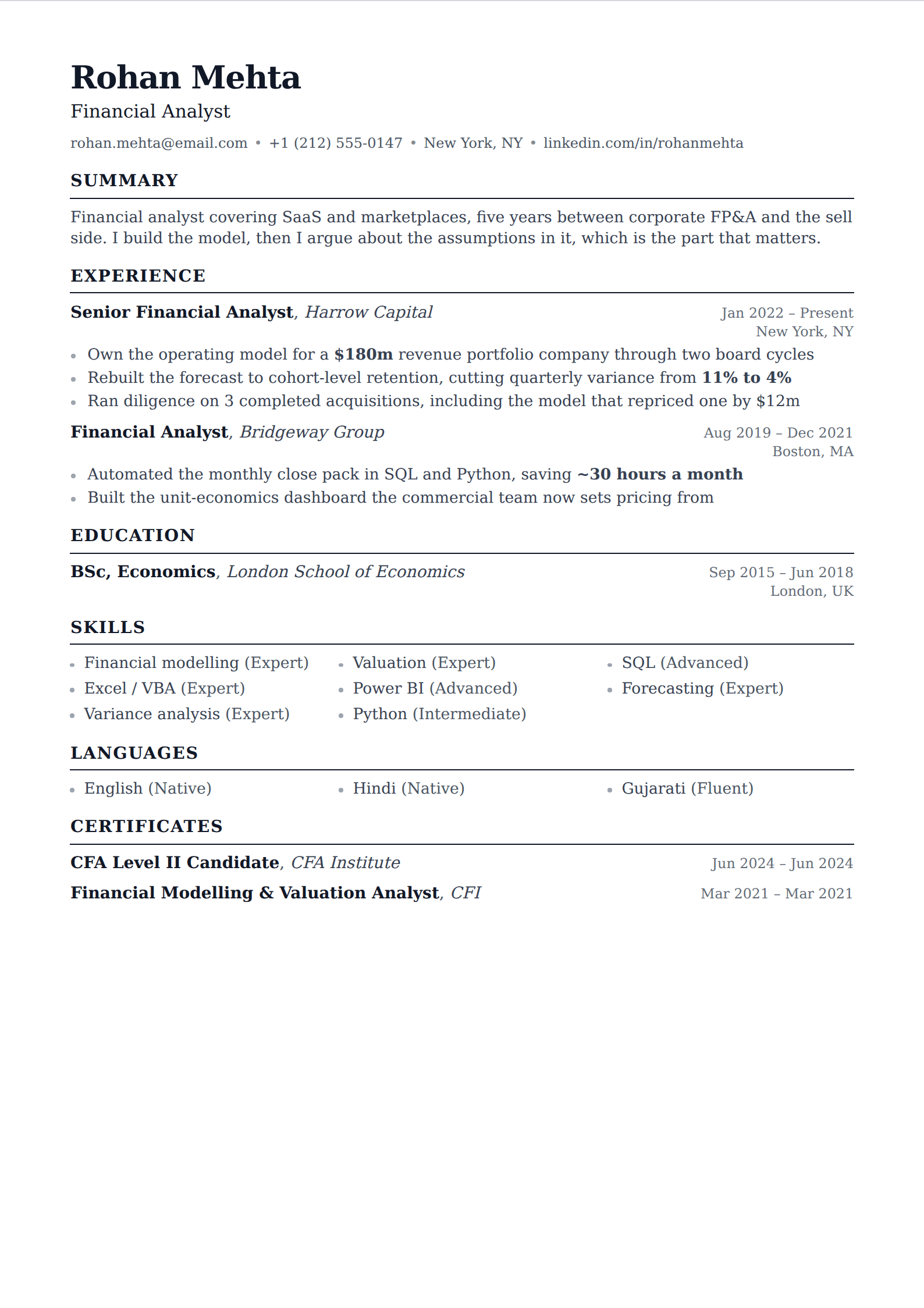
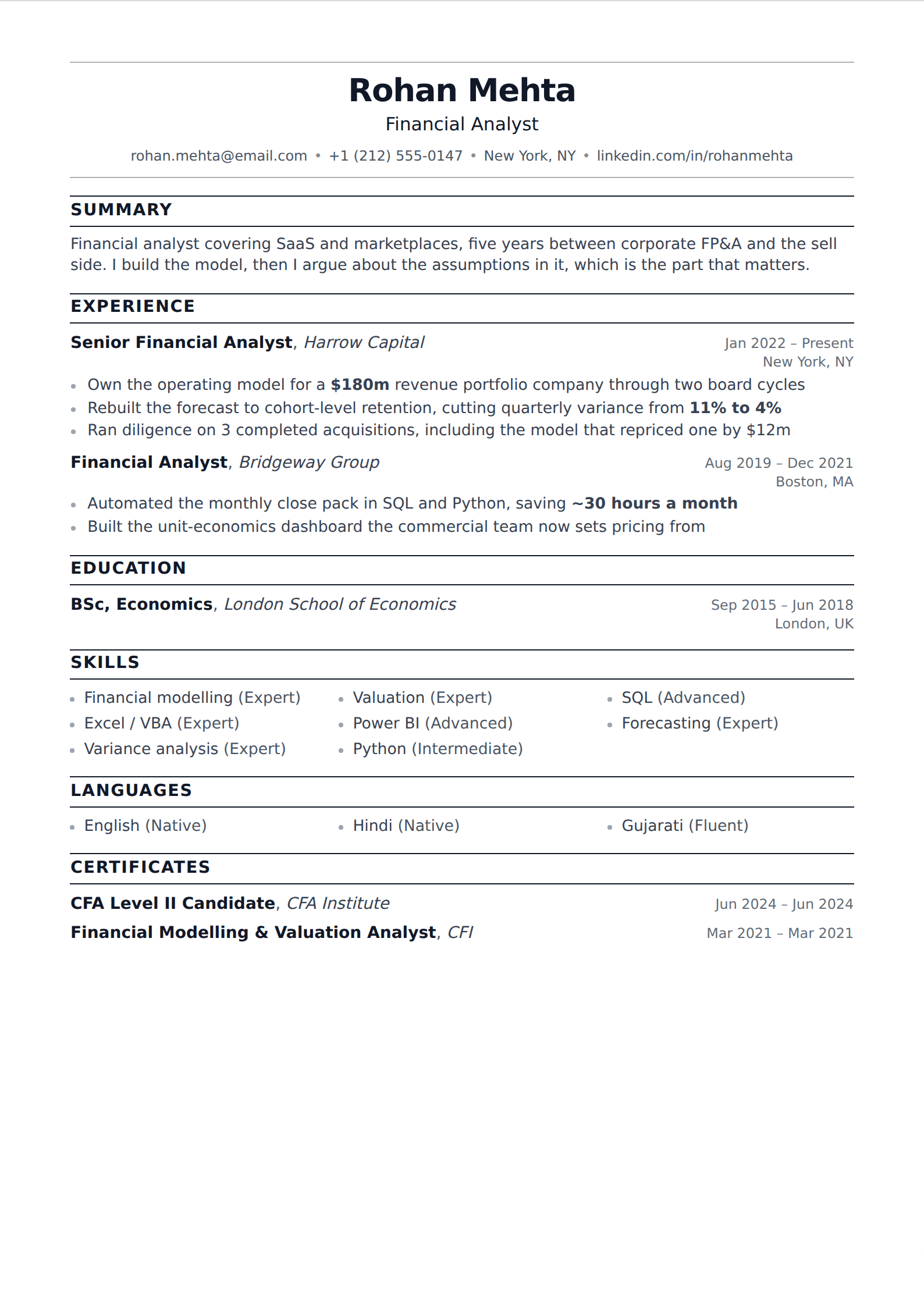
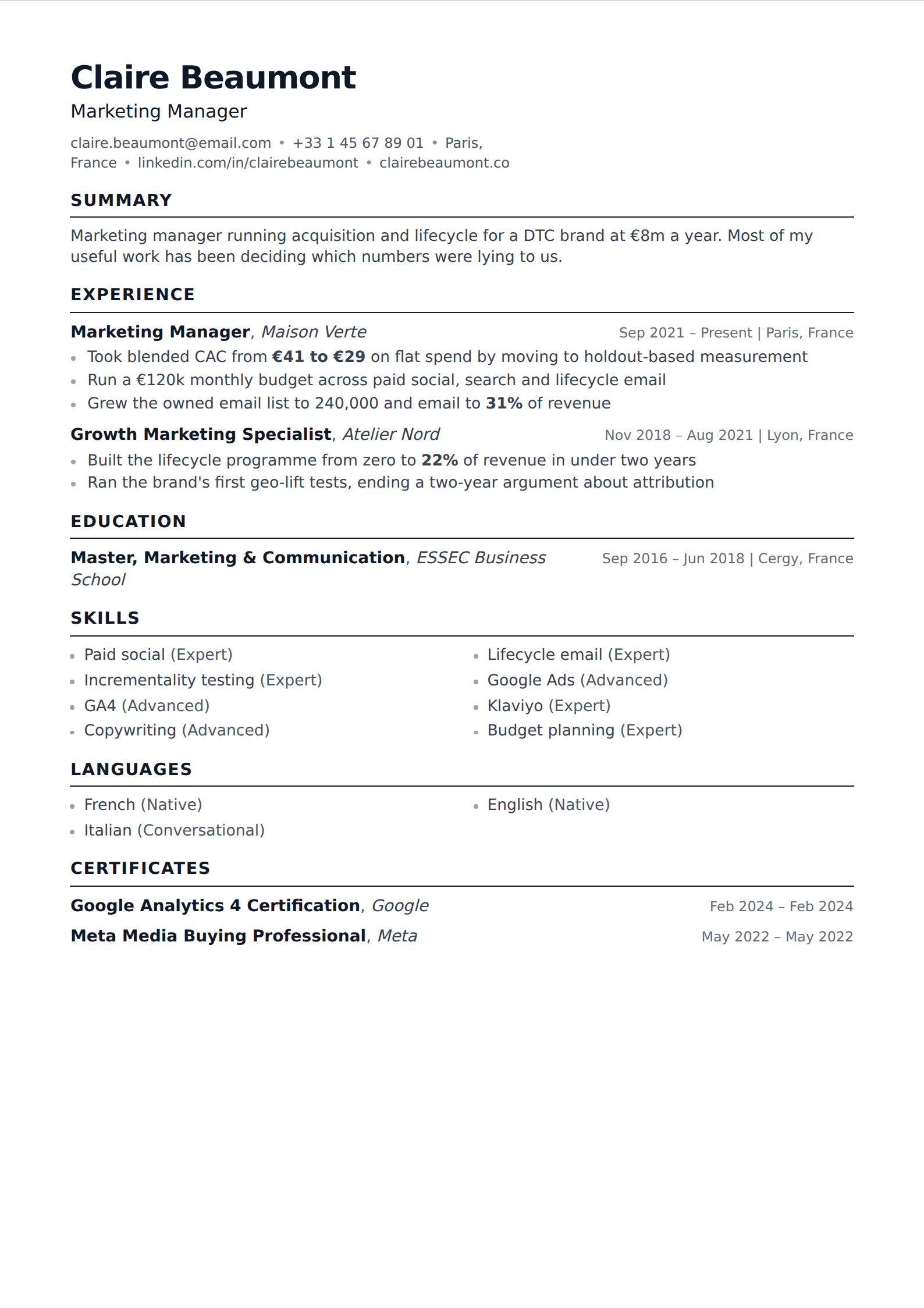
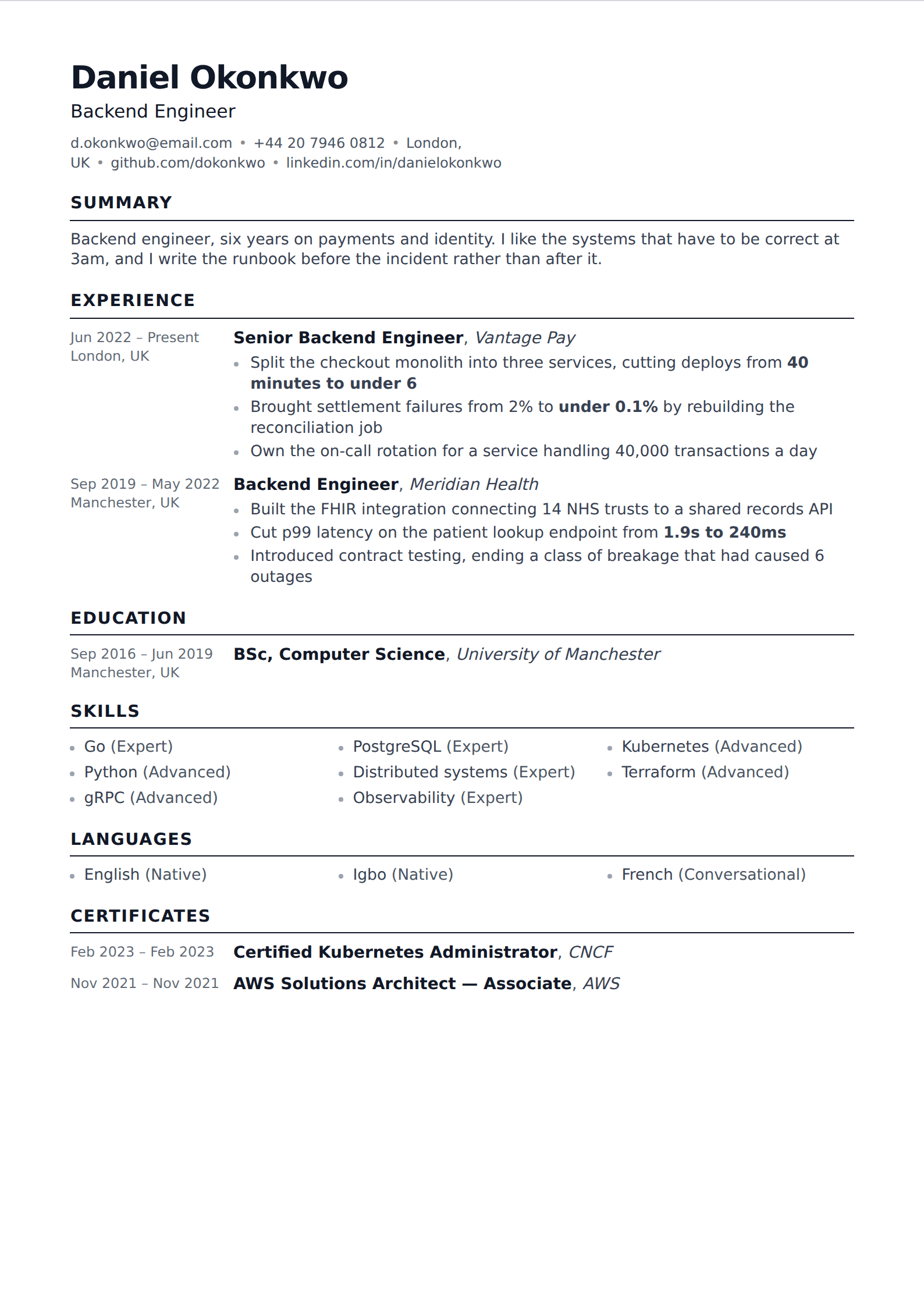
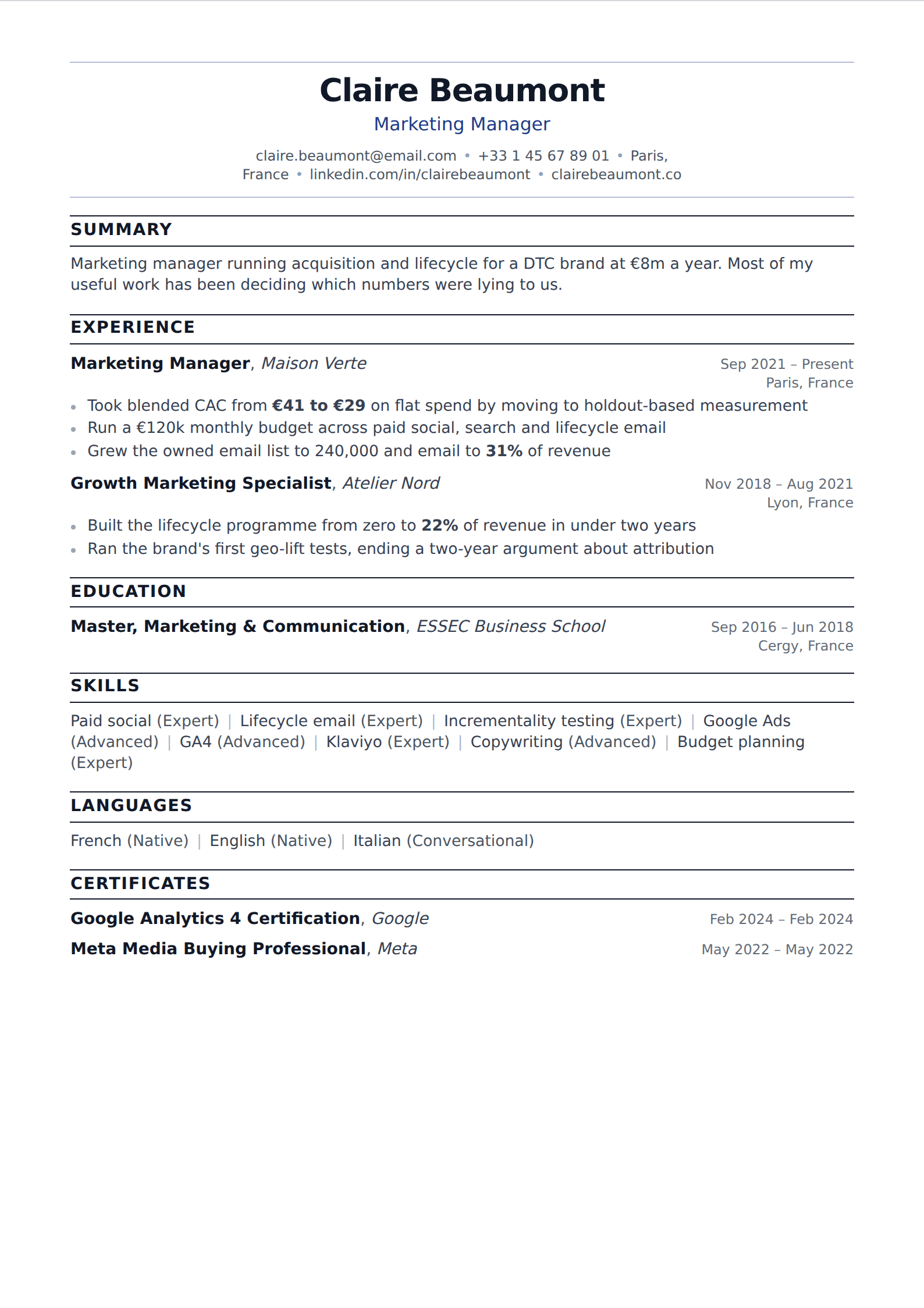
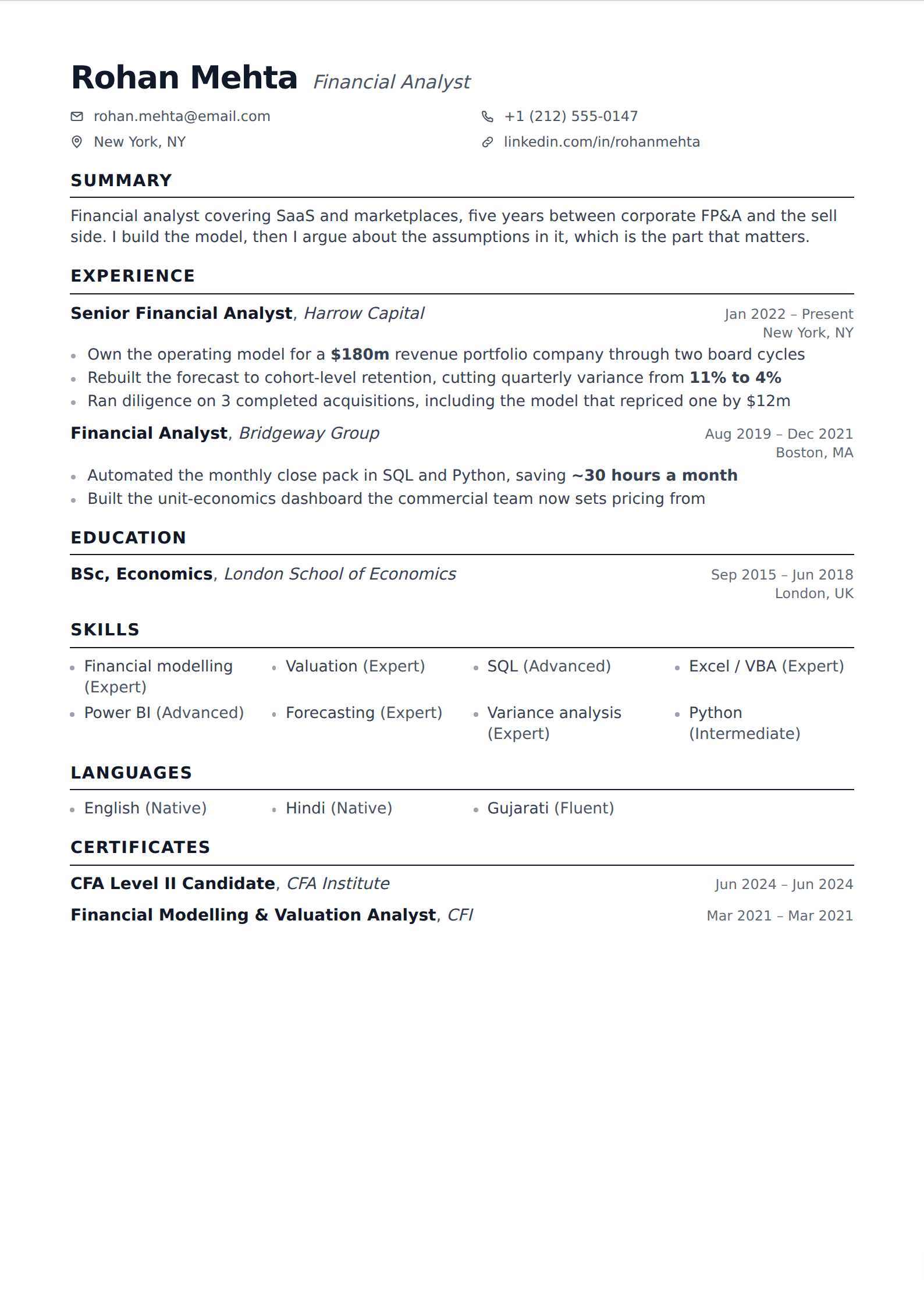
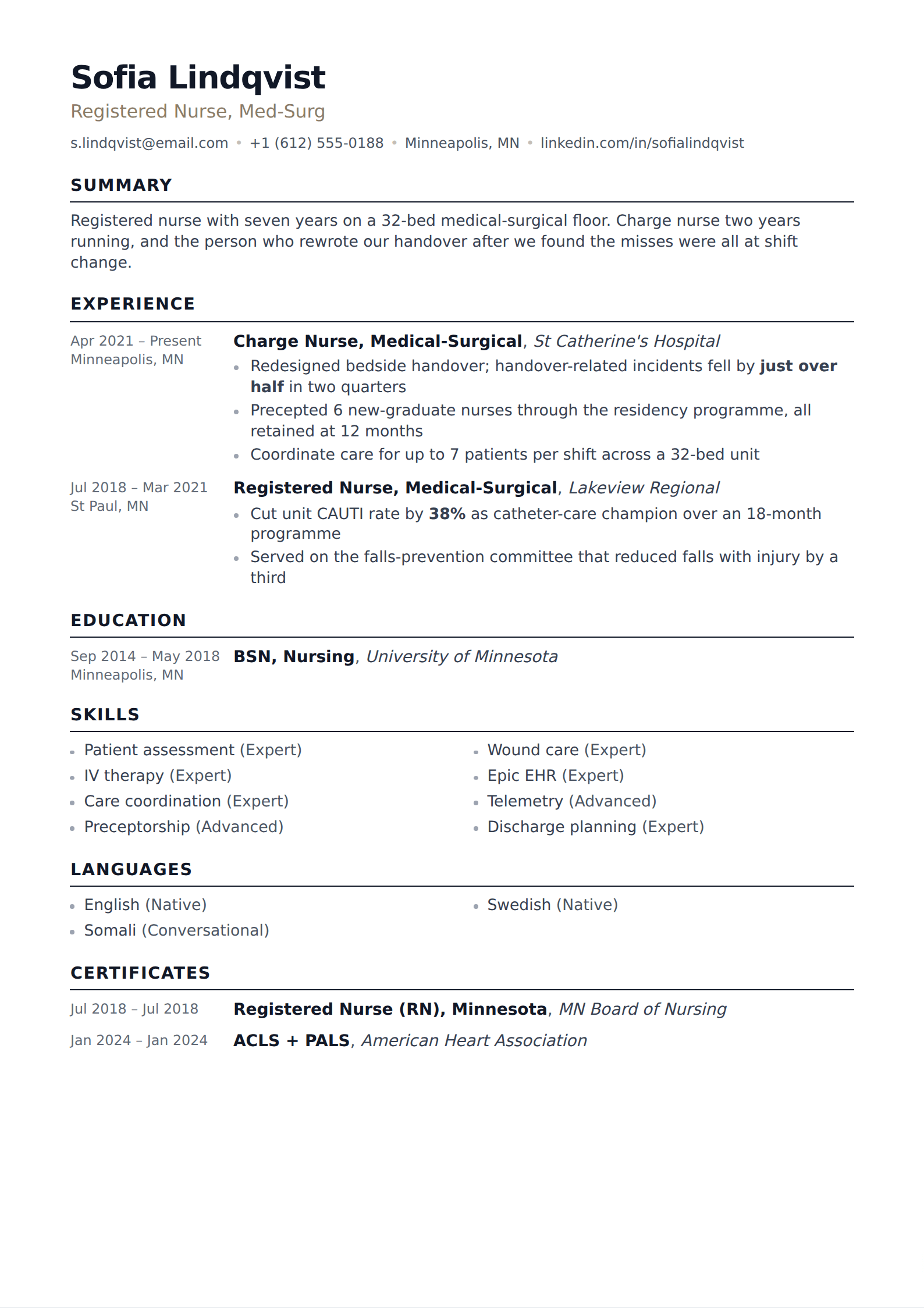
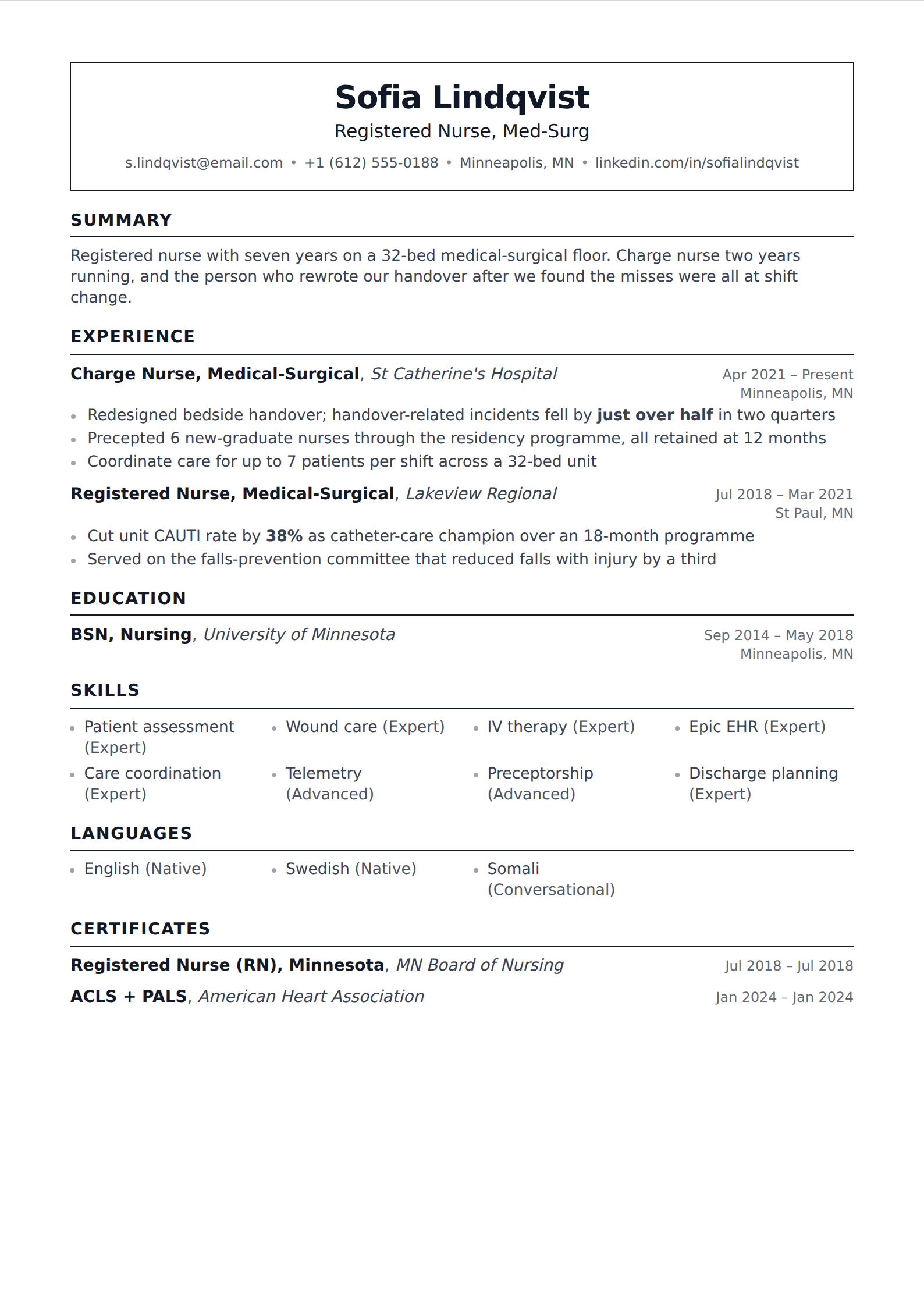
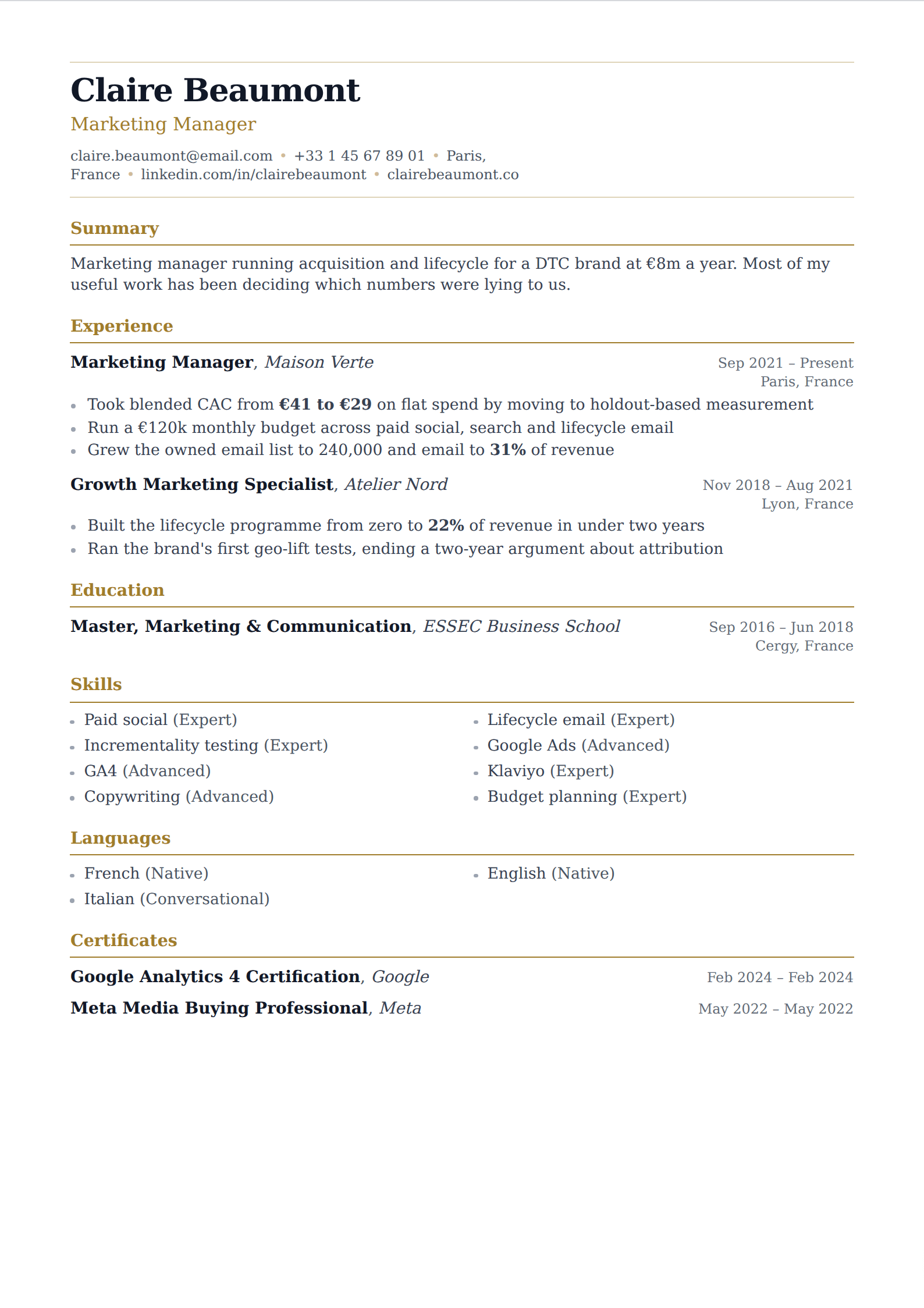
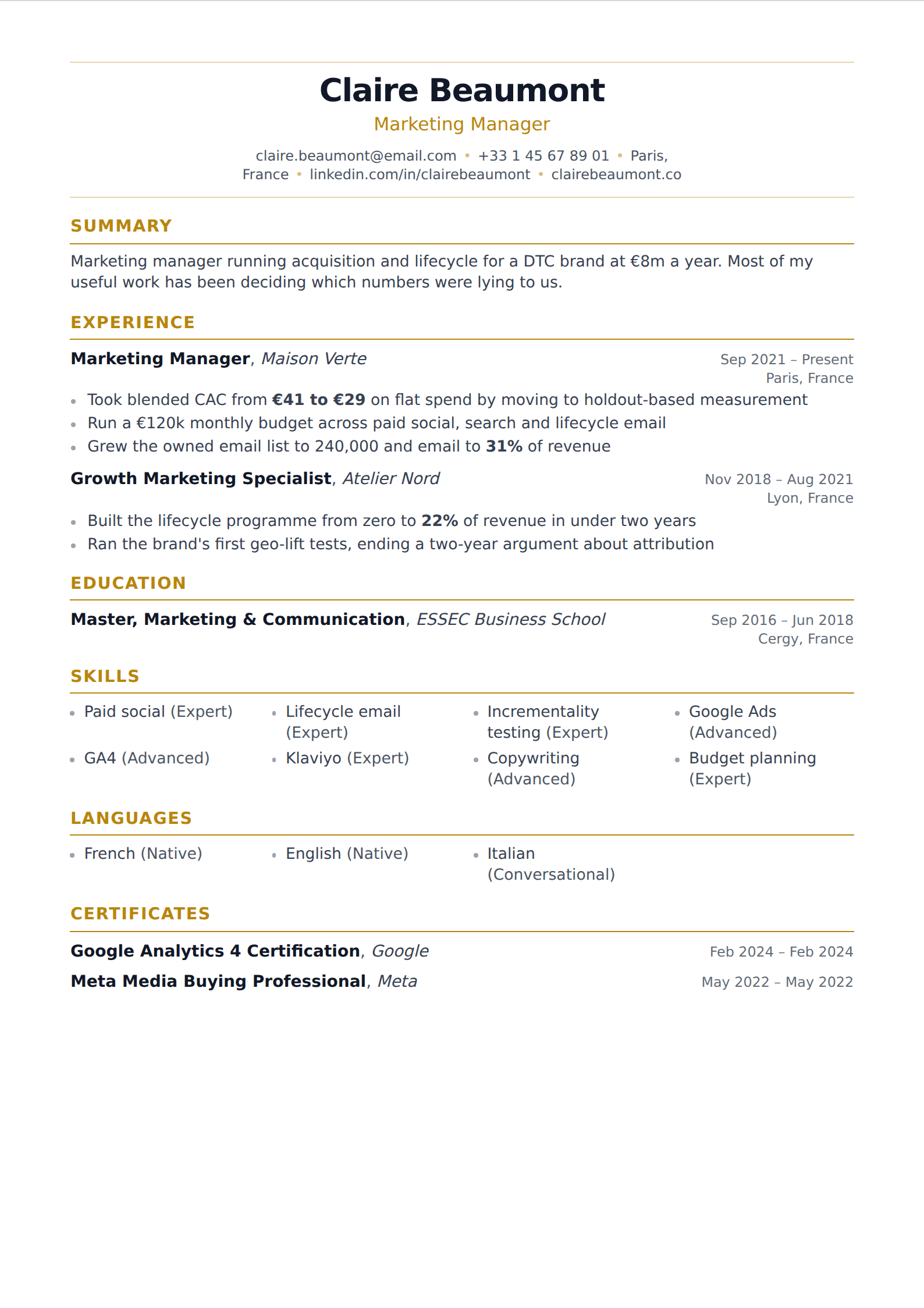
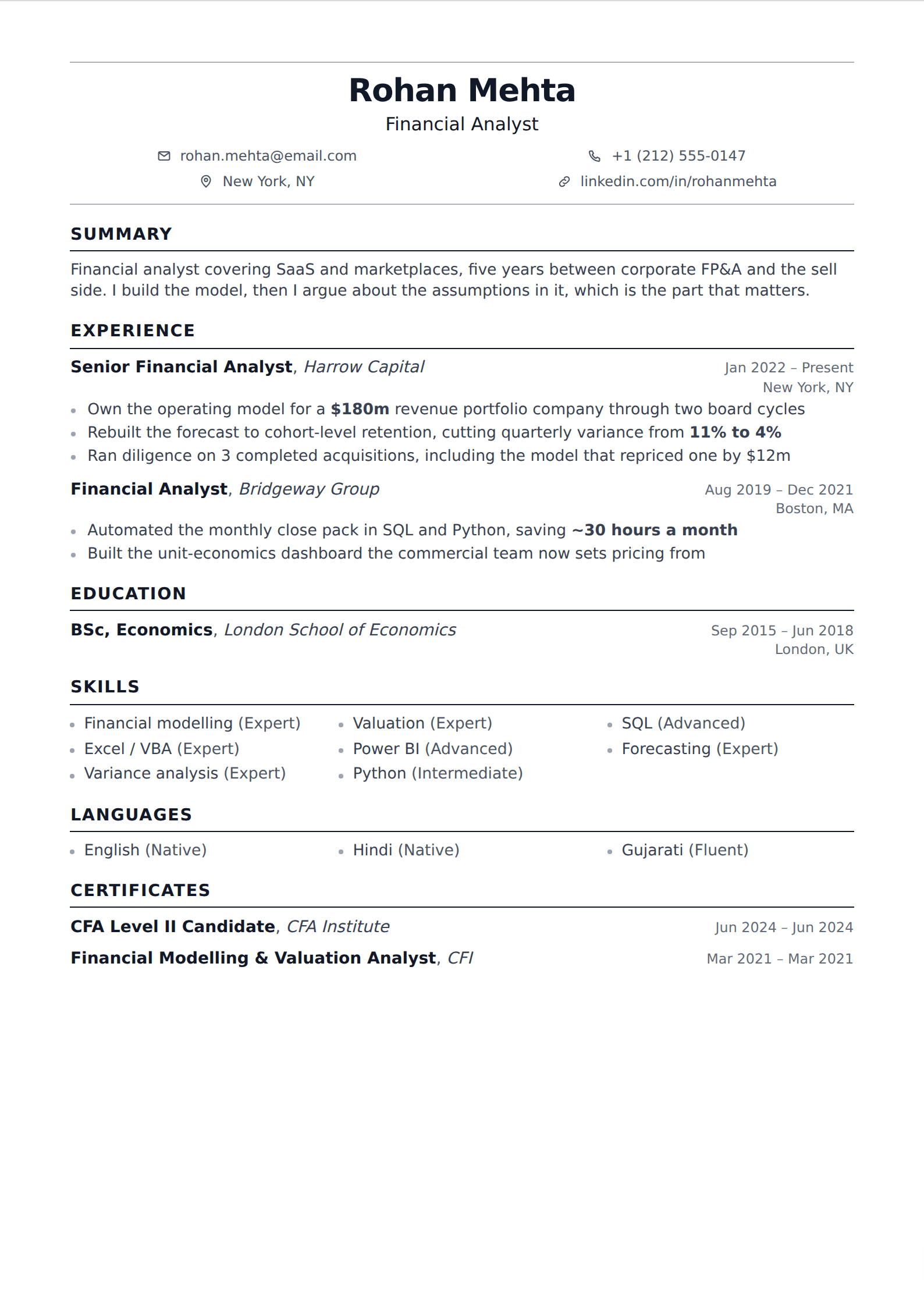
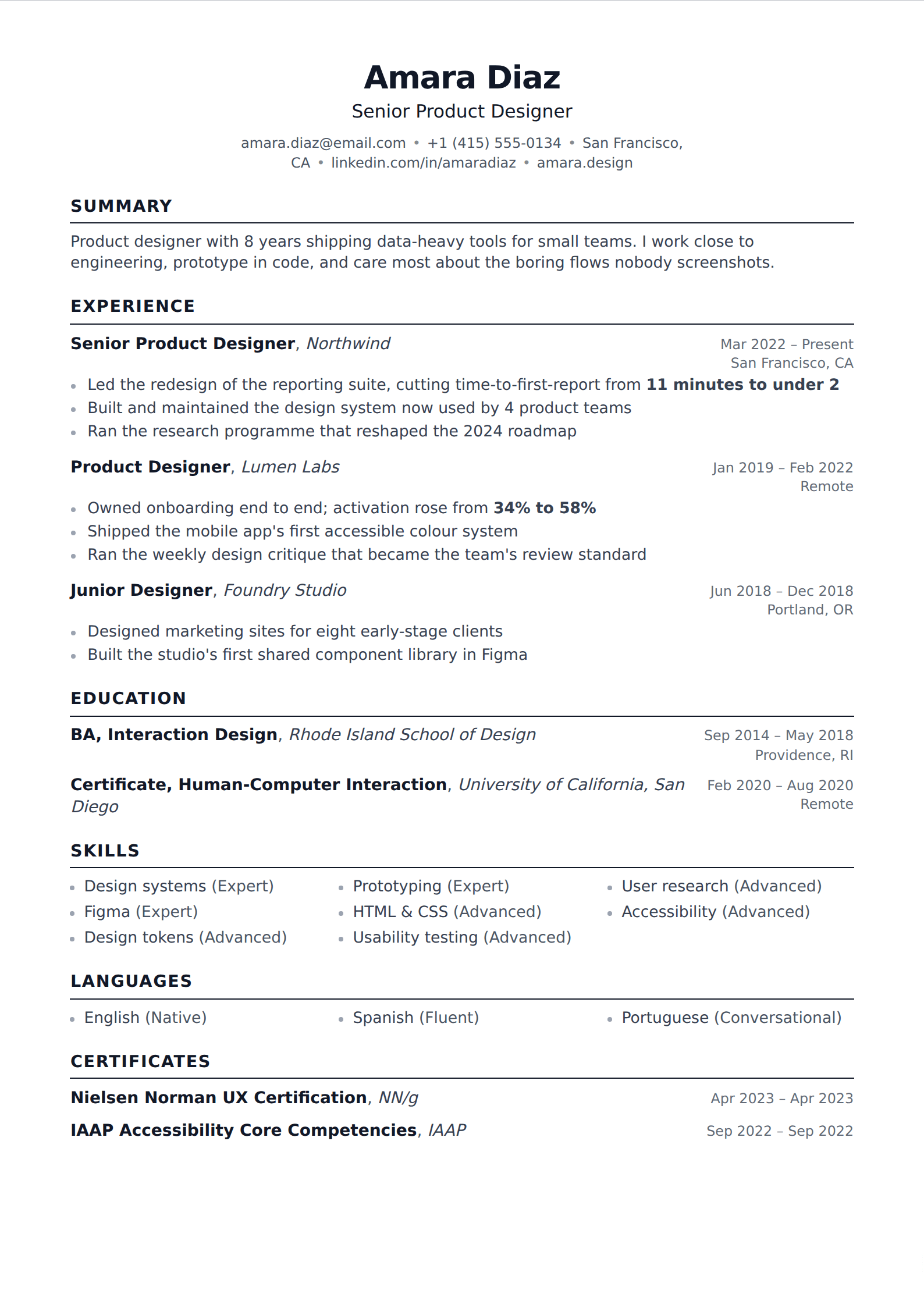
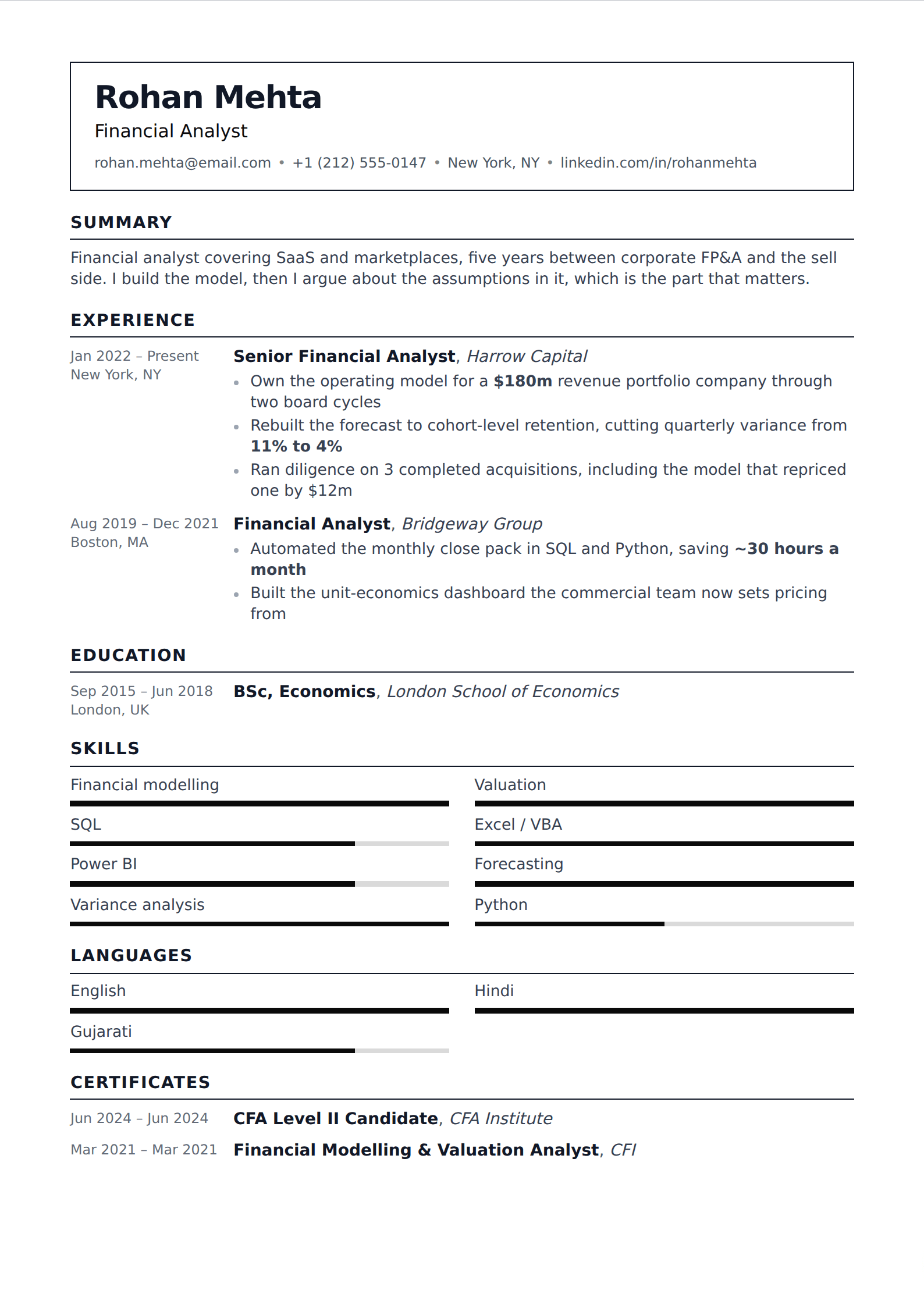
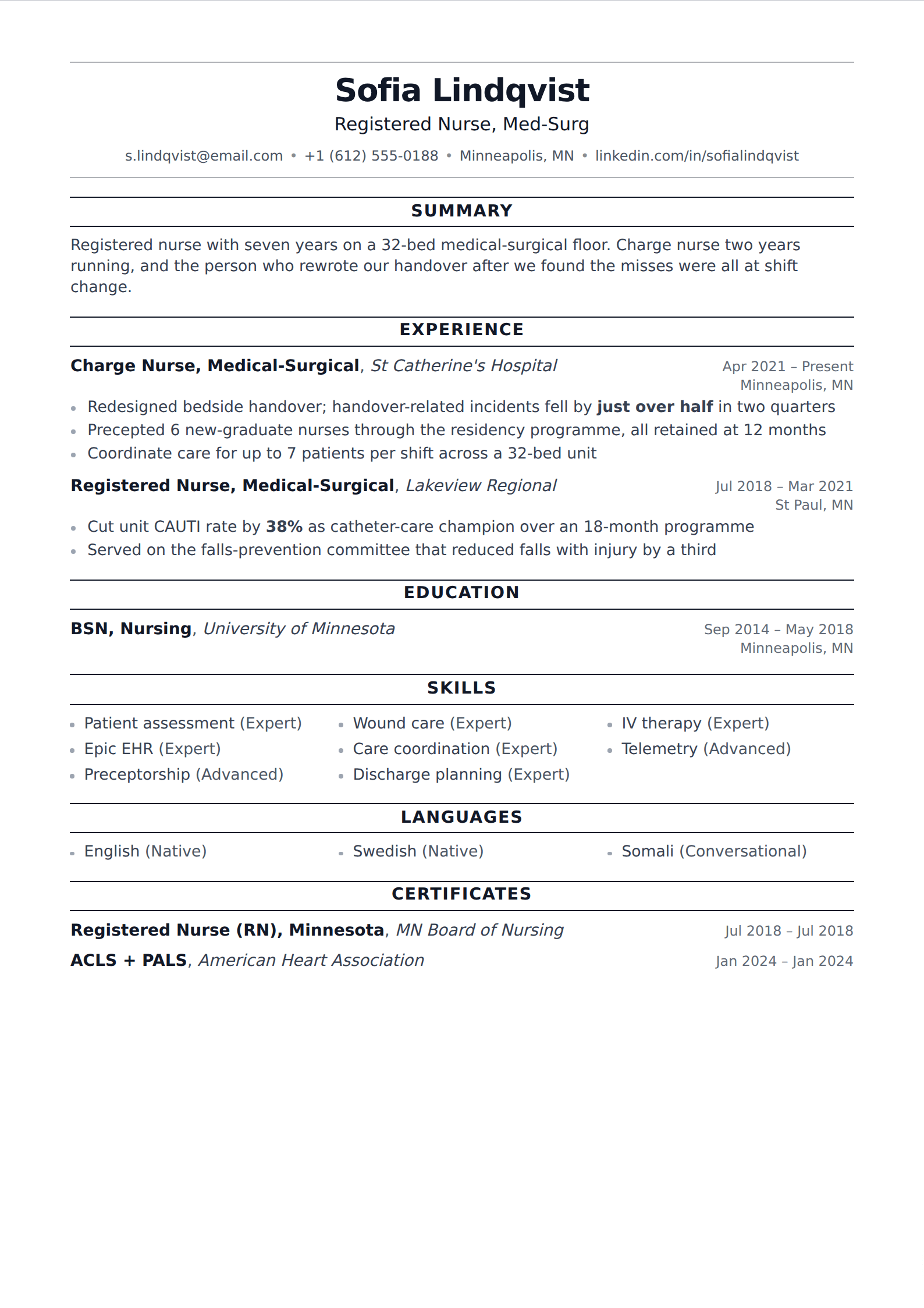
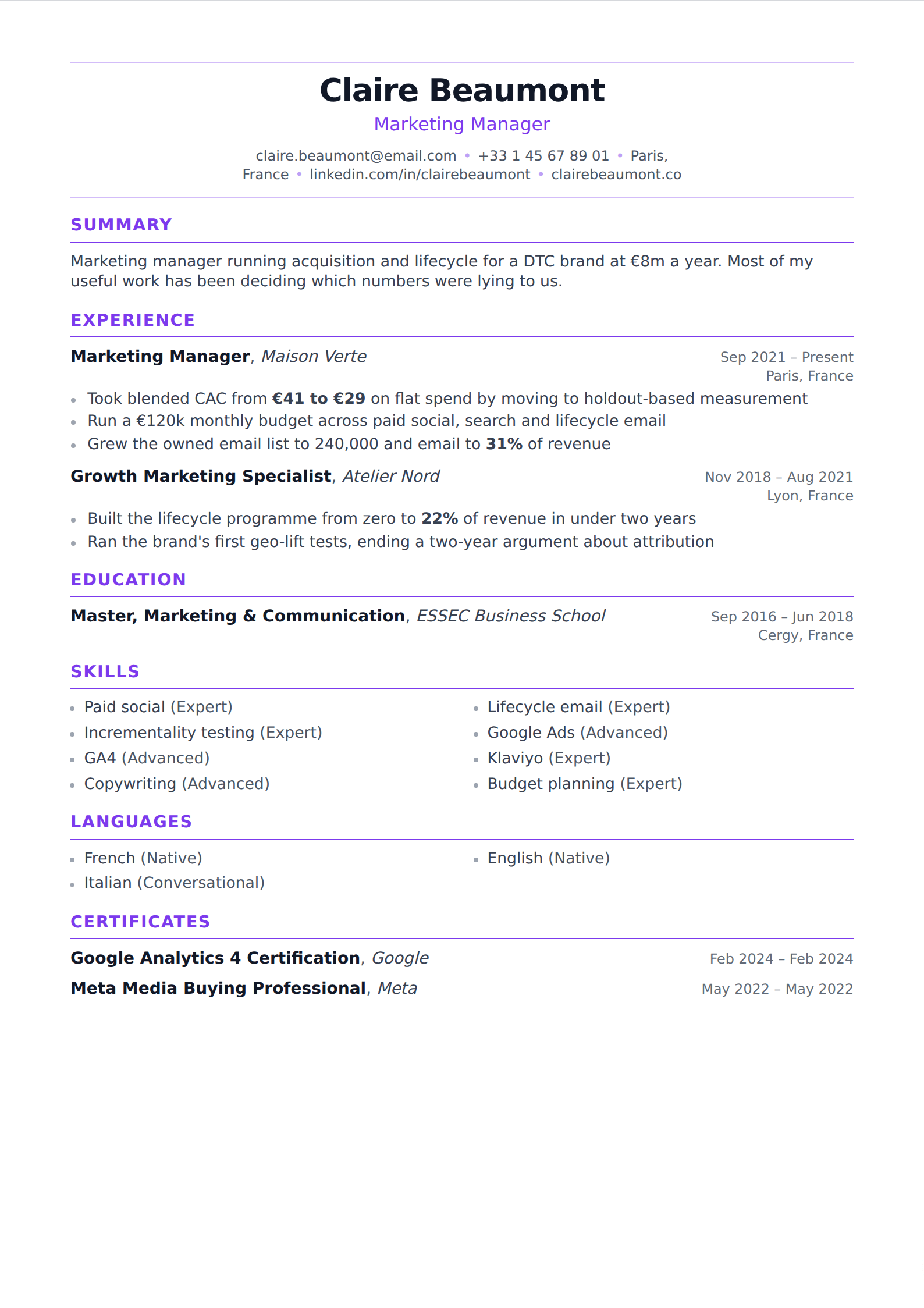
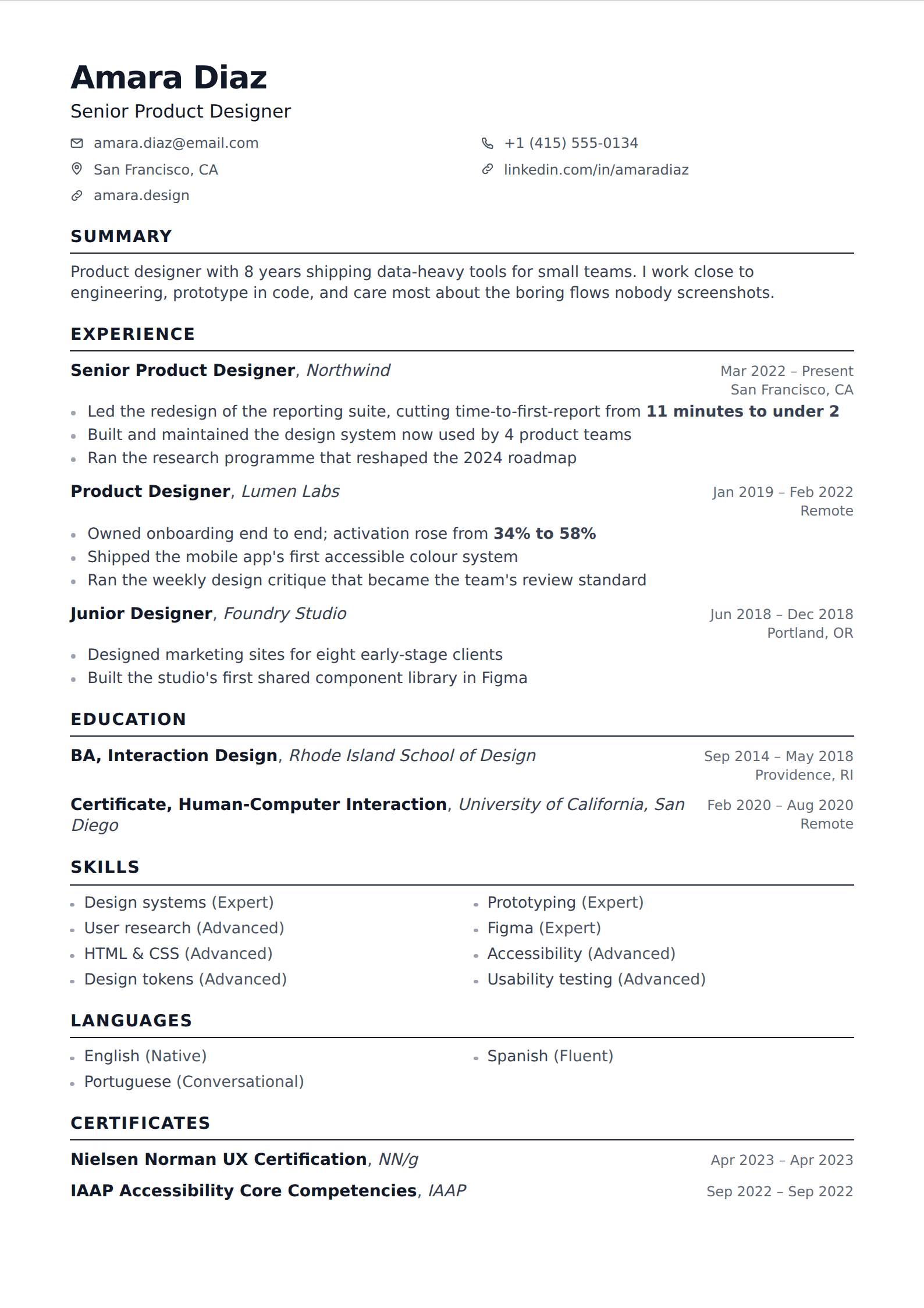
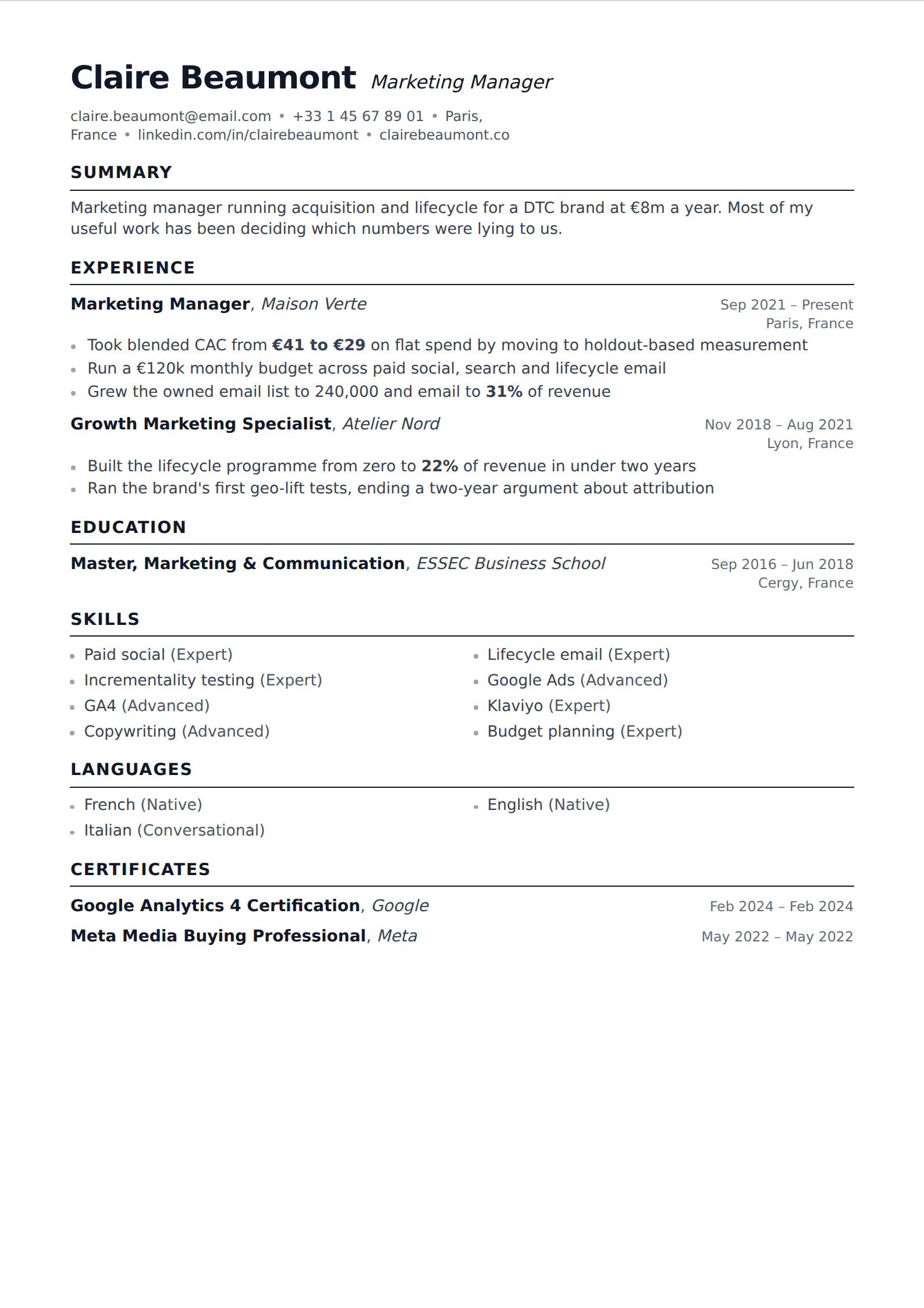
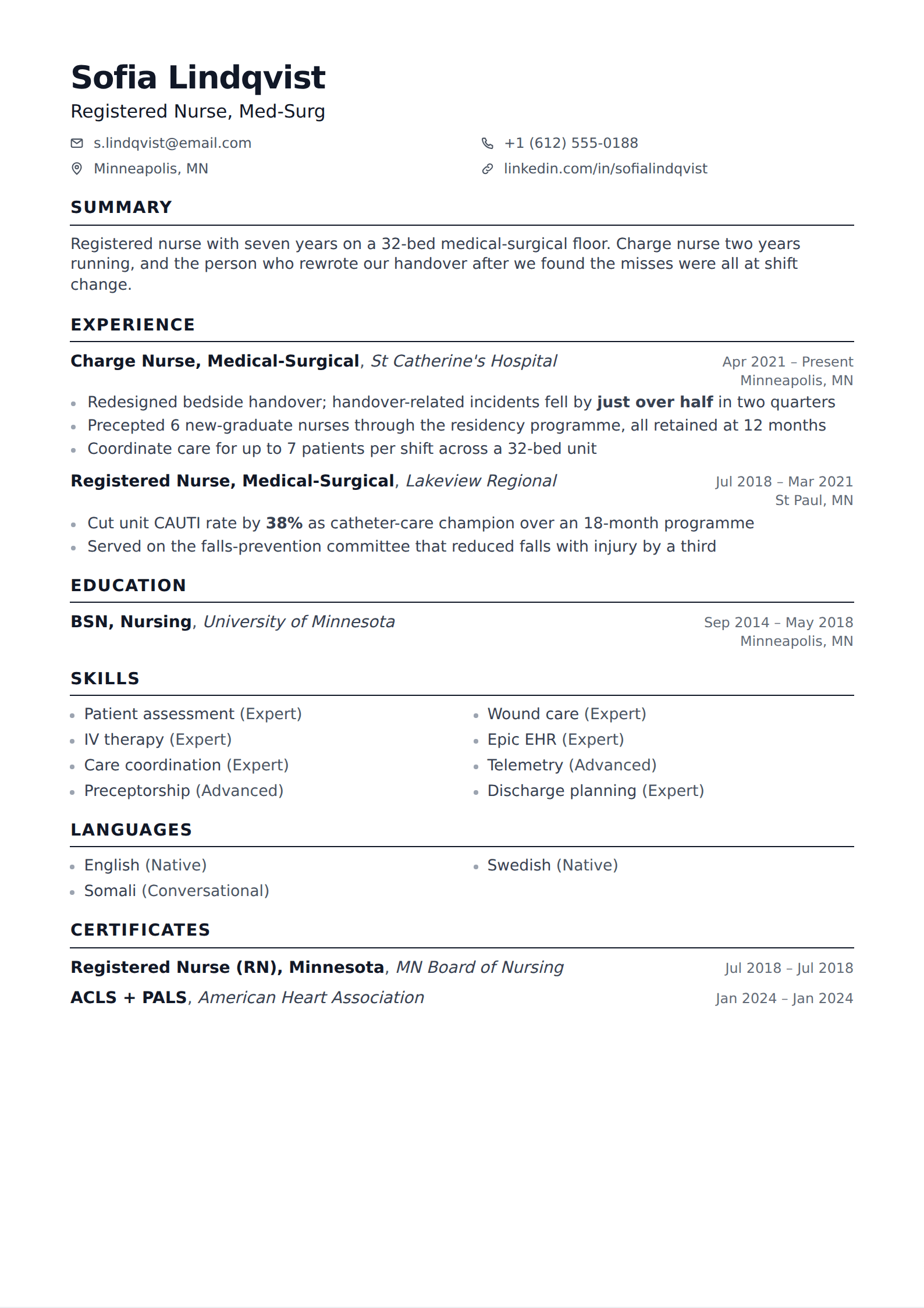
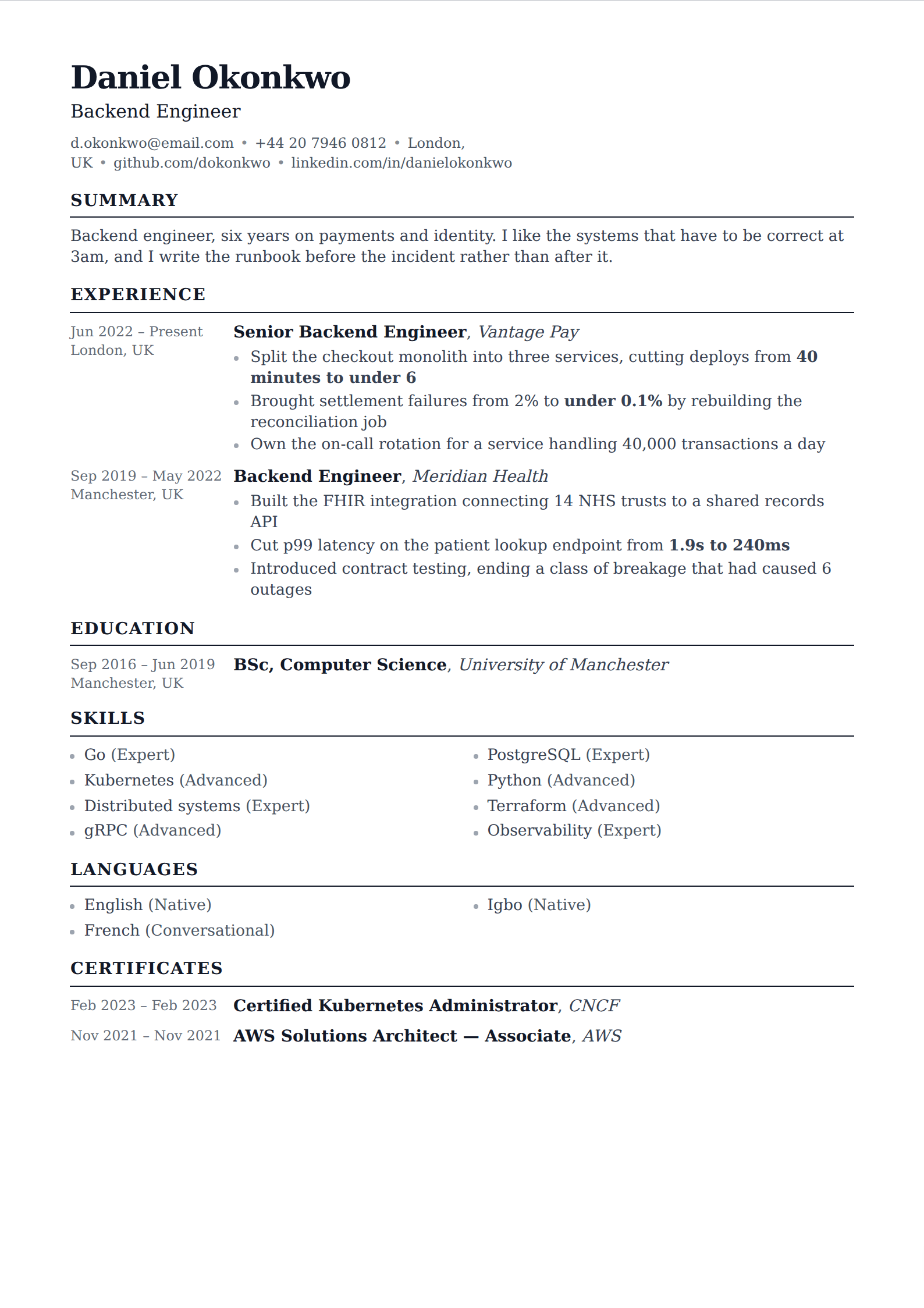
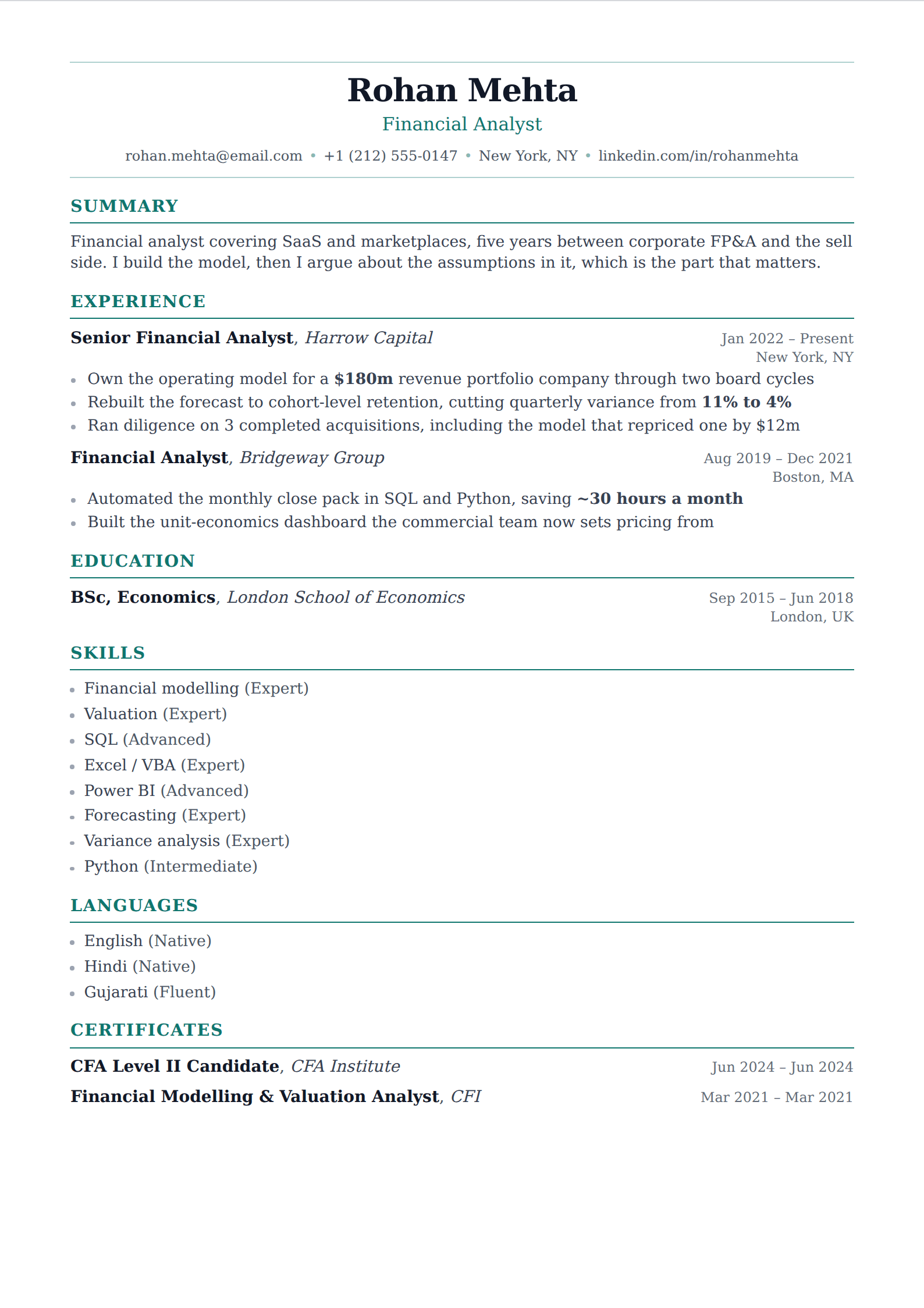
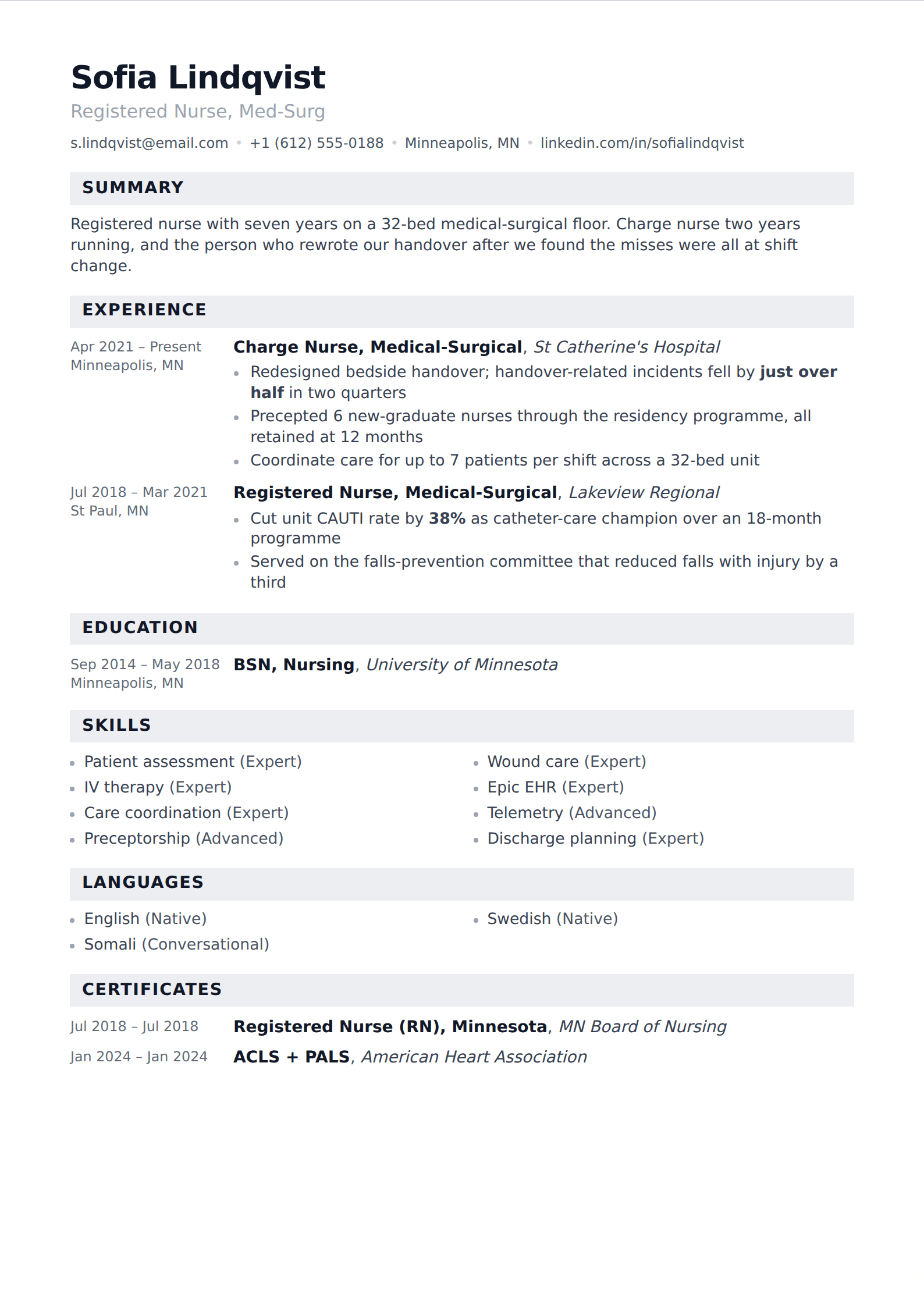
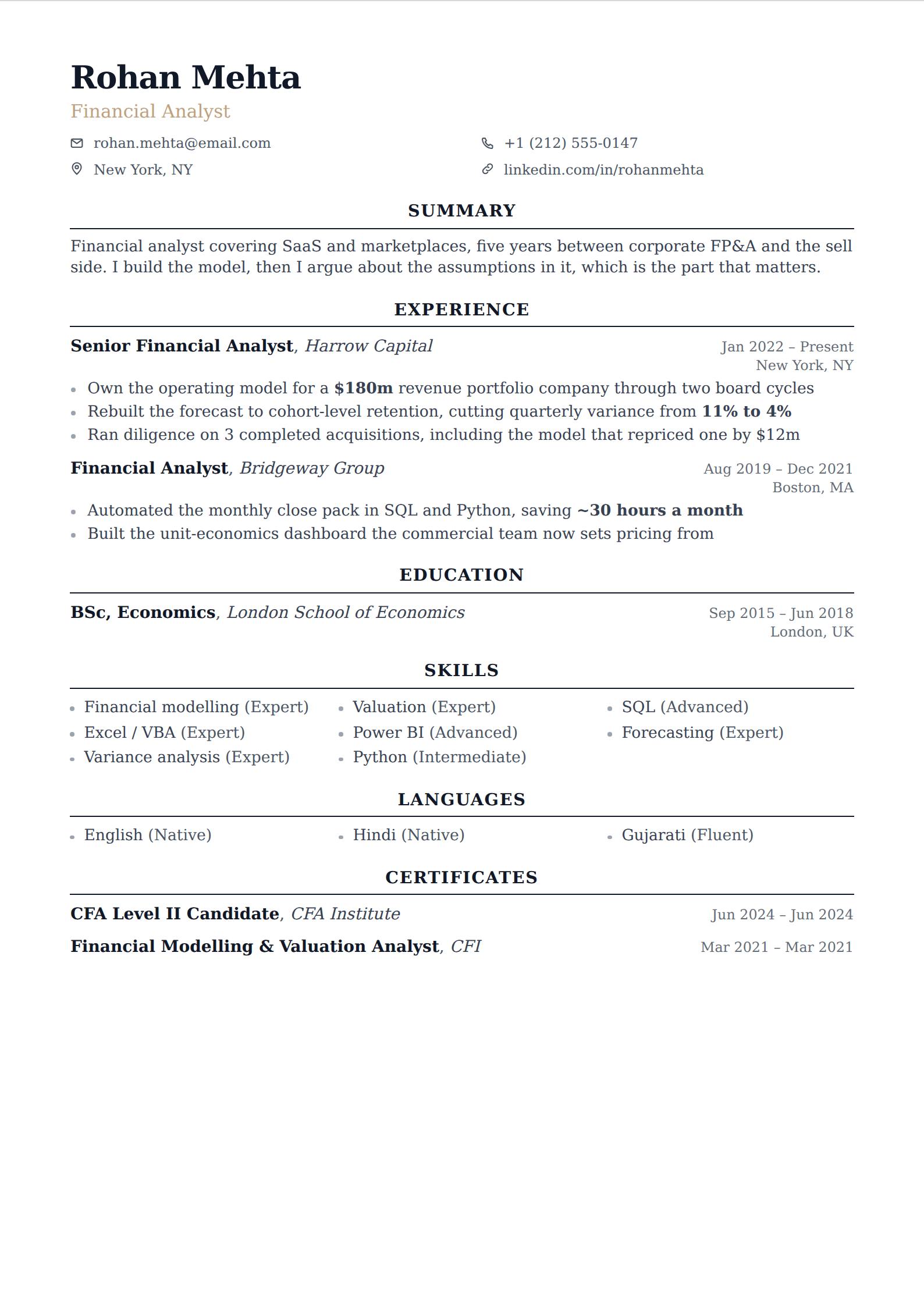
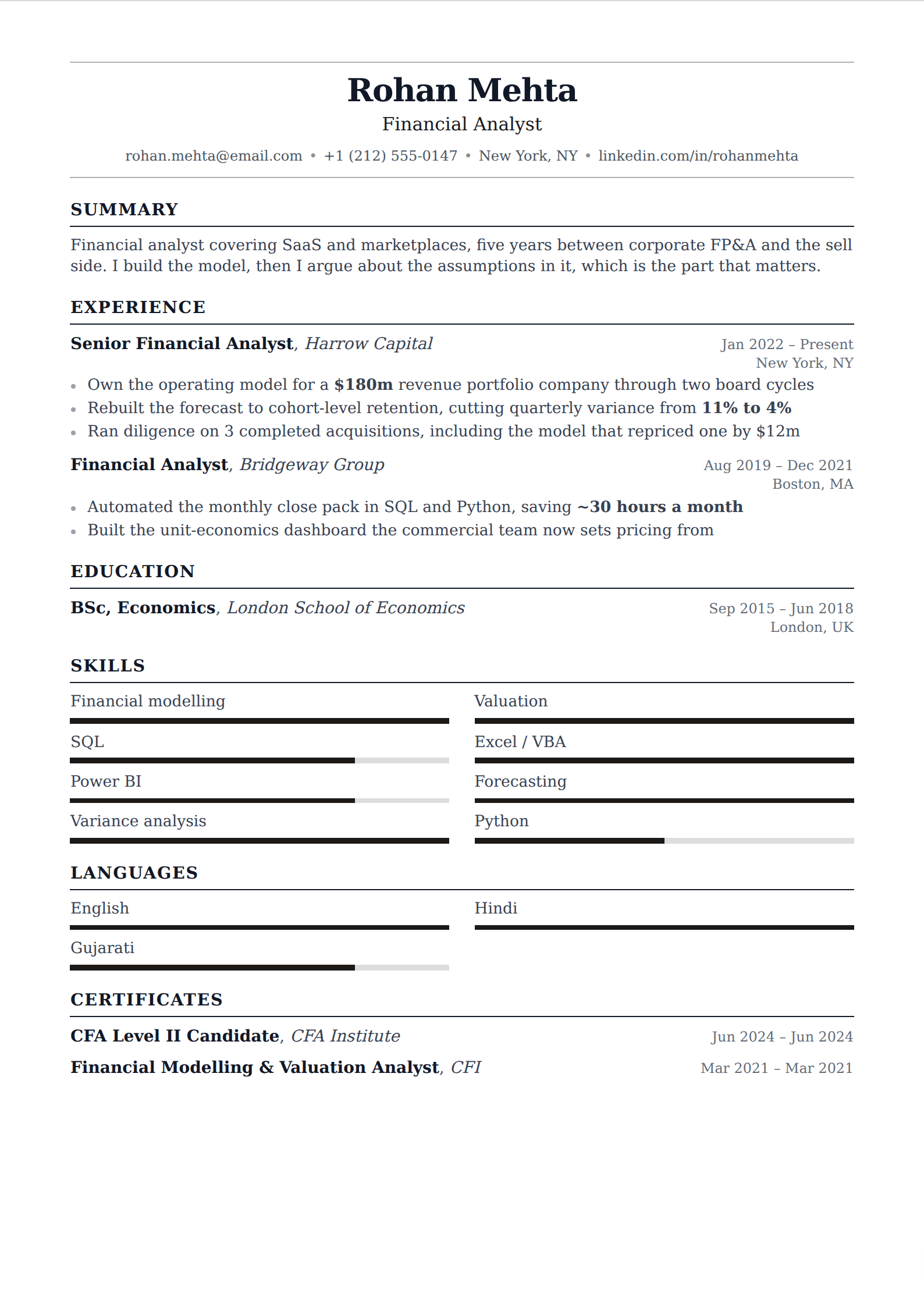
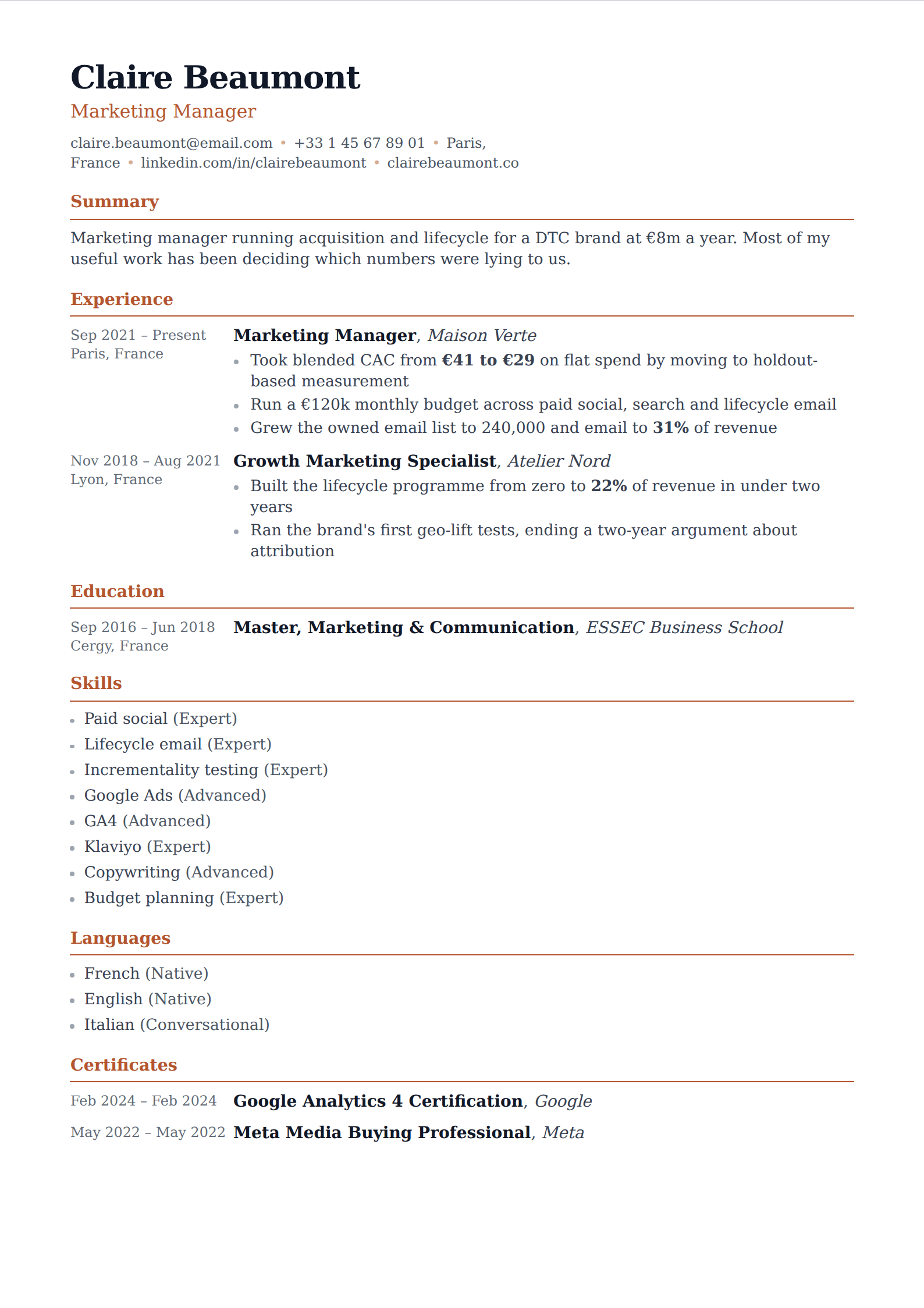
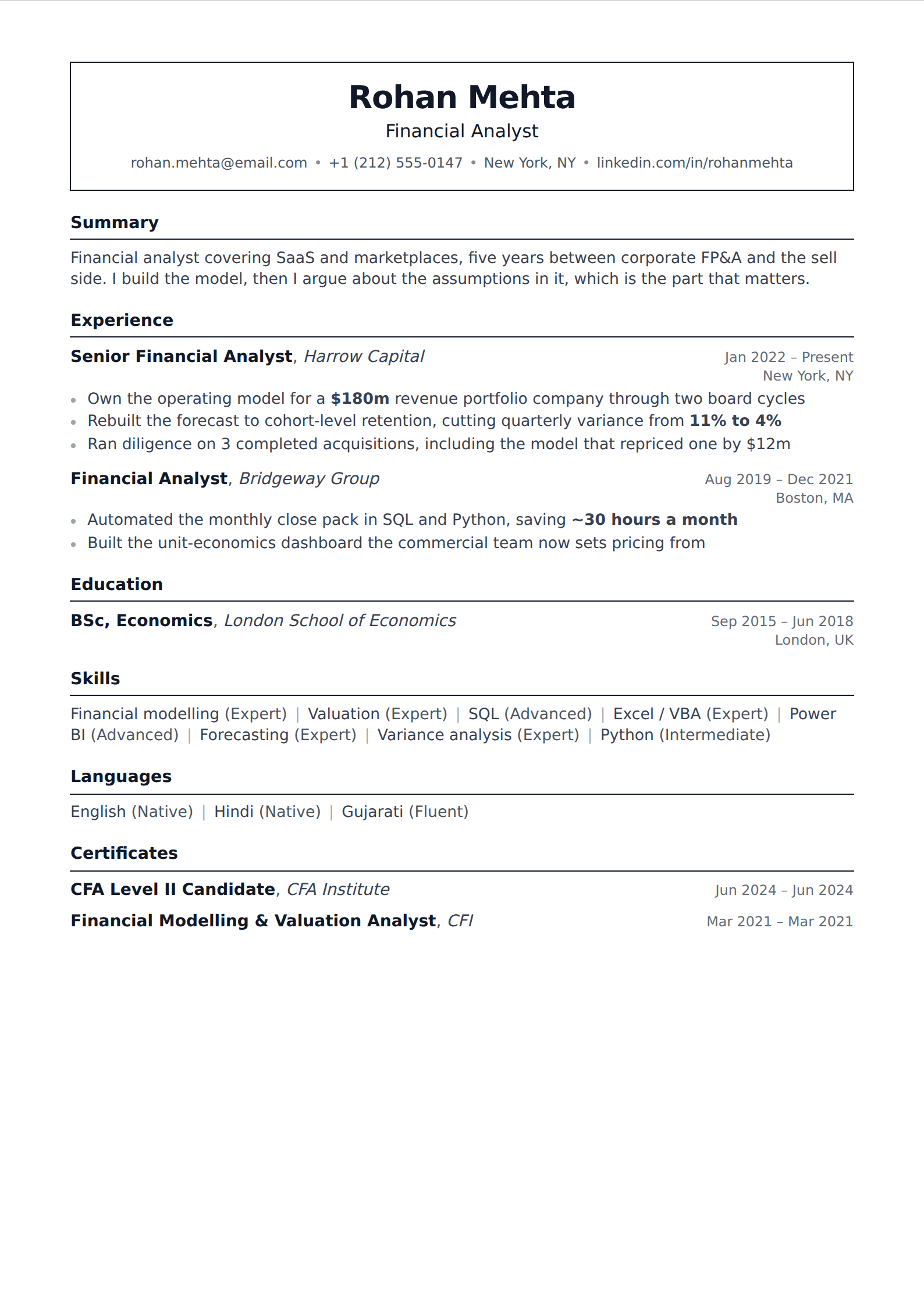
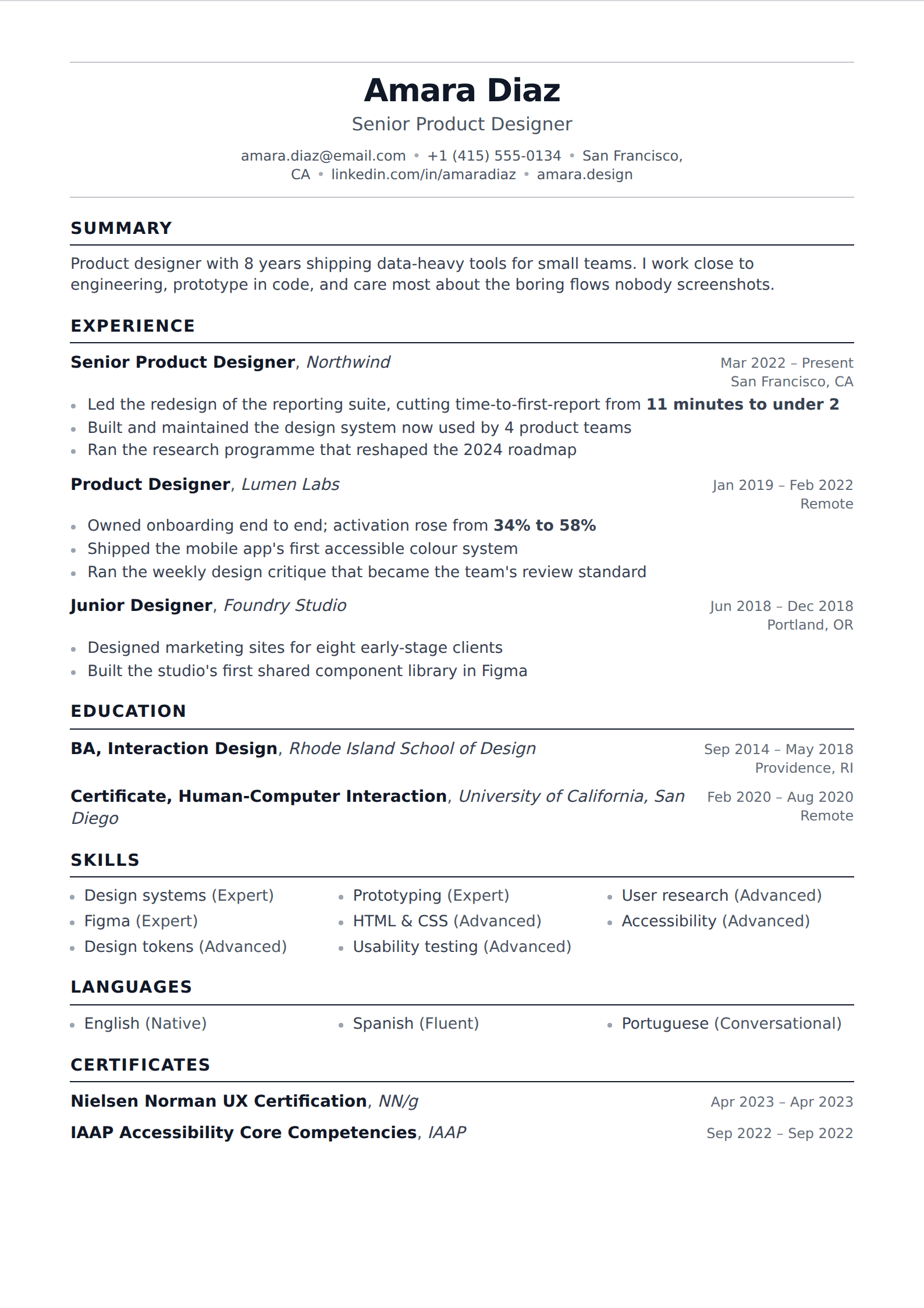
One column, no photo, no tinted bands, nothing that draws the eye away from the words. These are the templates for when the writing is the point and the page should get out of its way.
53 of our templates match this. Every one is free to use, with unlimited watermark-free PDF downloads.
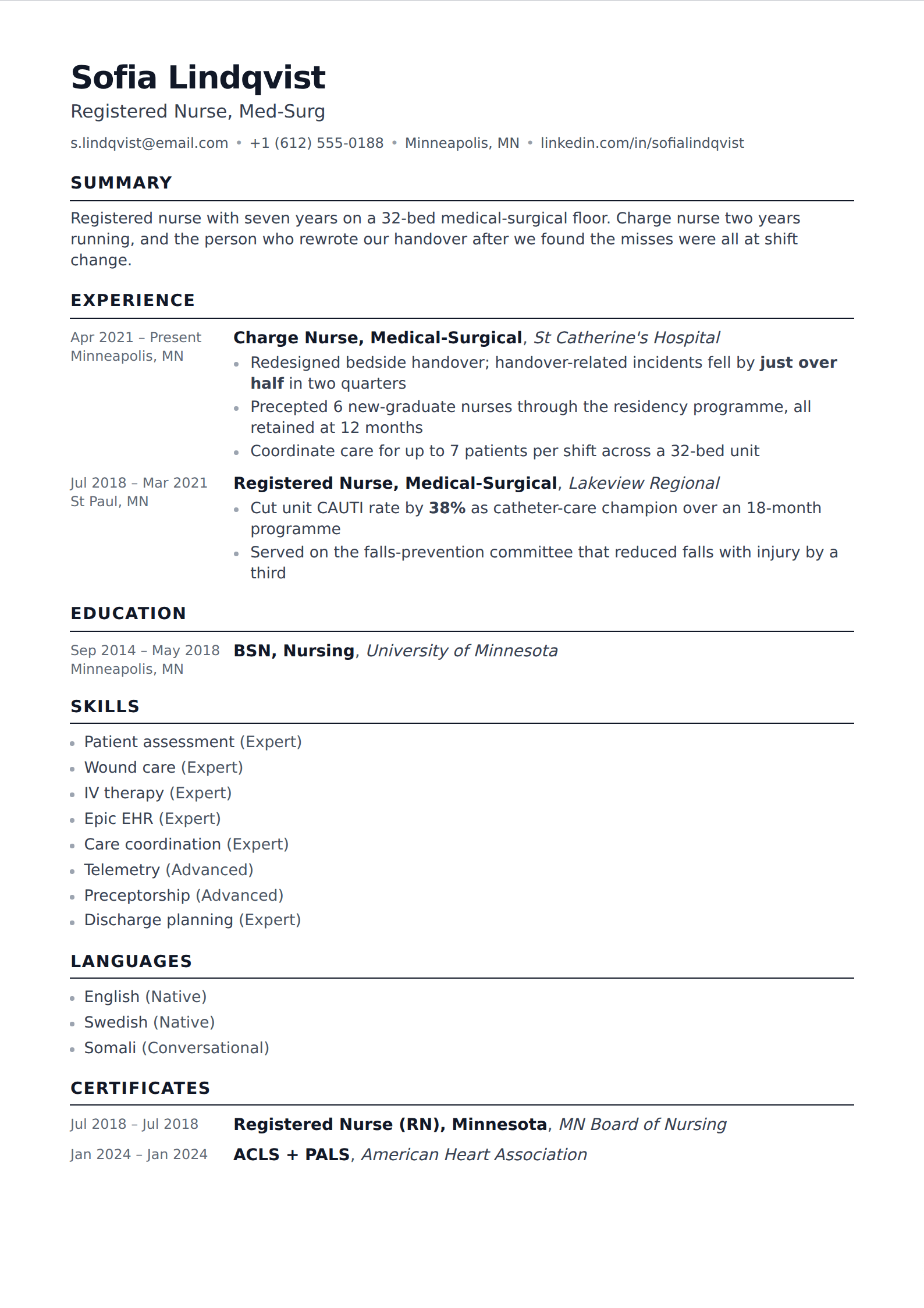
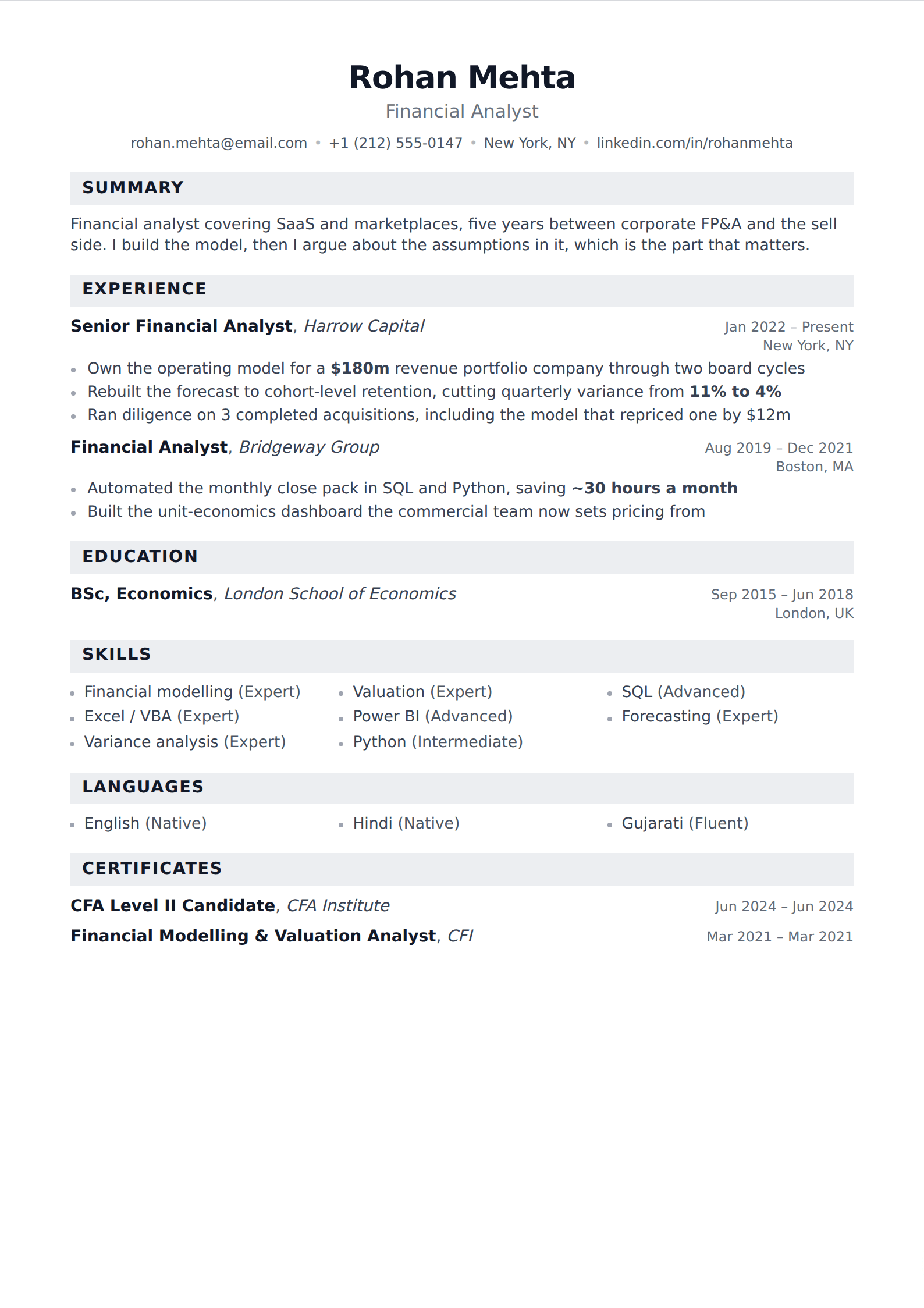
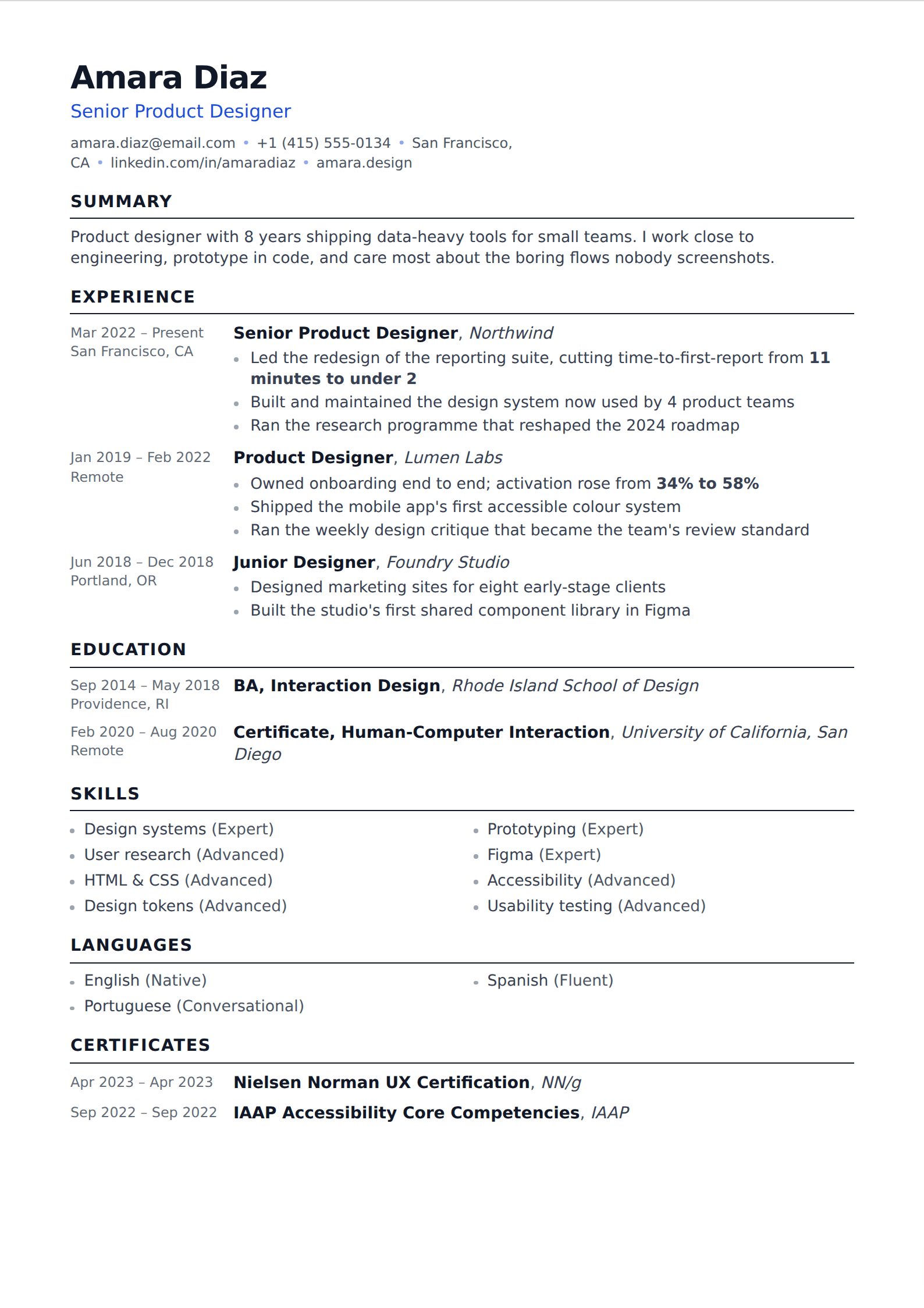
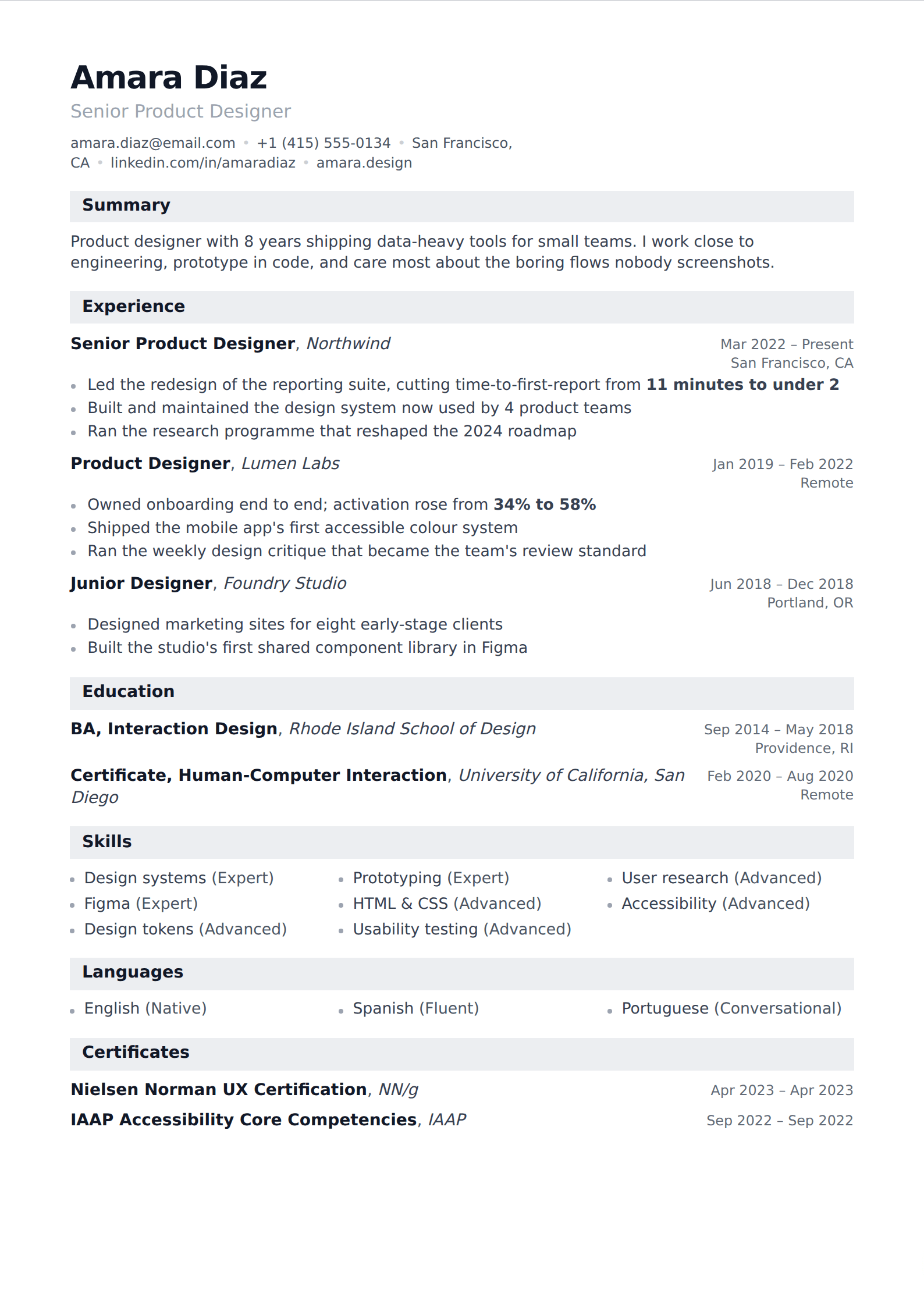
Simple is a strategy, not a fallback
A plain resume is often read as the safe choice you make when you cannot design. It is closer to the opposite. Recruiters spend seconds on the first pass, and everything decorative on the page is competing for those seconds against the two things that decide the outcome: what you did, and what changed because of it. A template with a colour rail and a skills chart has spent your reader's attention on furniture.
It also travels well. A simple layout survives being printed in black and white, being read on a phone, being pasted into an internal system, and being parsed by software written in 2009. The more design a template carries, the more of those situations degrade it.
When to pick something else
If you are in a visual field — design, art direction, front-of-house creative work — a page that demonstrates no visual judgement is itself a signal, and one of the modern layouts will serve you better. The same goes if you are applying somewhere that has asked for a photo, which is conventional across much of continental Europe.
For everyone else, the honest advice is that template choice is the smallest decision on this page. Pick one of these, and spend the time you saved rewriting your bullet points so each one ends in a result.
Common questions
What is the best simple resume template?
- Any of the ones on this page, and the difference between them is smaller than the difference a rewritten bullet point makes. If you want the decision made for you: Ledger. It is a single serif column with banded headings, it prints well, and it parses cleanly.
Is a simple resume too boring for a creative job?
- For a visual role, possibly — a designer's resume is itself a work sample, and a page showing no typographic judgement says something. Everywhere else, plain reads as confident rather than boring, because it leaves nothing between the reader and what you have actually done.
Can I add colour to a simple template later?
- Yes. Accent colour, font family, size, line height and margins are all controls under Customize, and they apply on top of whichever template you have chosen. Changing template later re-renders what you have written rather than starting it over.
Other collections
Build it in the editor
Live preview, AI writing help, and an ATS-ready PDF. Free to start, and no card at any point.
Start your resume