Customise the URL first
The default LinkedIn URL ends in a string of random characters, and printed on a resume it looks like exactly what it is — something copied out of an address bar. LinkedIn lets you change it once your profile is established, from the public profile settings, to something like linkedin.com/in/your-name.
Do that before you put it anywhere. A custom URL is readable, it survives being printed and typed in by hand, and it is the difference between a contact line that looks composed and one that looks pasted.
If your name is taken, add a middle initial, a discipline or a city rather than a number. "linkedin.com/in/jordanalvarez-data" reads as intentional; "linkedin.com/in/jordanalvarez7734" reads as a fallback.
Where it goes and how to write it
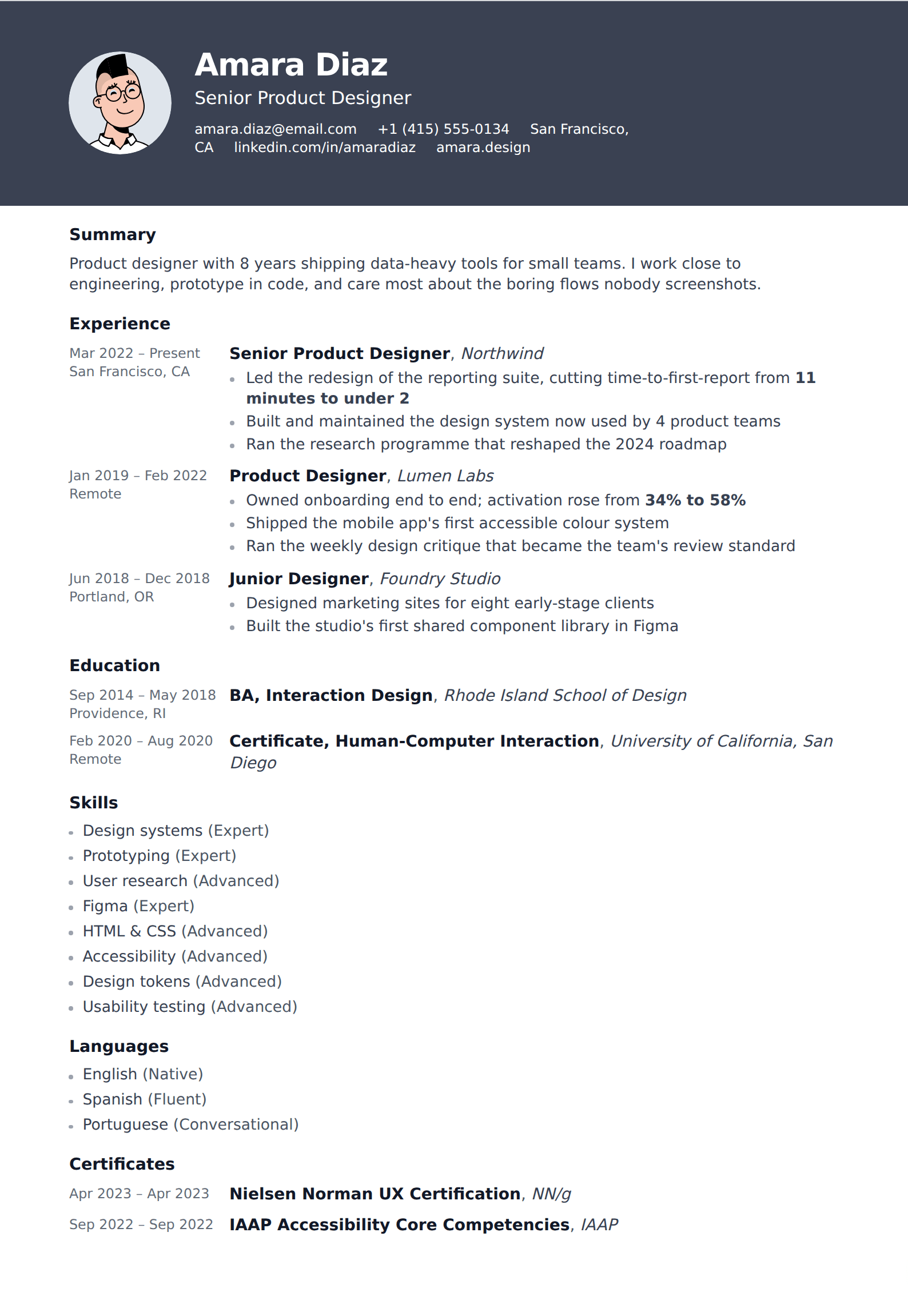
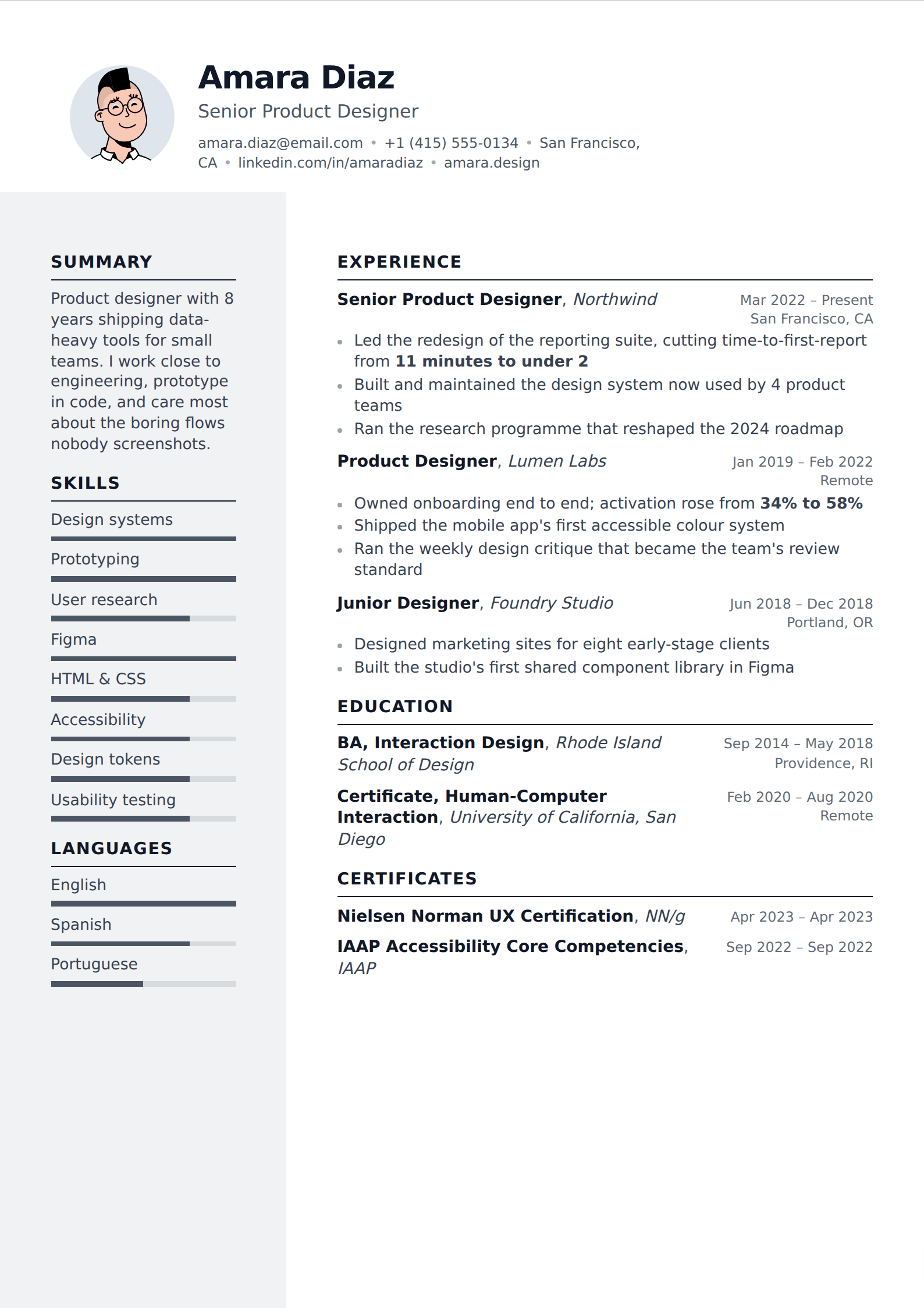
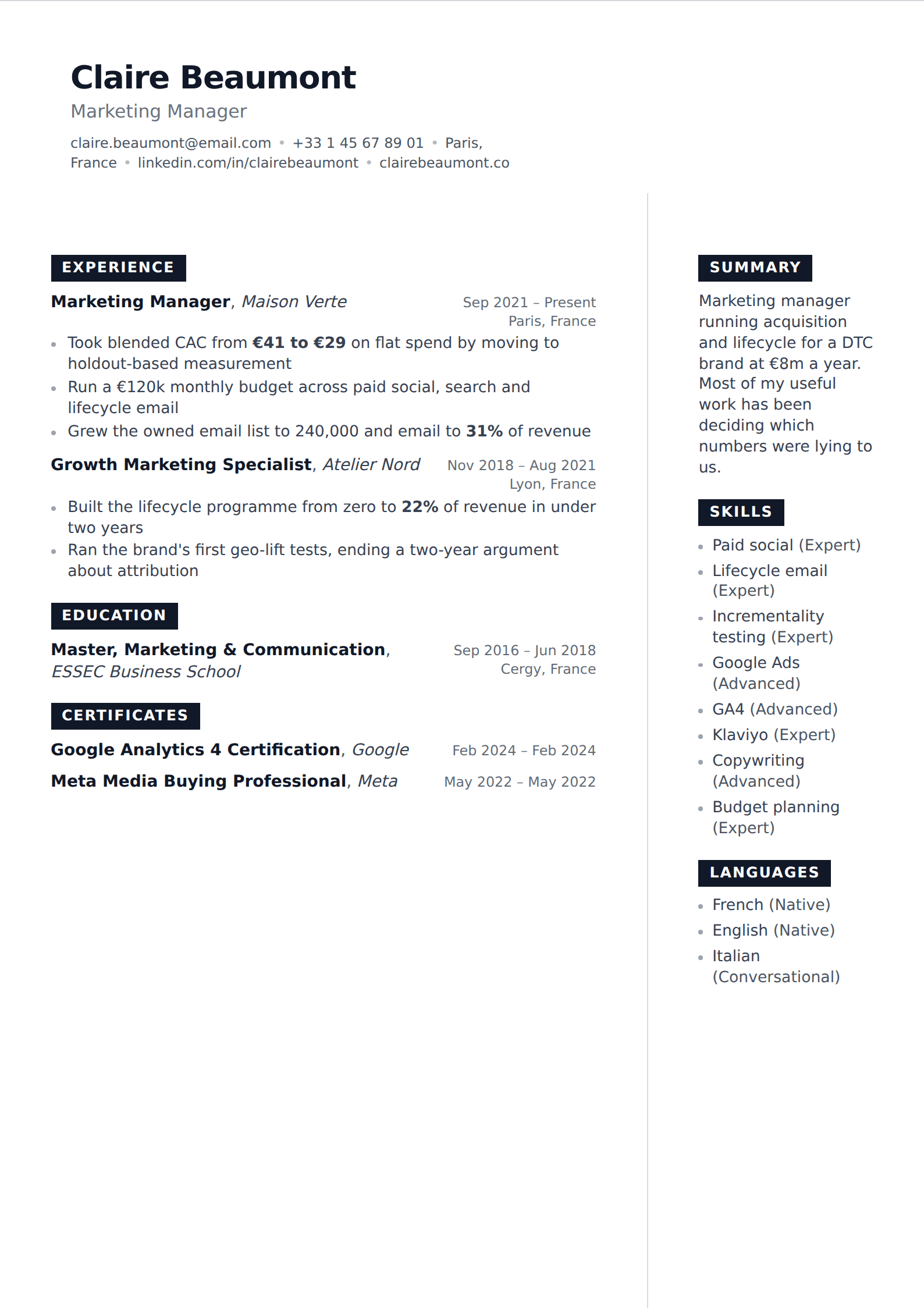
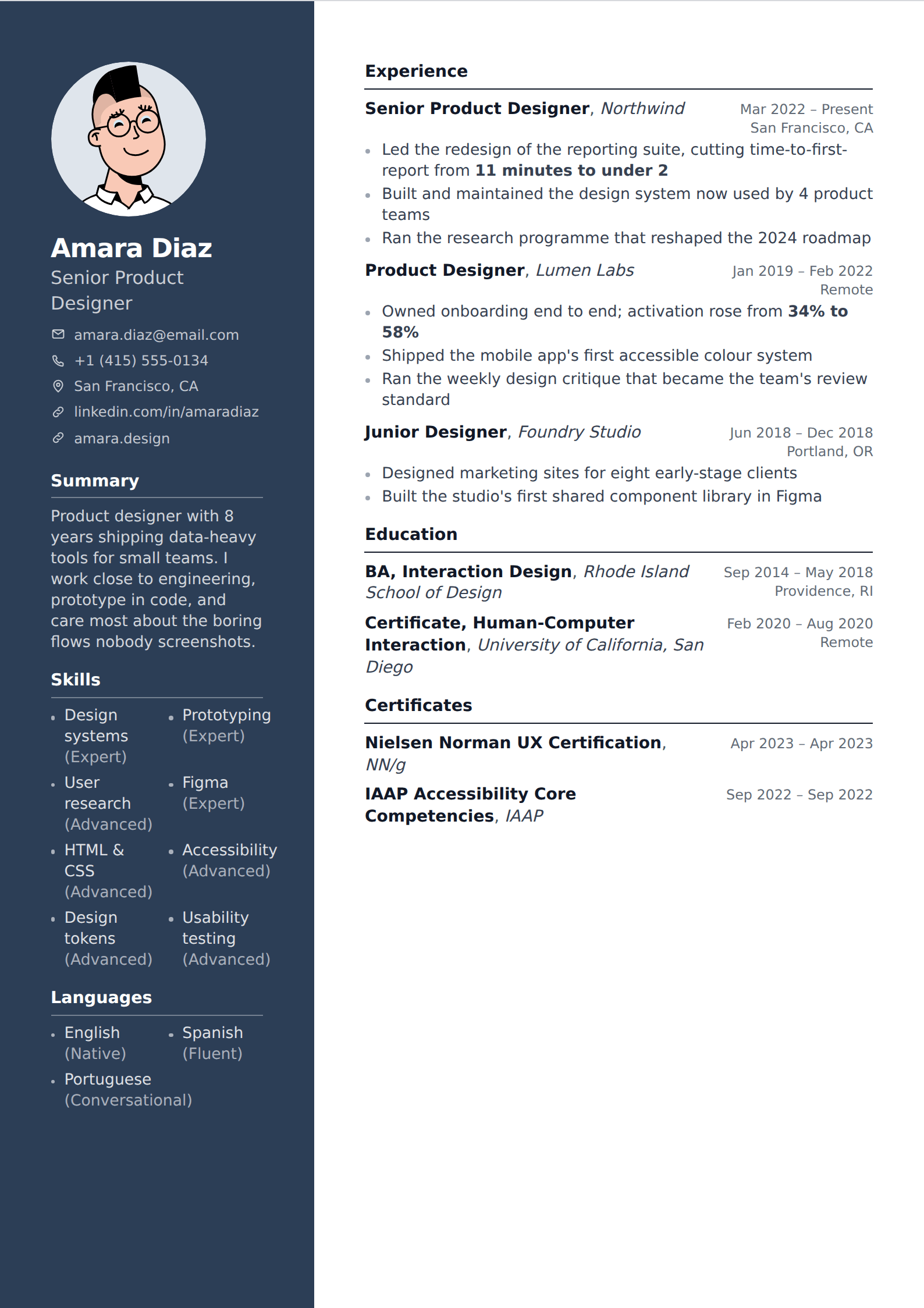
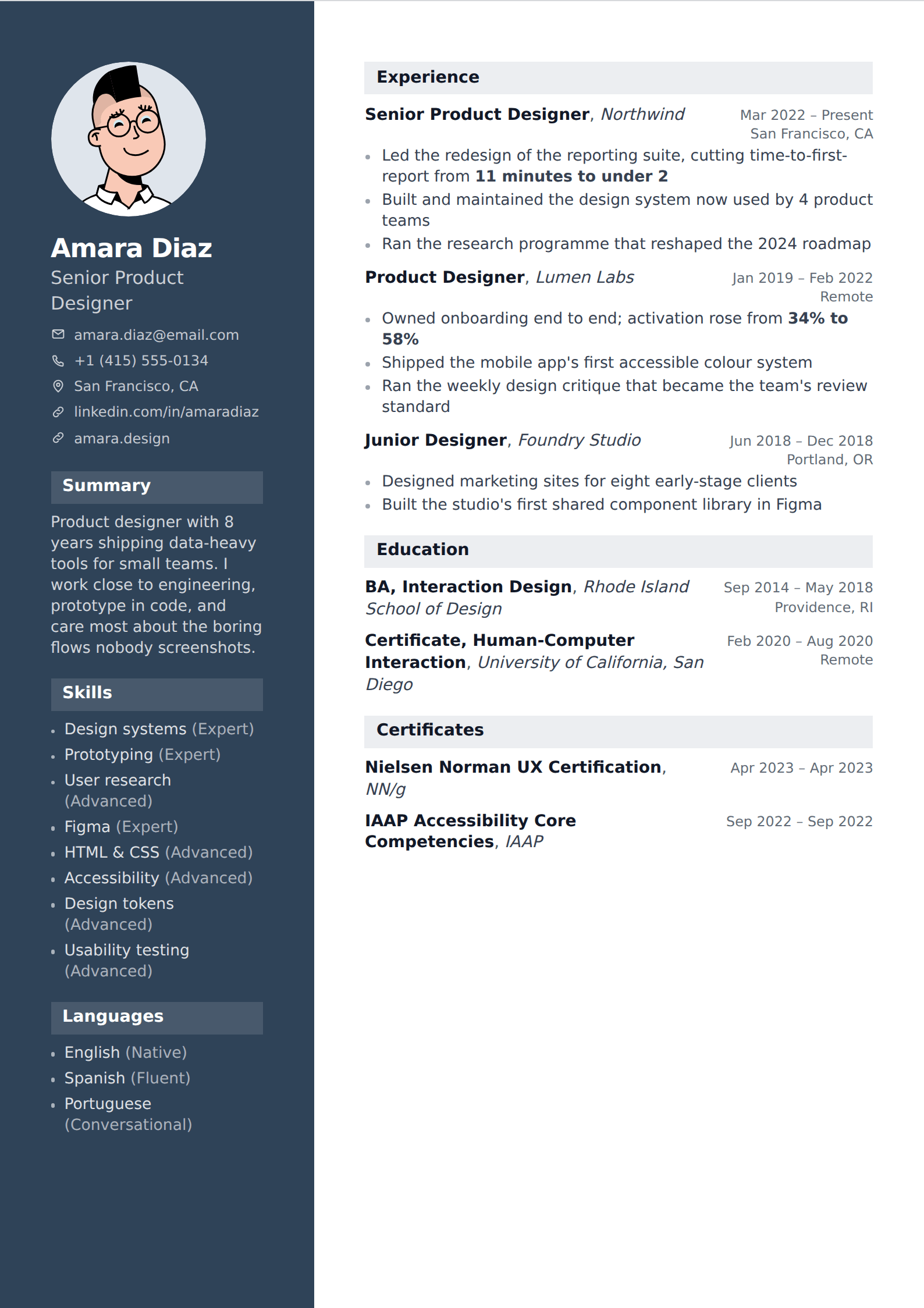
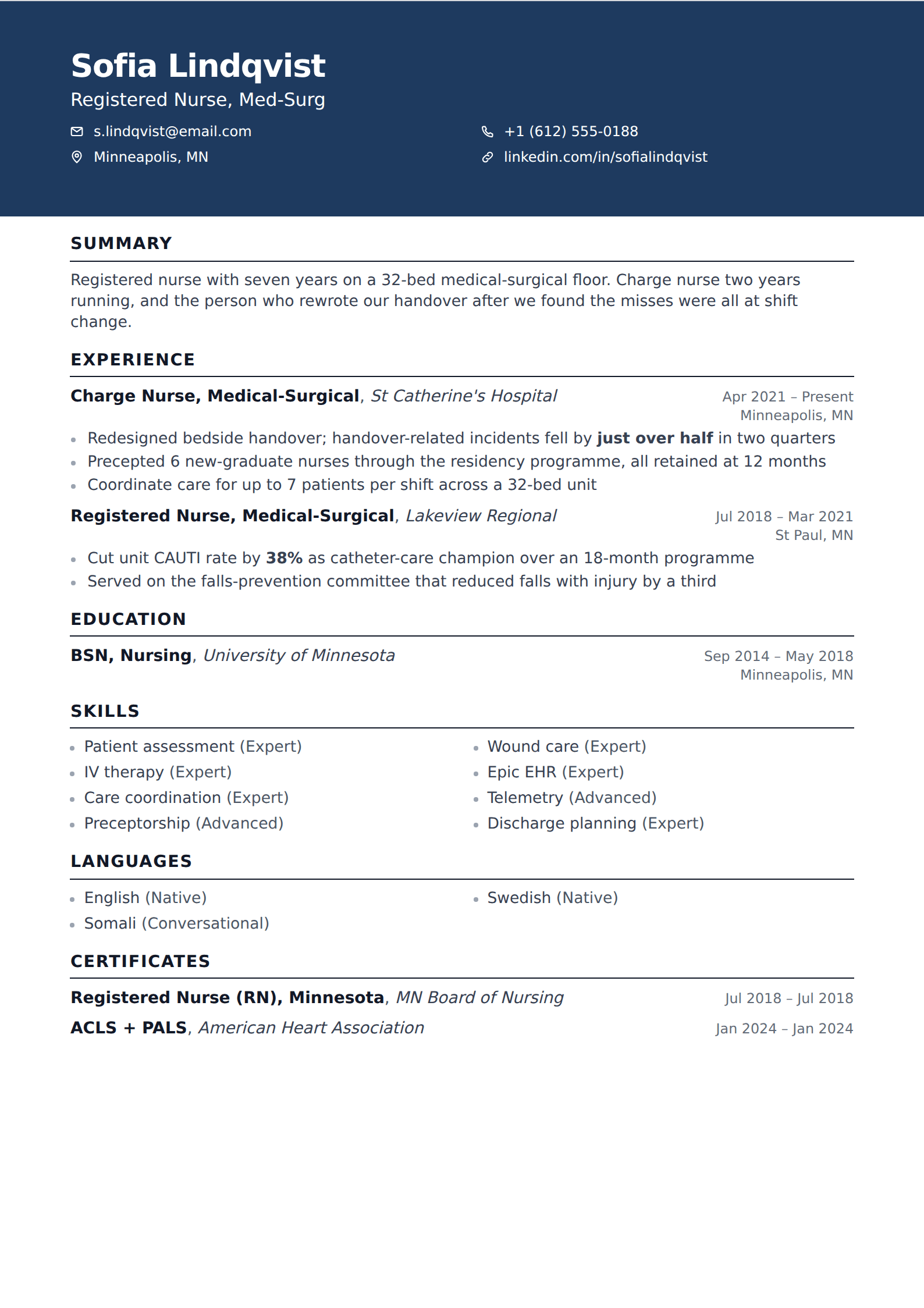
In the contact line at the top, alongside your email and phone. It is a contact detail, not an achievement, and it does not need a section of its own.
Write it as a shortened readable form — linkedin.com/in/jordanalvarez — hyperlinked to the full URL. Drop the https:// and the www., which are noise on a printed page. If your template renders links as labels, "LinkedIn" as the visible text with the URL behind it is fine for a document that will only ever be read on screen, and worse for one that might be printed, because the address disappears.
One line, with your other links. A portfolio, a GitHub or a personal site sit in the same place. Four links is the sensible ceiling; past that the contact block starts competing with your summary for attention.
- Customise the URL before using it anywhere.
- Put it in the header contact line, not in its own section.
- Show the readable form, hyperlink the full one.
- Include a portfolio or GitHub only if the work there is current and relevant.
- Check the link actually works in the exported PDF — this fails more often than people expect.
When not to include it
If your profile is a skeleton — a headline, two job titles, no summary, a photo from a decade ago — the link is a liability. A recruiter clicking it learns less than your resume told them and forms an impression of someone who does not maintain things. Either spend an hour on the profile or leave the link off; a resume with no LinkedIn URL is completely unremarkable.
If your profile contradicts your resume, fix the contradiction before linking. Different date ranges on the same job, a title on one that does not appear on the other, an employer missing from one of them — recruiters routinely have both open, and a discrepancy in dates is the sort of small thing that turns into a large question.
And if you are job hunting confidentially, think about what the profile signals. The link itself is harmless, but if you have turned on open-to-work banners or recently rewritten your headline, anyone you send the resume to can see that. That is usually fine and occasionally not.
What the profile should do that the resume cannot
The link is only worth including if clicking it adds something. The resume is two pages, tailored, and selective; the profile can be longer, broader and more human, and that is the value of having both.
So the profile should carry the material the resume had to cut: the roles from twelve years ago, the projects that did not fit, recommendations from people you worked with, a summary written in the first person that sounds like a person. A profile that is a shorter, worse copy of the resume gives a reader no reason to have followed the link.
The facts that appear in both — titles, employers, dates — should match exactly. Everything else can and should differ.