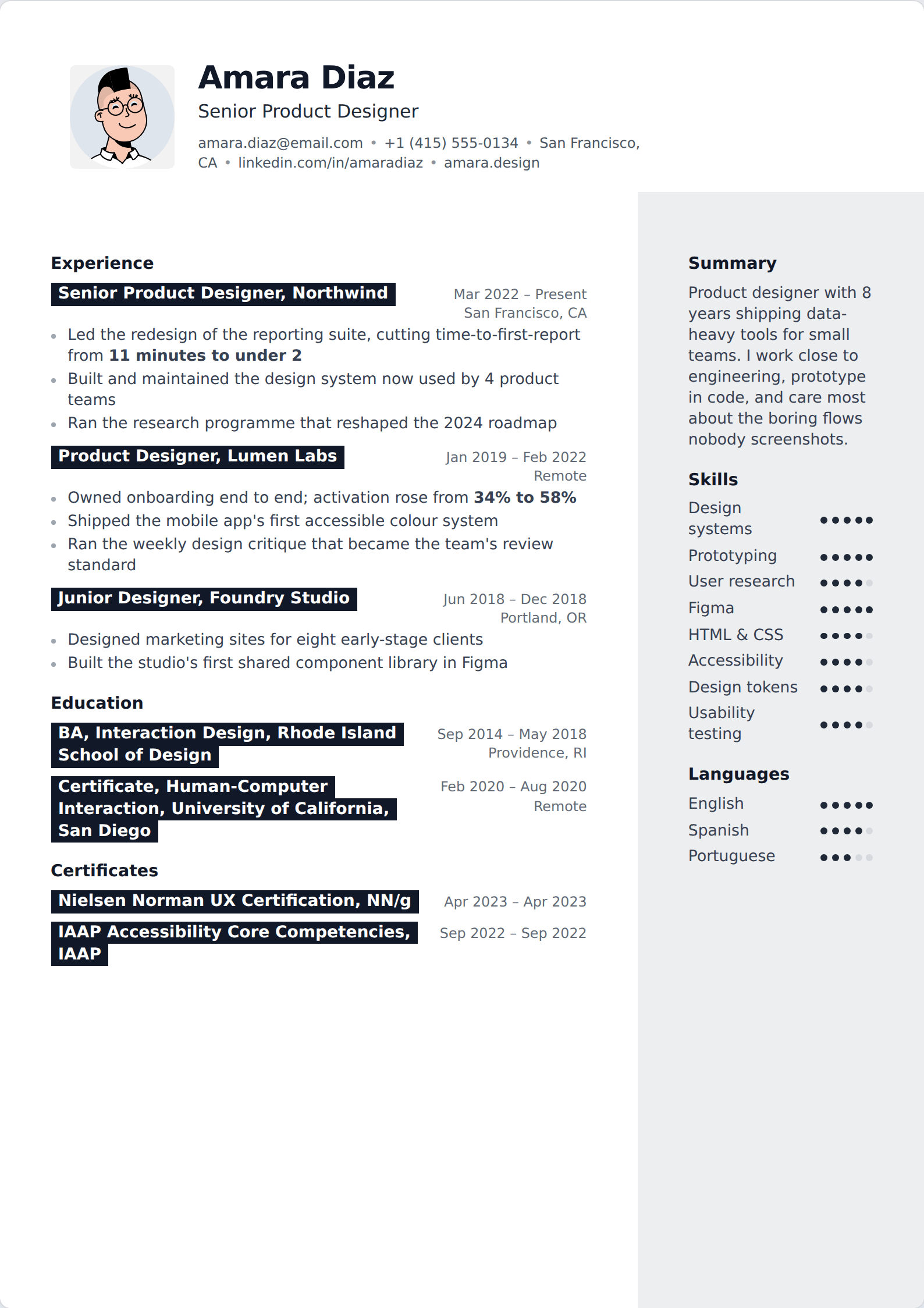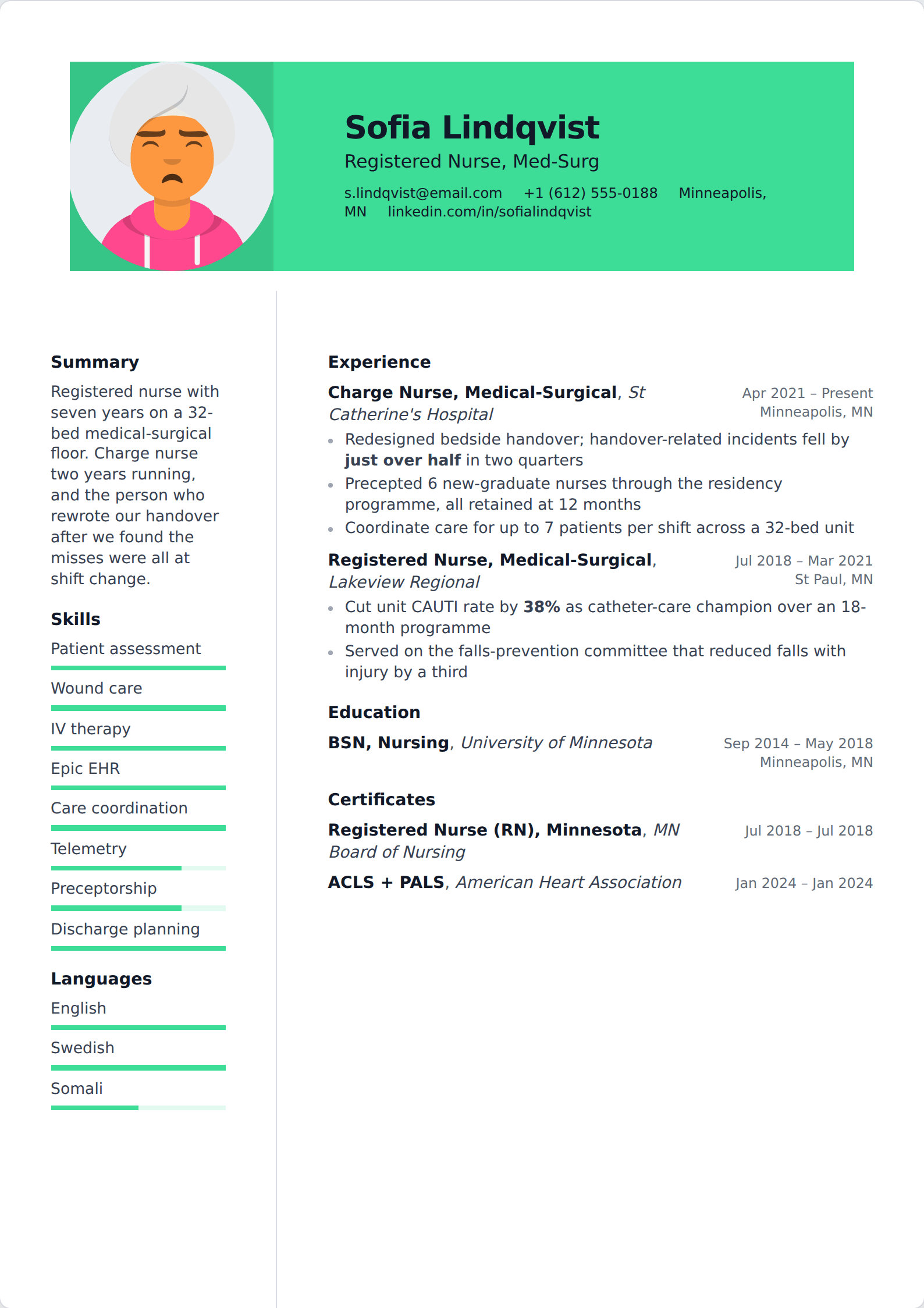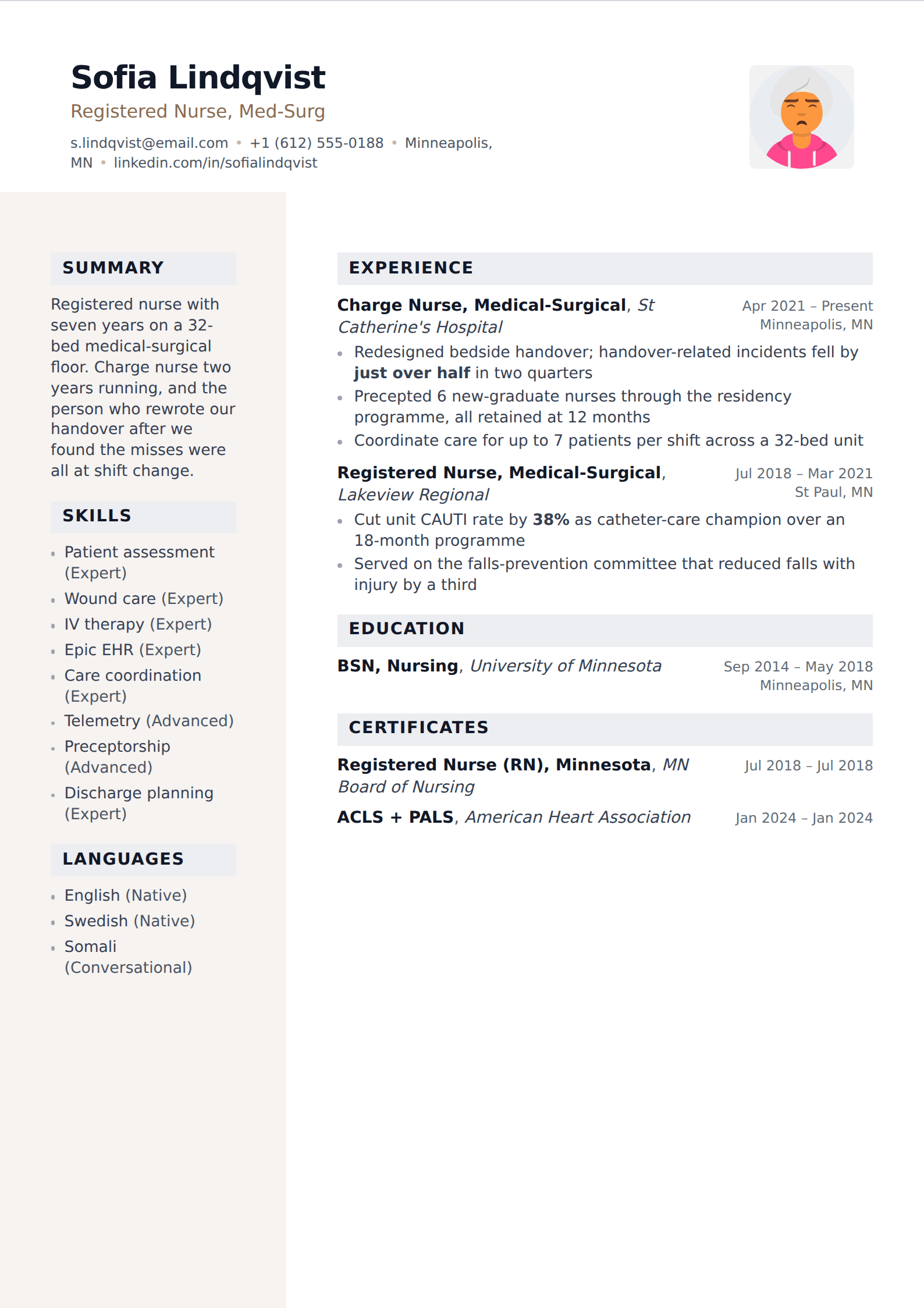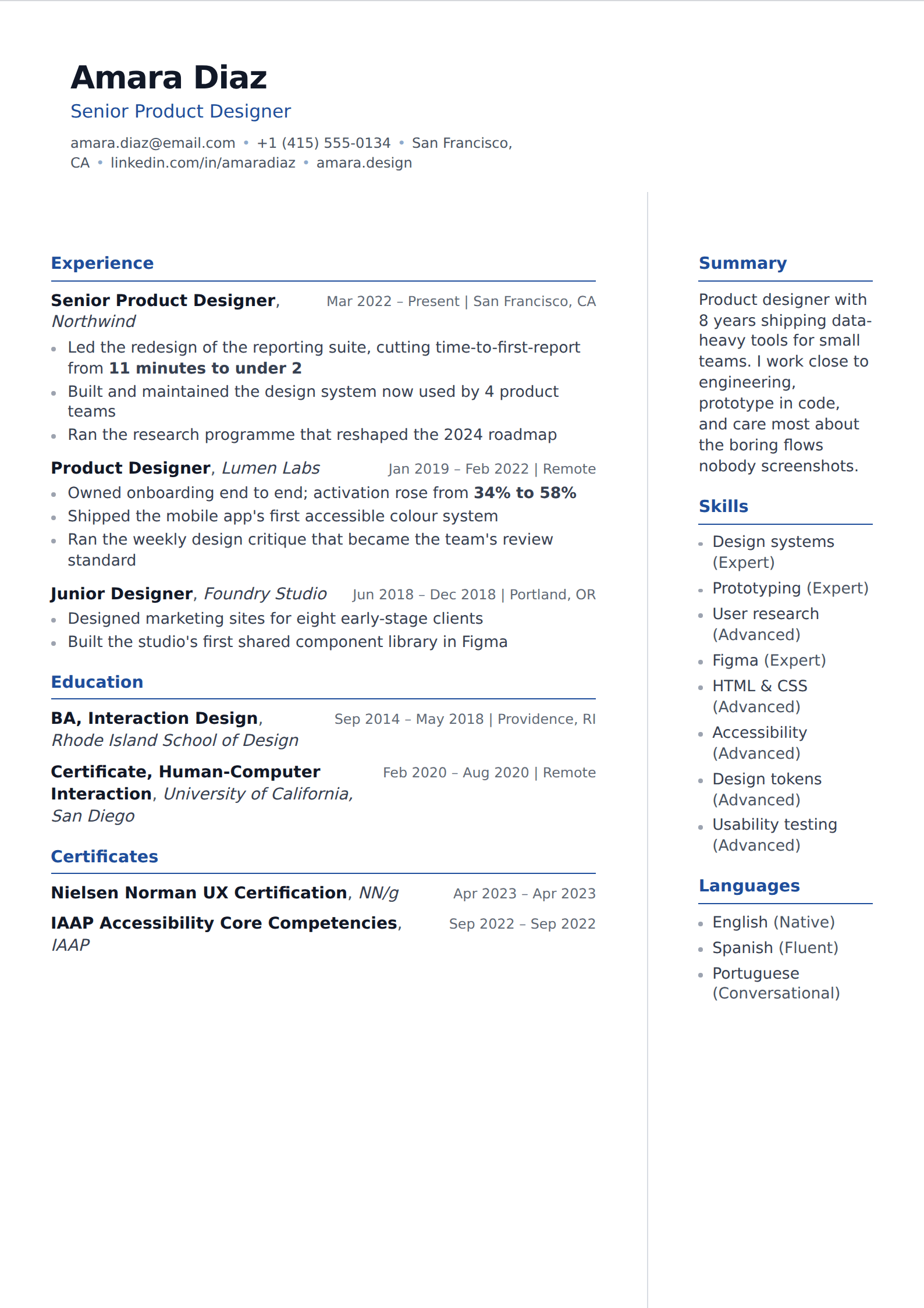
Why LinkedIn's own PDF export is not enough
LinkedIn will generate a PDF of your profile in two clicks, and it is worth understanding what you get. The export is a dump of profile fields in profile order — headline, about, experience, education, skills, and whatever else you have filled in — with LinkedIn's own typography and no editorial judgement applied.
That produces three problems. It is untailored, so every application gets the same document. It is often far too long, because a profile has no length pressure and a resume does. And it carries profile-specific furniture — endorsements, recommendations, the full skills list — that has no place on a resume and dilutes the parts that do.
It is a reasonable raw material and a poor finished product. Use it as the source, not as the output.
What has to change
The two documents answer different questions. A profile answers "who is this person, generally". A resume answers "should we interview this person, for this job". Almost everything that differs between them follows from that.
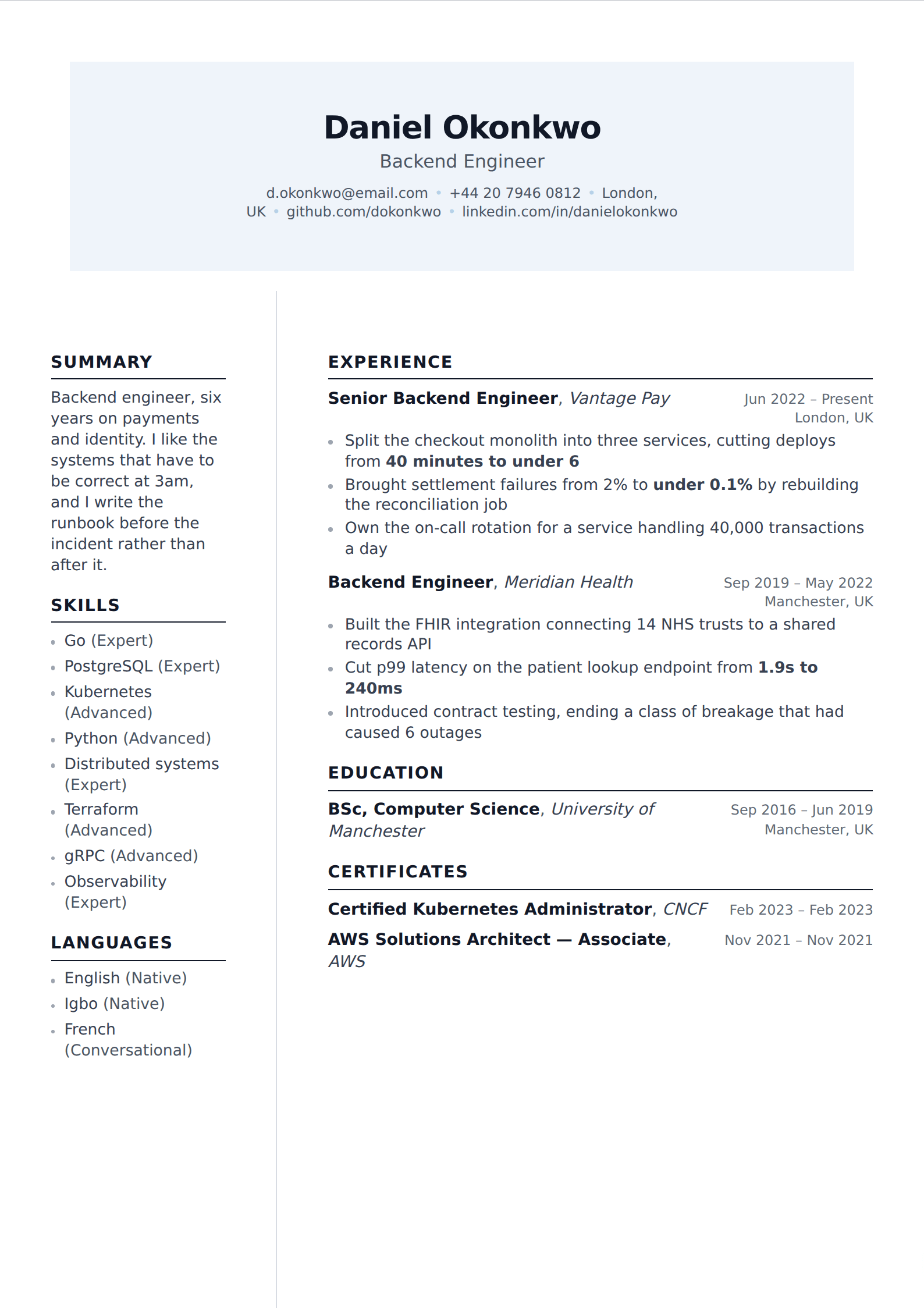
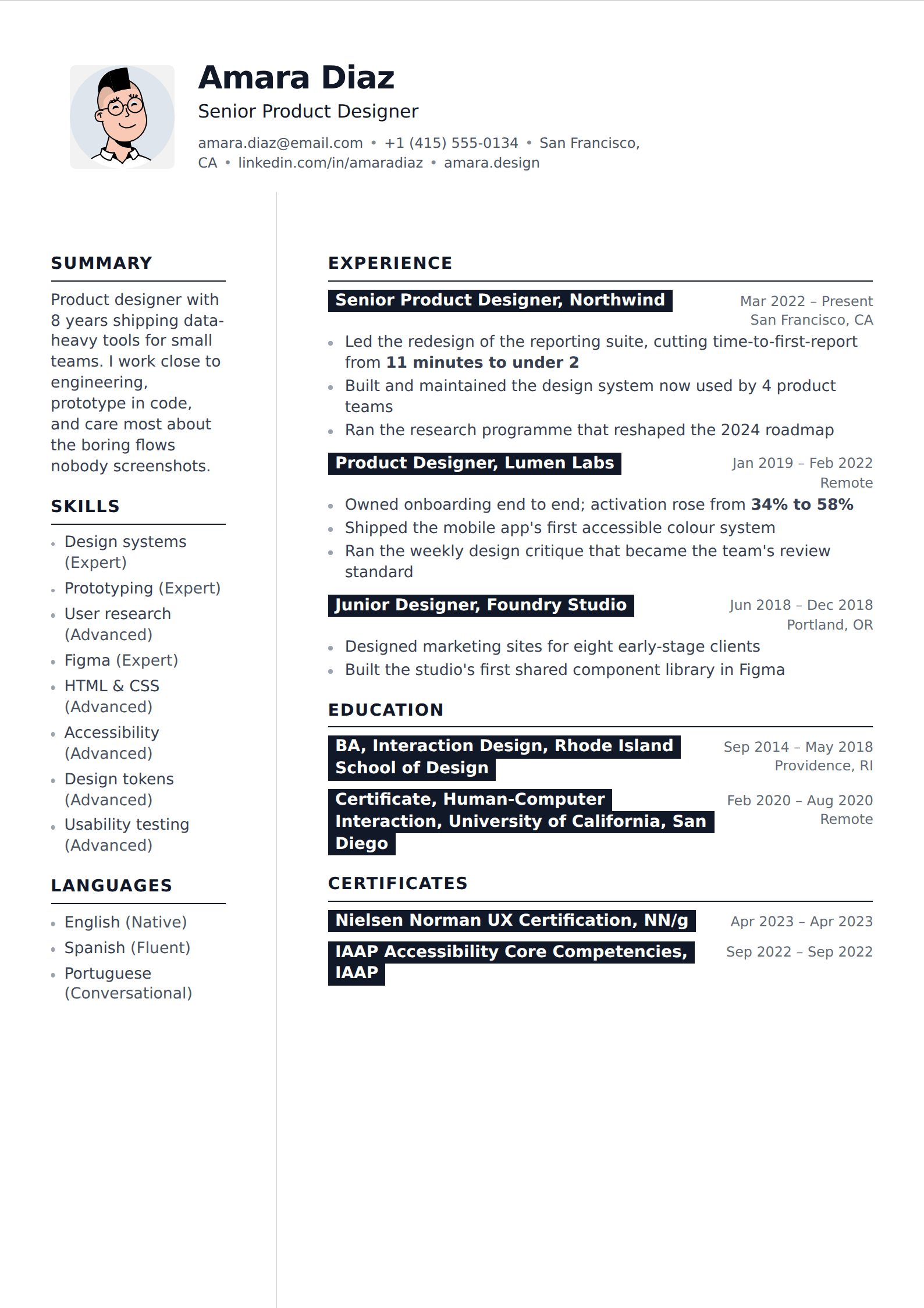
- Cut to two pages at most. A profile listing every role since 2009 becomes a resume with ten to fifteen years of detail and a line for the rest.
- Rewrite the About section into a three-sentence summary aimed at one job, not at everyone who might look you up.
- Add numbers. LinkedIn descriptions are usually written in responsibility language; a resume needs outcomes, and this is where most of the work is.
- Drop the skills list down to the ten or twelve that are true and relevant. LinkedIn's fifty-skill list exists for search, not for reading.
- Remove endorsements, recommendations, follower counts and the profile photo unless you are applying somewhere a photo is conventional.
- Reorder for the posting. A profile has one fixed order; a resume should lead with whichever half of your experience the job actually asks for.
The fastest route
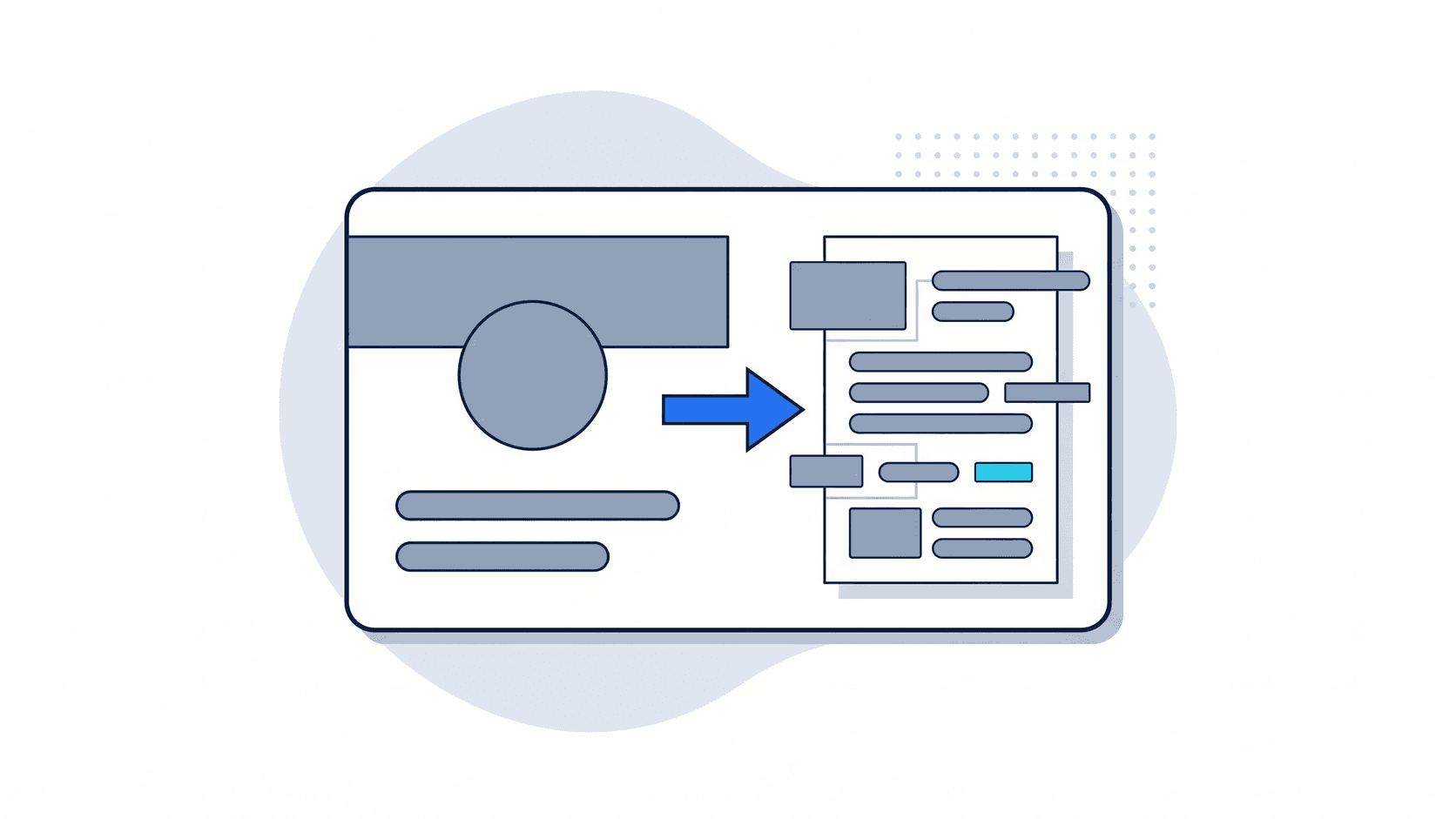
Export the PDF from LinkedIn — More, then Save to PDF, on your own profile — and import it here. The assistant reads it into structured fields, so your roles, dates, education and skills arrive as data rather than as a block of text to retype. From there the work is editorial rather than clerical.
Then do the part that matters: go through each role and rewrite the bullets so they end in a result. That single pass is the whole difference between a profile printed out and a resume, and it is not something the export can do for you.
Keeping them in sync
They should not be identical, and trying to keep them so is wasted effort. The profile is your permanent, public, general record; the resume is a tailored argument for one job. It is entirely normal for the profile to be longer and broader.
What should stay consistent is the facts — job titles, employers and dates. A recruiter will have both open, and a discrepancy in a date range is the kind of small thing that becomes a large thing.