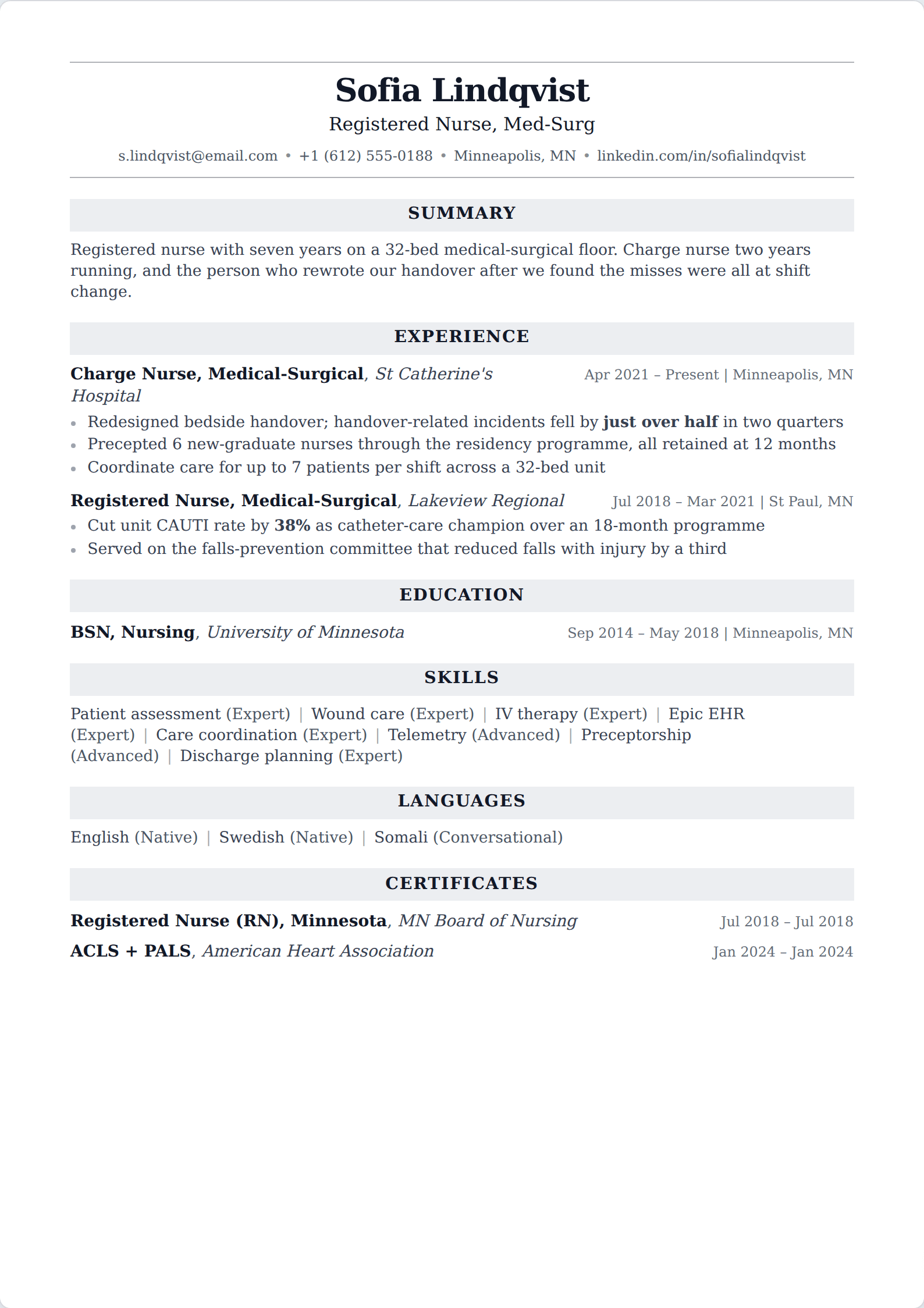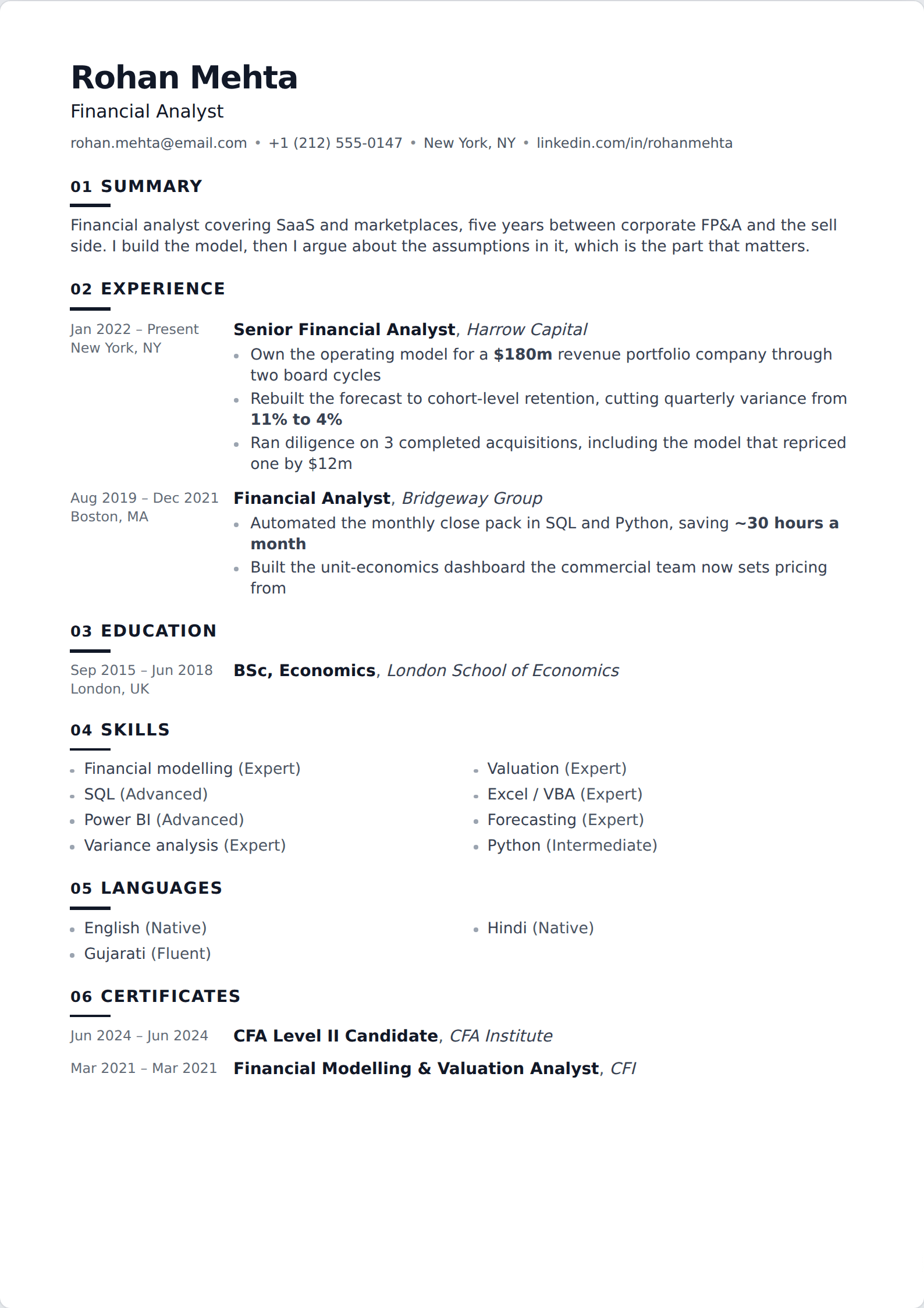
The three places, and which you want
Before clicking anything, decide which of these you are trying to do — the paths are different and so are the consequences.
- Save a resume for applications. Stored in your job application settings and offered whenever you apply with LinkedIn's one-click flow. Private, reusable, and this is what most people want.
- Attach one during a single application. Uploaded at the moment you apply to one posting. Private to that employer, and the best option when you want to tailor per job.
- Publish one on your profile. Added to the Featured section, where it is visible and downloadable by anyone who visits — including your current employer. Rarely a good idea.
Saving a resume for applications
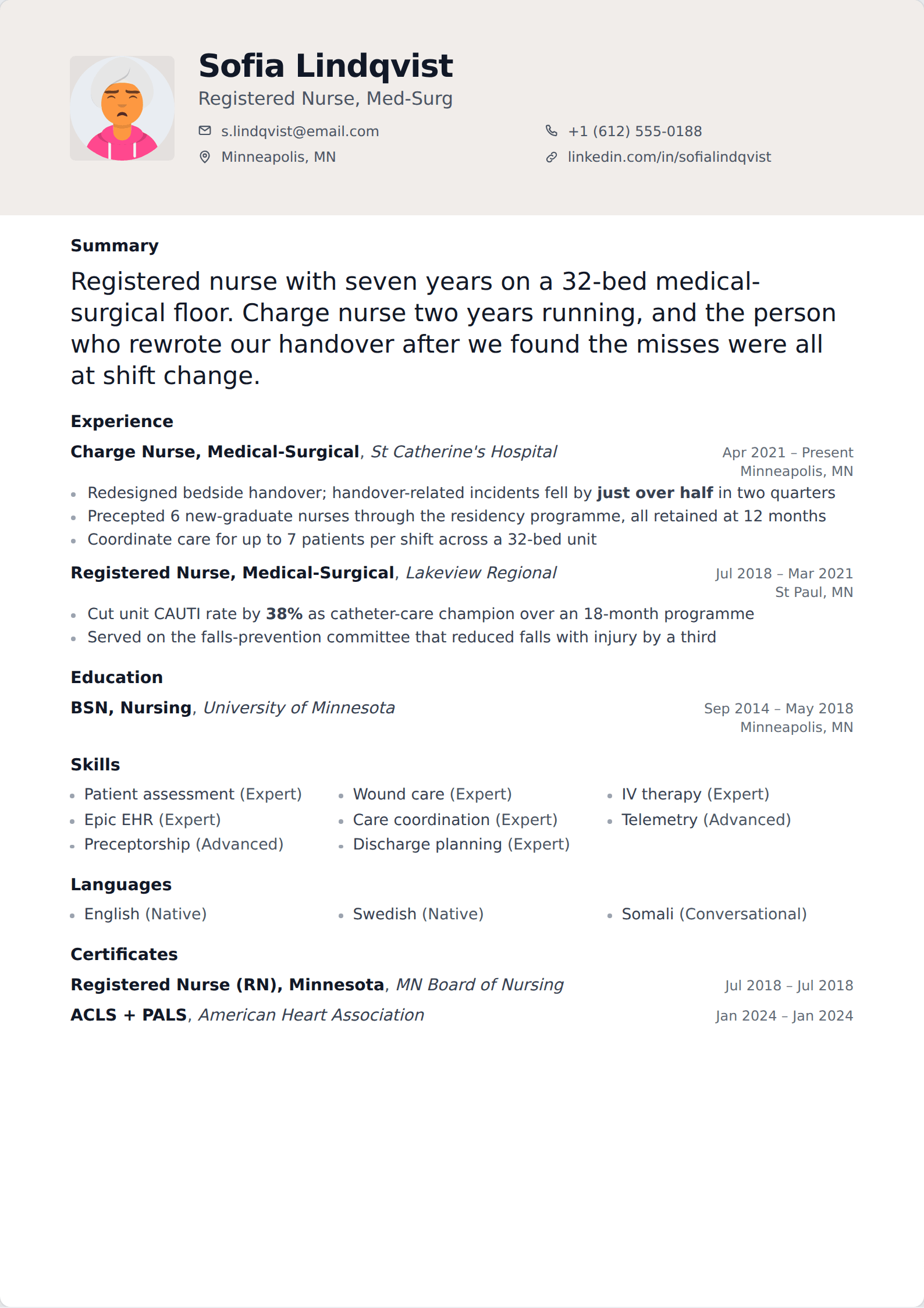
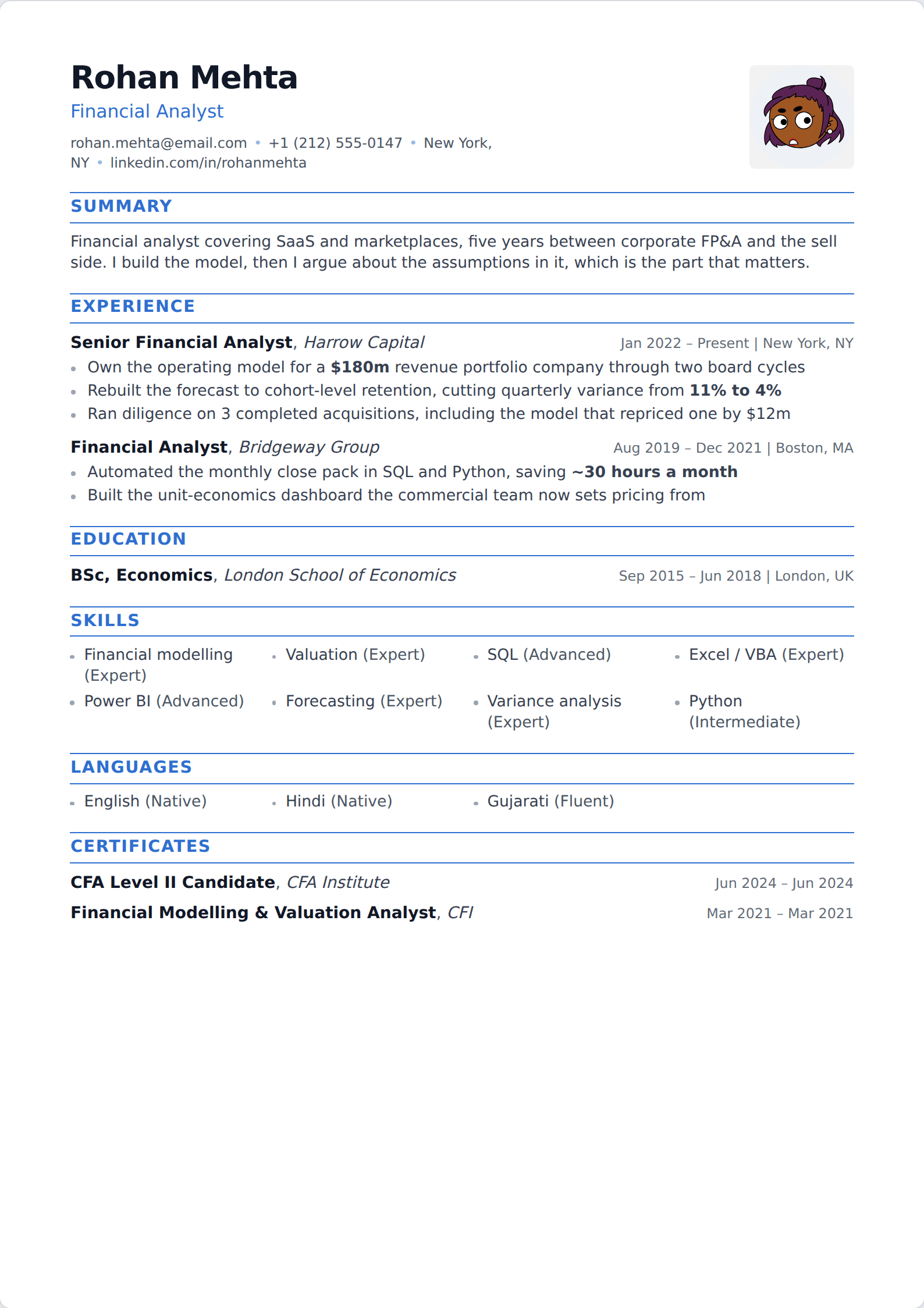
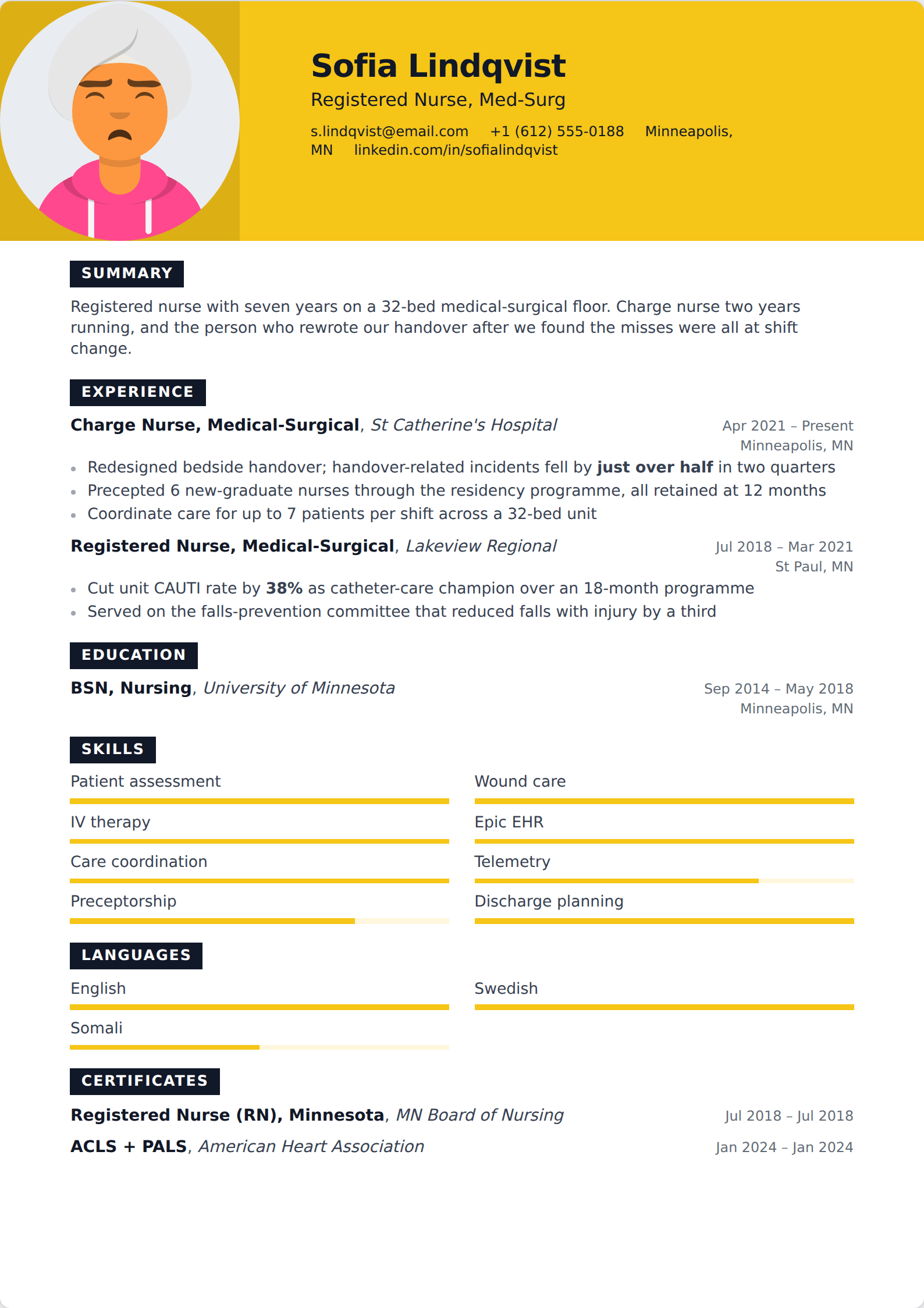
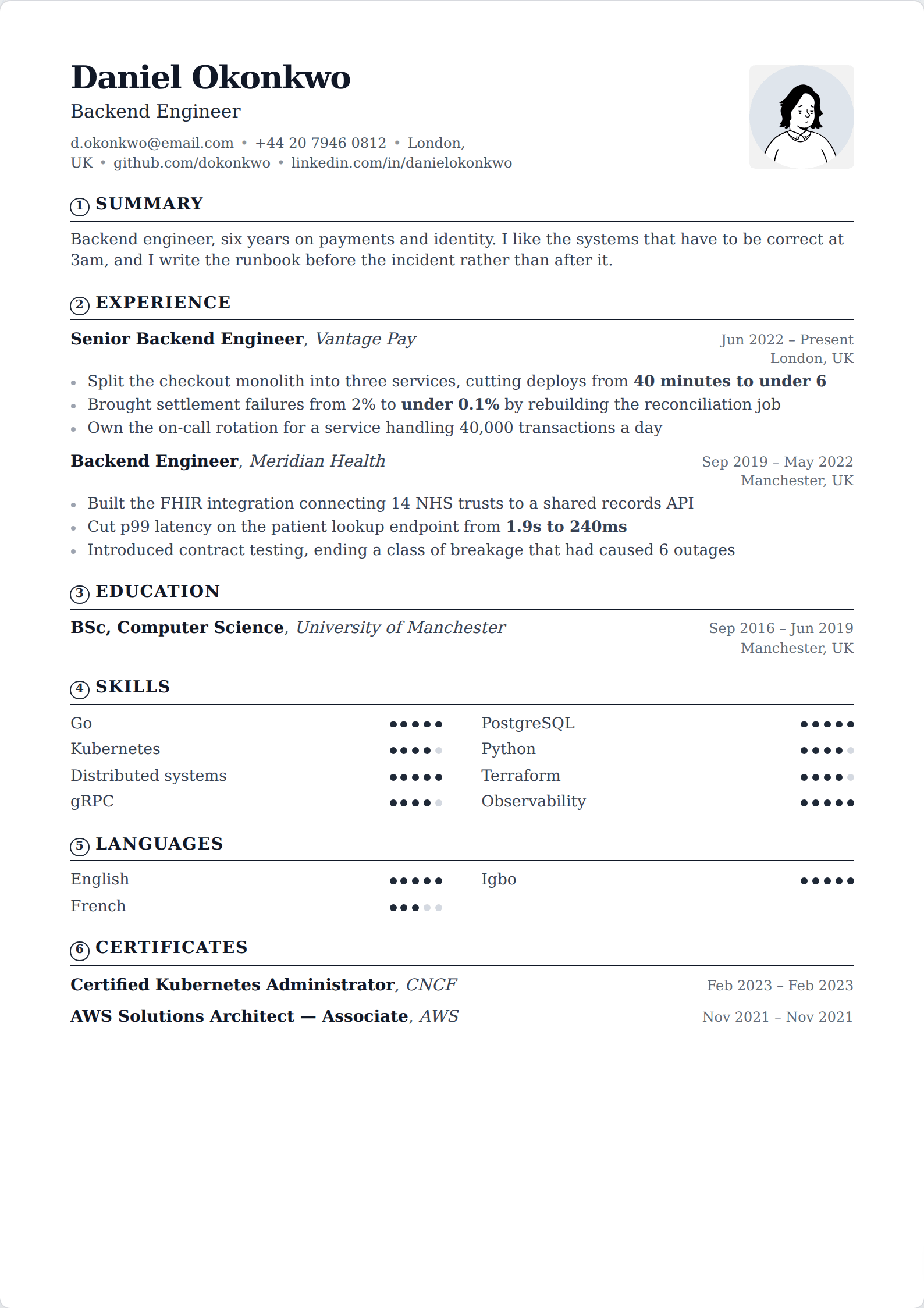
This is the one to use. In your account settings, under the data privacy area, LinkedIn keeps a job application settings page that stores uploaded resumes and offers them the next time you apply. You can hold several, which is the point — a version per role type, rather than one generic file used for everything.
You can also reach the same store from the application flow itself: the first time you apply with LinkedIn's one-click option, the resume you upload is kept and offered again on the next application. Nothing is published to your profile by doing this, and nobody sees the file except employers you apply to.
LinkedIn expects a PDF or Word file within a modest size limit, and PDF is the right choice — it reaches the reader looking the way you left it. Name the file with your own name rather than "resume.pdf", because it lands in a folder with forty other files called exactly that.
Updating or replacing the one you have
The stored resumes are a list, and the list is editable. Open the same job application settings page, delete the version that is out of date, and upload the new one. There is no in-place edit — LinkedIn stores a file, not a document it can modify, so replacing is the only route.
Do this deliberately rather than accumulating. A stored list of five near-identical files from different years is how people end up attaching a two-year-old resume to an application without noticing. Keep the ones that are current and distinct, and delete the rest.
If your profile is what is out of date rather than the file, that is a separate job — LinkedIn does not update your profile from an uploaded resume, and it does not update an uploaded resume when you edit your profile. They are unconnected.
Why the profile Featured section is usually wrong
You can add a resume to your profile as a featured document, and it will sit there as a download link for every visitor. Three reasons that is a bad default.
It is public. Your current manager, your colleagues and anyone else can see that a current resume appeared on your profile, which is a signal you may not want to send. It also puts your phone number and email in front of every scraper that walks LinkedIn, which is a durable source of recruitment spam and worse.
It is generic. A resume that has to serve every visitor cannot be tailored to any of them, so it is strictly weaker than the version you would attach to a specific application. And it duplicates your profile, which already contains the same history in a format better suited to being browsed.
The narrow case where it does make sense: you are openly looking, you are not currently employed or your employer knows, and you want a downloadable artefact — a portfolio-style CV, a one-page case study — that your profile cannot represent. Even then, strip the phone number.
What the upload does not do
It does not update your profile. Your headline, About section, roles and skills stay exactly as they were — LinkedIn treats the file as an attachment, not as a source of profile data. If your profile is stale, editing the profile is the only fix.
It does not make you visible to recruiters. That is the separate "open to work" setting, which controls whether recruiters searching LinkedIn see you as a candidate. Uploading a file changes nothing about your search visibility.
And it does not tailor anything. A stored resume is used verbatim on every application it is attached to, so if you are applying across two quite different role types, store two files and pick deliberately. LinkedIn moves its settings around fairly often; if a menu is not where this describes, the reliable route is to start an application and manage the resume from within that flow.