Formats

Jake's Resume: what it is and why engineers use it

Jake's Resume is a one-page LaTeX resume template, published openly and adopted so widely in software hiring that a recruiter screening engineering applications will see several a day. It is a genuinely good template. It is also the reason a lot of engineering resumes now look identical — which is worth understanding before you decide it is the right choice.

5 sections

The short version

  • A free one-page LaTeX template with Education, Experience, Projects and Technical Skills.
  • It works because Projects is a first-class section, it is single column, and its spacing is honest.
  • Its cost is ubiquity — in a new-grad software pile, the document is no longer distinguishing.
  • The other cost is LaTeX itself, if you do not already write it.
  • Everything that makes it good is a layout decision that any editor can reproduce.

What it is

A LaTeX template, originally shared on Overleaf and GitHub, that produces a tight one-page single-column resume with four sections: Education, Experience, Projects and Technical Skills. Its typography is conservative, its spacing is dense without being cramped, and it fits a surprising amount on one page without dropping below a readable size.

It spread through computer science programmes and engineering subreddits because it solves the exact problem a CS student has: a lot of material — degree, internships, side projects, a long tools list — and one page to hold it. Most general-purpose templates handle that badly. This one was designed around it.

It is free, and it is used by permission — the template is published openly for exactly this purpose. Nothing about using it is unusual or requires attribution on the document.

Why it works

Three decisions, and none of them is about looks.

It has a Projects section as a first-class element, ranked equally with Experience. For a student or early-career engineer whose strongest evidence is something they built rather than somewhere they worked, that ordering is correct and most templates get it wrong.

It is single-column, so it parses cleanly. And it is honest about density — the spacing is set so that a full page of real content fits at a readable size, which means people stop shrinking the type to make things fit. Most one-page resumes fail by compression rather than by layout, and this one removes the temptation.

The fourth thing, which is not a design decision: it is the format the audience expects. A hiring engineer scanning it knows where everything is before they start reading.

The cost of using it

Ubiquity. If you are applying for a new-grad software role, a meaningful share of the pile is in this exact template — same section order, same typography, same tech-stack line. Nobody is rejected for it, but it removes any possibility of the document itself being memorable, and it makes the writing carry all of the differentiation.

That is a fair trade if your writing is strong. It is a bad trade if you chose the template hoping the template would do some of the work, because in this case it demonstrably cannot: the person reading has seen forty of them this month.

The other cost is LaTeX itself. Editing it means a LaTeX toolchain or an Overleaf account, and a syntax error in a nested macro at eleven at night before a deadline is a genuinely bad experience for someone who does not otherwise write LaTeX. If you already work in LaTeX this is nothing. If you do not, you are learning a document language to get a layout.

Getting the same result without LaTeX

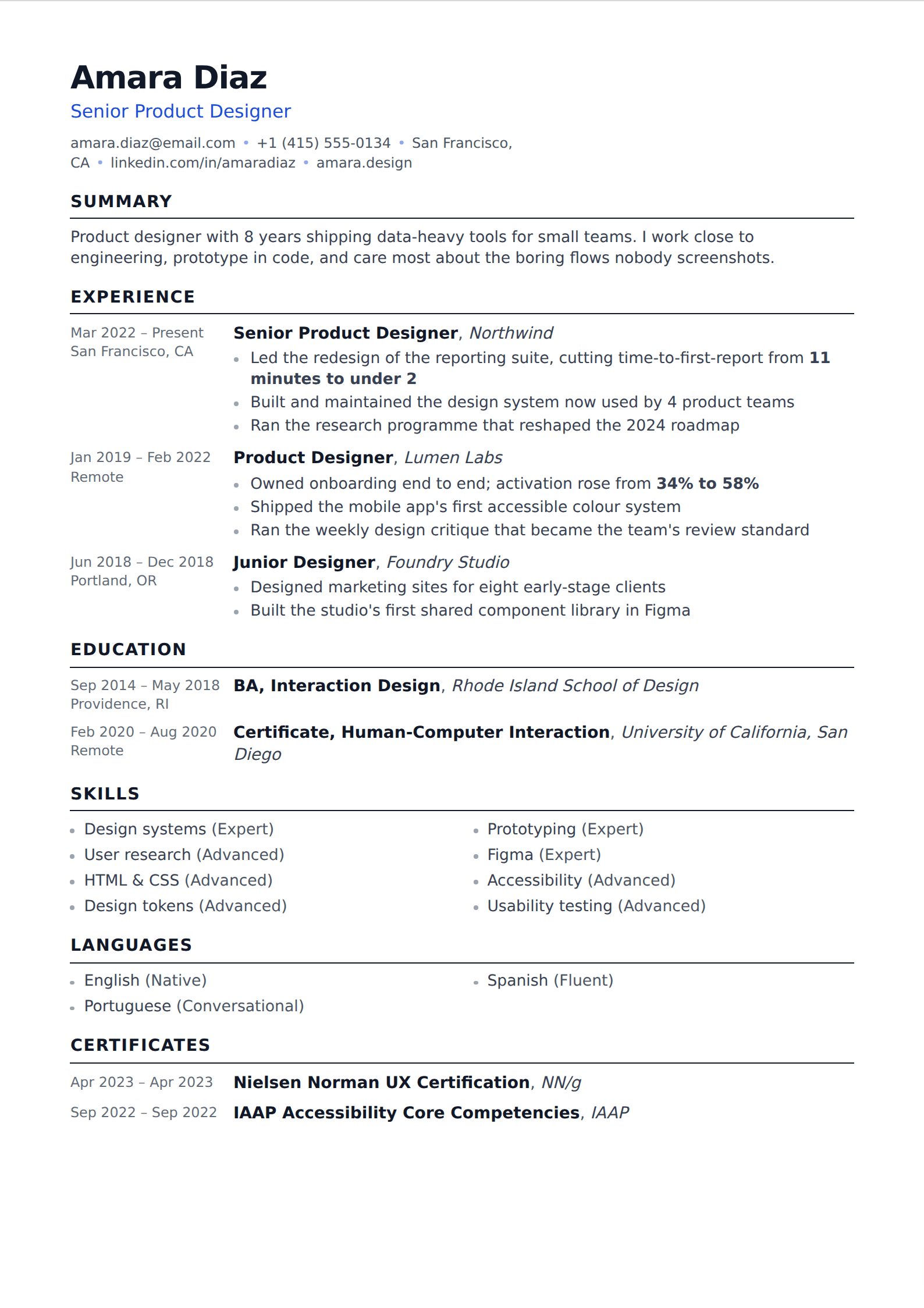
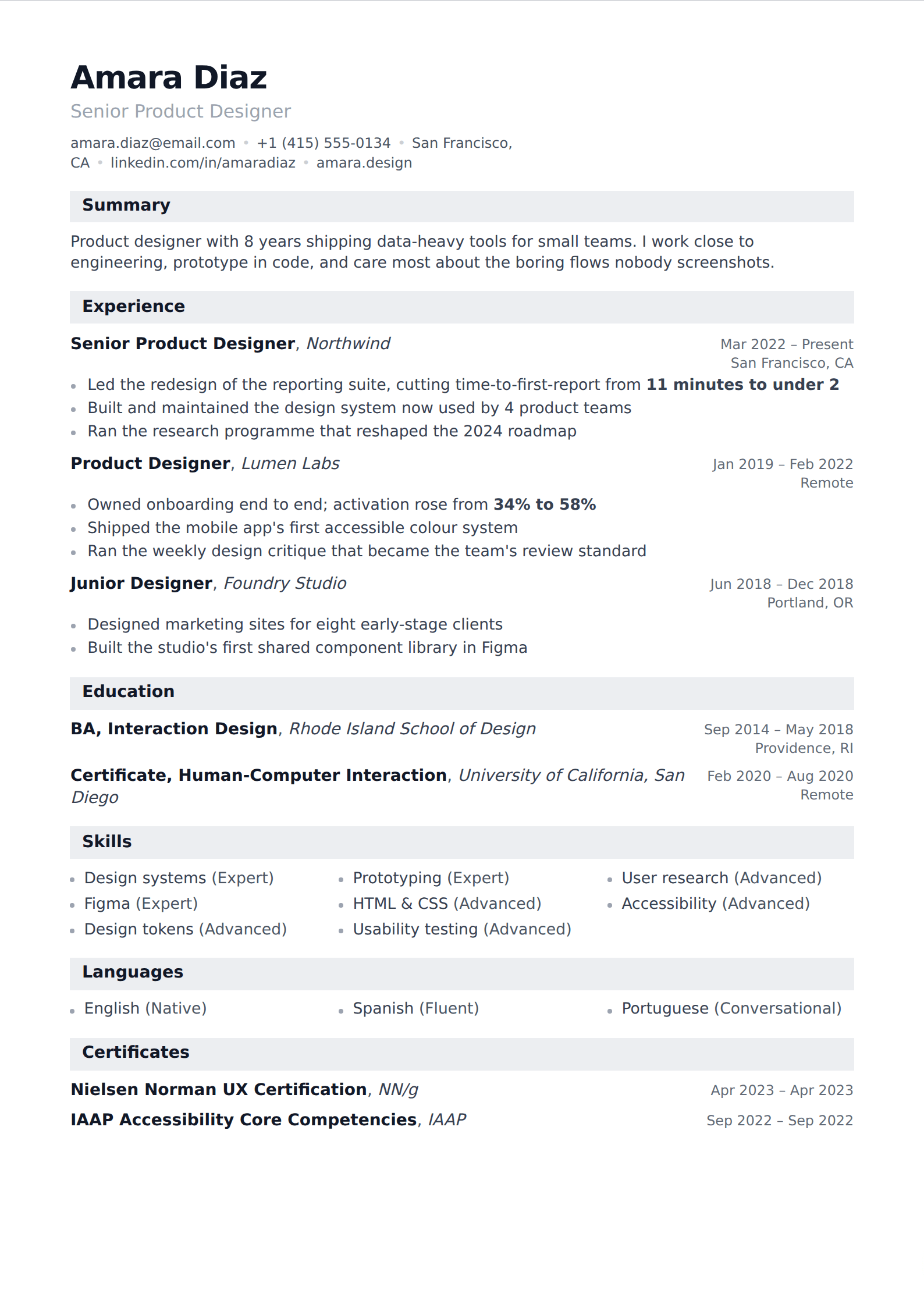
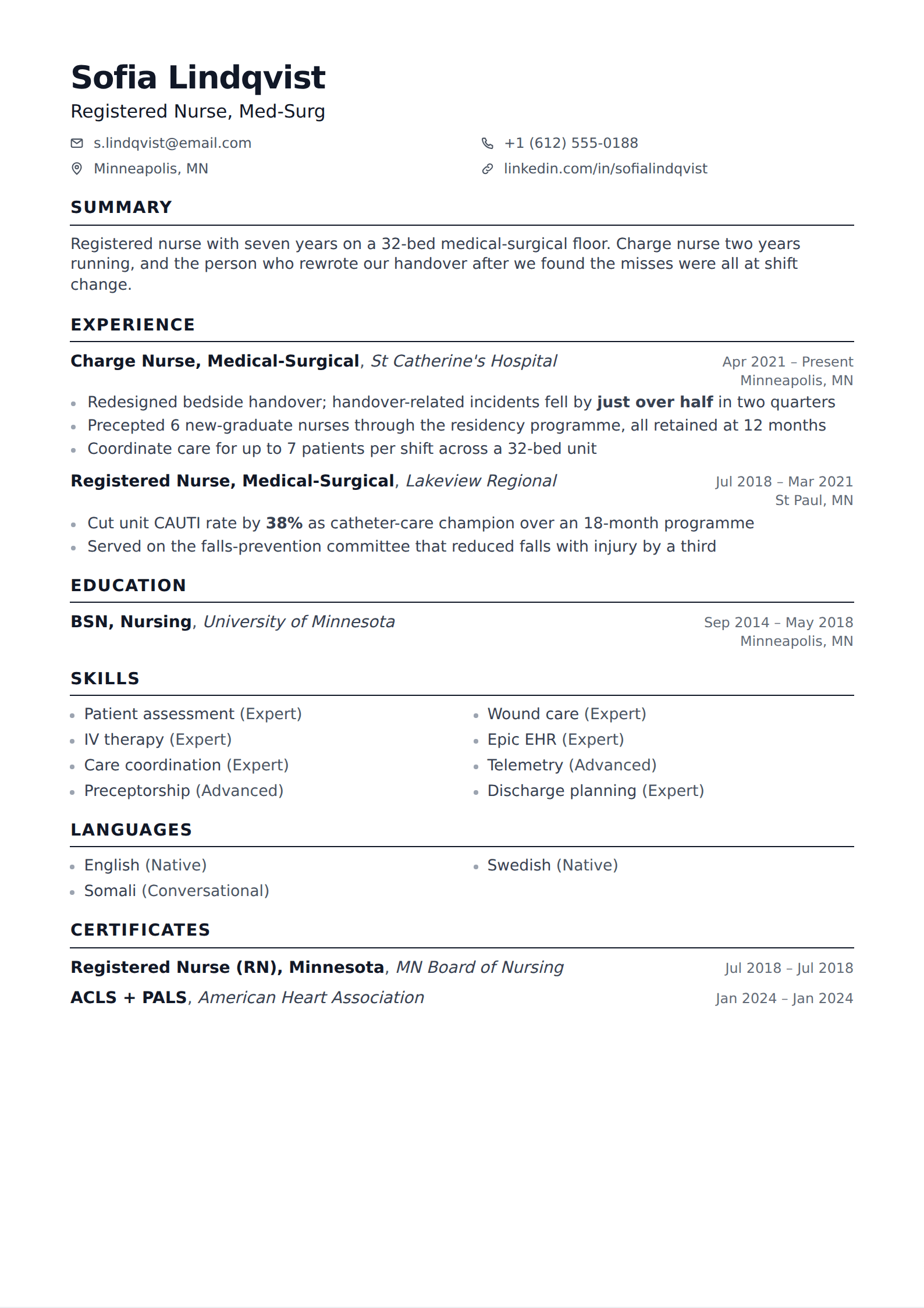
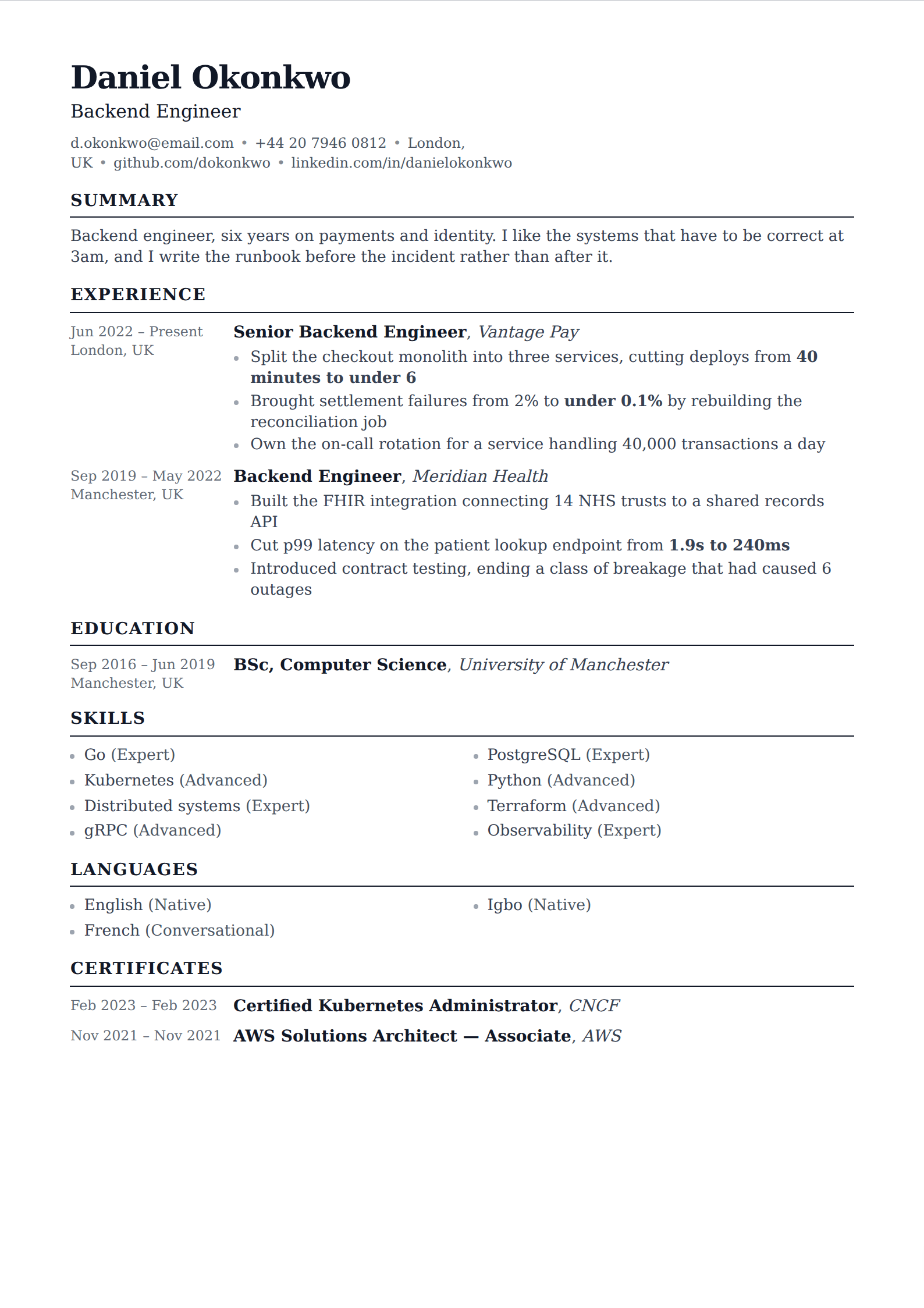
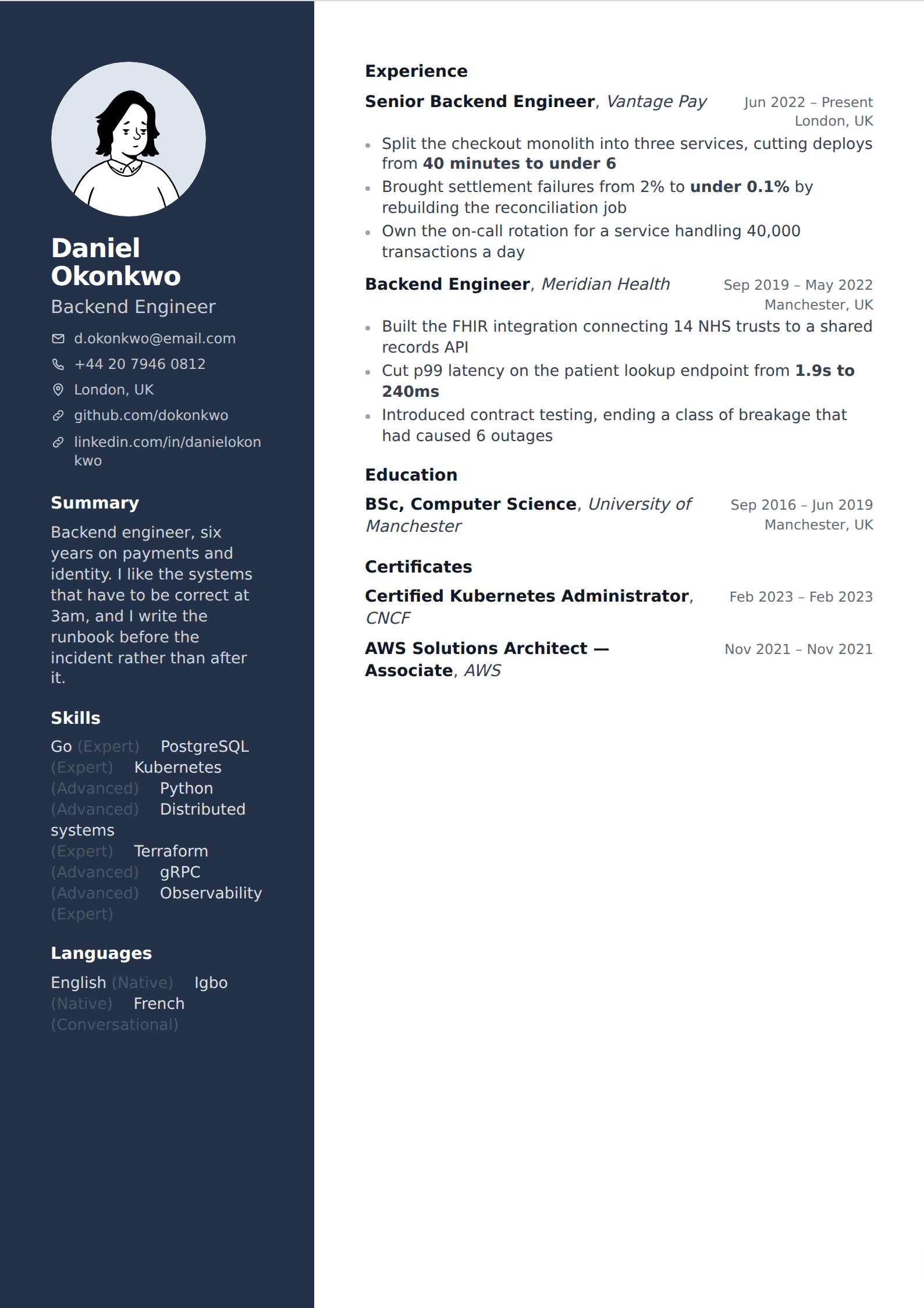
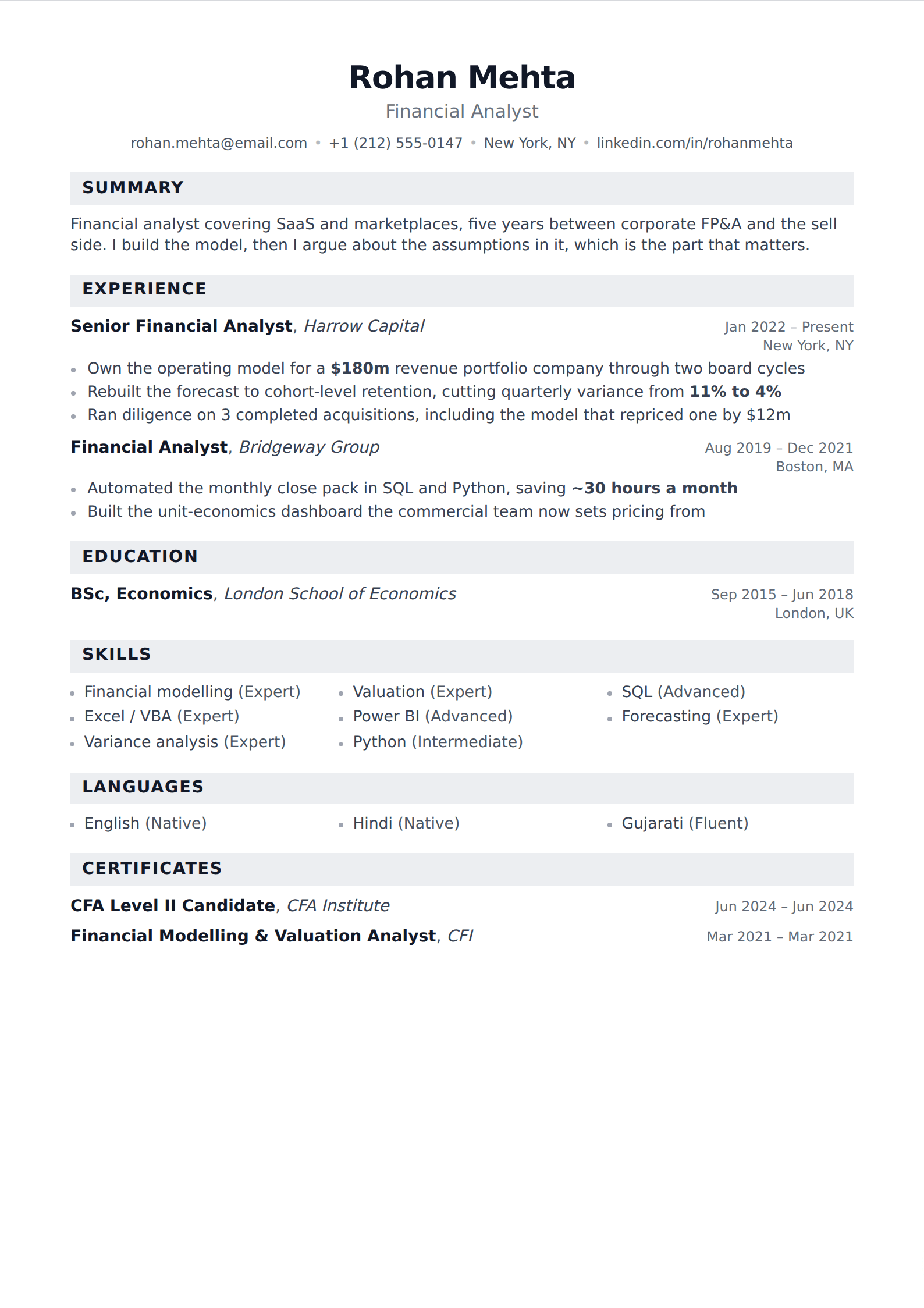
The template is a set of decisions, and every one of them can be reproduced in any editor: single column, one page, sections ordered Education, Experience, Projects, Technical Skills for a student — Experience first once you have a career — dense but readable spacing, no colour, no photo, no icons, tech stack named explicitly per project.

Any of the compact single-column templates here produces that shape, exports as real text, and can be edited without a compiler. Reorder the sections to match, keep it to one page, and the output is the same document with a different typeface.

If what you want is specifically LaTeX output, this is not the tool for it — that is an honest limitation rather than a comparison. What is available here is the layout and the structure, which is what almost everyone searching for this template is actually after.

The part people skip

Templates are not why some engineering resumes get interviews. The projects section is. A project entry that says "Built a full-stack web app using React, Node and MongoDB" describes a tutorial; one that says "Built a flight-delay predictor over 6m FAA records; the model runs nightly and the site has served about 400 users since launch" describes a person who finished something and shipped it.

The same applies to internship bullets. Verb, specifics, outcome — and a number wherever one honestly exists. Getting that right in a plain template beats getting it wrong in this one, every time.
Jake's Resume against a general template

Scroll the table sideways to compare →

Jake's ResumeA general single-column template
ProjectsA first-class section, ranked with experienceUsually an afterthought below education
EditingLaTeX — a toolchain or an Overleaf accountDirect, in an editor, with a live preview
DensityTuned so a full page fits at a readable sizeVaries. Some tempt you to shrink the type
ParsingExcellent — one column of real textExcellent, if it is single column
DistinctivenessNone left. Recruiters see several a dayDepends on the template, and it barely matters

Reproducing it anywhere

Open your own resume beside this and work down it. Every line is something a reader or a parser acts on within the first pass.

  • Single column, one page, no colour, no photo, no icons
  • Education, Experience, Projects, Technical Skills — in that order as a student
  • Experience above Projects once you have a career
  • Dense but readable spacing, so nothing needs shrinking to fit
  • Tech stack named per project rather than as one undifferentiated list
  • Every project described by what it does before what it was built with
  • A working link on every project, to a repo with a real README
  • Graduation date visible — new-grad hiring runs on a calendar

The same layout, without LaTeX

Compact single-column templates that hold a degree, two internships, three projects and a stack list on one page at a readable size. Reorder the sections to match and the output is the same document in a different typeface.

Common questions

What is Jake's Resume?

A free one-page LaTeX resume template, published on Overleaf and GitHub, with sections for Education, Experience, Projects and Technical Skills. It became close to a default in software engineering hiring because it fits a student's material onto one page at a readable density and treats projects as first-class evidence.

Is Jake's Resume template good?

Yes — single column so it parses cleanly, dense enough that people stop shrinking their type, and structured the way an engineering reader expects. Its main drawback is how common it has become: in a new-grad software pile, the document itself is no longer distinguishing, so the writing has to do all the work.

Do I need LaTeX to use Jake's Resume?

To use the original file, yes — it compiles through a LaTeX toolchain or Overleaf. The layout itself is just a set of decisions, and any compact single-column template reproduces it: one page, education first for students, a proper projects section, no colour and no photo.

Is Jake's Resume ATS-friendly?

Yes. It is a single column of real text with plain headings, which is the easiest possible thing for a parser to read. The compiled PDF contains genuine selectable text, so the copy-paste check on it comes out clean.

Should I use Jake's Resume if I am not an engineer?

The structure is built around a projects section and a technical skills block, which is specific to engineering. Outside software, a general single-column layout serves you better — the useful ideas here are one page, plain typography and honest density, and those transfer to any template.

Related guides

Put it into practice

Start from any template above, get AI help tightening every bullet, and export an ATS-ready PDF. Free to start, and no card at any point.

Start your resume